
Every Seedance AI model, one switch
Seedance 2.5 AI, Seedance 2 AI and Seedance 2 Fast side by side — pick the quality-versus-speed tradeoff per shot.
Flowlio AI is an online Seedance AI video generator. Turn text or one image into cinematic clips with Seedance 2.5, 2 and 2 Fast, plus top AI image models.
Seedance AI, and every other model worth using
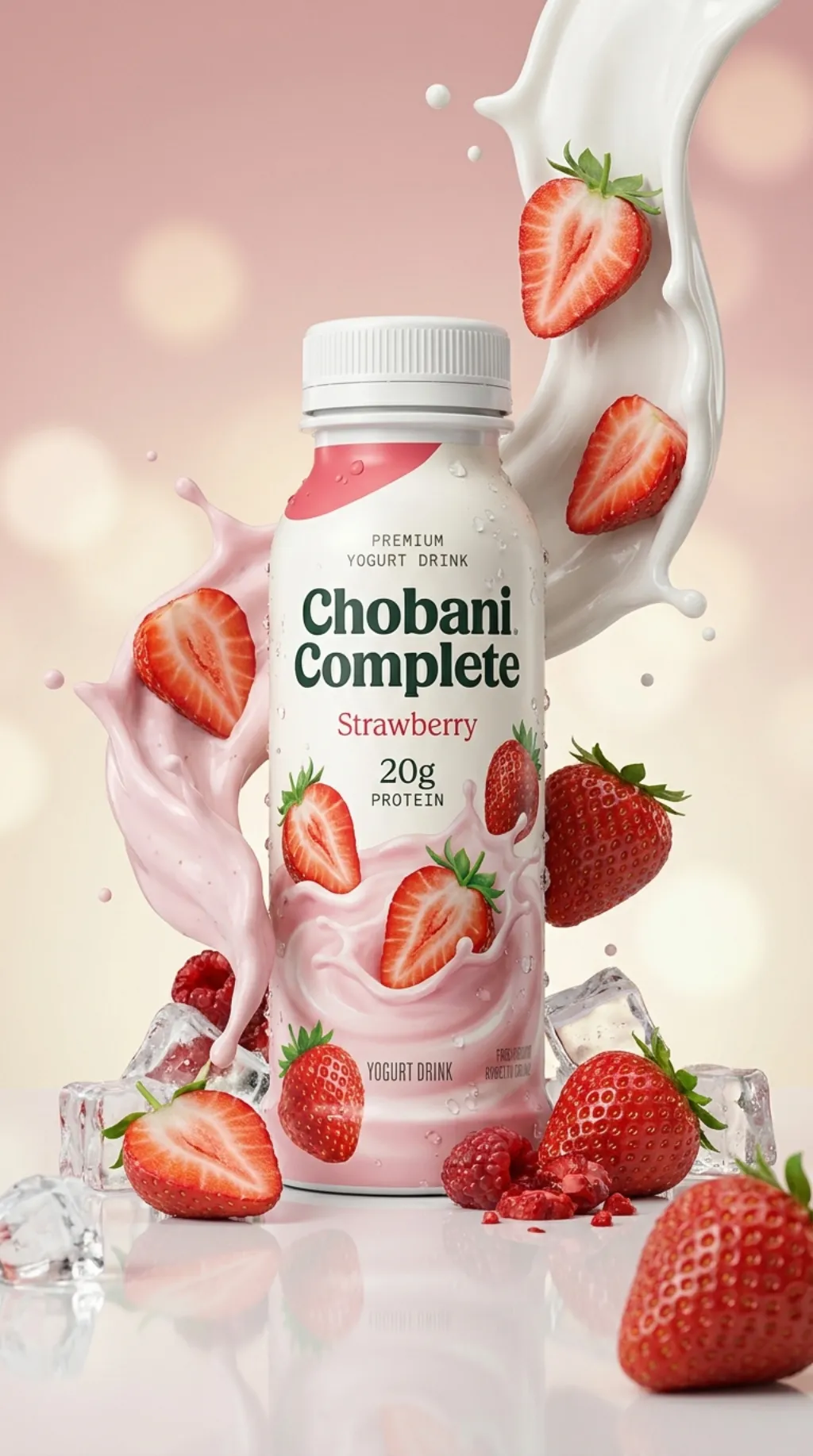
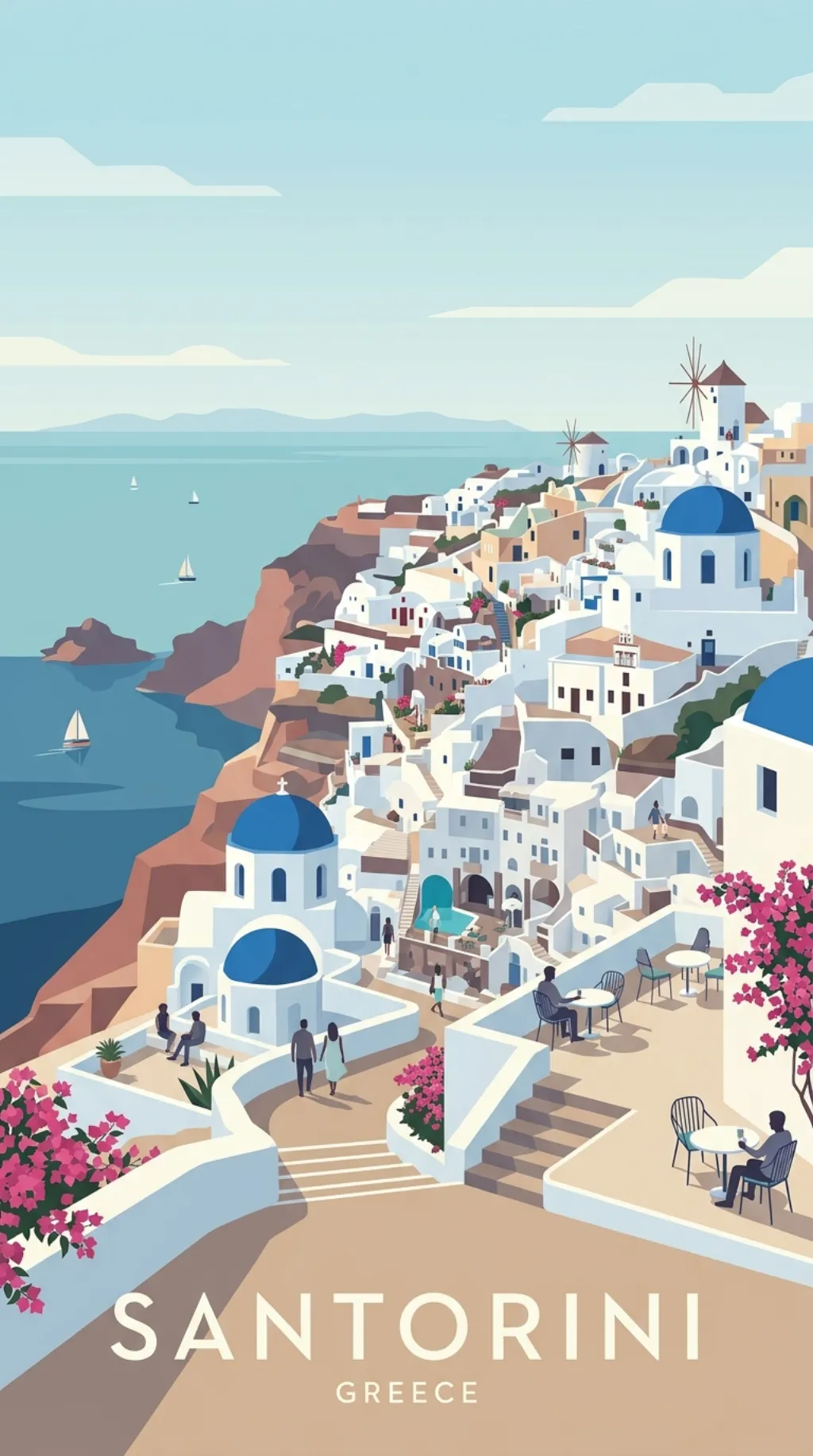
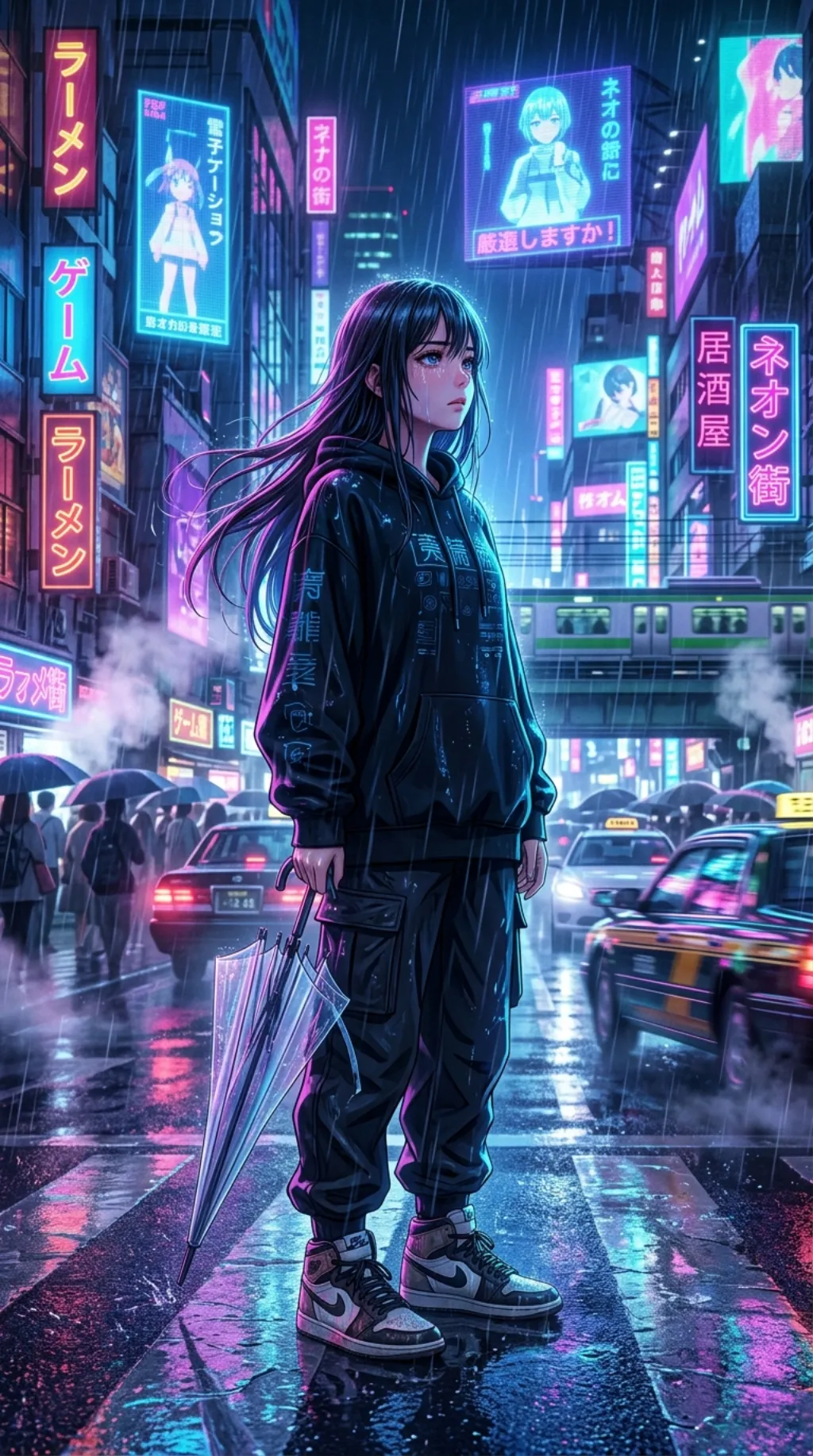
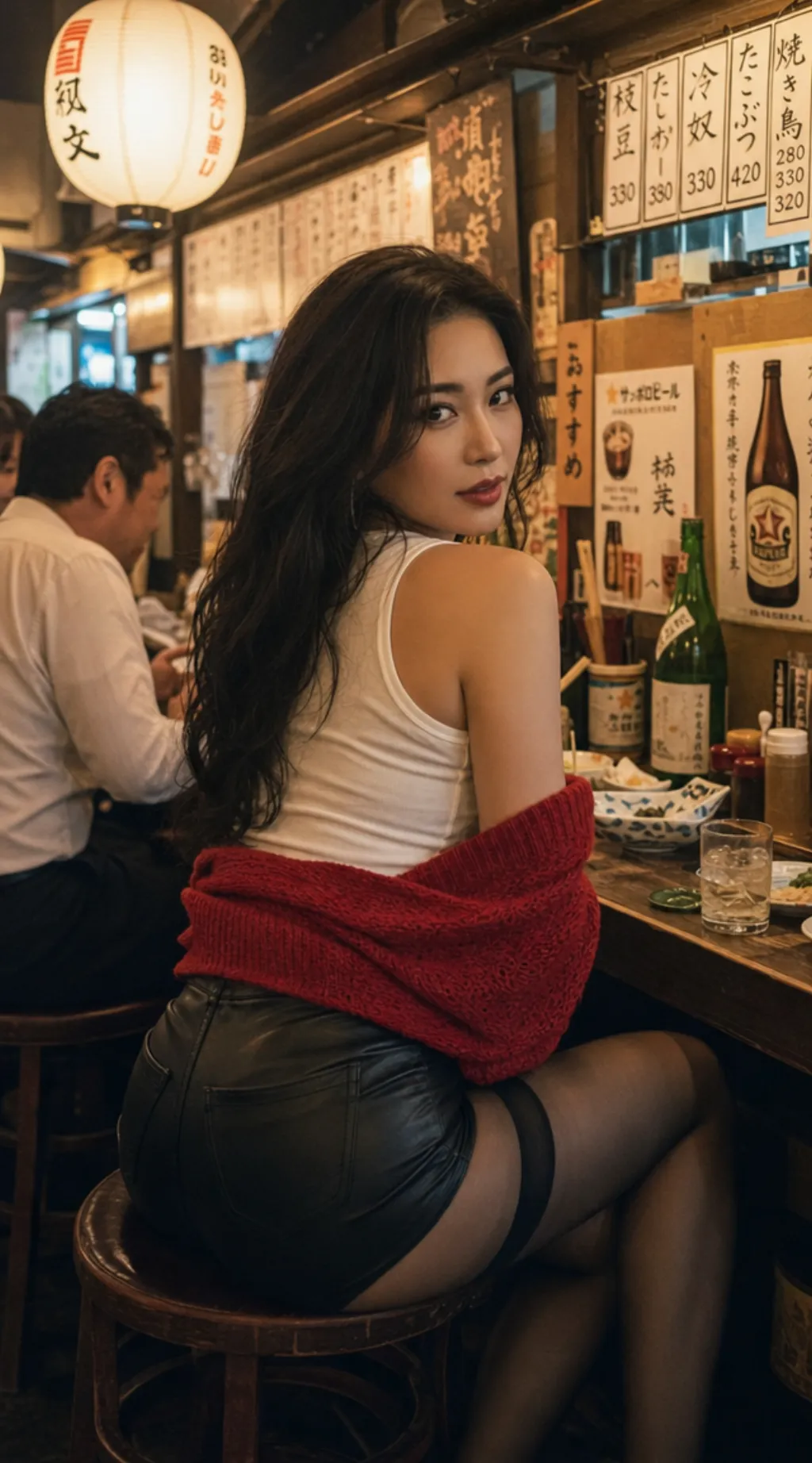
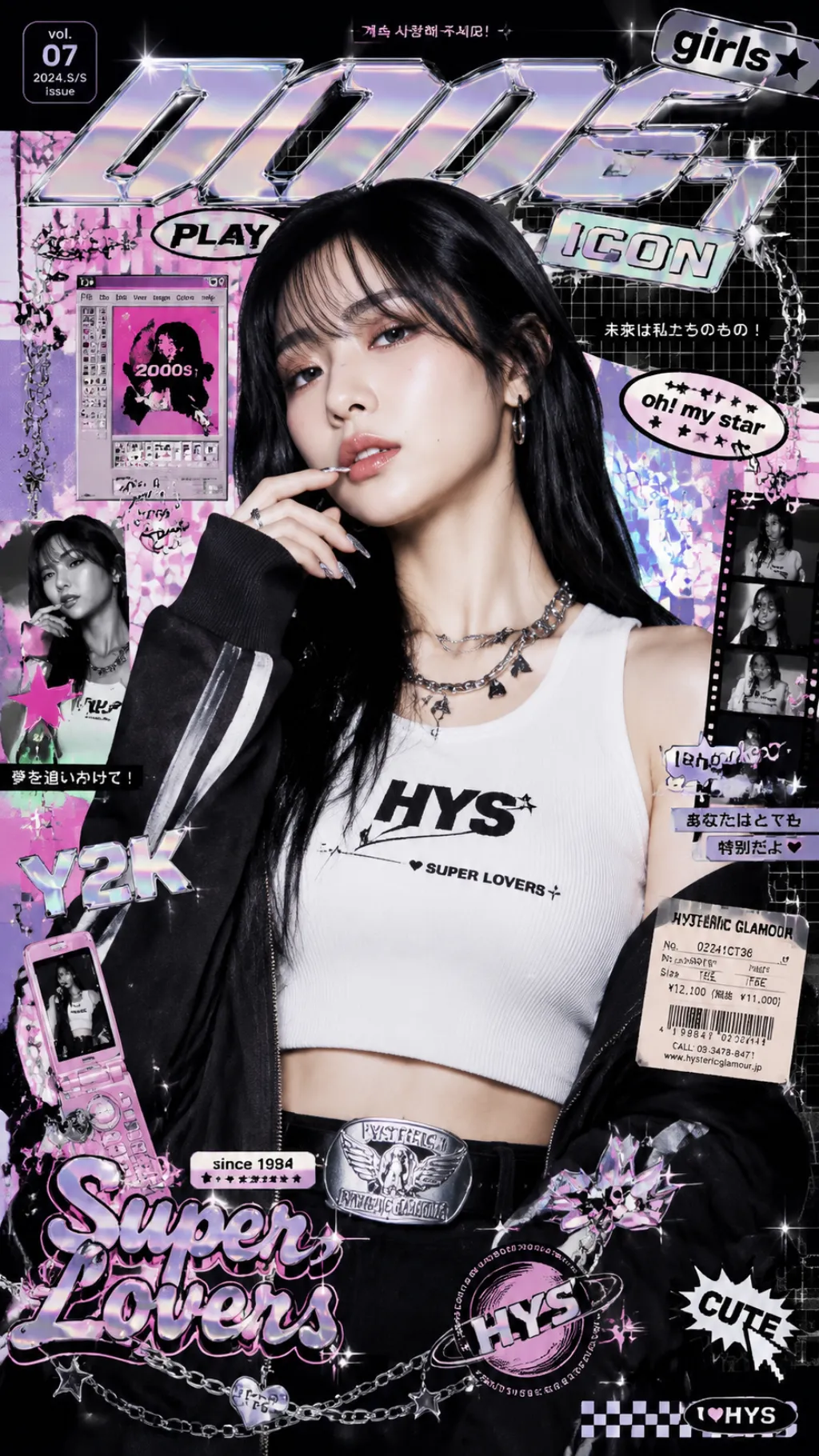
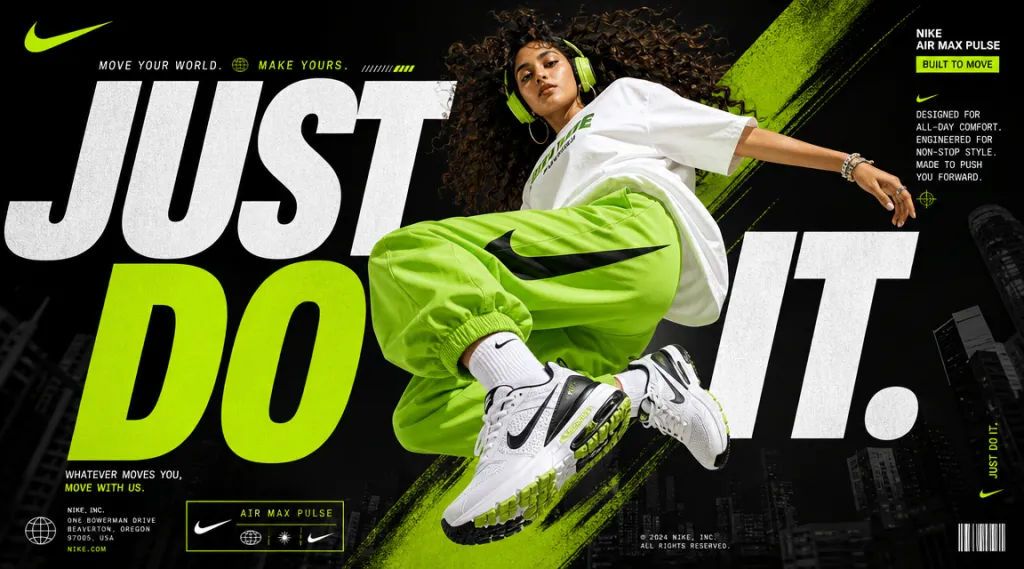
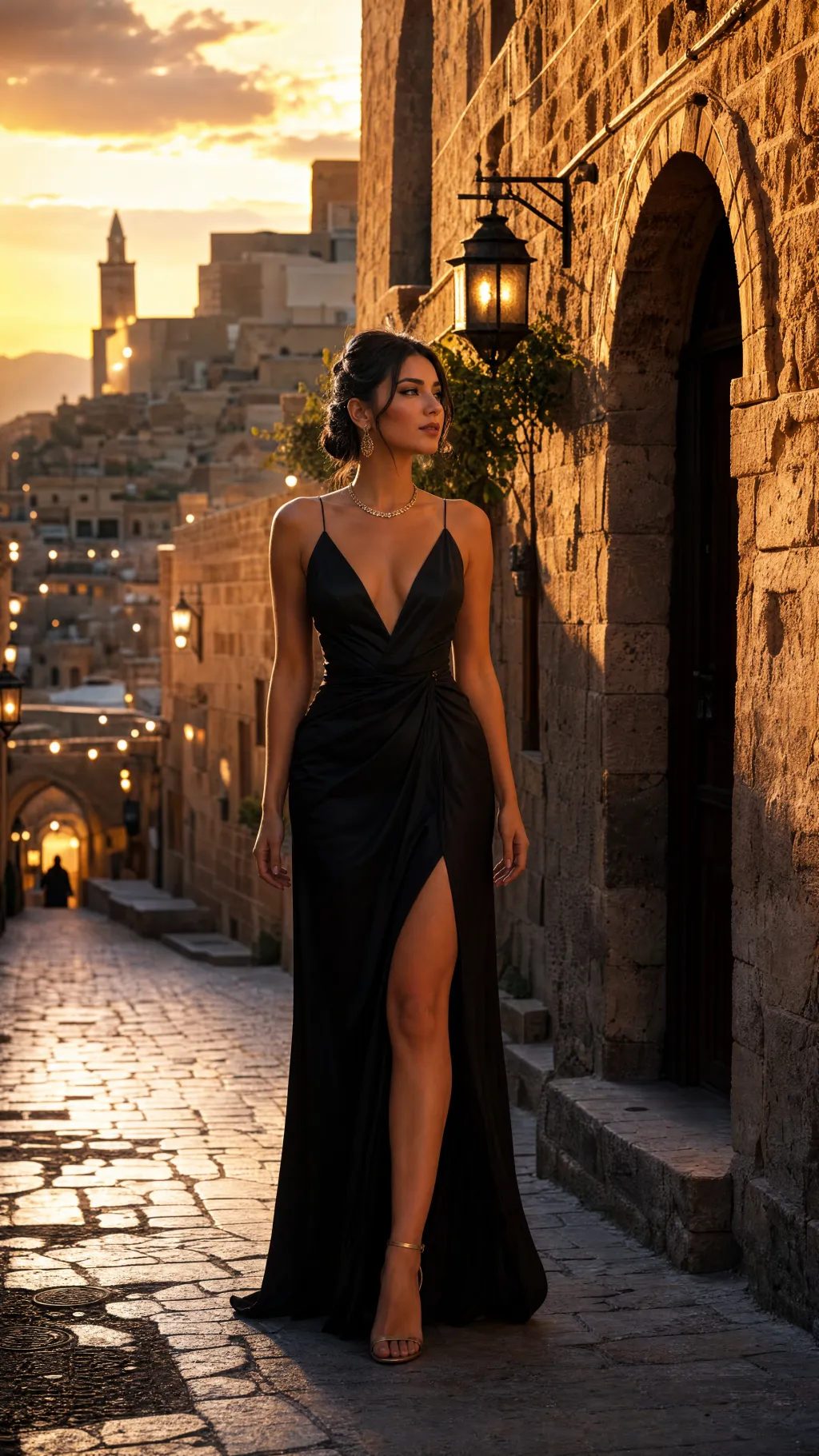
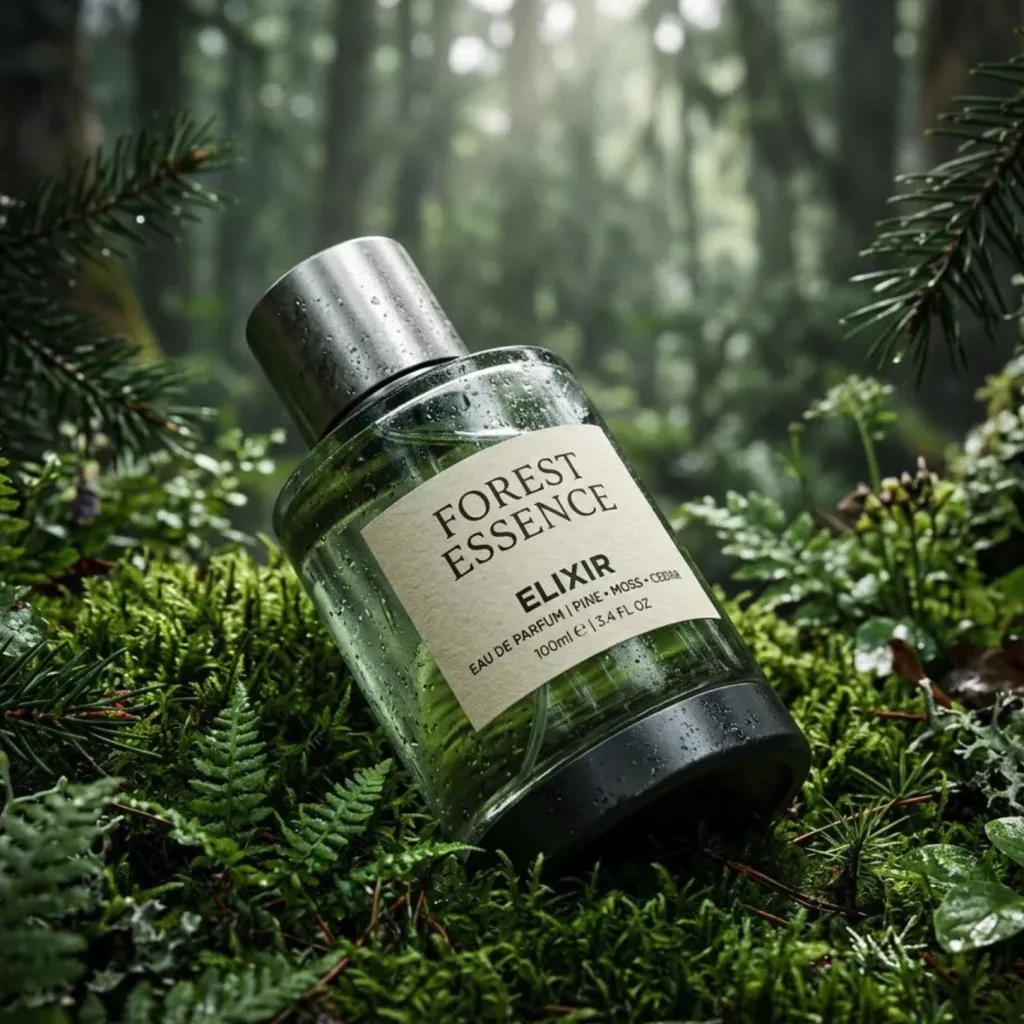
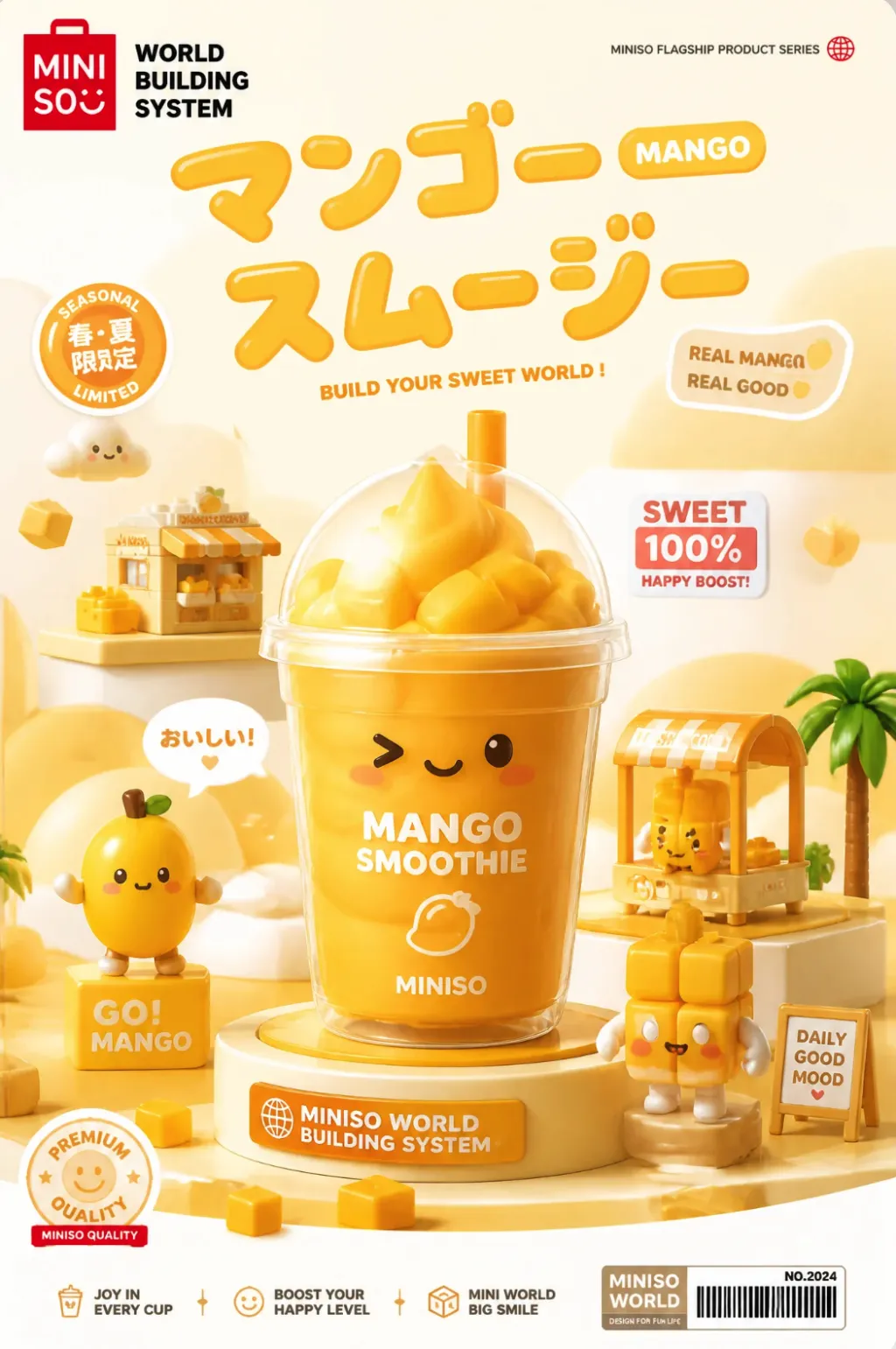
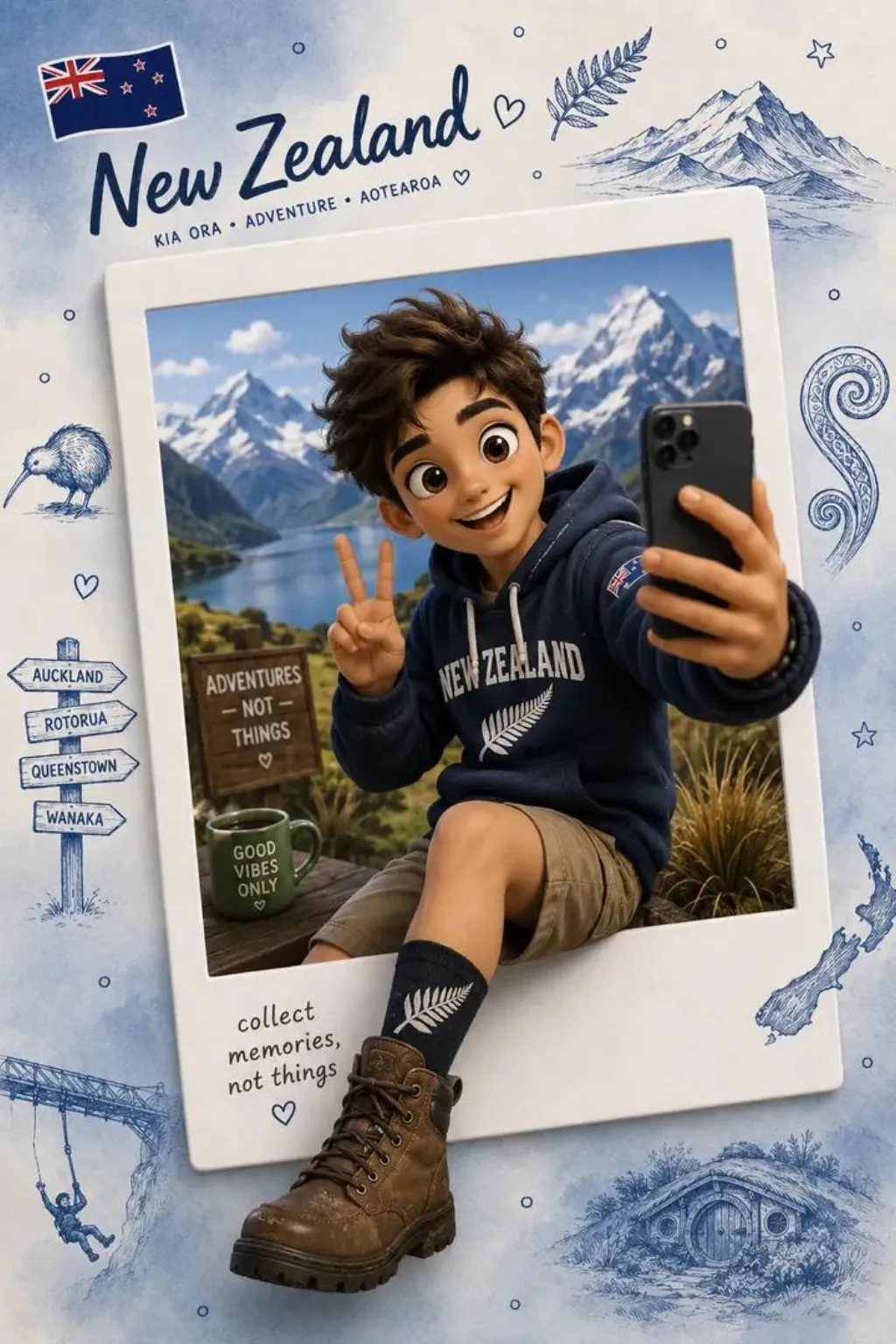
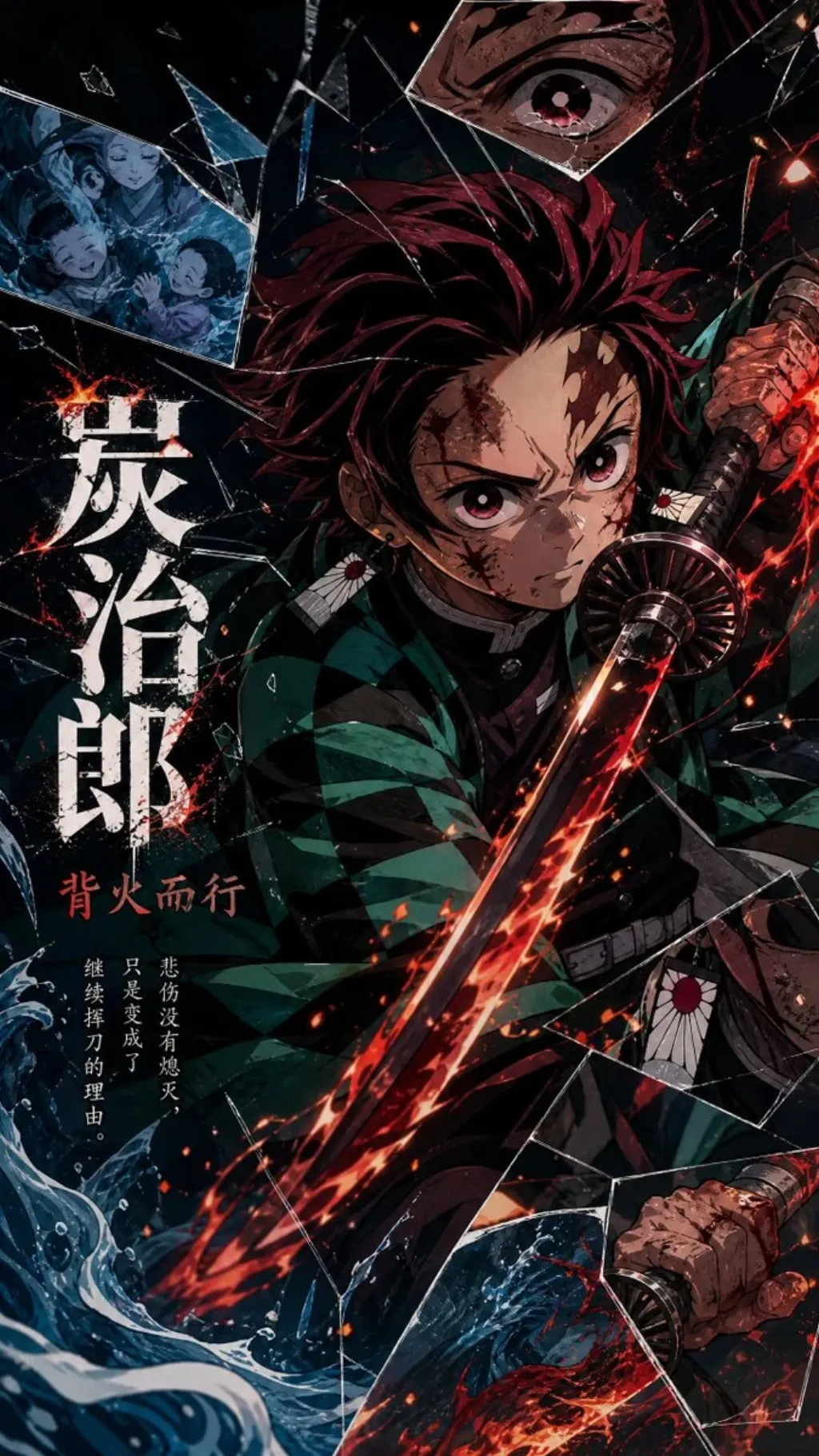
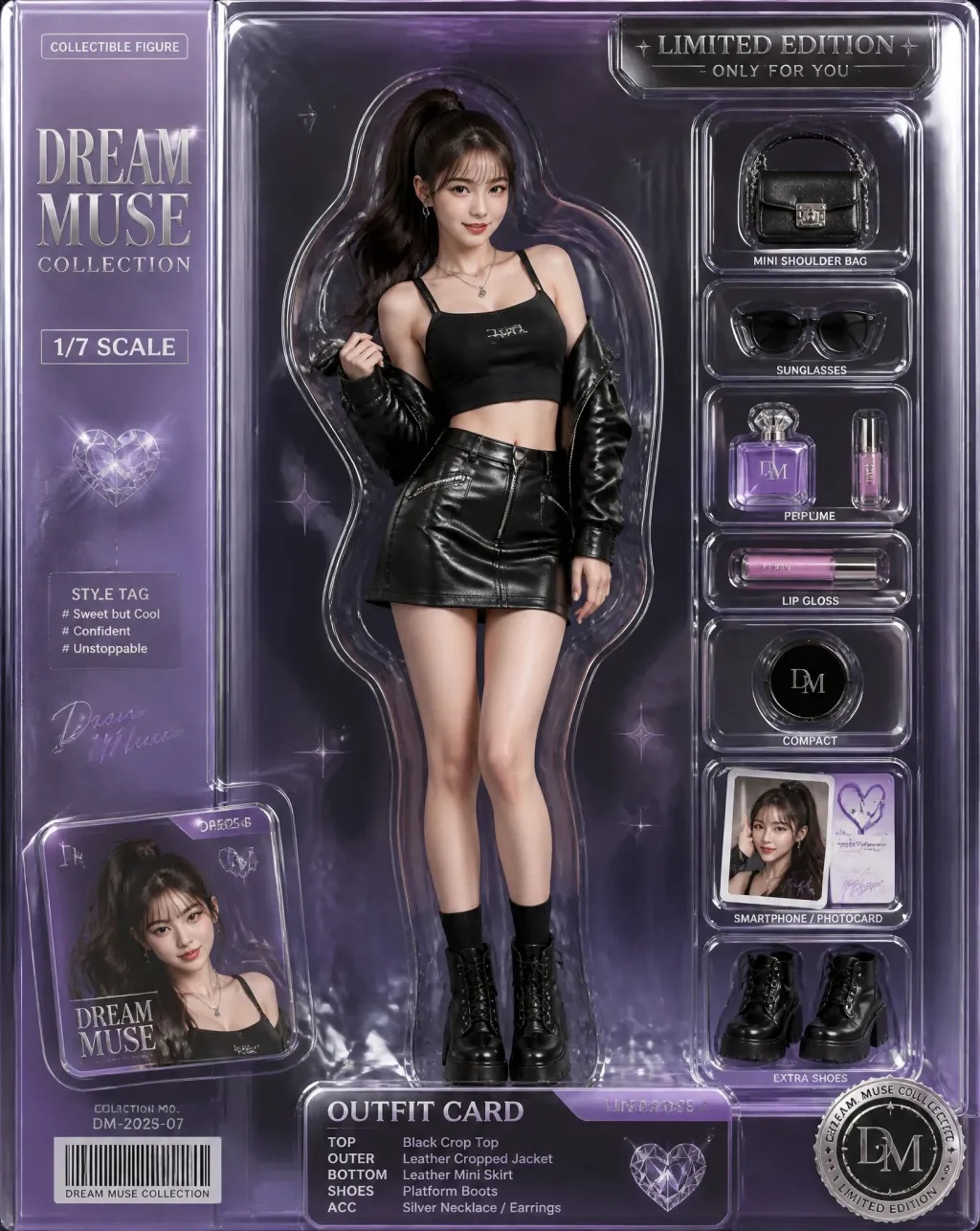
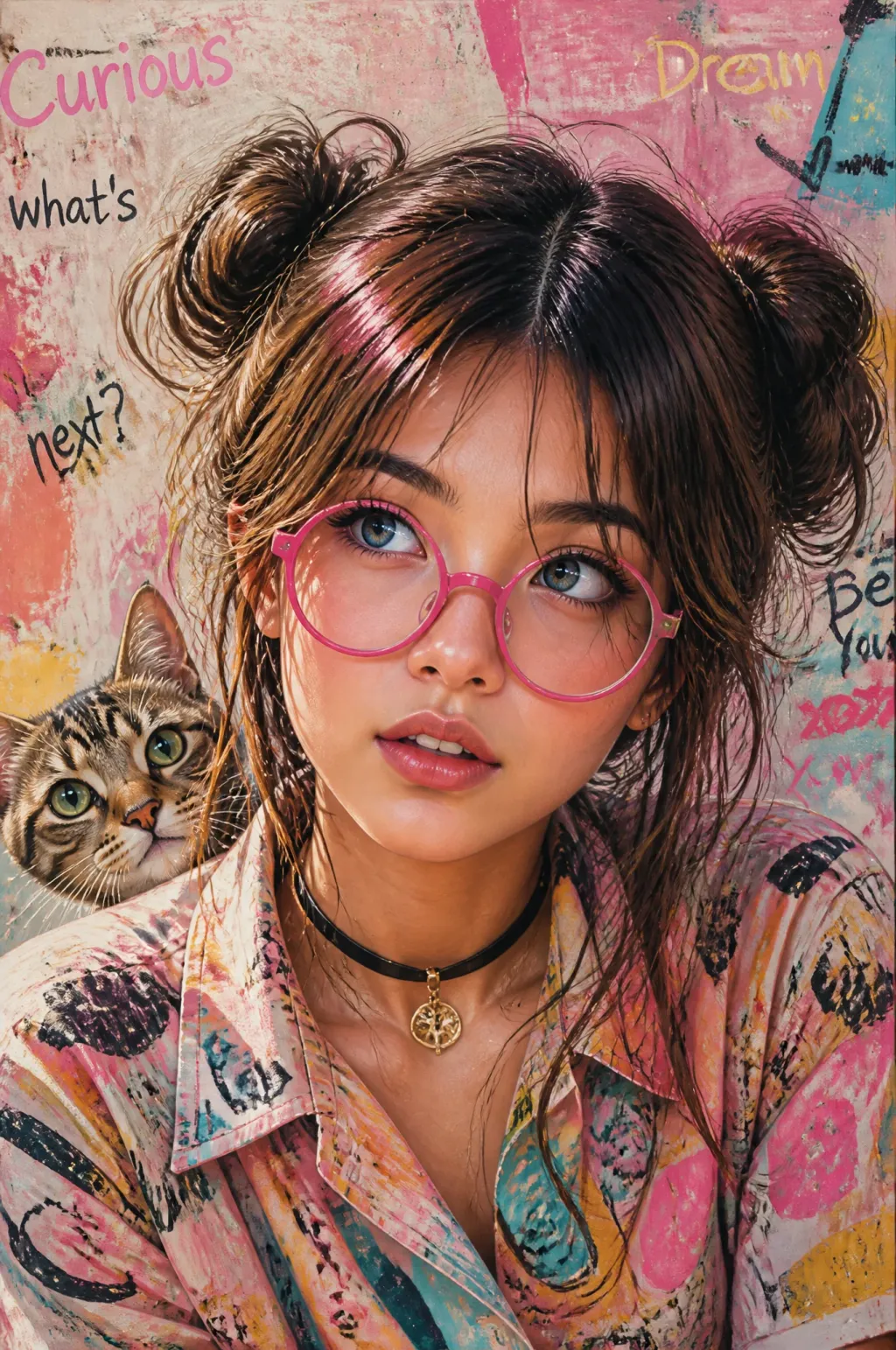
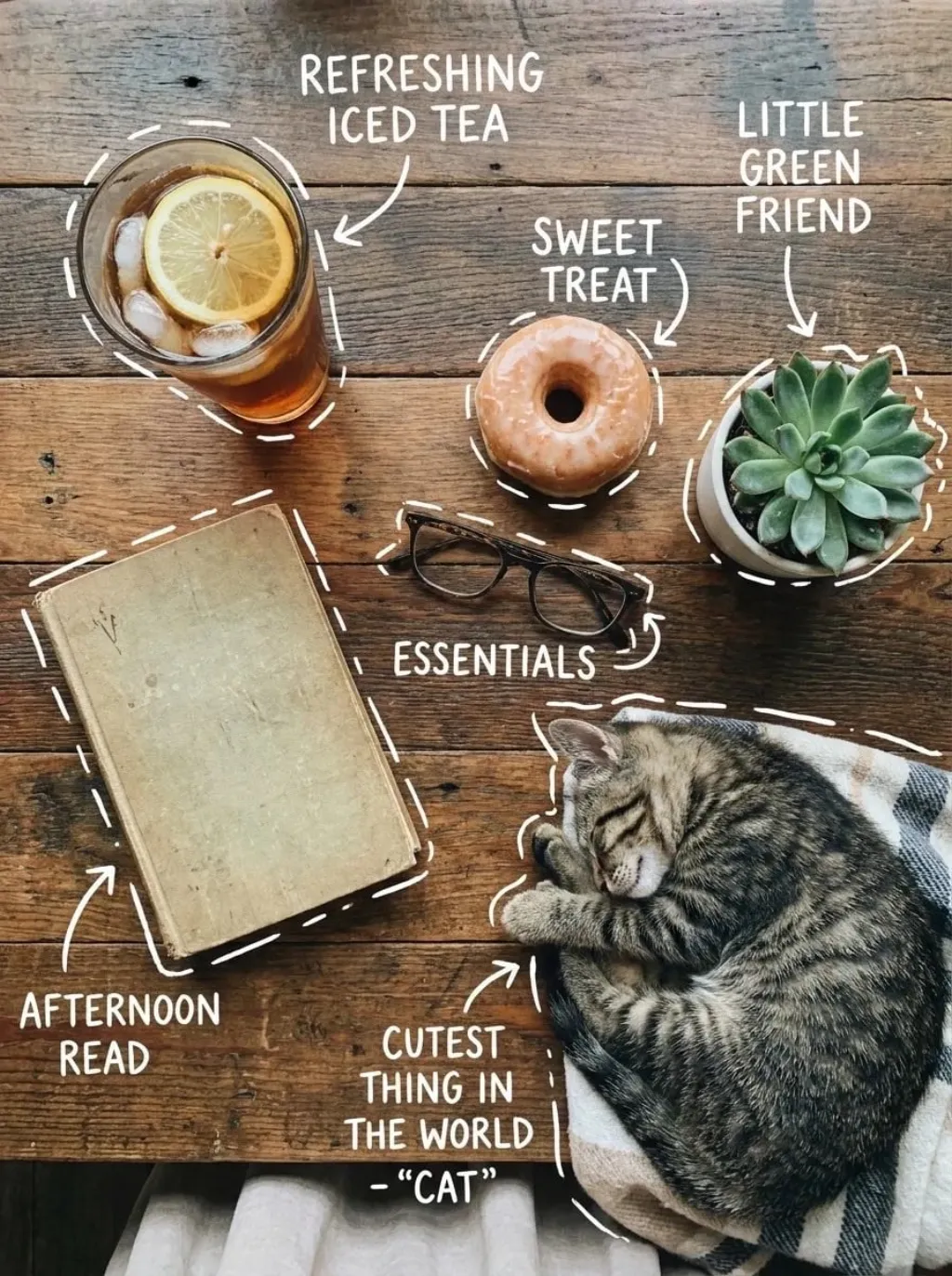
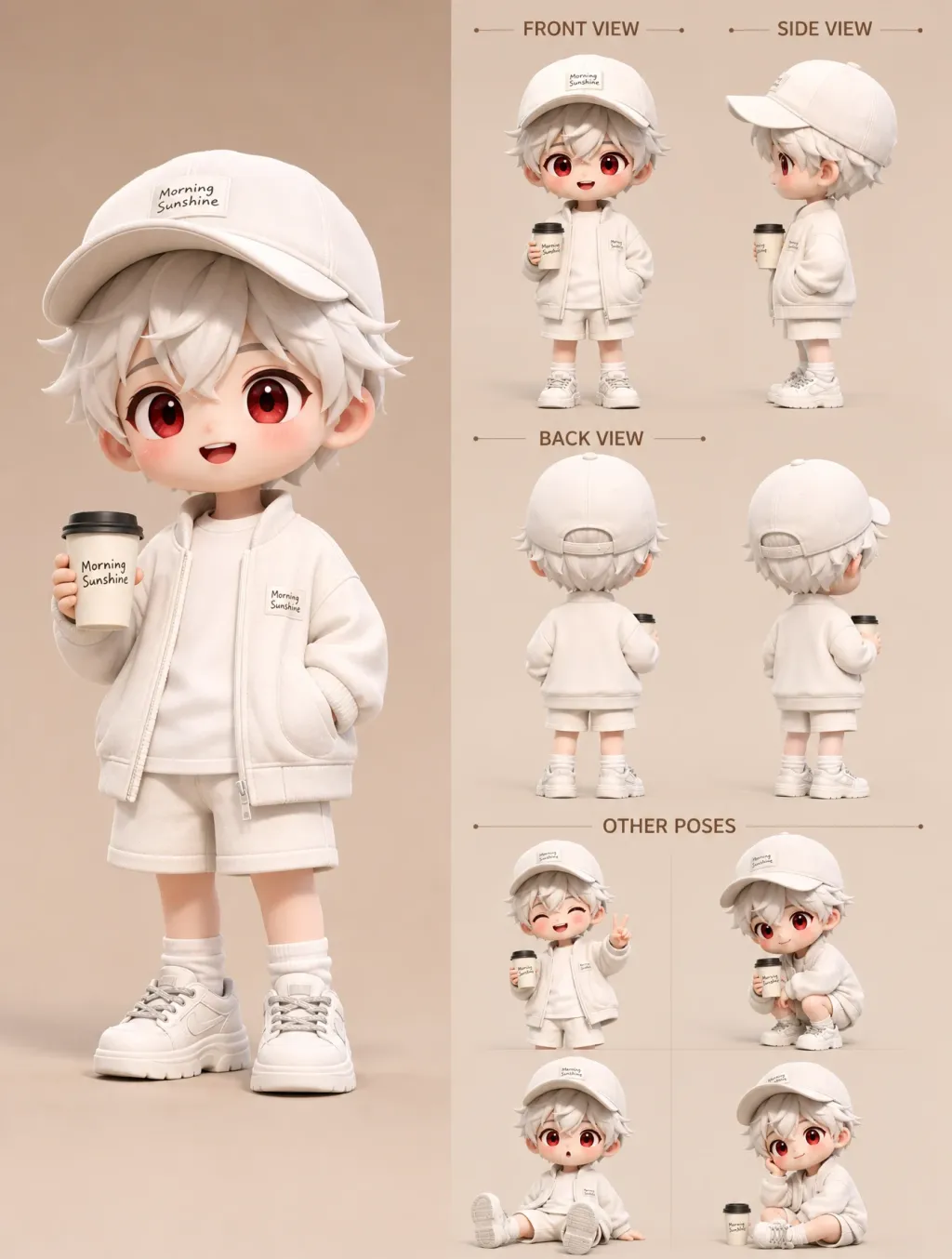
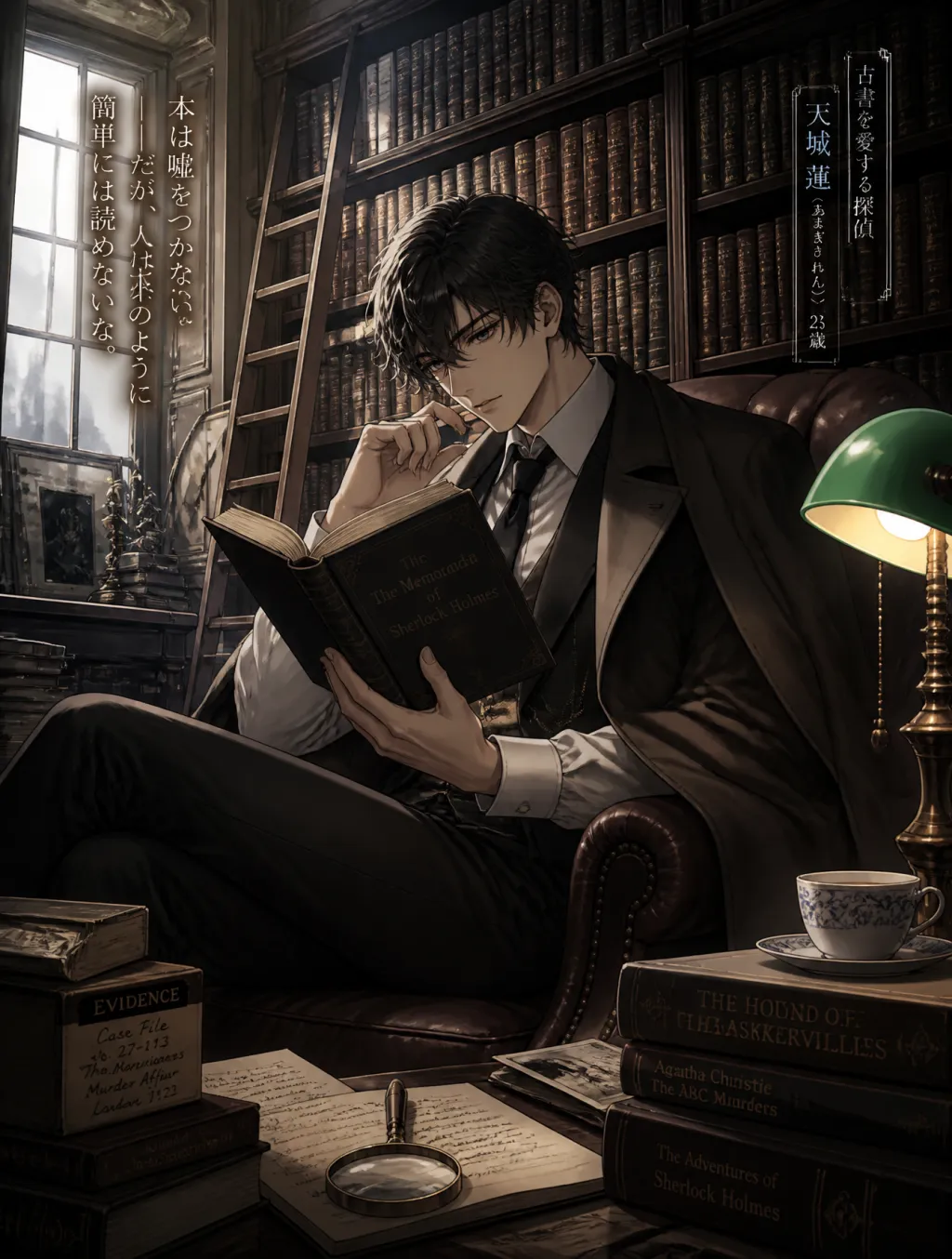
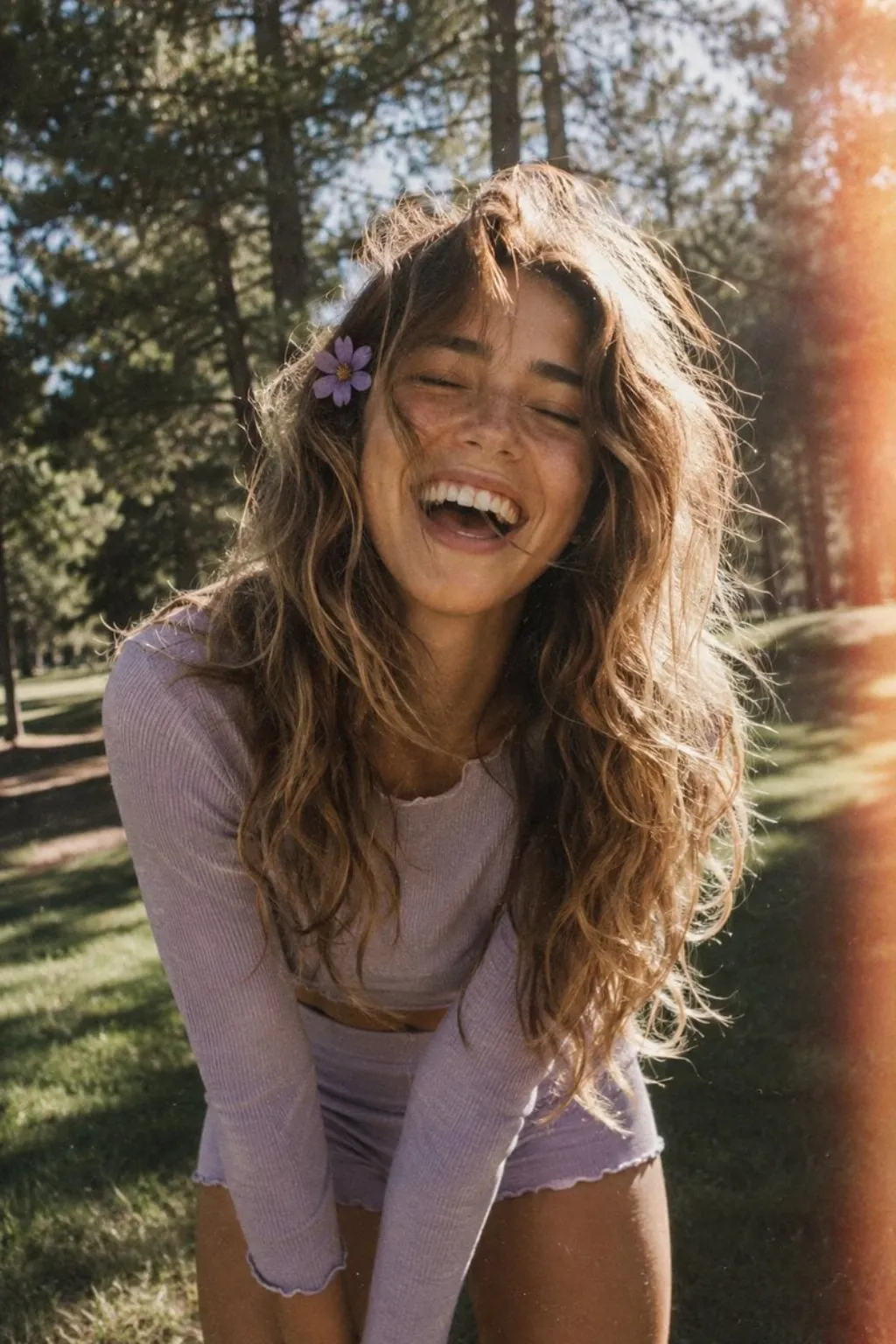
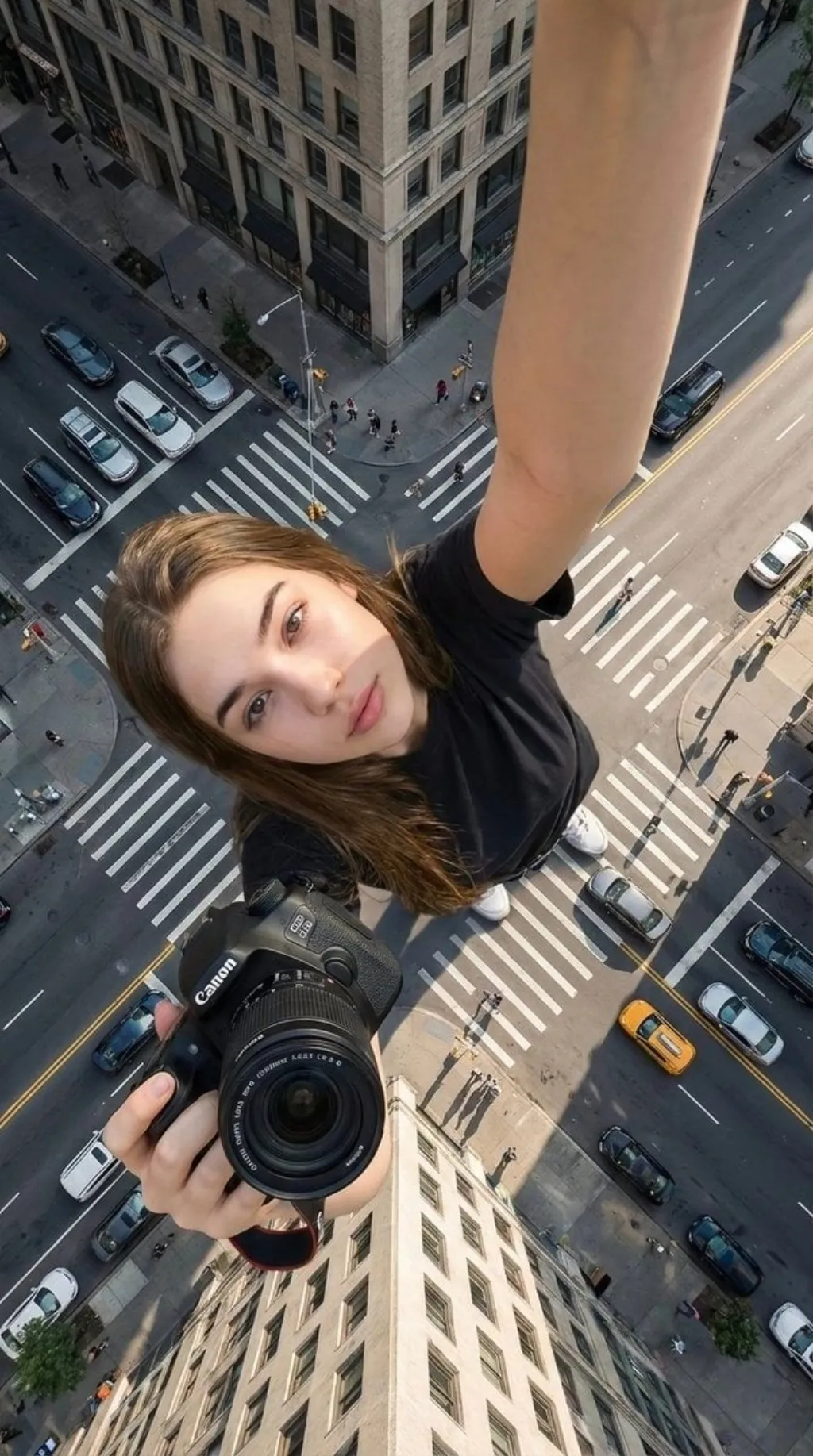
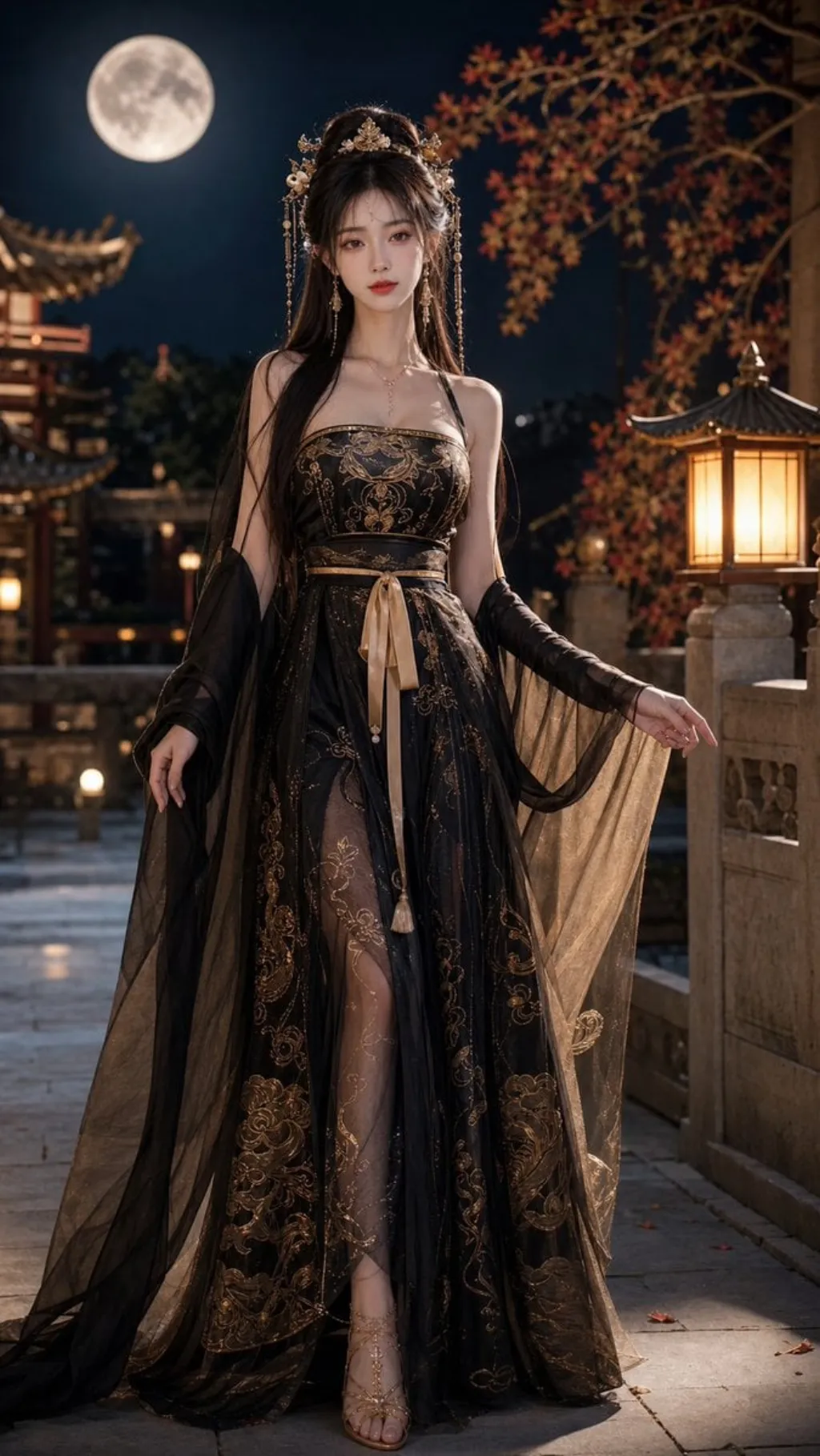
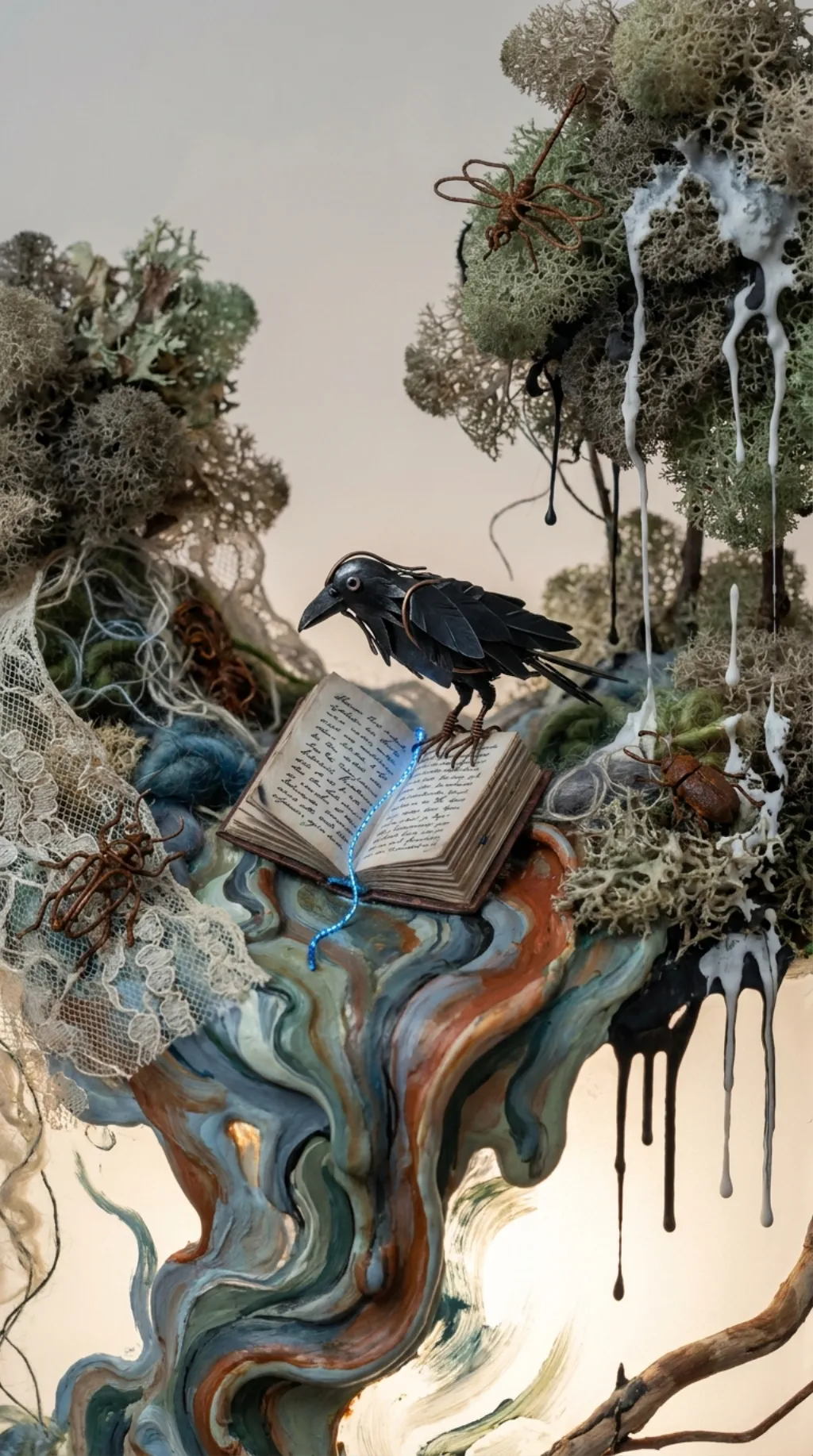
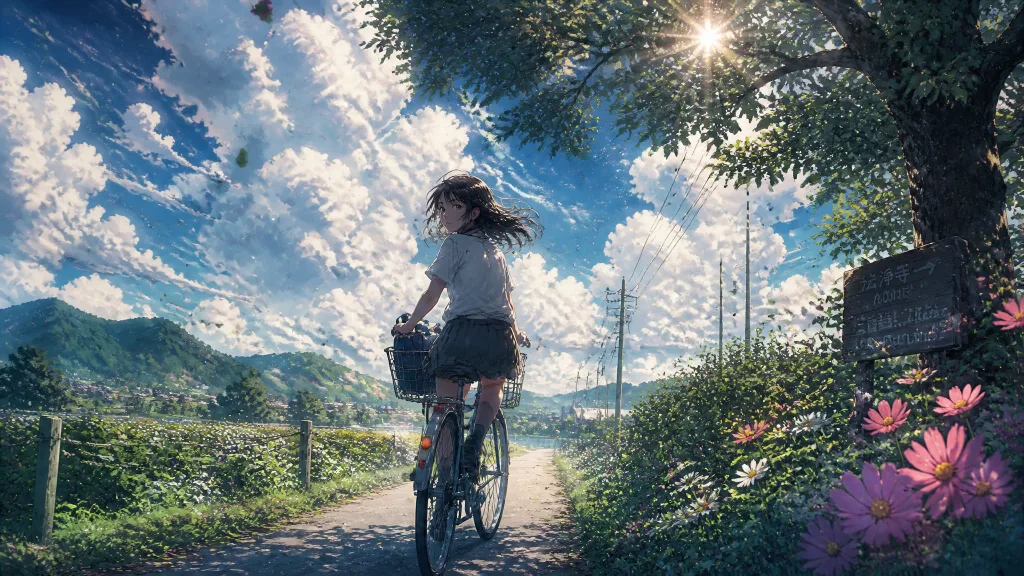
Every frame below came out of our image models. Hover to peek the prompt, click to enlarge, then remix it — or hand it to Seedance AI image to video as a first frame.
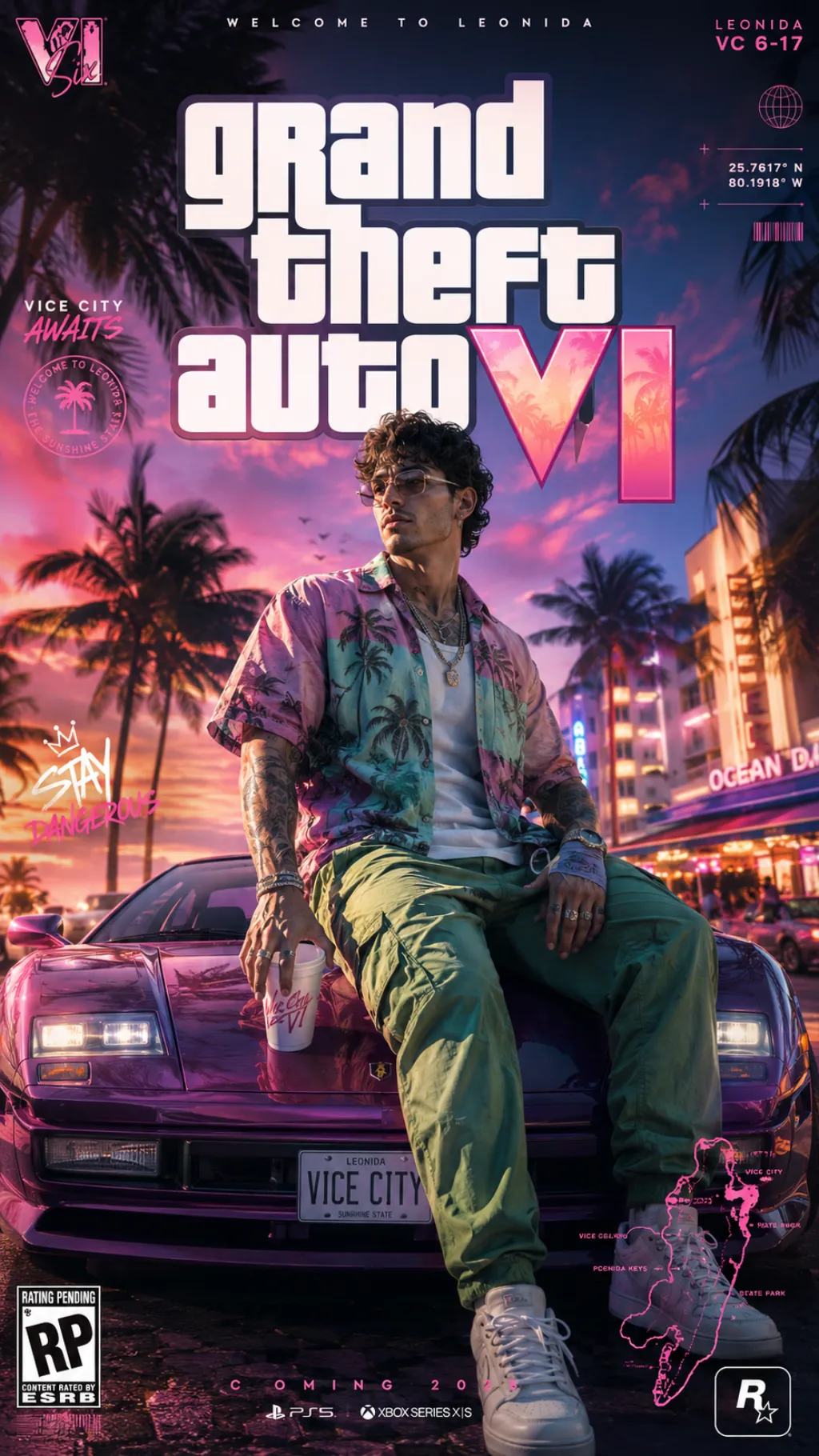
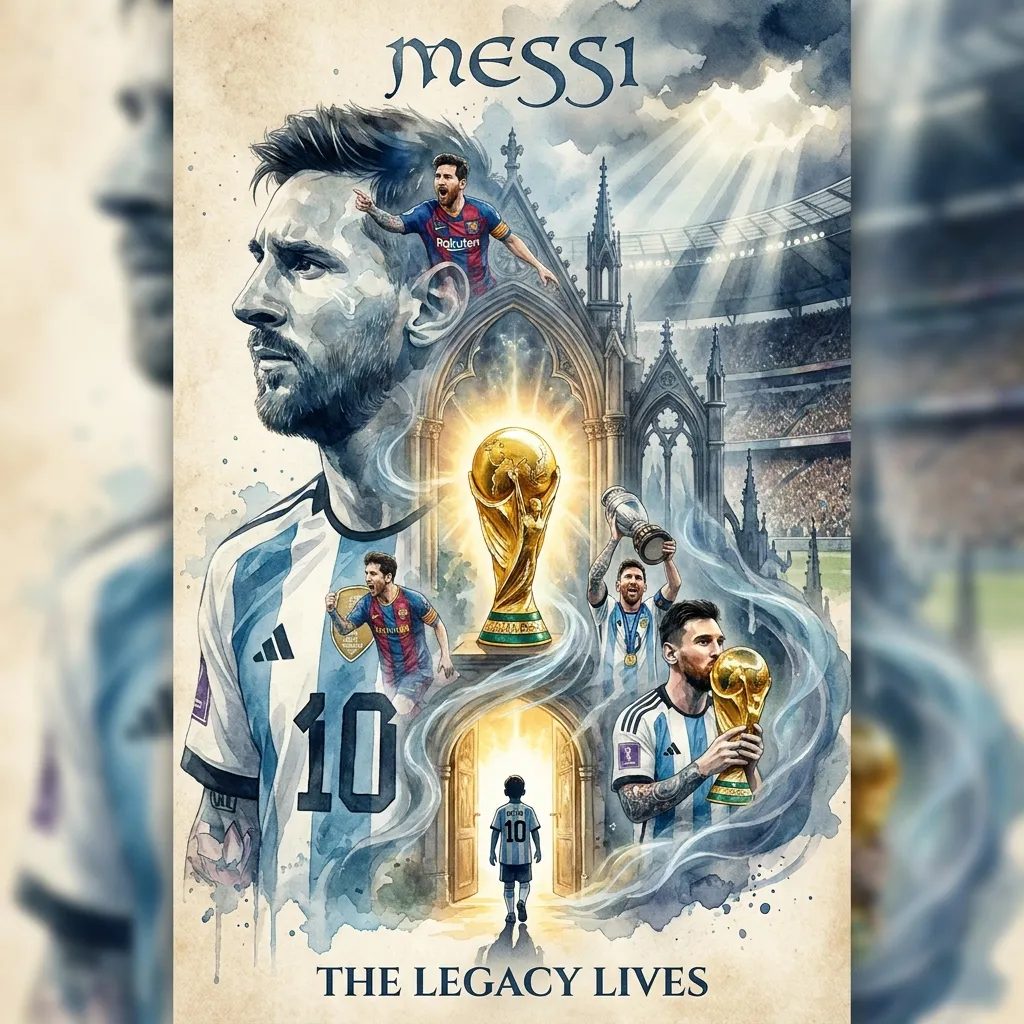
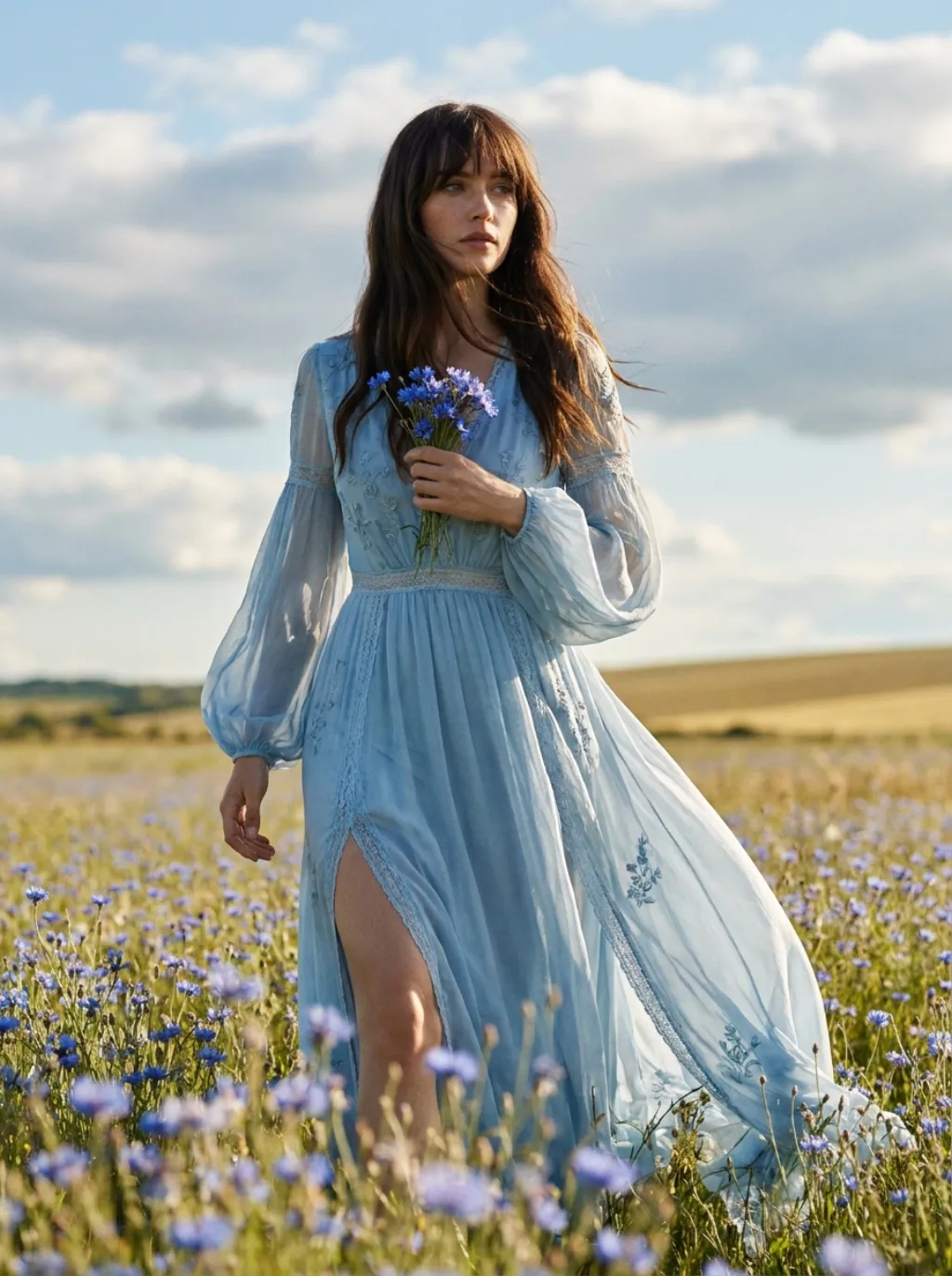
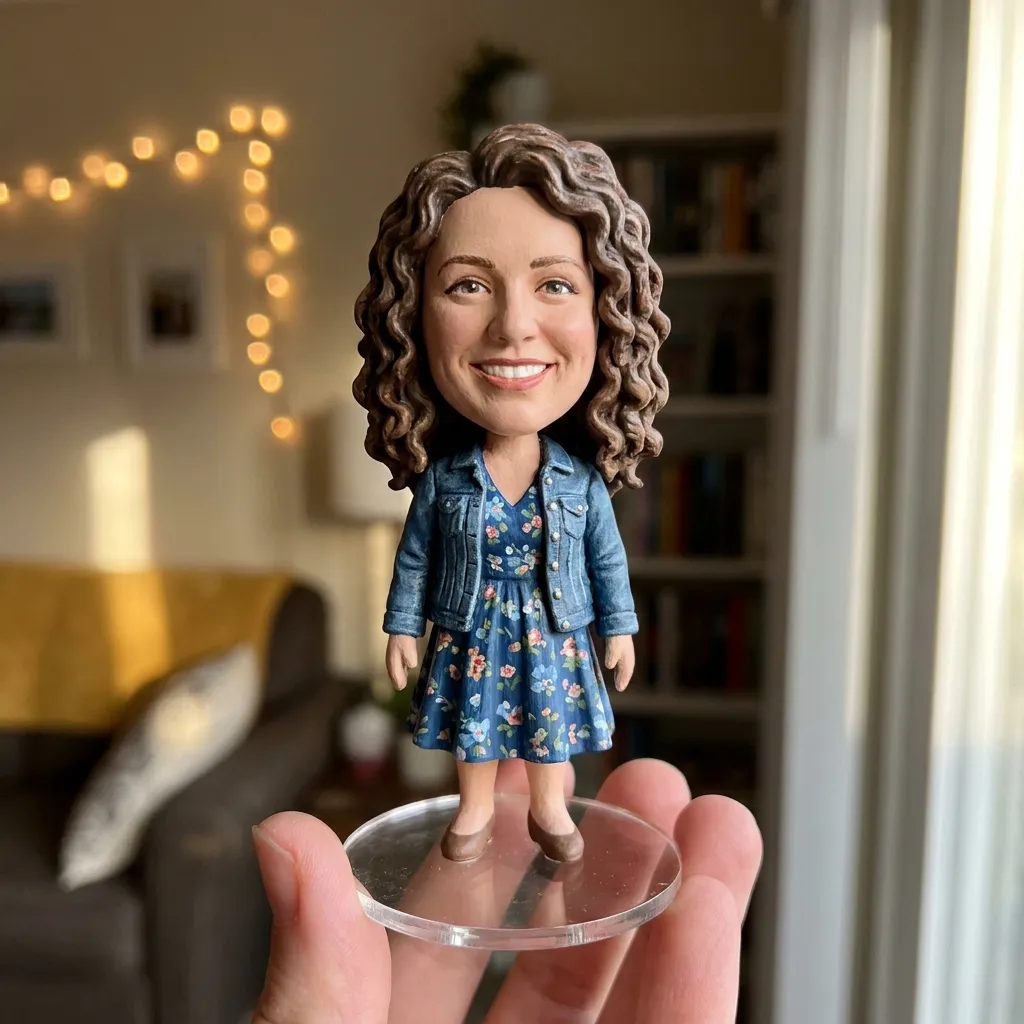
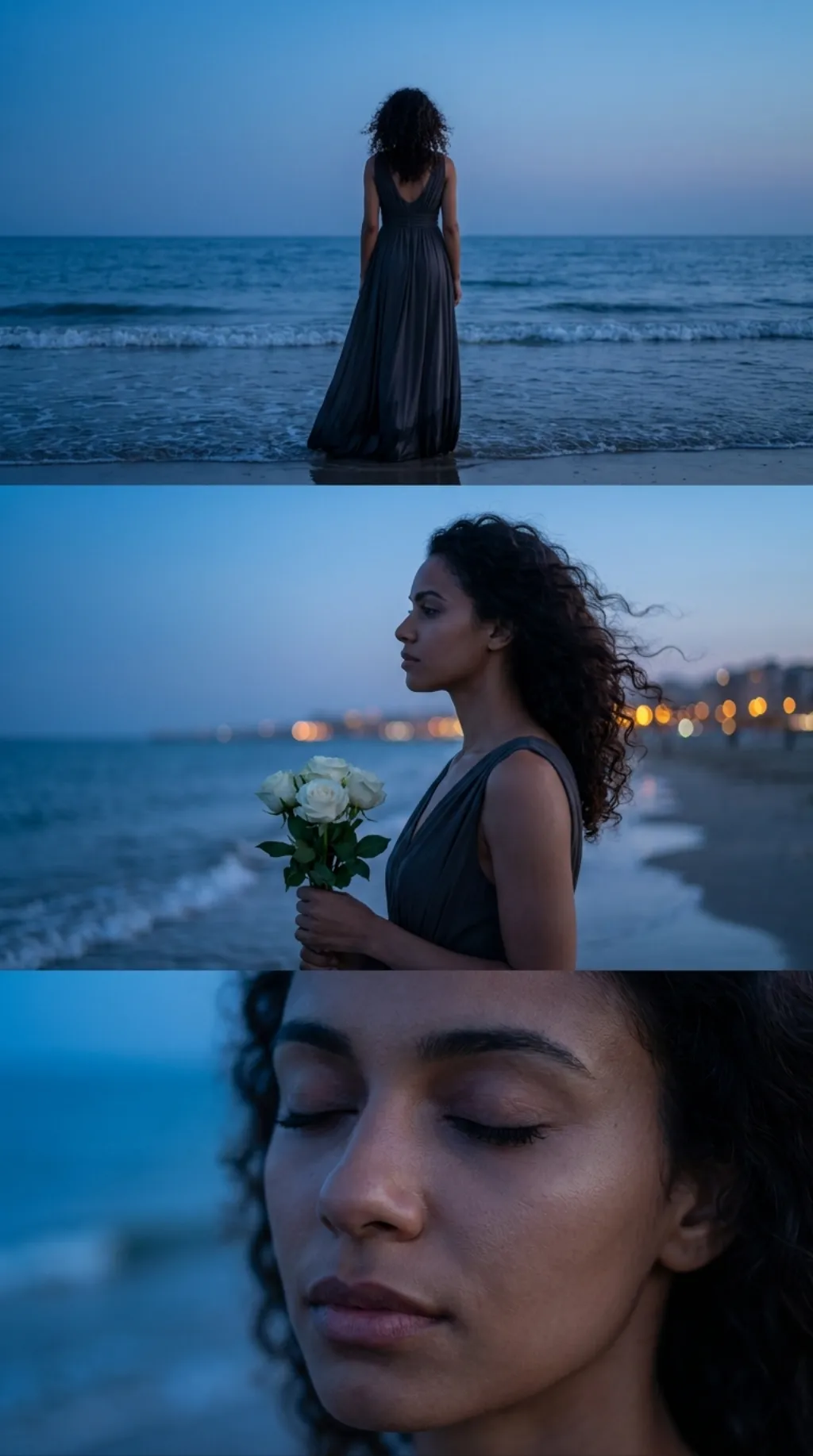
ByteDance Seedance AI, running in your browser — no install, no API keys, no waitlist. Seedance 2.5 AI, Seedance 2 and Seedance 2 Fast sit next to top AI image models, so a still and the shot it becomes never leave one workspace.
Seedance 2.5 AI, Seedance 2 AI and Seedance 2 Fast side by side — pick the quality-versus-speed tradeoff per shot.
Seedance AI text to video from a written shot, image to video from a still, first-and-last-frame control, or reference media when you need to steer it.
Renders up to 1080p in any aspect ratio from 9:16 to 21:9, with generated audio when you want it.
Credits price each render by model, duration and resolution. Free credits to start.
Every clip lands in your private library, watermark-free and ready to download.
Seedance AI reads a prompt, a still or a reference clip and turns it into motion. Here is where it earns its keep.
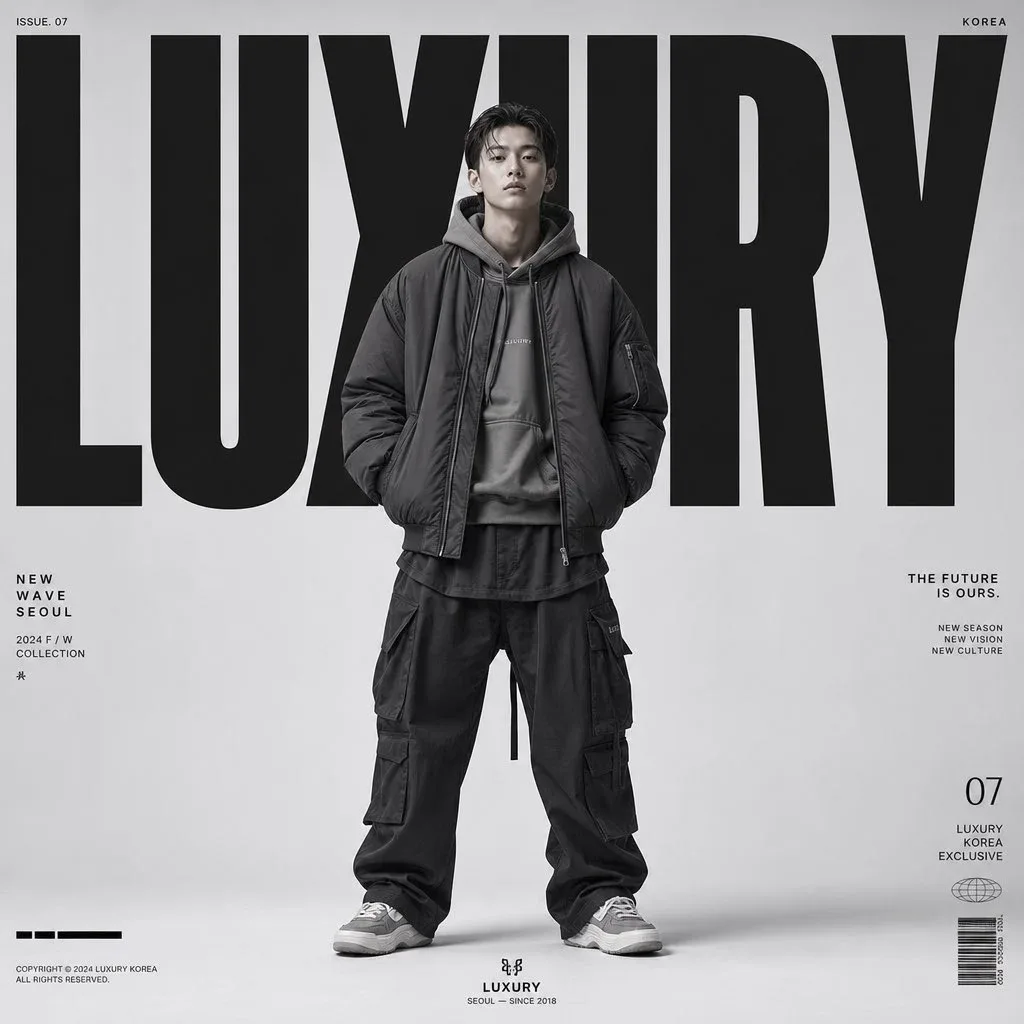
Upload a poster, a product frame or a character render and let Seedance AI image to video put it in motion. Set it as the first frame and the model builds believable movement out from there; pair a first and last frame and it fills the shot between them. Composition, lighting and character stay on-model, so the clip still looks like the image you approved. Designers turn a finished key visual into a reel without rebuilding it, and product teams get a moving hero shot out of one still.
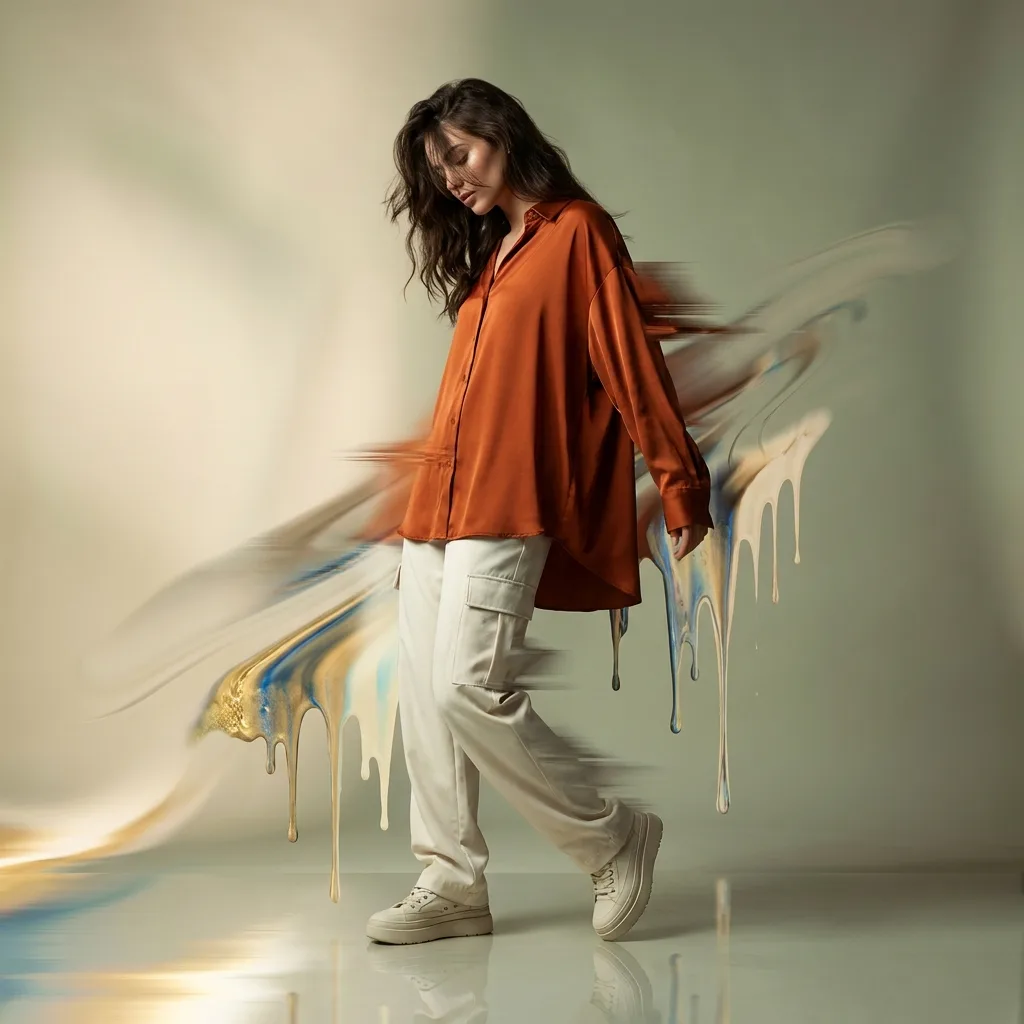
Seedance AI text to video is built for shots where the movement has to read correctly. Fabric trails, hair, water and crowd motion follow through instead of smearing, and camera direction lands where you asked — slow push-in, orbit, handheld drift, rack focus. Write the lens language into the prompt and the model honors it across the full 4 to 15 seconds, so a clip survives being watched twice instead of falling apart on the second pass.
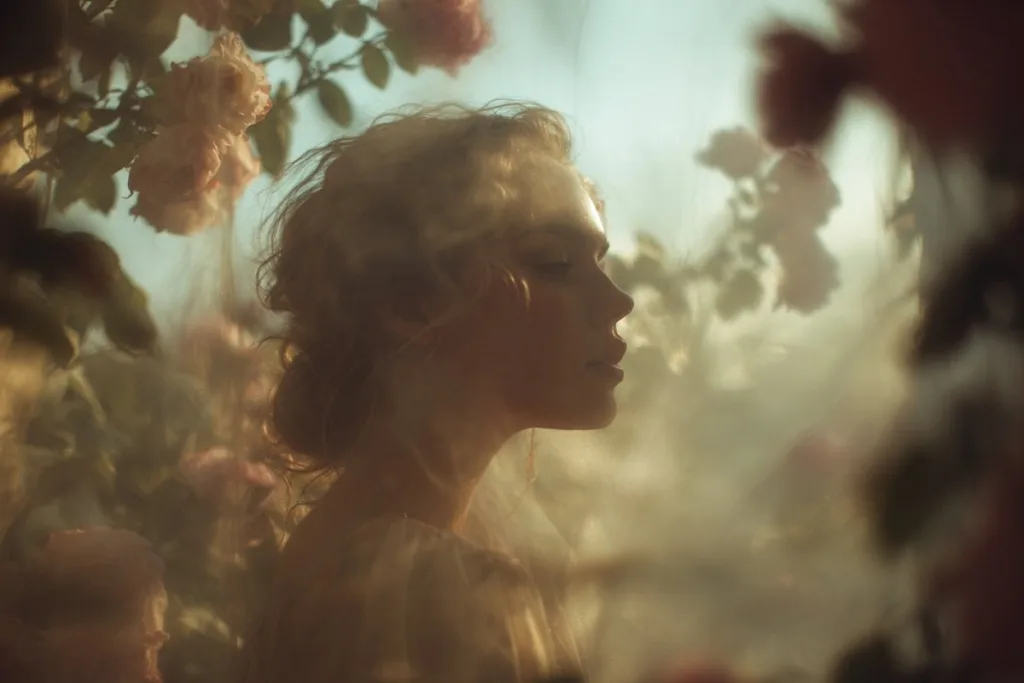
When a prompt alone cannot carry the brief, feed Seedance AI references. Attach up to nine reference images to lock a character, a product or a palette, up to three reference videos to copy a camera move or an edit rhythm, and up to three audio tracks to time the motion to a beat. This is what keeps a series of clips looking like one campaign instead of nine unrelated experiments, and it is why Seedance 2.5 AI handles client work that has to stay on-brand.
Pick 9:16 for TikTok and Reels, 1:1 for feed, 16:9 for YouTube and landing pages, or 21:9 when the shot needs to feel like film. Draft at 480p and ship at 1080p, with optional generated audio so a clip is usable the moment it finishes. Because each Seedance AI render costs credits rather than a shoot day, you can test six directions in an afternoon and keep the one that performs.
No install and no API key — pick a Seedance AI model, describe the shot, and generate.
Seedance 2.5 AI for the most control, Seedance 2 Fast when you want the draft now.
Describe scene, action, camera move and mood in plain words — or upload a first frame for image to video.
Set duration, aspect ratio and resolution, then let Seedance AI text to video render it.
Grab the clip watermark-free from My Creations, or post it straight to social.
Flowlio AI wraps ByteDance's Seedance models in a studio built for actually shipping the shot.
Seedance 2.5 AI, Seedance 2 AI and Seedance 2 Fast, switchable on every generation.
Seedance AI text to video, image to video, first and last frame, plus multimodal references in one generator.
Each video costs credits by model, duration and resolution. Buy a pack or subscribe.
Every Seedance AI clip and generated image kept in one private library, replayable and downloadable.
Renders 480p to 1080p, 1:1 through 21:9, 4 to 15 seconds, with optional generated audio.
Nano Banana 2, GPT Image 2, Flux 2 Pro and Seedream 4.5 for the frames you feed Seedance AI.
Generate stunning AI images and videos with Flowlio AI at any scale. Subscribe monthly or yearly, or top up credits anytime — pay only for what you create.
What Seedance AI is, what Seedance 2.5 AI can do, and how it all works here.
Seedance is a family of AI video models built by ByteDance, and "Seedance AI" is how most people refer to generating video with them. The line currently includes Seedance 2.5 AI, Seedance 2 AI and Seedance 2 Fast. What they share is strong prompt adherence and coherent motion: you describe a scene, an action, a camera move and a mood, and the model returns a short clip that reads like footage rather than a slideshow of frames. Text to video is only half of it — the models also accept a starting image for Seedance AI image to video, a first-and-last-frame pair, and reference images, videos and audio, which is what makes them usable for real production work instead of one-off experiments.
No, and the distinction matters. Seedance is the model family, built by ByteDance. Flowlio AI is an independent studio that gives you a place to run it — we are not affiliated with, endorsed by, or operated by ByteDance. What Flowlio AI adds is everything around the model: online Seedance AI with no install and no API keys, a prompt box that exposes duration, aspect ratio, resolution and reference uploads without reading documentation, a credit system so you pay per render, and a private library that keeps every clip. If you want Seedance without wiring up an API yourself, that is the gap Flowlio AI fills.
All three current ones, switchable per generation. Seedance 2.5 AI is the most capable — use it when you need Seedance AI reference to video consistency or the tightest control over motion and framing. Seedance 2 AI covers the same text-to-video, image-to-video, first/last-frame and reference workflows and is the sensible default for most shots. Seedance 2 Fast trades top-end resolution for speed, capping at 720p, which makes it the right choice for exploring directions before you commit credits to a final render. Each one shows its credit cost before you generate, so you always know what a shot will cost.
Seedance AI text to video from a written prompt, Seedance AI image to video from a single still, first-and-last-frame control when the shot has to start and land in specific places, and reference-to-video using up to nine images, three videos and three audio tracks as direction. Clips run 4 to 15 seconds at 480p, 720p or 1080p, in 1:1, 4:3, 3:4, 16:9, 9:16, 21:9 or adaptive framing, with optional generated audio. Prompts can run to 20,000 characters, so a detailed shot description with lens language, lighting and blocking is not a problem.
Flowlio AI runs on credits, so you pay for the renders you actually make instead of a flat monthly fee you forget about. Every Seedance AI video is priced by model, duration and resolution, and the cost is shown before you hit generate — a 5-second 720p draft costs meaningfully less than a 15-second 1080p final. New accounts start with free credits and you can earn more by checking in, which is enough to try the models before spending anything. When you need more, buy a one-time credit pack or subscribe monthly or yearly for the better rate. No hidden fees.
Yes. Clips you generate on Flowlio AI are yours to use in commercial work — ads, product pages, social content, client deliverables and more. Every download is watermark-free, so a finished clip drops straight into an edit or a landing page without cleanup. If you are planning a large-scale campaign and need specifics on licensing, get in touch and we will help you sort it out.
Yes. Video is the center of gravity, but the same studio runs leading AI image models — Nano Banana 2, GPT Image 2, Flux 2 Pro and Seedream 4.5 — for text-to-image and image-to-image work. That pairing is the point: generate or edit a still, then hand it straight to Seedance AI image to video as a first frame without exporting, re-uploading or switching tools. Everything you make, image or video, lands in the same My Creations library.
None. There is nothing to install, no API key to obtain and no GPU to rent — Flowlio AI runs Seedance AI in the browser, so that is the whole requirement. Sign in, describe what you want in ordinary language, pick a model and generate. The controls that matter — duration, aspect ratio, resolution, reference uploads — are right in the prompt box rather than buried in documentation. As you get comfortable, tighter prompts and reference media give you far more precise control, but nothing stops you from getting a usable clip on your first try.
Describe the shot or drop in a single image — Flowlio AI takes it from there.
