
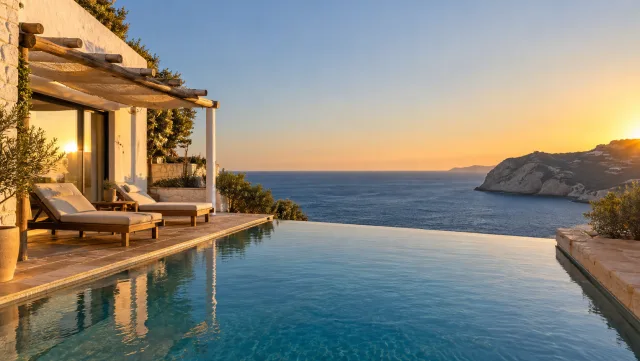
Made from this one photo
More Effects
Explore the other video effects, each with its own input and motion.
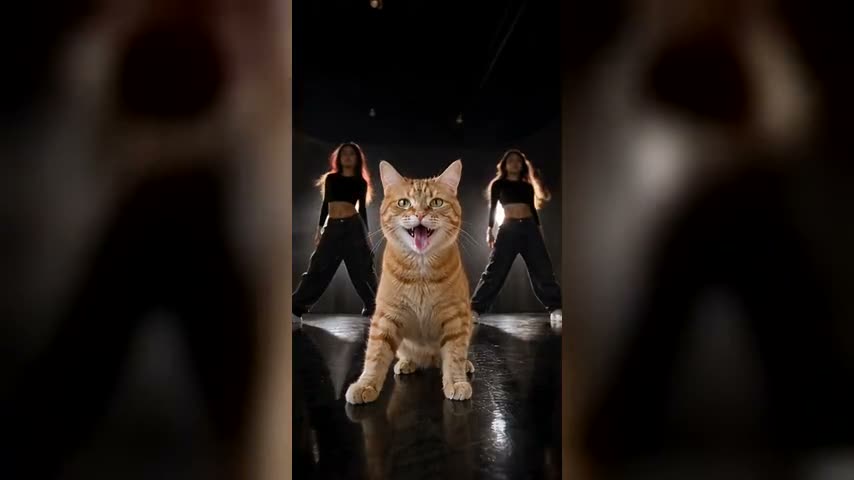
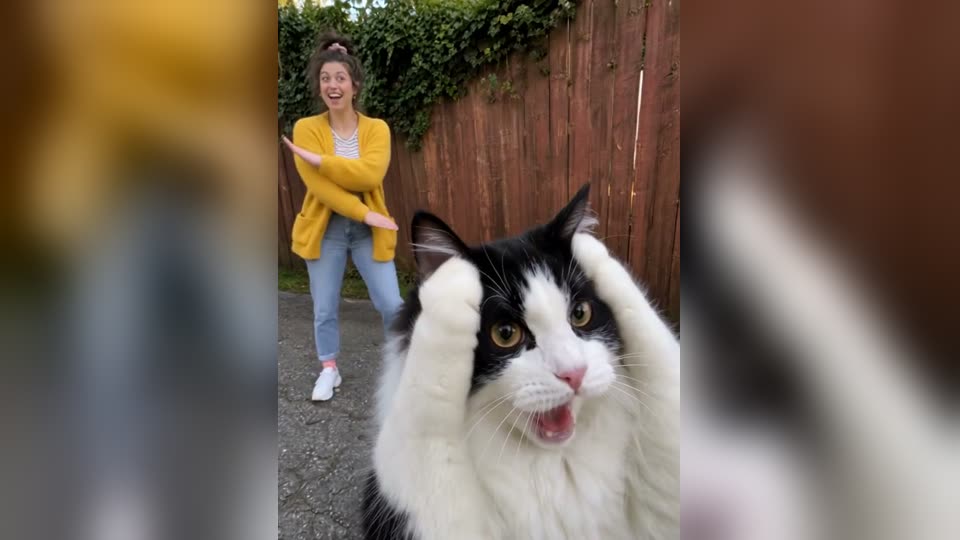
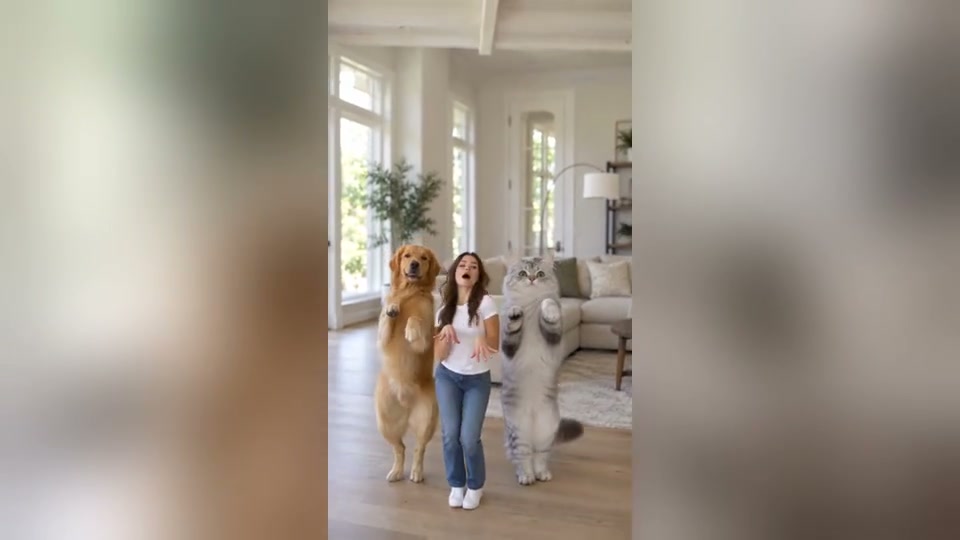
Cinematic aerial footage, without a drone
Flowlio AI is an AI drone video generator that turns a written scene — or a single photo you already have — into a real aerial shot. Pick a flyover, FPV fly-through, orbit, crane reveal, top-down or follow move, describe the place, and it flies the camera for you.
What people shoot with the AI drone video generator
Every AI drone video below normally needs an aircraft, a licensed pilot and a clear day. Here it comes from one sentence — or from a photo already sitting on your phone.
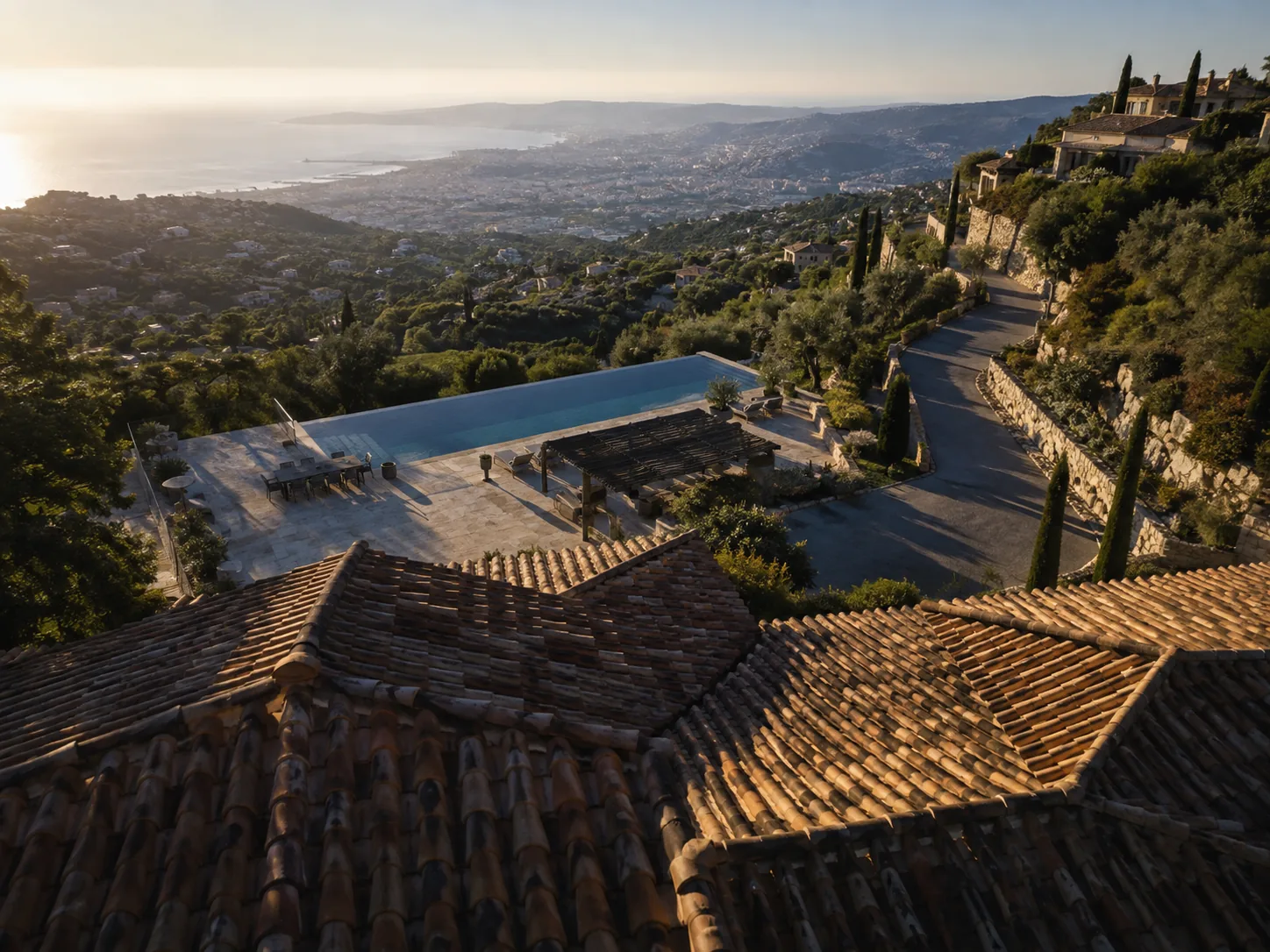
Open a listing with an aerial reveal
Crane up over the roofline until the plot, the street and the view all arrive in one unbroken move. A real estate drone video is what separates a listing that plays like a film from one that reads like a slideshow — and this makes it from a single exterior photo.
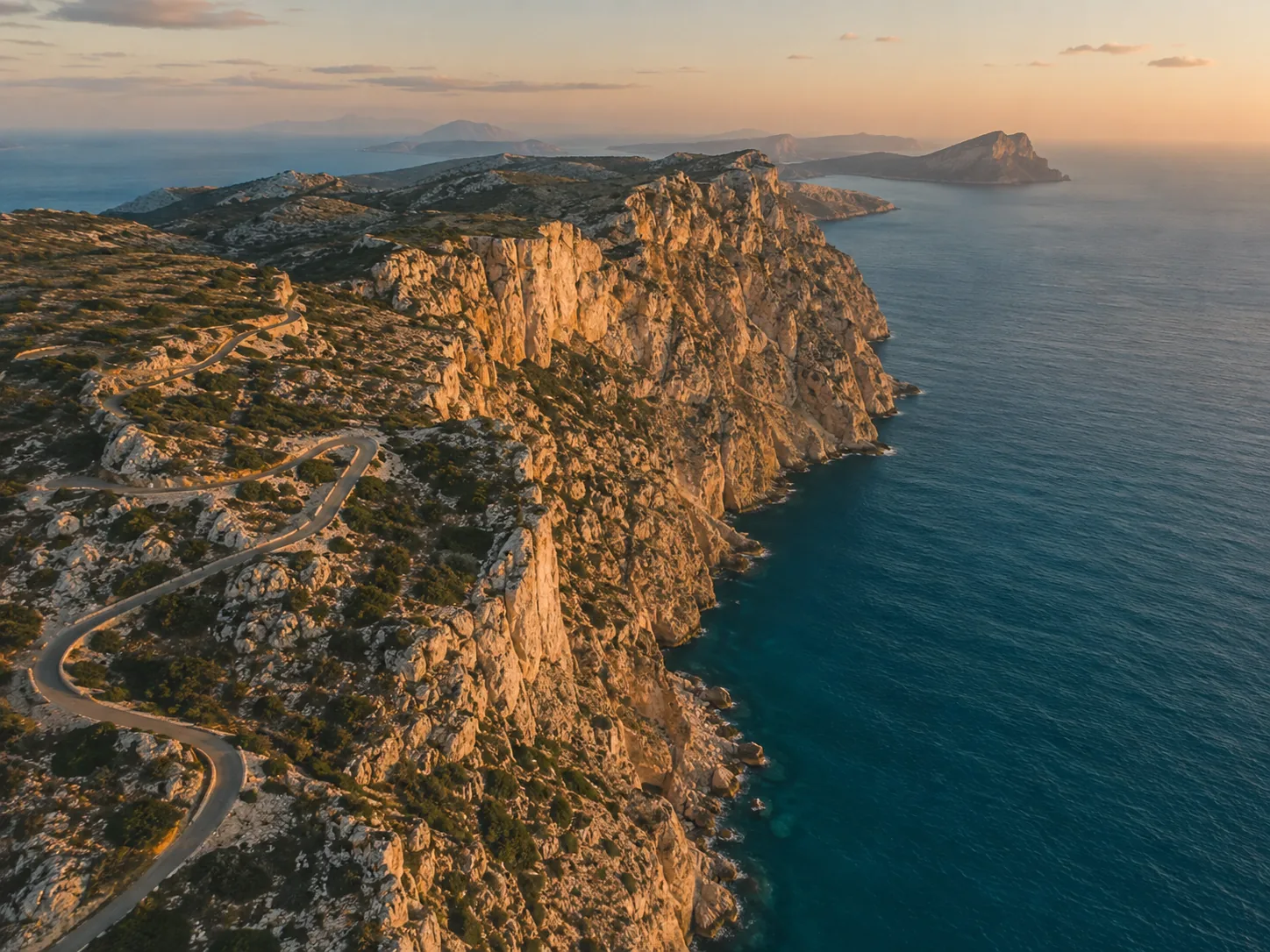
Fly over places you never filmed
Travel drone video used to mean carrying an aircraft through three airports and praying for weather. Now it means describing the coastline at golden hour, the mountain pass in low cloud, or the old town from 400 feet — months after the trip ended.
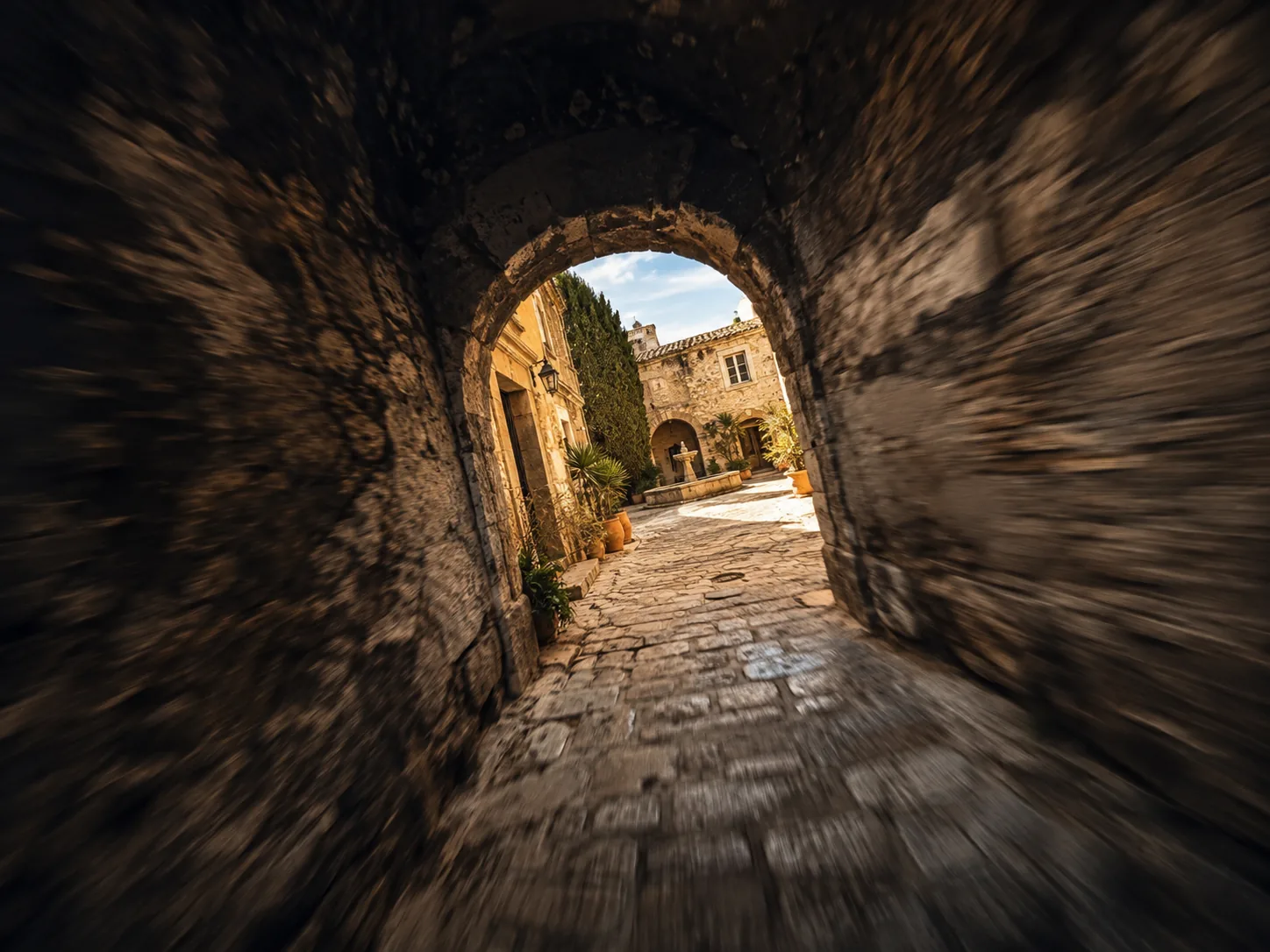
Thread an FPV shot through tight spaces
Dive through a doorway, an arch, a gap in the scaffolding, all at speed. The fly-through is the hardest shot in the discipline and the most expensive to get wrong — run as an FPV drone video generator, it costs you a re-roll instead of a rebuild.
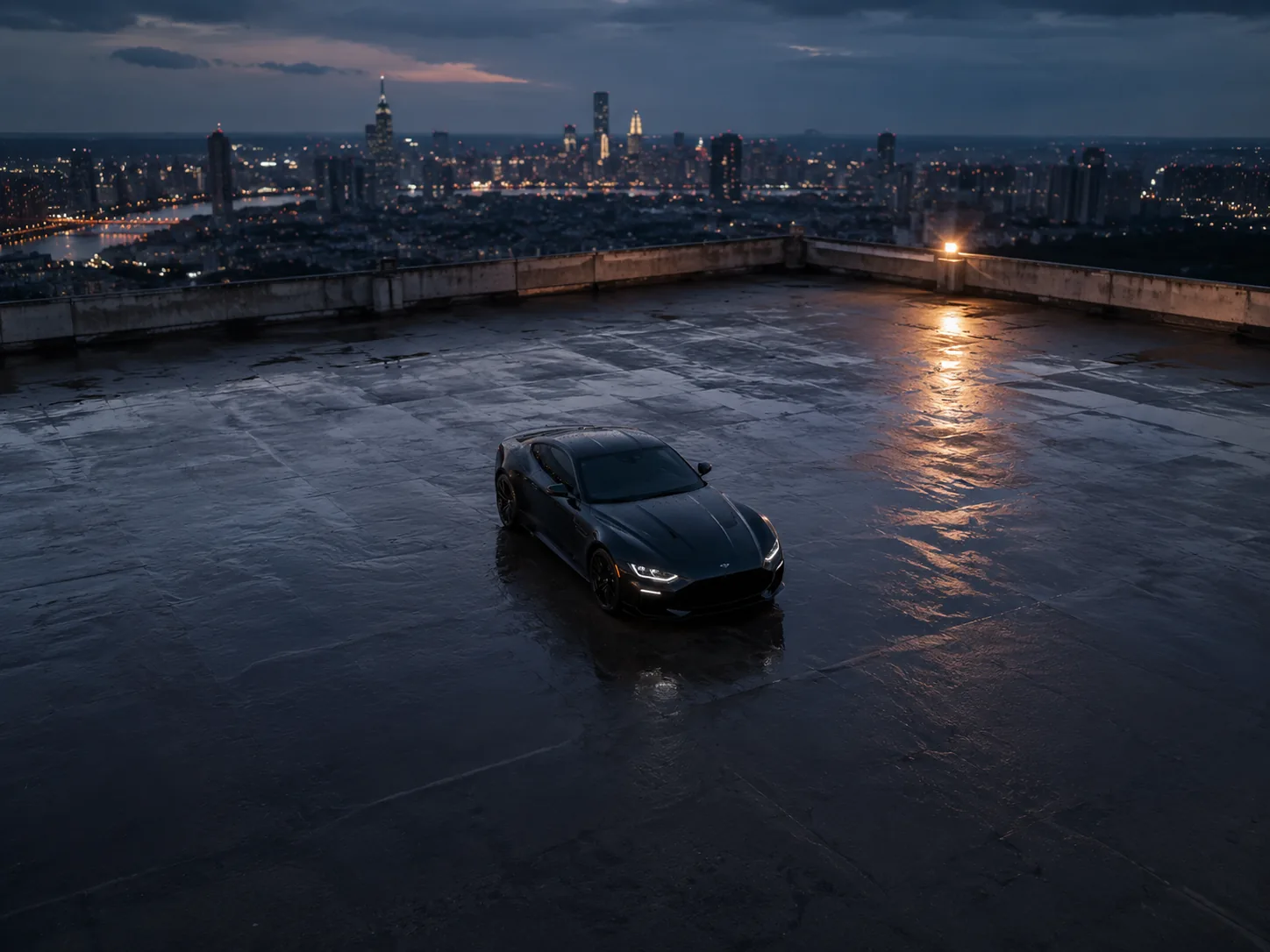
Orbit a subject 360 degrees
Circle a car, a building or a set piece at a locked radius so it holds the centre of frame while the world sweeps past behind it. This is the product drone video that normally needs a closed road and a permit; here it needs a sentence.
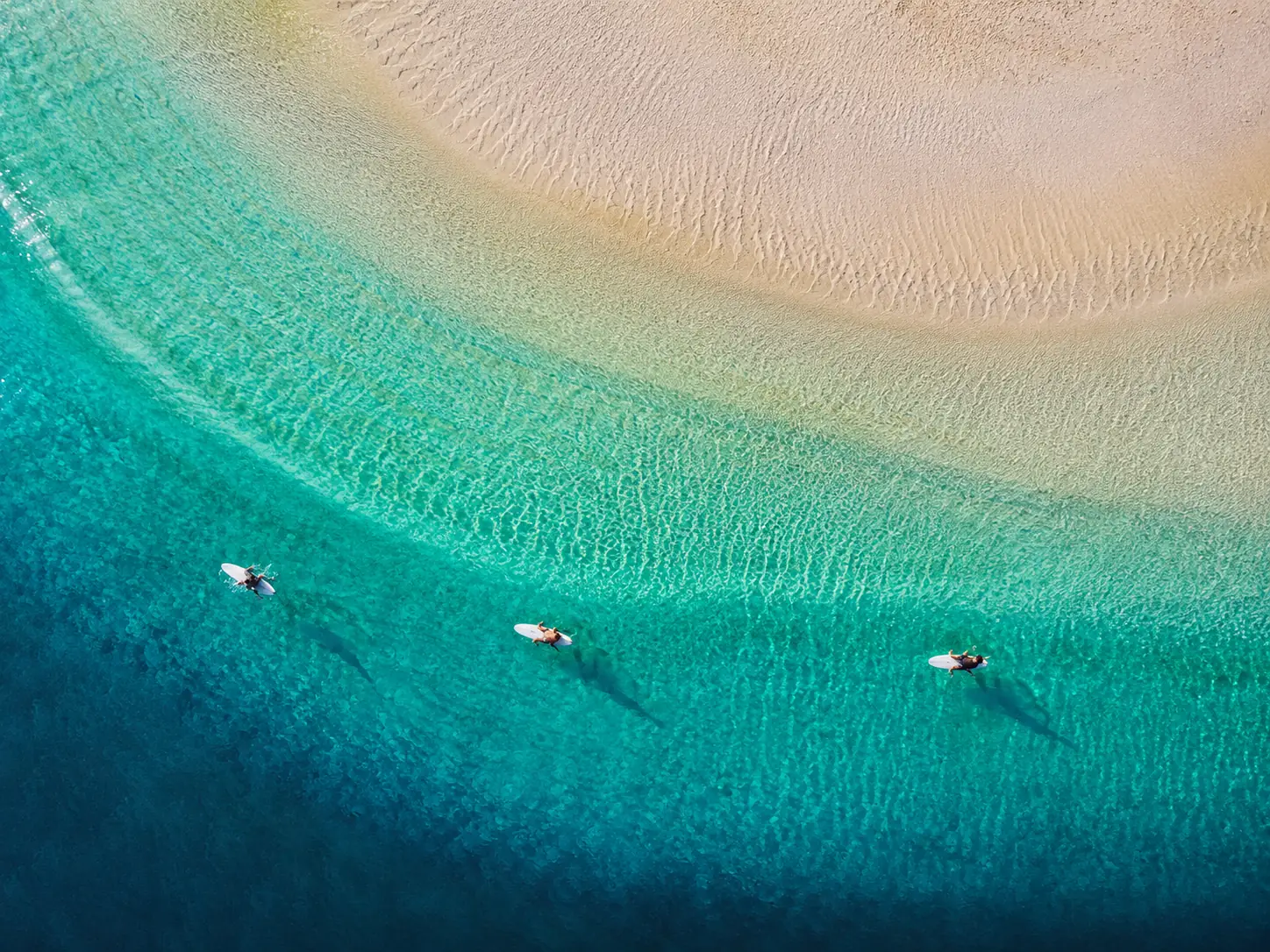
Cut vertical aerials for Reels and Shorts
Switch to 9:16, keep the camera move, and export a vertical drone video sized for TikTok, Instagram Reels and YouTube Shorts. Same scene, three aspect ratios, one afternoon.
How to create an AI drone shot in three steps
The camera move is a chip, not a prompt you have to know how to write. That is the whole reason to reach for a purpose-built AI drone video generator instead of a general text-to-video box.
Pick a camera move
Flyover, FPV fly-through, orbit, crane reveal, top-down or follow. Each chip carries a full professional camera brief — altitude, speed, tilt, lens — so you never have to write AI drone video prompts from scratch. Custom hands you the controls.
Describe the place
Write the location, the light and anything moving in frame. Or open the image tab and upload a still to fly over instead — photo to drone video, same six moves. Switching moves re-shoots the same scene without touching a word you wrote.
Generate and download
Set the model, aspect ratio, resolution and clip length, then generate. Preview it, re-roll the ones that miss, and download the finished AI drone video watermark-free at up to 1080p.
Everything the AI drone video generator gives you
Built around the thing people actually search for — the drone shot, not the aircraft. Everything an AI drone video maker owes you, in one panel.
Six real drone moves
Flyover, FPV fly-through, 360° orbit, crane reveal, top-down and follow. Each one is a proper camera brief rather than the word “drone” dropped into a prompt and hoped over, which is why the cinematic drone video comes back looking shot instead of guessed.
Text to drone shot
Describe somewhere that does not exist, is closed to aircraft, or sits on the other side of the world. The aerial video generator gets you the shot anyway.
Photo to drone video
Upload one ground-level or aerial still and the camera flies through it, keeping your composition and your subject intact.
No aircraft in frame
The camera is the drone. Every generation carries a guard that keeps propellers, rotors and the aircraft itself out of shot — the single most common way AI drone footage gives itself away.
Any framing and length
Widescreen, vertical or square, up to 1080p, with clip length and audio under your control on every model — one AI drone video, every placement you need.
Re-shoot in one click
Keep the scene, swap the move, and put a flyover, an orbit and a crane reveal side by side without retyping anything.
Five video models
Seedance 2.5 by default for detail-heavy landscapes, with Seedance 2, Seedance 2 Fast, Wan 3.0 and HappyHorse 1.1 one click away when credits matter more than pixels.
Watermark-free export
Clean HD downloads with nothing stamped across them, cleared for commercial use and ready to drop straight into an edit.
AI Drone Video Generator FAQ
Common questions about making aerial footage with the AI drone shot video generator on Flowlio AI.
An AI drone video generator renders footage as though it came from a camera drone, without any drone existing. You choose a camera move and describe a location; the model generates the flight, including altitude, speed, parallax and a level horizon.
No. Nothing flies. That is the point of the page — an AI drone video reaches no-fly zones, indoor spaces, weather-locked days and places nowhere near you.
Six built-in moves: a high-altitude flyover, an FPV fly-through, a 360-degree orbit, a crane reveal, a top-down bird’s-eye drift and a follow shot. Custom lets you write the move yourself, so the AI drone video generator is never capped at those six.
Yes. Open the image tab and upload a still — the camera then flies through your composition instead of inventing the scene from nothing. Photo to drone video works with all six moves.
Usually under two minutes, depending on the model, resolution and clip length you pick. You can queue the next one while the first is still rendering.
Up to 1080p, in widescreen, vertical or square. Framing, resolution, length and audio are yours to set on every model, so one cinematic drone video can be cut for a landing page and a Reel in the same session.
Yes. AI drone footage you generate here is yours to publish — client work and paid ads included — and downloads carry no watermark.
Generating the shot wins on cost, speed, access and safety: no permits, no weather window, no travel, no crash risk, and locations that do not exist. A real aircraft still wins when you need a specific, verifiable place on a specific day.
Not exactly, and this is the honest limit. It builds a convincing place that matches your description — the right architecture, light and terrain — rather than reproducing a specific address, signage or skyline. Use it for mood, marketing and previsualisation; use a real drone when the footage has to document an actual location.
Let the camera move chip handle the camera, then describe only the scene: the place, the light, the time of day and anything moving in frame. Naming a second camera move in your own text fights the chip, and stacking styles flattens the result — one move, one lighting condition, one look per AI drone video.
Yes. Any still works on the image tab — a photo you took, a render, or concept art from another model. The AI drone video generator flies a camera through the frame you give it, so the composition and lighting you already like carry over into the drone video.
They do not apply to an AI drone video, because nothing takes off. Airspace rules that would block a real flight — near airports, over crowds, inside national parks, or anywhere needing a commercial certification such as FAA Part 107 — are simply not in play. That makes the AI drone video generator the practical route to locations you could never legally or safely film.
Usually the prompt asked for too much motion in too little time, or it stacked styles. Shorten the described action, keep one camera move, name a single lighting condition, and re-roll — a different seed on the same AI drone video prompt often lands. Raising the resolution helps detail-heavy landscapes more than it helps simple scenes.
Fly the shot you cannot get
Pick a camera move, describe the location, and the AI drone video generator returns a watermark-free aerial in about a minute — no aircraft, no permit, no weather window, no travel day.
