
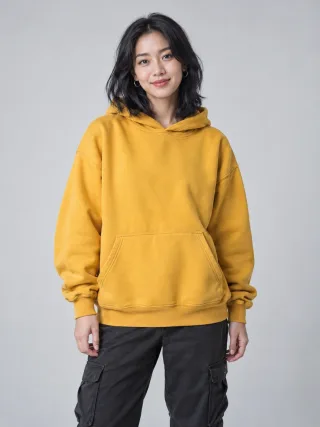
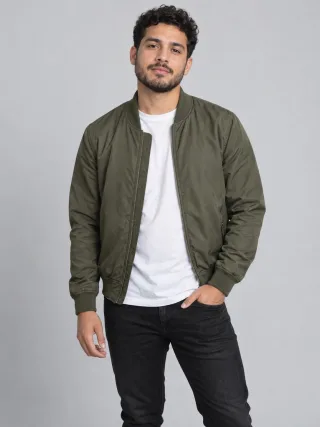
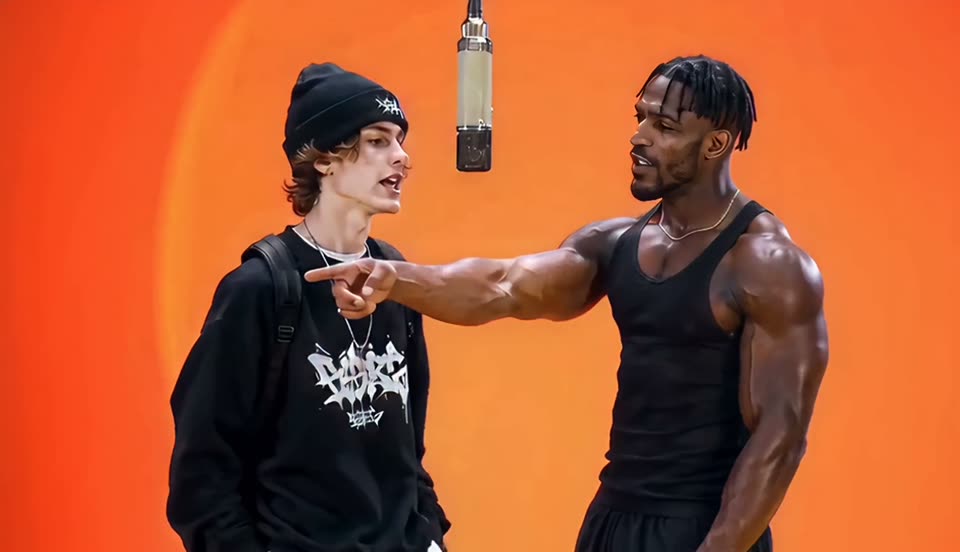
Two photos + one performance, nothing else
More Effects
Explore the other video effects, each with its own input and motion.


Make the Migos Hotel Lobby AI trend video from two photos
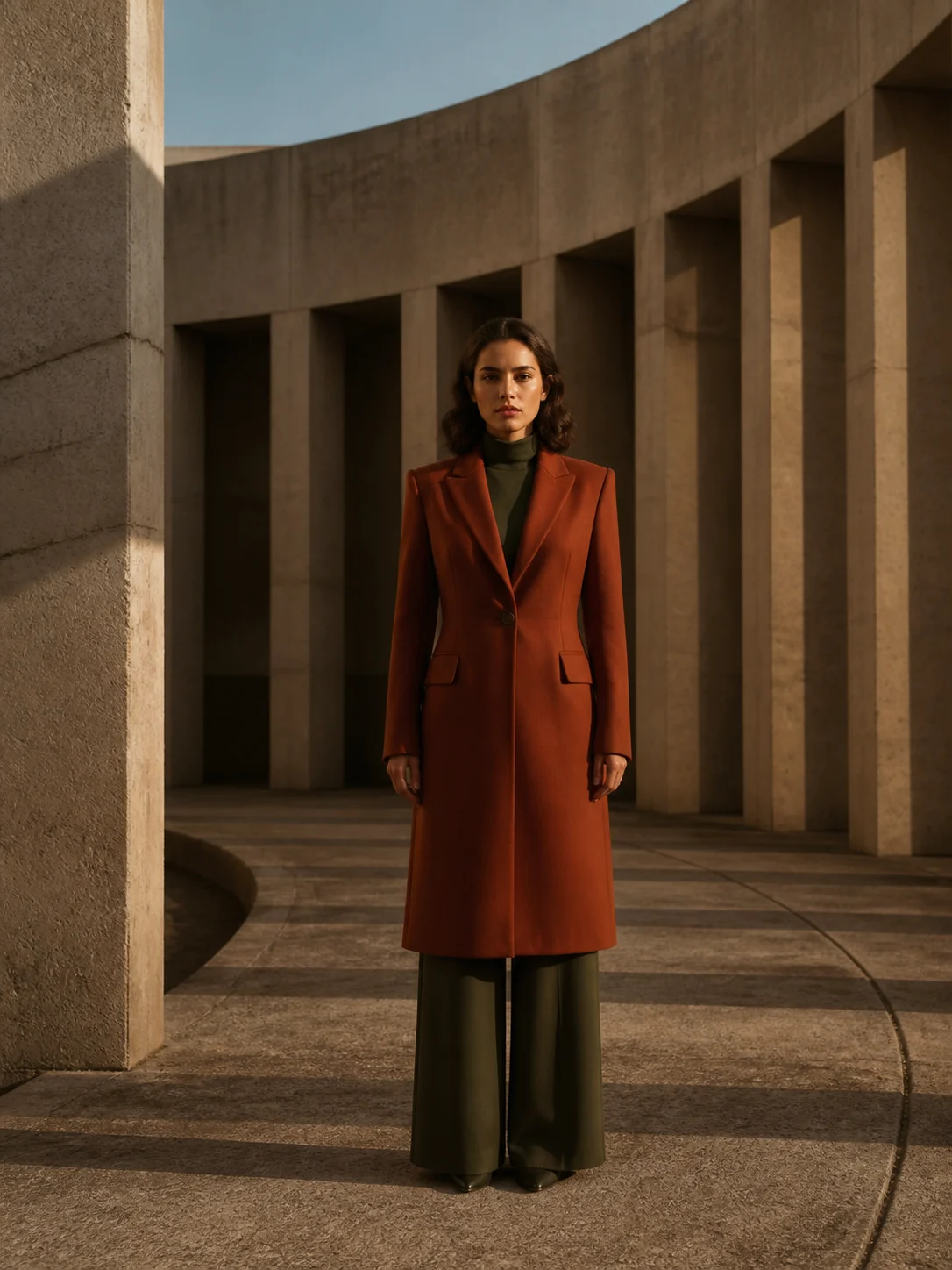
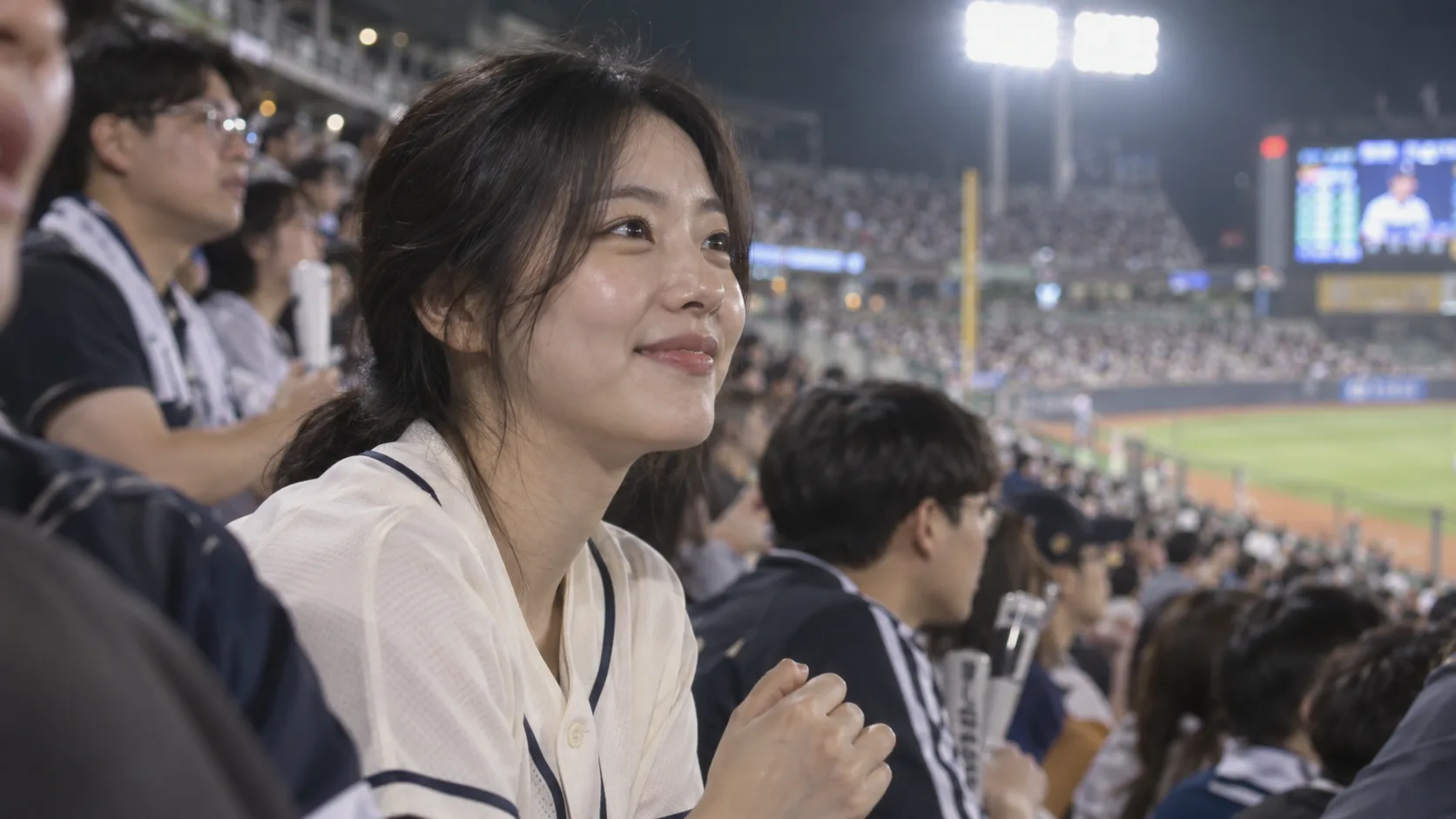
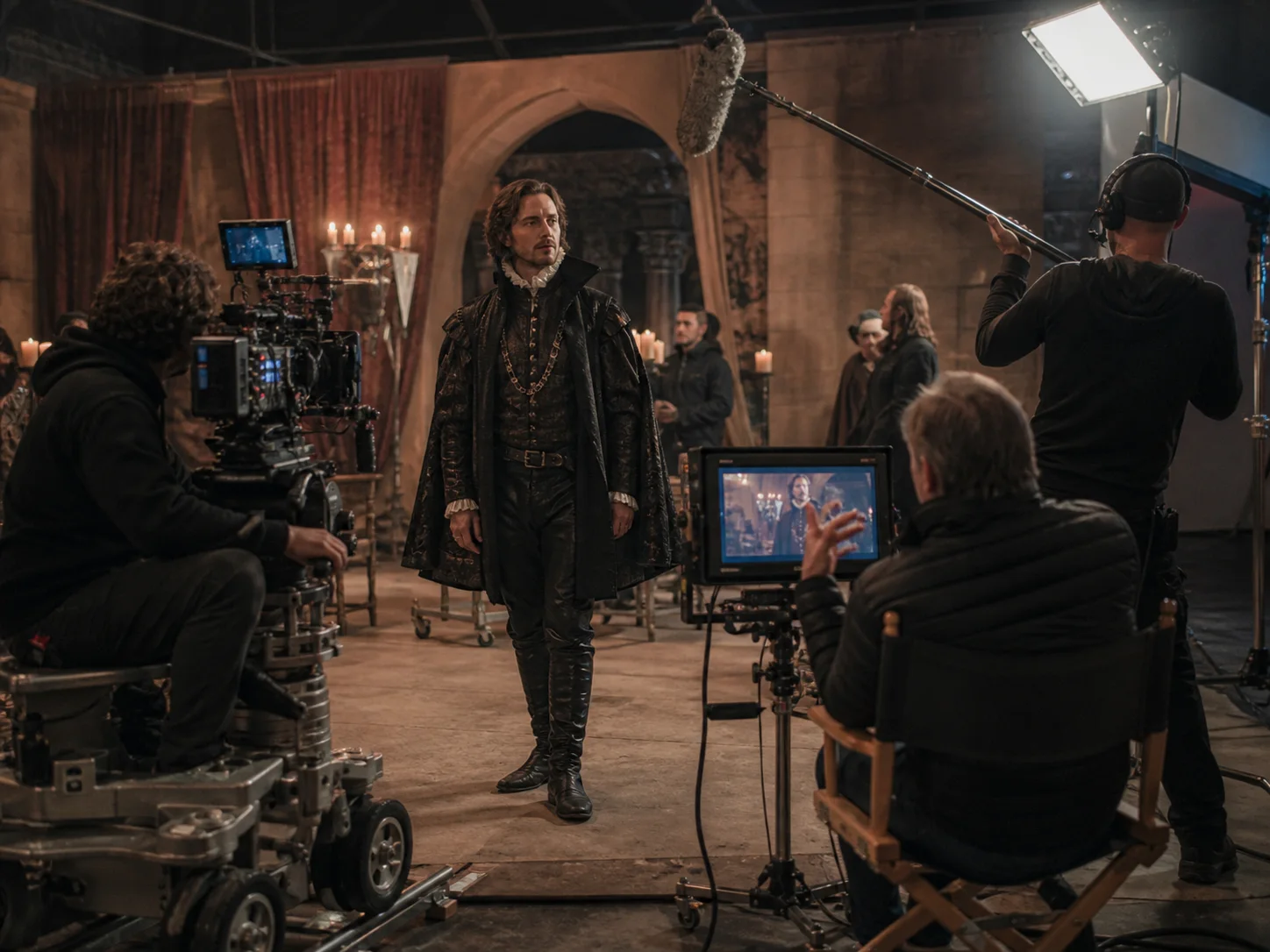
The Migos AI trend takes Quavo and Takeoff's 2022 "Hotel Lobby" performance on A COLORS SHOW — two performers, one hanging microphone, a seamless orange booth, a camera that never moves — and puts two new faces in it. Upload one photo for the left performer and one for the right, pick the performance to copy — the orange booth, a marble hotel lobby or a graffiti street — and the Migos AI trend video generator turns them into an AI Migos video. No prompt to write, no clip length to set. Best friends, couples, siblings and pets all work.
Who's in your Migos AI trend video?
The Migos Hotel Lobby AI trend works with any two subjects. These are the pairings people post most on the Migos TikTok trend.
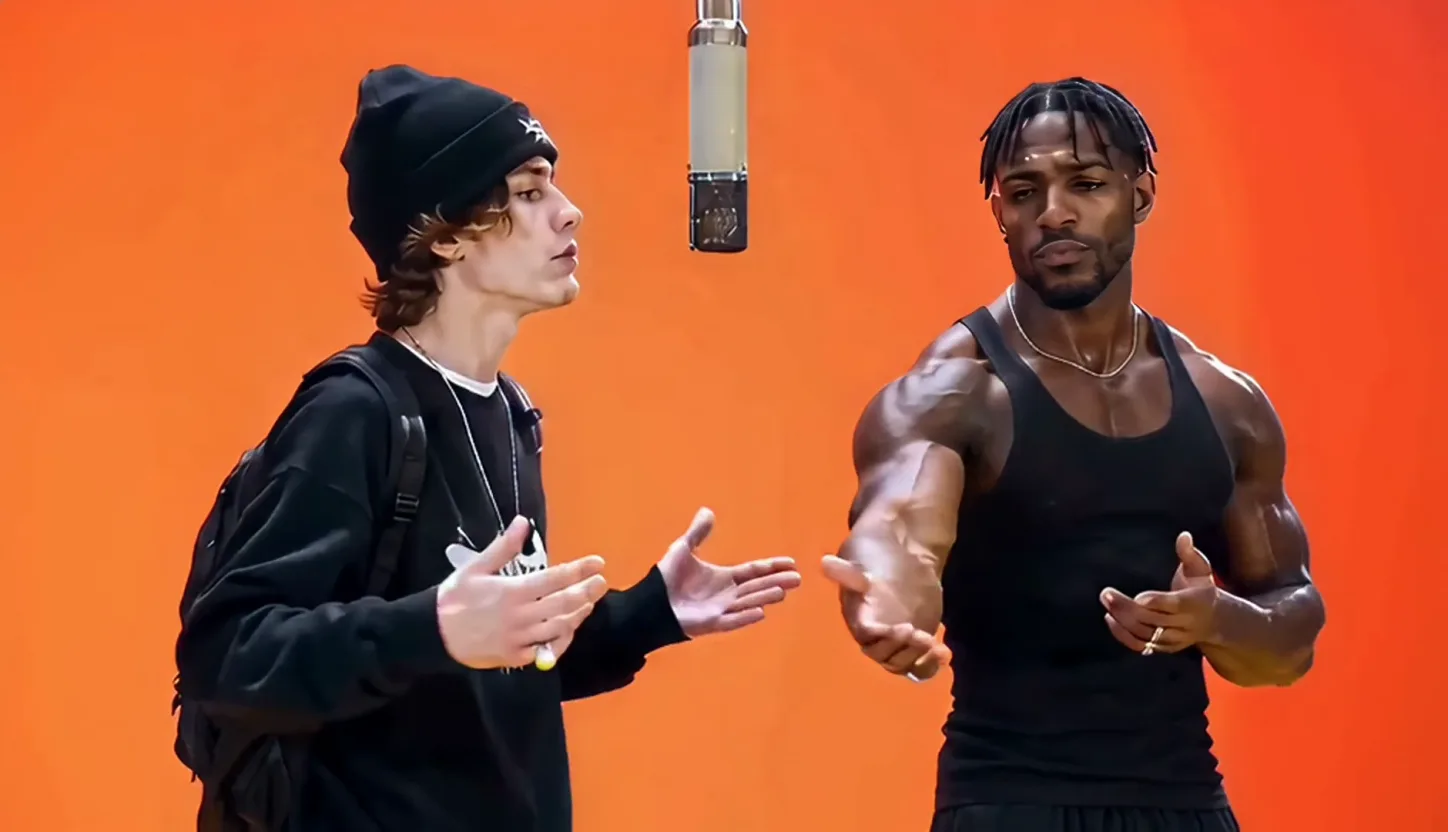
You and your best friend on the mic
The classic version of the Migos AI trend: two friends, one mic, trading lines in the orange booth. Upload a photo of each of you — they don't have to be from the same day, or even the same year.
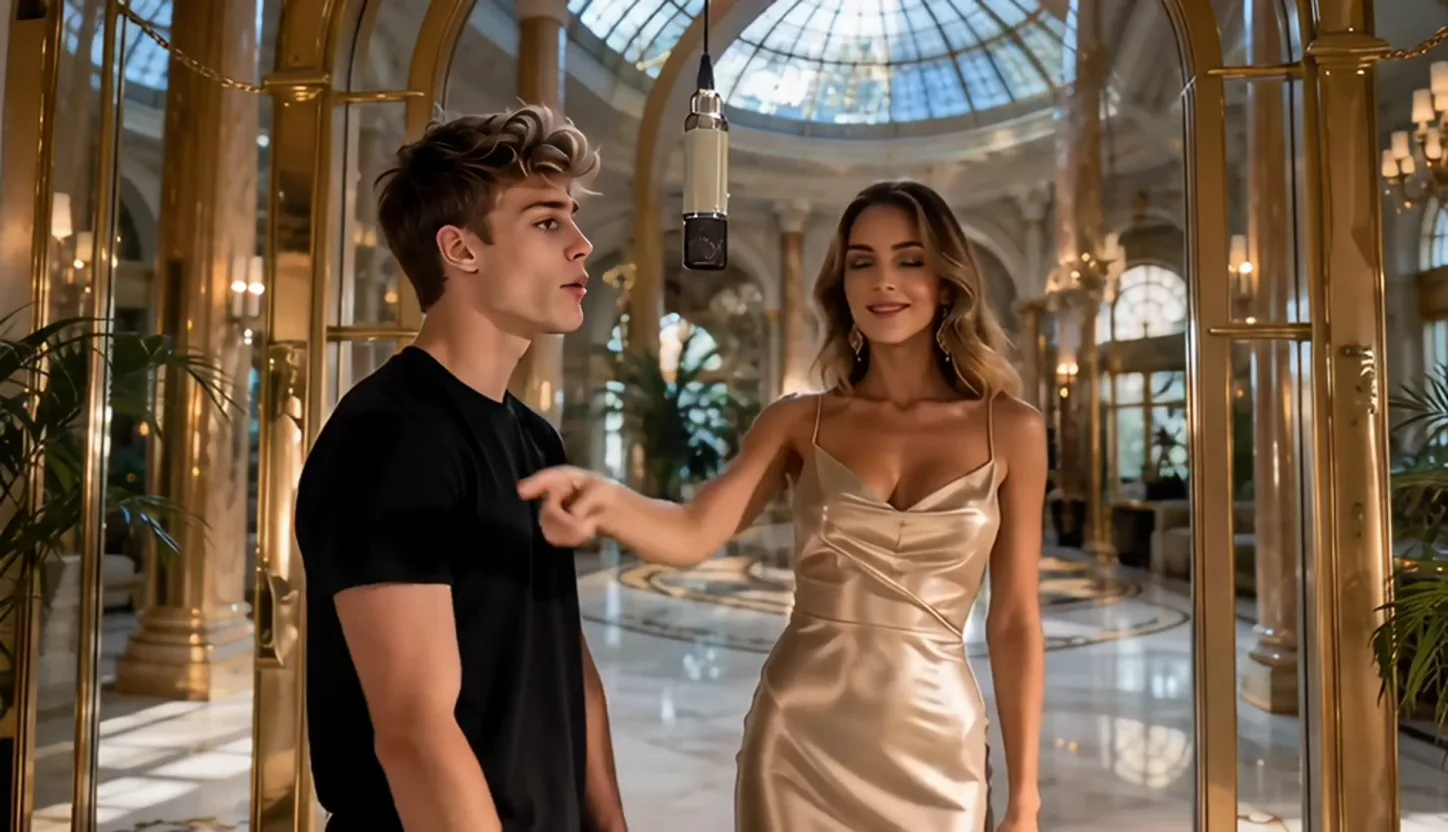
A couple's Hotel Lobby AI video
Put you and your partner in the booth for an anniversary post or a Reels inside joke. One takes the first verse, the other hypes them up, then they switch.
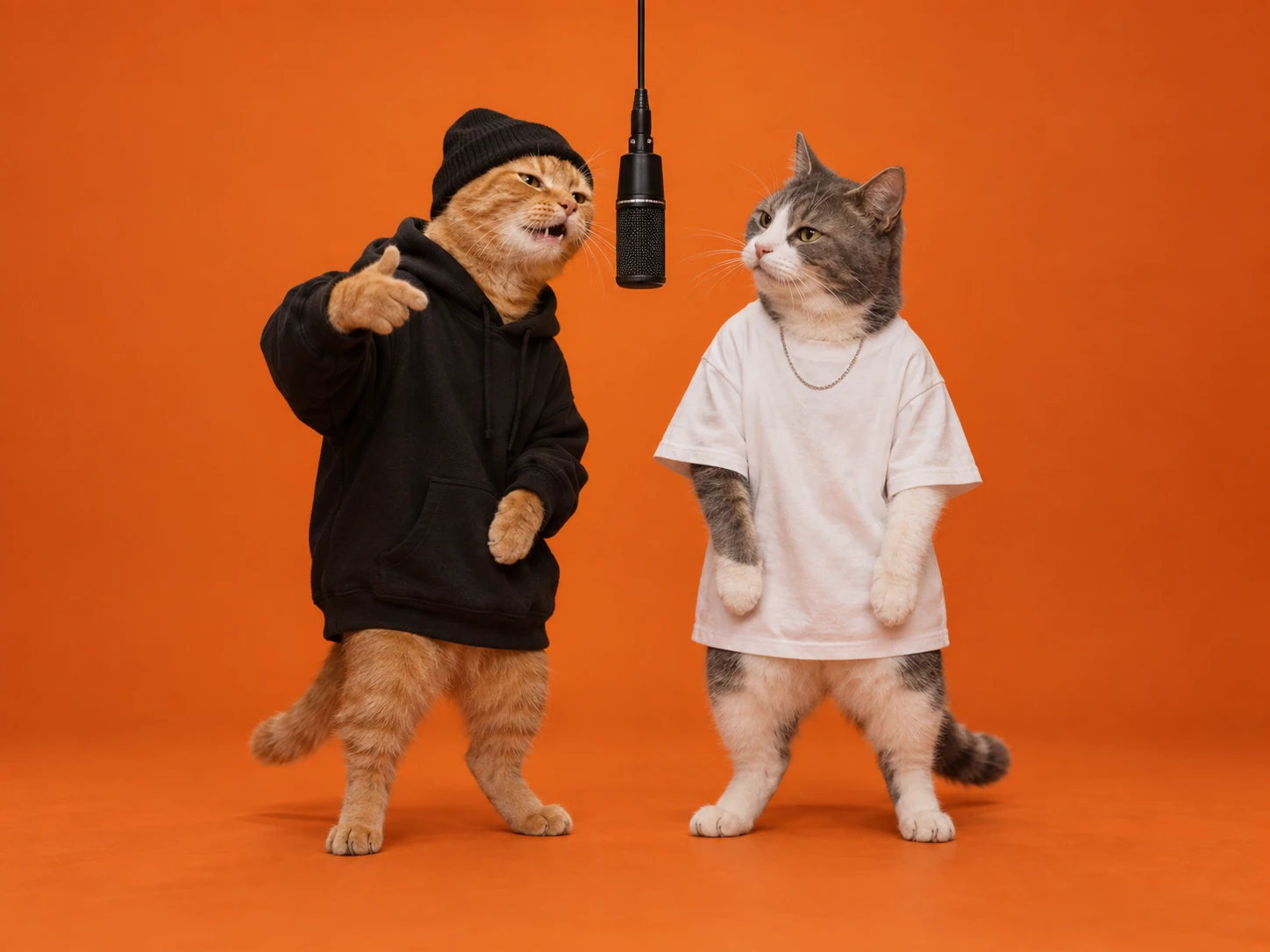
An AI Migos video starring your pets
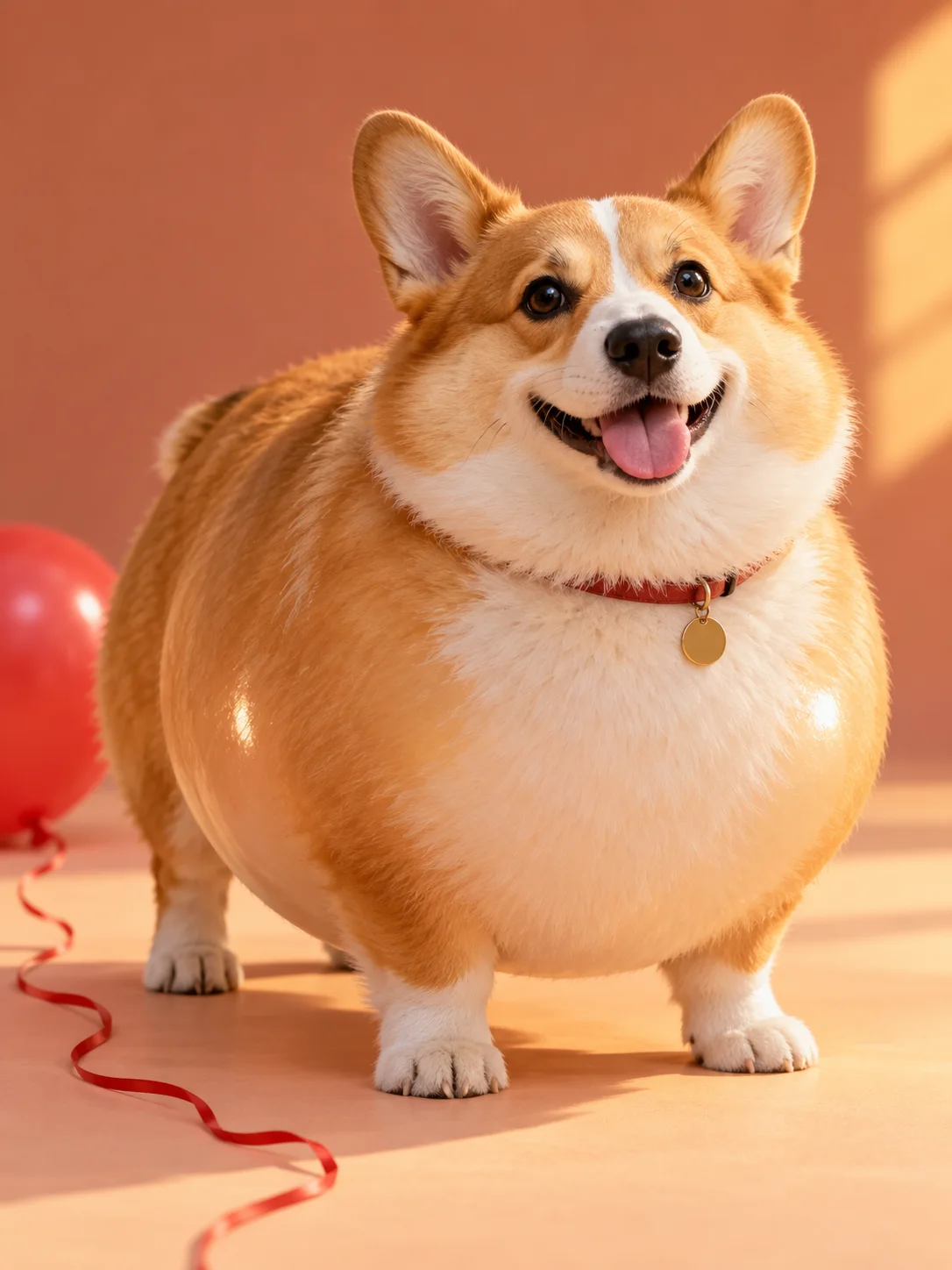
Upload one photo of each animal and they stand upright at the mic, bobbing their heads to the beat with their own fur and markings. Pet versions of the Migos AI trend are some of the most shared.
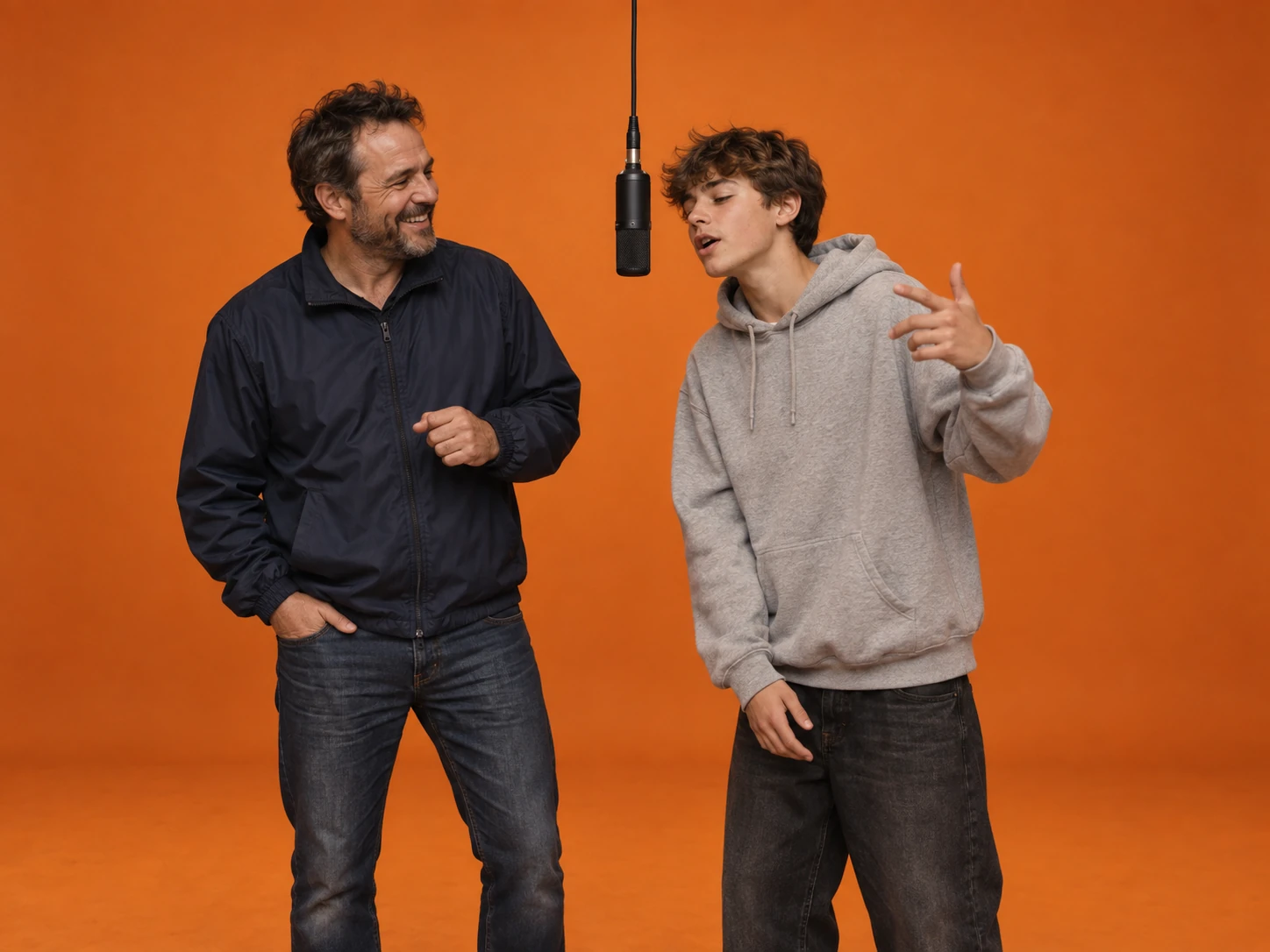
Parent and kid, or siblings
Pair a parent with their kid, or two siblings, for a family version of the Migos AI trend. Decide which Migos each of you plays — the first photo takes the left spot. Recent, clear photos of each person give the most recognizable result.
How the Migos AI video generator works
The Migos AI video generator takes the moves, the framing and the clip length from the performance you pick. You supply the two performers.
Upload one photo per performer
The Migos AI trend video generator turns the first photo into the left performer and the second into the right. Use a clear, well-lit photo with one subject in each — front-facing works best.
Pick a performance, a model and the output
Choose the orange booth, the hotel lobby or the street. Seedance 2.5 is the default model, others are one click away. Set the aspect ratio, resolution up to 1080p and whether to generate sound — the credit cost updates before you generate.
Generate, then add the sound
Download the MP4, open it in TikTok, Reels or CapCut and pick the trending "Hotel Lobby" sound. Line up the first beat with the first performer's opening gesture.
Built for the Migos Hotel Lobby AI trend, not a generic face swap
The trend is one specific shot. The Migos AI trend video generator is set up to make that shot with your two subjects.
Two separate photos
No need for a photo of both of you together. Each performer comes from their own photo, so you can pair anyone — including a friend who lives on the other side of the world.
Faces stay apart
Each photo is locked to one side of the booth, and the prompt forbids the two faces from blending or swapping — the most common way two-person AI videos fail.
Three performances to copy
The classic orange booth with a hanging mic, a marble hotel lobby, or a graffiti-covered street corner. Each one sets the location, framing and moves your two performers follow.
A real back-and-forth
The moves follow a reference performance, like the Migos COLORS show original: one performer leads while the other reacts, then they switch — the conversational rhythm of the original, instead of two people moving in sync.
Several AI models
Start on Seedance 2.5, or switch to another model to compare. The credit cost is shown before you spend anything.
The right shape for each post
The orange booth and the hotel lobby open at 16:9, the street at 9:16 for TikTok and Reels. Switch to another aspect ratio whenever you are posting somewhere else.
Migos AI trend FAQ
What the Migos AI trend is, how to make your own AI Migos video with the Hotel Lobby AI template, and how to post it.
It is a TikTok and Reels format — often called the Migos trend on TikTok — that recreates Quavo and Takeoff's 2022 "Hotel Lobby" performance on A COLORS SHOW with AI, swapping in two new performers. The recognizable parts are a seamless orange booth, one microphone hanging between the two performers, and a camera that never moves. Creators put themselves and a friend, a partner, a sibling or even their pets in that booth.
"Hotel Lobby" is the song performed in that COLORS video, so "Migos AI trend", "Hotel Lobby AI trend" and "Migos COLORS AI video" all describe the same format. This page makes all three.
Upload one photo for the left performer and one for the right, pick the performance to copy, and generate. The Migos AI trend video generator puts your two performers in that scene and has them take turns on the mic. Then post the clip with the "Hotel Lobby" sound. No filming, editing or prompt writing is needed.
The Migos AI trend video generator works best with one subject per photo, facing the camera, well lit, with the face unobstructed — no sunglasses, hands or hair across it. Photos with similar lighting blend into the scene more naturally. Group shots and heavy filters make it harder to keep the two faces apart; if you only have a group photo, crop each person into their own image first.
Yes. Upload one photo of each animal and the Migos AI trend video generator stands them upright at the mic, bobbing their heads and paws to the beat while keeping their own fur, markings and eye color. You can also pair a person with a pet.
Any two subjects work: best friends, couples, siblings, a parent and child. Ask them first — they should know their photo is going into an AI video before you post it.
Not the original song. Sound is off by default so you get a clean clip, and you can switch it on if you want generated audio. To join the trend, add the "Hotel Lobby" sound in TikTok, Reels or CapCut and line up the first beat with the first performer's opening gesture. Using the platform's own sound is also what links your post to the trend.
The original Migos COLORS show performance is on the COLORSxSTUDIOS YouTube channel, listed as Quavo and Takeoff's "Hotel Lobby" on A COLORS SHOW. Watch it for the framing and pacing, but don't upload the footage here — the Migos AI video generator only needs your two photos.
It does what people mean by a Hotel Lobby AI filter, but it generates a new video rather than laying an effect over your camera. You upload two photos instead of filming, and the performers, booth and motion are created from scratch.
No. The prompt is built in: the moves, the framing, the turn-taking and the rules that keep the two faces apart are all handled for you. The clip length is fixed to match the performance, so your choices are the performance, the model, the aspect ratio, the resolution and whether to generate sound.
You can start free: new accounts get signup credits, and checking in adds more. After that each clip spends credits. The cost depends on the model and the resolution you pick — 480p is the cheapest way to test a pair of photos — and it shows on the Generate button before you spend anything.
No. The trend borrows the setup of the performance, not the artists. Use photos of yourself and people who agreed to it, and don't present a generated clip as real footage of anyone.
Takeoff died in November 2022, the same year as the COLORS performance, so some fans are sensitive about the trend. Most creators treat it as a tribute to one of the pair's best-known performances. Keep your version respectful, keep the artists' own faces and voices out of it, and never make them appear to say or do something they didn't.
That usually comes from the source photos: two people in one image, a face partly covered, or very different lighting between the two. Use one clear, front-facing photo per performer. If it still happens, try another model — each one handles two identities a little differently.
It is the same thing as the Migos AI trend. On TikTok, people post an AI Migos video of themselves in the Hotel Lobby performance, set to the original "Hotel Lobby" sound. This page makes the video; you add the sound in the TikTok editor.
No. The Migos AI trend is visual — the performers are replaced, not the song. This page makes a video, not a Migos AI voice, Migos AI cover or AI song, and it does not imitate any artist's voice. Post the clip with the trend's original sound instead.
Whoever is in the first photo takes the left performer's spot, and the second photo takes the right. Swap the two photos to switch who plays which Migos. Each person stays on their own side and keeps their own face for the whole clip.
You can try. Upload a pet, a cartoon-style character or a drawing instead of a photo and the Migos AI video generator will place it in the performance. Clear, front-facing images work best, and the more realistic the image, the more closely it follows the moves. Used this way, it works as a Migos meme generator for your group chat.
Make your AI Migos video
Upload two photos and let the Migos AI video generator put you in the Hotel Lobby performance. Add the Migos trend sound when you post it to TikTok.
