End of Watch AI Trend
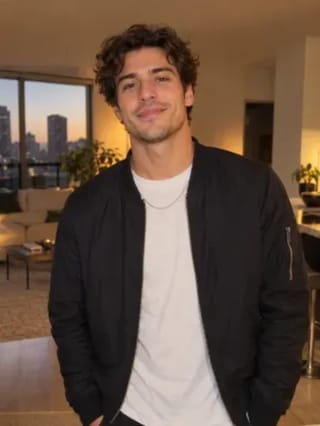
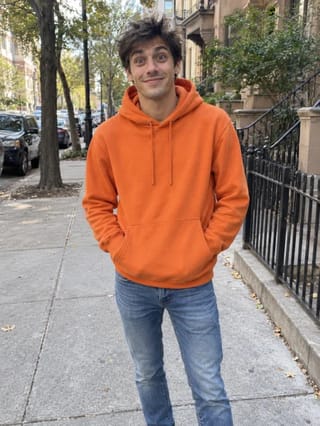
Real result generated with Flowlio AI from these 2 photos
- 1 photo you add
- 11 s clip with sound
- Ready to share via link
- No watermark
Ready in a few minutes
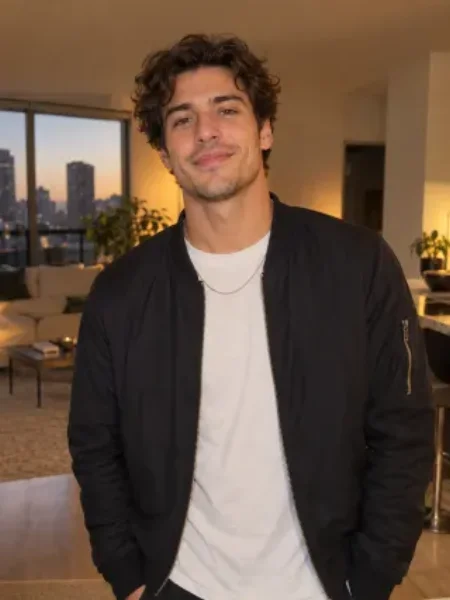
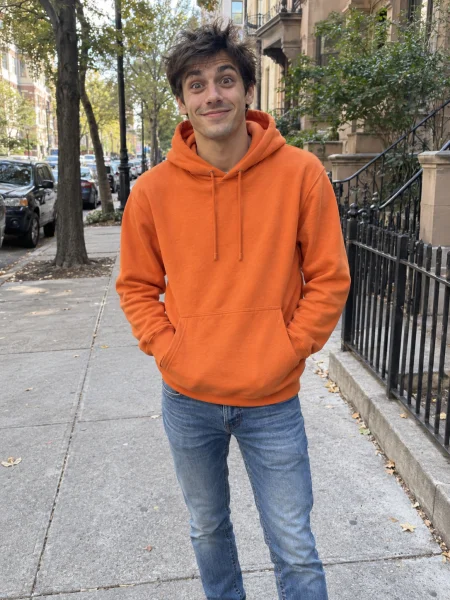
Real result generated with Flowlio AI from these 2 photos
More Effects
Explore the other video effects, each with its own input and motion.
What is the End of Watch trend?
The End of Watch trend recreates the locker room gear-up from the 2012 cop film: an officer films himself showing his kit to the lens while his partner leans in. Add one or two photos to make yours.
Who stars in your End of Watch trend video?
The lockers, the props and every beat of the End of Watch locker room scene stay fixed in the End of Watch trend. Your photos decide who holds the gear up to the lens: you alone in the Solo scene, or you plus a partner leaning in on the Duo version of the End of Watch meme.
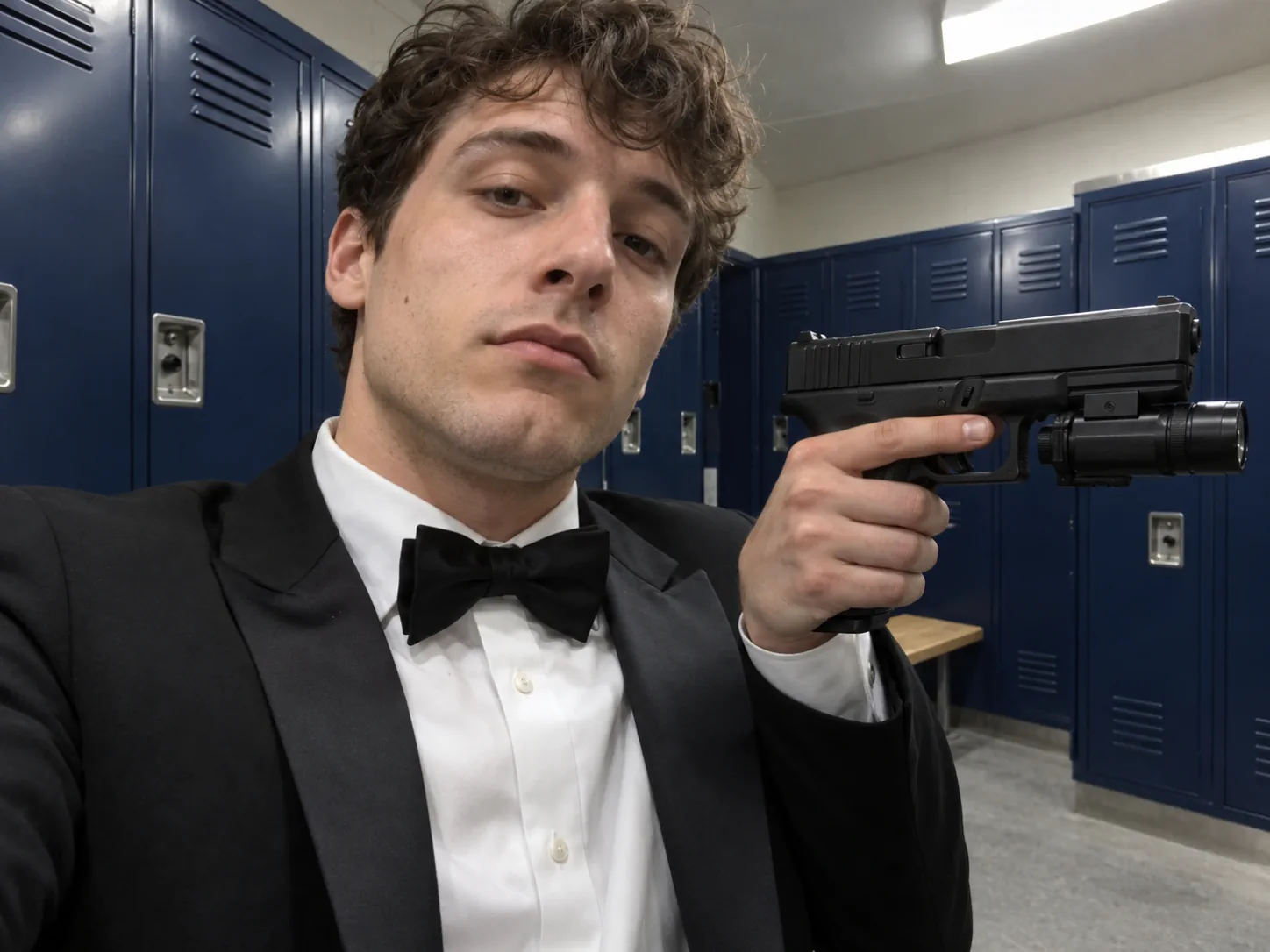
Post your own End of Watch trend clip
The quickest way into the End of Watch trend is the Solo scene and a single selfie. In this End of Watch trend you stand in front of the blue lockers in a tuxedo and bow tie, raise a pistol with a mounted light to the lens, flash the torch, show the handcuffs and finish with a spare magazine in each hand, all on the beat of the End of Watch locker room scene. Choose a photo where your face is sharp and lit from the front; chest-up is plenty, because the camera stays close the whole time. Post your End of Watch trend video on TikTok or Reels with a deadpan caption such as "gear check before the group chat" and let the End of Watch meme do the rest.
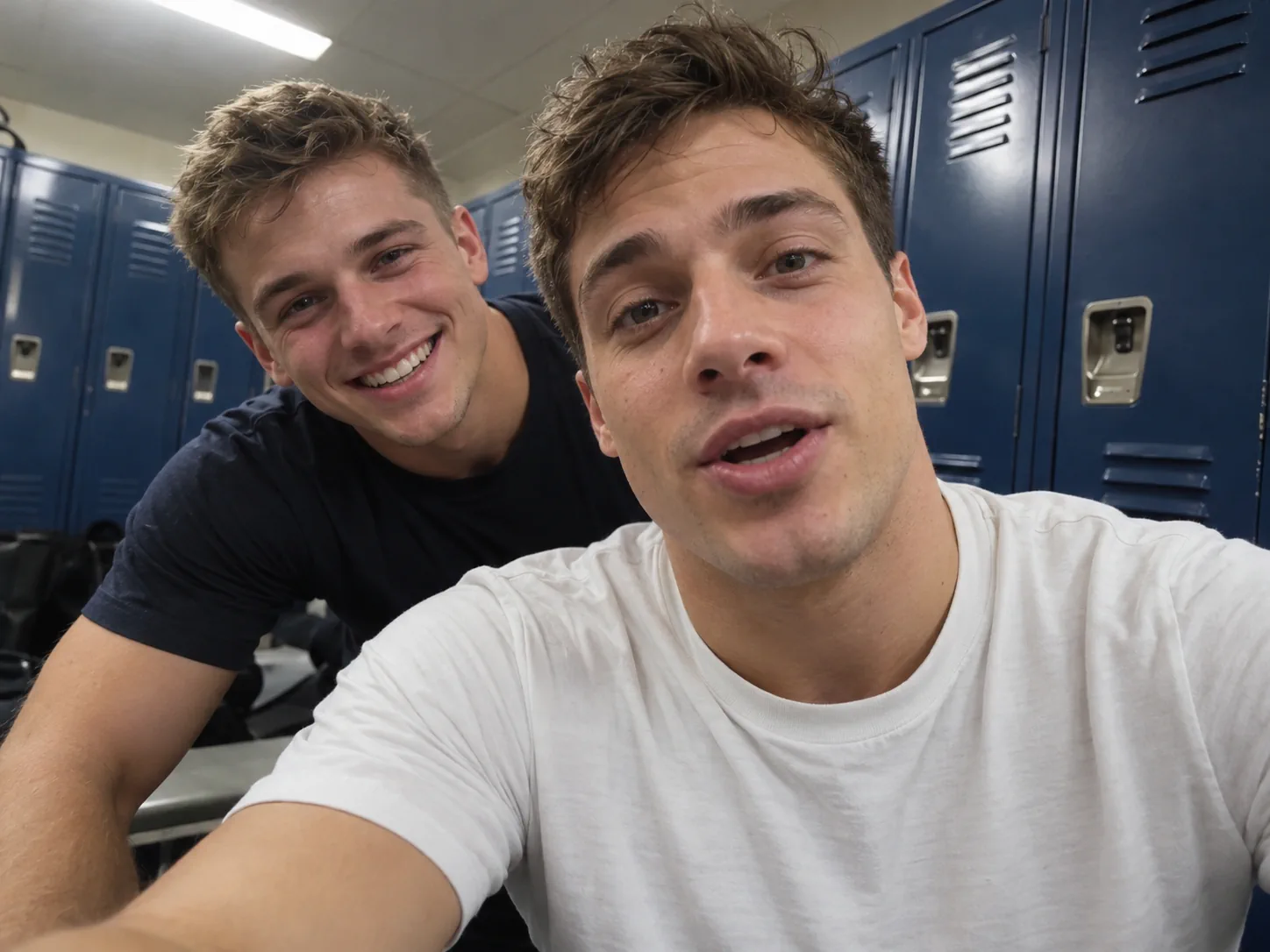
Make the End of Watch meme with your best friend
The funniest second of the End of Watch locker room scene is the partner sliding into frame to grin over the officer's shoulder, and the Duo version of the End of Watch trend keeps it. Put your photo in the officer card and your best friend's in the partner card: you talk to the lens, they lean in from the left at about the one-second mark, then hang back while you show off the kit. Both photos are required for this End of Watch trend, one person in each, faces clearly visible. That turns the End of Watch meme into an inside joke for the group chat, or an End of Watch trend collab on Instagram where you tag each other.
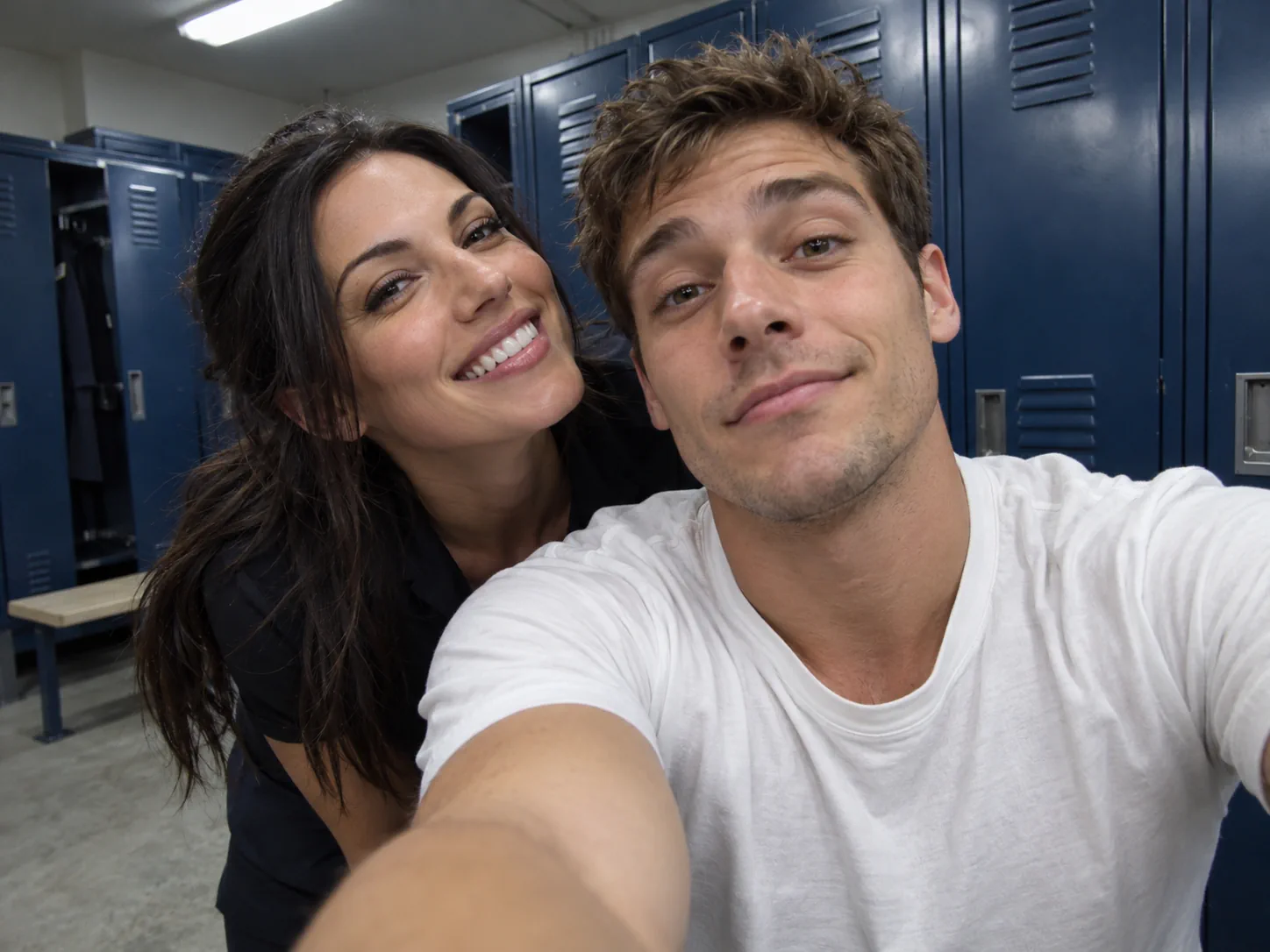
An End of Watch trend video for you and your partner
"Partner" works both ways. Couples take the Duo scene of the End of Watch trend so one of them plays the officer and the other photobombs the End of Watch locker room scene with a grin, a playful partner-in-crime take on the End of Watch meme. Upload two separate photos rather than one picture of you together, so each face is recast cleanly: the officer card gets whoever should hold the gear, the partner card gets the one who leans in. The finished End of Watch AI video is 16:9, so it also plays well on a TV or laptop, and an anniversary caption like "my backup since day one" suits this End of Watch trend perfectly.
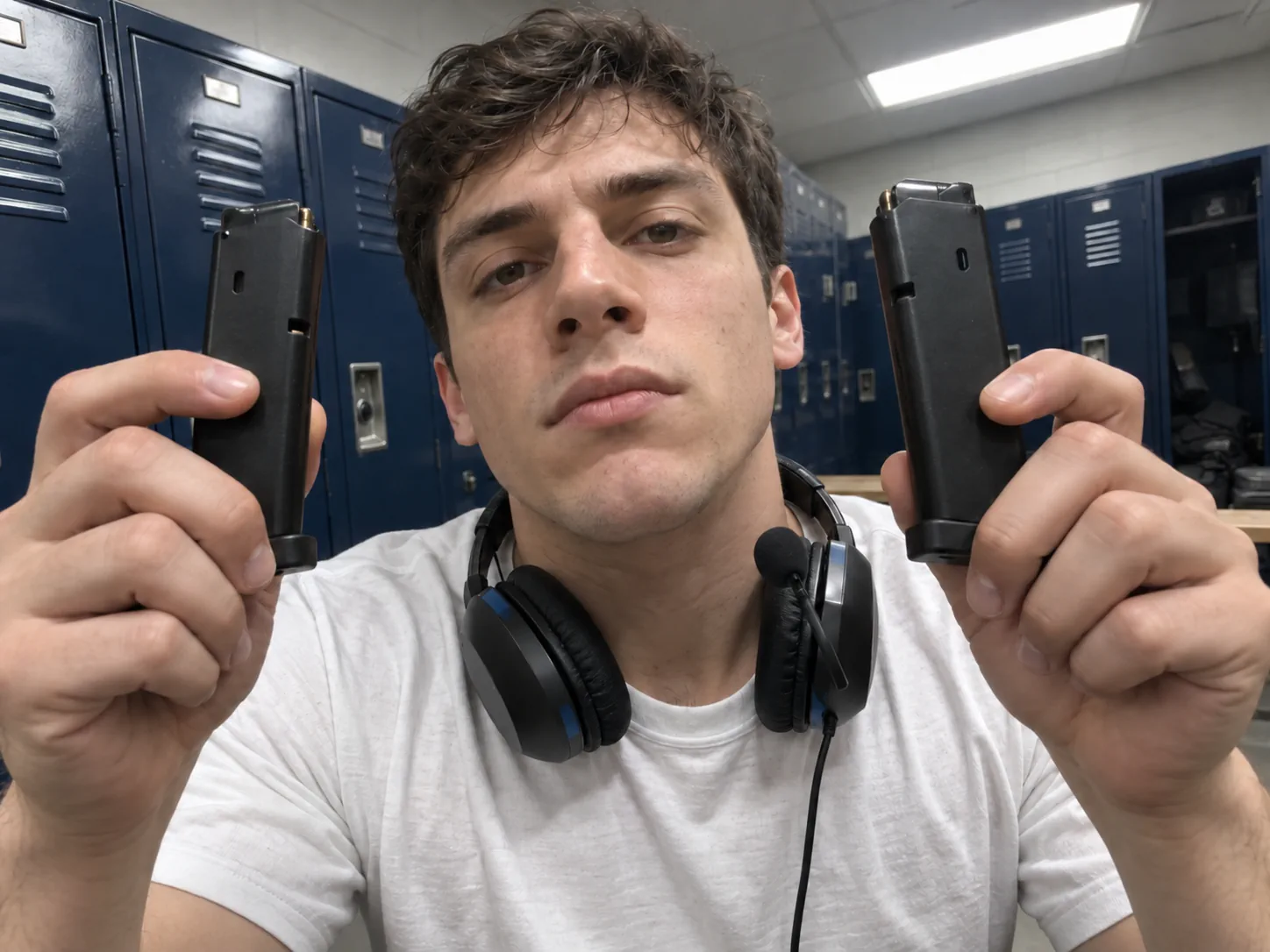
A loadout check in the End of Watch trend
The End of Watch locker room meme doubles as the perfect loadout check: one item at a time held up to the camera before a raid or a ranked match. Upload your own photo for the Solo scene, or add your duo partner for the two-person End of Watch locker room scene, and post your End of Watch trend clip before a session with your squad tag and the game in the caption. Because the props in the End of Watch trend stay exactly as filmed, the End of Watch meme fits any shooter or extraction game without editing. A webcam still or a selfie at your desk works, as long as a headset mic is not covering your face.
Start the shift with the End of Watch trend
Night-shift crews, security teams, nurses and line cooks all have a gear-up ritual, which makes the End of Watch AI template a natural team post and an easy End of Watch trend for the work chat. Two coworkers take the Duo scene: one shows each piece of kit to the camera, the other leans in the way Zavala does in the End of Watch locker room scene. Ask before you use a colleague's photo in the End of Watch trend, then share the End of Watch meme at the start of a long shift or on the company page as a behind-the-scenes post. Tiny ID-badge pictures are usually too small for the End of Watch AI template; a clear phone selfie of each person gives a far better likeness.
An End of Watch locker room edit for film fans
Fans of the 2012 film and of Jake Gyllenhaal's Officer Taylor already cut End of Watch locker room edits from the movie; the End of Watch trend lets you step into that opening yourself, an End of Watch locker scene AI version with your own face. Take the Duo End of Watch trend scene to play Taylor with a friend as Zavala, or the Solo scene for a dressed-up tribute in a tuxedo. Quote Taylor's line about preparing to fight the forces of evil in the caption and tag it the way the Jake Gyllenhaal End of Watch meme usually is. Choose a picture where your hairline is visible, because the original performer's shaved head never carries over.
How to make the End of Watch trend with AI
Forget prompts, movie downloads and audio syncing. The End of Watch AI template already holds the End of Watch locker room scene, the props, the handheld camera and the trend's audio, and copies every beat of the End of Watch meme. You pick a scene of the End of Watch trend and add the photos.
Pick your End of Watch trend scene and add photos
In the End of Watch AI generator, Solo takes one photo: you, alone in the frame, face toward the camera. Duo takes two, and both are required: you in the officer card and your partner in the second, just like the End of Watch meme. Use separate photos with one person in each, and skip sunglasses or caps that hide the face. Whatever you wear in the picture, the End of Watch trend dresses you the way the scene does: a tuxedo and bow tie on Solo, a white T-shirt for the officer on Duo.
Choose the quality of your End of Watch trend clip
Every End of Watch trend render has a set price per resolution, the same in both scenes: 480p is 400 credits, 720p takes 600, and the full 1080p copy is 900. Try 480p first to see how your face comes out in the End of Watch trend, then render the sharper copy you post. The generate button shows that figure ahead of time, and any failed render hands the credits back.
Generate and post your End of Watch AI video
Rendering your End of Watch trend runs on our servers and normally needs 5 to 10 minutes; closing the tab in the meantime is fine. My Creations stores the finished End of Watch AI video, trend audio laid underneath and free of any watermark, near 11 seconds and 4:3 for Solo, near 10 seconds and 16:9 for Duo, ready to post as your entry in the End of Watch TikTok trend.
The End of Watch locker room scene, shot by shot
A handheld wide-angle camera, a wall of blue lockers and a run of gear held up one piece at a time. The props, moves and timing are kept exactly as shot in both scenes of the End of Watch trend; your photos decide whose face fronts the End of Watch meme.
0–1s · Talking into the lens
The Duo cut of the End of Watch trend opens with the officer right up against the wide-angle lens, talking straight to camera with the lockers bending around him. The Solo End of Watch trend cut skips the chat and starts with the pistol already raised beside his face, the mounted light pointing past the lens.
1–3s · The partner leans in
On the Duo End of Watch trend, the partner slides into frame from the left and grins over the officer's shoulder while the officer turns to look at him; it is the End of Watch meme moment everyone screenshots from the End of Watch locker room scene. On Solo, the torch fires straight into the lens and washes the whole frame white.
3–5s · The pistol with the light
The officer lifts the black pistol with the mounted light, turns it side-on to show it off and holds it across his chest, the partner busy in the background of the Duo End of Watch trend. Solo uses these seconds of the End of Watch trend for a small black spray canister, then the handcuffs held up in both hands.
5–7s · Knife and handcuffs
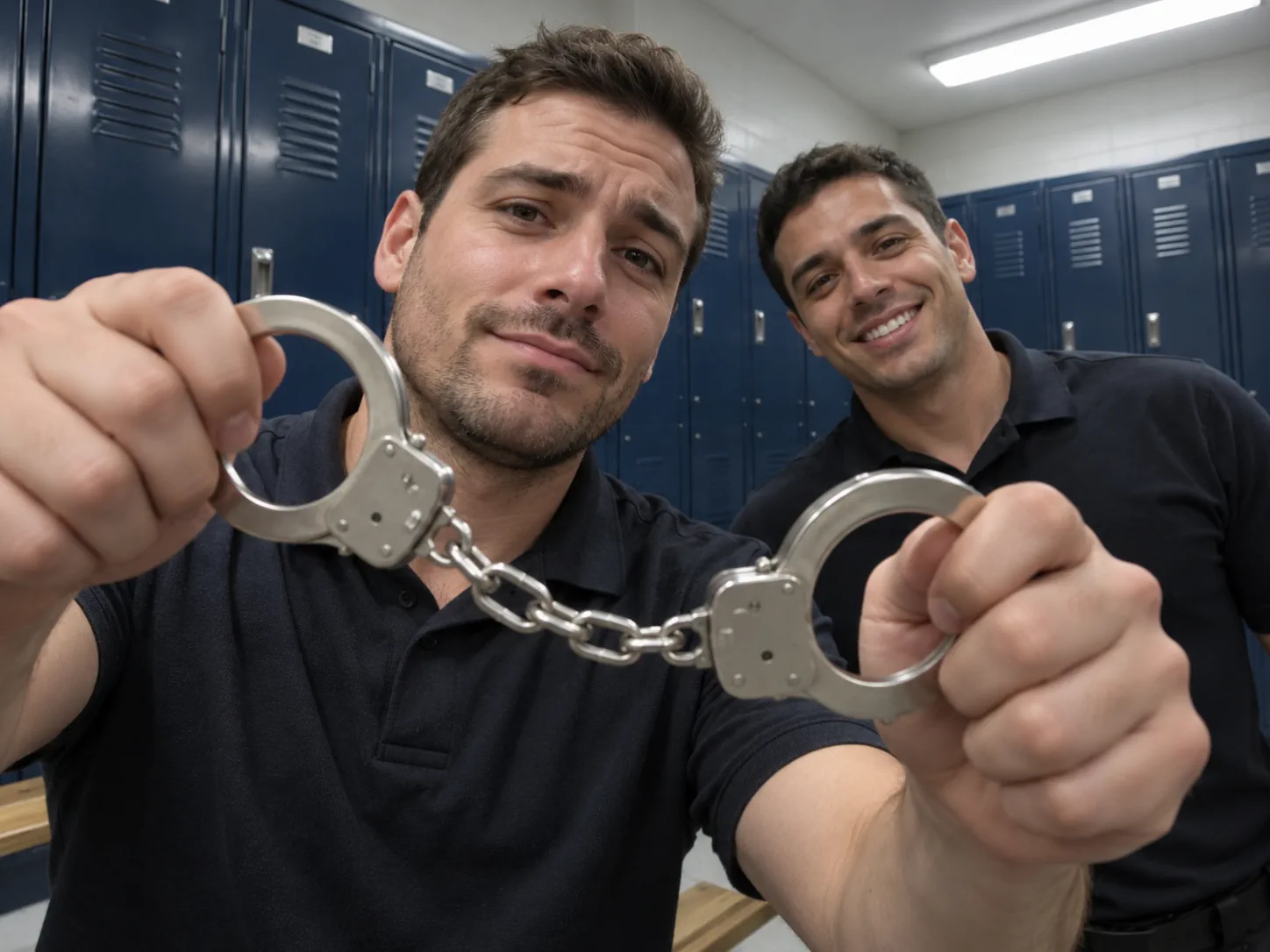
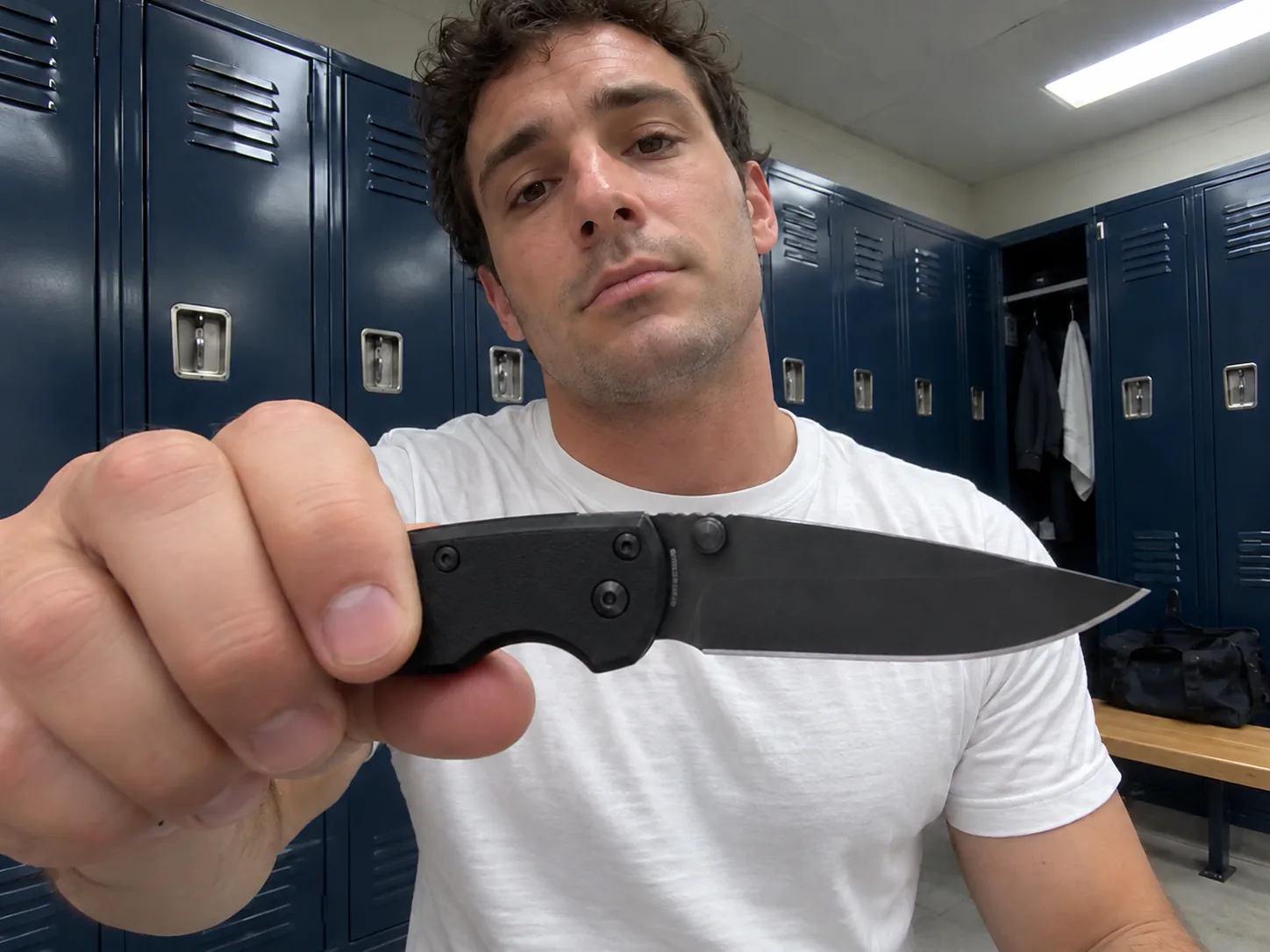
On the Duo End of Watch trend cut, a knife is pushed toward the camera so the fish-eye stretches it, then a pair of handcuffs is raised in both hands like a trophy, the most copied beat of the End of Watch locker room scene. Solo moves on to the first spare magazine, held up beside the cheek.
7–9s · Two spare magazines
One magazine comes up, then a second, one in each hand at eye level, the face deadpan between them. This is the beat that the End of Watch gun scene meme cuts on, and both versions of the End of Watch trend keep it.
9–11s · The last look
Duo ends on the two magazines and a straight stare into the lens, the closing frame of the End of Watch locker room scene. Solo goes back to the pistol, sweeps the torch beam across the camera and closes the End of Watch trend on the officer talking to the lens with a small black canister in hand.
End of Watch Trend FAQ: Photos, Scenes, Sound and Credits
How the End of Watch trend works, which photos to upload for Solo and Duo, what the clip looks like and what an End of Watch AI video costs.
It is a recreation of the End of Watch locker room scene that opens the 2012 cop film: Officer Brian Taylor, played by Jake Gyllenhaal, films himself, introduces his partner Zavala and holds each piece of his kit up to the camera. Creators copy that gear check as the End of Watch trend on TikTok and Instagram, and it now runs as an AI template you can drop your own face into.
1) Open the generator and pick an End of Watch trend scene: Solo for one person, Duo for two. 2) Add one photo for Solo, or two for Duo, one person per card. 3) Set the resolution (480p, 720p or 1080p), confirm the credit figure on the button and hit generate. Your End of Watch trend video turns up under My Creations, sound already mixed in, ready to post as an End of Watch meme.
Solo is one person in a tuxedo and bow tie doing the full gear check alone, lasting roughly 11 seconds at 4:3. Duo is the film's own two-person End of Watch locker room scene: the officer in a white T-shirt shows the kit while the partner leans into the shot, around 10 seconds at 16:9. Both End of Watch trend scenes keep the same lockers, props and handheld camera.
No. Duo recasts both people, so it needs two photos, and the End of Watch AI generator asks for the second one before anything is charged. If you only have a photo of yourself, pick the Solo End of Watch trend: it is built for one person and never leaves a stranger in the shot.
Each photo should hold one person, their face crisp and facing the lens, lit by daylight or soft, even indoor light. Chest-up is enough, since the End of Watch trend keeps the camera close. Avoid group shots, sunglasses, caps that hide the hairline and heavy beauty filters. For the Duo End of Watch trend, use two different people, each in their own picture, rather than one photo of you together.
Everything that makes you recognisable, from face and skin tone to build and hairstyle, is taken from your photo. The clothes follow the End of Watch trend: a tuxedo, white shirt and bow tie on Solo, a white crew-neck T-shirt for the officer on Duo. The Solo performer's baseball cap is removed and the film's shaved head never carries over, so your own hair stays visible.
Solo lasts roughly 11 seconds in a 4:3 frame and Duo close to 10 seconds in a 16:9 frame, with 480p, 720p and 1080p on offer. Each End of Watch trend scene keeps its own audio, laid under the result, so there is no song to find or sync. Posting to a vertical feed? Drop it onto a tall 9:16 background and put a caption in the empty space.
Both End of Watch trend scenes are priced alike: a 480p render costs 400 credits, a 720p one 600, and 1080p comes to 900. You see the exact amount on the generate button first, and credits for a failed End of Watch trend render come back automatically. Signing up is free; to try it once, the one-time Trial Pack listed on our pricing page is enough for one 720p render.
Expect roughly 5 to 10 minutes, a little longer when demand is high or at 1080p. The End of Watch trend video is rendered server-side, which means closing the page does no harm; My Creations keeps it the moment your End of Watch meme is ready.
No. The End of Watch AI template already contains the End of Watch locker room scene, every prop, the camera moves and the timing, and the prompt is written for you. You never upload the film, cut a reference clip or describe the shot to join the End of Watch trend.
No. Every frame, the pistol, knife, handcuffs and magazines included, is AI-generated from the End of Watch trend template; nobody handles a real weapon. Platforms review weapon imagery in their own way, so label your End of Watch meme as AI-generated and check the current rules of TikTok or Instagram for your post type before you publish.
Yes. Nothing is stamped on the download, so the End of Watch trend clip can go up as it is or on a vertical canvas first. Tag it as part of the End of Watch TikTok trend, add a short hook such as "gear check" in the caption, and tag your partner if you made the Duo version of the End of Watch meme.
Pets are not supported: the End of Watch trend recasts people, and an animal photo produces a broken result. Because the End of Watch locker room scene is a police gear check with weapon props, use photos of adults, and only of people who said yes to being in it.
From the End of Watch gear up scene that opens the film. Taylor points a small camera at himself, says this is where good prepares to fight the forces of evil, and shows his sidearm, knife, handcuffs and spare magazines while Zavala teases him from the next locker. Clips of that End of Watch locker room scene became the End of Watch locker meme, and the End of Watch trend grew from people filming their own version.
Join the End of Watch trend
Add one photo for the Solo gear-up, or two for you and your partner, join the End of Watch trend in an End of Watch AI video and step into the End of Watch locker room scene with the original audio laid underneath.