
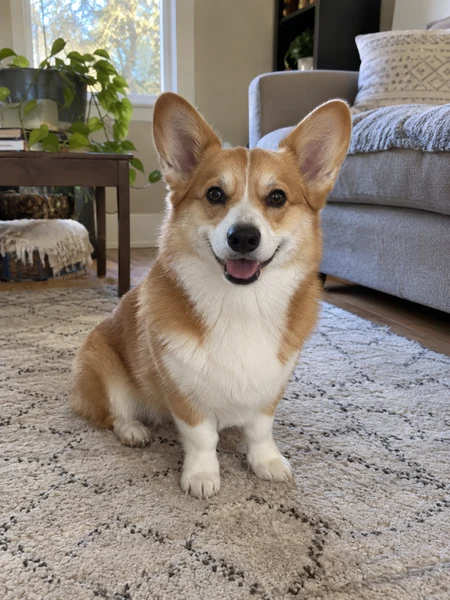
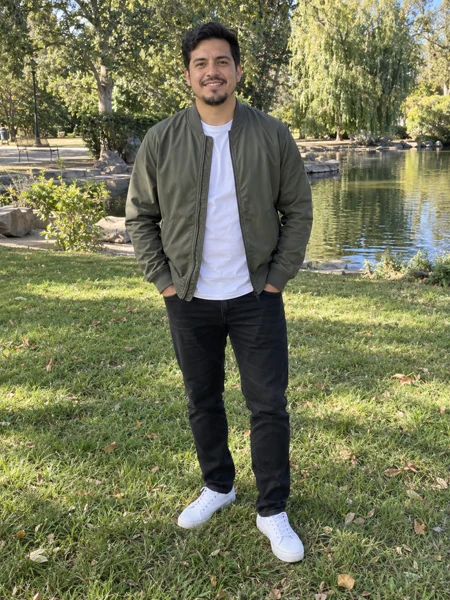
Two photos + one performance, nothing else
More Effects
Explore the other video effects, each with its own input and motion.
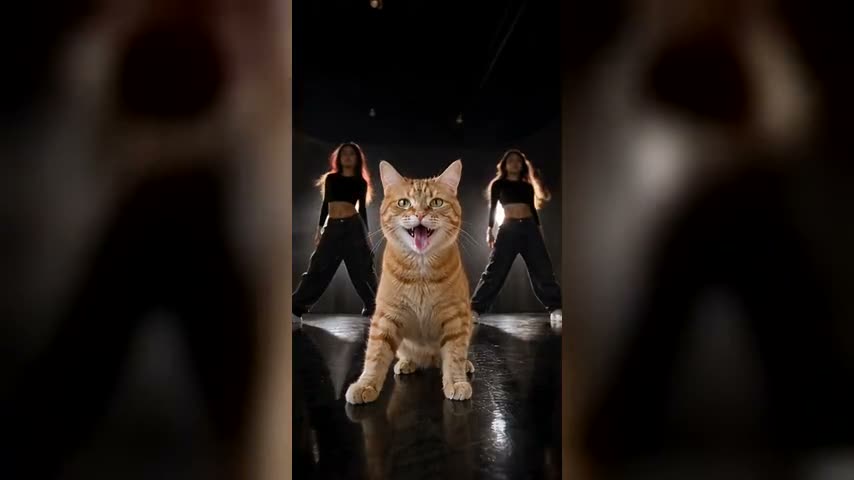
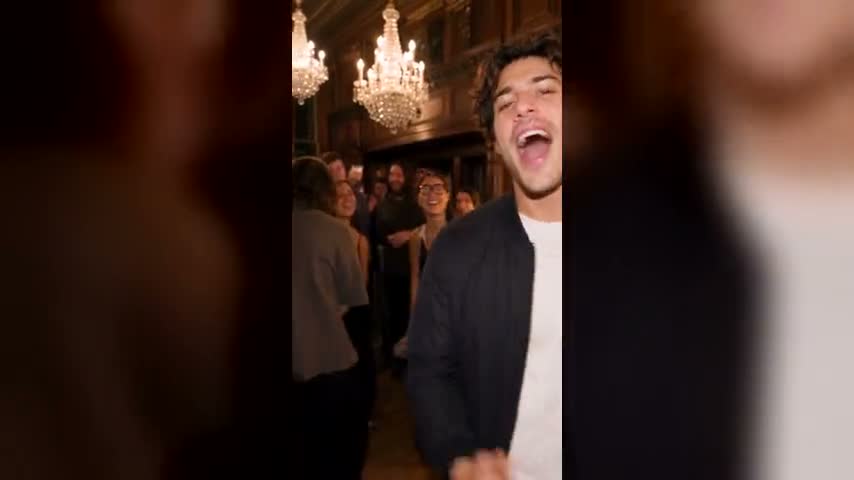
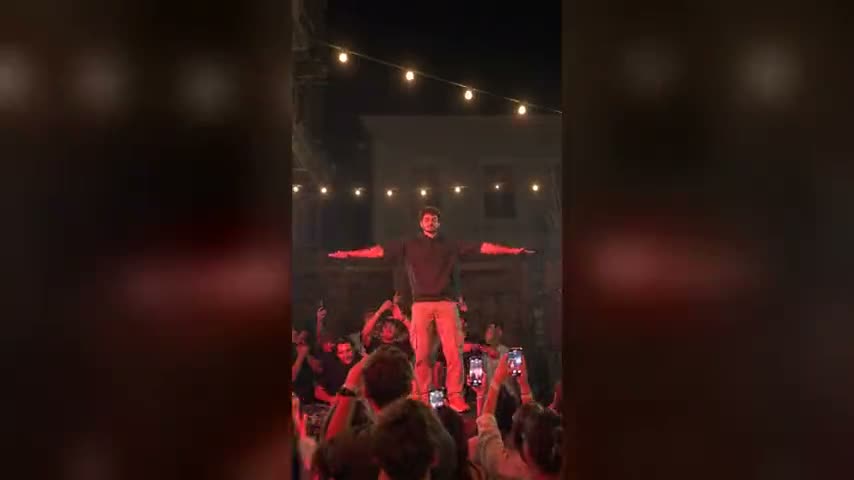
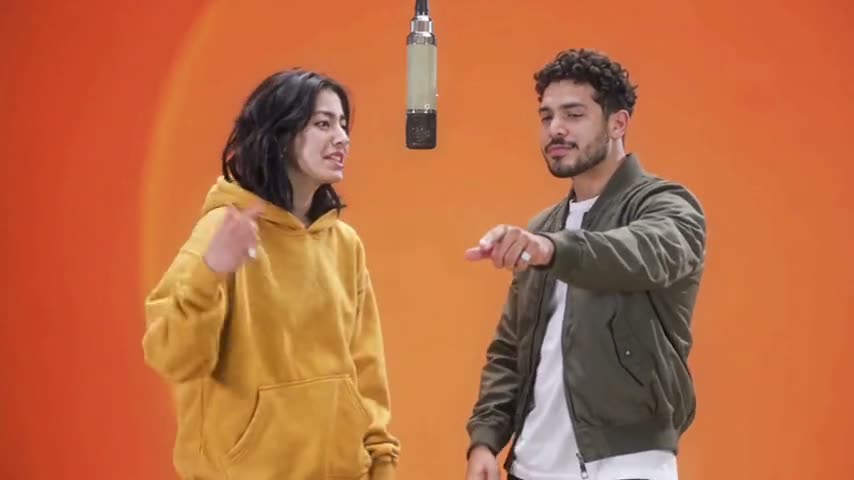
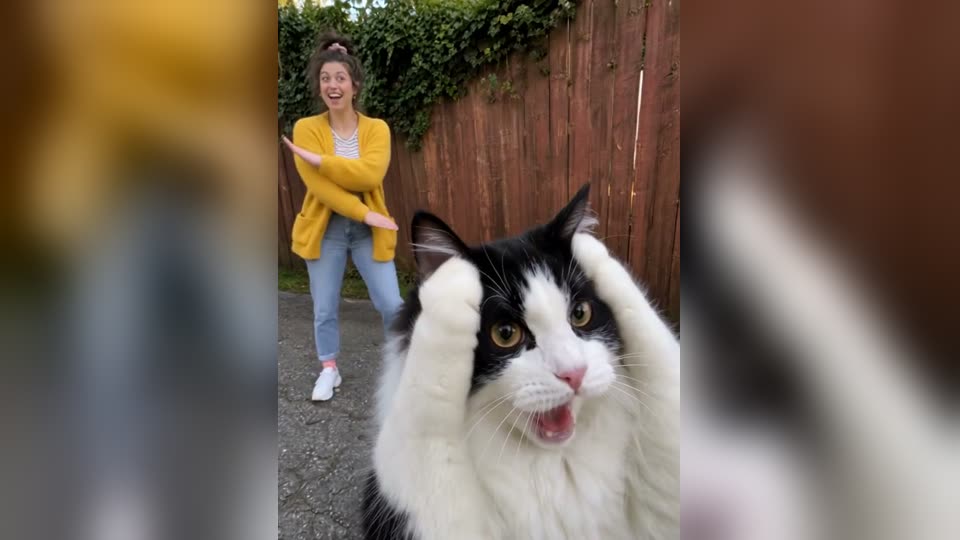
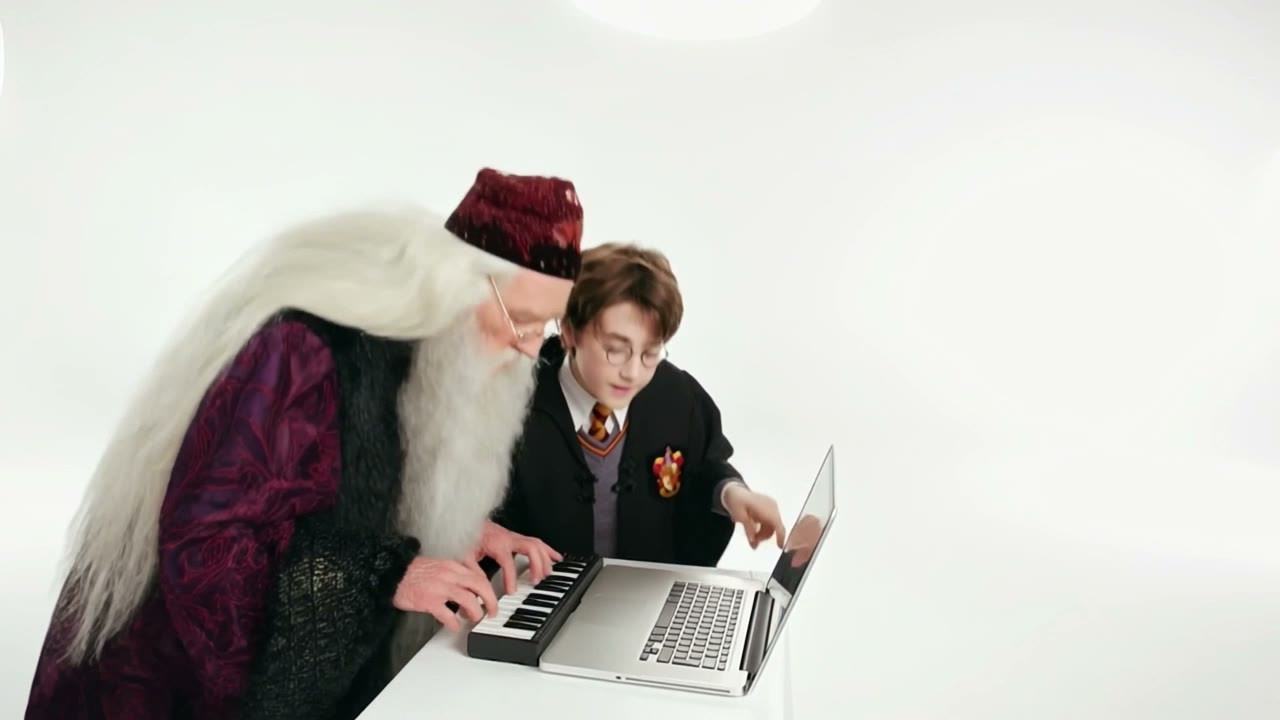
What is the Mi Chico dance trend?
The Mi Chico dance trend pairs two dancers who keep stealing the front spot: a finger point, an overhead clap, playful boxing punches and closing finger-guns. The music is "Mi Chico" by DJ Goja, with Jason Derulo and Melody on the official collaboration. The preset recreates the routine from still photos, so a best friend, partner or pet can join in. For a Mi Chico dog dance, your dog performs upright with its own paws and fur. This Mi Chico AI dog dance template accepts one or two photos and delivers a 14-second vertical clip with the song. The reference supplies the choreography and camera timing; you choose the cast.
Choose your Mi Chico dance partner
The Mi Chico dance trend is built around two dancers handing the lead back and forth. The AI version keeps that exchange, whether you cast two friends, a couple or a pair of pets.
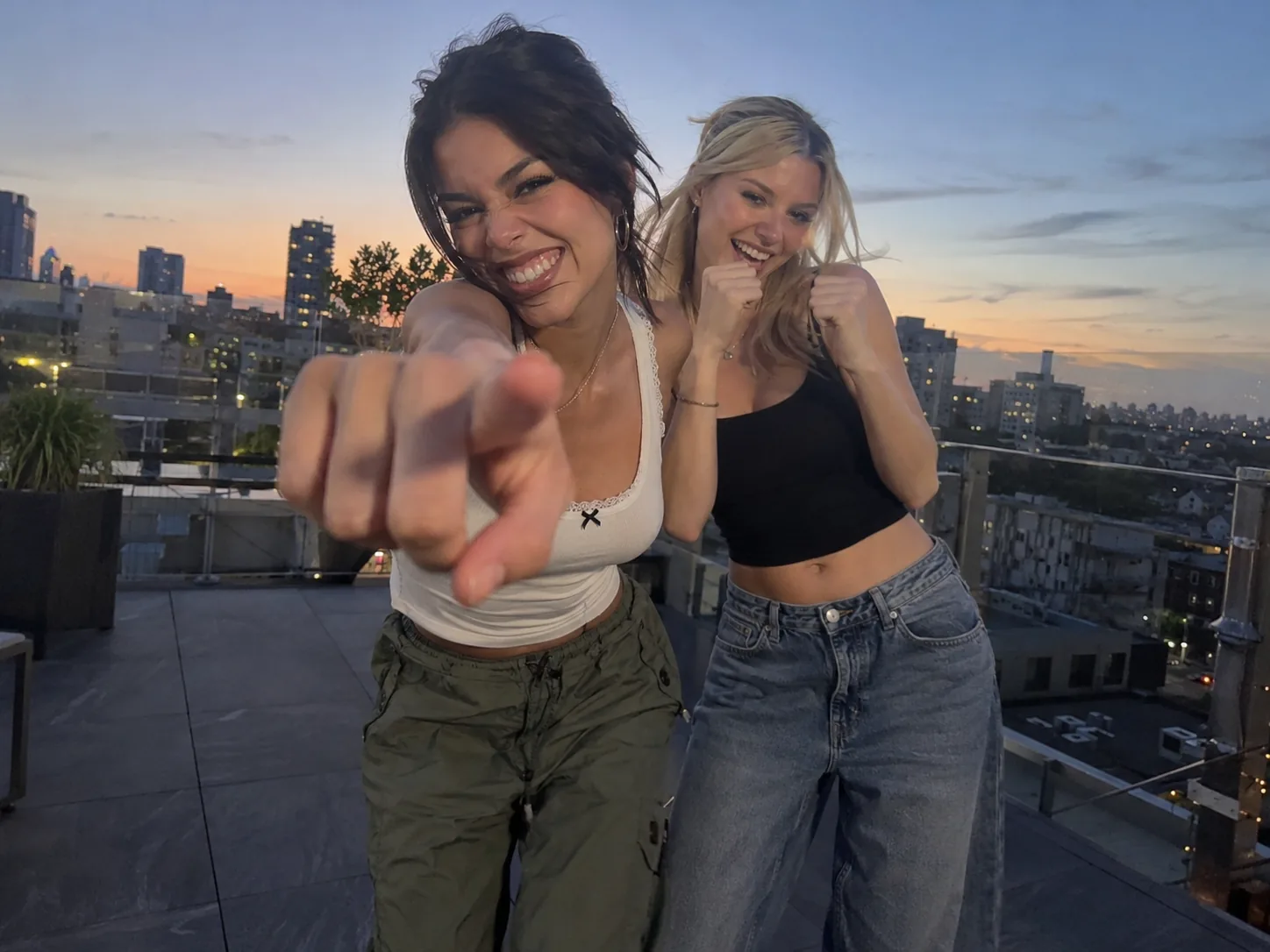
Mi Chico AI with your best friend
Give the duet your own friendship dynamic. Photo 1 opens with the finger point and closes with the finger-guns; Photo 2 bursts in for the clap and boxing punches. It lets the friend who never dances take the biggest solo.
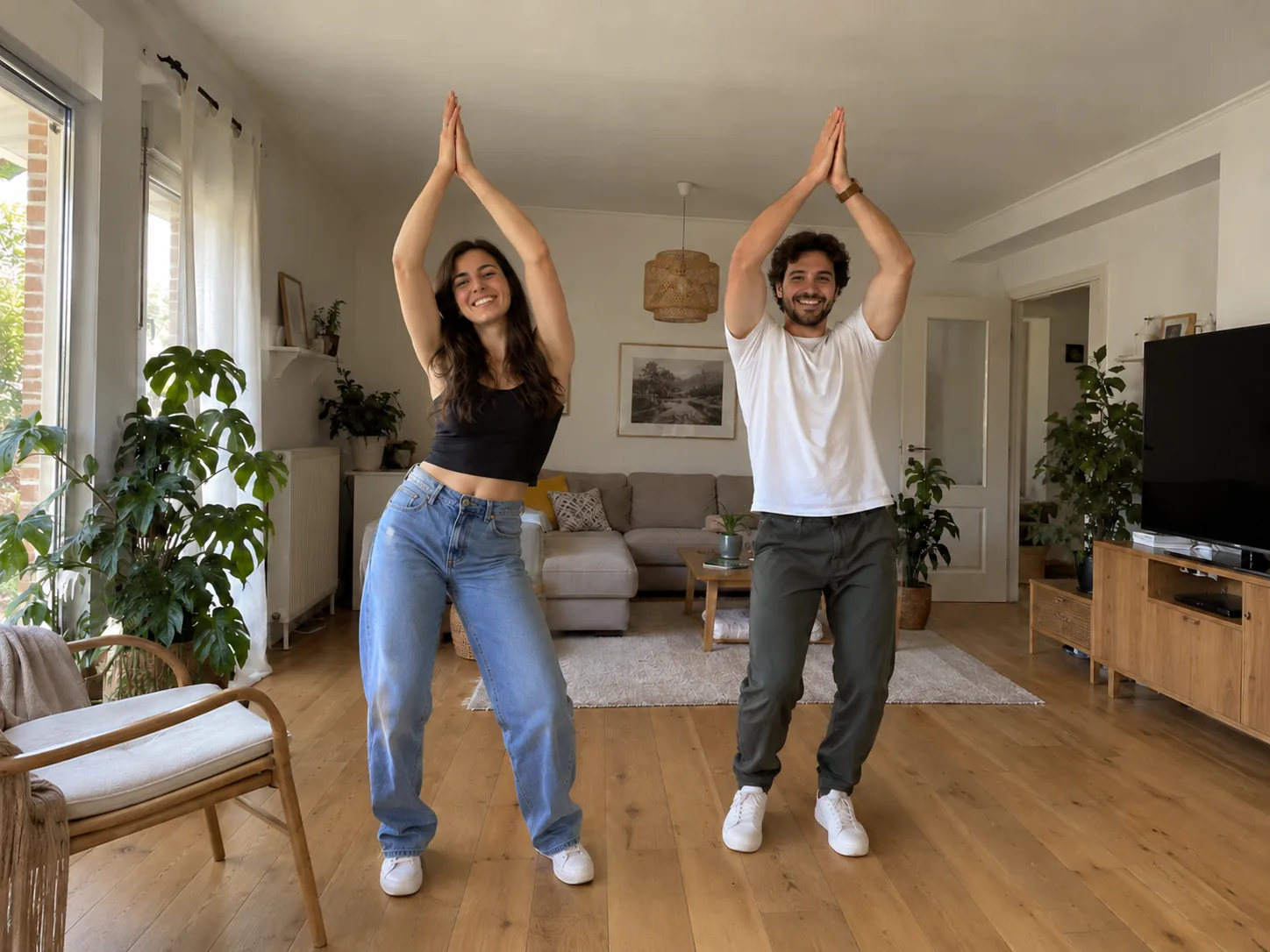
A Mi Chico AI couple dance
"Mi chico" means "my guy", so couples fit the song naturally. Upload photos to cast you and your partner in the duet, with your own faces, hair and outfits. You each get a turn near the lens as the routine moves from the opening point to the final finger-guns.
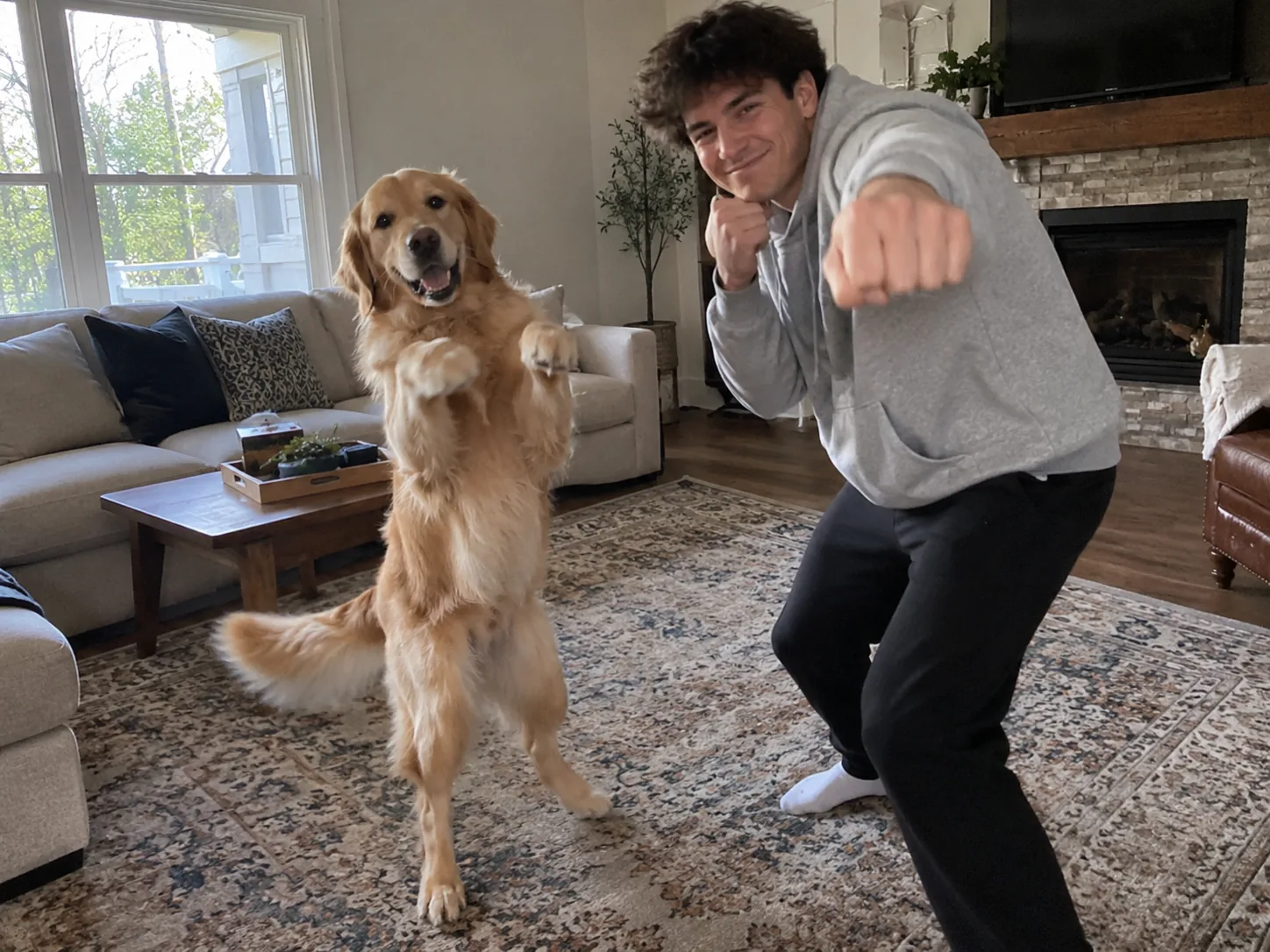
Your Mi Chico AI dog dance or cat duet
A Mi Chico dog dance puts your pet in the spotlight for the point, clap and punches. The Mi Chico AI dog dance preset asks for real paws, familiar coat markings and the animal's own leg length. Cats can take either role too. Add your photo to dance beside your pet, or use one pet photo for a matching pair.
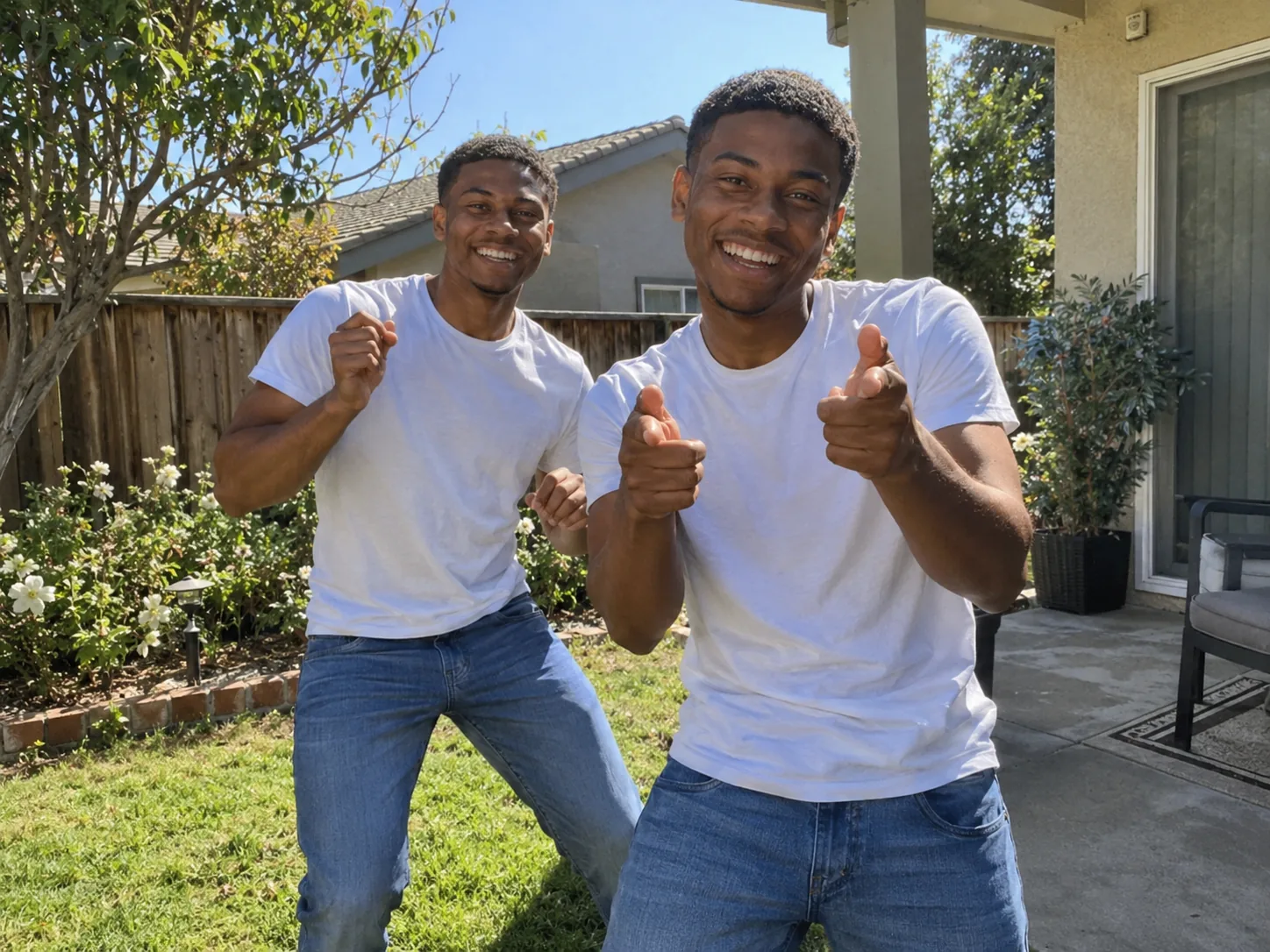
Dance Mi Chico with yourself
No partner needed for this two-person routine. Upload a single photo and Mi Chico AI casts two copies of you, trading the front spot with yourself. One pet photo works too: the result becomes a duet between two versions of the same dog.
How to make a Mi Chico AI dance video
Mi Chico AI uses Seedance 2.5 to follow the reference choreography and handheld camera timing. The Mi Chico dance trend soundtrack is already supplied. For a Mi Chico AI dog dance, the same two photo slots decide which pet opens and which dancer takes over.
Photo 1: the opening dancer
Use a clear photo of one person or pet with the face visible and, ideally, the whole outfit or body. For a Mi Chico dog dance, include the dog's legs and paws. This dancer points first and returns for the finger-guns. The setting comes from Photo 1, or a rooftop at dusk when its background is unusable.
Photo 2: the dancer who steps in (optional)
Dancer 2 takes the middle spotlight for the clap, punches and arm rolls. Add a friend, partner or another pet to the duet, or leave this slot empty to cast Photo 1 twice. Use one subject per photo. JPG, PNG, WebP and HEIC are supported.
Pick a quality and download
Choose your output quality and review the generator's current credit quote, which includes the character reference sheet. For credits, compare the one-time Trial Pack with monthly and annual plans on our pricing page. Your Mi Chico dog dance or human duet arrives as a 9:16 MP4 with music in My Creations; you can leave the page while it renders.
The Mi Chico dance trend, beat by beat
The sequence follows the lead changes that make the Mi Chico dance trend recognisable. The same timing applies to a Mi Chico AI dog dance: points and punches become paw gestures, while both pets keep looking toward the camera.
0–2.7s · The point
The clip opens on Dancer 1 alone, close to the lens, pointing straight at the camera with a grin. Both hands then roll over the stomach and chest, with shoulders bouncing on the beat.
2.7–4.3s · The swap
Dancer 2 bursts in from the left with a big arm swing and takes the front. The choreography moves Dancer 1 back to the right for a smaller groove behind, keeping the two roles distinct.
4.3–5.2s · Arms up, clap
Dancer 2 lifts both arms overhead and claps while Dancer 1 crosses the arms behind. In a Mi Chico AI dog dance, raised front paws take the place of hands for this beat of the hook.
5.2–7.2s · The boxing punches
Both dancers put their fists up. Dancer 2 leans into the lens with playful punches as Dancer 1 jabs behind and exits right. A Mi Chico dog dance uses paw swings for this boxing section.
7.2–10.8s · The solo
The camera stays on Dancer 2 alone for a hip roll, rolling forearms and an X-shaped arm cross, followed by one hand raised beside the face. The solo fills the gap before the opening dancer returns.
10.8–14s · The finger-guns
Dancer 1 swings back close to the camera while Dancer 2 grooves out right. The routine closes on the opening dancer's finger-guns and grin, completing the dance in one continuous 14-second take.
Mi Chico AI Dance: Your Questions Answered
Explore Mi Chico AI, find the soundtrack and learn how to make Mi Chico dog dance video clips from a still photo.
Mi Chico AI is the photo-generated take on the Mi Chico dance trend: two dancers trade the front spot for points, an overhead clap and playful punches, ending with finger-guns. The dance uses the sound promoted by Jason Derulo. Starrd identifies a rooftop duet posted by @kadirrrx24 on October 9, 2026 as its recreation's reference. The generator replaces the cast with people or pets from your photos.
Open the Mi Chico AI generator and upload the opening dancer as Photo 1. Add Photo 2 for the clap, boxing section and middle solo, or leave it empty to play both roles. Choose a resolution, check the credit cost and press Generate. The preset supplies the choreography and audio; download the finished 14-second, 9:16 MP4 from My Creations.
Starrd offers a Mi Chico photo-to-dance template. Here, Flowlio AI runs Mi Chico AI in your browser using Seedance 2.5, accepting your dancer photos and supplying the reference motion and soundtrack. For a pet duet, upload your pet directly into the same photo slots. Look for the familiar handoffs between dancers in a tool's preview when choosing a template.
Yes. A Mi Chico dog dance starts with a clear image showing your dog's face, coat markings, body and paws; a cat can fill the same role. The Mi Chico AI dog dance preset asks pets to stand upright and clap or punch with paws while keeping their breed proportions. No training or dance pose is needed. Fine fur details and paws can vary in the output.
Yes. Mi Chico AI turns one photo into two versions of the same subject exchanging the lead. Leave Photo 2 empty for that matching duet. This also works for a Mi Chico AI dog dance: the same dog appears in both roles. Photo 1 guides the location, with a rooftop at dusk used if its background cannot provide a usable dance setting.
Yes. Give the generator a separate photo for each dancer: two friends, two pets, a couple or a person with a pet. Photo 1 opens and closes; Photo 2 takes the clap, punches and solo. For a Mi Chico AI dog dance with two different dogs, put one dog in each slot. They need not be photographed together, and Photo 1 guides the shared setting.
Look for "Mi Chico - Official - Jason Derulo x Melody", credited to DJ Goja, Jason Derulo and Melody. DJ Goja also has a track listed simply as "Mi Chico"; the artist names distinguish the collaboration used in Jason Derulo's dance posts. Mi Chico AI adds its preset audio automatically. Preview the result with sound before layering another track over it.
Yes. CapCut lists Mi Chico editing templates, including "MI CHICO JASON DERUL", which requests 26 clips in a vertical layout. That listing does not promise to animate one portrait into the duet. For a Mi Chico dog dance generated from still photos, create the performance with Mi Chico AI first, then import the finished clip into CapCut for captions or a cover.
Make your Mi Chico AI duet
Cast a friend, partner or pet in the Mi Chico dance trend. Mi Chico AI turns one or two photos into the full 14-second routine with music, including a Mi Chico dog dance ready for TikTok, Reels or Shorts.
