
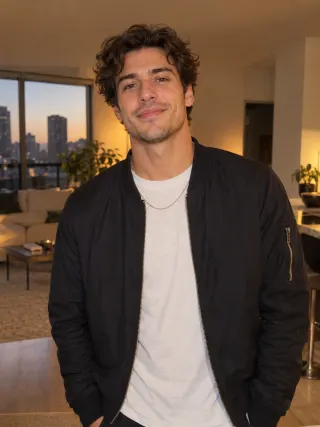
Made from this one photo
More Effects
Explore the other video effects, each with its own input and motion.
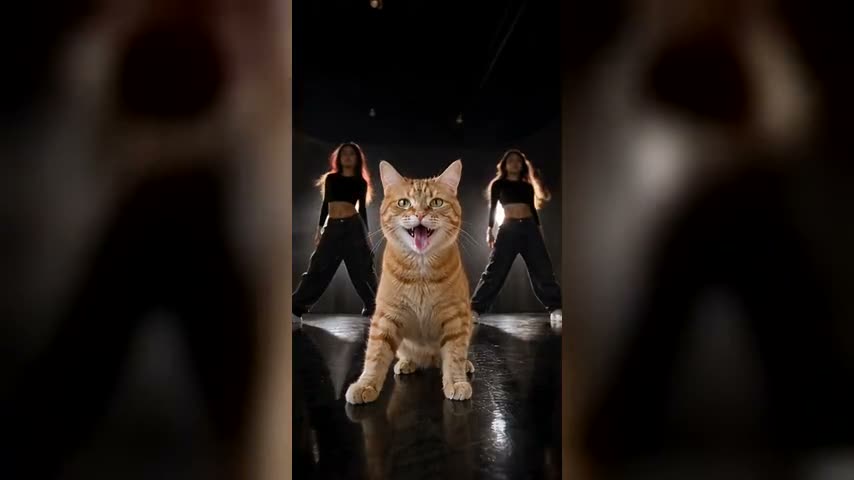
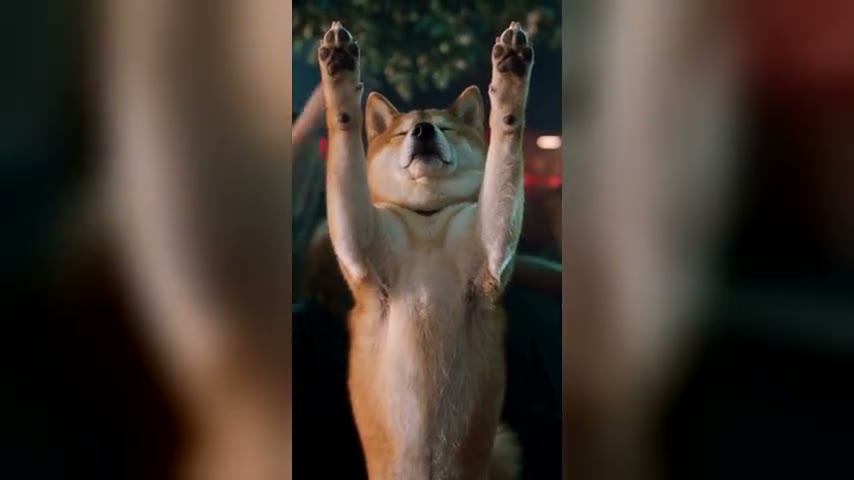
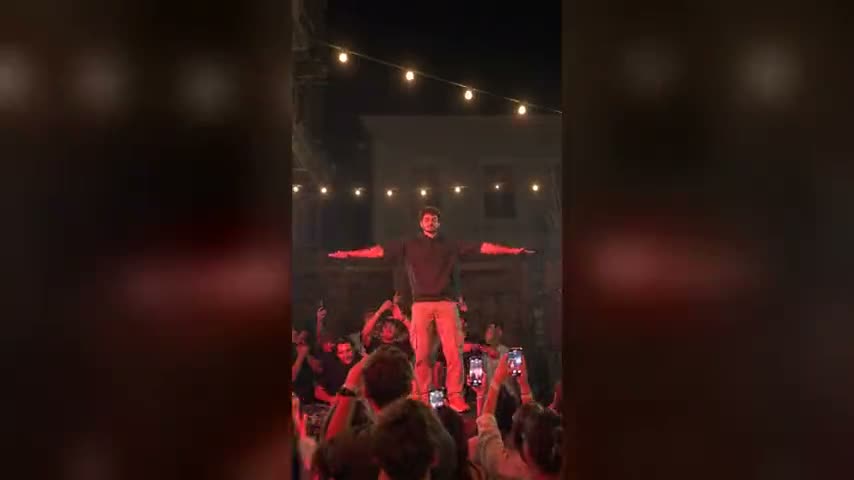
Make a Drake Burning Bridges AI video from one photo
The Drake Burning Bridges trend is a house-party clip: one guest with a party cup in hand is the loudest person in the room, pointing into the crowd, waving at the camera and hyping everyone up while Drake's "Burning Bridges" plays. You don't write a prompt: upload one photo and the Drake Burning Bridges AI video generator puts you, a friend or your pet in the middle of a chandelier-lit party, copies the 20-second scene beat for beat and lays the song under it.
Who runs the party in your Drake Burning Bridges AI video?
The Burning Bridges AI trend lands best when the person hyping up the whole room is the last one anyone expects. Whoever is in your photo keeps their own face, clothes or fur in the Drake Burning Bridges AI video.
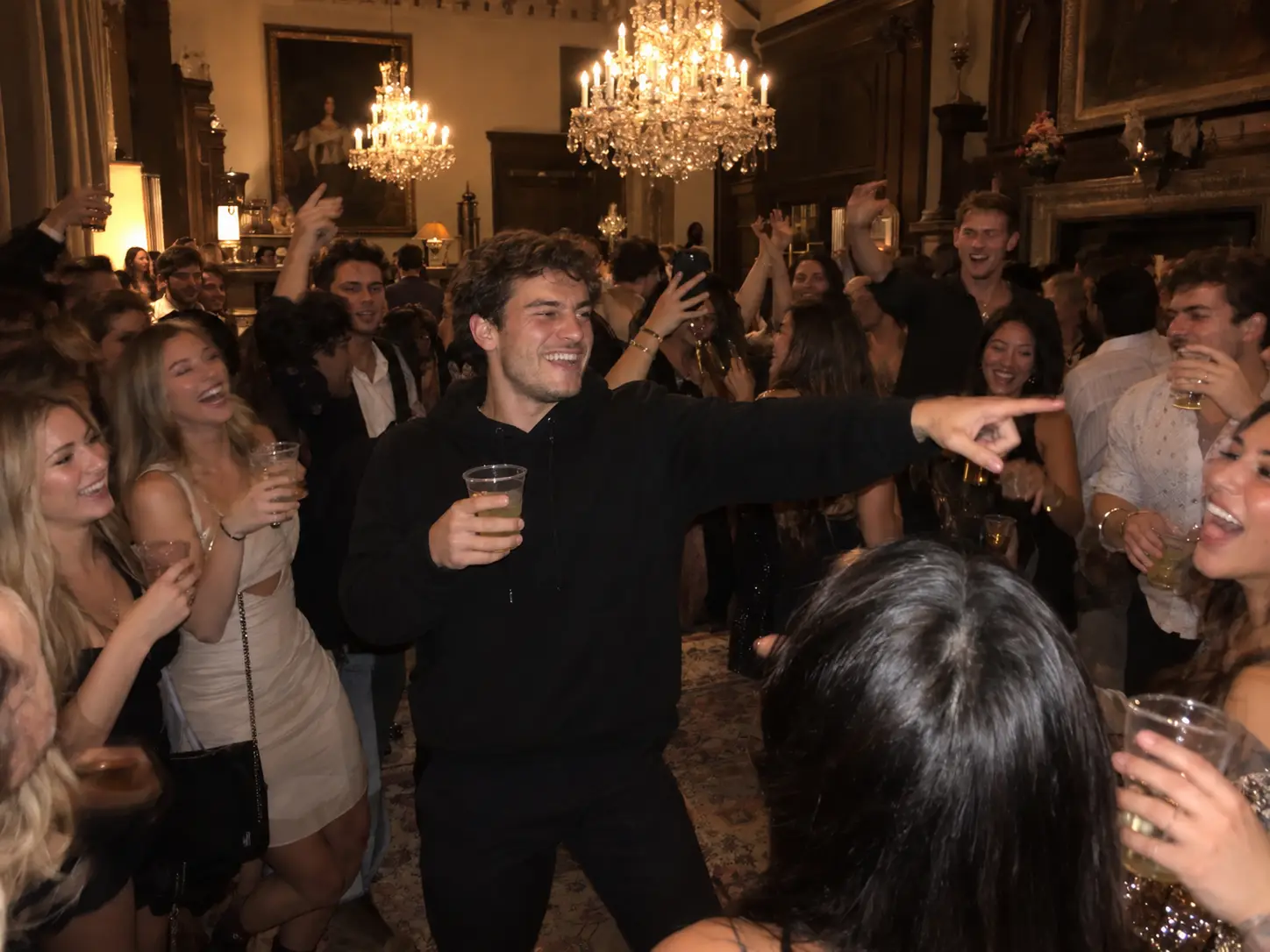
You, the life of the party
Your own photo, your own clothes, cup in hand in the middle of a packed house party, pointing at the crowd while everyone cheers you on. The easiest way to jump on the Drake Burning Bridges trend without filming anything.
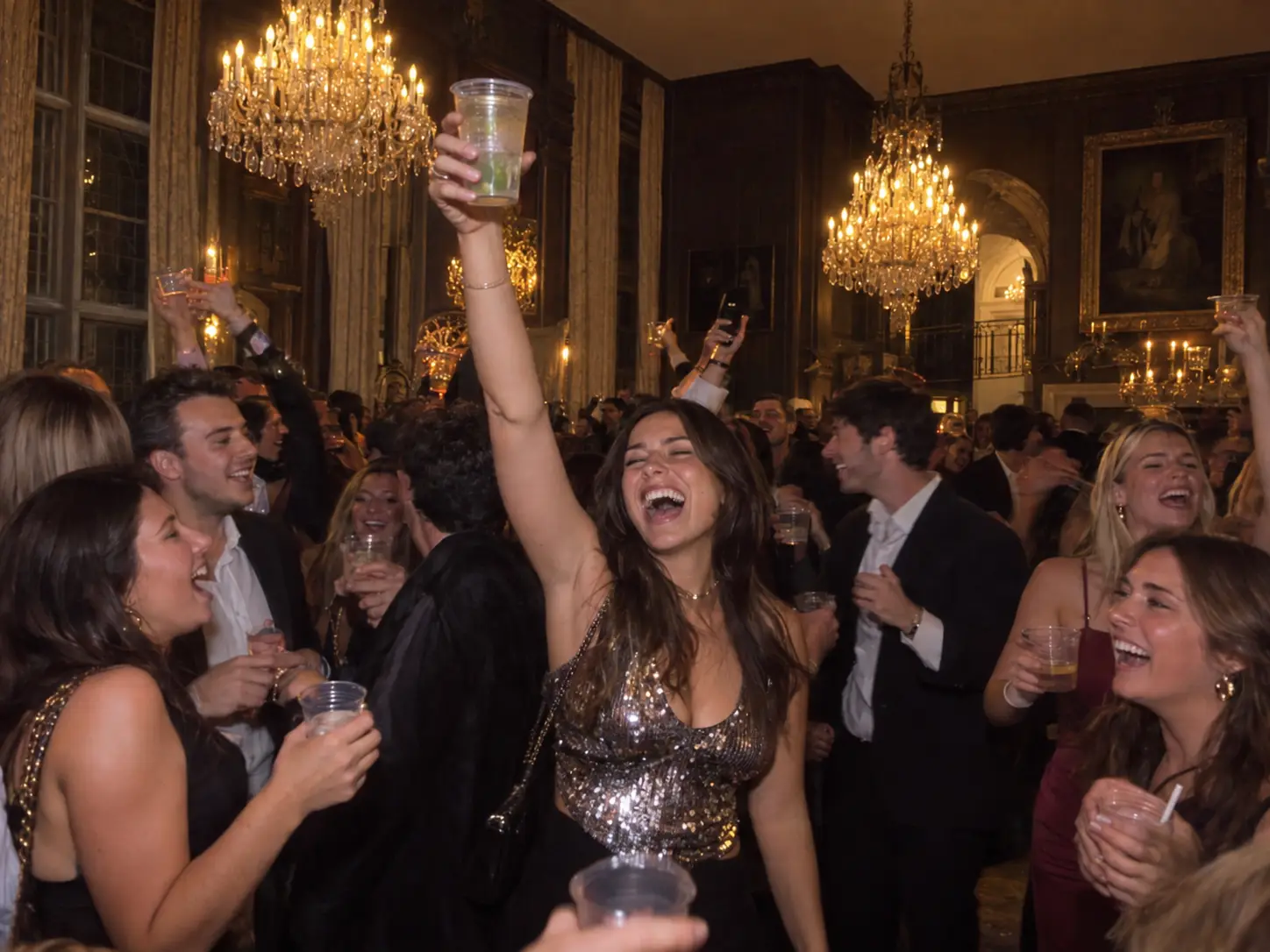
Tag the friend who never leaves early
Every group has the one who is still hyping the room at 2am. Upload their photo and make them the star of their own Drake Burning Bridges meme, for a birthday post or a group-chat roast.
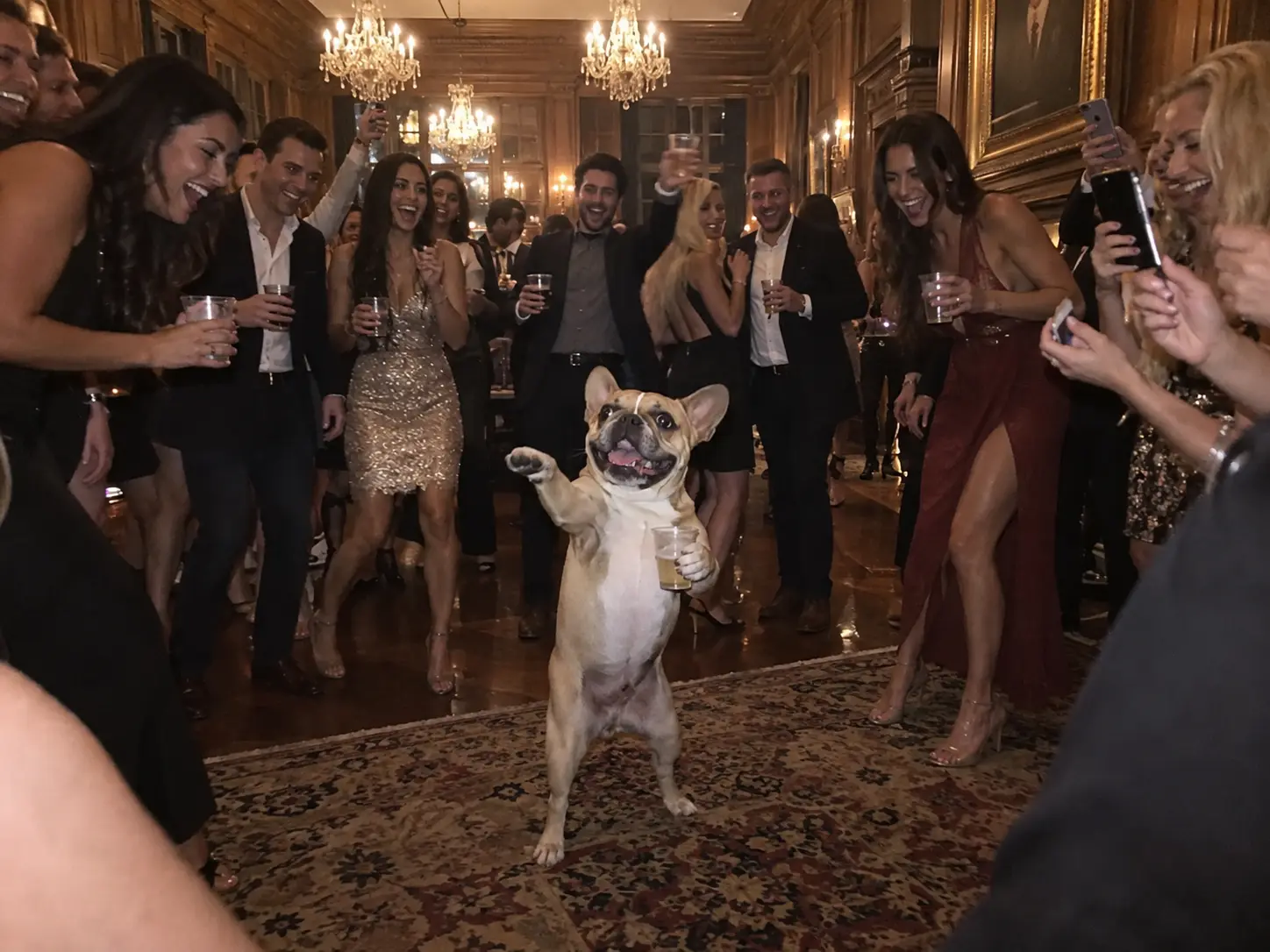
The Burning Bridges AI dog
Your dog stands up on its hind legs in the middle of the party, a cup in one paw, pointing at the guests with the other. It keeps its own face, coat and markings, so everyone knows exactly whose dog is running the night.
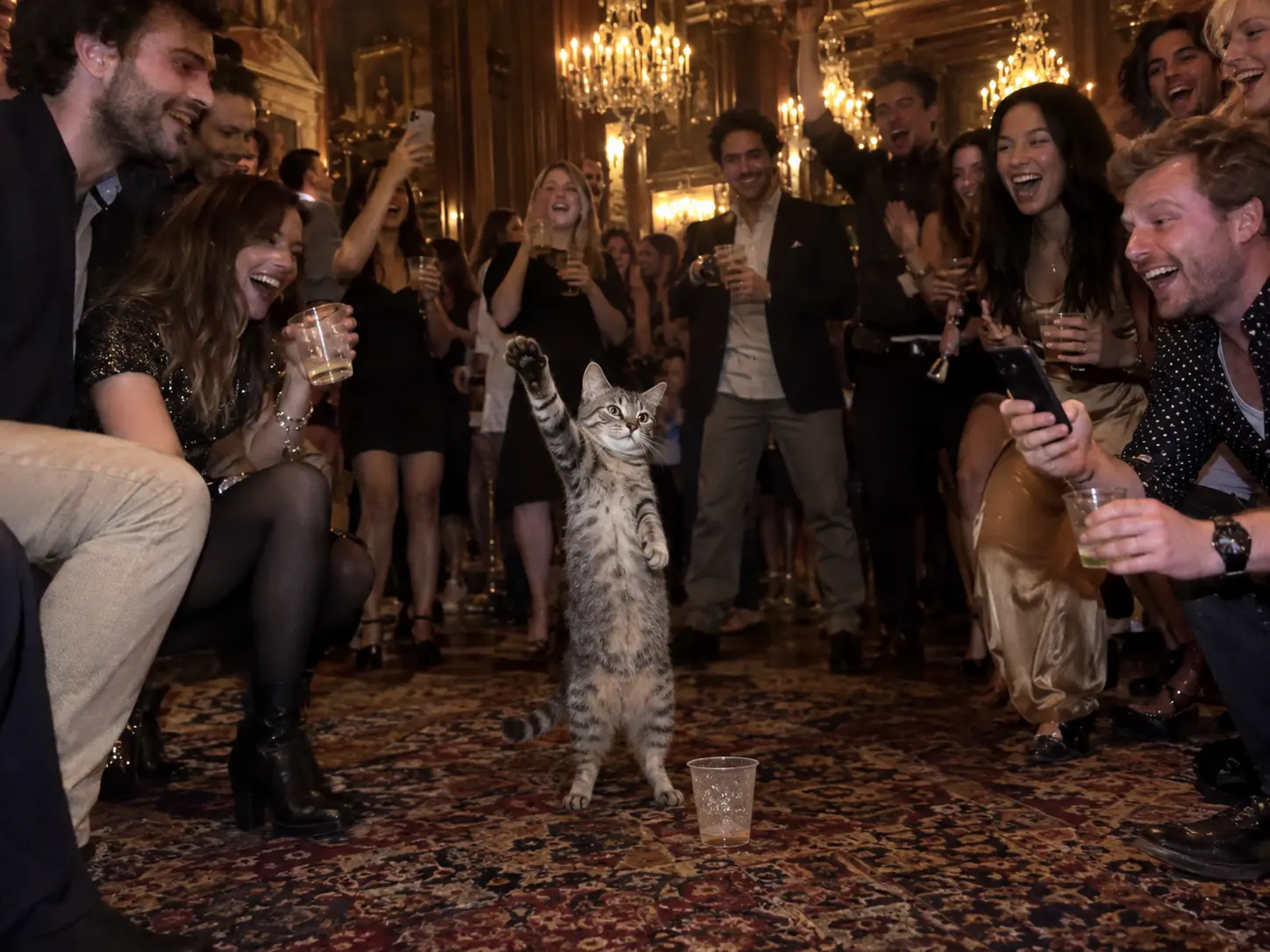
A cat that owns the room
A cat working the crowd like it threw the party: paws up, cup raised, completely unbothered. Upload a clear photo of your cat and it takes the spot in the middle of the room.
How to make a Drake Burning Bridges AI video
No prompt to write: the template already holds the party, the moves, the camera and the song, so you only upload your photo. Behind the scenes the Drake Burning Bridges AI video generator works in two steps: it first puts your subject in the middle of the house party, then animates the whole scene on Seedance 2.5.
Upload one clear photo
One person or one pet, facing the camera, well lit, with nothing covering the face. A photo from the waist up works best, since most of the Burning Bridges trend is shot at that distance.
Pick the quality
Everything else is set for you: the model, the 20-second scene, the vertical 9:16 shot and the song. Pick 480p, 720p or 1080p. The credit cost is shown before you generate.
Generate, download and post
Your Drake Burning Bridges AI video arrives in a few minutes with the song already on it. Download the MP4 and post it to TikTok, Reels or Shorts.
Built for the Drake Burning Bridges AI trend, not a generic dance filter
The Burning Bridges trend is one scene: a packed house party, a cup in hand, pointing, waving and hyping up the crowd while the phone camera cuts around the room. The Drake Burning Bridges AI video generator is set up to make exactly that with your photo.
No prompt, just one photo
The party, the moves, the camera and the song are already written into the Burning Bridges AI template. You don't type a prompt or film yourself; a single clear photo is the whole input.
The scene, beat for beat
The points into the crowd, the wave at the lens, the crossed arms and the cup raised to the face all land at the same moments as the original Burning Bridges trend clip, with the same handheld cuts.
You stay you
Your face, hair, build and your own clothes come from your photo. Nothing of the person in the original clip carries over.
The whole party, made fresh
The crystal chandeliers, the warm golden light and the crowd of guests cheering you on are created for your video, shot like a phone clip from inside the party.
The song is laid on for you
Drake's "Burning Bridges" is added to the finished video from the first frame, so it lines up with every move. Nothing to sync in CapCut.
Vertical and ready to post
Every clip comes out 9:16 and 20 seconds long, the format the Burning Bridges trend lives in on TikTok, Reels and Shorts.
Drake Burning Bridges AI Video FAQ
Where the Burning Bridges trend comes from, what photo to use, what you get, and how to make the Drake Burning Bridges AI video yourself.
It started as a phone video shot inside a packed house party, with Drake's "Burning Bridges" playing: one guy with a party cup is the loudest person in the room, pointing at people, waving into the lens and getting the whole crowd going. That clip became the Burning Bridges TikTok trend and the Drake Burning Bridges meme, and the Drake Burning Bridges AI version swaps you into it. Here you get a 20-second vertical video of you, a friend or your pet in the middle of a chandelier-lit party, doing the same moves at the same moments, with the song on top.
1) Scroll up to the generator and upload one photo. 2) Choose 480p, 720p or 1080p; the credit cost shows on the button. 3) Click Generate Video to start your Drake Burning Bridges AI video. The generator first places you in the house party, then animates the 20-second scene on Seedance 2.5 and adds the song. 4) When it's done, download the MP4 and post it.
"Where She At?" is what a lot of people call this same trend, so this Drake Burning Bridges AI template is the one you want. Your video hits its signature moments: pointing out into the crowd, the hand thrown up at the camera, the arms crossed while swaying, and the cup brought up to the face at the end while the room cheers.
Yes. It's the same house-party scene behind the Burning Bridges TikTok trend and the Burning Bridges Instagram Reels, the clip people share as the Drake Burning Bridges meme. Your video comes out vertical, 20 seconds long and with the song already on it, so you can post it straight to TikTok or Instagram and join the Burning Bridges AI trend.
Just one photo. The reference video, the moves, the camera cuts and the song are already built into the Drake Burning Bridges AI template, so there's nothing to film or upload besides your picture.
A photo where your face is easy to recognise: facing the camera or turned only slightly, in bright, even light, with no sunglasses, mask, hat brim or hand covering it. Waist-up framing works best because most of the scene is shot at that distance. Skip group shots, heavy beauty filters and blurry screenshots; the clearer the face, the more the video looks like you.
Usually 5 to 7 minutes. You can leave the page; the video is saved in My Creations. You get a 20-second vertical 9:16 MP4 at the quality you picked before generating (480p, 720p or 1080p), with no watermark.
Right on this page. The generator at the top is set up for the Burning Bridges AI trend only, so you don't need to find the original clip, cut it or write a prompt in another app.
Yes, in the sense people mean on TikTok: your photo becomes the guy at the center of the Burning Bridges house-party clip, keeping your own face, hair and clothes. It isn't Drake's official music video; it's the party scene the Burning Bridges trend is built on, remade around you.
None, here. The prompt is already written into the Burning Bridges AI template: the chandelier-lit room, the crowd, the cup, every move and every camera cut. If you try it in a general video model you'd have to write all of that yourself and supply a reference clip; on this page you only add a photo.
Several video models can copy a reference clip, including Seedance, Kling and Wan. We tested them on this scene and Seedance 2.5 kept the moves, the timing and the face closest, so that's what this Drake Burning Bridges AI video generator runs on. Try it with your photo.
Upload a photo of the pet on its own with its face clearly visible. In the Burning Bridges AI video it stands upright in the middle of the party, holds the cup in one paw and points at the guests with the other, keeping its own fur, markings and face. If the photo shows someone holding the pet, only the pet appears.
Yes, one photo is all it takes and no subscription is needed. Free accounts get credits when they sign up, and checking in every day adds more. The quickest way, though, is the one-time Trial Pack: it has enough credits for a 480p video of the Burning Bridges AI trend.
The built-in prompt already tells the model to take only the moves and camera from the original Burning Bridges trend clip and your face, hair and clothes from your photo, and it holds up well in most videos. Video models still vary from run to run, though. If a result doesn't look enough like you, try a clearer, front-facing photo, or generate again; each run is a new take.
Yes. The Burning Bridges song is laid under the finished video from the first frame, so the moves land on the beat. Download it without a watermark and post it straight to TikTok, Reels or Shorts.
Make your Drake Burning Bridges AI video
No prompt to write: upload one photo and the Drake Burning Bridges AI video generator makes the whole house-party scene, Drake's song included. Download it and post it.
