GTA 6 Style AI Trend

Real result generated with Flowlio AI from this one photo
- 1 photo you add
- 15 s clip with sound
- Ready to share via link
- No watermark
Ready in a few minutes

Real result generated with Flowlio AI from this one photo
More Effects
Explore the other video effects, each with its own input and motion.
What can the GTA 6 style AI video generator make?
Put yourself in GTA 6 with one photo. The GTA 6 style AI video generator casts you as the lead of a Vice City trailer, painted loading screen art or a third-person gameplay drive.
Ways to use the GTA 6 style AI video generator
Every GTA 6 scene has a fixed story, place and camera. The only thing you change is the lead, and for gameplay, the ride. Here is how people use each one.
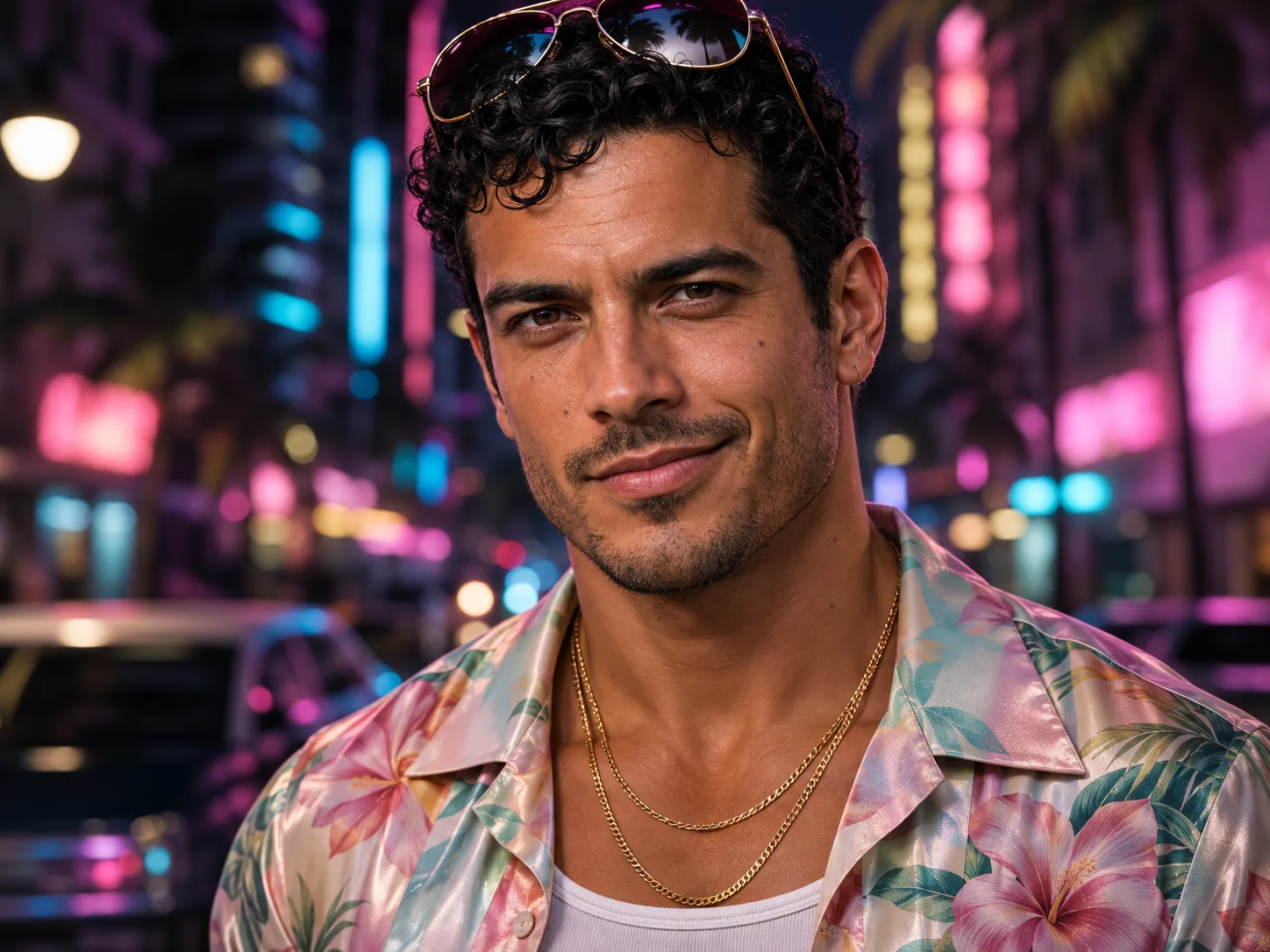
Become the Vice City kingpin in your own GTA 6 AI trailer
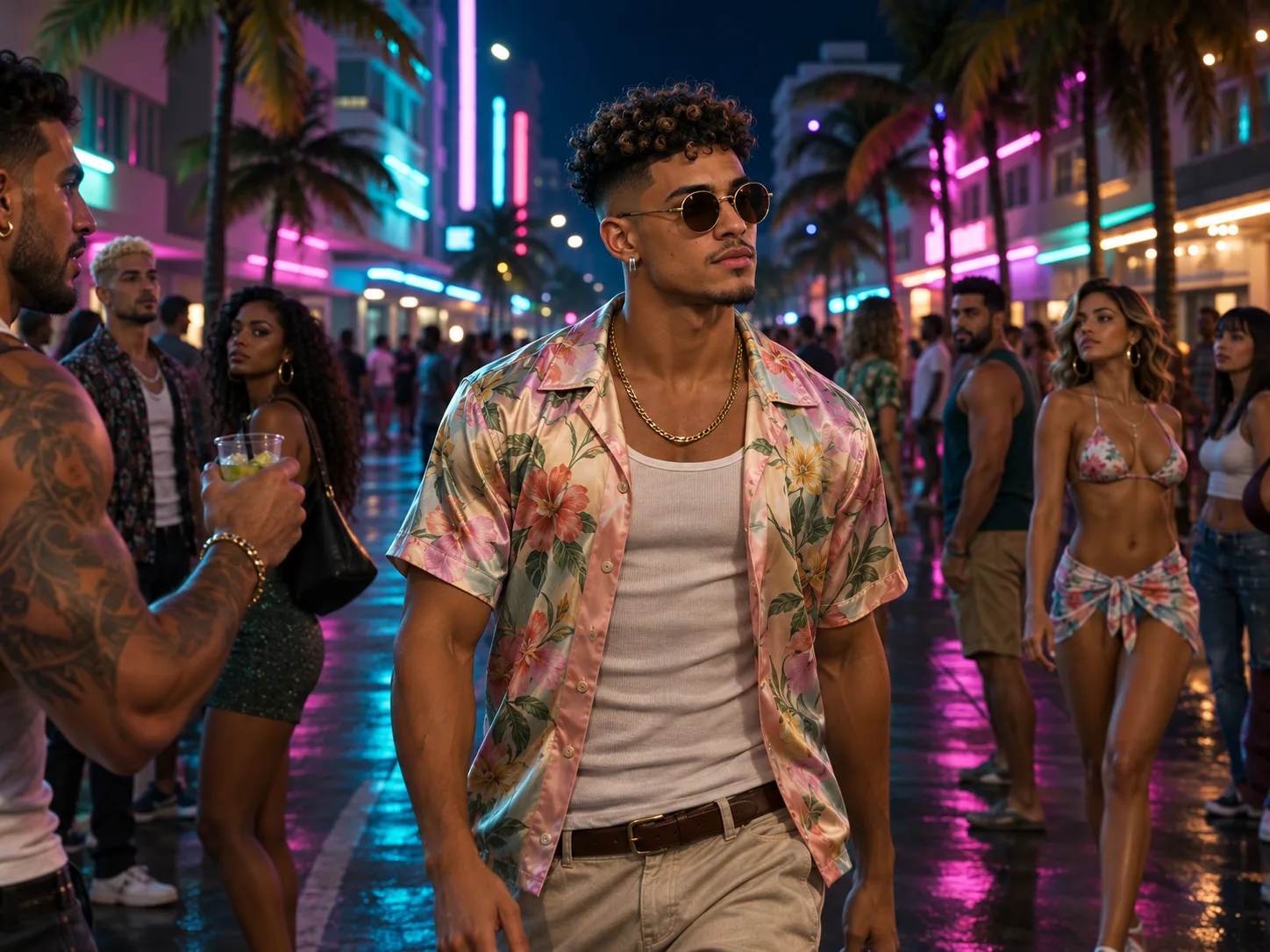
This is the GTA 6 trailer scene with you as the boss. Pick the Trailer card and add one sharp selfie, face to the camera, no sunglasses. In 15 seconds you go from a neon close-up saying "I came here with nothing" to a crew greeting you by a muscle car, a tense deal across a table from an old crime boss, a bag full of cash, a police chase down the ocean road and a crowd filming you on their phones. It ends on "Look at me now." You get a floral silk shirt and gold chains in every shot. Caption idea: "my GTA 6 character is ready".
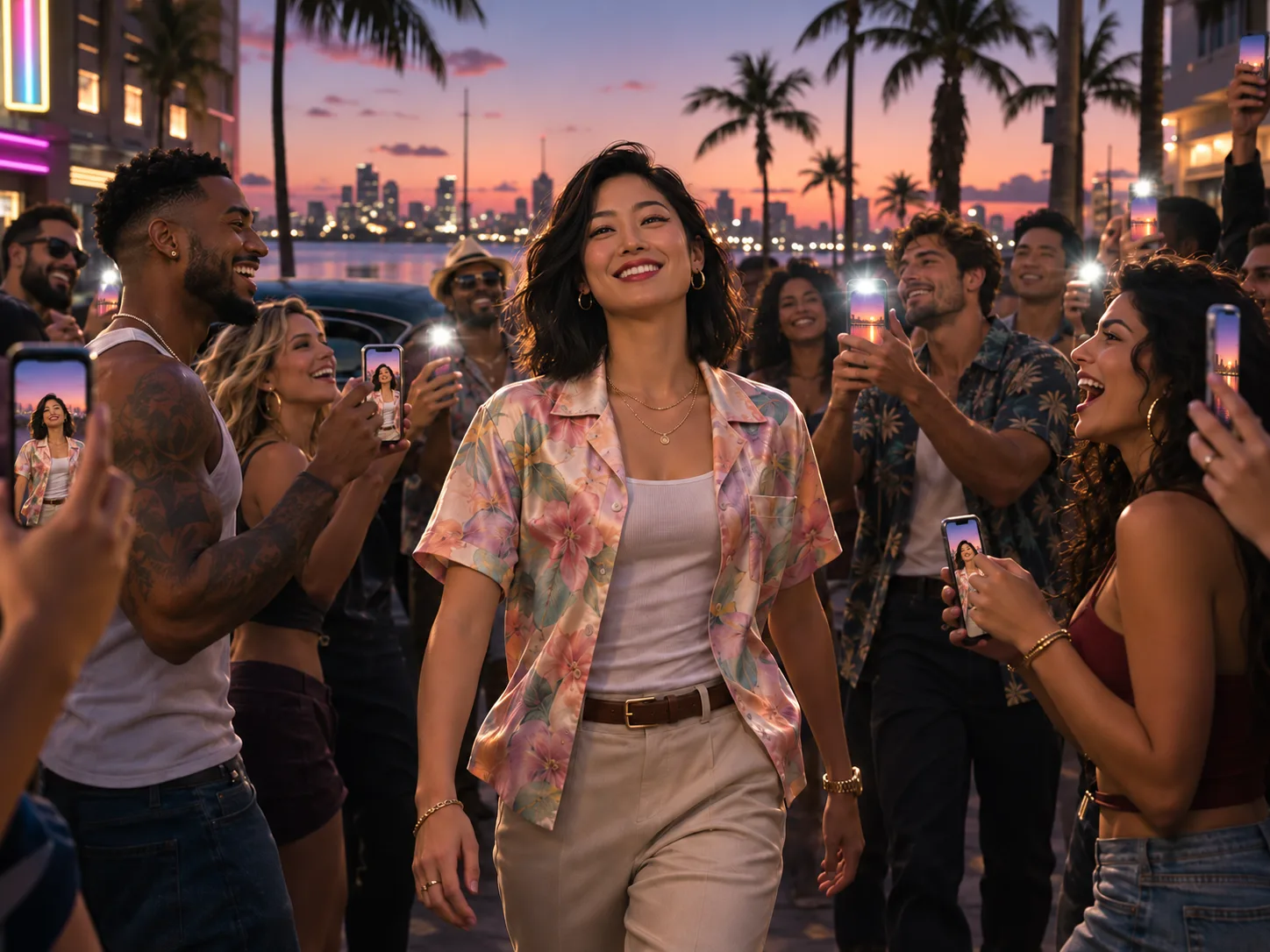
Celebrate a friend's glow-up with a GTA 6 style trailer
The trailer's two lines, "I came here with nothing" and "Look at me now", fit any big moment. Use a friend's photo for a new job, a graduation, a first car or a big move. Ask them for a recent, well-lit photo where the whole face shows, or take one from a group shot as long as it is sharp. This GTA 6 AI video makes them the hero of every shot, from the cash bag to the crowd snapping photos. Send it with the share link from your result: they can watch it right away and tap to make their own version.
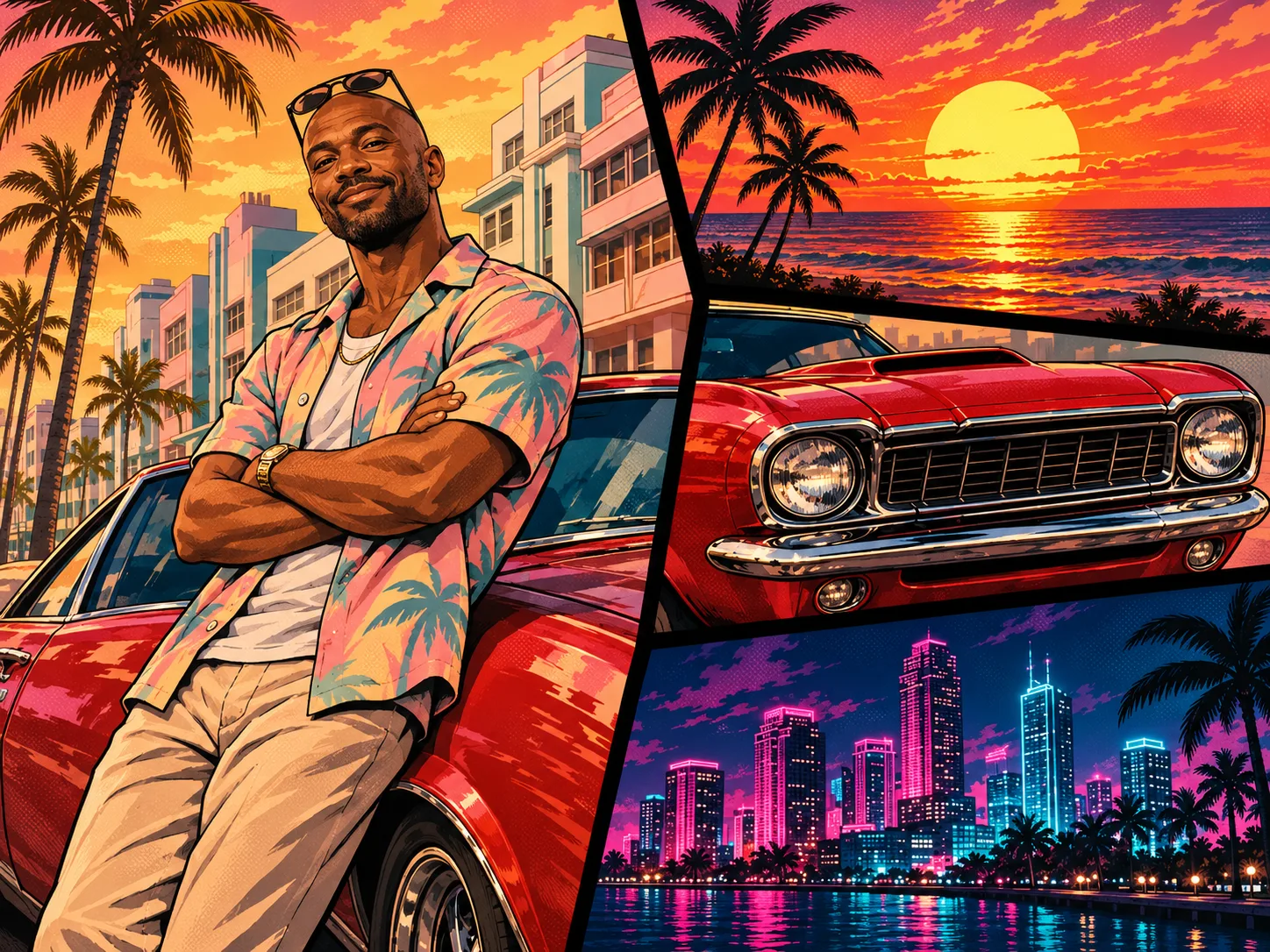
GTA 6 loading screen AI: turn yourself into painted poster art
Want the famous painted poster look with your own face? Pick the Loading Screen card. The 12-second vertical GTA 6 AI video starts like a normal phone clip of you leaning on a red 1970s muscle car on a sunny Miami street. Then it freezes, black ink lines draw around you, halftone dots sweep across, and the frame turns into loading screen art next to palm trees, the car grille and a neon skyline. The last frame makes a great profile picture or story cover. It fills a phone screen, so it is ready for TikTok and Reels as is.
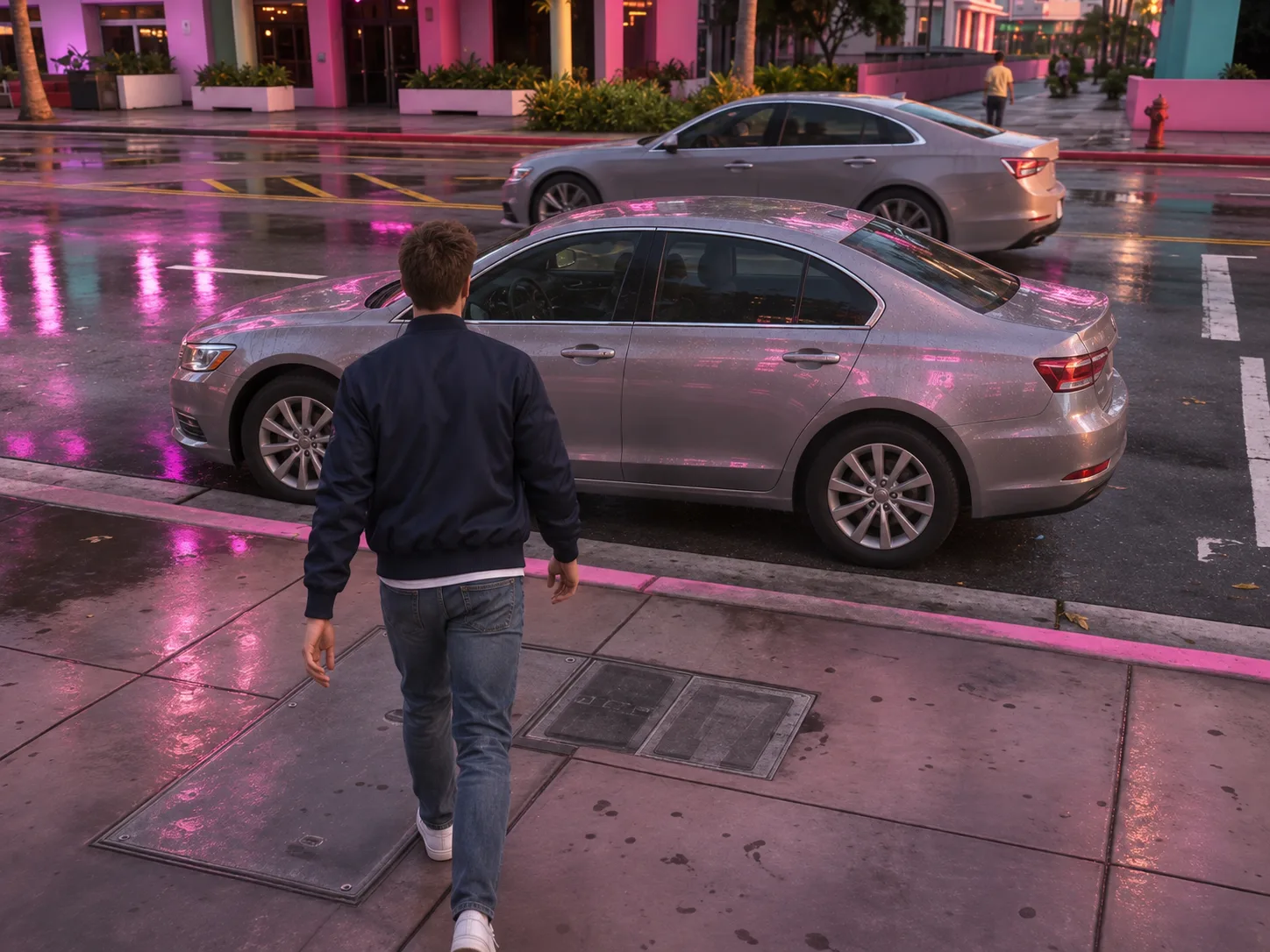
Drive your own car through a GTA 6 AI gameplay scene
Proud of your ride? Put it in the game. Pick the Gameplay card, add a photo of yourself in box one and a photo of your car in box two. A side or front-corner shot that shows the whole car works best. The GTA 6 AI video is one unbroken 15-second take from behind, like you are holding the controller: you walk up to your car on a wet neon street, open the door, get in and pull away toward the sunset past palm trees. A motorbike or a boat works too, and the model picks the right way to climb on. No car photo? You get an orange convertible.
Post a GTA 6 AI trend series around launch week
GTA 6 is the biggest game launch in years, so feeds are full of GTA 6 AI clips right now. Make all three scenes from one photo, then share them as a short series: the trailer first, then the loading screen poster, then the gameplay drive in your real car. Same face, three looks, three posts. Every GTA 6 AI video is a plain MP4 with no watermark, clean for any feed. Tip: start the caption with a question like "which GTA 6 me is best?" to get comments.
Using the GTA 6 style AI video generator: 3 quick steps
Skip the prompt writing and the editing app. Each GTA 6 scene arrives with its story, camera, outfit and sound locked in. You only choose the scene and the face.
Pick a GTA 6 scene and add your photo
Choose Trailer, Loading Screen or Gameplay from the cards next to the form. Each one takes a single clear photo of you. Gameplay adds a second, optional box where your car, bike or boat goes.
Choose how sharp your GTA 6 AI video should be
Each scene renders at 480p, 720p or 1080p. The Vice City price tag for each tier is visible before you click, so you decide with the number in view. Start with a 480p trailer or loading screen to check your in-game likeness for less.
Generate, then download or share
Press Generate. We first draw a still from your photo (a 12-panel storyboard, the finished loading screen poster, or a game-style portrait and character sheet), then turn it into a GTA 6 AI video with sound. A few minutes later, save the MP4 or create a share link.
What the GTA 6 style AI video generator makes, scene by scene
All three scenes are set in a neon, Miami-like Vice City at sunset and at night. Here is what you see, second by second.
Trailer 0-4s · The intro
A slow push-in on your face under pink and blue neon as you say "I came here with nothing." Then you step out of a muscle car on a palm-lined causeway to greet your crew, and walk a busy neon street in slow motion.
Trailer 4-8s · The deal
You sit across from an old crime boss in a smoky back room, an open metal case between you. "Don't disappoint me," he says. Next you lift a bag stuffed with cash, and the camera sweeps over the skyline at dusk.
Trailer 8-15s · The getaway
The beat drops. Police lights and a helicopter beam chase your convertible down the ocean road at golden hour. A crowd films you on their phones, an alligator crosses the street behind you, and you turn to the camera: "Look at me now."
Loading Screen 0-6s · The phone clip
A shaky phone video of you leaning on a cherry-red muscle car on a Miami street, palms and pastel buildings behind. You laugh, cross your arms and smile. At 5 seconds the picture freezes with a camera click.
Loading Screen 6-12s · The art
Black ink lines draw around you and the car, dots sweep across, and the colors turn into painted art. The camera pulls back as three more cards slide in: a sunset with palms, the car's chrome grille and a neon skyline. A synth beat drops.
Gameplay 0-15s · The drive
One take from behind, like a game camera. You walk up to your vehicle on a wet neon boulevard, get in the right way for that vehicle, start it and drive off past palm trees into the sunset, with footsteps, engine sound and city noise.
GTA 6 Style AI Video Generator FAQ
Quick answers about photos, scenes, sound, credits and posting from the GTA 6 style AI video generator.
It is people turning themselves into Grand Theft Auto VI characters with AI (you will also see it tagged GTA VI AI), timed with the game's launch. The three most popular looks are a Vice City trailer, the painted loading screen art the series is known for, and third-person gameplay clips. This page makes all three from your own photo.
1) Open the GTA 6 style AI video generator, then tap Trailer, Loading Screen or Gameplay. 2) Drop in a sharp selfie that faces the camera, plus your car for Gameplay if you like. 3) Choose a quality tier (480p up to 1080p), then tap Generate. Expect the finished clip within a few minutes.
One person, face large and well lit from ahead, eyes on the camera. Take off sunglasses and hats that hide the face. A plain selfie works better than a group shot. For the Gameplay car box, pick a shot of the full vehicle from the side or front corner.
Pick Trailer for a GTA 6 AI video told as a 15-second widescreen story with a crime boss, a cash bag and a police chase. Pick Loading Screen for a 12-second vertical clip that ends as painted poster art. Pick Gameplay for a 15-second drive seen from behind, in your own car if you add one.
Yes. Add a photo of your car in the second box and the gameplay clip keeps its shape and color. It also works with a motorbike, a scooter, a bicycle or a boat, and the player climbs on or gets in the right way. Leave the box empty and you drive an orange convertible.
Gameplay keeps the outfit you wear in your photo. The Trailer dresses you as a Vice City kingpin in a floral silk shirt, white tank and gold chains, and the Loading Screen gives you a pastel shirt over a white tee with sunglasses on your head. In all three, your own face and hairstyle carry over.
The Trailer runs 15 seconds in 16:9 widescreen. The Loading Screen runs 12 seconds in 9:16, tall like a phone screen. Gameplay runs 15 seconds in 4:3. Each GTA 6 AI video comes as an MP4 file with no watermark.
Yes, the sound is made with the video. The Trailer has a moody synth beat, sirens and three spoken lines. The Loading Screen has street sounds, a camera click and a bass drop. Gameplay has footsteps, the engine and city noise, with no music, leaving room for a track of your choice.
Trailer: 400 credits for 480p, 1,350 for 720p, 3,200 for 1080p. The Loading Screen runs 400, 1,100 or 2,600. Gameplay has a launch-week trend sale at 480p, 600 credits instead of 650, then 1,350 at 720p and 3,200 at 1080p. Every scene's 480p version is cheap enough for a first test run.
No. With most AI video tools you would write a long prompt, plan every shot and add sound later. Here each scene already has its story, camera moves, outfit and sound. You just pick a card and add your photo.
Make the GTA 6 AI video again with a sharper photo: one face, front light, eyes on the camera, nothing covering it. Very small faces in wide photos and heavy filters make the likeness weaker. Fast motion shots in the trailer can soften a face for a moment, so judge it on the close-ups.
Yes. The vertical Loading Screen fits TikTok, Reels and Shorts as is. The widescreen Trailer and 4:3 Gameplay play with bars or can be cropped in the app. Use tags like #gta6 and #gta6ai and post while the launch is still trending.
It goes further than a GTA 6 filter. A filter paints a game look over your photo or camera. The GTA 6 style AI video generator builds a whole new scene around your face: new places, new moves, new camera angles and sound, from a single upload.
Not for free, but cheaply. Real video takes real computing power, so this GTA AI video generator charges credits per clip and shows the price first. The cheapest picks are a 480p trailer or a 480p loading screen, at 400 credits each.
Your GTA 6 character is one photo away
Vice City, the crew, the cars and the sound are ready. Pick a scene, add your photo and your GTA 6 AI video is on screen minutes later.