Old Town Road AI Trend


Real result generated with Flowlio AI from these 2 photos
- 2 photos you add
- 15 s clip with sound
- Ready to share via link
- No watermark
Ready in a few minutes


Real result generated with Flowlio AI from these 2 photos
More Effects
Explore the other video effects, each with its own input and motion.
What is the Old Town Road AI trend?
The Old Town Road AI trend remakes the red convertible scene from the Lil Nas X and Billy Ray Cyrus remix video. Add your photos, and you and a friend take over the candy shop and the car.
Who rides in your Old Town Road AI video?
Every Old Town Road AI clip has two parts to fill: the person singing outside the candy shop and the one behind the wheel of the red convertible. Think of it as an Old Town Road duo video starring people you know. Here is who people cast, and how to get the best result.
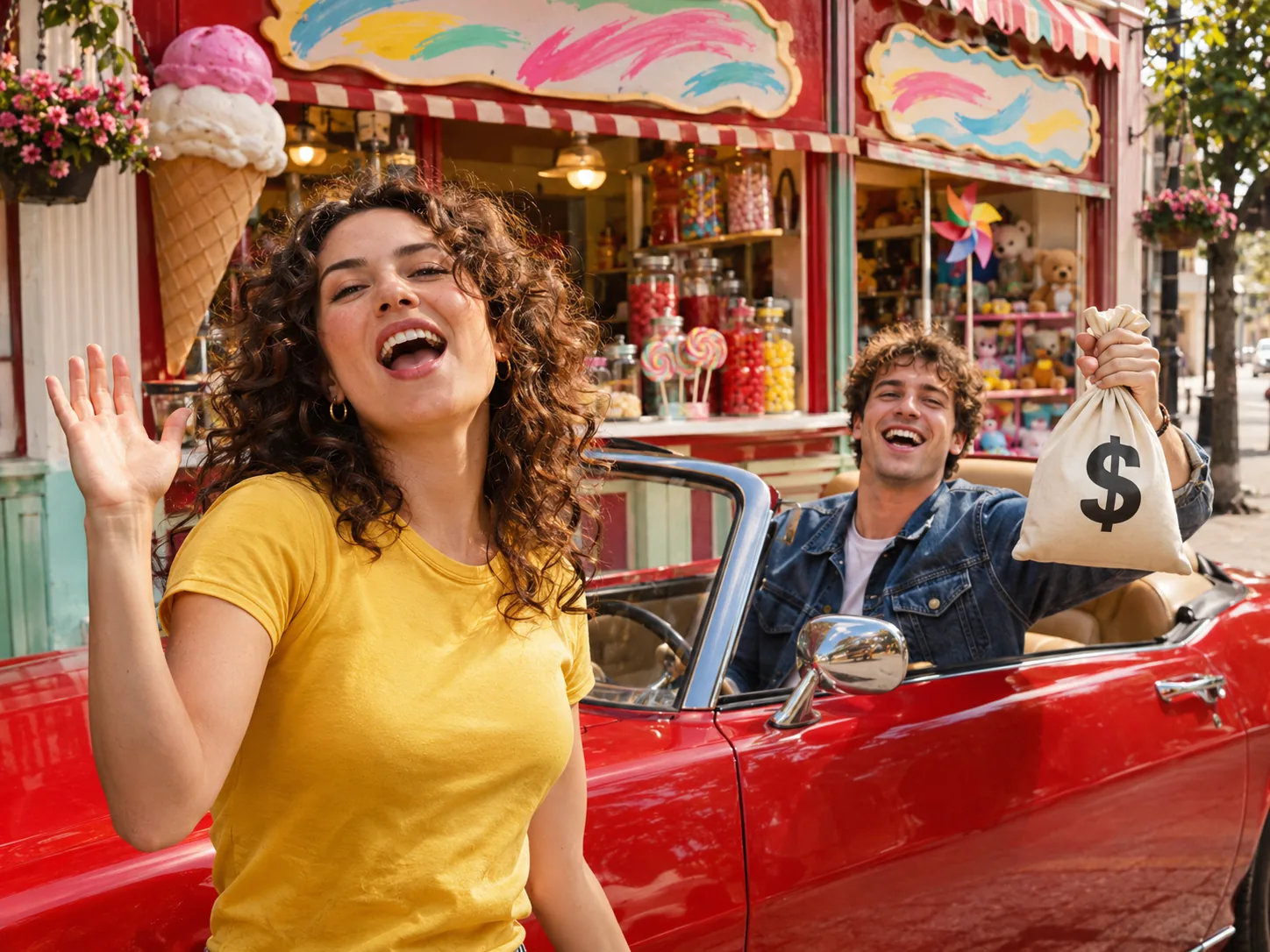
Make an Old Town Road AI video with a friend
Every friend group has a loud one and a cool one. Put the loud one in the singer box: in the video, that person sings the hook on the street in front of a colorful candy and ice cream shop. Put the cool one in the driver box: they sit in the red convertible, lean on the door and hold up a white money bag. In the last shot, the camera looks down on you both in the car as you drive away. When it's done, create a share link and paste it into your friends' chat, so friends can watch it and make their own version.
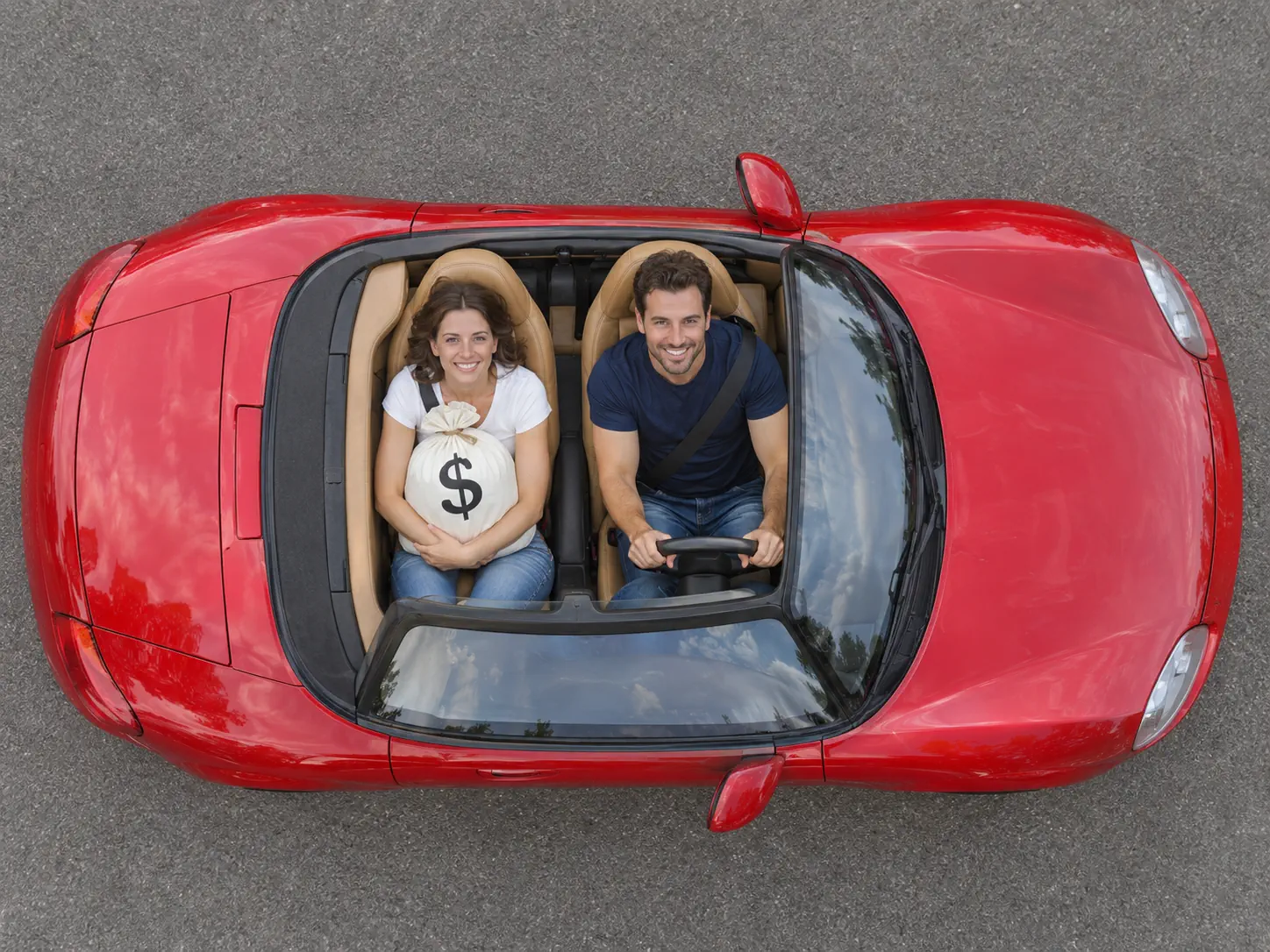
Old Town Road AI trend for couples
Couples love the ending of this one. For most of the clip you are apart: one partner sings outside the bright candy shop while the other waits in the red convertible with the money bag. Then the camera looks straight down on the open car, and there you are side by side, the singer hugging the bag and the driver at the wheel, rolling out of the frame together. It makes a fun anniversary post or a cute way to tease a trip. Pick two photos taken around the same time, with faces big and sharp. Since the remix comes mixed in, your file is ready to post right away.

An Old Town Road AI generator remake with your family
This song was everywhere in 2019, so it works across ages. Give a parent the driver box: the clip opens on them in the red convertible, arm on the door, holding the money bag over the side and tipping a hand to their head like a boss. Put a grown son or daughter in the singer box to perform outside the shop. Brothers and sisters can do the same and argue later about who got the better part. Use recent photos of each person alone, face toward the camera. You never type a prompt; a pair of photos and a single tap build the whole scene.
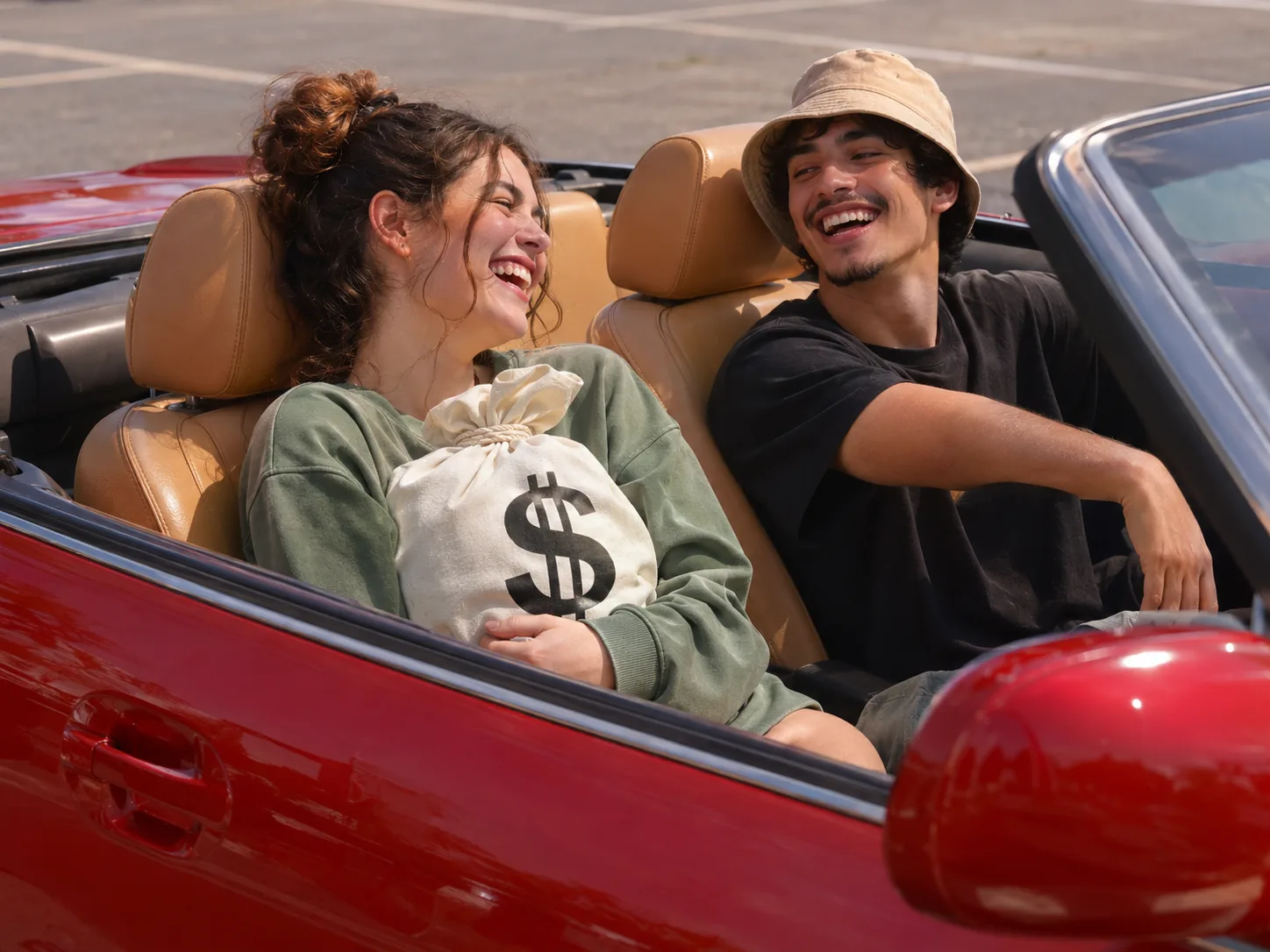
Old Town Road AI trend content for creators and duos
Early posts on a new trend get the most reach, and the Old Town Road AI trend is still new. If you make videos with a partner or co-host, make two clips and swap the boxes, so each of you gets the singing close-up once, then ask fans which one wins. The singer's part is the longest, about nine seconds, ending with the face filling the frame, so put the more expressive person there first. The clip is wide 16:9 with no watermark, which suits YouTube and a channel trailer. Use photos where you wear your usual look, so the video still feels like your channel.
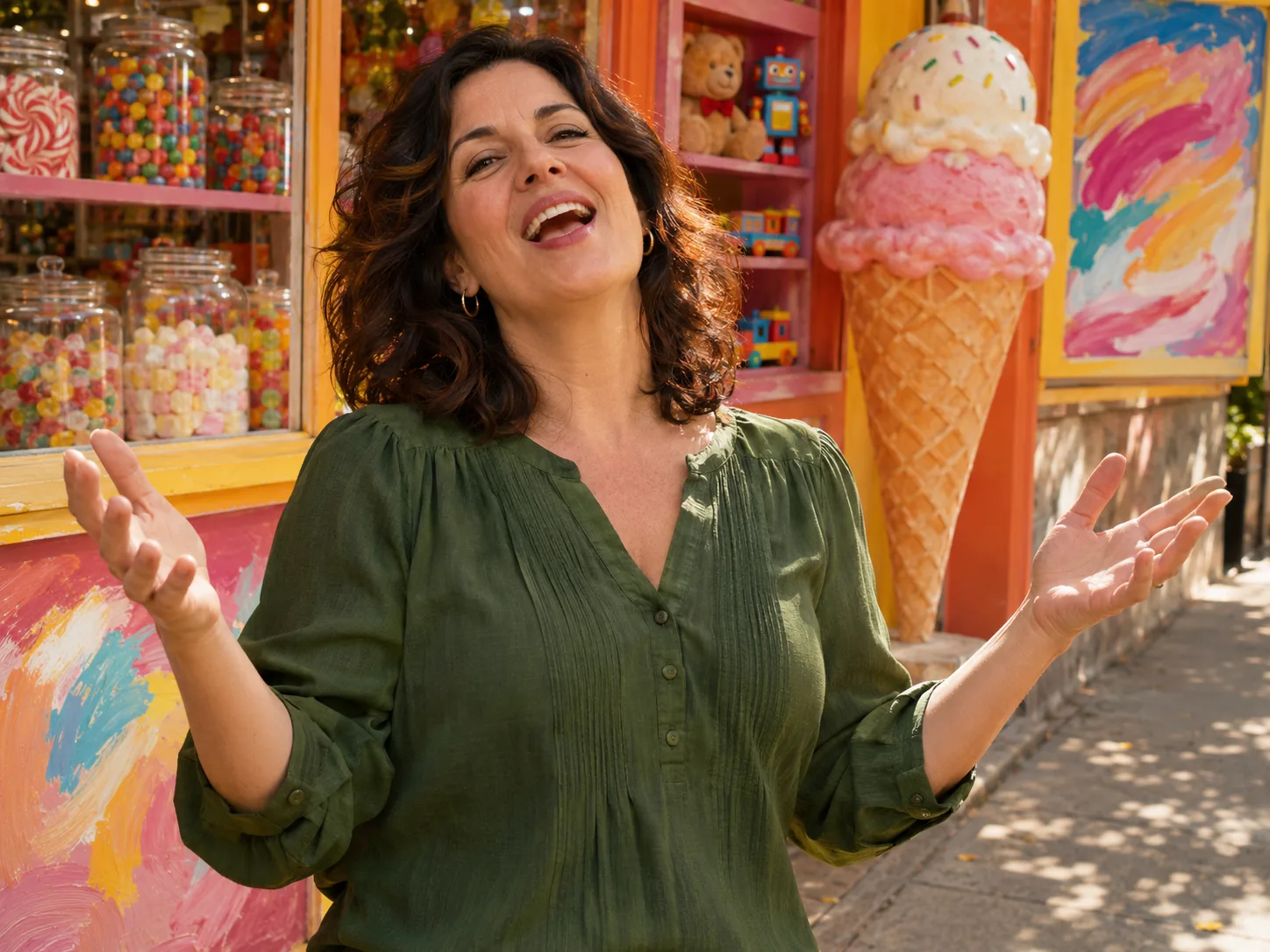
Play both parts in the Old Town Road AI trend
No partner around? Cast yourself twice. Put a picture of yourself in the singer box and a different photo of you in the driver box, and you get a funny "me picking up me" video: you sing outside the candy shop, you pull up in the convertible with the money bag, and you end up riding off with yourself. It works best with two different outfits, like a hoodie in one picture and a jacket in the other, so viewers can tell the two of you apart. Both photos should show only you, with your face clear and well lit.
How to make an Old Town Road AI video in 3 steps
Forget prompts, clip hunting and music editing. The shop, the car, every move, each camera angle and the song already come with the Old Town Road AI generator. Your one job is casting the singer and the driver.
Add photos to the Old Town Road AI generator
The singer's photo goes in box one and the driver's photo in box two. Keep it to one person per picture, with a clear face and eyes toward the lens. The Old Town Road AI generator places each face in its part of the scene, with no cropping or editing on your side.
Pick a size in the Old Town Road AI generator
480p costs 400 credits and is the cheapest test, 720p asks 600 for a sharp HD clip, and 1080p takes 900 for the cleanest picture. Each size has its own credit price, written right there, and you can still change your mind before pressing it.
Save your Old Town Road AI generated clip
Tap Generate. We follow the scene from the music video shot by shot, keep your faces, and add the Old Town Road remix for you. In a few minutes your video is ready to download with no watermark, and it also waits in your account.
The 15-second Old Town Road AI video, shot by shot
Six quick moments in wide 16:9, cut to the remix: the car pulls up, the singer takes over the candy shop, and the two of you ride off together.
0–3s · The pull-up
The camera slides along the red convertible to the driver behind the wheel, arm on the door, holding a white money bag over the side and tipping a hand at their head.
3–6s · Candy shop stage
Cut to the singer outside a bright candy and ice cream shop, with a giant cone, painted signs and toy shelves behind. They start the Old Town Road AI verse with both hands moving.
6–9s · Hands up
The singer leans in, waves both hands and sways to the beat, really selling every line like it's their own song.
9–12s · Close-up
The camera moves in close and the shop goes soft behind. The singer looks up and sings right past the lens, so their face fills the frame.
12–13s · From above
Straight down over the open car: the singer now sits in the passenger seat hugging the money bag, and the driver has both hands on the wheel.
13–15s · Ride off
The convertible rolls out of the frame and leaves only empty grey road, the last beat of your Old Town Road AI trend video.
Old Town Road AI FAQ: Photos, Roles, Song and Sharing
Answers about the Old Town Road AI trend: which photos work, who plays which part, the song, the cost and the best places to post it.
It remakes one scene from the official "Old Town Road (Remix)" music video by Lil Nas X and Billy Ray Cyrus, released in May 2019. In it, Lil Nas X sings in a candy shop while Billy Ray Cyrus pulls up in a red Maserati convertible, leans out with a money bag, and they ride off together. The Old Town Road AI trend puts your own faces into those two parts. AI templates for it started showing up in early November 2026, and some sites list it as an AI Old Town Road template or an Old Town Road AI template.
1) Open the Old Town Road AI generator and drop in a picture for the shop singer plus another for the car driver. 2) Choose between 1080p, 720p and 480p; each one lists its own credit total. 3) Start the render, then save your finished clip with its music. You never write a prompt.
No. The 2019 Yeehaw Challenge on TikTok was a quick outfit change: someone takes a sip of "yee yee juice" and jumps into cowboy clothes when the beat drops. The Old Town Road AI trend is a remake of the music video's red car scene, with two people, a candy shop and a money bag.
Stick to a single person in each photo, face large, sharp and facing a light. Looking at the camera works better than a side view. Leave out shots with sunglasses, strong filters or several people, since the Old Town Road AI generator may pick the wrong face. Photos from the waist up give the scene more to work with than tiny faces in a wide shot.
The singer gets the long close-up part in front of the candy shop, so give that box to the person you want to show off. The driver gets the cool entrance in the convertible and the money bag. Both people appear together in the last shot. Want each person to have a turn singing? Run the Old Town Road AI generator again with the photos switched.
The Old Town Road AI generator is built for two people, so both boxes need a photo. You can put two different photos of yourself in the boxes and play both parts, which makes a funny "me picking up me" video.
Yes. We add the Old Town Road remix to your Old Town Road AI video after it's made, so the file you download already has sound. Many other tools give you a silent clip and expect you to find the music yourself.
No. Some tools make you edit a wordy prompt, or ask you to find the music video clip and upload it yourself. Here the shop, the car, each move and each camera angle are already set up in the Old Town Road AI generator. You only add photos and choose the quality.
A render normally takes just minutes, though 1080p and busy hours can take longer. Our servers do the work, so you may shut the tab; your Old Town Road AI video will be saved in your account when it's done.
Give the Old Town Road AI generator a new photo where the face is bigger, brighter and turned toward the camera, with nothing covering it. If the two faces got mixed up, check that each photo shows only one person. A plain background also helps the AI focus on the face.
Yes. No logo is stamped on the video, so it goes up straight from your camera roll. Sound is baked into the file; if an app mutes it, add the official "Old Town Road" sound from that app's music library. Short captions work well, like "pulled up for the cash" or "can't nobody tell me nothing." Add #oldtownroad and #oldtownroadai so people who follow the Old Town Road AI trend can find it.
Each Old Town Road AI video is a 15-second clip that comes out landscape (16:9), the shape of a real music video, so it plays full screen on YouTube, a TV or a laptop. On TikTok or Reels it shows with bars above and below; that's normal for this trend.
The price depends on size alone: 900 credits buys a 1080p clip, 600 a 720p one and 400 a 480p one, all 15 seconds, with the photos and song at no extra charge. New here? A single 720p render fits inside your one-time Trial Pack, so your first Old Town Road AI video can be in HD.
No. What you wear in your own photo is what you wear for the whole clip, in the candy shop and in the car. Want the cowboy look? Upload photos where you already wear a hat, boots or a fringe jacket, and the Old Town Road AI generator keeps it.
The Old Town Road AI generator is ready for your ride
Pick a singer, pick a driver and let the Old Town Road AI generator do the rest. The candy shop, the red convertible and the song are ready.