Bicep Heart AI Trend

Real result generated with Flowlio AI from this one photo
- 1 photo you add
- 7 s clip with sound
- Ready to share via link
- No watermark
Ready in a few minutes
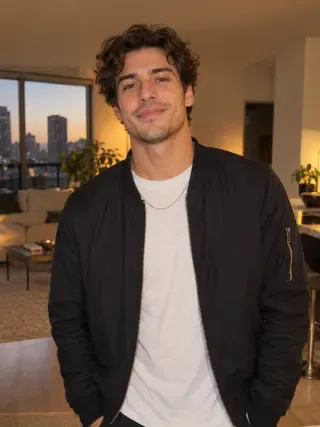
Real result generated with Flowlio AI from this one photo
More Effects
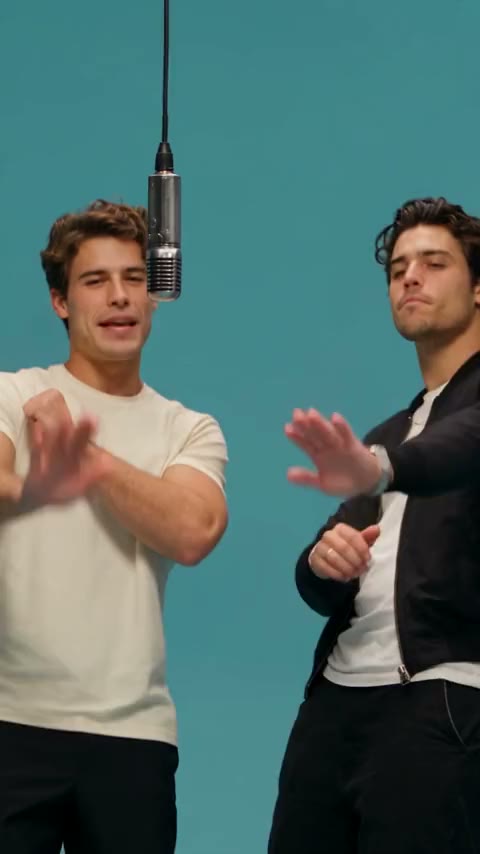
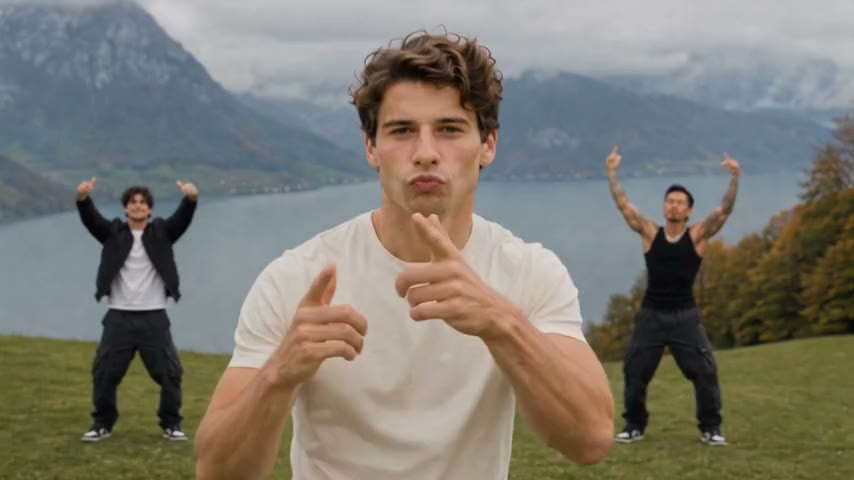
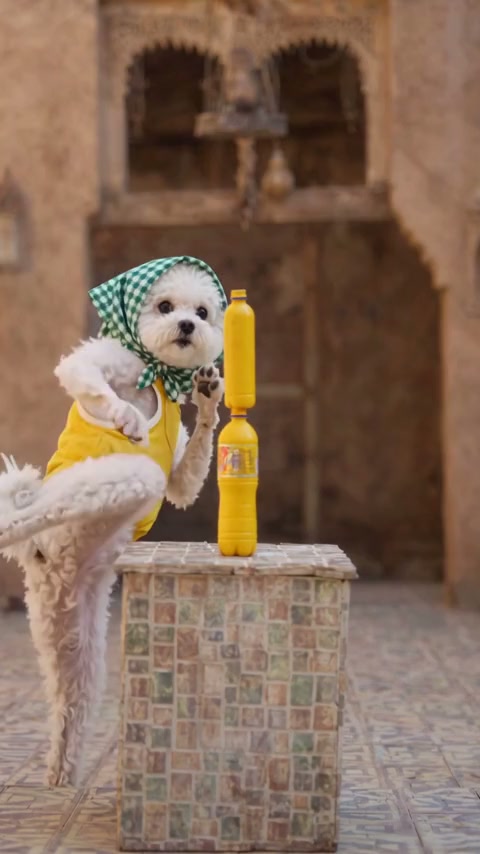
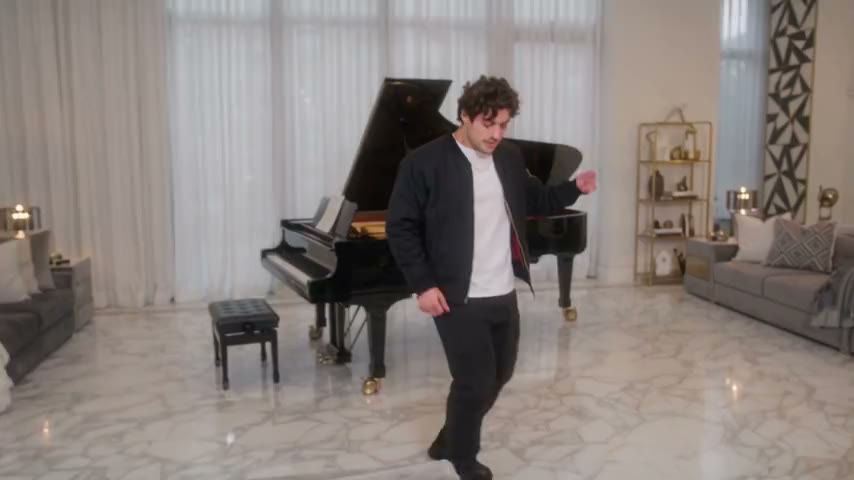
Explore the other video effects, each with its own input and motion.
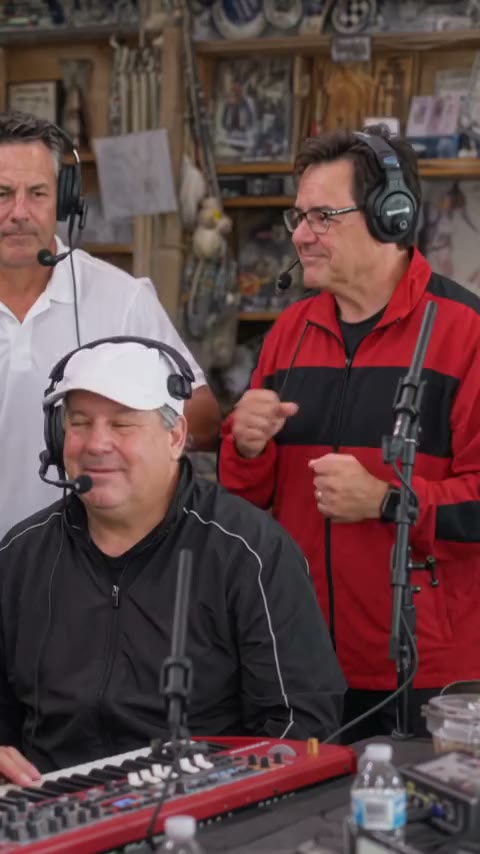
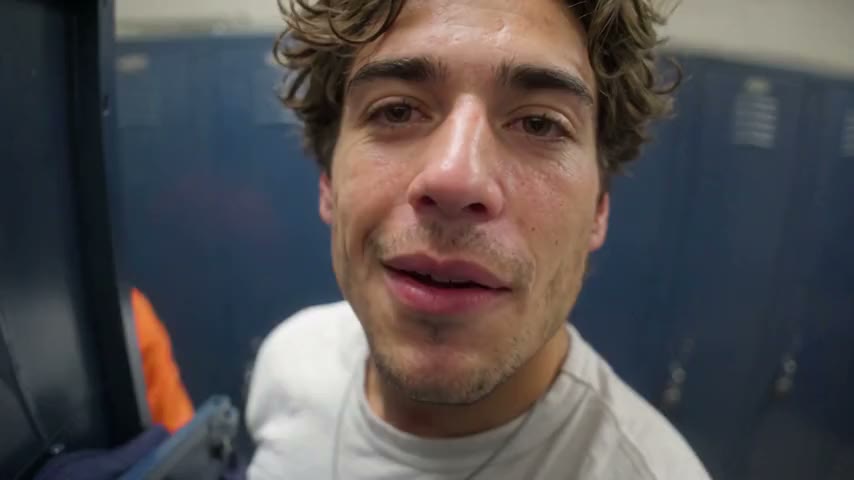
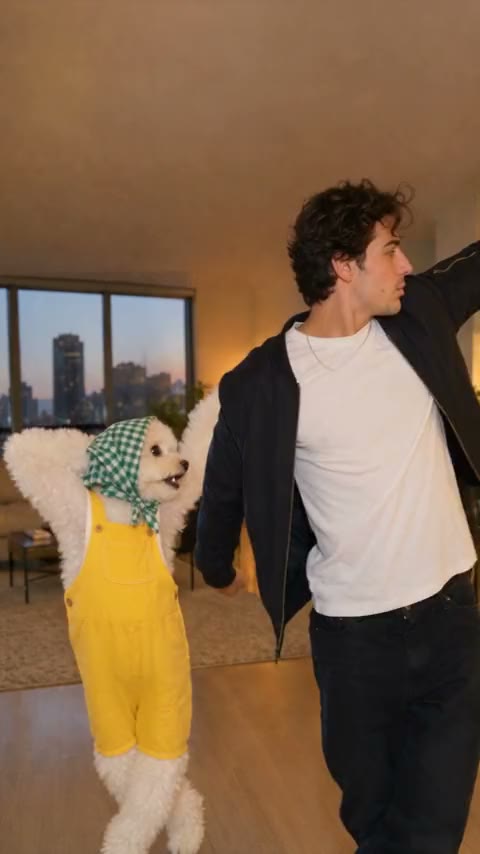
What is the bicep heart trend?
The bicep heart trend is a TikTok pose: you flex one arm and close a heart with your other hand. Add one photo, or two with a partner, to make yours.
Who makes a bicep heart trend AI video?
Every bicep heart trend AI video keeps the same moves, camera angle and sound. Who shows up in the bicep heart video depends on your photos: just you in the gym on Solo, or you and one more person on Duo.
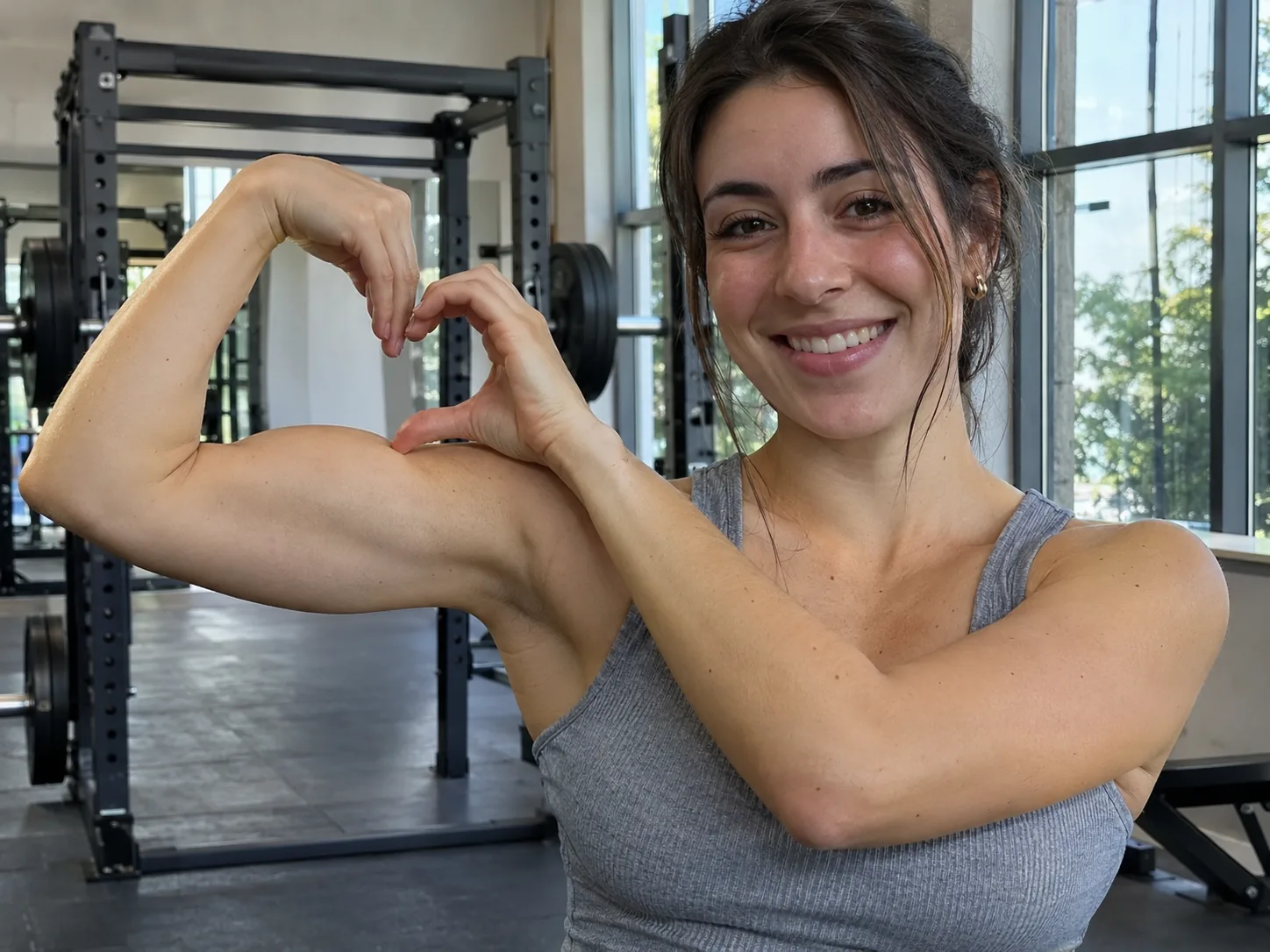
Your own bicep heart trend AI gym video
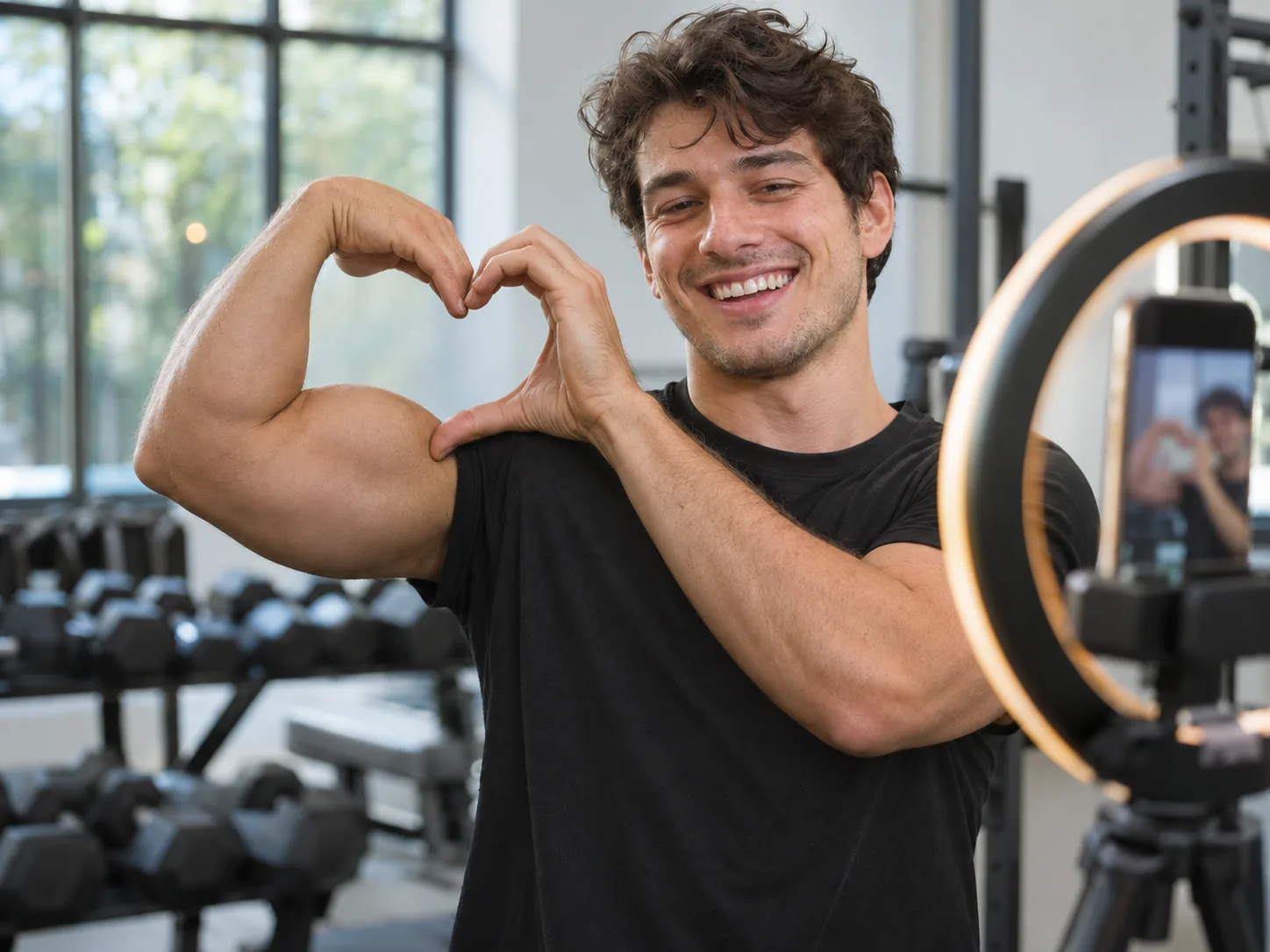
Want to post the bicep heart trend but never get the angle right in the mirror? Pick Solo and add a single clear picture of yourself. In your bicep heart trend AI video you stand in a bright gym, smile, flex both arms, then lift one arm and close the heart with your other hand before you look down at it. Your face, hair and real arm size are copied from your photo, which makes the bicep heart video look like you on a good day. A photo in a T-shirt or tank top works best for the bicep heart trend, because the arm shows. Post it after a workout with a line like "small bicep, big heart".
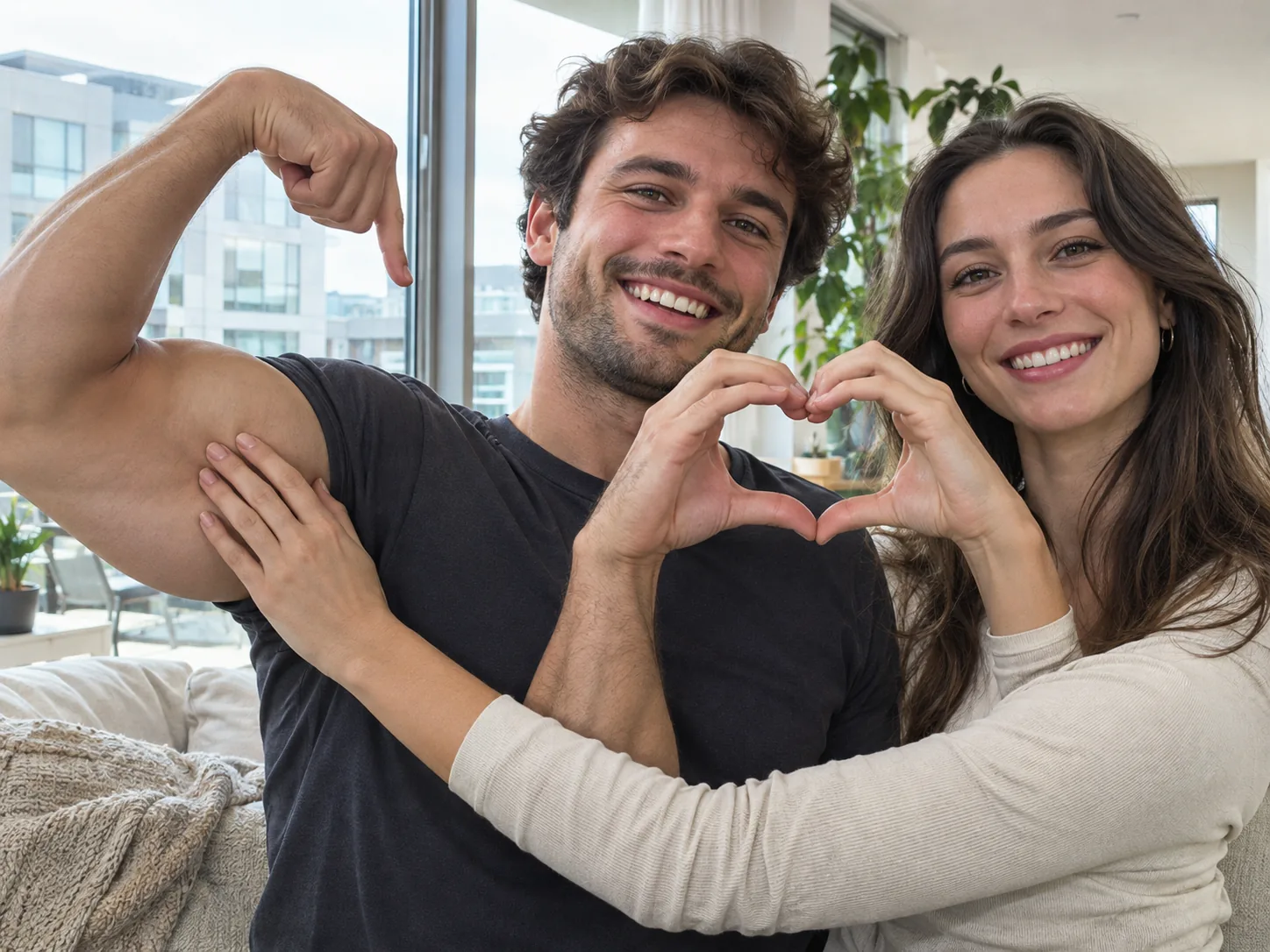
A bicep heart trend AI couple video starring you two
Couples love the Duo scene of the bicep heart trend. Put the person who flexes in the first box and their partner in the second. In the bicep heart AI clip, the first person raises one arm in a big flex. Then each of you curls one hand into half a heart, and the two halves meet between your faces while your partner holds the flexed arm. This bicep heart video is sweet, a little silly and only seven seconds long, so people watch it twice. Pick two different pictures with one face each, both easy to see. Keep your bicep heart trend clip for date night or a birthday post, and tag each other.
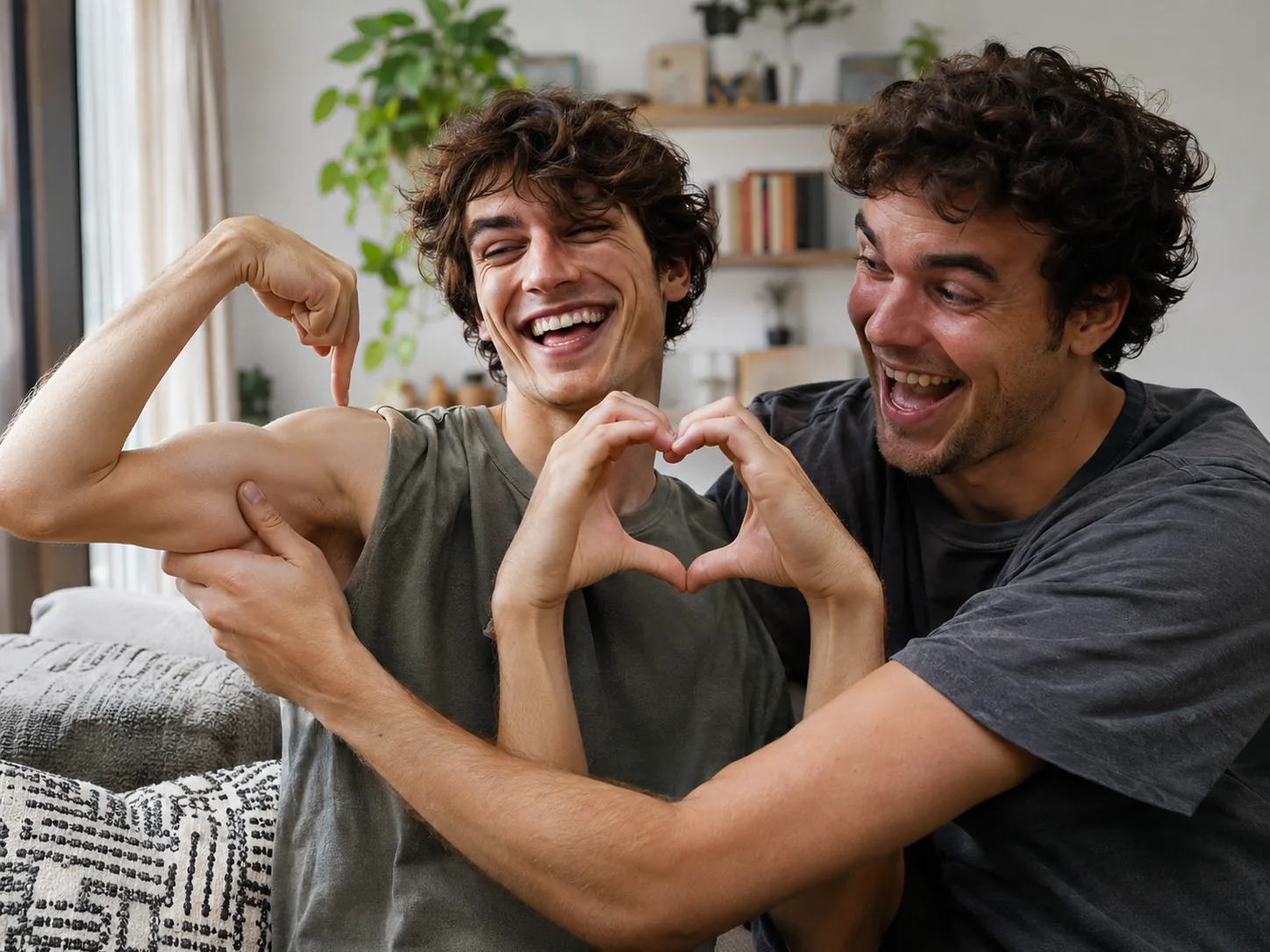
Do the bicep heart challenge with your best friend
Duo works for more than couples. Best friends can turn the bicep heart challenge into a joke: the friend with the smallest arms takes the flexer box and the other plays the proud partner holding that "huge" bicep. Upload one photo of each friend, faces to the camera, no sunglasses. The bicep heart AI keeps each face on the right person, so nobody swaps looks in your bicep heart trend video. It works for a sibling, a roommate or a teammate too. Add a caption like "two arms, one heart" and share the bicep heart video with your friend group first, then on Reels.
Ride the bicep heart meme as a creator
When the bicep heart meme is hot, being early matters more than being perfect. Instead of setting up lights and filming ten takes, upload one good photo and post your bicep heart trend AI video the same day. Start with 480p to check your face, then make the 720p or 1080p bicep heart video for your feed. The clip is 9:16, so your bicep heart trend post covers the whole phone screen in TikTok, Reels and Shorts with nothing cut off. Pair it with the hook everyone knows, "have you ever heard of a bicep heart?", and pin a comment asking fans to send their own bicep heart trend take.

A bicep heart trend AI video for trainers and gyms
Personal trainers and small gyms can use the bicep heart trend for a fun post that still shows off the work. Use Solo with a photo of a coach for a quick "meet your trainer" bicep heart video, or Duo with a coach and a happy member to say thank you after a big goal. The gym scene is already inside the bicep heart AI generator, so you don't need to film during busy hours. Get a yes from anyone whose photo you use. Share the bicep heart trend clip on your page with your class times written below it, or gift it to the member.
How to do bicep heart trend videos with AI
Nothing to type, no searching for the bicep heart trend clip, and no bicep heart trend song to add later. Our bicep heart AI video generator already holds both scenes, all the moves, the camera angle and the sound. It even draws a full view of each person from your photo before it makes the bicep heart trend AI video. You just add photos and click.
Pick a scene and add your bicep heart photo
Choose Solo for one person or Duo for two. Solo takes one photo of you. Duo takes two photos, and both boxes must be filled: the one who flexes first, the partner second. Keep each bicep heart photo to a single person whose eyes meet the camera, no sunglasses. Your own clothes stay in the bicep heart trend video, so short sleeves show the flex best.
Choose the quality of your bicep heart video
Both bicep heart trend scenes share one price list: you pay 400 credits for a 480p clip, 600 for 720p or 900 for 1080p. The button tells you the exact cost up front, and a failed render refunds every credit. Many people try 480p first, then make a sharper bicep heart video to post.
Generate and post your bicep heart trend AI clip
Hit Generate; most renders finish in 5 to 10 minutes, and leaving the page is fine. Your 7-second, 9:16 bicep heart video goes into My Creations with the bicep heart trend sound mixed in, free of captions and watermarks, sized for TikTok, Reels or Shorts.
The bicep heart pose, shot by shot
Both bicep heart trend scenes run about seven seconds in a vertical frame with a fixed camera. This is how each bicep heart video plays out, so you know which photos to pick.
Solo 0–2s · Smile and flex
Your Solo bicep heart trend clip opens in a bright gym in front of a squat rack, framed from the waist up. You smile at the camera, then flex both arms low by your sides.
Solo 2–4s · One arm goes up
One hand taps the other shoulder, then that arm rises into a full flex with the fist near your head. This is the start of the bicep heart pose.
Solo 4–7s · Close the heart
Your free hand curls into a "C" and fills the gap between your fingertips and your bicep, so arm and hand make one heart, the moment the bicep heart trend is named for. You hold it and glance down at it with a grin.
Duo 0–2s · Side by side
The Duo bicep heart trend scene starts in a bright room with tall windows: the flexer on the left, the partner on the right, close together and looking at each other.
Duo 2–5s · Two halves, one heart
The flexer raises one arm in a flex. Then each of you curls one hand into half a heart and joins it with the other, right between your faces, a couple twist on the bicep heart trend.
Duo 5–7s · Hold on tight
The partner wraps one hand, then both, around the flexed arm and smiles into the heart. The bicep heart video ends there, ready to loop.
Bicep Heart Trend FAQ: Photos, Duo, Sound and Price
Answers about the bicep heart trend, which bicep heart photo to use, the Solo and Duo scenes, the sound and what a bicep heart video costs.
The bicep heart trend is a pose that began in late October 2026 on TikTok and spread to Instagram Reels in early November. You flex one arm, point that hand's fingers back at your bicep, and close the gap with your other hand in a "C" shape, so arm and hand make a heart. Most people do it alone to show off a little, and many make a couple or friends version.
1) In the generator, tap Solo or Duo. 2) Upload one picture on Solo or two on Duo, with one person per box. 3) Select 480p, 720p or 1080p, look at the credit number on the button, then click Generate. Your bicep heart AI video appears in My Creations, sound and all.
No. The bicep heart trend is about the shape of your arm and hand, not the size of your bicep. Our generator keeps your real build from your photo and never swaps in bodybuilder arms, so the bicep heart video still looks like you. A photo in short sleeves helps the flex show clearly.
On Solo, one person in a bright gym flexes and closes the heart with their own hand, about 7 seconds long. Duo is two people side by side: one flexes, then you each make half a heart with one hand and join them while the partner holds the flexed arm, also about 7 seconds. Both bicep heart AI scenes are 9:16 and cost the same.
Pick a sharp picture with just one person facing the lens, taken in daylight or gentle room light. Waist up is enough for the bicep heart trend. Leave out group pictures, sunglasses, caps over your hair and strong filters. For Duo, upload two separate photos, one of each person, not one photo of you together.
No. Duo puts two real people in the clip, so it needs a photo of each one, and the generator asks for the second photo before it starts. If you only have one photo, use the Solo bicep heart trend scene.
The bicep heart trend uses a TikTok original sound rather than one famous song, so people usually just tap the sound on a trend post. You don't need to find it: each scene has its own sound laid under your bicep heart video from the first second, so there is nothing to sync.
No. The finished bicep heart trend AI video has no captions, no website names and no watermark, so you can add your own caption in the app you post to. The popular hook for the bicep heart trend is "have you ever heard of a bicep heart?"
Both scenes are about 7 seconds in a 9:16 vertical frame, the same shape as TikTok, Reels and Shorts. You can make your bicep heart AI clip at 480p, 720p or 1080p, sound included.
Solo and Duo cost the same. At 480p you spend 400 credits; at 720p, 600; at 1080p, 900. The button shows that cost first, and failed renders are refunded. New here? Our starter option, the one-time Trial Pack, fits exactly one 720p bicep heart trend video.
Usually about 5 to 10 minutes, a bit longer at busy times or at 1080p. First the AI draws a full view of each person from your photo, then it makes the bicep heart trend video. Everything happens on our side, so feel free to leave and check My Creations later.
No. Scene, moves, camera and sound all come built into the bicep heart AI generator. Some other tools want a written prompt, an uploaded reference video or music added later. Here you only add photos and pick a quality.
No, it is made for people only. A pet photo will not give a good bicep heart video because the pose needs human arms and hands. Only use pictures of people who agreed to appear.
Yes. The video is already vertical and carries no watermark, so it's ready to share right away. Add the bicep heart trend hook as your caption, tag your partner or friend if you made the Duo, and check the whole bicep heart AI clip once before you share it, since AI hands can sometimes look odd.
Make your bicep heart trend AI video
Upload a single photo for the Solo gym flex, or one each of you and your partner, and get a bicep heart trend AI video with the trend sound in a few minutes.