
AI Video Effects & Templates
Choose an AI video effect template, add your image and create your own version.
 New
NewTwo photos → car reveal with music
Unforgettable Car AI Video
Your photo and any car: hold up the 2 and 4 cards, swipe across the lens and reveal your car to Unforgettable.
 New
NewOne photo → music video lip-sync
Popstar AI Video
One photo: lip-sync Drake's Popstar through a mansion with champagne and a bodyguard, song included.
 New
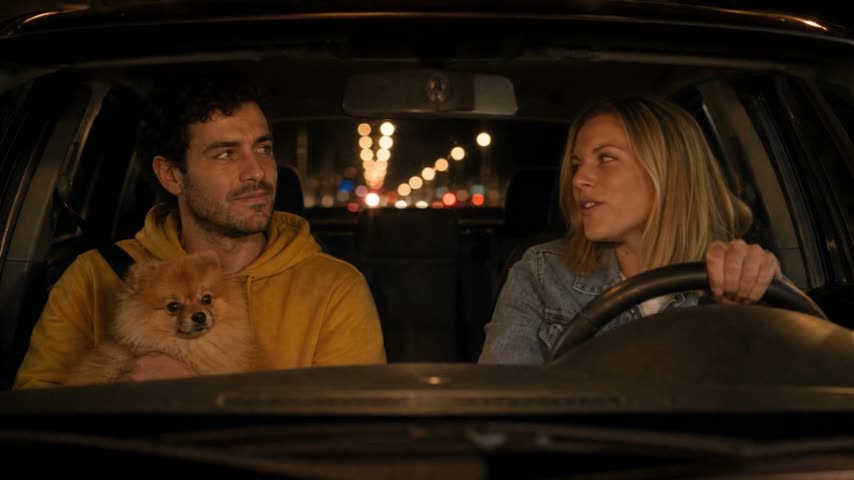
NewTwo photos → car singalong video
White Chicks AI Video
Two photos: one sings A Thousand Miles at the wheel, the other stares from the passenger seat, with the song.
 New
NewOne photo → freestyle video
Bulin 47 AI Video
You or your pet take Bulin 47's place in the viral freestyle, with the original audio.
 New
New1–2 photos → meme video
Cat Knight AI Video
Your cat becomes the tiny armored knight from the meme, with a giant at its side, original audio included.
 Hot
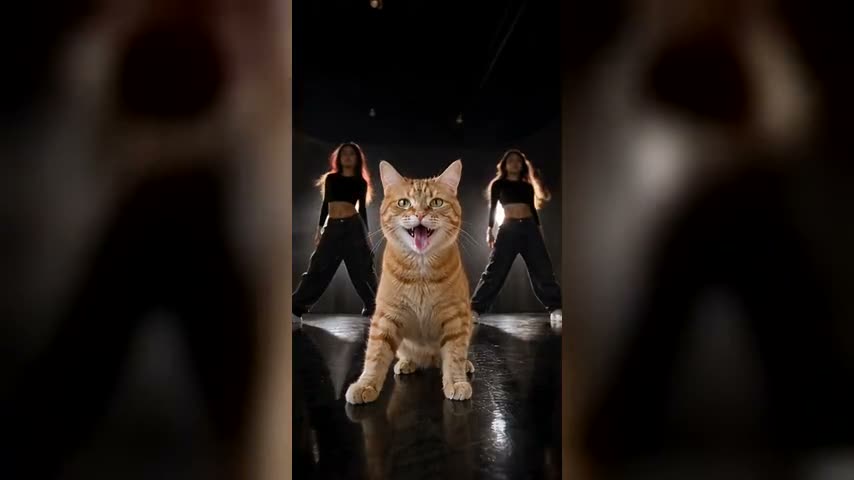
HotOne pet photo → dance video
Put A Ring On It AI Video
Your pet takes centre stage for the Single Ladies head flips, with two backup dancers and the song.
 Trending
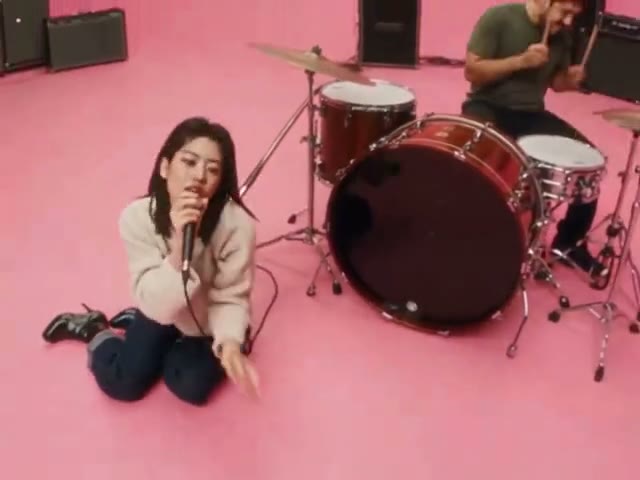
Two photos → music video
AI APT MV
Put two people or pets in the pink-studio APT. music video: one sings, one drums, then they dance.
 Hot
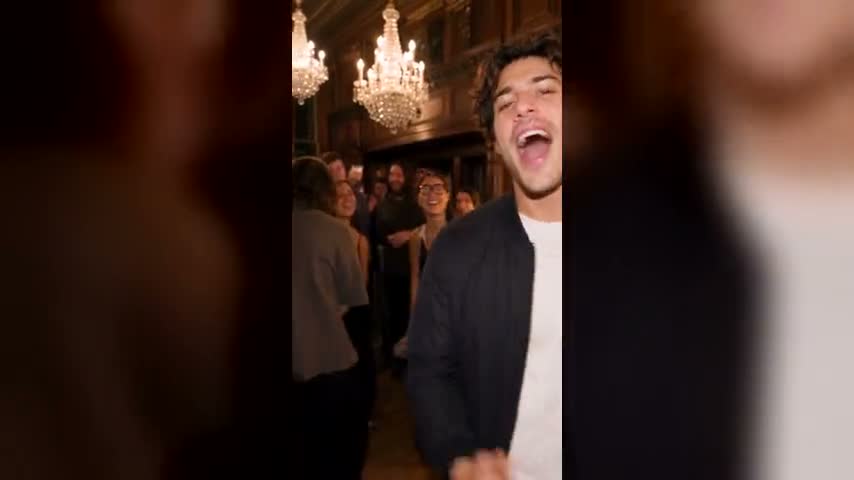
HotOne photo → party video
Drake Burning Bridges AI Video
You or your pet, cup in hand, hyping up a packed chandelier-lit house party, with the song.
 New
NewOne photo → dance video
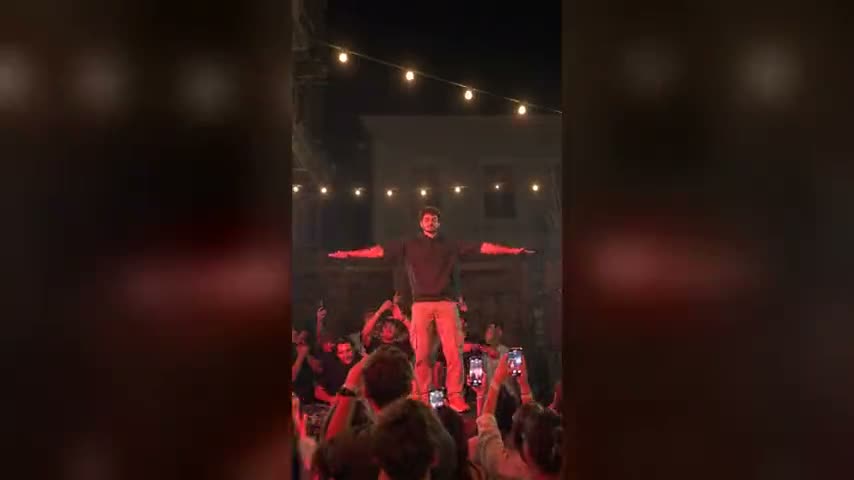
Cheba Man AI Video
You take the red-lit party stage for the Cheba Man dance while the crowd films, music included.
 Hot
HotTwo photos → rap duo video
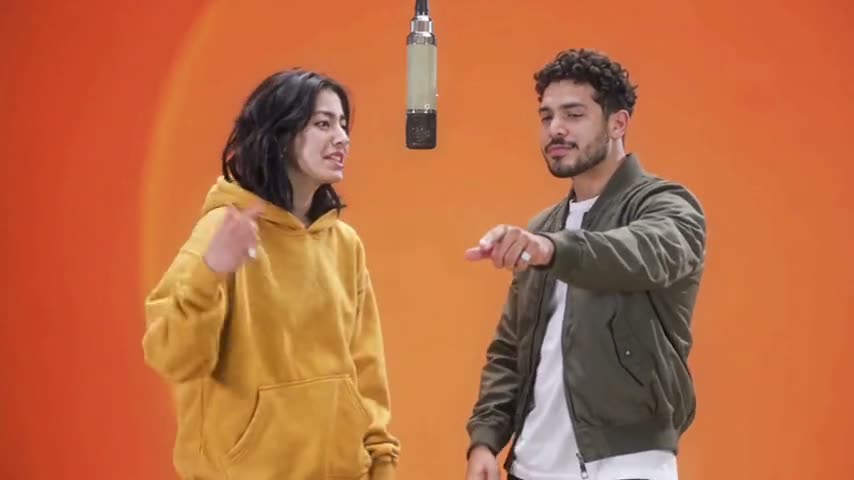
Migos AI Trend
Put two people or pets in the orange Hotel Lobby booth, trading verses at one hanging mic.
 Trending
Two ages → cinematic face-off
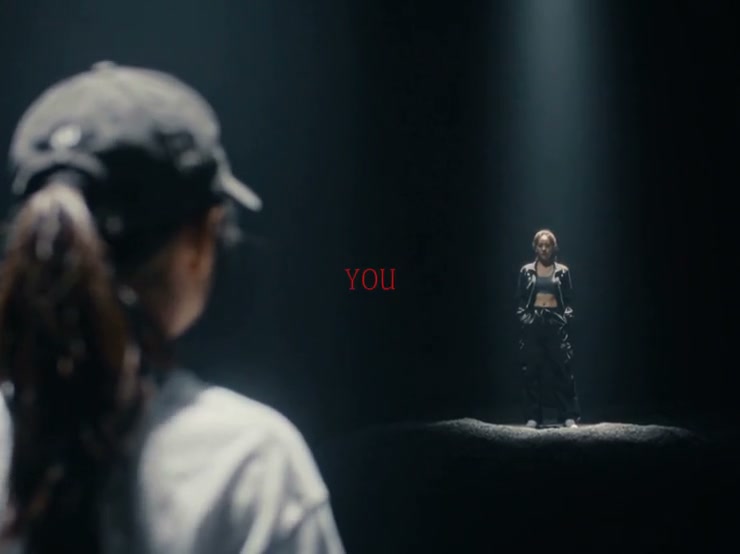
Your Next Opponent Is You
Stage a younger and present-day version of the same person in the dramatic social trend built around facing your past self.
 New
NewTwo photos → rap video
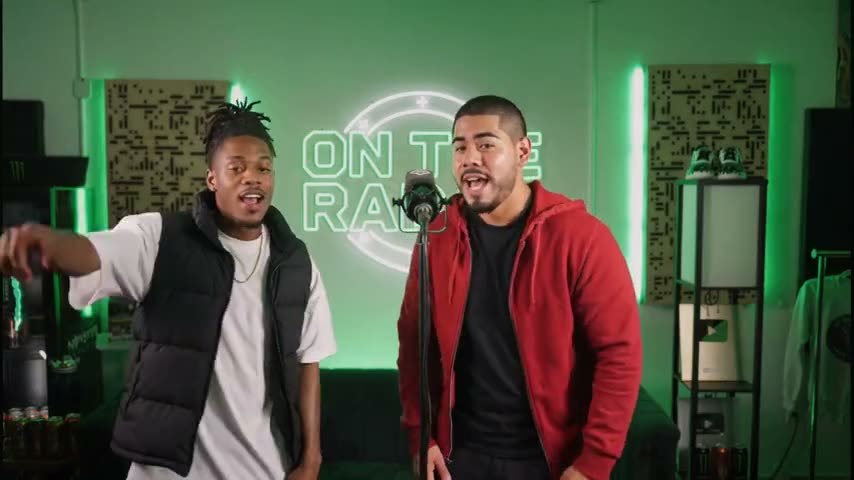
Fetty Wap 679 AI Video
Put two people or pets in the green On The Radar booth, trading the Fetty Wap 679 hook at one mic.
 Hot
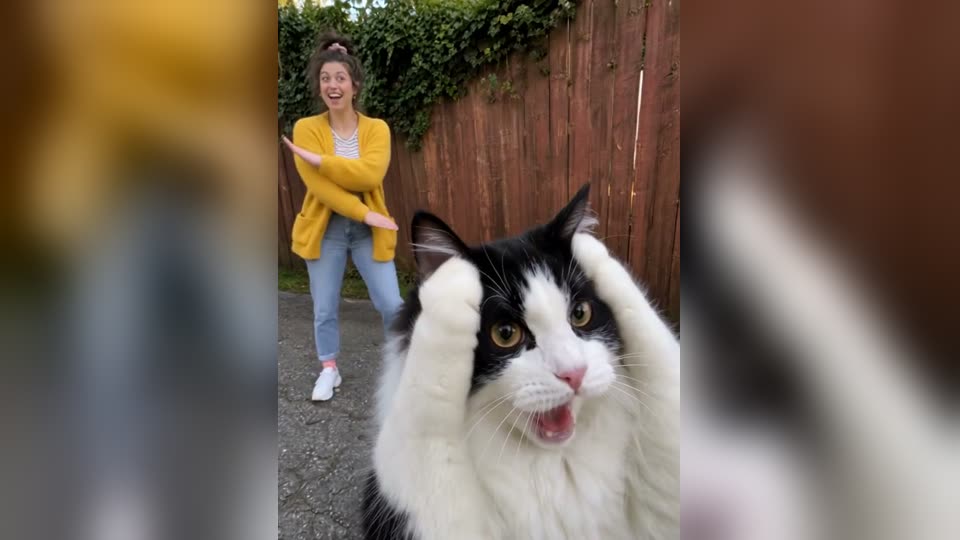
HotTwo photos → Smalltown Boy duo dance
Smalltown Boy Dance AI
Two photos, two screams into the lens and a side-by-side dance to Bronski Beat, song included.
 New
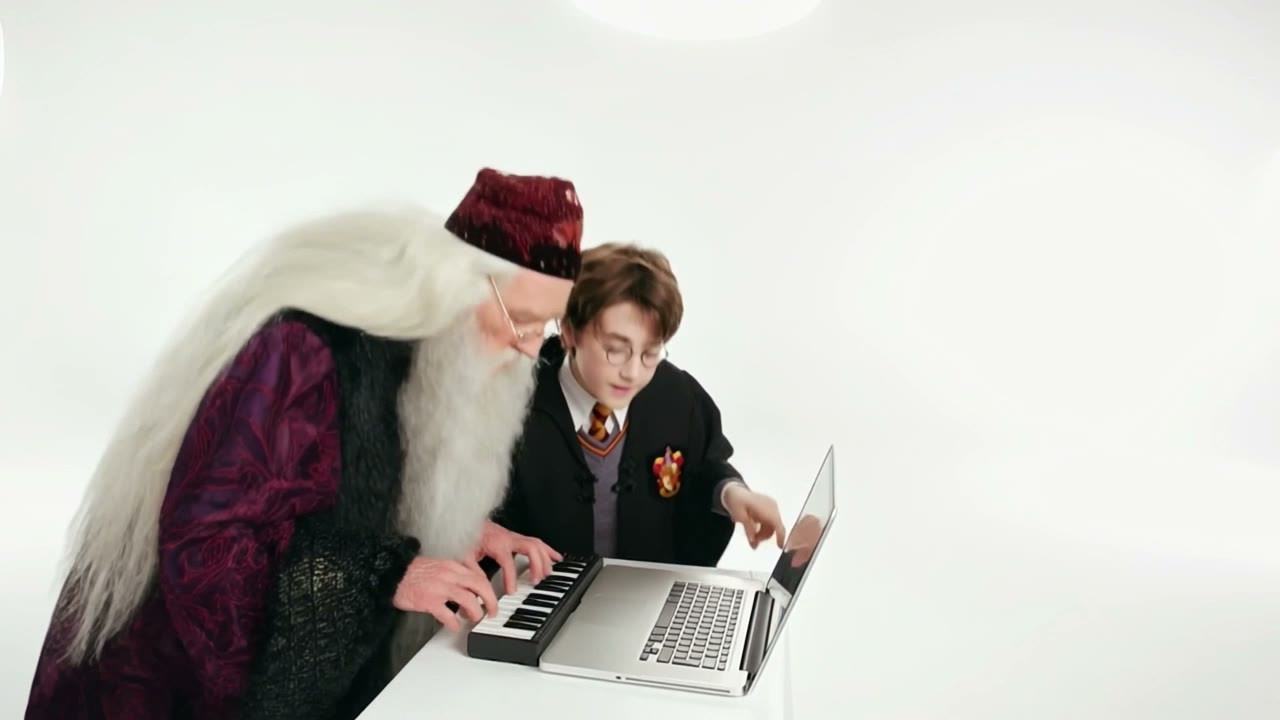
NewTwo photos → studio duet video
Alors on Danse AI Video
Two photos, one on the little keyboard and one hyping beside them, in the white-studio sketch, with the song.
 Trending
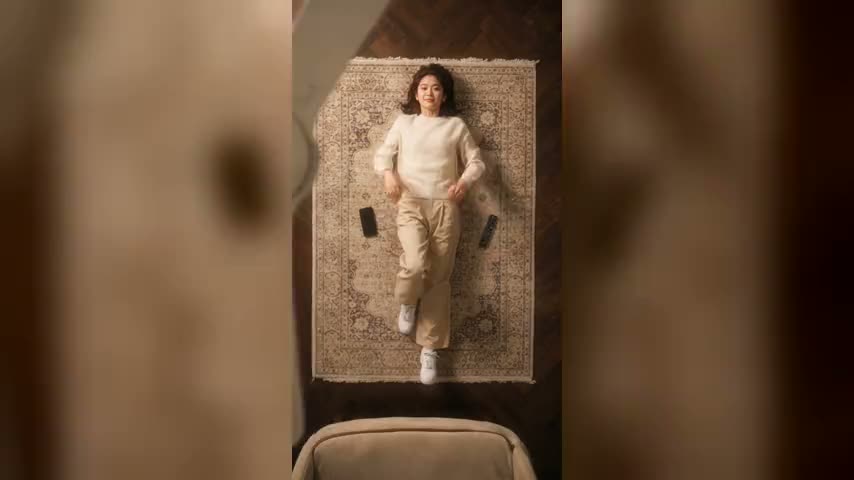
One photo → 4-outfit fan video
Ceiling Fan Transition
Lie under a spinning ceiling fan and change into a new outfit on every blade pass — the TikTok trend from one photo.
 Hot
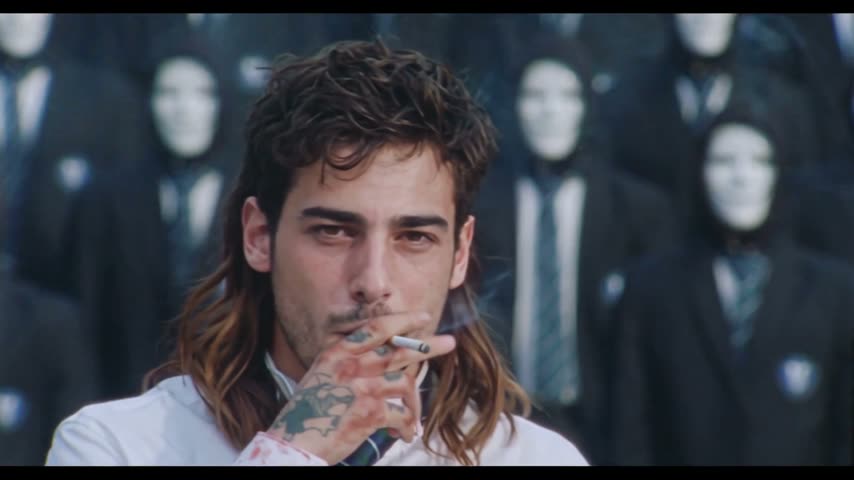
HotTwo photos → crowd dance video
STORM II Crowd Dance
You lead, one face fills the whole suited crowd on the steps — then everyone breaks into the STORM II dance.
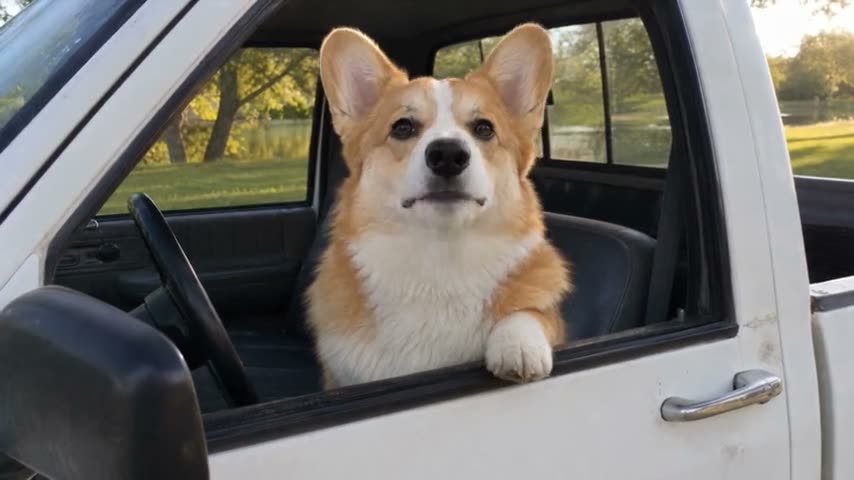 New
NewOne photo → meme video
Hit the Road Dude AI Video
Become the angry truck driver from the "This Ain't No State Property" meme, original audio included.
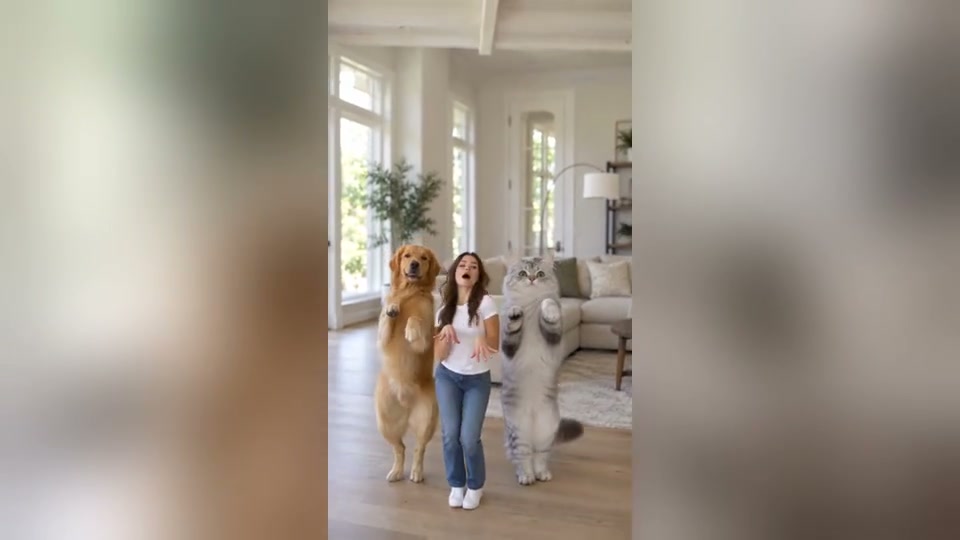 New
New1–3 photos → crew dance video
You Move Like An Animal AI Video
One to three photos become a crew dancing KATSEYE's Animal routine. People, pets or both.
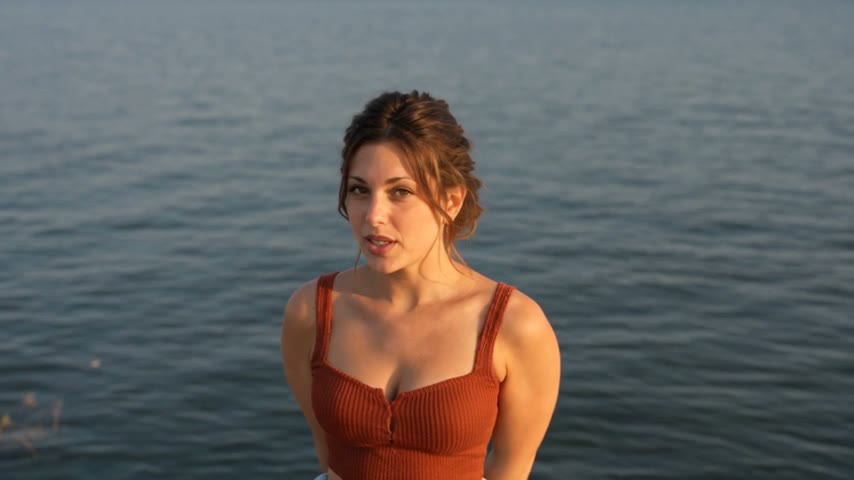 New
NewTwo photos → lakeside music video
Raindance AI Video
Two photos, one singing to the camera on a lakeside pier and one sitting beside them on the sand, with the song.
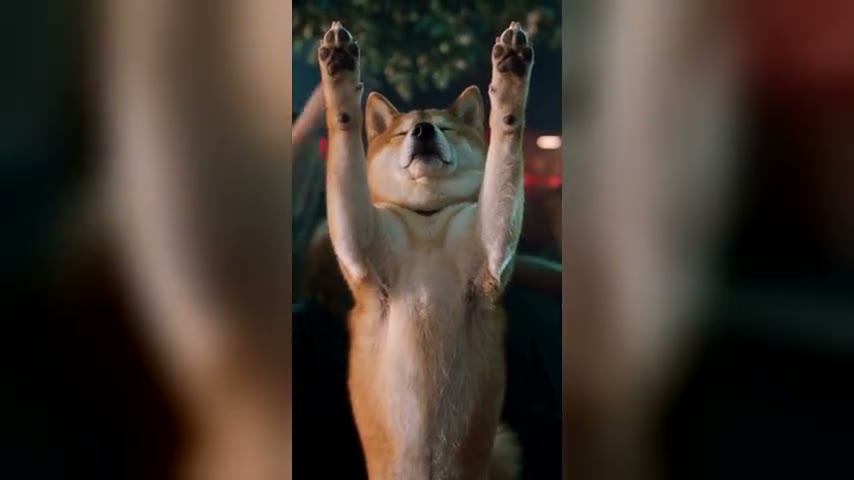 New
NewOne photo → dance video
Turn The Lights Off AI Video
You or your pet, eyes closed and arms up in the packed club scene, with the song.
 New
NewPerson + car → stunt video
Car Jump AI Video
Two photos: you sit calmly in a camp chair while your car launches off a ramp behind you and lands in the dust, with music.
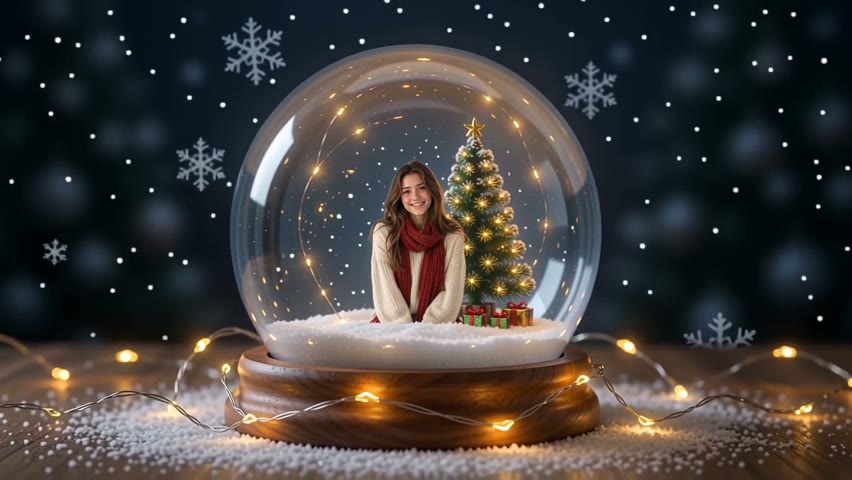
One photo → snow globe video
Snow Globe
Put yourself, your family or your pet inside a Christmas snow globe and watch the snow fall.
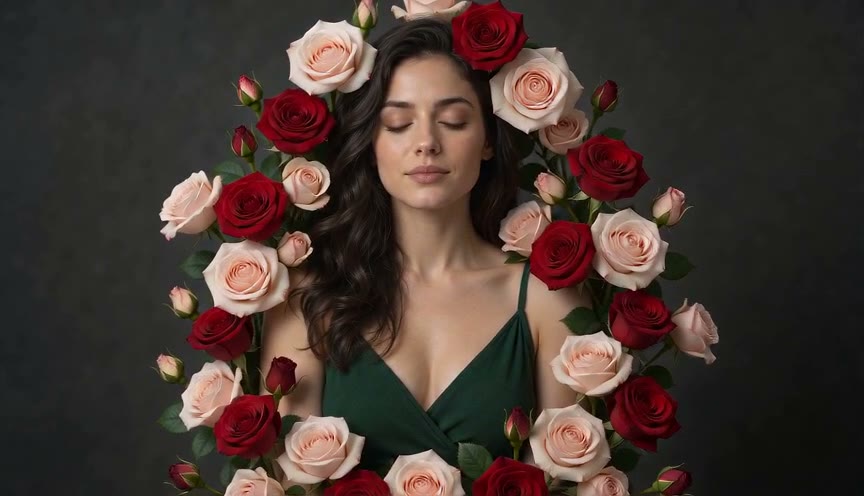 New
NewOne image → floral growth
Bloom Effect
Grow flowers, vines and botanical detail across portraits, products, architecture and street scenes.
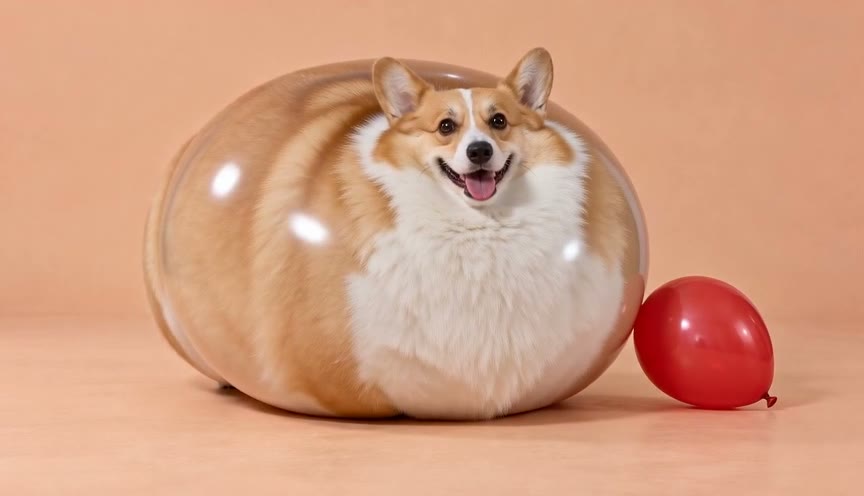
One image → balloon video
AI Inflate
Turn one photo into a playful balloon-inflation video.
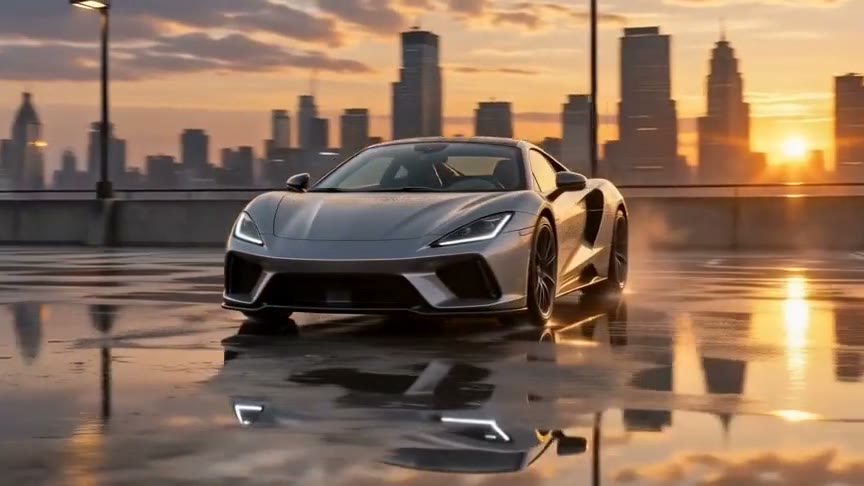
One image → orbit video
Orbit Shot
Circle a fixed person, product, car or character with a cinematic 360° orbit, controlled arc or bullet-time camera move.
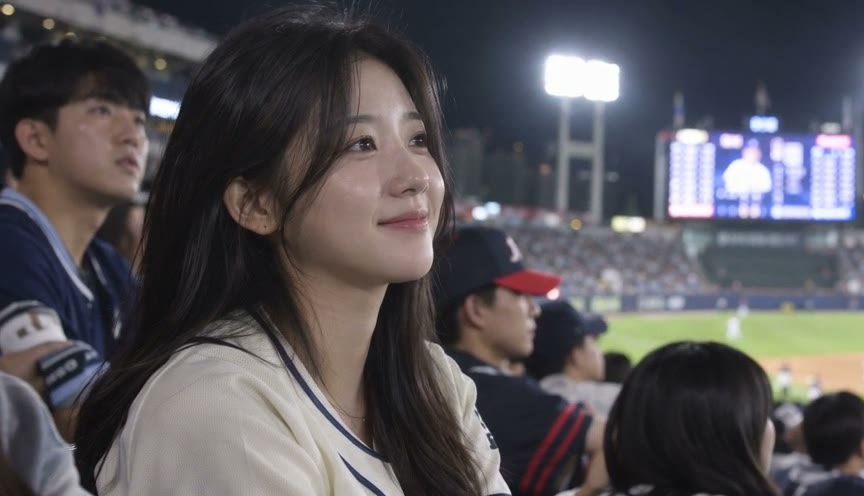
One photo → fan cam image or video
Baseball Broadcast
Turn a selfie into a Korean stadium crowd-cam shot, then animate it like a live broadcast.
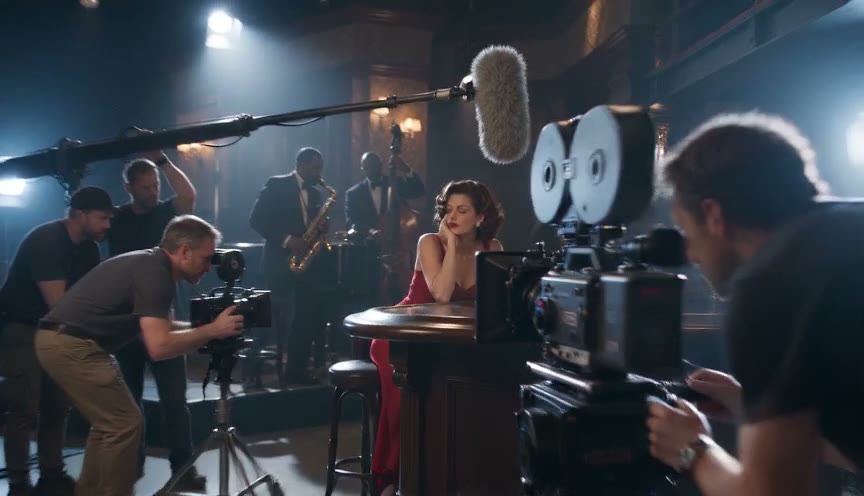
One image → film-set reveal
Behind the Scenes
Pull back from the polished frame and reveal cameras, lights, crew and the production set around it.

One image → aerial shot
AI Drone Shot
Lift a ground-level image into a sweeping aerial pullback, orbit or cinematic establishing shot.
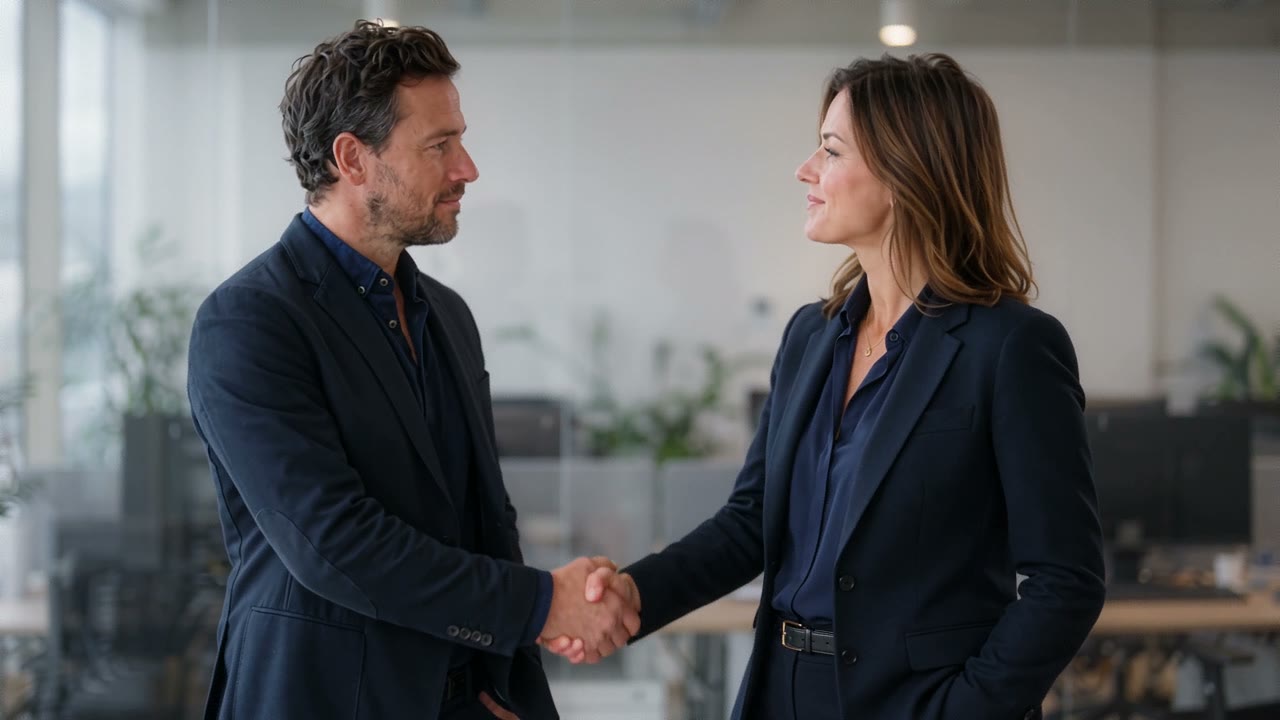
Two images → one interaction
AI Handshake
Bring two people from separate photos into one believable meeting, greeting or business handshake.
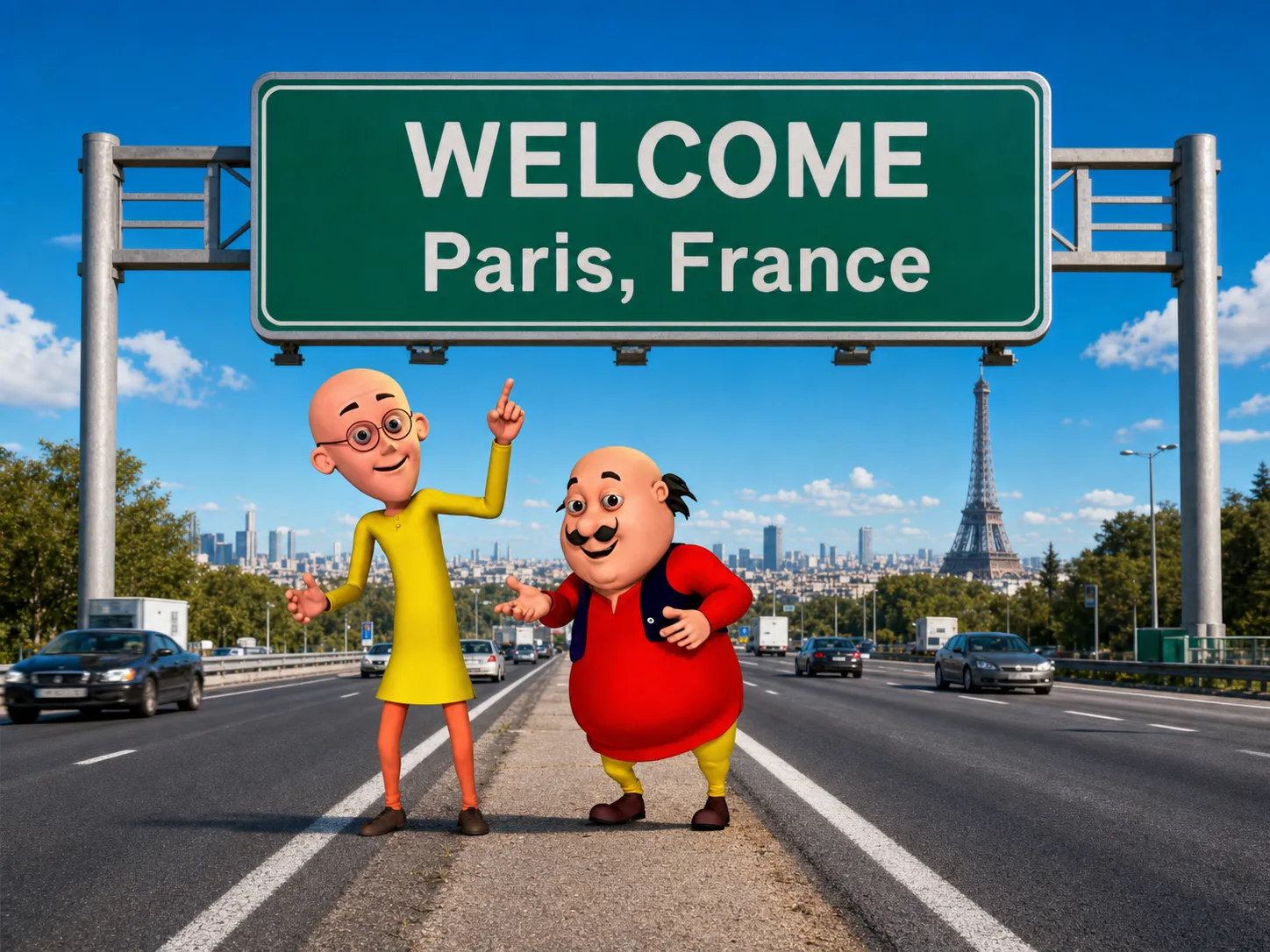
One image → animated scene
Motu Patlu Video
Turn a photo into a playful original buddy-comedy scene inspired by energetic cartoon timing and expressive action.
How it works
Pick a look, not a prompt
Every effect here starts from something you already have — usually one still image, sometimes two, sometimes just a written scene. The template supplies the rest: the move, the timing and the finish. Open the one you want and it becomes a generator built only for that look.
Check what it needs first
Effects differ most in what you have to bring. Some work from a single photo, some need two, and some can start from a written scene with no image at all. Every card above states its input before you open it, so you can rule out the ones you can not feed.
Moving the camera vs. changing the scene
One family of effects leaves your subject exactly as photographed and moves the camera around it — useful when the thing itself is the point and you want it seen from more than one angle. The other family keeps the frame still and changes what is in it. Deciding which of the two you want narrows the list faster than browsing every template.
Give the model a clean source
Whatever the effect, a sharp, well-lit image with the subject clearly separated from its background gives it the most to work with. Heavy blur, deep shadow or a subject half-hidden behind something else leaves the model guessing, and the guess is what tends to look wrong.
Frame it for where it is going
Set the aspect ratio to match the destination before you generate rather than cropping afterwards — vertical for reels and stories, wide for a site header or a product page. Re-cropping a finished clip throws away the resolution the effect just produced.