
Snow Globe
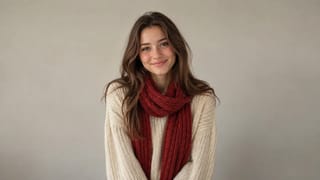
Real result generated with Flowlio AI from this one photo
- 1 photo you add
- 5 s clip
- Ready to share via link
- No watermark
Ready in a few minutes
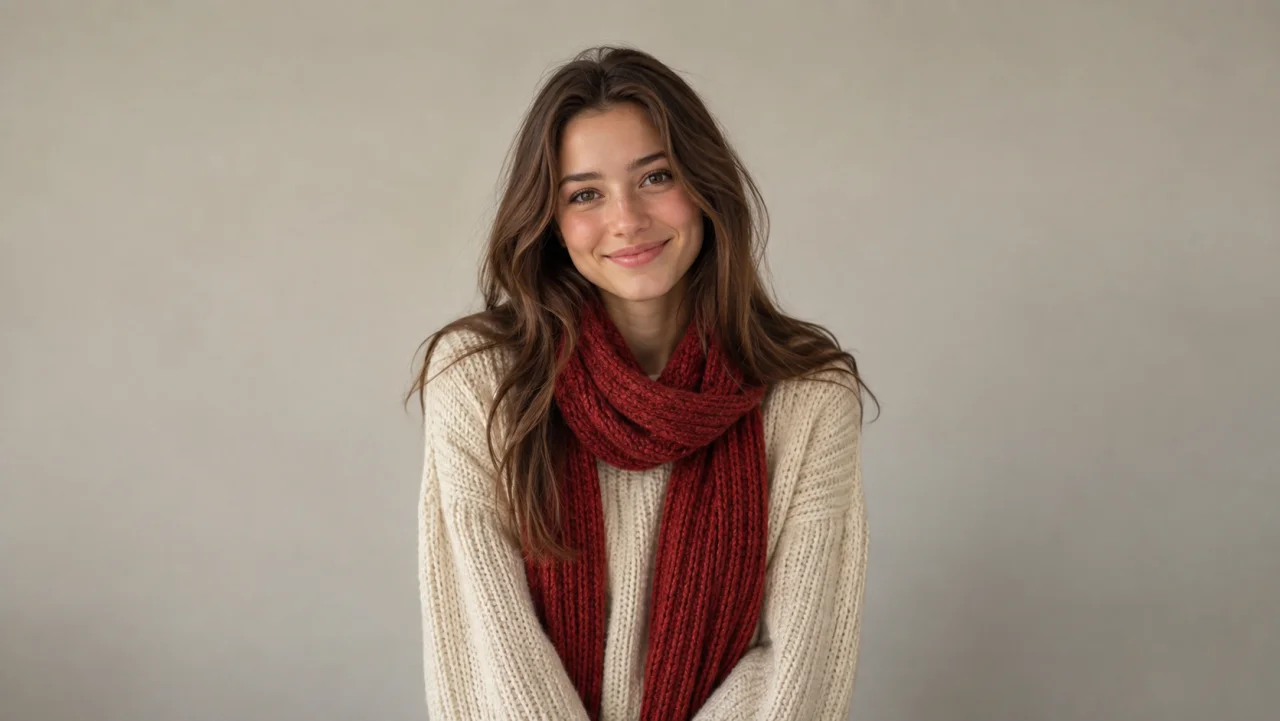
Real result generated with Flowlio AI from this one photo
More Effects
Explore the other video effects, each with its own input and motion.


Put yourself inside an AI snow globe, then watch the snow fall
Upload a selfie, a couple photo, a family portrait or a picture of your pet as your AI snow globe photo. The AI Snow Globe Video Generator puts your photo in a snow globe and turns it into a short Christmas snow globe video: snow swirls, settles and glows while every face stays recognizable. It is the snow globe TikTok trend as an AI snow globe video instead of a still.
Who to put in your AI snow globe this Christmas
Most people start with the snow globe trend they saw on social media and want their own AI snow globe. These are the photos that turn out best, and what each one is good for.
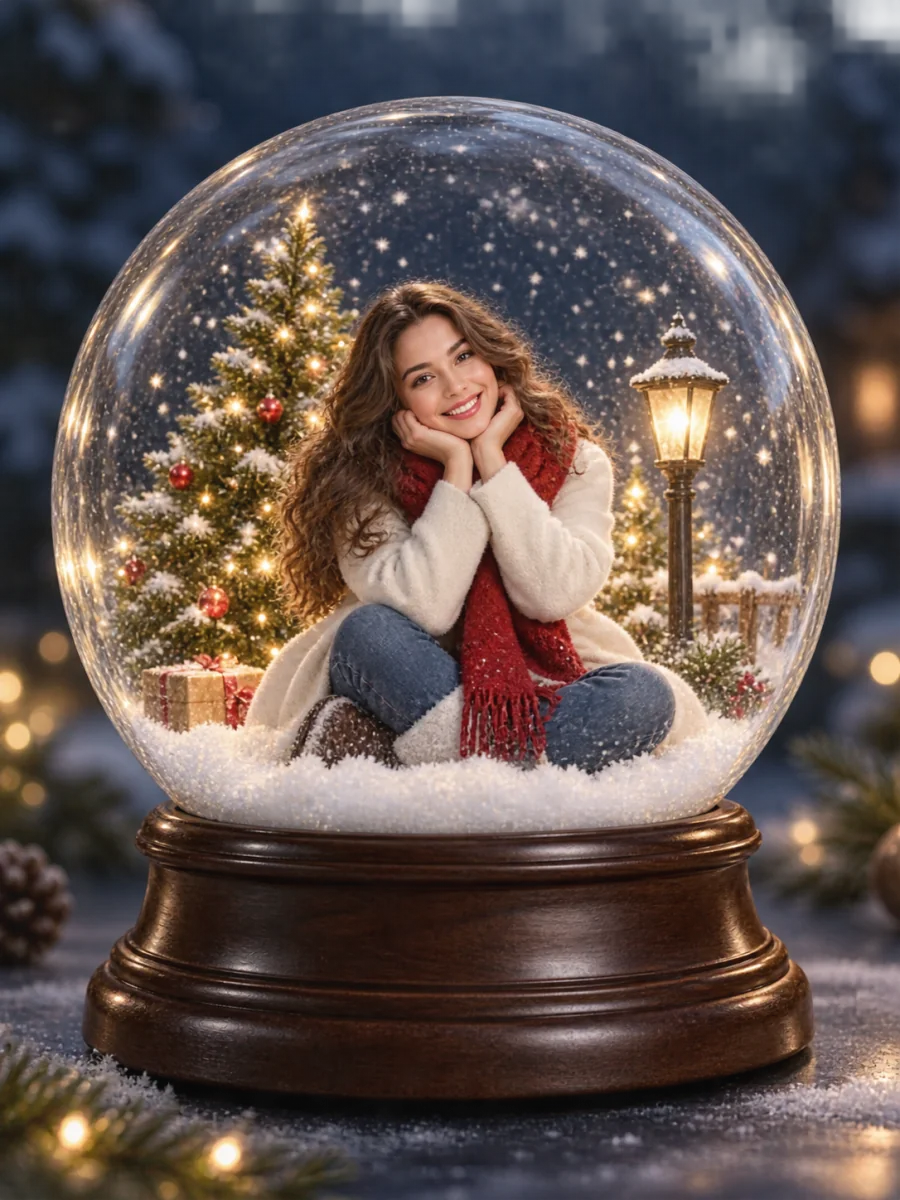
Put yourself in an AI snow globe
A clear selfie or portrait is all it takes. The AI snow globe keeps your face, hair and outfit, then adds a miniature Christmas tree, warm lights and falling snow around you. It is the easiest snow globe selfie to make: post it as your holiday profile video or join the snow globe TikTok trend on Reels.
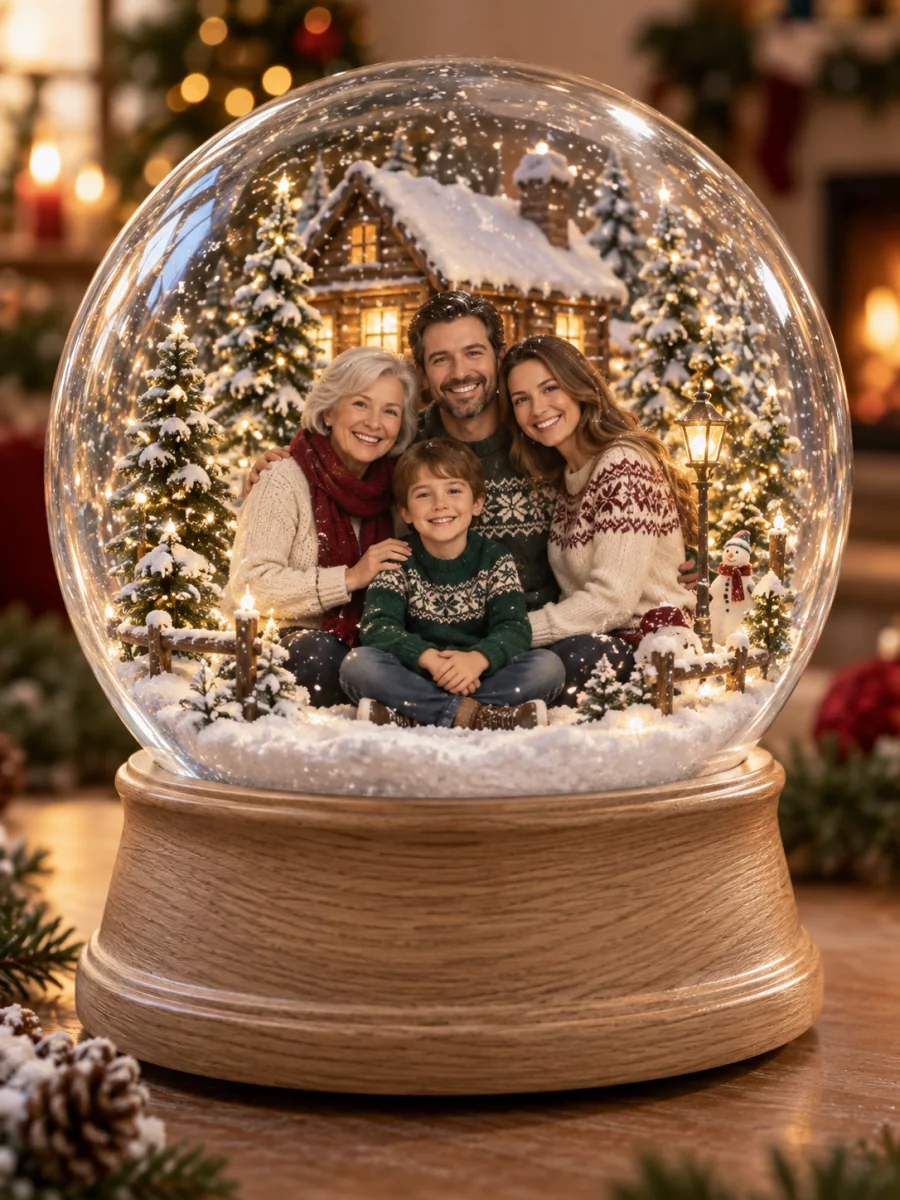
Fit the whole family inside one AI snow globe
Upload a couple photo or a family portrait and everyone goes into the same AI snow globe, in the same poses and outfits. Matching Christmas sweaters and a group shot where every face is visible give the most charming snow globe with family inside, and the kids can be in it too.
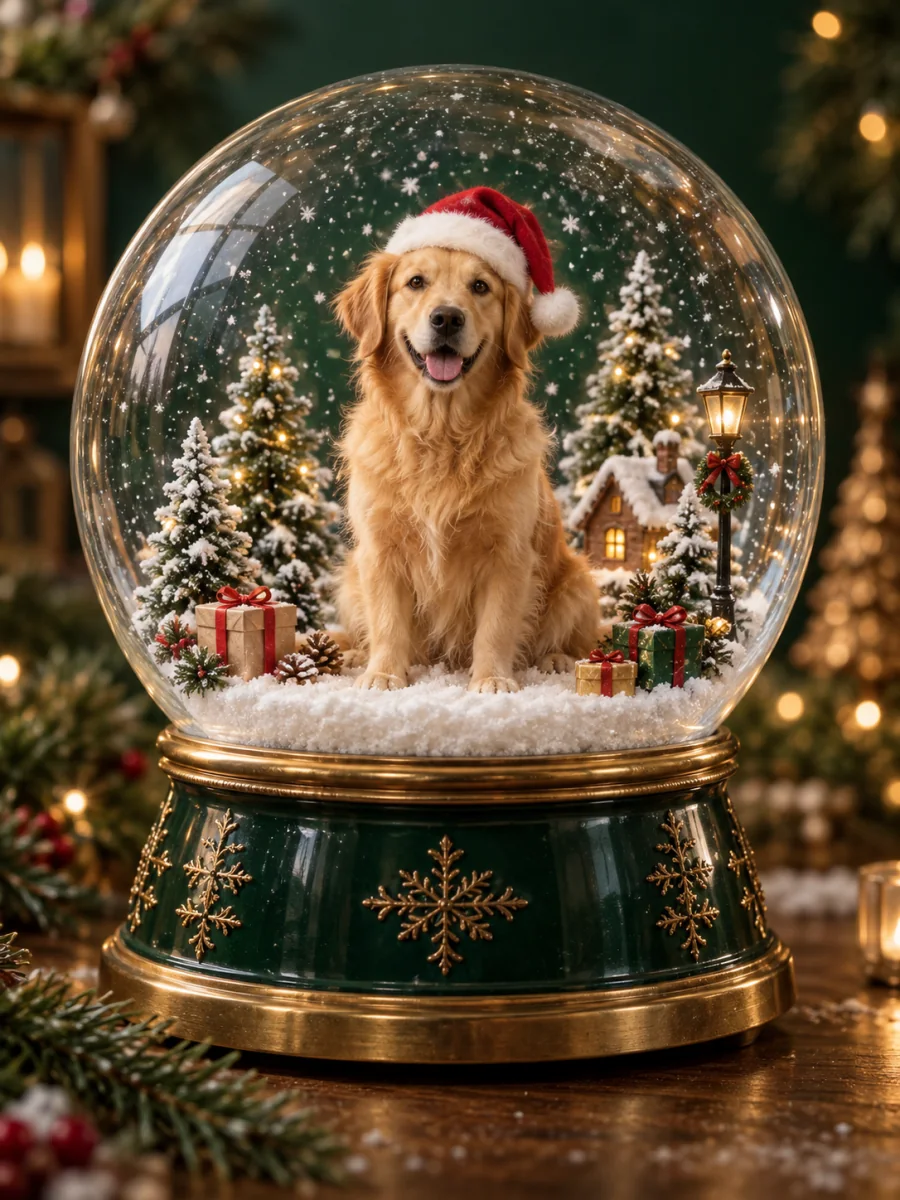
Make an AI snow globe of your dog or cat
Pet snow globes are one of the most shared versions of the trend. Upload a sharp photo of your dog, cat or any pet and it sits inside the AI snow globe on fresh snow, keeping its own markings and expression. Add a tiny Santa hat in Custom if you like.
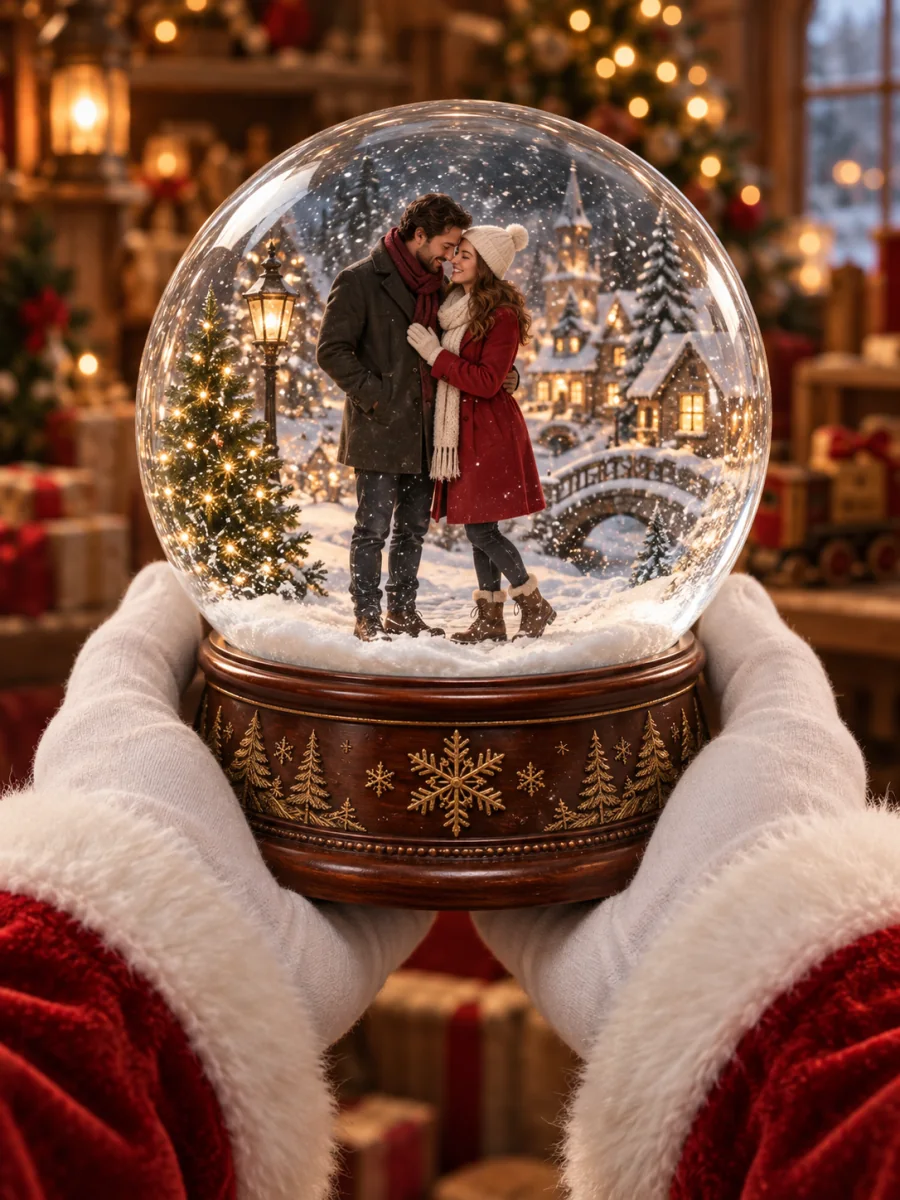
Send an AI snow globe instead of a card
An animated AI snow globe makes a personal snow globe Christmas card you can send by message or email. Choose Santa Holding for a storybook feel, or Music Box for a vintage keepsake. Thinking about a personalized snow globe photo gift? Make the digital version first to see how your picture looks inside.
How to turn a photo into an AI snow globe video
You don't need a prompt or any editing skills. Upload a photo, pick an AI snow globe style and generate; the preset writes the scene and protects the faces for you.
Upload one clear photo
The best AI snow globe photo is a JPG, PNG or WebP where every face is visible and in focus. Front-facing, well-lit photos keep people most recognizable once they are miniaturized inside the glass.
Choose your AI snow globe style
Pick Classic Christmas, Santa Holding, Music Box, Winter Night or New Year, or choose Custom and describe your own globe. Seedance 2.5 is selected by default; Wan, Seedance 2, Seedance 2 Fast and HappyHorse are also available.
Generate and download
Choose 9:16 for TikTok and Reels or keep your photo's shape, then generate. The video starts on your photo, pulls back to reveal the AI snow globe and ends with the snow settling. Download it watermark-free.
An AI snow globe video effect that keeps you looking like you
Most AI snow globe tools stop at a still image. This AI snow globe video generator makes a snow globe video animation of the whole moment, and every built-in style carries the same rules for faces, glass and snow.
A video, not just a picture
Snow swirls as if the AI snow globe was just shaken, then drifts down and settles while the camera pulls back to reveal the glass. The motion is what makes a Christmas snow globe video work as a Reel, a Story or an e-card.
Faces stay natural in your AI snow globe
Every preset tells the model to keep the same people, faces, hairstyles, clothing and poses, with no extra people and no cartoon faces. Couples, families and pets all stay together in one globe.
Five AI snow globe styles, ready to use
Classic Christmas, Santa Holding, Music Box, Winter Night and New Year each set the base, the miniature scenery and the lighting, so you never have to write a snow globe AI prompt yourself.
Write your own AI snow globe in Custom
Want pink snow, a vintage or anime look, or your globe on a stack of books? Describe it in Custom. Face and identity protection is still added to your prompt automatically.
Sized for where you post
Choose 9:16 for TikTok, Reels and Shorts, 1:1 for a feed post, or Adaptive to keep the shape of your original photo when the selected model supports it.
Pick the video model
Start with Seedance 2.5 for the most detail in faces and glass, or compare Wan, Seedance 2, Seedance 2 Fast and HappyHorse from the same photo. The credit cost shows before you generate.
AI Snow Globe Video Generator FAQ
Answers about making an AI snow globe from your photo, keeping faces right and sharing the result.
An AI snow globe is a picture or video in which the people or pets from your photo appear miniaturized inside a glass snow globe, usually with a tiny Christmas scene and falling snow. It became a popular holiday trend on TikTok, Instagram and Pinterest. This AI Snow Globe Video Generator is a Christmas snow globe video generator: the snow moves, the camera reveals the glass and the snow settles at the end.
Upload a clear photo of yourself, pick an AI snow globe style such as Classic Christmas and click generate. There is no prompt to write. The result starts on your photo, pulls back to reveal the glass globe around you and finishes with gentle snowfall.
You can start free: this AI snow globe video generator is a snow globe maker online, with nothing to install. New accounts receive signup credits, which cover your first AI snow globe videos. After that, generations use credits from a plan or credit pack, and the cost for your chosen model, length and resolution is shown before you generate.
Every built-in style tells the model to keep the same faces, hairstyles, skin tones, clothing and poses, and to avoid cartoonish or warped faces. For the best likeness, use a sharp, front-facing, well-lit photo where faces are not too small, and avoid sunglasses or hats that cover the eyes.
Yes. Group photos, couples, kids and pets all work, and everyone in the photo goes into the same AI snow globe. Make sure every face is visible and not blurred. For a pet snow globe, a sharp photo where the animal fills a good part of the frame gives the most accurate markings.
A Gemini AI snow globe or a ChatGPT snow globe prompt (Nano Banana, GPT image) gives you a still image. Here you upload the original photo and get a moving AI snow globe video instead, with the scene and the face-protection instructions already written for you. If you prefer a still, you can take a screenshot of any frame.
No. The five built-in styles write the full AI snow globe prompt for you. If you want something specific, choose Custom and describe the base, the scenery inside the glass, the color of the snow, the lighting and the camera. For example: my dog inside a vintage snow globe on a stack of old books, with soft pink snow and warm lamplight.
You can ask for it in Custom, for example "gold script reading Merry Christmas on the wooden base". Video models do not always spell text correctly, so for a guaranteed name or greeting, add the text afterwards in a video editor or in your post caption.
Yes. Choose 9:16 before generating so the video fills a phone screen, and keep people near the center of your photo. Downloads have no watermark, so the clip is ready to post for the snow globe trend or share in Stories.
Not quite. A snow globe filter or snow globe camera filter in a social app lays a globe frame and falling snow over your camera or photo. The AI Snow Globe Video Generator instead builds a new video: your photo becomes the first frame, then the camera pulls back to reveal you miniaturized inside a real-looking glass globe with its own base, scenery and lighting. Use a snow globe photo filter or selfie filter for a quick overlay, and this AI snow globe video generator when you want the full scene.
A clear, well-lit photo with faces toward the camera. Half-body or full-body shots with a little space around the people work better than tight close-ups, because the scene has to fit inside a globe. Avoid heavy filters, strong backlight and faces hidden by hats, hands or sunglasses.
Yes. The AI snow globe video makes a personal Christmas e-card you can send by message or email, and a frame from it works as a printed card. If you plan to order a custom snow globe with your picture inside, making the AI version first is a quick way to preview the idea.
Downloads are watermark-free and you can use them in your own projects, including holiday campaigns and winter product posts. Only upload photos of people, pets, brands and characters you have the right to use.
Make your AI snow globe
Upload one photo, pick a Christmas style and the AI Snow Globe Video Generator makes a short clip you can post, send as a holiday card or keep.
