
Wan 3.0 AI Video Generator
Flowlio AI is a Wan 3.0 video generator that brings Alibaba's Wan 3.0 model into your browser — no install, no queue, no watermark. Wan 3.0 is the generation of Wan that stopped being a clip machine: it renders a single continuous take of 2 to 30 seconds with picture and sound produced in the same pass, so a shot no longer has to be stitched out of four-second fragments. Write the scene and generate from text, lock the opening composition with a first frame, pin both ends with a first-and-last-frame pair, or hand Wan 3 an omni-reference brief of up to 10 images, 5 video clips and 5 audio clips and let it hold a character, a product or a rhythm steady across the whole take. Pick 480p, 720p or 1080p, choose 16:9, 9:16, 1:1, 4:3, 3:4 or let the ratio adapt to your references, and every generation shows its credit cost before it runs.
What the Wan 3.0 AI video generator is good at
The thing that changes with Wan 3.0 is length. Thirty seconds in one pass is long enough for a beat to land — a product turn that finishes, a line of dialogue that gets an answer, an establishing shot that arrives somewhere. Everything below is built on that, plus omni-reference inputs for the shots where a prompt alone will not keep a face, a label or a tempo consistent.
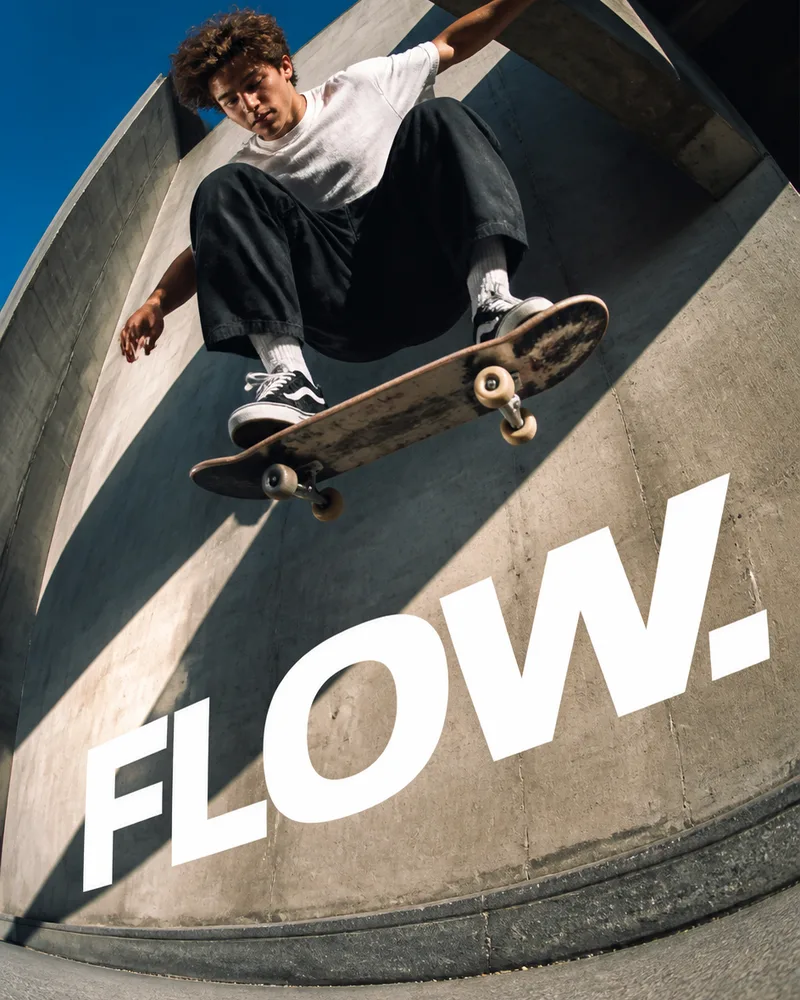
Shoot 30 seconds with Wan 3.0 without cutting
Most video models hand back four to ten seconds and leave the stitching to you — and stitched shots drift: the light shifts, the jacket changes shade, the room rearranges itself. Wan 3.0 renders the whole 2–30 second take in one pass, so lighting, wardrobe and geometry stay put from the first frame to the last. Use Wan 3.0 when a shot needs to breathe: a slow push through a room, a product demonstration that actually completes, an unbroken performance.

Get audio that was never dubbed on
Wan 3 generates picture and sound together rather than scoring a silent clip afterwards, so footsteps land on footfalls, a door closes when it closes, and ambience matches the room you described. Name the diegetic sound in the prompt — rain on a metal awning, an espresso machine two tables away, a single line of dialogue — and leave the Generate Audio toggle on. Turn it off when the edit already has a music bed waiting.

Hold a character or product steady with Wan 3.0 references
The Wan 3.0 reference-to-video mode takes up to 10 images, 5 video clips and 5 audio clips at once and lets you address them in the prompt — “Image 1 walks past the counter in Image 3, moving the way Video 1 moves.” That is how you keep one face, one package, one storefront recognizable across a series of shots instead of re-rolling the prompt and hoping. Reference video and audio are capped at 15 seconds in total each.
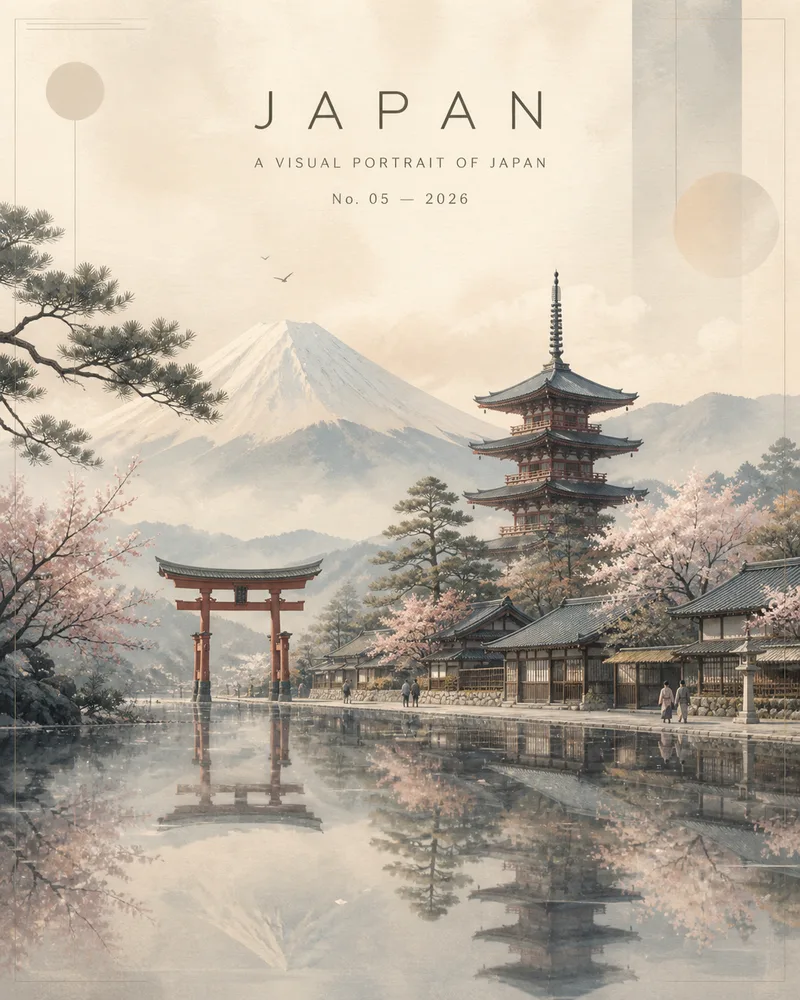
Pin both ends of the motion
Upload a first frame to lock the opening composition, or a first-and-last-frame pair when the shot has to arrive somewhere specific — a closed door that ends open, a blank tee that ends printed, a morning street that ends at dusk. Wan 3.0 fills the motion between your two endpoints, which makes it a practical tool for poster-to-video, before-and-after and transition work.
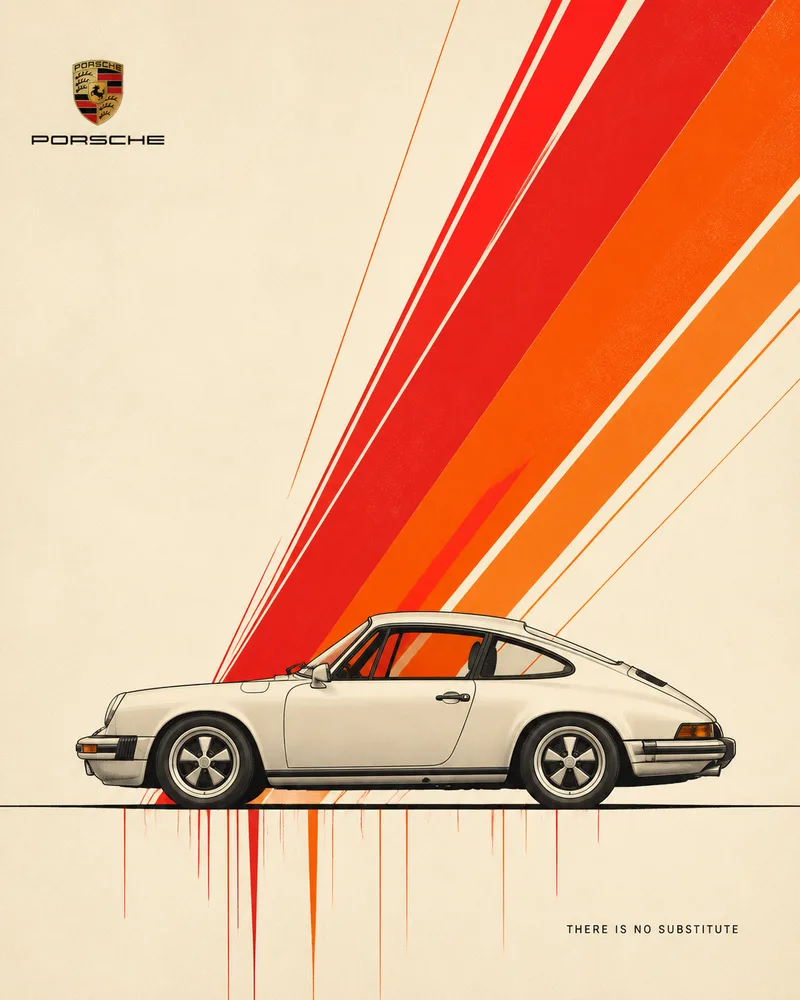
Cut one idea into every aspect ratio
Generate 9:16 for Reels, Shorts and TikTok, 1:1 for feed, 16:9 for YouTube and pre-roll, or let the adaptive ratio follow whatever you referenced. Because a 480p Wan 3.0 pass costs a fraction of 1080p, the sane workflow is to explore cheaply, pick the take that works, then re-run the winner at full resolution.
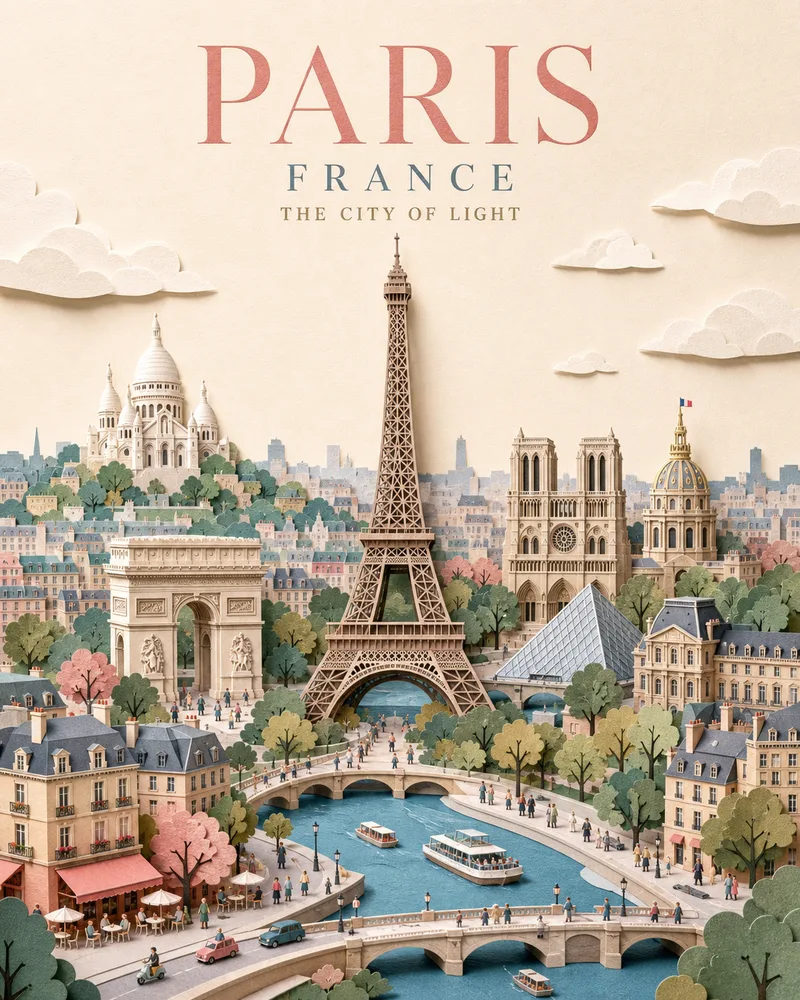
Rough out a shot before anyone books a crew
A thirty-second Wan 3.0 animatic with sound answers questions a storyboard cannot: whether the pacing holds, whether the camera move reads, whether the line lands. Generate a few directions at 480p, put them in front of the client or the director, and spend the budget on the version that survived the room.
How the Wan 3.0 AI video generator works, in three steps
The Wan 3.0 AI video generator uses the same Flowlio AI workflow as every other model here — pick your input, set the output, generate.
Choose an input
Start Wan 3.0 from text alone, upload a first frame (or a first-and-last-frame pair) to control the endpoints, or switch to reference mode and add up to 10 images, 5 video clips and 5 audio clips for Wan 3.0 to follow.
Describe the shot
Write subject, action, setting, one camera cue, lighting, mood, then sound — in that order, and concretely. Number your references in the prompt when you use them. Then set duration (2–30s), aspect ratio, resolution and whether Wan 3 should generate audio.
Generate with Wan 3.0 and download
Check the credit cost, run it, and watch the clip render. Preview the result, adjust the prompt and regenerate if it missed, then download the finished take — watermark-free, and saved to My Creations.
What you get in the Wan 3.0 AI video generator
Every control Wan 3.0 exposes, wired into one browser workflow — with the real limits shown in the generator, not buried in an API doc.
2–30 second single take
Set any Wan 3.0 clip length from 2 to 30 seconds and get it as one continuous shot, not a stitch of shorter fragments that drift apart.
Native synchronized audio
Wan 3 produces sound alongside picture in the same generation, so effects, ambience and speech line up with the action instead of being dubbed on later.
Wan 3.0 text, image and reference modes
One Wan 3.0 model covers text-to-video, first-frame and first/last-frame animation, and reference-driven video — switch modes with a tab, not a different page.
Omni-reference inputs
Wan 3.0 takes up to 10 reference images, 5 reference videos and 5 reference audio clips in a single brief, addressable by number in your prompt.
Six aspect ratios, three resolutions
Wan 3.0 outputs 16:9, 9:16, 1:1, 4:3, 3:4 or adaptive, at 480p, 720p or 1080p — enough to cover vertical social, square feed and widescreen delivery from one prompt.
Room for a real brief
Wan 3.0 prompts run to 20,000 characters, so a multi-beat scene with camera language, wardrobe notes and dialogue fits without being compressed into a sentence.
Cost shown before you spend
Wan 3.0 credits are charged per second of output and quoted before the run, so a 480p test and a 1080p final are priced honestly and never surprise you.
Watermark-free, saved for you
Downloads carry no Flowlio AI watermark, every clip lands in My Creations, and a failed provider task refunds its credits.
Wan 3.0 AI Video Generator FAQ
Common questions about the Wan 3.0 AI video generator on Flowlio AI.
Wan 3.0 is the latest generation of Alibaba's Wan (Tongyi Wanxiang) video model, released in August 2026. Its headline changes over earlier Wan releases are a single continuous take of up to 30 seconds, audio generated in the same pass as the picture, and an omni-reference mode that mixes image, video and audio references in one brief. Flowlio AI is an independent product and is not affiliated with Alibaba; this page gives you a browser workflow for generating with Wan 3.0.
Anywhere from 2 to 30 seconds, in one continuous take. When you supply reference video, the reference and the output are capped at 30 seconds combined — so a 15-second reference clip leaves you up to 15 seconds of output.
Yes, and it is on by default. Wan 3.0 renders sound and picture in the same pass, which is why effects and ambience track the action rather than sitting on top of it. Turn the Generate Audio toggle off when you want a silent plate to score in your editor.
In Wan 3.0's reference-to-video mode: up to 10 images, 5 video clips and 5 audio clips. Reference video is capped at 15 seconds in total, as is reference audio. Refer to them by number in the prompt (“Image 1”, “Video 1”) so Wan 3 knows which reference plays which role.
Yes. In image-to-video mode you can upload just a first frame to fix the opening composition, or a first-and-last-frame pair when the shot has to end on a specific image. Frame inputs and omni-references are alternatives — Wan 3.0 takes one or the other in a given generation, not both.
480p, 720p and 1080p, in 16:9, 9:16, 1:1, 4:3, 3:4 or adaptive. Adaptive lets Wan 3.0 pick the ratio that fits your inputs, which is usually the right choice when you are working from references.
Credits are charged per second of generated video and scale with resolution, so a 5-second 480p test costs a fraction of a 30-second 1080p final. The exact cost is shown in the generator before you run it, and unlike models that bill your reference footage too, Wan 3.0 here is billed on output length only.
The model itself can — feeding it a deck, a PDF or a URL is one of Wan 3.0's more unusual capabilities. The Flowlio AI generator does not expose those two inputs yet; it currently covers text-to-video, first/last-frame image-to-video and omni-reference video.
Wan 2.5 topped out around 15 seconds per generation and had no omni-reference mode. Wan 3.0 doubles the maximum length to a single 30-second take, adds mixed image/video/audio references, and improves realism and prompt adherence across the board.
All three are on Flowlio AI, so you can try the same brief on each. Wan 3.0's advantages are length — 30 seconds in one take — and cost per second. Seedance 2.5 goes to 30 seconds as well and is the stronger choice for tightly directed, reference-heavy shots. HappyHorse 1.1 is worth a look for talking-head work with multilingual lip-sync.
Concretely, in this order: subject, action, setting, one camera cue, lighting, mood, sound. Lead with a strong verb, describe only what can happen in the seconds you asked for, and name diegetic sound rather than a soundtrack. If you are using references, say which one does what.
No. Every Wan 3.0 clip downloads clean, at the resolution you generated it, and stays available in My Creations.
Make your first video with the Wan 3.0 AI video generator
Describe the shot, drop in a first frame, or hand Wan 3.0 a set of image, video and audio references. Set duration, framing and resolution, and download a watermark-free Wan 3.0 clip with sound.
