
AI Video Effects & Templates
Choose an AI video effect template, add your image and create your own version.
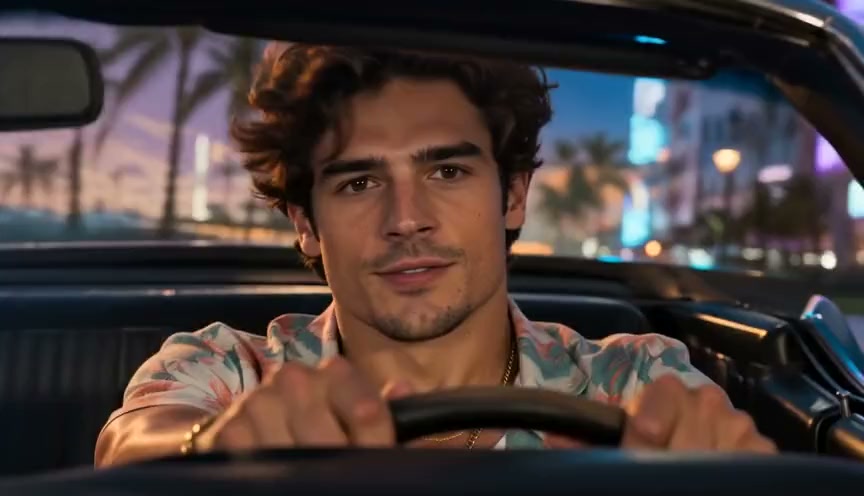
1 photo → your GTA 6 scene
GTA 6 Style AI
One photo puts you in a GTA 6 style game world: star in a Vice City trailer, become loading screen art or drive off in gameplay.
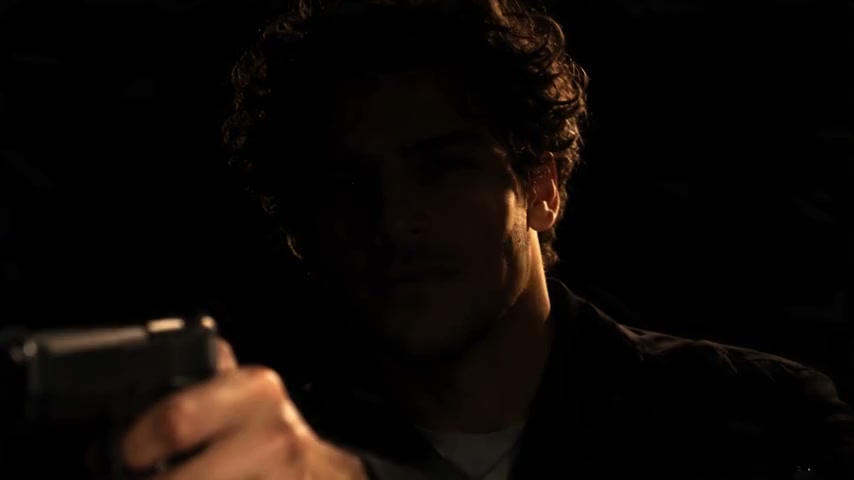
1 photo → your 007 reveal
James Bond Reveal AI
One photo puts you in the new 007 teaser: a hard light finds your hand on a pistol, then your face rises out of the dark.
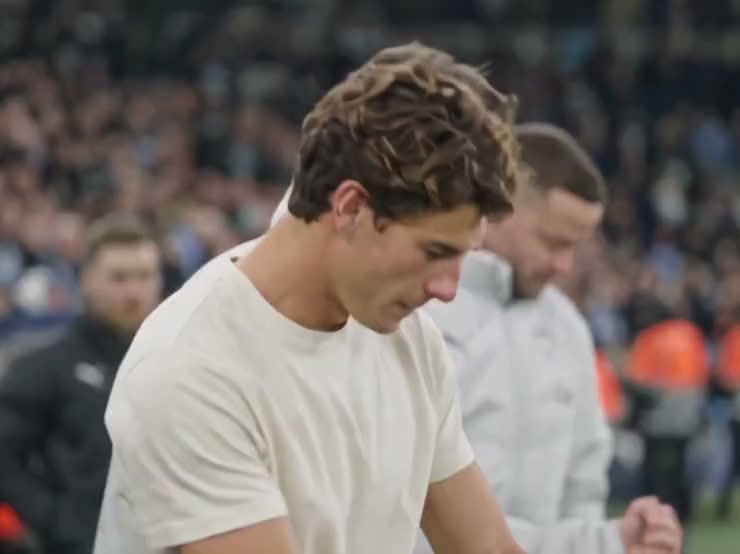
1 photo → your pressure edit
Mourinho Pressure AI
One photo puts you in the "I'm not feeling the pressure" football edit: a calm TV interview, then the touchline, the shush and the bench.
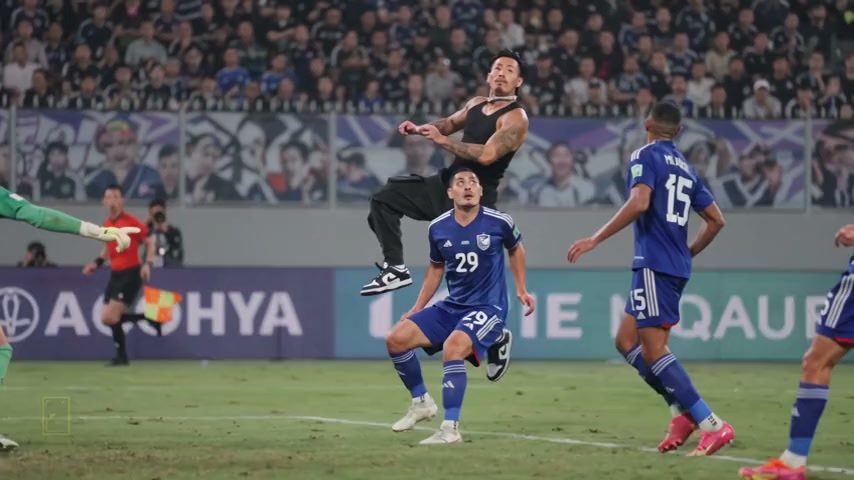
1 or 2 photos → your header goal
Ronaldo Header Goal AI
One photo puts you in Ronaldo's 2019 header against Sampdoria; two photos let you jump over a friend and head the ball. With sound.
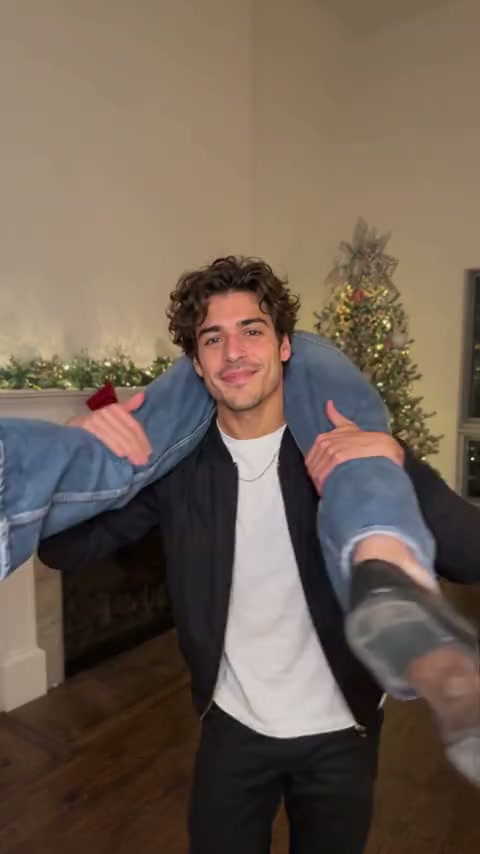
2 photos → the shoulder carry reveal
Rollie On My Wrist AI
Two photos: one of you carries the other across the shoulders, turns round, and the other's face pops up in front on the sped-up song. 10 seconds, vertical.
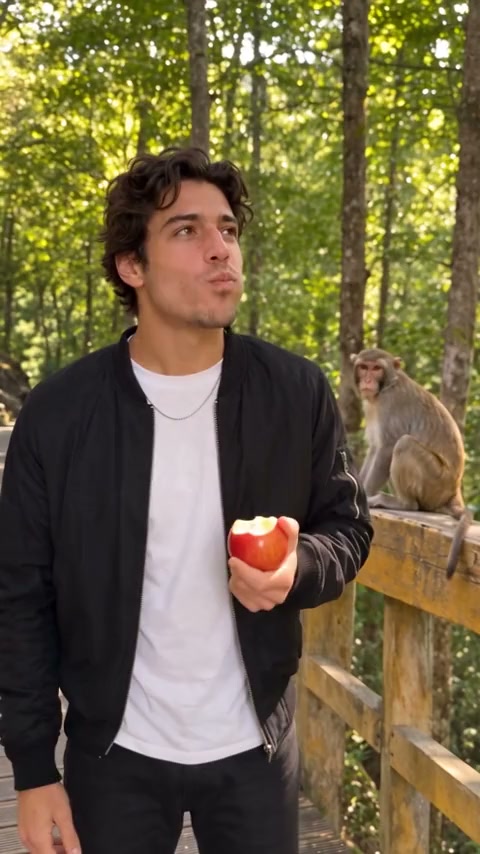
1 photo → the monkey steals your apple
Monkey Eating Apple AI
One photo: you are eating an apple on a forest walkway when a wild monkey jumps in, steals a huge bite and leaves you frozen in shock. 10 seconds, with sound.
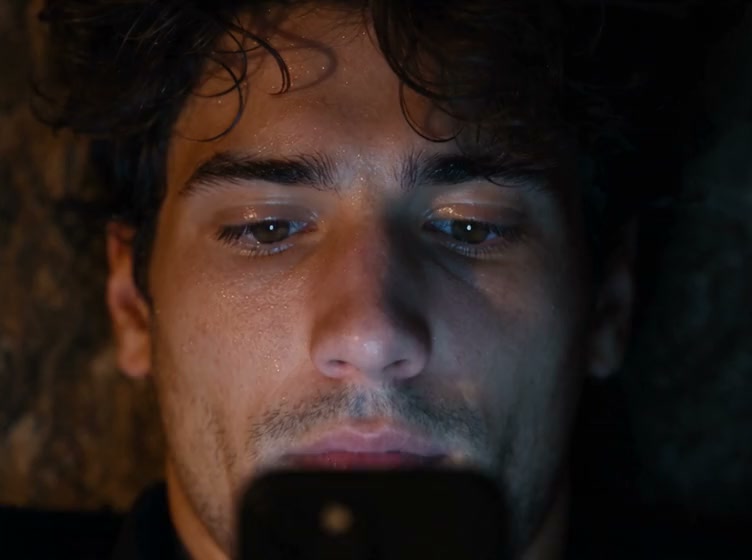
1 photo → your diamond miner film
Diamond Miner Meme AI
One photo: you dig for diamonds, get hooked on your phone, read "STOP BEING DISTRACTED." and swing once more into a wall of diamonds. 27 seconds.
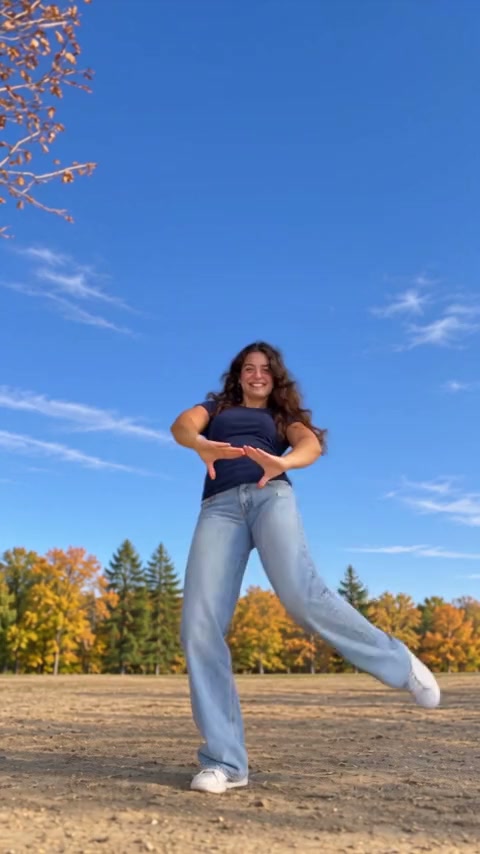
1 photo → your Kakalika dance
Kakalika Dance AI
One photo: you or your pet do the Kakalika dance in wide baggy pants, three big kicks, a lean back and a point at the sky, filmed from the ground. 23 seconds, with the song.
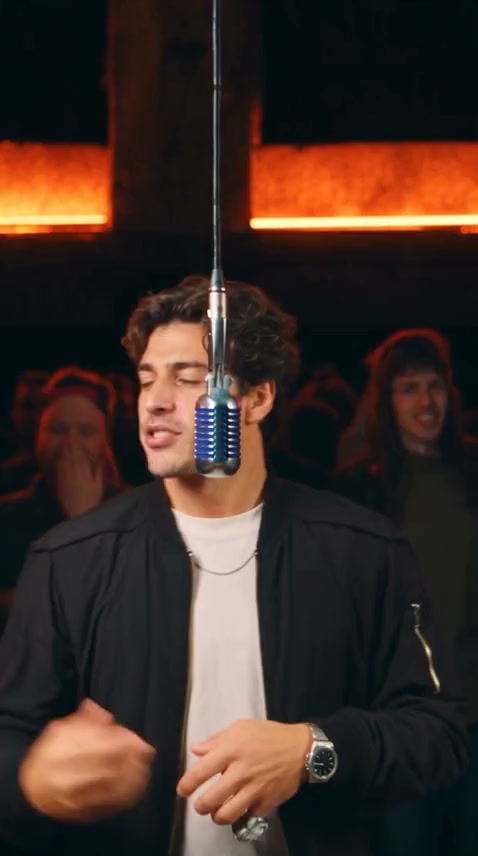
1 photo → hanging-mic rap
BigXthaPlug Give It All AI
One photo of you: rap BigXthaPlug's Give It All verse at a hanging mic with a packed crowd behind you, 20 seconds, song included.
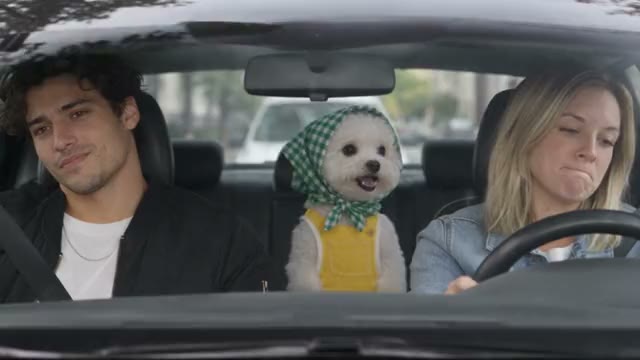
1–3 photos → the back-seat sing-along
Rush Hour Fantasy AI
One to three photos: you sing "Fantasy" in the back seat while the driver and the front passenger side-eye you, then turn round. 17 seconds, with the song. Pets work too.
How it works
Pick a look, not a prompt
Every effect here starts from something you already have — usually one still image, sometimes two, sometimes just a written scene. The template supplies the rest: the move, the timing and the finish. Open the one you want and it becomes a generator built only for that look.
Check what it needs first
Effects differ most in what you have to bring. Some work from a single photo, some need two, and some can start from a written scene with no image at all. Every card above states its input before you open it, so you can rule out the ones you can not feed.
Moving the camera vs. changing the scene
One family of effects leaves your subject exactly as photographed and moves the camera around it — useful when the thing itself is the point and you want it seen from more than one angle. The other family keeps the frame still and changes what is in it. Deciding which of the two you want narrows the list faster than browsing every template.
Give the model a clean source
Whatever the effect, a sharp, well-lit image with the subject clearly separated from its background gives it the most to work with. Heavy blur, deep shadow or a subject half-hidden behind something else leaves the model guessing, and the guess is what tends to look wrong.
Frame it for where it is going
Set the aspect ratio to match the destination before you generate rather than cropping afterwards — vertical for reels and stories, wide for a site header or a product page. Re-cropping a finished clip throws away the resolution the effect just produced.