James Bond Reveal AI Trend

Real result generated with Flowlio AI from this one photo
- 1 photo you add
- 8 s clip with sound
- Ready to share via link
- No watermark
Ready in a few minutes
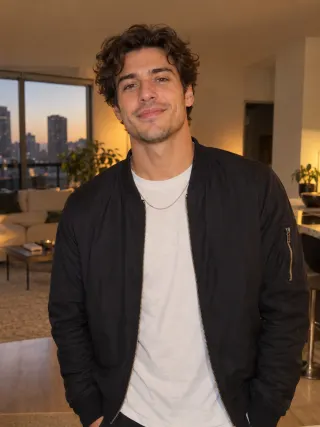
Real result generated with Flowlio AI from this one photo
More Effects
Explore the other video effects, each with its own input and motion.
What is the James Bond reveal AI trend?
The James Bond reveal AI trend copies the new 007 teaser: a hand on a pistol in the dark, then a face rising into one hard light. Here, one photo makes it your face.
Who steps out of the shadow in your new James Bond reveal?
The black room, the hard light and the pistol never change. What changes is the face that rises out of the dark. That is the joke and the thrill of a James Bond reveal AI video: you decide who the new 007 is. These are the agents people pick most, with the right photo for each.
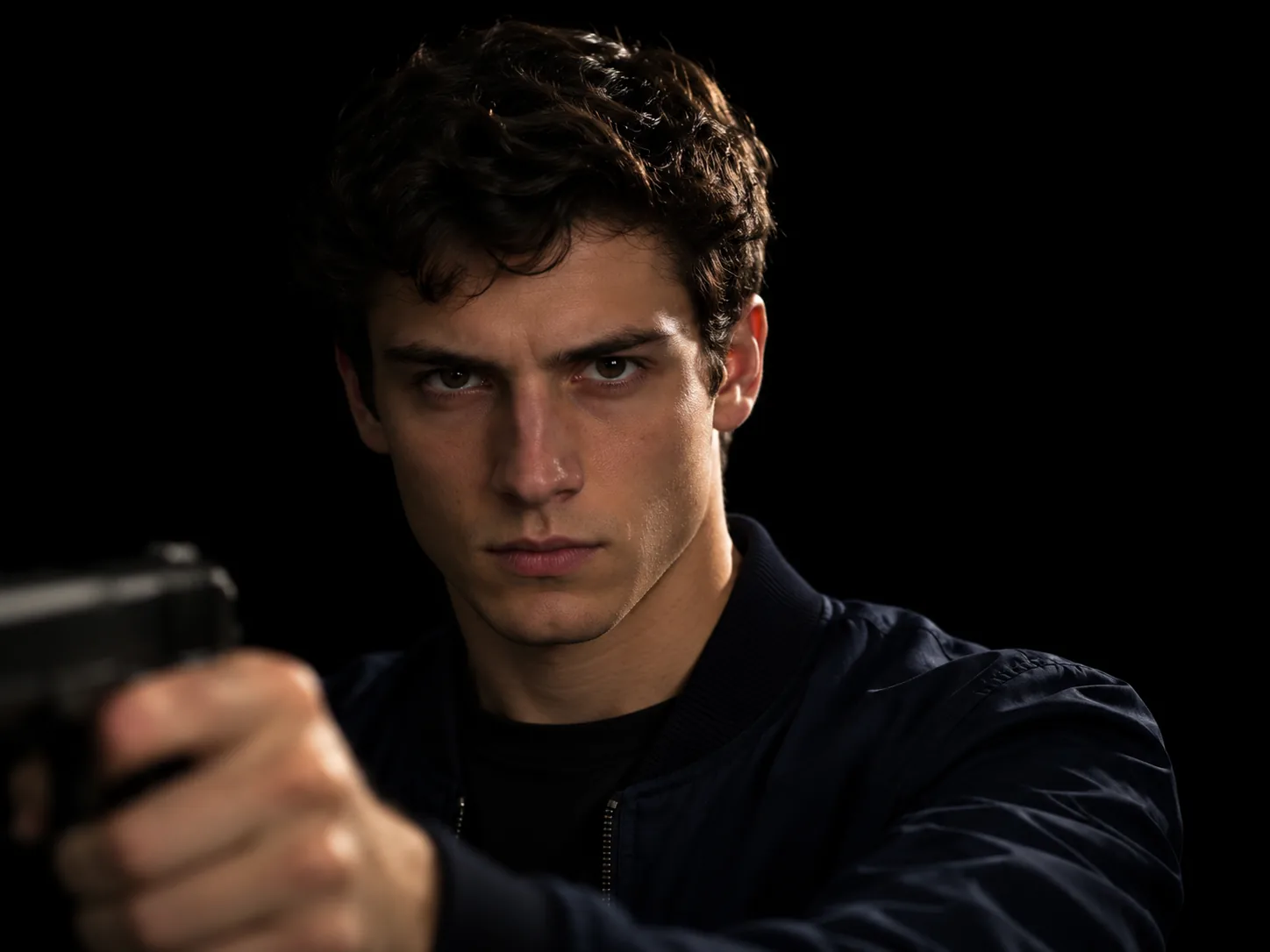
Announce yourself as the new James Bond
The simplest take on the new James Bond reveal is to cast yourself. Use one crisp head-and-shoulders photo, face lit and looking at the camera. Your James Bond AI video opens on your own hand gripping the pistol in a thin strip of light. Then your face slowly comes out of the black and locks eyes with the viewer for the last few seconds. Share it under a line like "Identity confirmed" or "James Bond will return". Tip: a photo in a dark jacket or shirt blends into the shadow and makes your face pop when the light hits it.
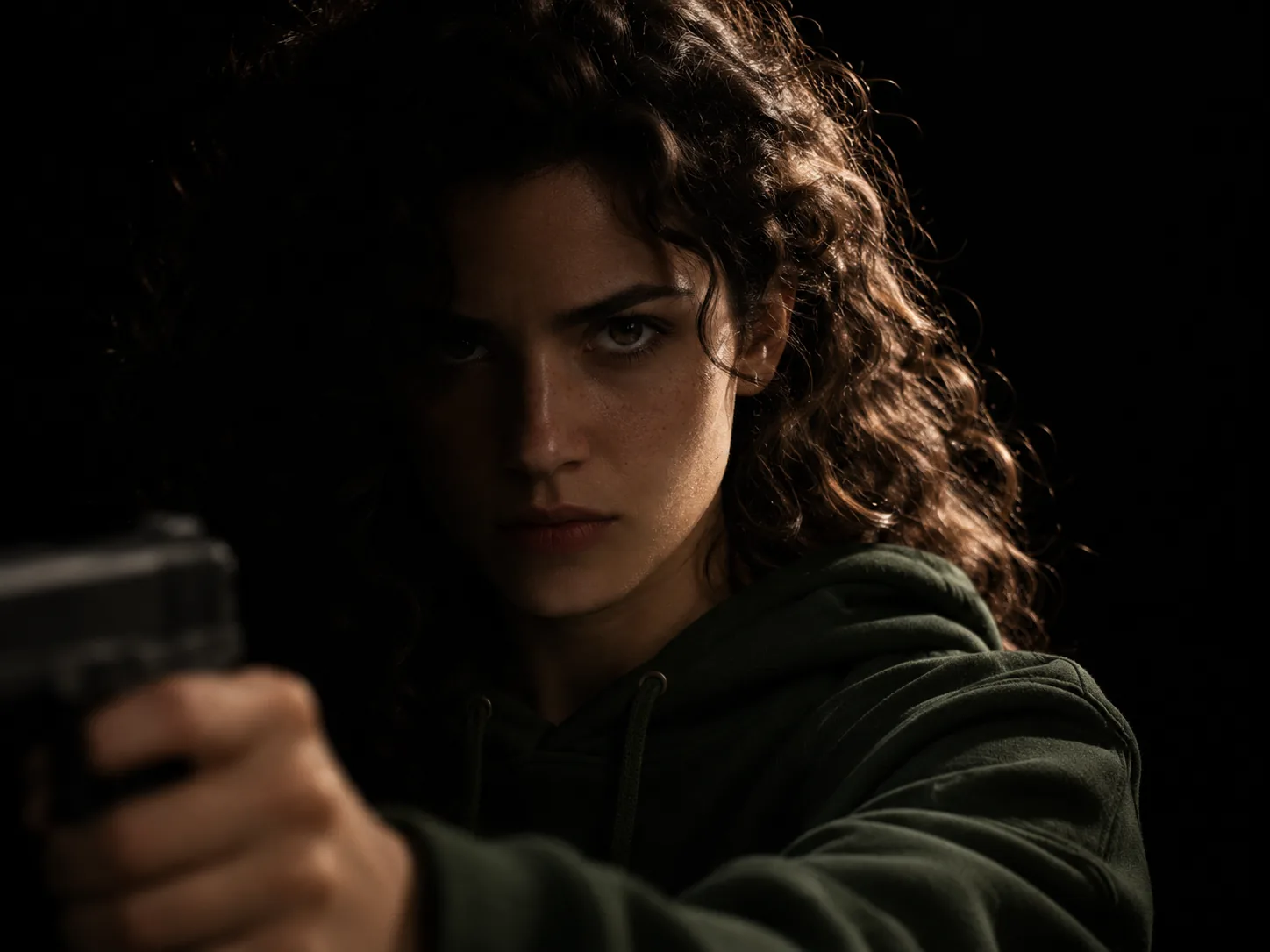
Cast your best friend in a 007 reveal
Some friends already act like secret agents: always late, never explaining where they were. Give them their own 007 reveal. Pick a photo of just them, face clear and big in the frame, no sunglasses. In their James Bond AI video, their hand on the pistol shows up first, then their face fades in, half in shadow, and holds a cold stare. Send it to the squad chat unannounced and watch the replies roll in. When it's done, Create Share Link sends the new James Bond reveal to them on WhatsApp or Telegram. They can open it, watch it and make one back about you.
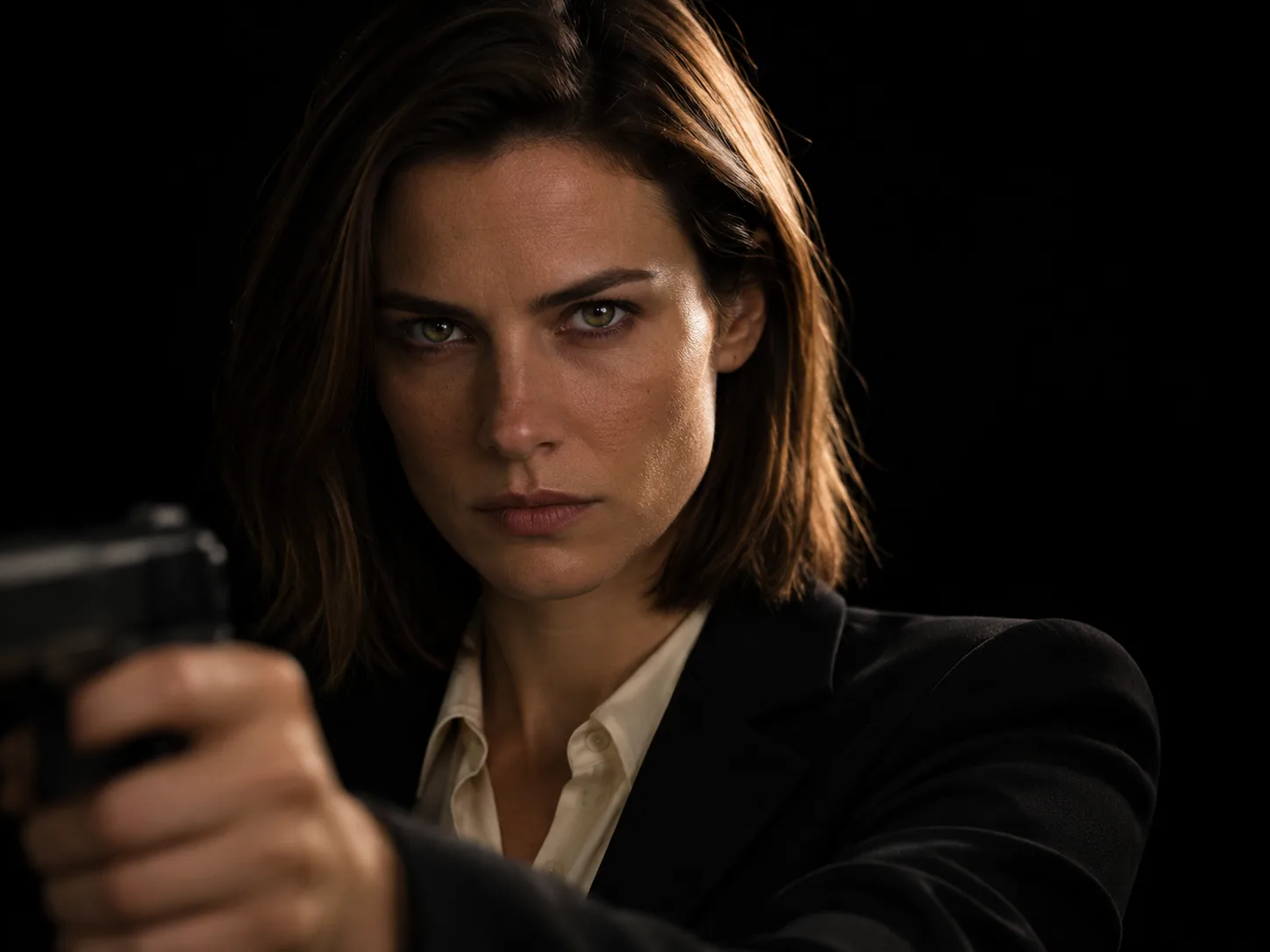
A James Bond reveal AI video for your partner
Turn your boyfriend, girlfriend or partner into the agent nobody saw coming. Choose a recent photo of them on their own, head and shoulders, in good light. They keep the clothes in that photo, so a favorite jacket or a dressy shirt is a good pick for a James Bond reveal AI video. The camera creeps closer while their face sits in the hard light, eyes never leaving the lens. It is a fun surprise for a date night, a birthday or just a random Tuesday. Send the James Bond AI video with "I always knew" and let them guess how you made it.
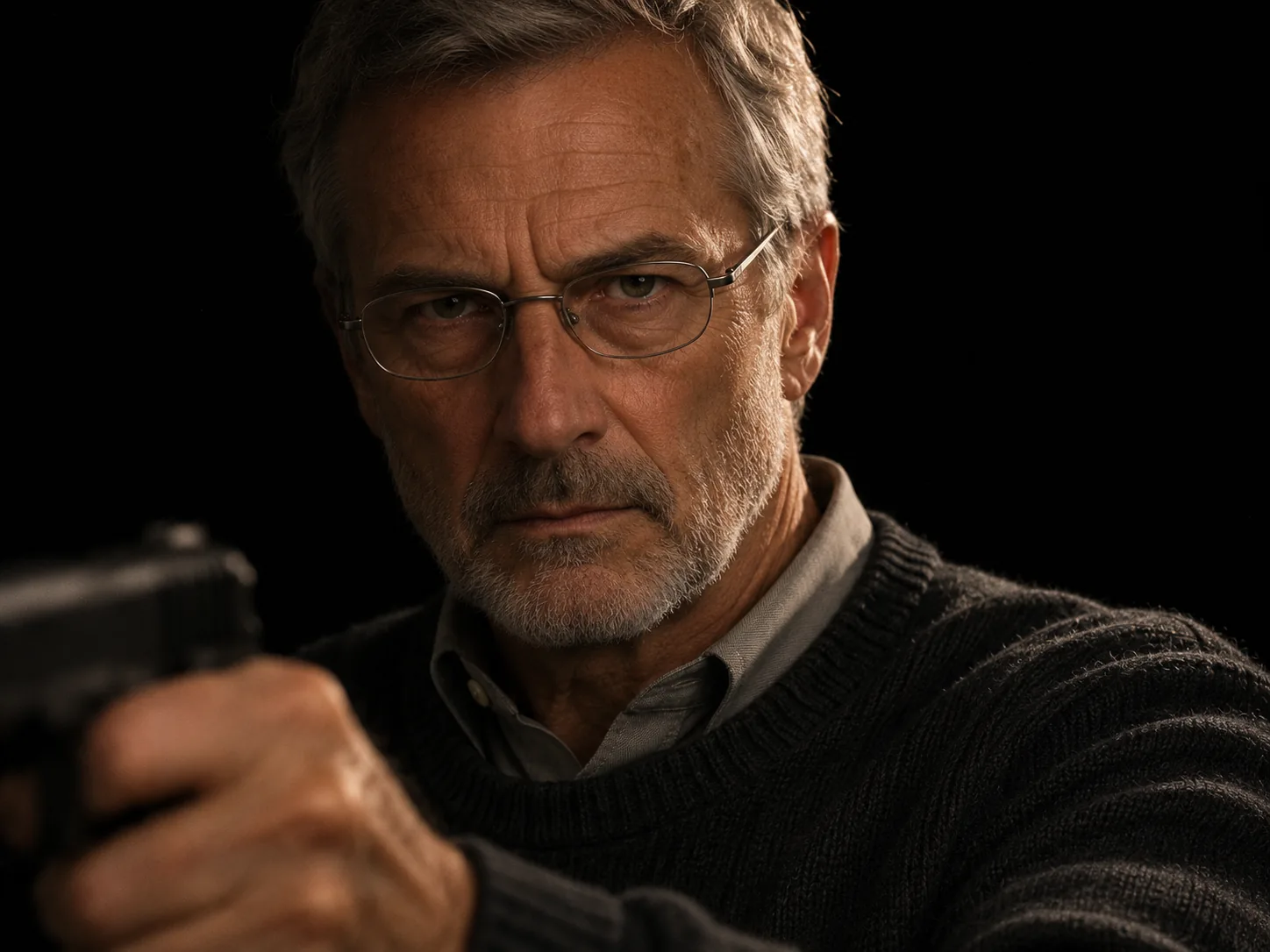
Dad as the new 007 in a James Bond AI video
Dads and grandpas make some of the funniest James Bond AI video clips, because nobody expects the cold spy stare from them. Use a clear photo of his face, glasses on if he always wears them, since glasses stay in the shot. He gets the full new James Bond reveal: the hand and pistol in the light, the face rising from the dark, and the slow push in. The sound comes with it, so you only press Generate. Send it to him on Father's Day or a birthday with the caption "the new James Bond reveal nobody asked for". It works best with a photo where he is not smiling.
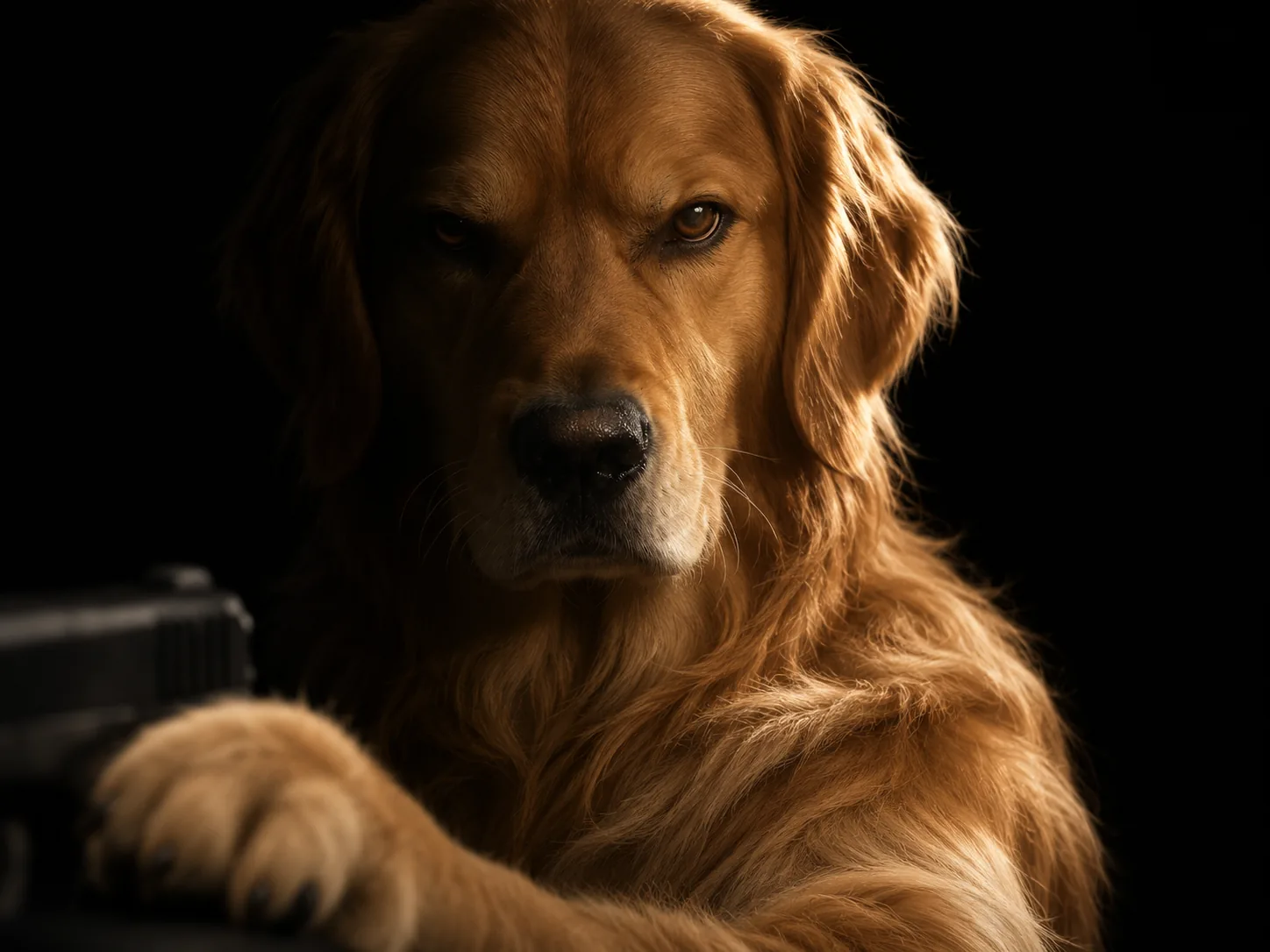
Your pet as the next 007 in the James Bond reveal trend
Dogs and cats show up all over the James Bond reveal trend, and they work here too. Choose one crisp picture of your pet where its face, eyes and ears are easy to see. In its James Bond AI video it sits up like a person in a close-up, its own round paw resting on the pistol, never a human hand. Then its face comes out of the shadow and gives the camera a very serious look. Its fur, colors and markings match the picture. A pet with a calm, sleepy face is often the funniest agent. Caption it "the name is Biscuit. Biscuit Bond" and swap in your pet's name.
How to make a James Bond reveal AI video in three steps
With other tools you might write a long prompt about light and shadow, then hunt for the teaser sound and line it up in an editor. Here the new James Bond reveal shot, its light, its timing and its sound are all set. You bring one photo.
Add one photo to the James Bond reveal AI video generator
Choose one face, a person's or a pet's, sharp and bright, head and shoulders if you can. We turn it into three film stills first: the hand in the dark, the face half lit and the full new James Bond reveal. That way you still look like you when most of the frame is black.
Choose the size of your James Bond AI video
Each size lists its price up front: 400 credits for 480p, 900 for 720p and 2,150 for 1080p. That price pays for the full 8-second James Bond AI video and the sound, with nothing added after. Run a cheap 480p take first if you are unsure about the photo.
Generate and download your 007 reveal
Press Generate. We follow the timing of the James Bond reveal shot, keep the gun turned to the side, put your face in the light and add the sound. Save the watermark-free James Bond AI video, or turn it into a link your friends can open.
What happens in the James Bond reveal, second by second
The new James Bond reveal is one unbroken 8-second close-up in wide 16:9, with no cuts. This is what you do in every moment of it.
0–1s · A hand in the dark
Almost total black. A thin, hard light catches only your hand in the lower left, soft and out of focus, gripping a black pistol held side-on. Your face is still lost in the shadow.
1–3s · The face comes out of the shadow
In the James Bond reveal AI video, the light rises from the right. Your eyes appear first, then the rest of your face, one side lit and the other still dark.
3–7s · The full new James Bond reveal
Your face is sharp and fully lit, staring straight into the lens with a cold, steady look while the camera creeps closer. The pistol stays blurred at the edge, always pointed off to the side.
7–8s · The hand drops away
Your hand lowers out of the frame, and the James Bond reveal AI video ends on your face alone in the light, still holding the stare.
James Bond Reveal AI FAQ: Photos, Pets, Sound, Price
Quick answers about the James Bond reveal AI video: picking a photo, using a pet, the sound, the length and shape, what it costs and where to post it.
On November 16, 2026, the official 007 accounts posted "Identity Confirmed", then the Robert Pattinson James Bond reveal video, a short teaser naming him the new James Bond. In it he steps out of the dark into one hard beam of light, holding a gun, and the screen ends on "James Bond will return". Fans started copying the new James Bond reveal the same day. The James Bond reveal trend is people putting their own face, or their pet's, into that kind of spy-teaser shot.
1) Load one photo into the generator: yours, a friend's or your pet's. 2) Pick a resolution; 480p is cheapest, 1080p is sharpest, and each one's credits show up front. 3) Tap Generate. The AI films the new James Bond reveal with that face, adds the sound, and your James Bond AI video is ready a few minutes later.
Pick a crisp, evenly lit head-and-shoulders shot of a single person, looking at the camera or turned slightly. The James Bond reveal is a tight close-up and only half your face is lit at first, so your whole face has to be clear in the photo. Skip sunglasses, hats pulled low and heavy filters. If it is a group shot, crop it to just you.
Yes. Pick a bright picture where your pet's face, eyes and ears are easy to see. It sits upright like a person in a close-up, rests its own paw on the pistol, and stares into the lens. It stays a real animal, with the same fur, colors and markings as in your photo, and wears only what it wears in the picture.
No. Whatever your photo shows you wearing stays on you in the James Bond AI video, along with your own hair and glasses. The close-up shows your head, shoulders and the top of your outfit. For the classic spy look, upload a picture where you have on a suit or a dark jacket.
Every James Bond reveal AI video is 8 seconds long, one unbroken shot with no cuts. It comes in wide 16:9, the same frame a movie teaser uses, in 480p, 720p or 1080p.
Yes. The trend's sound is laid under the James Bond AI video for you and timed to the 8 seconds, so you never need a separate audio file or an editor. Nobody talks in the shot: the agent's mouth stays closed the whole time.
A 480p James Bond reveal costs 400 credits; 720p is 900 and 1080p is 2,150. The price is clear before you press Generate, and it pays for the full clip and the sound. Start at 480p to check a photo before you make the sharper one.
No. The darkness, the light rising from the right, the pistol held to the side, the slow push in and every beat of the new James Bond reveal are already set. You do not upload the teaser or type anything. One photo and one button, that is all.
No. In the James Bond reveal, the pistol is always held side-on in the blurred foreground, with the muzzle aimed off the frame to the left. It is never fired and never aimed at the viewer. At the end, the hand lowers out of the shot.
No. It is not a James Bond face swap on the official footage. The James Bond AI video generator films a brand-new reveal shot from your photo, in the same mood and timing, so the actor never appears in your clip. You are the one and only face on screen.
Yes, and there is no watermark. Your new James Bond AI video is wide 16:9, so phone apps show it with space above and below, like a real trailer. Popular captions are "Identity confirmed", "James Bond will return" and "the new 007 reveal you didn't see coming". Create Share Link also gives you a link to copy or post to WhatsApp, Telegram, Facebook or X.
Upload a different photo: your face larger, lit evenly and pointed at the camera, free of hair, hands or hats. Strong shadows in the photo can confuse the AI, since the James Bond AI video adds its own. Every new James Bond reveal is generated from scratch, so trying again with a cleaner picture tends to fix it.
Step out of the dark in a new James Bond reveal
One photo, one click. The black room, the hard light and the teaser sound are waiting, so your new James Bond reveal is only missing your face.