
HappyHorse 1.1 AI Video Generator
Flowlio AI gives you a HappyHorse 1.1 AI video generator that brings the upgraded HappyHorse 1.1 video model into your browser. HappyHorse 1.1 is a unified text-to-video, image-to-video and reference-to-video model built for creators who need expressive motion, stable subjects, realistic detail and sound that belongs in the scene. It renders short 3–15 second clips at 720p and 1080p with native, synchronized audio and multilingual lip-sync, fuses up to nine reference images to keep a product, character or scene consistent, and follows multi-scene prompts with intentional camera language for physically grounded, frame-to-frame coherent motion. Describe the action, add references when you need continuity, choose duration, aspect ratio and resolution, then let the HappyHorse 1.1 AI video generator render — and even extend a clip while keeping it consistent. From short dramas and e-commerce shots to brand campaigns and action sequences, you go from idea to moving footage with audio in minutes — nothing to install, no watermark on your downloads.
What you can make with the HappyHorse 1.1 AI video generator
HappyHorse 1.1 is tuned for production work that needs connected scenes, recognizable subjects, intentional camera language and audio that supports the story. Start from text, animate a still, fuse up to nine reference images, or extend an existing clip so a product, character or scene stays stable across shots. Each generation renders a 3–15 second clip with native sound, and because you can explore several directions first, the HappyHorse 1.1 AI video generator fits everything from quick tests to finished, stitched-together cuts.
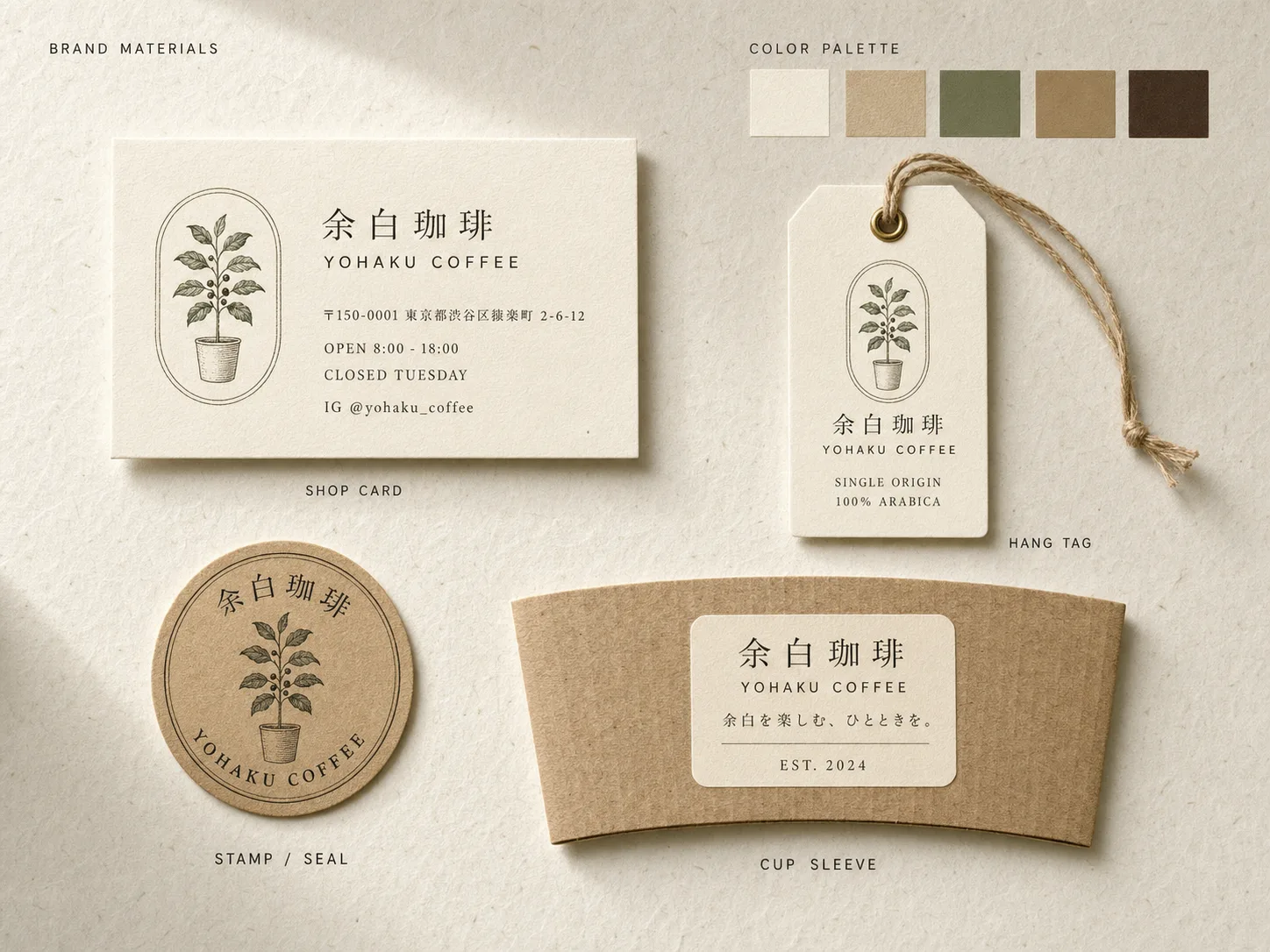
Direct multi-scene short-drama clips
Use the HappyHorse 1.1 AI video generator for short-form drama that spans several beats. Stronger subject consistency and better instruction following keep characters steady across scenes, while cinematic camera language and synced dialogue make each cut read like a real performance. Try a brief like: “Thirty-year-old woman with a red scarf sits at a rainy café window, eyes glistening, soft natural light, slow dolly in, speaking softly: I don't know if I'm ready.”
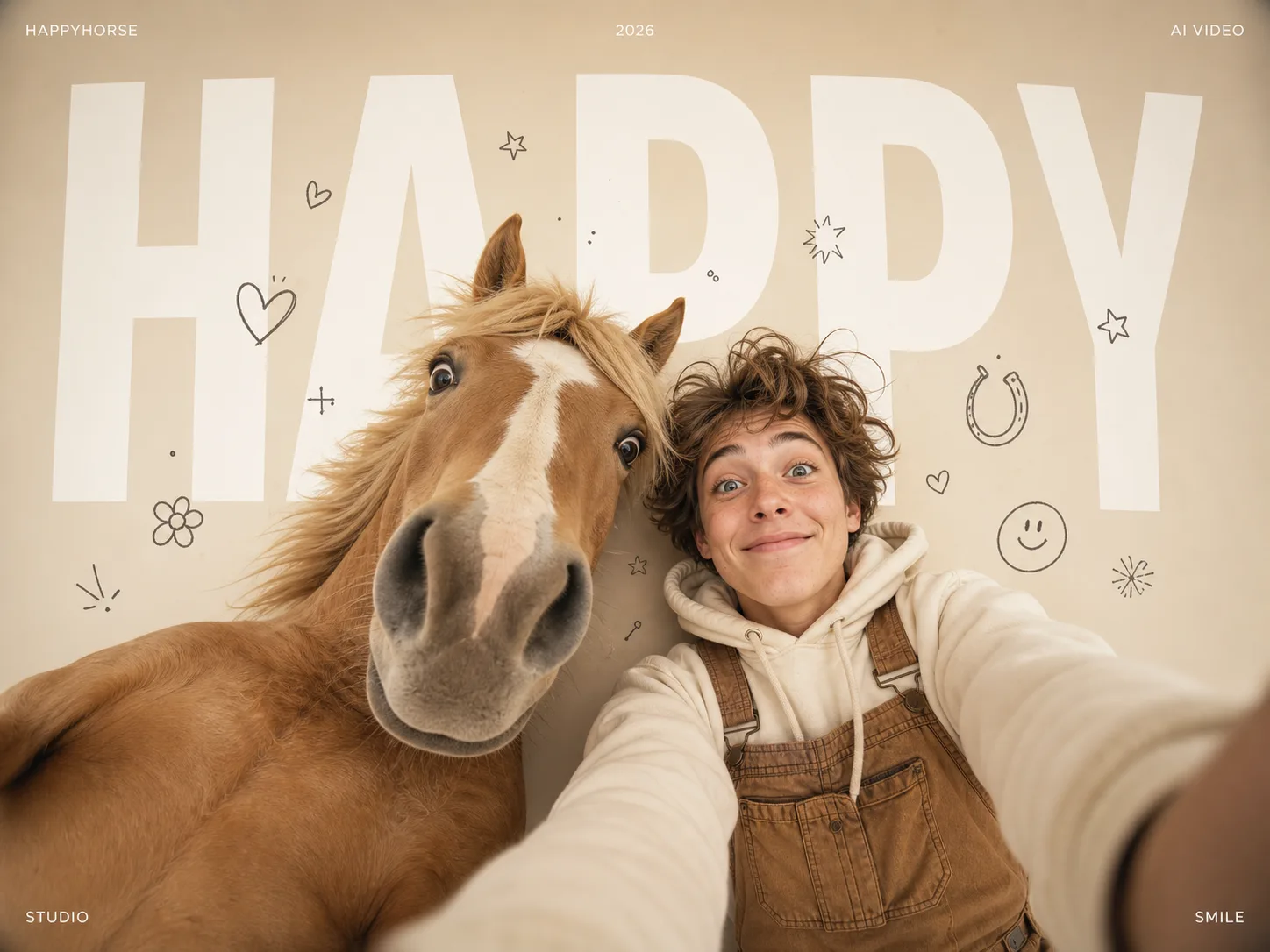
Turn product shots into motion
Add product reference images and HappyHorse 1.1 preserves recognizable details — shape, label, color and texture — as the shot moves, so the HappyHorse 1.1 AI video generator becomes a fast way to produce e-commerce clips, demos and social ads without losing brand accuracy. Prompt example: “Matte black wireless earbuds slowly rotating above a white studio table, crisp studio lighting, clean commercial style, 16:9, subtle whoosh on each spin, no voiceover.”

Keep characters and products on-brand
Build character or product sequences with visual continuity and controlled audio. Multi-reference fusion holds identity across up to nine references, so the HappyHorse 1.1 AI video generator keeps brand campaigns consistent from the first frame to the last — then stitch several 3–15 second shots into a full spot with matching motion, lighting and sound.
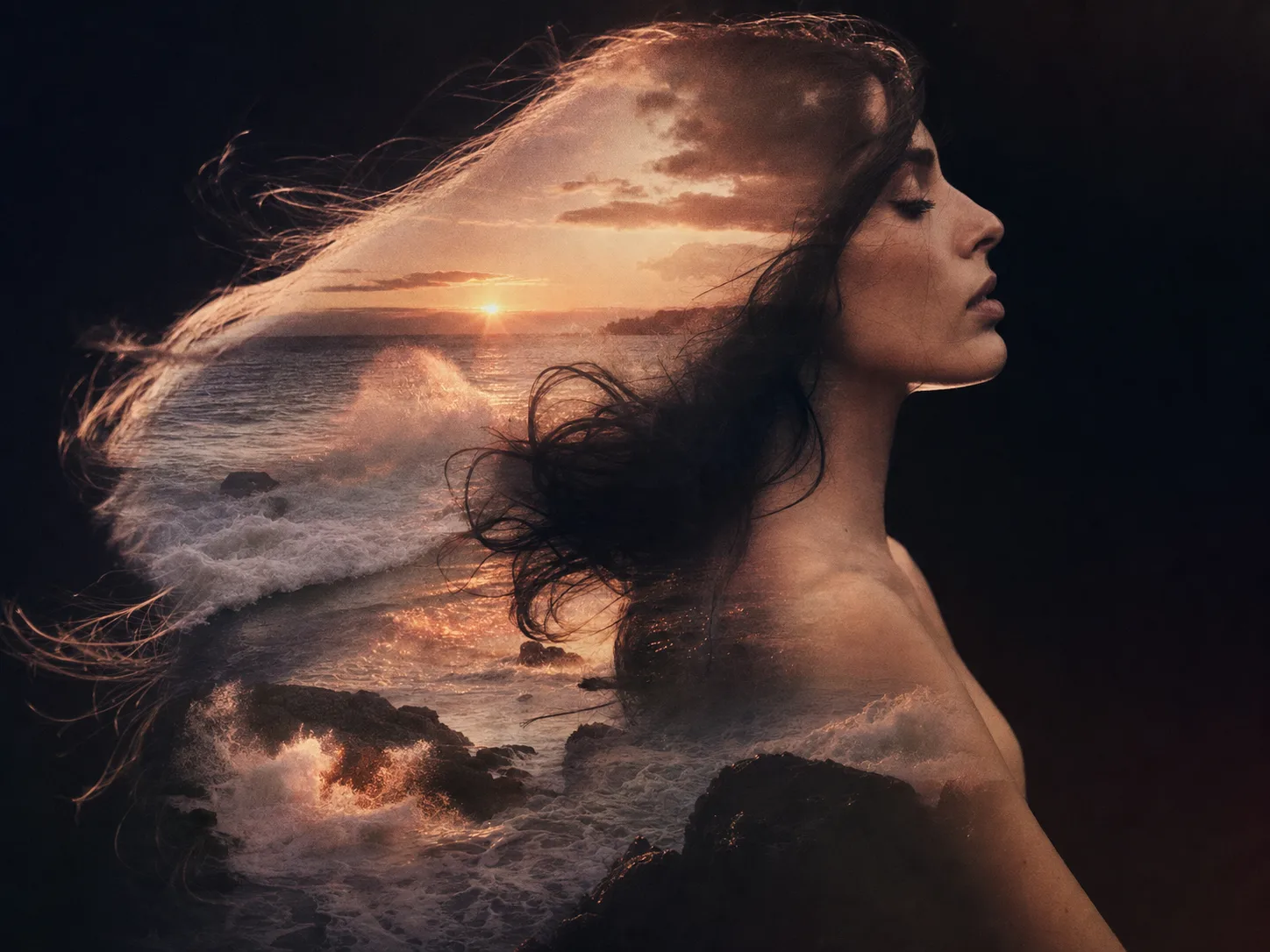
Generate dynamic action with clean pacing
Smoother, physically grounded motion and stronger temporal consistency give action shots better pace and coherence. Describe the movement, camera and rhythm and let the model handle fast, dynamic sequences that still hold together frame to frame. Try: “Biker in a red jacket skids around a dark alley corner, sparks flying, handheld tracking shot, neon-lit night, roaring engine and screeching tires.”

Create spokesperson and explainer clips
With native multilingual lip-sync, HappyHorse 1.1 aligns mouth motion to generated speech, making the HappyHorse 1.1 AI video generator a quick way to create spokesperson clips, explainers, UGC-style ads and announcements. Name the language, pace and tone in your prompt — for example “presenter speaking English at a calm, natural pace” — and the audio and lips stay in sync with the delivery.
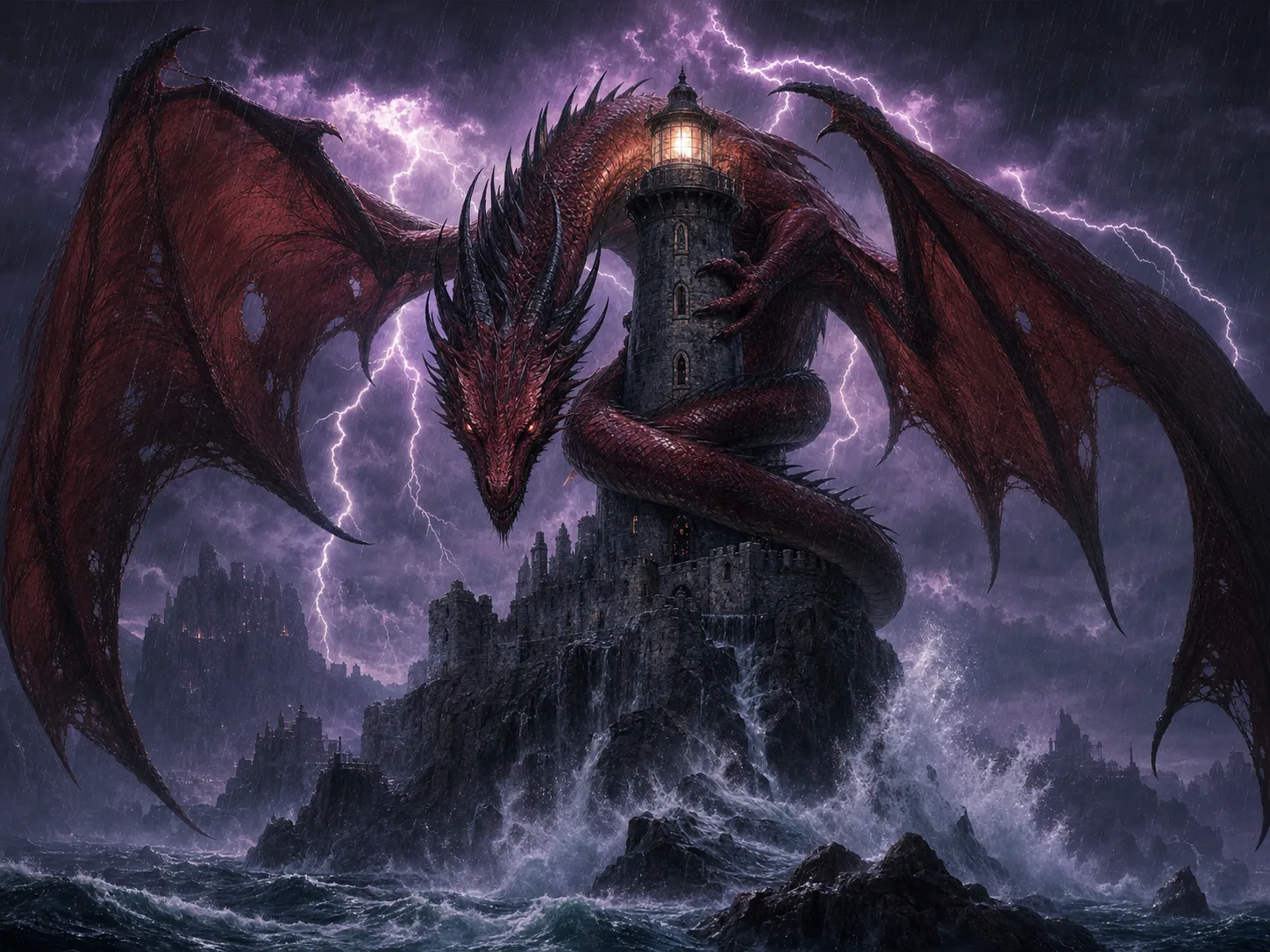
Rough out reels and concept shots
Generate vertical, square or widescreen clips for Reels, Shorts and TikTok, or rough out concept and previsualization shots before a full production. The HappyHorse 1.1 AI video generator turns a written idea into a moving reference with sound in minutes, so teams can test camera moves, pacing and mood cheaply before committing to a shoot or a CG pipeline.
Create with HappyHorse 1.1 in three steps
The HappyHorse 1.1 AI video generator uses the same Flowlio AI video workflow — start right in your browser.
Choose an input
Start from text-to-video, image-to-video, or add up to nine reference images for a product, character or scene you want HappyHorse 1.1 to keep consistent — or bring in an existing clip to extend.
Describe the action
Follow a simple order: subject, action, environment, one camera cue, lighting, mood, then audio. Keep it concrete, lead with the subject and a strong verb, and name only diegetic sounds. Then choose duration (3–15s), aspect ratio and resolution (720p or 1080p) and decide whether to generate audio or dialogue.
Generate and download
Let the HappyHorse 1.1 AI video generator render, preview the result, refine the prompt or regenerate if needed, and download a clean, watermark-free clip — then stitch several shots together for a longer sequence.
Everything the HappyHorse 1.1 AI video generator gives you
HappyHorse 1.1 focuses on production consistency — movement across time, identity across references, intent across a longer prompt, detail across close-ups and sound across the action.
Smoother, dynamic motion
Improved temporal consistency gives natural, physically grounded action, so movement in the HappyHorse 1.1 AI video generator stays fluid and coherent instead of jittery.
Stronger subject consistency
Multi-reference fusion with one to nine images preserves product, brand, character and scene details across shots.
Better instruction following
HappyHorse 1.1 handles multi-scene prompts, character relationships and camera sequences, so longer, detailed directions land as intended.
Realistic visual detail
Sharper facial rendering, skin texture, close-ups and tracking shots keep results believable even in tight framing.
Native synced audio
Dialogue, music, ambience and Foley are generated in the same pass and locked to the action, not added afterward.
Multilingual lip-sync
When a face is present, mouth motion aligns to generated speech across multiple languages for natural talking shots.
Text, image & reference modes
Generate from a prompt, animate a still image, or guide the shot with up to nine reference images — all in one HappyHorse 1.1 AI video generator.
Extend & edit clips
Continue or modify an existing clip while keeping motion, subject and style consistent, then stitch shots into a longer sequence.
Flexible framing & resolution
Pick from multiple aspect ratios and generate at 720p or 1080p to match social, ads or campaign delivery.
Watermark-free HD export
Download clean, high-resolution clips with no watermark, ready to publish straight away.
HappyHorse 1.1 AI Video Generator FAQ
Common questions about creating videos with the HappyHorse 1.1 AI video generator on Flowlio AI.
HappyHorse 1.1 is an upgraded AI video model for creators who need expressive motion, stable subjects, realistic detail and synced audio. It is a unified model that supports text-to-video, image-to-video and reference-to-video, and this page gives you a workflow to generate HappyHorse 1.1-style clips on Flowlio AI.
You can generate short clips from a text prompt, animate a still image, guide the shot with one to nine reference images, or extend an existing clip. It is built for short dramas, e-commerce videos, brand campaigns, action sequences and talking-head content.
Yes. HappyHorse 1.1 produces native audiovisual output in a single pass, aligning dialogue, music, ambience and Foley with the on-screen action and narrative timing instead of adding sound afterward.
Yes. When a face is present, HappyHorse 1.1 offers multilingual lip-sync, matching mouth motion to generated speech. Name the language, pace and tone in your prompt to keep the audio and lips in sync for talking shots.
HappyHorse 1.1 outputs at 720p and 1080p, with short clip lengths of roughly 3–15 seconds and a choice of aspect ratios, so results fit social, ads and campaign formats. Longer pieces are made by stitching several shots together.
Yes. Multi-reference fusion lets you supply up to nine reference images so a product, character or scene stays visually stable across the shot — useful for brand and character work.
HappyHorse 1.1 supports extending or modifying a clip while keeping motion, subject and style consistent, so you can build a longer sequence from several coherent shots.
Keep it concrete and follow the order subject → action → environment → one camera cue → lighting → mood → audio. Lead with the subject and a strong verb, describe only what fits in a few seconds, and name diegetic sounds. If the camera move is the point, put it last.
Version 1.1 improves motion smoothness, subject consistency, instruction following, close-up realism and audio sync — emphasizing production consistency rather than isolated new controls.
HappyHorse 1.1 is competitive on motion quality and native synced audio, and its multi-reference consistency is a strength for brand and character work. It focuses on short 3–15 second clips at up to 1080p, so models aimed at longer-form or 4K output may lead there — the best choice depends on whether you prioritize synced audio and subject consistency or maximum length and resolution.
It is strongest on content that needs connected scenes, recognizable subjects, intentional camera language and audio that supports the story — short drama, e-commerce advertising, brand marketing, talking-head clips and CG-style previsualization.
No. Clips download watermark-free in high resolution, so they are ready to publish as soon as they finish rendering.
Start with the HappyHorse 1.1 AI video generator
Describe your shot or add reference images, set duration, framing and resolution, and generate a polished, watermark-free clip with audio using the HappyHorse 1.1 AI video generator on Flowlio AI.
