Peaky Blinders AI Trend
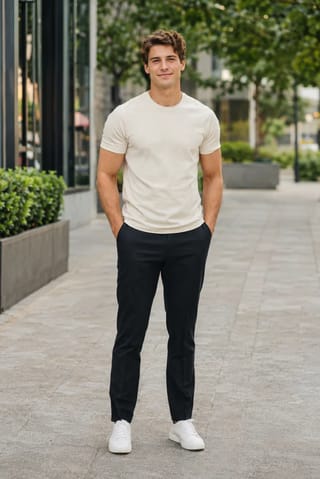
Real result generated with Flowlio AI from this one photo
- 1 photo you add
- 15 s clip with sound
- Ready to share via link
- No watermark
Ready in a few minutes
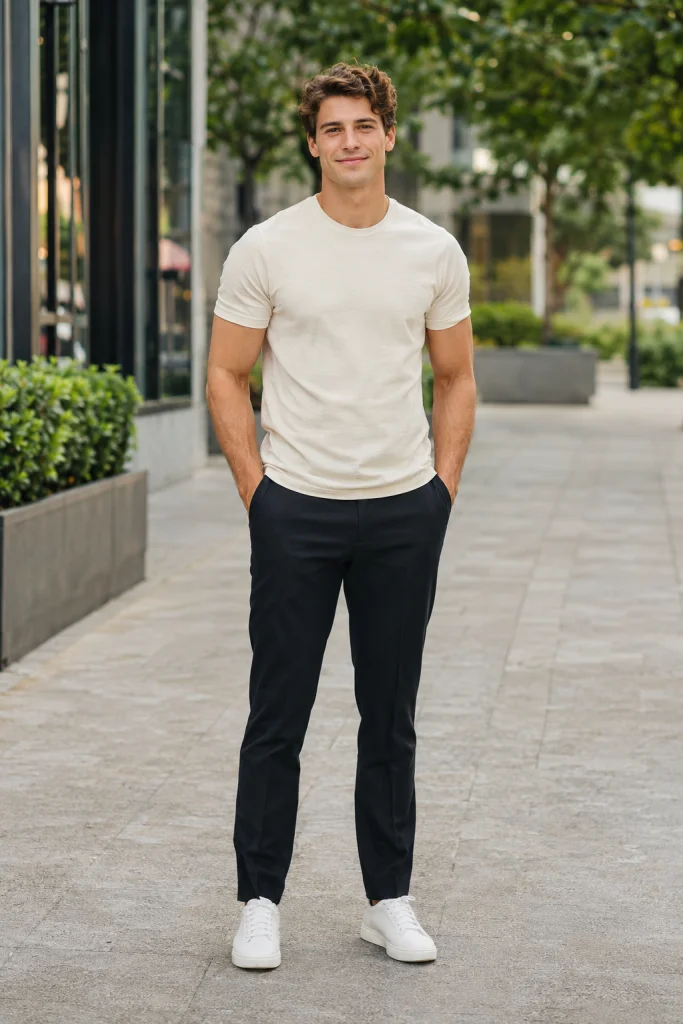
Real result generated with Flowlio AI from this one photo
More Effects
Explore the other video effects, each with its own input and motion.
What is the Peaky Blinders AI trend?
The Peaky Blinders AI trend copies Tommy Shelby's walk from the show's last episode: a match, a cigarette, then the manor explodes behind you as you walk away. A single photo of you is enough.
Who walks away from the blast in your Peaky Blinders AI video?
The manor, the outfit and the fireballs are the same every time. Only the face under the flat cap changes, so the fun of the Peaky Blinders AI trend is picking who gets to be the calm boss walking out of the smoke.
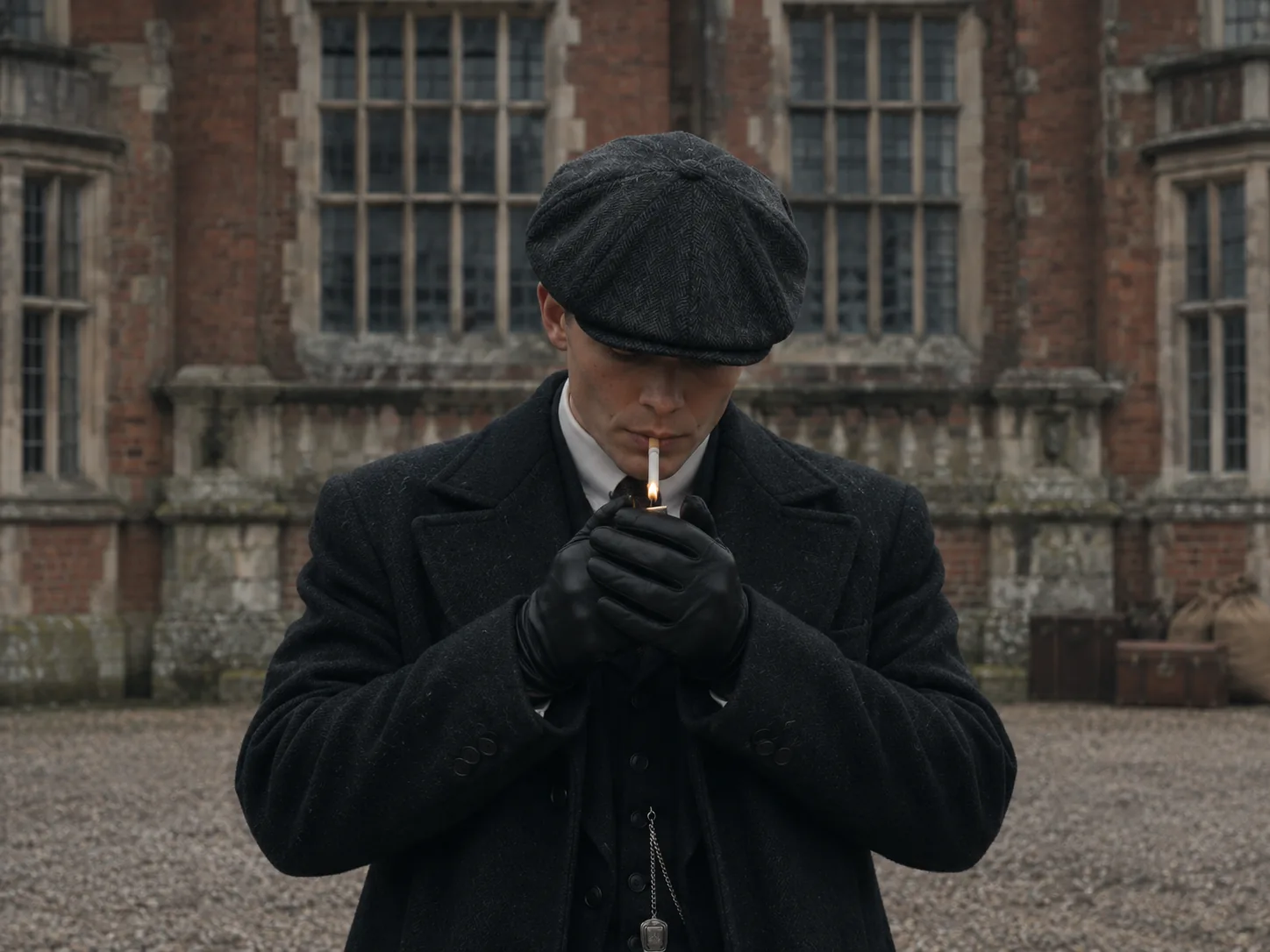
Be the boss in your own Peaky Blinders AI trend clip
The easiest way into the Peaky Blinders AI trend? Put yourself in the coat. Choose one crisp selfie that faces the lens, free of hats and sunglasses, because the flat cap sits low and your eyes need to show. The Peaky Blinders AI clip opens close on you, head down, cupping a match to light a cigarette. Then your hands drop, you start walking toward the camera, and the manor bursts into flames behind you while you never look back. Caption your Peaky Blinders AI clip something like "me leaving the group chat" or "me after quitting my job". You never type a prompt: the manor, the timing and the music are locked in for you.
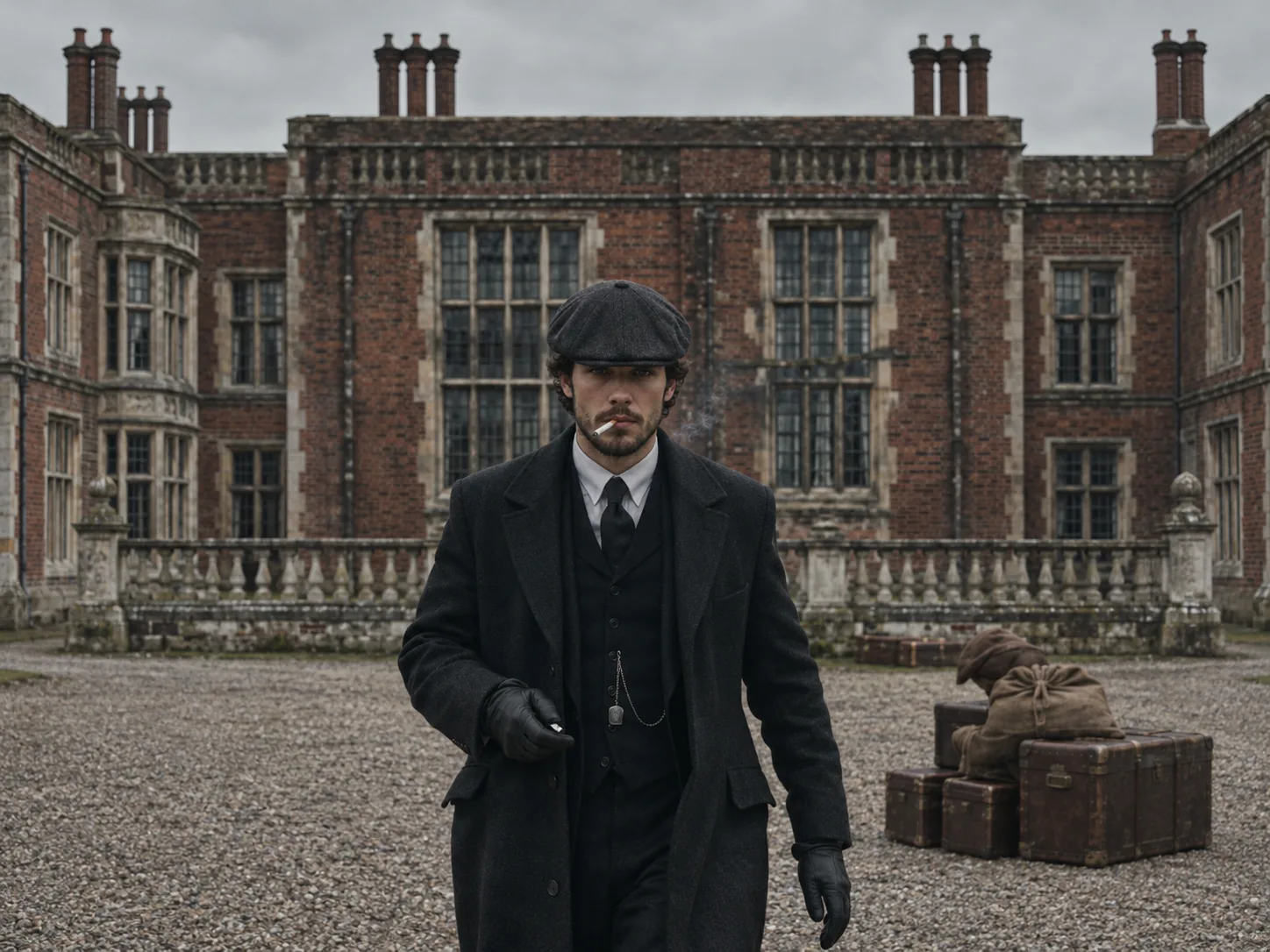
Give your best friend a Peaky Blinders explosion walk
Most groups of friends have that one guy or girl who acts like the town is theirs. Give them a Peaky Blinders explosion walk of their own. Upload a picture of only that friend, face clear and well lit, not a group shot, since a Peaky Blinders AI video has one walker. They get the gloves, the watch chain and the cool first steps at the 6-second mark, a moment before the first fireball goes off. Send it to the group chat after they win an argument. When the Peaky Blinders explosion AI video is ready, tap Create Share Link; WhatsApp or Telegram gets the link in one more tap. Your friend taps the link, plays the clip and can build a version of their own. Ask first before you use someone's photo.
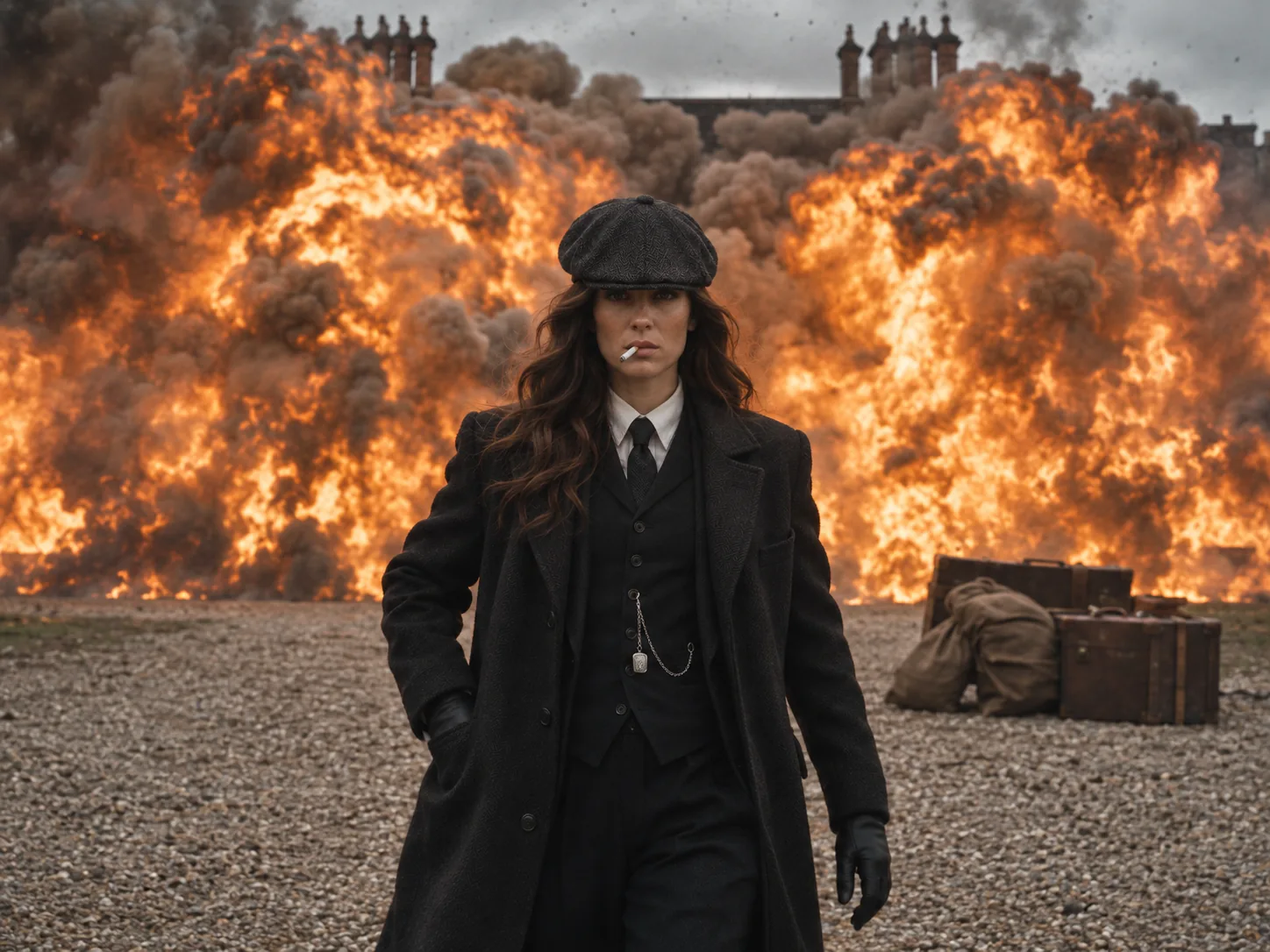
A Peaky Blinders AI video for your girlfriend, wife or partner
The Peaky Blinders AI video works just as well for women as for men. Your partner keeps their own hair, long or short, in its real color, falling out from under the flat cap. Go with a recent solo shot of them, from the shoulders or the waist up, in daylight if you can. They light the cigarette with cupped gloved hands, then walk straight at the lens as a wall of fire and smoke rises behind them, never flinching. This Peaky Blinders AI clip makes a fun surprise for a fan who has watched every season or just finished The Immortal Man on Netflix. Post it as a story and tag them, or send the 9:16 file to them in private first.
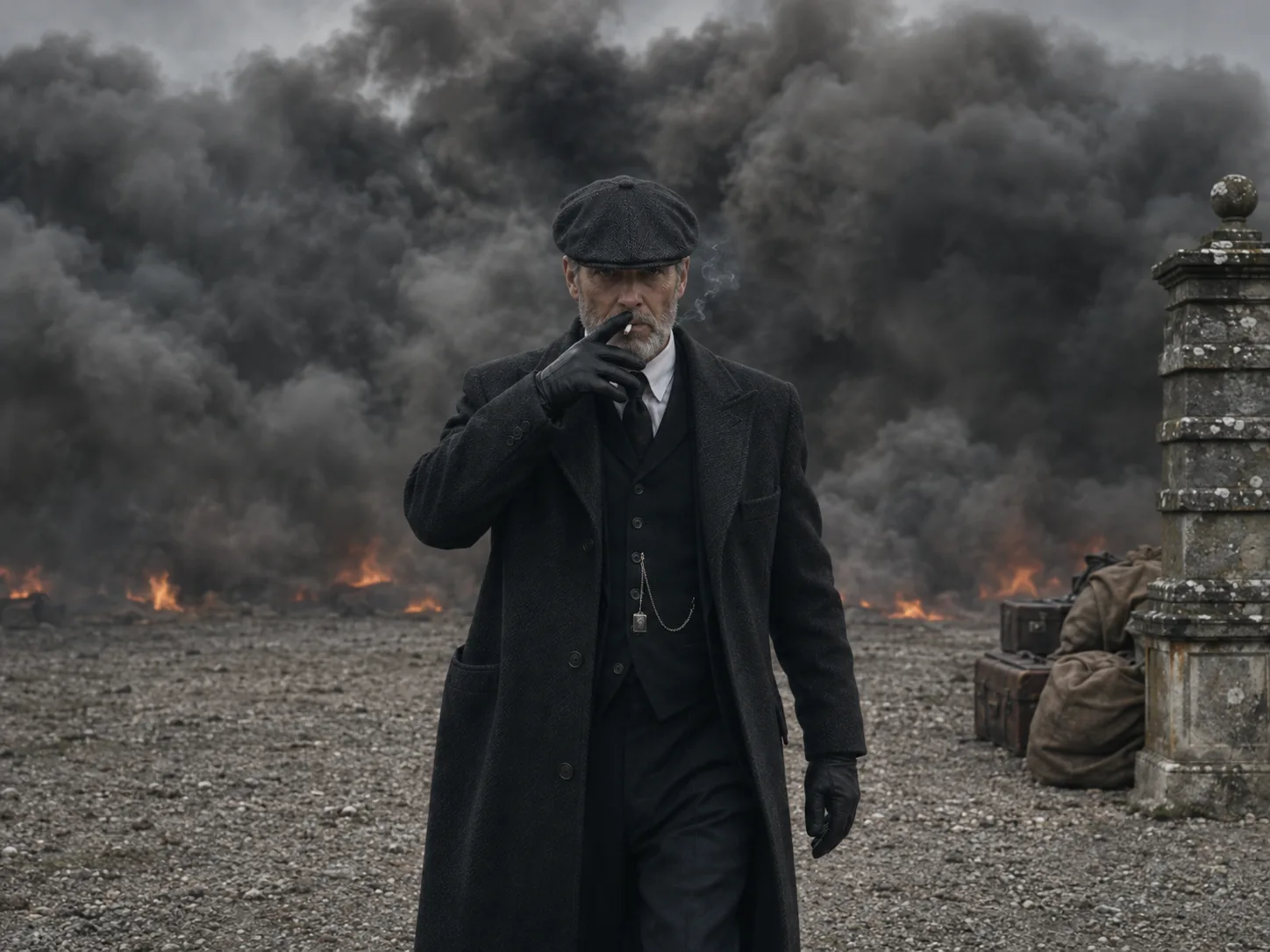
Turn Dad into Tommy Shelby with a Thomas Shelby AI video
Dads and grandpas who loved the show will laugh hardest at their own Thomas Shelby AI video. Use one clear photo of his face; if he wears glasses every day, a photo without them keeps the face sharp under the cap. His beard, mustache, grey hair and real age all carry over into the Peaky Blinders AI trend video, so the family knows him at once. The best part is the end: the fire turns to grey smoke, he keeps walking closer, then raises one gloved hand to take a slow drag. Send it to the cousins or cast it to the living room TV when everyone visits. Pick 1080p if this Peaky Blinders explosion AI clip will play on a big screen.
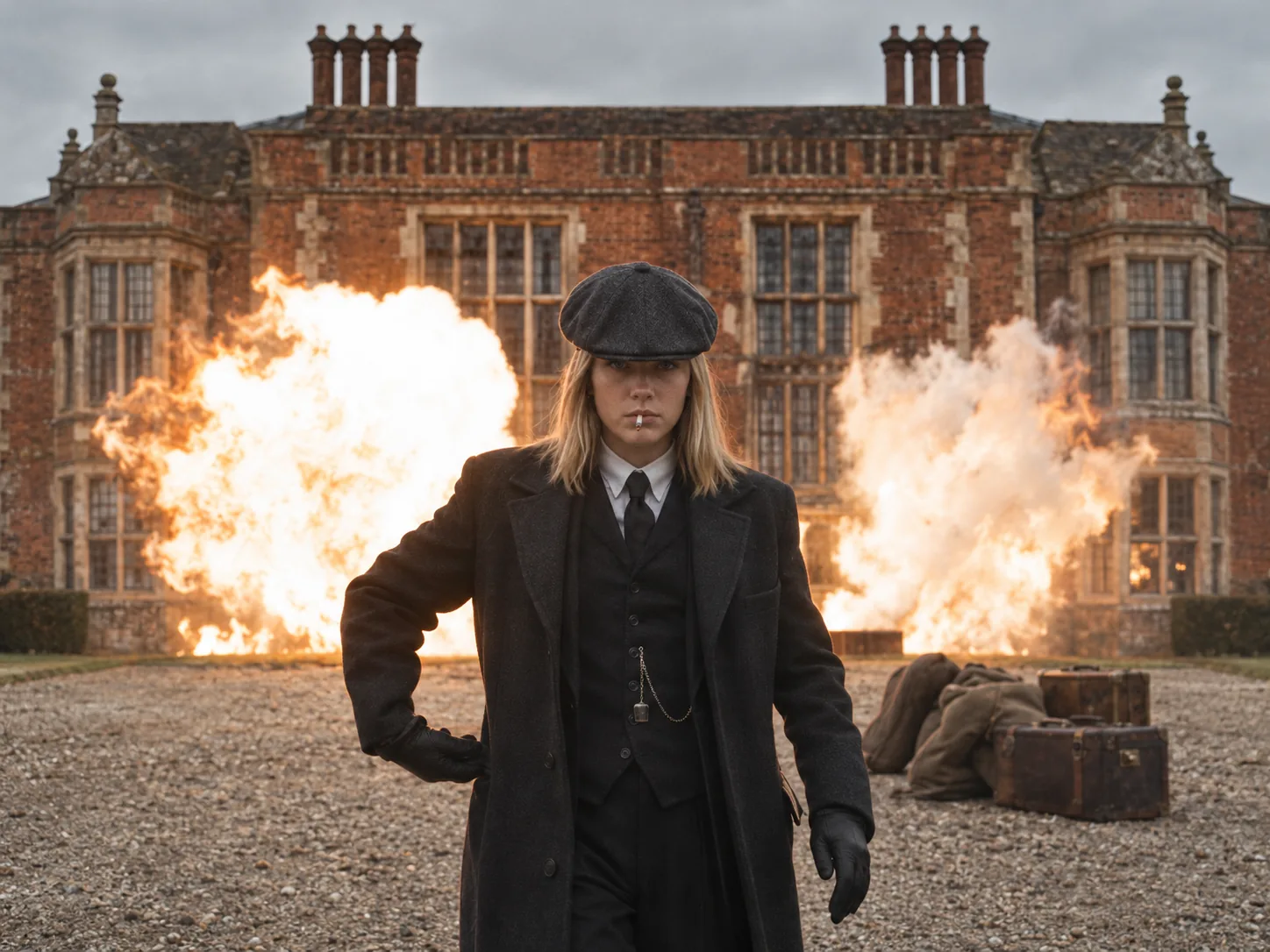
Put your brother or sister in the Peaky Blinders house explosion
Brothers and sisters love a chance to tease each other, and the Peaky Blinders house explosion is a perfect one. Pick a photo where your sibling looks serious, or the opposite: a goofy selfie makes the cool walk even funnier, if the face is still easy to see. In the Peaky Blinders AI video they light up on the gravel drive in front of the big red-brick manor, start walking, and then fireballs burst out of the building on both sides of them. Make a Peaky Blinders explosion AI clip for every sibling and line them up in one post. The cost of every size is printed before you press Generate, so try 480p first, then remake the favorite in 1080p.
How to make a Peaky Blinders AI video in three steps
Other tools may ask you to write a long prompt about the cap, the coat and the fire, track down the trend clip, then line up the music in an editing app. Here the Peaky Blinders AI trend is already built: you bring one photo and press a button.
Upload one photo to the Peaky Blinders AI video generator
For the Peaky Blinders AI generator, use one clear photo of a single face, bright and in focus, looking at the camera. Take off any hat or sunglasses first, since the flat cap comes with the scene. We copy the face, hair color and hair length from your photo into the Peaky Blinders AI video; the outfit comes from the show.
Pick a size for your Peaky Blinders explosion AI clip
Three sizes are on offer. A 480p Peaky Blinders AI walk costs 400 credits; the 720p one runs 600, and the 1080p one 900. The cost sits on each option up front and buys the whole 15-second Peaky Blinders explosion AI clip, music included.
Generate your Peaky Blinders AI video and save it
Press Generate. The Peaky Blinders AI generator follows the trend clip beat by beat, from the match and the first steps to the blast and the smoke, and adds the trend's song for you. Keep the 9:16 Peaky Blinders AI file (we add no watermark) or pass a share link around.
What happens in the Peaky Blinders explosion walk, second by second
A Peaky Blinders explosion AI video is one long 15-second shot in tall 9:16 without a single cut. It opens tight on you, then the camera slowly backs away as the scene grows.
0–6s · Lighting the cigarette
The Peaky Blinders AI video starts close on your chest and face, head bowed under the flat cap. You cup both gloved hands around a match and light a cigarette while the camera slowly pulls back and the red-brick manor comes into view.
6–7s · The first steps
In your Peaky Blinders AI clip, your hands drop to your sides and you start walking toward the lens, calm and unsmiling, the cigarette at your lips. The manor behind you still stands, quiet, with old suitcases on the gravel.
7–8s · The Peaky Blinders mansion explosion
In the Peaky Blinders explosion AI video, bright fireballs burst out along the front of the house behind you, on both sides at once. You don't flinch, and you don't turn around.
8–12s · Walking away from the explosion
A wall of orange fire and dark smoke rises behind you as you keep walking at the camera, hands at your sides, never looking back. This is the classic Peaky Blinders walking away from explosion shot.
12–15s · One last drag
The fire fades into grey smoke as the Peaky Blinders AI clip winds down. Still walking, you raise one gloved hand to the cigarette and take a slow drag, your face sharp as the clip ends.
Peaky Blinders AI FAQ: Photos, Outfit, Song, Price
Quick answers about the Peaky Blinders AI trend: which photo to use, the outfit, the song, the length and size, what it costs and where it plays best.
It copies the end of the TV show Peaky Blinders. In the last episode of series 6, "Lock and Key", which aired on April 3, 2022, Tommy Shelby has his country house, Arrow House, blown up and walks away. By autumn 2026, people were making Peaky Blinders explosion AI copies where they light a cigarette in a flat cap, the manor explodes and they walk off through the smoke. Many call it the Tommy Shelby explosion walk. The Peaky Blinders AI trend lets you be the one walking.
1) Drop a single, clear face photo into the generator above. 2) Set the gangster walk's size (480p, 720p or 1080p); its price sits right beside it. 3) Hit Generate and save your 15-second Peaky Blinders AI video, music on and watermark-free.
Use a sharp, bright picture of one person, facing forward or turned just slightly. Take off hats, caps and sunglasses: the flat cap comes from the Peaky Blinders AI scene and sits low on the forehead, so your eyes and brows must be easy to see. Skip group shots, heavy filters and dark selfies. Head and shoulders works; waist up helps match your build.
No, and that is the point. Everyone in a Peaky Blinders AI video wears the same outfit from the show: a grey flat cap, a long black wool coat over a dark three-piece suit with a waistcoat and a silver watch chain, a white shirt, a dark tie and black leather gloves. What stays yours is your face, skin tone, age, beard and your hair's color and length under the cap.
Yes. Women look great in the Peaky Blinders AI coat and cap, and long hair falls from under the cap in its real color. In every Peaky Blinders AI trend clip the moves are the same: light up, start walking, the blast, keep walking.
The viral Peaky Blinders AI version uses a slow R&B line, "I got secrets that nobody, nobody, nobody knows", from Kehlani's 2016 song "Gangsta". Your Peaky Blinders explosion AI video has the trend's song added already, so you need no audio file and no editor. The original TV scene used different music.
A Peaky Blinders explosion AI video runs 15 seconds as one unbroken shot. Because the frame stands tall at 9:16, the whole phone screen gets the flat cap and the fireball on TikTok, Reels and Shorts. Peaky Blinders AI sizes run 480p, 720p and 1080p, and each download keeps the music and carries no watermark.
It depends on the size: 400 credits gets the 480p cut, 600 the 720p one and 900 the sharp 1080p version. The generator prints that figure beside the size you choose, ahead of any render, so the cost never comes as a shock. It pays for the whole 15-second Peaky Blinders explosion AI clip and the song. If you are new, the one-time Trial Pack lets you test a Peaky Blinders AI video first.
No. In the Peaky Blinders explosion AI template, the manor, the outfit, the match, the blast, how the camera moves and when the blast hits all match the trend clip already. You won't fill a text box, upload a clip or search for a song. One photo and one click make your Peaky Blinders AI trend video.
Not a live camera filter. People search for a Peaky Blinders AI filter, but this is a full Peaky Blinders explosion AI video made from your photo: a new 15-second scene with you in the outfit, not a mask laid over your camera. That is why the cap, the coat and the fireball look like a real film.
No. Your Peaky Blinders AI video is made new from your photo, following the same beats as the trend: the match, the first steps, the blast and the smoke. It is not a copy of the episode, and no actor from the show appears in it. Your face stays yours from start to end, even under the cap and in the smoke.
Yes. Your Peaky clip stands 9:16 and is clean of watermarks, so the Peaky Blinders explosion AI clip drops straight into TikTok, Reels or Shorts. To join the Peaky Blinders TikTok trend, add #peakyblinders and #peakyblindersai plus a caption that builds up to the walk away, like "me leaving the family dinner". Friends can get a share link to your Peaky Blinders AI trend video too, or turn your favorite second into a Peaky Blinders explosion GIF with any GIF app.
Swap in another picture for the Peaky Blinders AI generator: your face filling more of it, with light falling on it from ahead, eyes on the lens and nothing in the way. Strong shadows, a tilted head or an old, blurry photo can make the face drift, most of all under the cap and in the bright flash. A plain background helps too.
Light up and walk away in your own Peaky Blinders AI video
One photo, one click, one Peaky Blinders AI video. The manor, the flat cap, the fireball and the song are ready, so your Peaky Blinders explosion walk is only missing your face.