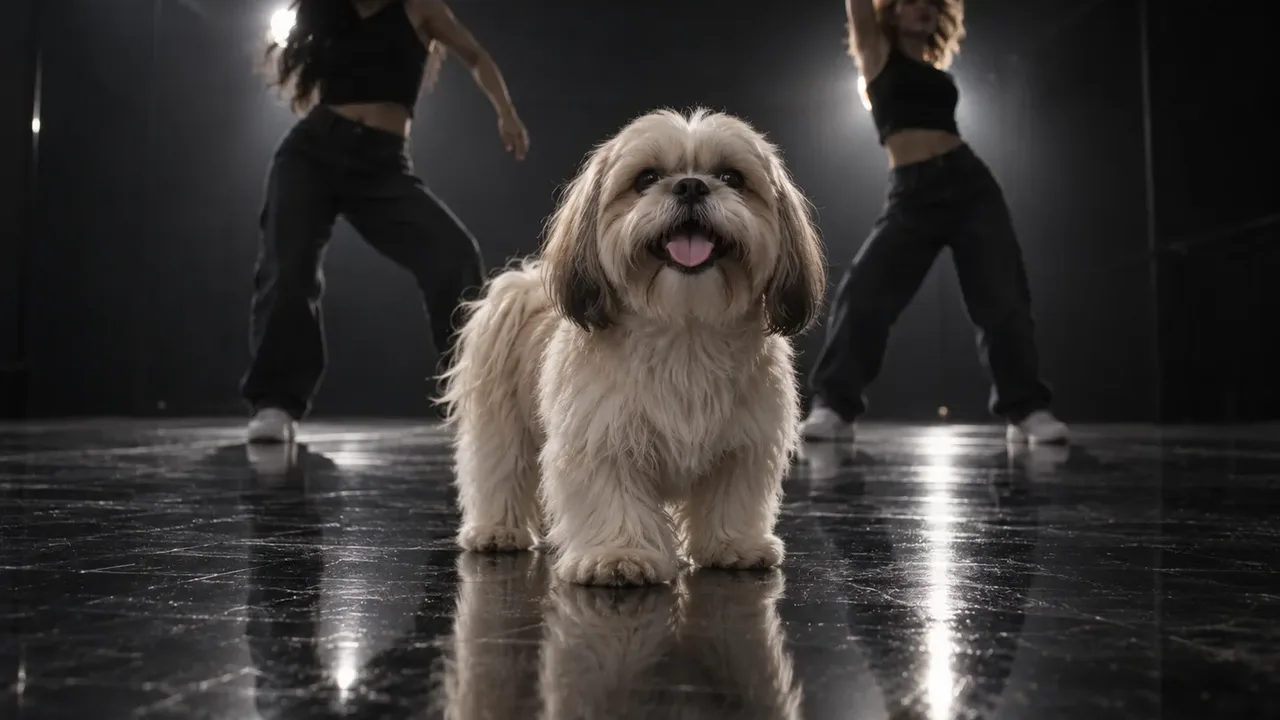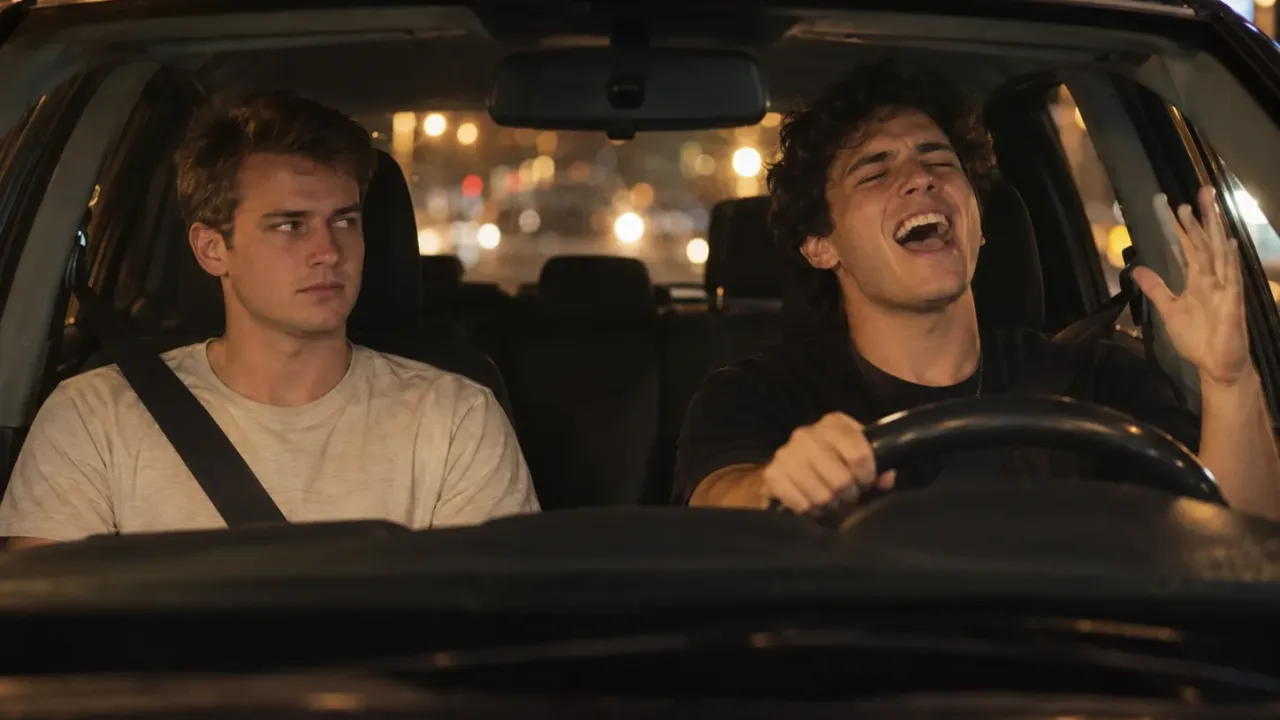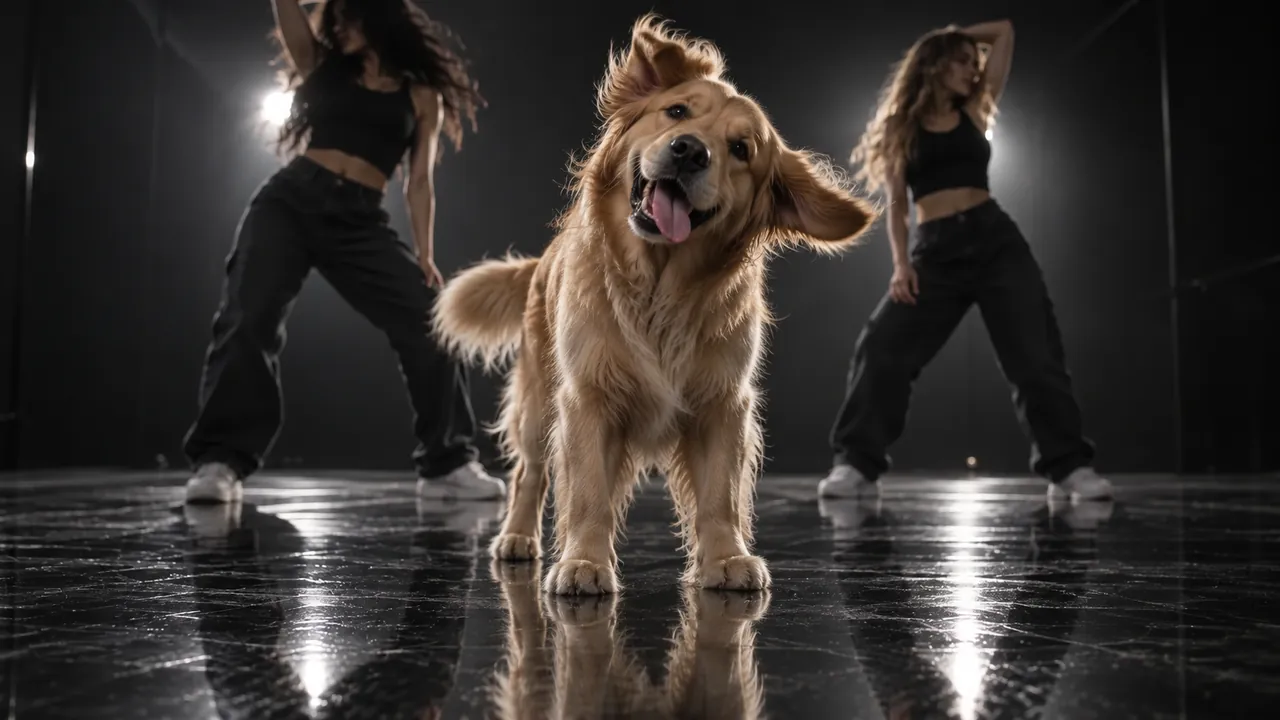
To make an It's My Life dog AI video, you need one clear photo of your dog and an AI tool that puts it behind the wheel. The scene never changes. The screen is split in two: a sunny highway on top, your dog buckled into the driver's seat below, singing Bon Jovi's "It's My Life." Someone steps into the road, the clip jumps ahead to an empty road, and your dog stares into the camera and slides on sunglasses for the last line.
People also call it the It's My Life dog meme, the singing car dog or the Bon Jovi dog. It works with cats and people too. This guide covers the fastest way (one photo), the do-it-yourself way in Seedance, every beat your clip has to hit, and how to fix what goes wrong.
We built this scene into our It's My Life dog AI video generator in November 2026. The biggest lesson from that build: the singing is easy. The five seconds in the middle are hard. The person in the road, the jump cut and the dead-serious stare all happen fast, and AI models love to skip them. Most of the tips below are about keeping those beats in.
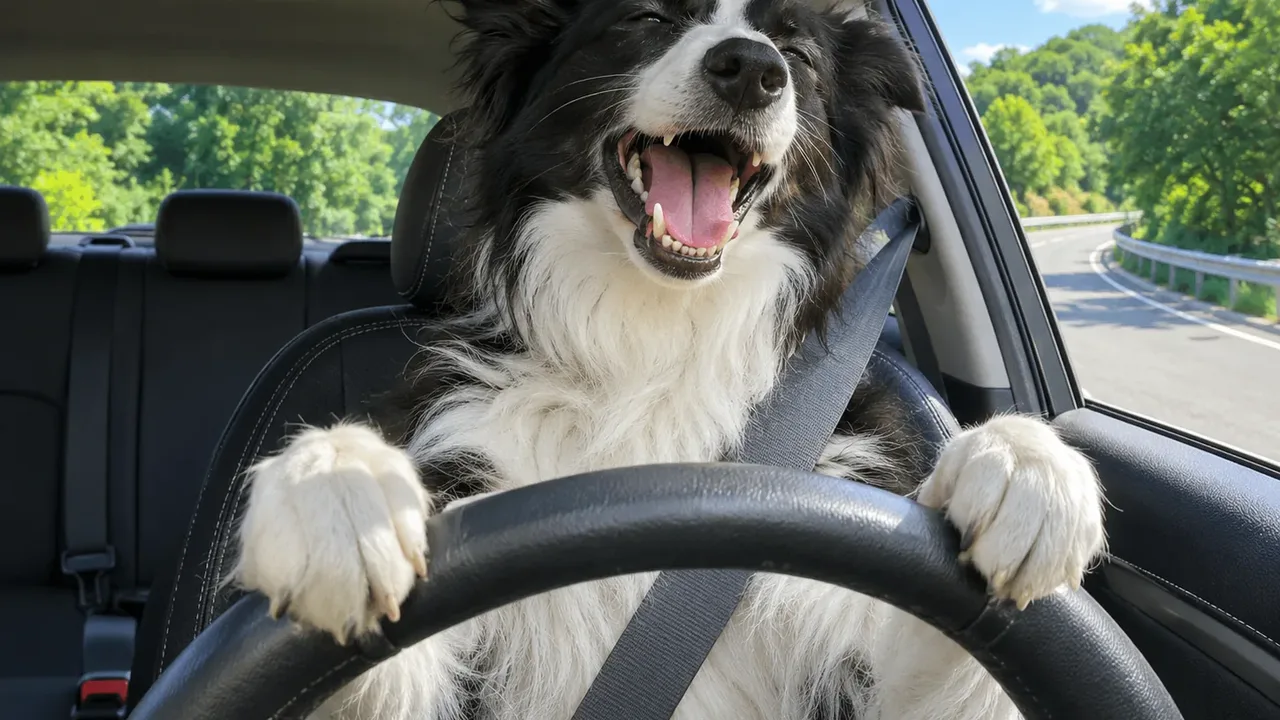
An It's My Life dog AI video made from one photo of a Border Collie in our generator.
How to make an It's My Life dog AI video: 5 steps
- Pick one photo of your dog, your cat or yourself. One subject, a sharp face, good light.
- Upload it to the It's My Life dog AI video generator.
- Pick a size: 480p to test, 720p or 1080p to post. The credit cost shows on the button first.
- Wait about 5 to 10 minutes. You can leave the page. The clip lands in My Creations.
- Download and post. It's 15 seconds, tall 9:16, with the song already on it.
Each step is explained below. After that comes the manual route, if you'd rather build the clip yourself.
The 15 seconds, beat by beat
Before you make anything, know what the clip has to do. Whatever tool you use, check your result against this list. If a beat is missing, the joke doesn't land.
The whole time, the screen stays split. The top half is a dashcam view of the road on a hot, sunny day. The bottom half is a camera on the dashboard, pointed at the driver.
| Time | What happens | What to check |
|---|---|---|
| 0–4s | Your dog sings on a curved ramp between green trees, eyes half closed, head bobbing | Mouth open and moving, real paws on the wheel |
| 4–5s | A car stops on the bend and someone walks into the lane. Your dog doesn't notice until the last second | The person really appears on the road |
| 5–7s | Jump cut: the same bend is suddenly empty. Your dog jerks, then calms down | The cut is sudden, not a slow fade |
| 7–10s | The ramp joins a wide highway. Your dog stares into the camera, mouth shut | No singing here. The silence is the punchline |
| 10–12s | Your dog lifts a paw and slides on black sunglasses | Paw, not a human hand |
| 12–15s | Sunglasses on, your dog belts out the last line | Mouth open again for the final line |
The stare is the joke. The clip never shows anything bad happening. It just cuts to an empty road, and your dog looks at you like nothing happened. If your AI version keeps singing through that part, it feels like a normal music clip. In our generator, the mouth is set to open only in the two singing parts and to stay shut during the jump cut and the stare.
Before you start: pick the right photo
The photo decides most of the result, whatever tool you use. Here is what works for an It's My Life dog AI video:
- One subject only. If two pets share the photo, their faces can blend. Crop to the one you want driving.
- A sharp face, facing the camera. Both eyes should show. A side view gives the AI too little face to copy.
- Good light. Daylight by a window or outside works best. Dark, grainy photos come out blurry.
- Any pose is fine. Your dog can be standing, sitting or lying on the grass. The AI sits it up in the driver's seat and buckles the seatbelt.
- No sunglasses. Your dog gets a pair at the 10-second mark. If it already wears some, the big reveal is gone.
- No heavy filters. Beauty filters and cartoon effects change the fur color and face shape.
Cats
The trend says dog, but cats are often funnier. A cat that ignores everything is perfect for the blank stare. Use a photo where your cat looks right at the lens. The AI keeps its coat and markings and holds the wheel with real paws. Some cat accounts call their version the It's My Life cat AI.
People
You can put yourself or a friend in the driver's seat, too. It makes a great roast of the friend nobody wants to ride with. Use a photo of one person, face clear, no sunglasses. They drive with both hands on the wheel, in the clothes they wear in the photo.
Method 1: Make an It's My Life dog AI video from one photo (fastest)
A dedicated template has the split screen, the road, the person in the lane, the jump cut, the sunglasses and the song built in. You don't write a prompt or hunt for the original clip. Here's how it works in our It's My Life dog AI generator:
-
Upload one photo of your dog, your cat or you.
-
Pick a size. The model, the 15-second length and the 9:16 frame are fixed. Only the size changes the price:
- 480p: 600 credits (a trend sale; 750 later). Good for a first test.
- 720p: 1,600 credits. Sharper.
- 1080p: 3,800 credits. The best copy for posting.
The exact cost shows on the Generate button before you spend anything. Tip: test a new photo at 480p, then re-run the keeper at a higher size.
-
Wait about 5 to 10 minutes. Nothing runs on your phone, so you can close the page.
-
Download and post. The finished clip has no watermark, and Bon Jovi's chorus plays from the first second.
New accounts can try it with the one-time Trial Pack, which covers one 480p video. Credits are what our site uses as money for each video. You buy them in packs or get them with a plan.
Method 2: Build an It's My Life dog AI video yourself
If you want a different car, a different road or just want to know how it works, you can build the clip with a general video model. Here's roughly the workflow we use, step by step.
Step 1: Get a clean 15-second copy of the clip
You need the trend clip as a reference video. Save a clean copy, trim it to exactly 15 seconds and strip the audio. You'll add the song back at the end.
Why exactly 15 seconds? Many reference-to-video models cap how long your reference can be. For example, Seedance 2.0's listing on fal caps the total reference video length at 15 seconds. The original runs just over that, so we cut a few frames off the end.
Step 2: Use the raw clip, not a depth map
For some trends we turn the reference into a depth map first. That's a grey video that keeps only shapes and movement, so the original animal's look can't leak in. For this trend we don't.
Here's why. Half of the screen is the road: the trees, the red car, the person crossing, the empty highway. You want all of that exactly as filmed. A depth map throws away its color and detail. So we feed the raw clip and tell the model clearly which parts to copy and which to replace.
The catch: the original driver (a golden retriever in a chain collar) can creep into your video. That's why the prompt has to say, more than once, that your dog keeps its own face, fur and ears.
Step 3: Add a storyboard for the road beat
This is the trick that fixed our biggest problem. The person in the road appears and is gone again in about a second. Models often drop it, or let the person drift off to the side.
So we cut six frames from the top half of the clip, between 3.5 and 5.4 seconds, and put them in one 2×3 grid. It shows the approach, the stopped car, the person crossing in front of the hood and the empty ramp after the cut. We send this grid as a second image after your photo. With it, the road beat comes out almost every time.
Step 4: Write the prompt
We run ours on Seedance 2.5 in reference-to-video mode. You tag each file in the prompt (@Image1, @Image2, @Video1) and give each one a single job. A prompt skeleton:
@Image1 is the driver: a photo of my dog.
@Image2 is a storyboard of the road from 3.5s to 5.4s.
@Video1 is the clip to recreate, shot for shot.

Keep the split screen of @Video1 the whole time: a dashcam view of
the road on top, a dashboard camera on the driver below.
The top half stays exactly as filmed: the road, the trees, the red
car and the person crossing, matching @Image2.

In the bottom half, the dog from @Image1 replaces the driver. It sits
upright, buckled in, front paws on the wheel. It keeps its own face,
fur, colors and ears in every frame. Never copy the golden retriever
or its chain collar.

0-4s: the dog sings with joy, mouth open, head bobbing.
4-5s: the dog sees the person only at the last moment.
5-7s: jump cut to the empty road; the dog jerks, then calms down.
7-10s: the dog stares into the camera, mouth shut, dead serious.
10-12s: the dog slides on black sunglasses with one paw.
12-15s: the dog sings the last line, sunglasses on.

A real animal: real paws, never human hands. No sunglasses before 10s.
Generate without sound. Make a 480p test first, since every retry costs the same as the first try.
Step 5: Add the song
Lay "It's My Life" under the finished clip in an editor, or add it as a sound in TikTok (see below). A model that makes its own music won't match the singing.
Fixing an It's My Life dog AI video that went wrong
My dog grew human hands
The model is copying a human driver's pose. Say "real paws, never human hands" in the prompt. A photo that shows your dog's front paws helps too, because the model knows what they look like.
My dog turned into a golden retriever
The original driver leaked in. Use a sharp, front-facing photo, and say in the prompt that your dog never turns into the dog in the reference. Name what to avoid: the golden coat and the chain collar.
The person in the road never appeared
The road beat is too fast for the model. Add the six-frame storyboard from Step 3. Also give that beat its own line in the prompt, with the time.
My dog sings during the stare
Mouths tend to keep moving once they start. Write "mouth shut, no singing" for 7 to 10 seconds. Our generator handles this by opening the mouth only in the two singing parts.
Sunglasses showed up too early, or never
Say "no sunglasses before 10 seconds" in the prompt, and make sure your photo has none. If the sunglasses never show up, give the 10–12s beat its own clear line.
The face looks different
Usually the photo is the cause: a side angle, a blurry shot or a filter. Try a crisper photo where the face is big, bright and facing the camera, with no other animals or people around.
The lip sync is a bit off
AI lip sync is close, but not perfect on every beat. It looks best when the mouth is open in the singing parts and shut in the quiet part. A one-beat slip is normal and few people will notice in a 15-second loop.
How to add the It's My Life song on TikTok
The song is "It's My Life," which Bon Jovi released in 2000 as the lead single from the album Crush. It peaked at No. 3 in the UK, according to Wikipedia. If your clip has no sound, add it on TikTok. TikTok's help center covers the basics:
- Tap + and upload your clip.
- Tap Add sound and search It's My Life Bon Jovi. Or open a singing car dog post you like and save its sound first.
- Drag the start so the first sung word lands as your dog's mouth opens.
- Turn the clip's own volume down to zero if it already has audio, then post.
If you used our generator, the song is already on the clip, so you can skip this. You can still pick the trend's sound in TikTok if you want your post to show up on that sound's page.
Captions and posting
Short, dry captions suit a singing car dog best. A few that fit the joke:
- "he didn't see a thing"
- "it's my life, I'm not stopping"
- "no brakes, only Bon Jovi"
- "she does not brake for anyone"
The tall 9:16 frame fits TikTok, Reels, Shorts and Stories with no cropping. Post it on your dog's birthday or adoption day, or open a road trip video with it.
Turn on the AI label when you post. TikTok asks creators to label realistic AI-made content, and this clip is fully AI-made. Don't worry about the road scene, either: the clip cuts away before anything happens, so it's fine for family group chats.
Where the It's My Life dog trend came from
The trend took off on TikTok in the last week of October 2026. The first viral posts were labeled as made with AI, and the clip spread fast as pet owners recast it with their own dogs. Within days there were cat versions, people versions and road trip versions.
It works for the same reason a lot of pet memes work: an animal acting like a grumpy, unbothered human. The song makes it big and loud. Then the stare after the jump cut takes it down to nothing, and that switch is what makes people replay it.
FAQ
How many photos do I need?
One. There's only one driver in the scene, so an It's My Life dog AI video needs a single photo with a single subject.
Can two pets ride in one video?
No. If two pets are in the photo, their faces can mix. Make one clip per pet instead.
How long is an It's My Life dog AI video?
15 seconds, the same as the trend clip. It comes as a tall 9:16 video in 480p, 720p or 1080p.
Does it work with cats and people?
Yes. A cat keeps its own coat and holds the wheel with paws. A person keeps their face and clothes and drives with both hands. The price is the same for all of them.
Can I use my own music?
Our generator always adds Bon Jovi's song. For a different sound, turn the clip's volume down in TikTok or Instagram and pick a track from the app's library.
Is it free?
The first video can be: the one-time Trial Pack for new accounts covers one 480p It's My Life dog AI video. After that, each video costs credits, and the button shows the amount before you generate.
Make your It's My Life dog AI video
In short: an It's My Life dog AI video is 15 seconds of singing, one second of trouble on the road, a silent stare and a pair of sunglasses. Give the AI one sharp photo with one subject, keep the stare quiet, and keep paws on the wheel. Test at 480p, then post the sharper copy.
The quickest route is our It's My Life dog AI generator: one photo, no prompt, song included. Want another pet trend? Read how to make a Put A Ring On It AI video, or browse all our AI video effects.
Sources
- It's My Life (Bon Jovi song), Wikipedia
- Seedance 2.0 reference-to-video, fal
- Sounds, TikTok Help Center
- AI-generated content, TikTok Help Center