
AI Video Effects & Templates
Choose an AI video effect template, add your image and create your own version.
 Hot
1 to 5 photos
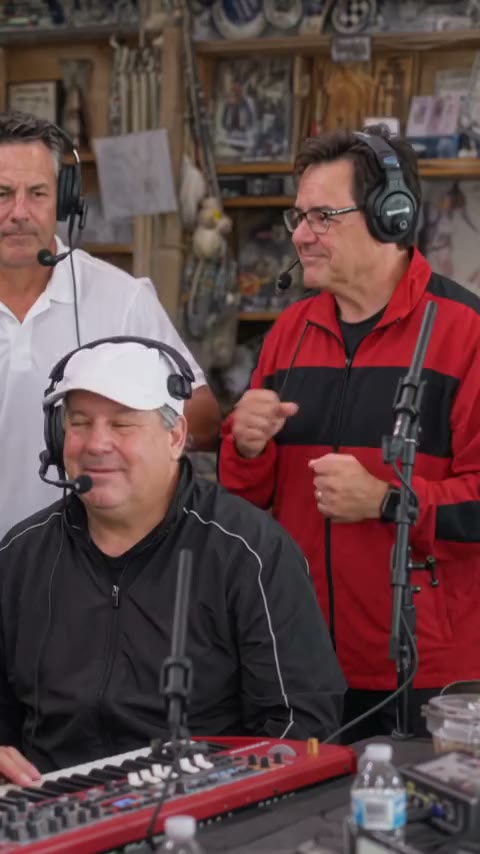
Tiny Desk AI
Recast the viral coaches clip or a desk concert band from one to five photos, in the Tiny Desk AI trend.
 Hot
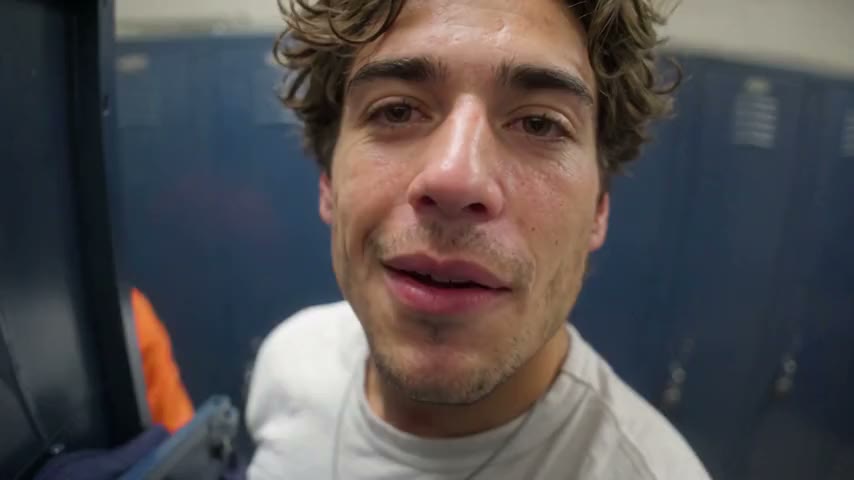
1–2 photos → locker room gear-up
End of Watch AI
One or two photos: you film yourself gearing up in a police locker room, with your partner leaning into the shot.
 Hot
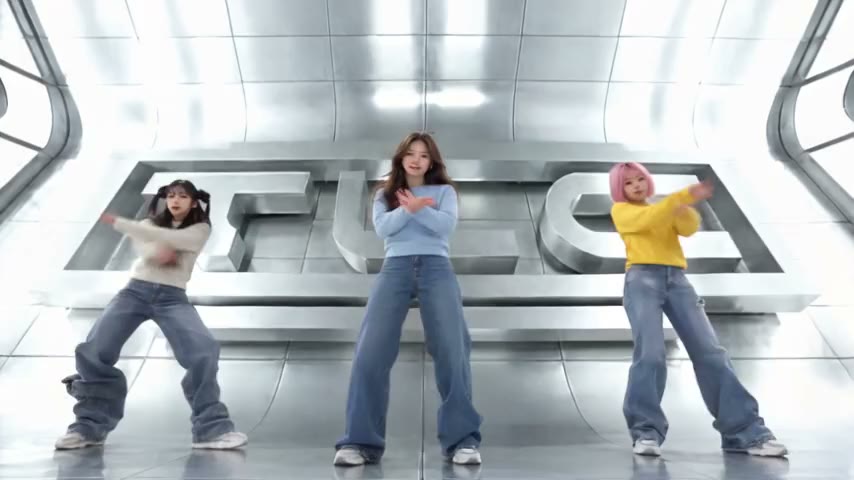
3 photos → trio dance
No Scrubs AI Trend
Three photos: you and two friends take TLC's place in the "No Scrubs" video, from the silver elevator to the TLC letters.
 Hot
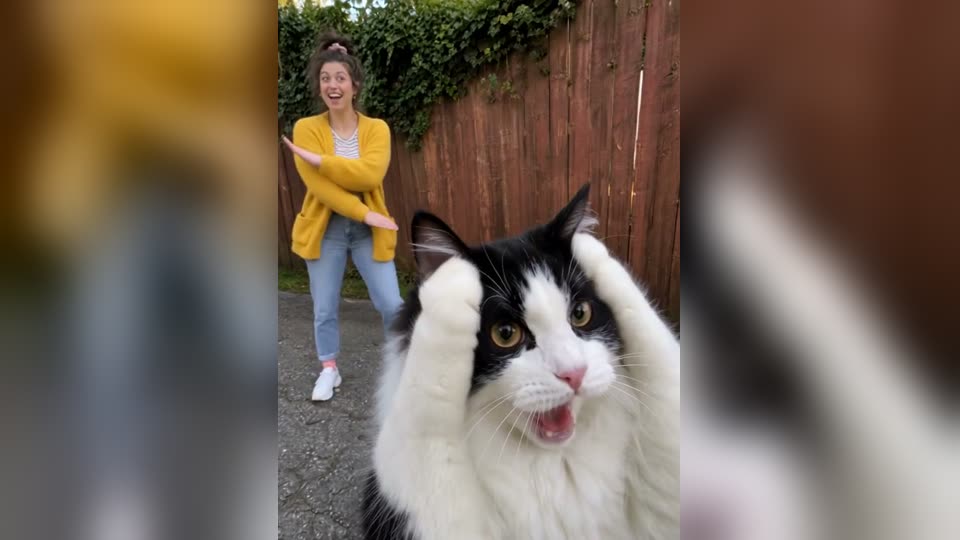
Two photos → Smalltown Boy duo dance
Smalltown Boy Dance AI
Two photos, two screams into the lens and a side-by-side dance to Bronski Beat, song included.
 Hot
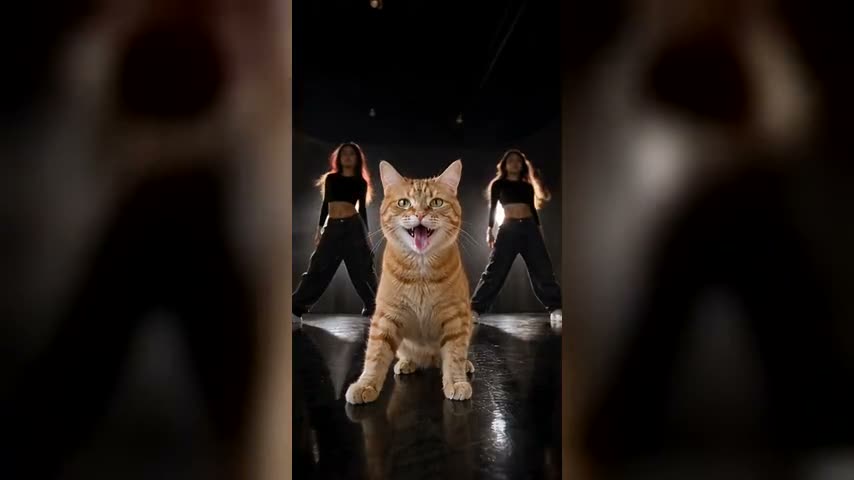
One pet photo → dance video
Put A Ring On It AI Video
Your pet takes centre stage for the Single Ladies head flips, with two backup dancers and the song.
 Hot
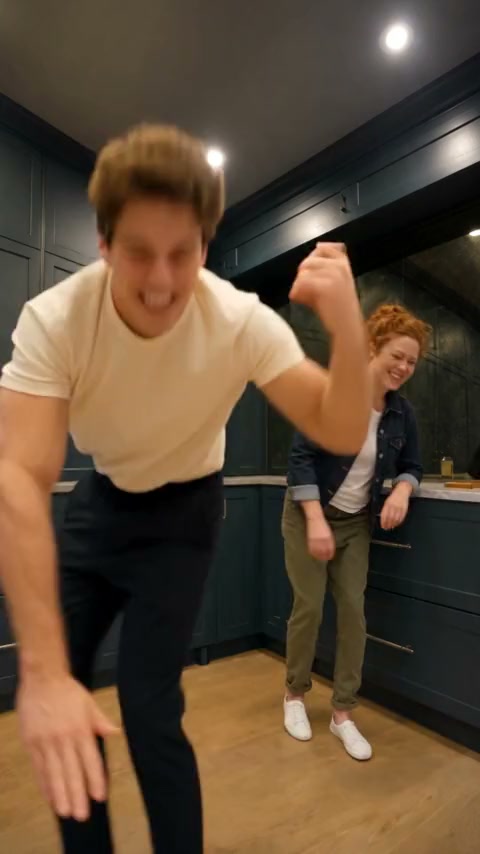
2 photos → Wipe Me Down duo
Wipe Me Down Dance AI
Two photos: one of you leans into the lens and dances to Wipe Me Down, then the other jumps in and steals the show.
 Hot
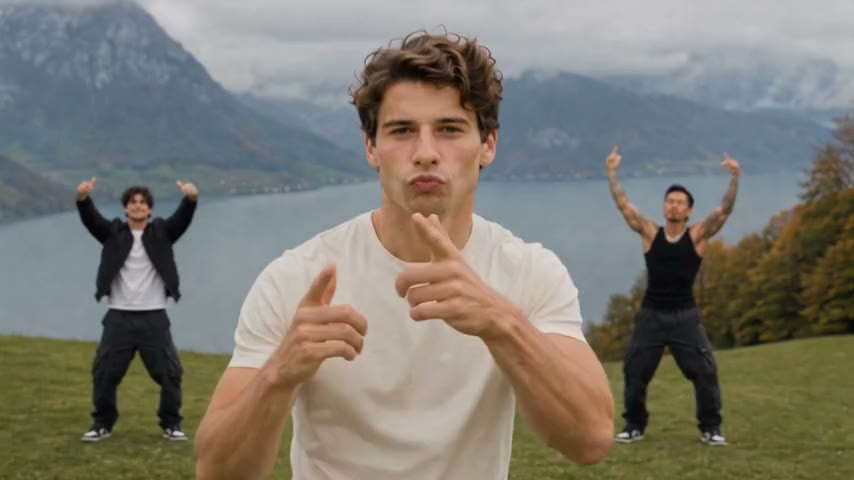
1–3 photos → your trio dance
Wassup in a Minute AI
Up to three photos: you and two friends hit the hands-on-head beat, the pouty close-up, the walk-up and the freestyle on a hillside meadow.
 Hot
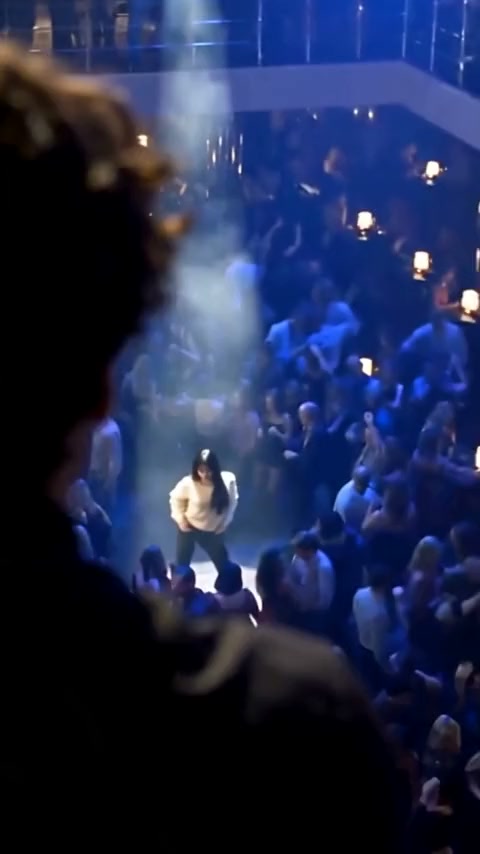
2 photos → club spotlight
La Tormenta de Arena AI
Two photos: one of you smiles down from a club balcony, and a white spotlight finds the other in the crowd, set to Dorian's song.
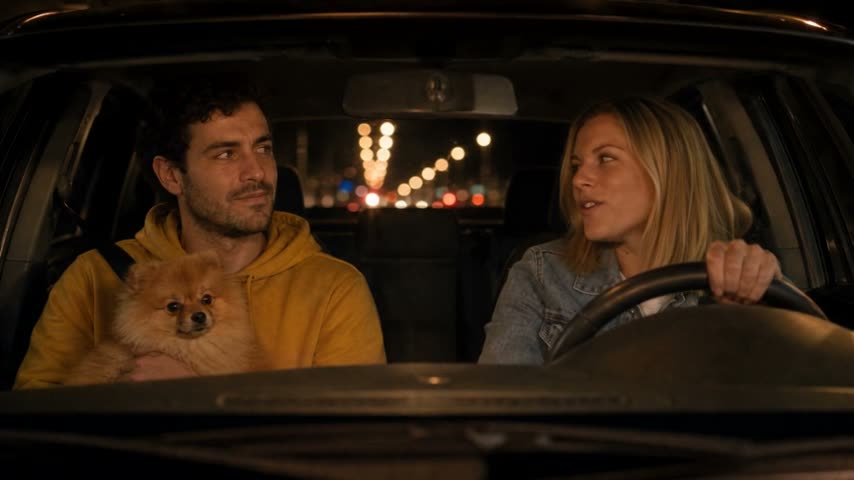 Hot
Two photos → car singalong video
White Chicks AI Video
Two photos: one sings A Thousand Miles at the wheel, the other stares from the passenger seat, with the song.
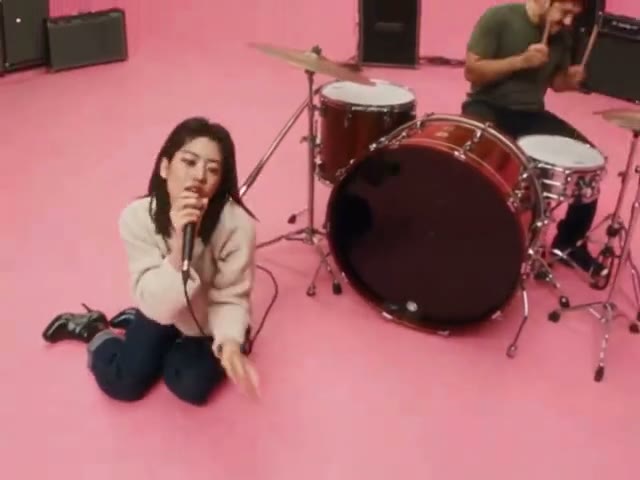 Hot
Two photos → music video
AI APT MV
Put two people or pets in the pink-studio APT. music video: one sings, one drums, then they dance.
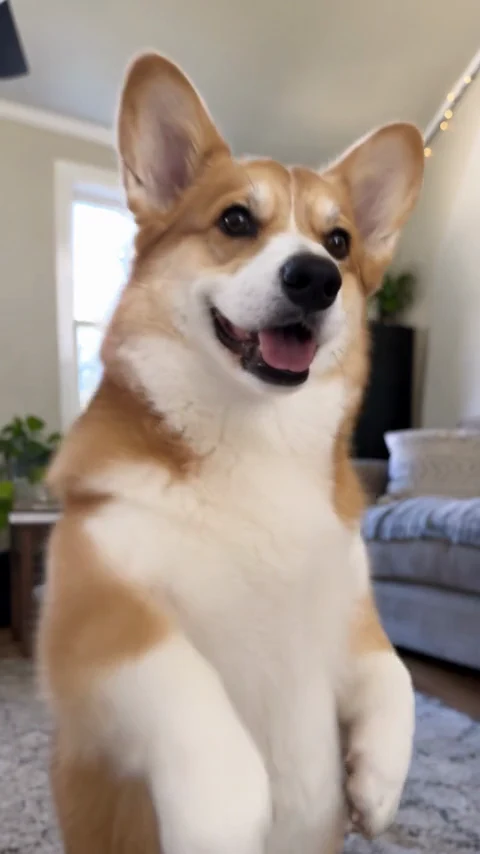 Hot
1–2 photos → duo dance with music
Mi Chico AI Dance
One or two photos, two dancers taking turns in the spotlight, with the Mi Chico choreography and music.
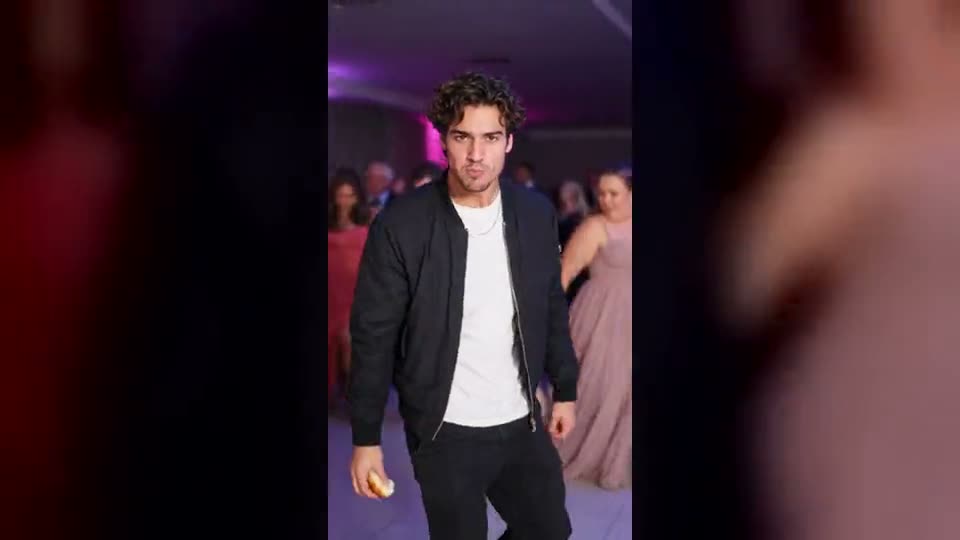 Hot
One or two photos → dance video
Dime Dime Baby AI
You bite the concha and stare down the lens at the quince, or a pair of you dance the BbY WOW duo groove.
How it works
Pick a look, not a prompt
Every effect here starts from something you already have — usually one still image, sometimes two, sometimes just a written scene. The template supplies the rest: the move, the timing and the finish. Open the one you want and it becomes a generator built only for that look.
Check what it needs first
Effects differ most in what you have to bring. Some work from a single photo, some need two, and some can start from a written scene with no image at all. Every card above states its input before you open it, so you can rule out the ones you can not feed.
Moving the camera vs. changing the scene
One family of effects leaves your subject exactly as photographed and moves the camera around it — useful when the thing itself is the point and you want it seen from more than one angle. The other family keeps the frame still and changes what is in it. Deciding which of the two you want narrows the list faster than browsing every template.
Give the model a clean source
Whatever the effect, a sharp, well-lit image with the subject clearly separated from its background gives it the most to work with. Heavy blur, deep shadow or a subject half-hidden behind something else leaves the model guessing, and the guess is what tends to look wrong.
Frame it for where it is going
Set the aspect ratio to match the destination before you generate rather than cropping afterwards — vertical for reels and stories, wide for a site header or a product page. Re-cropping a finished clip throws away the resolution the effect just produced.