
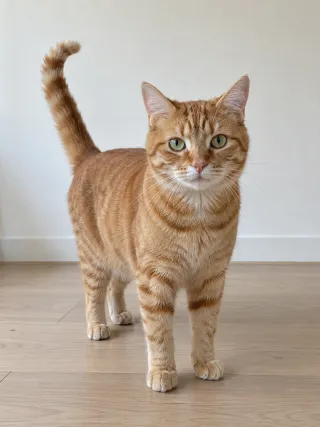
Made from this one photo
More Effects
Explore the other video effects, each with its own input and motion.
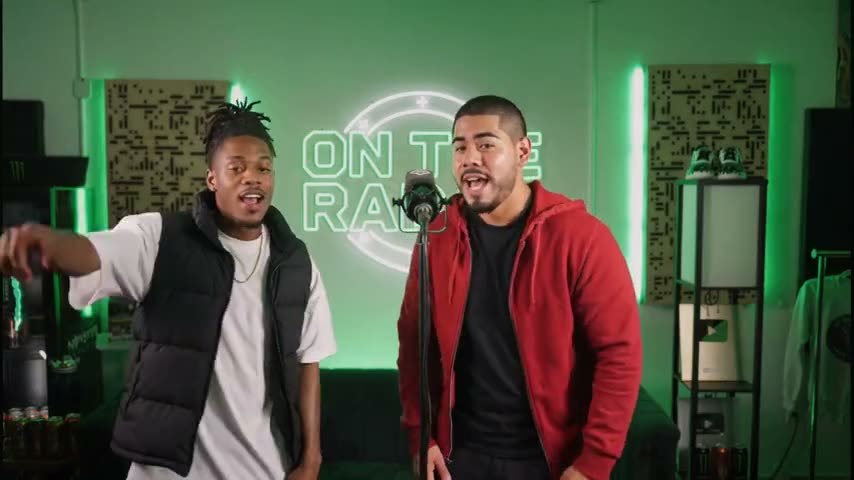
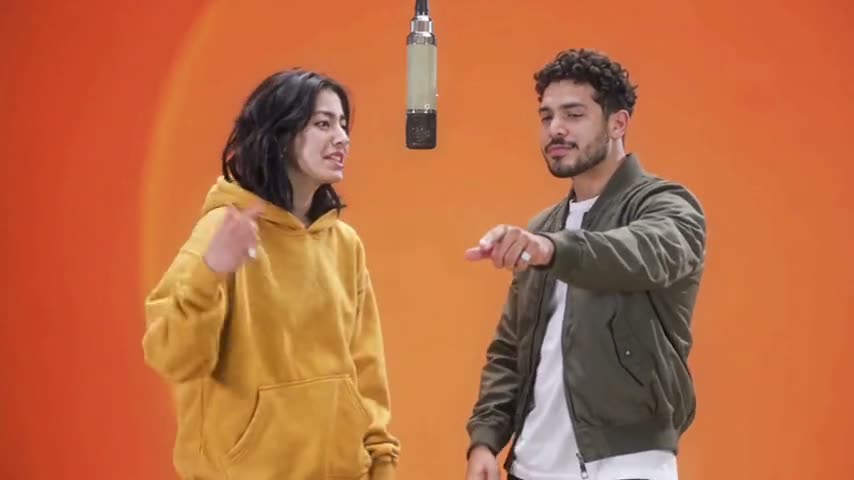
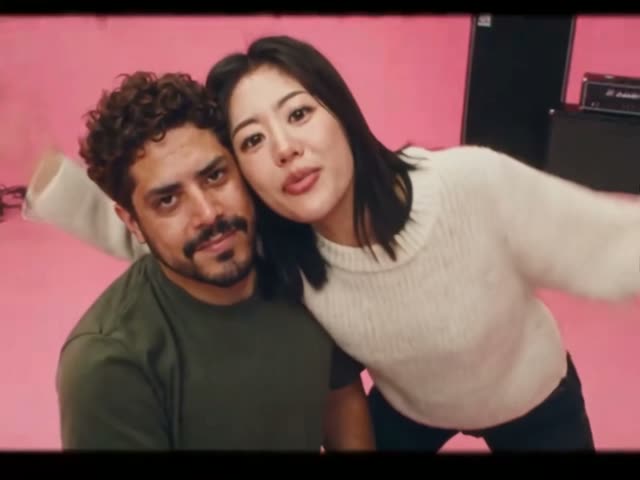


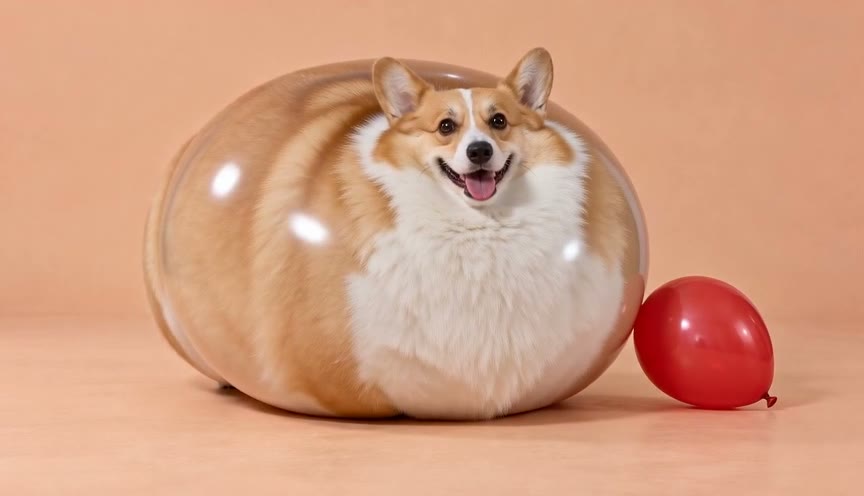

Make a Put A Ring On It AI video from one pet photo
The Put A Ring On It AI trend puts your pet centre stage in a dark dance studio, whipping, tossing and flipping its head to "Single Ladies" while two backup dancers move behind it. Upload one photo of your dog or cat and the Put A Ring On It AI video generator builds the studio around your pet, copies the routine beat for beat and lays the song under it. No filming, no training your dog, no prompt to write.
Which pet stars in your Put A Ring On It AI video?
The trend started with a small fluffy dog, but any pet can take the spot. Each one keeps its own size, coat and face.
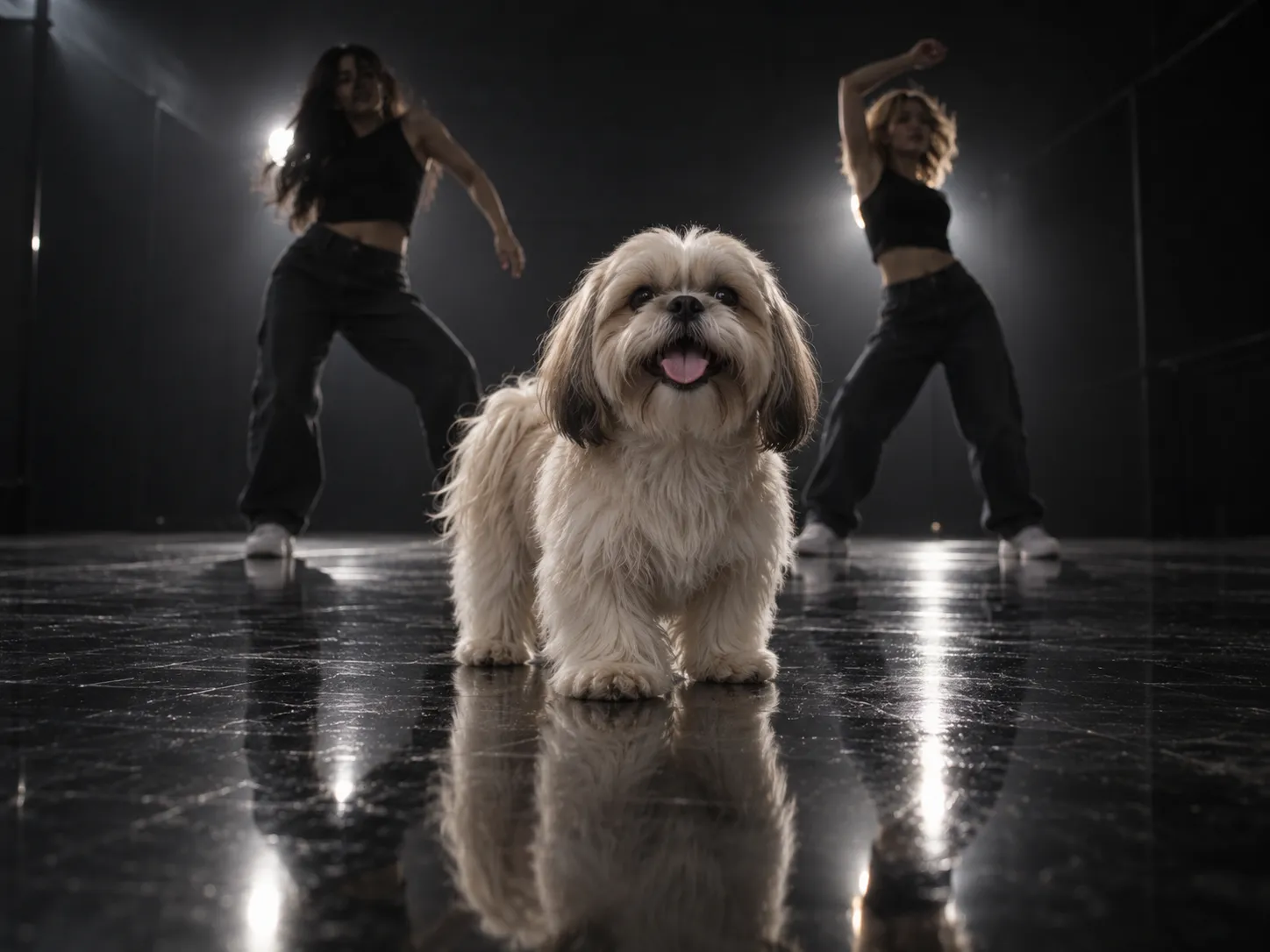
The classic: a small fluffy dog
A Shih Tzu, a Maltese or a Pomeranian is the original look of the Single Ladies dog trend: long silky fur flying with every head flip. Upload a clear photo and your dog takes centre stage.
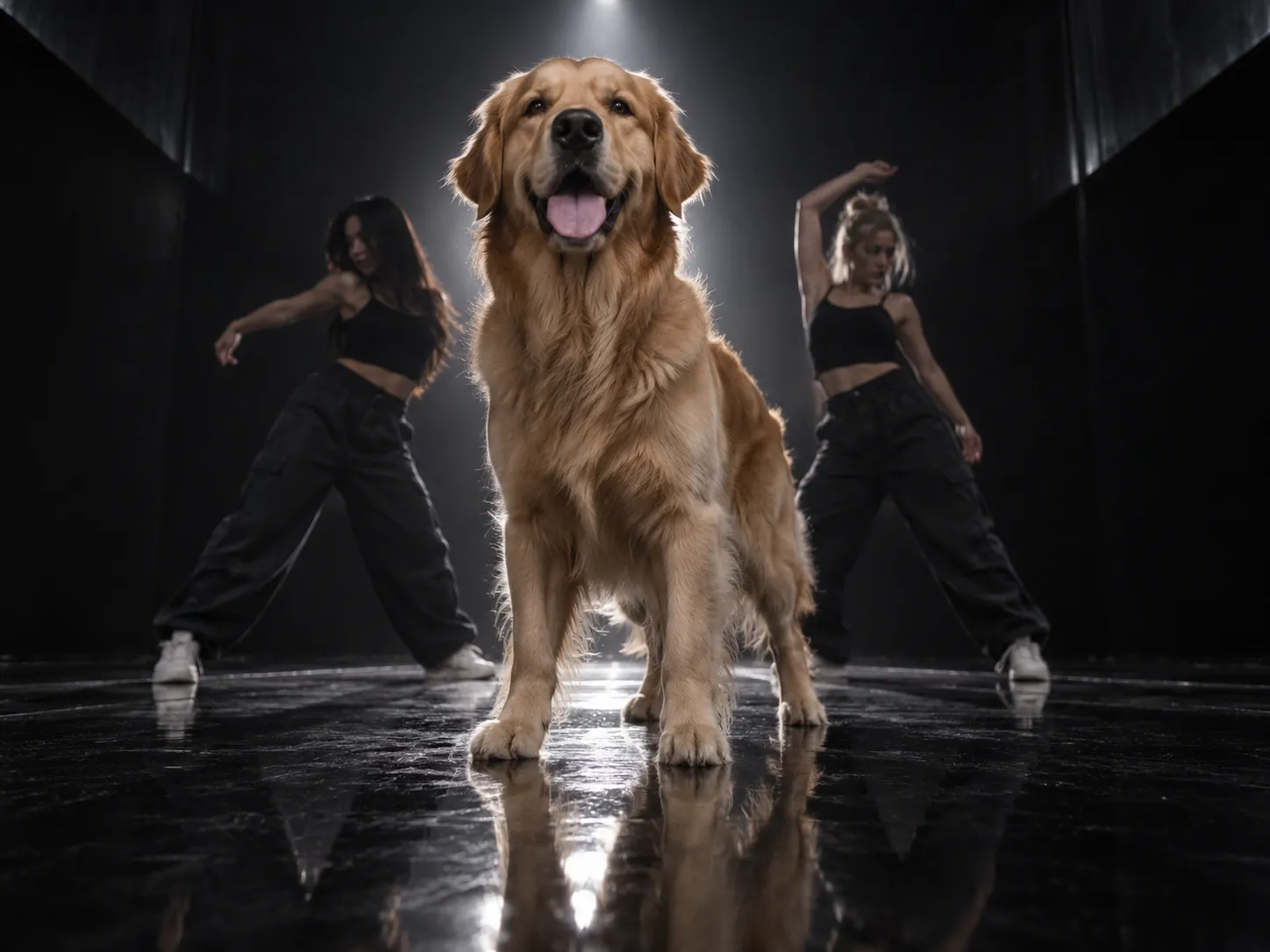
Big dogs stay big
A golden retriever or a husky doesn't get squashed into a lapdog. It keeps its own height and build, fills more of the frame and makes the same head whips and tosses with its own bigger head.
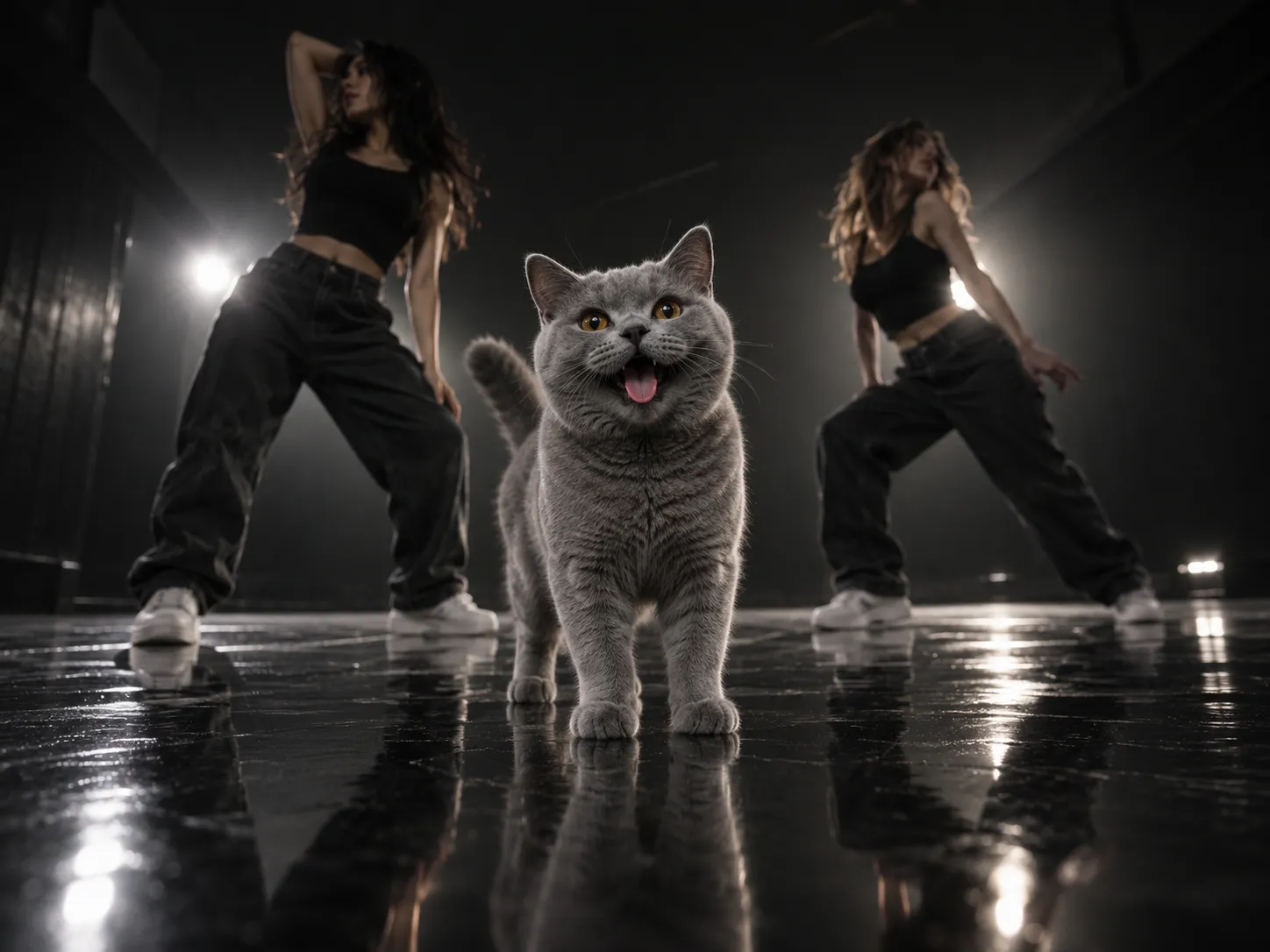
A cat does Single Ladies
Cats work too. Your cat stands on all four legs, keeps its own sleek or fluffy coat and does the routine with a happy, relaxed face — the version that surprises people most.
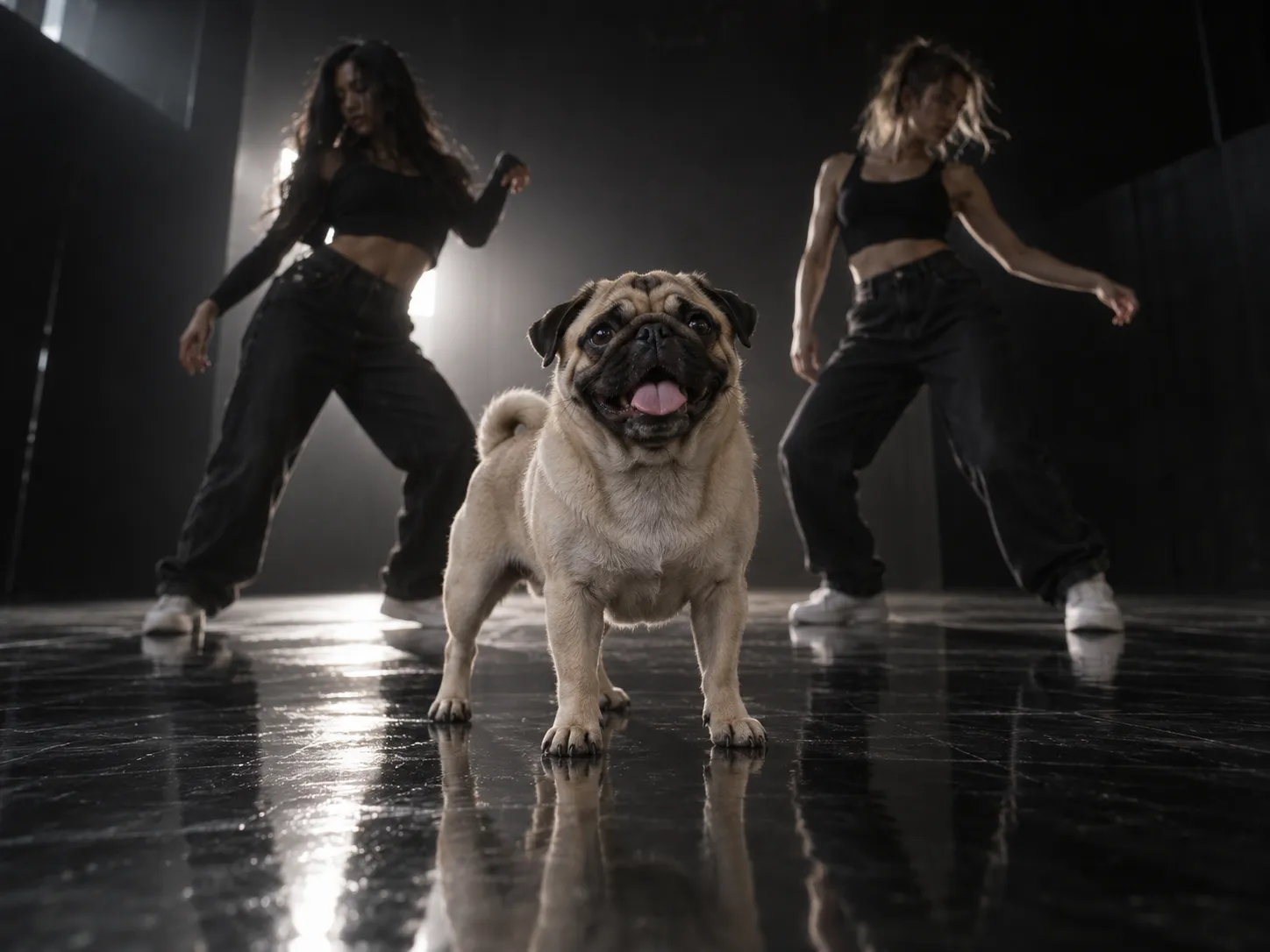
Content for your pet's account
Running a pet account on TikTok or Instagram? A Put A Ring On It AI video is a trend post you can make in minutes, from a photo you already have, without getting your pet to sit still.
How to make a Put A Ring On It AI video
The Put A Ring On It AI video generator works in two steps behind the scenes: it first places your pet in the dark studio with two backup dancers, then animates the whole routine. You only upload the photo.
Upload one photo of your pet
One pet, facing the camera, well lit, with its whole body or at least head and chest in view. The clearer the photo, the more the dancing pet looks like yours.
Pick the quality
Everything else is set for you: the model, the 19-second routine, the vertical 9:16 shot and the song. Pick 480p, 720p or 1080p — the credit cost is shown before you generate.
Generate, download and post
Your Put A Ring On It AI video arrives with the song already on it. Download the MP4 and post it to TikTok, Reels or Shorts.
Built for the Single Ladies pet trend, not a generic pet animation
The trend is one routine: a pet in the spotlight, two dancers behind it, and a run of head flips timed to the song. The Put A Ring On It AI video generator is set up to make exactly that with your pet.
One photo is enough
No video of your pet needed, and no tricks to teach. A single clear photo is the whole input.
The routine, beat for beat
The head snap, the tosses, the tilts and the finale flip all land on the same beats as the original routine, so the clip stays in time with the song.
Your pet stays your pet
Its face, markings, coat length and size come from your photo. A short-haired dog doesn't sprout a mane, and a big dog isn't shrunk to a lapdog.
Two backup dancers, made fresh
The two dancers behind your pet are created for your video, in the dark studio with the glossy black floor and the backlight.
The song is laid on for you
The track is added to the finished video from the first frame, so it lines up with every head flip. Nothing to sync in CapCut.
Vertical and ready to post
Every clip comes out 9:16 and 19 seconds long, the format the trend lives in on TikTok, Reels and Shorts.
Put A Ring On It AI Video FAQ
What the Put A Ring On It AI trend is, how to make one with your own pet, and what to expect.
It is a short AI video of a pet standing centre stage in a dark dance studio, doing a run of head flips, tosses and tilts to "Single Ladies (Put a Ring on It)" while two backup dancers dance behind it. People also call it the Single Ladies dog trend or the Single Ladies pet dance. You upload a photo of your pet and the Put A Ring On It AI video generator makes your version.
"Single Ladies (Put a Ring on It)" by Beyoncé, released in 2008. The trend uses the part of the song the original routine was cut to, and the generator lays it under your video for you.
Upload one photo of your pet, pick the quality and generate. The generator first places your pet in the studio with the two dancers, then animates the routine and adds the song. When it's ready, download it and post it.
Yes. Upload a clear photo of your cat and it takes the dog's spot, standing on all four legs with its own coat and a happy, relaxed face.
No. Your pet keeps its own size, height and build from the photo. A large dog stands taller and fills more of the frame, and makes the same head moves scaled to its own head and neck.
One pet per photo, facing the camera, in good light, with nothing covering its face. A photo that shows its whole body or at least its head and chest works best. If someone is holding the pet, only the pet appears in the video.
Yes. The song is laid under the finished video from the first frame, so it is in time with the routine and ready to post.
19 seconds, vertical 9:16 — the length and shape of the original routine.
A few minutes. The generator makes the studio scene first and then the video, so it takes a little longer than a one-step effect. You can leave the page; the result is saved in My Creations.
You can start free: new accounts get signup credits, and daily check-ins add more. After that each video spends credits, and the cost depends on the quality you pick. It is shown on the generate button before you spend anything.
The routine is made for a four-legged pet, so a pet photo gives the best result. A photo of a person may work, but the moves and the framing are built around an animal.
That usually comes from the photo: a side angle, a blurry shot, heavy filters or something covering the face. Use a sharp, front-facing photo in good light and generate again.
Make your Put A Ring On It AI video
Upload one photo of your pet and the Put A Ring On It AI video generator makes the whole Single Ladies routine, song included. Download it and post it.
