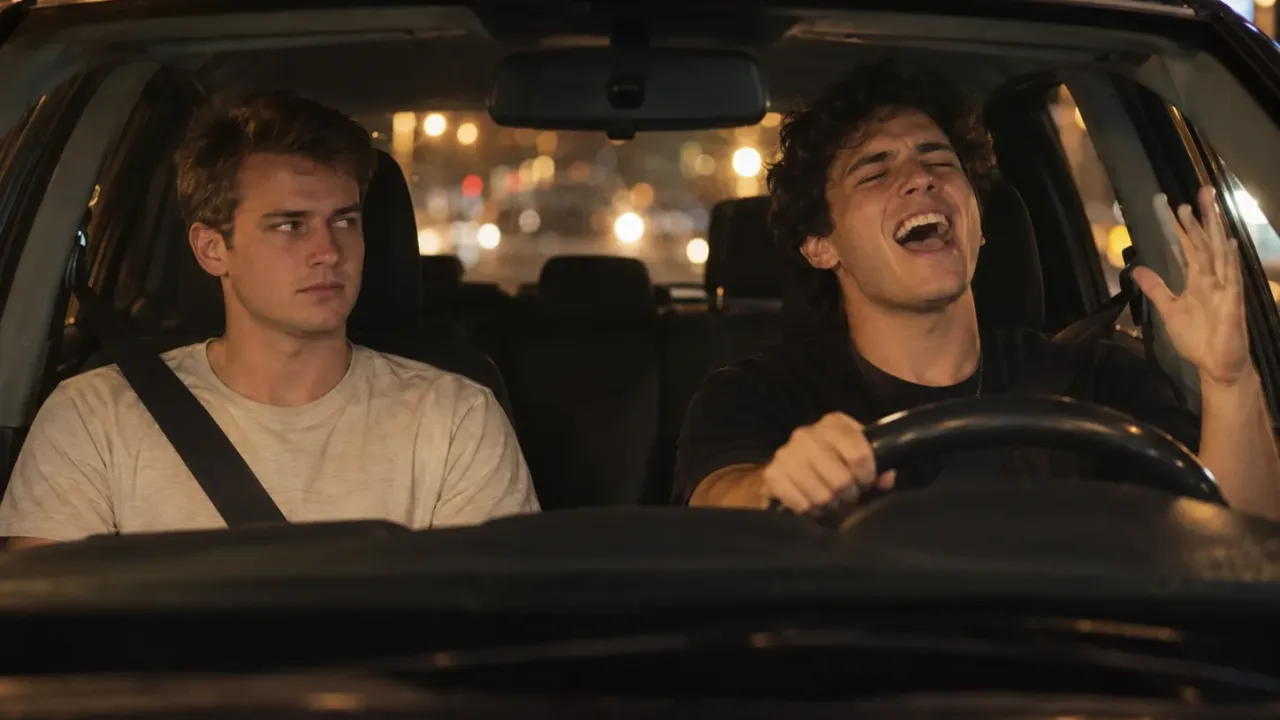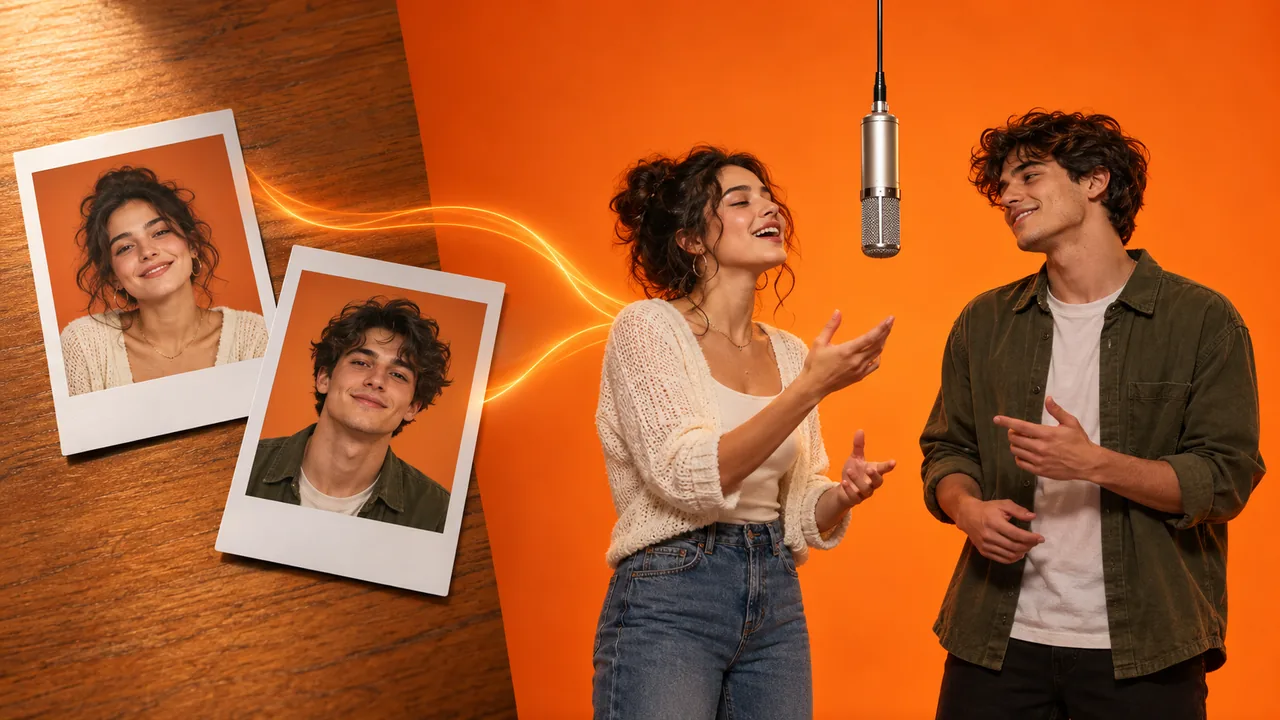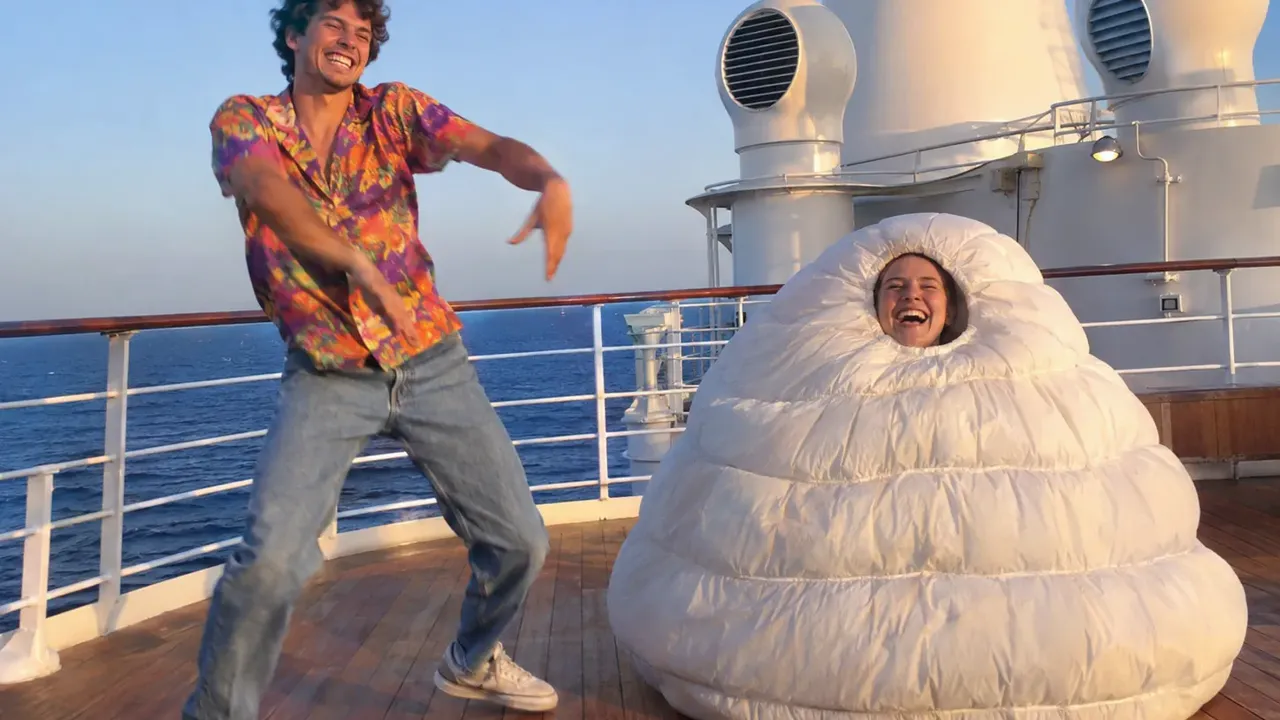
A 24K Magic AI video starts with two photos, each showing one person. The first person plays the dancer and copies Dracula's moves on a ship deck to Bruno Mars' "24K Magic". The second plays the sidekick: a wall lean, a double-take, and then a hiding spot inside a huge, puffy white suit. A ready-made template brings the clip, the dance and the song, so the photos are your only job.
Here is the thing most people miss: the two photos don't get the same job. The dancer gets the moves. The sidekick gets every joke. So who you put in which card matters more than which tool you use. We built this scene into our 24K Magic AI dance generator, and we timed every shot to learn where each friend shows up. That shot list is below.
Our sample: one test photo for each card, rendered at 480p.
How to make a 24K Magic AI video in 3 steps
- Upload the pair. Go to the 24K Magic AI video generator. The first card is the dancer and the second is the sidekick. Fill both, one person per card.
- Set the size: 480p, 720p or 1080p. Nothing else needs setting. You won't find a prompt field, a model list or a length control. Before you commit, the credit cost for this run is printed right on the Generate button.
- Wait, then save it. Expect a wait of a few minutes. You may close the tab in the meantime; My Creations holds the clip until you come back. What you get is a 30-second MP4 in wide 16:9, song included, without a watermark.
That's the whole process. The rest of this guide helps you get a better result: who to cast, which photos work, what each second looks like, and how to post it.
Which friend goes in which card
This choice decides whether your 24K Magic AI video is funny. Think of it like casting a short film.
Card 1, the dancer, is the star. They open with a smug collar tug, own the sunny deck alone, and finish with jumps and lunges next to the ship's tall white funnels. Give this card to the show-off, or to whoever dances at every party.
Card 2, the sidekick, is the punchline. They sneak a look from behind a door, slump against a wall, pout, and whip their head round in surprise. Then they climb into the giant white suit, face poking out. In the final half second, that face appears inside an air vent. Give this card to someone who can take a joke, or to the friend you love to tease.
A few pairings that work well:
- Best friends: the party dancer takes card 1. The one who stands by the wall at parties takes card 2.
- Couples: the show-off takes card 1. The partner who rolls their eyes takes card 2. It makes a fun "this is us on vacation" post.
- Siblings: the big sister or brother dances, and the little one ends up in the suit. Flip them if the older one deserves the teasing.
- Coworkers: your office's best dancer takes card 1. The calm one, maybe the boss, takes card 2. Watching the boss appear in an air vent tends to win the room.
- Cruise trip: use one photo each of the two people sailing, and post it as a countdown to the trip.
Want the joke to land on the other person? Just swap the two photos. Nothing else changes.
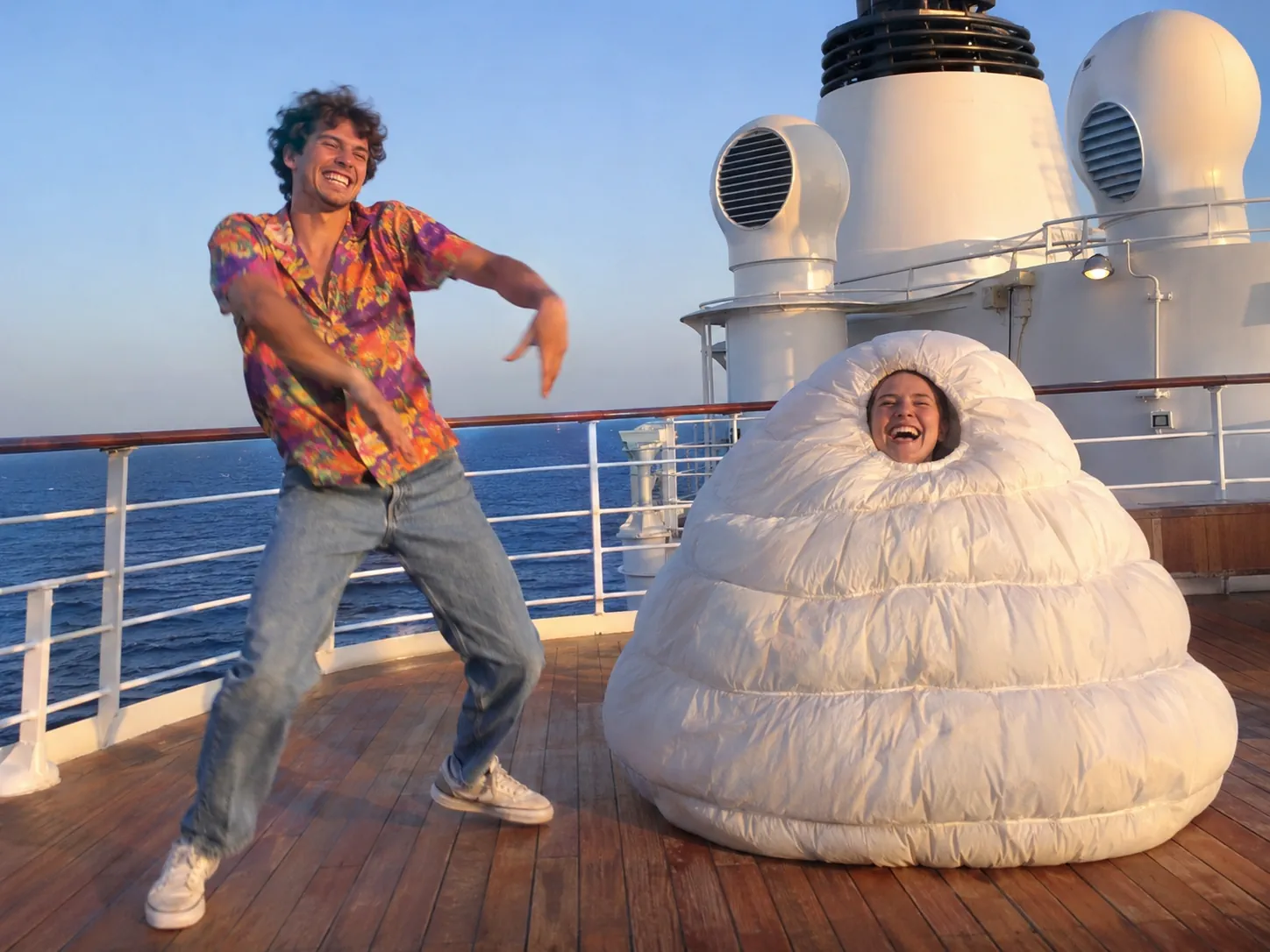
Photo tips for a 24K Magic AI video
This clip moves fast. There are spins, wide shots of the deck taken from far away, and a face framed by the suit. A small or soft face is hard for the AI to hold in shots like these. Check each photo before you upload it:
- One person per photo. A group photo won't work. If that's all you have, cut each person out into a separate image first.
- Look at the lens. A face turned toward the camera works best.
- Bright light, sharp face. The face should fill a fair part of the picture, not a tiny corner.
- Waist up or full body is best. These show the outfit too.
- Skip heavy filters, blurry shots, and photos where a hand covers the face.
- Lose the sunglasses so the eyes can show. Glasses, hats and jewelry in your photo carry over into the video.
Two more things to know:
- Your outfits stay. The original clip has a dark T-shirt on the dancer and a gray shirt on the sidekick. You don't have to match that. Whatever each friend wears in their photo is what they wear in every shot. Beachwear, like a straw hat or a bright holiday shirt, suits the ship.
- The sidekick gets shades for free. Once inside the white suit, the sidekick always has sunglasses on, even if the photo shows none. It's part of the gag.
Only people can star in this one; pets can't. Collar tugs, wall leans and climbing into a suit are human moves.
What happens in the 30 seconds, shot by shot
The 24K Magic AI video has nine cuts. The dance, the camera work and the ship never change. Your photos decide who is in each shot and what they wear. Use this list to check your result:
| Time | What happens | Who is on screen |
|---|---|---|
| 0–2s | Inside a warm cabin, a cheesy grin and a two-handed collar tug | The dancer |
| 2–10s | Alone on the bright deck near the railing and stairs: knee dips, slides and swinging arms, on the beat | The dancer |
| 10–13.5s | A peek from a doorway, then leaning on the wall and scratching their head, while the dancer keeps going far behind, near the sea | The sidekick, the dancer in the back |
| 13.5–19.5s | Tight shots of the sidekick: pouting, turning their head fast, glancing at a red flare-gun box, then raising both fists with a wary look | The sidekick |
| 19.5–29.5s | Up top by the white funnels, the dancer jumps and lunges to the end, while the sidekick stays hidden in the white suit | Both |
| 29.5–30s | The last joke: the sidekick's face in a round white air vent | The sidekick |
Look at the middle of the clip. From 10 to 19.5 seconds, the sidekick has the screen almost alone, mostly in close-ups. That's why the sidekick's photo needs the sharpest face. If you only have one great photo, put it in card 2.
Where the 24K Magic dance trend comes from
The dance first appeared in Hotel Transylvania 3: Summer Vacation. The film opened in US theaters on July 13, 2018. In one scene, Dracula dances to "24K Magic" on the ship's deck, and Blobby, the green jelly monster, dances with him. All that dancing keeps ruining Ericka's plans to kill him. Fans also know it as "drac 24K Magic" or simply Dracula's dance.
The song is older than the movie. Bruno Mars released "24K Magic" as a single on October 7, 2016. It is the title track of his album 24K Magic.
In fall 2026, the scene came back as an AI trend. This time it's not a cartoon vampire but real people on a ship that looks real. The clip our template copies was filmed with two friends. One moves like Dracula. The other ends up in a puffy white suit, which looks a lot like a nod to Blobby. Posts in this trend often carry tags like #24kmagic, #draculadance and #hoteltransylvania.
Can you make a 24K Magic AI video without a template?
You can, but it takes far more work. You would need to find the clip, use a motion-transfer tool to copy the moves onto your photos, and then add the song yourself. Many of those tools handle one person at a time. This clip has two people, a costume change and nine cuts, so faces tend to drift or swap between shots.
Our template splits that work into two steps. Step one draws both friends into four stills taken from the clip, so each person starts out in the right spot. Step two remakes all 30 seconds around those stills, with each friend in their own clothes. Then the song goes on top. That's why there's nothing to type.
If your only goal is to join the trend with a friend, two photos is the shortest path to a 24K Magic AI video.
How much a 24K Magic AI video costs
The size you choose is the only thing that sets the price:
| Size | Credits | Good for |
|---|---|---|
| 480p | 1,350 | A cheap test to check both faces |
| 720p | 2,900 | Posting on social media |
| 1080p | 6,850 | The sharpest copy |
The clip runs 30 seconds, about twice as long as most trend clips, so it costs more than most. You always see the full price before you tap Generate. If a render fails, your credits come back.
Our tip: start at 480p. Once both faces look right, run the same two photos again in 720p or 1080p for your final post.
Posting your 24K Magic AI video
- Get the MP4 onto your phone, then pick it from your gallery when you post.
- Mind the frame. It's a wide 16:9 video, so every move stays in the picture. On YouTube and X it fills the width. On TikTok and Reels it's centered, leaving dark bars above and below.
- Put a caption in those bars, such as "us on every single trip".
- Tag your friend and add tags like #24kmagic and #draculadance.
- Switch on the AI-generated label. TikTok's rules say realistic AI content should be labeled as AI-generated.
Posting for a brand? Business accounts on TikTok should check the music rules first. For commercial posts, TikTok sends businesses to its Commercial Music Library.
Fixing a 24K Magic AI video that looks off
A face doesn't look right
Swap in a brighter, closer photo. Leave out sunglasses and beauty filters. Make sure each card holds just one person. Then run another 480p test before you pay for a bigger size.
The wrong friend is in the blob suit
The sidekick always comes from photo 2. Swap the two photos and generate again.
My friend's outfit looks different from the clip
That's on purpose. Your friends keep the clothes from their own photos. The only costume is the white blob suit, which the sidekick wears for the last ten seconds.
24K Magic AI video FAQ
Is the 24K Magic dance in the real movie?
Yes. Dracula dances to "24K Magic" on a cruise ship deck in Hotel Transylvania 3: Summer Vacation (2018). The AI trend is a live-action remake of that scene with real people.
How many photos does a 24K Magic AI video need?
Exactly two, with one person in each. Neither card can be empty.
What length is a 24K Magic AI video?
It runs 30 seconds, framed wide at 16:9. "24K Magic" plays from start to finish, and the cuts fall on the beat.
Do I need to type a prompt?
No, and you don't need a CapCut template either. The clip already carries the dance, the camera work and the song. Two photos, a size, one tap on Generate.
Make your 24K Magic AI video
In short: put the friend who loves attention in card 1 and the friend who can take a joke in card 2. Use sharp, well-lit photos, especially for the sidekick, who gets the close-ups. Test at 480p, then render your favorite at 720p or 1080p.
Got your two photos? Drop them into the 24K Magic AI video generator. Want another duo video? Read our guides to a White Chicks AI video and a Hotel Lobby AI video, or look through every one of our AI video effects.
Sources
- Hotel Transylvania 3: Summer Vacation, Wikipedia
- 24K Magic (song), Wikipedia
- AI-generated content, TikTok Help Center
- Commercial Music Library, TikTok for Business