Stateside Dance AI Trend
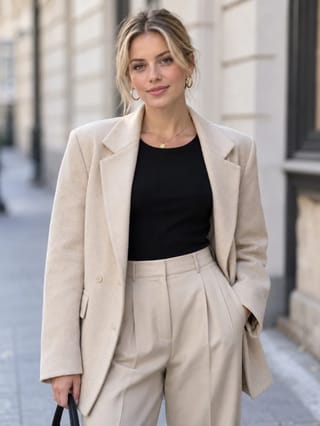
Real result generated with Flowlio AI from this one photo
- 1 photo you add
- 14 s clip with sound
- Ready to share via link
- No watermark
Ready in a few minutes
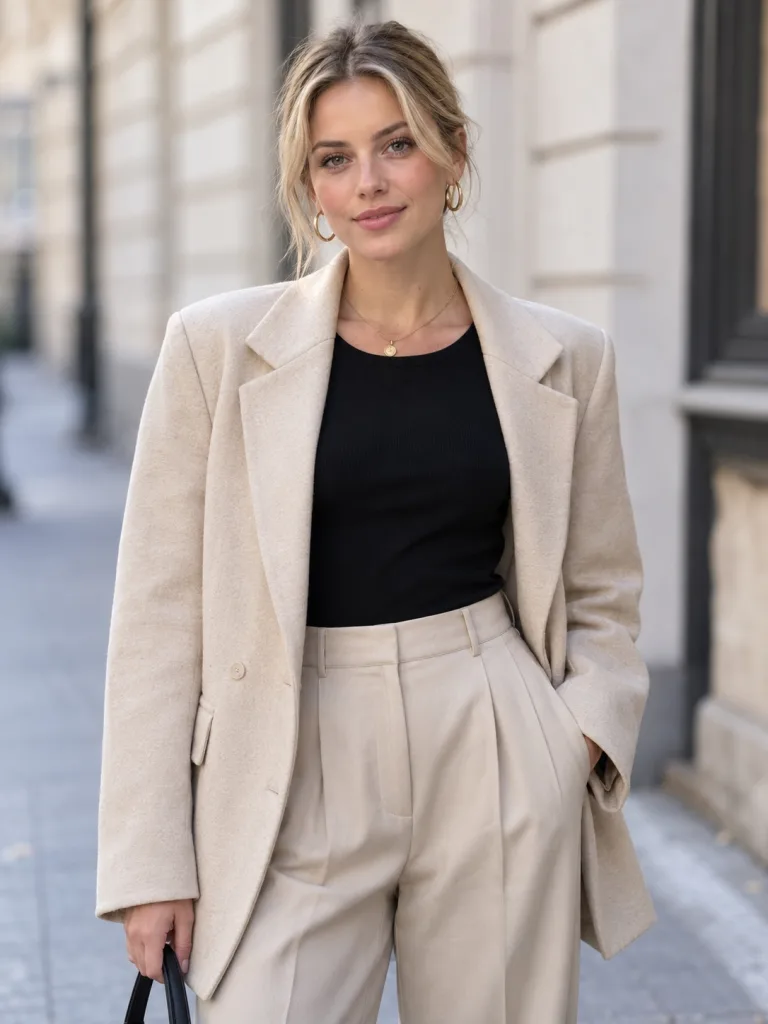
Real result generated with Flowlio AI from this one photo
More Effects
Explore the other video effects, each with its own input and motion.
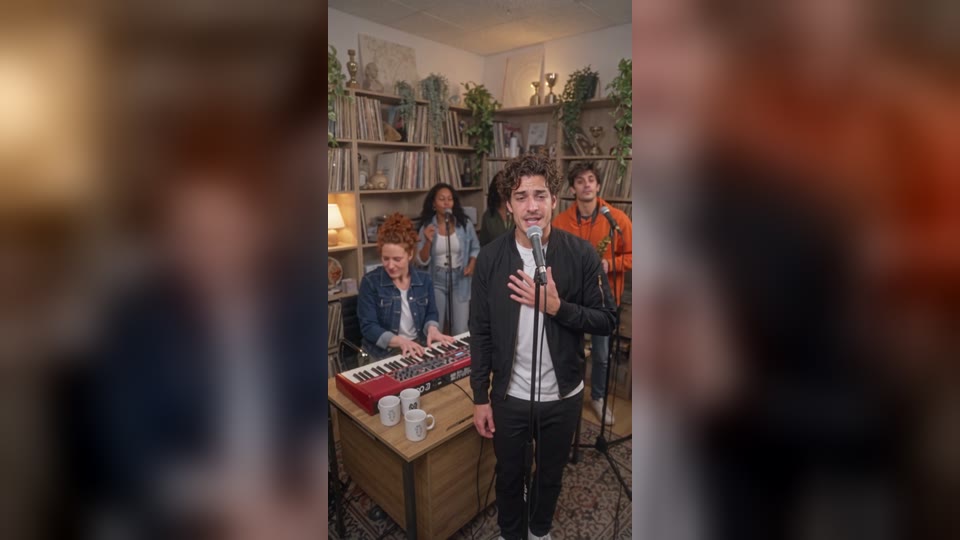
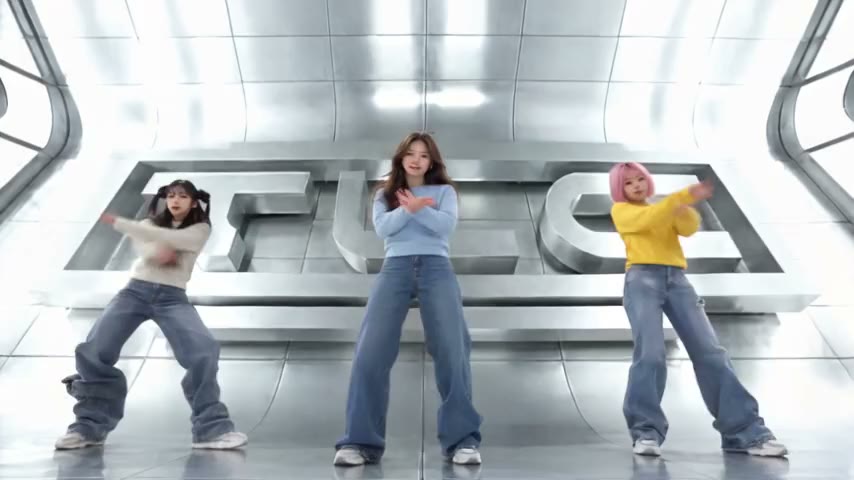
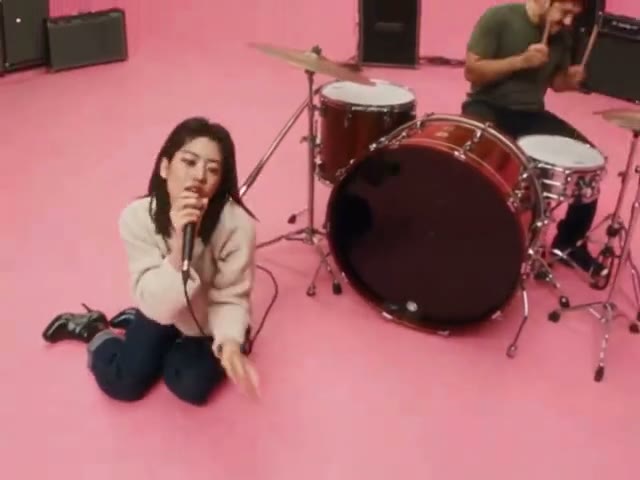

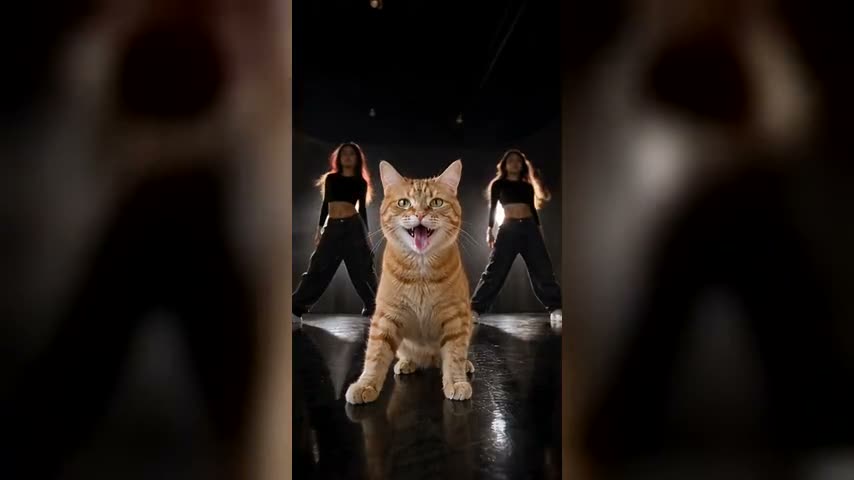
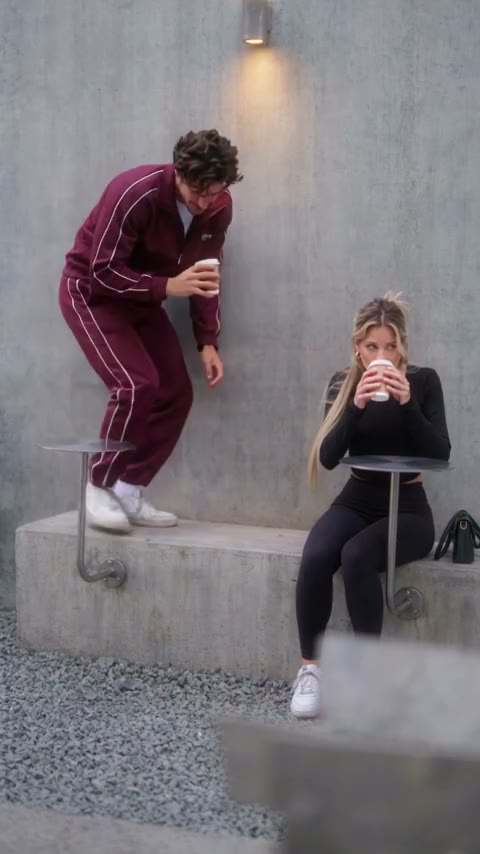
What is the Stateside dance AI trend?
The Stateside dance is the viral TikTok routine to PinkPantheress and Zara Larsson's "Stateside". Add one photo and you dance it in a red shop window, with the song.
Who can join the Stateside dance trend with AI?
The shop window, the song, the Stateside dance moves and the camera cuts are all set. Your photo picks the dancer and the outfit. One Stateside dance trend video can be a clip for your followers, a joke for a friend or a gift for someone you love.
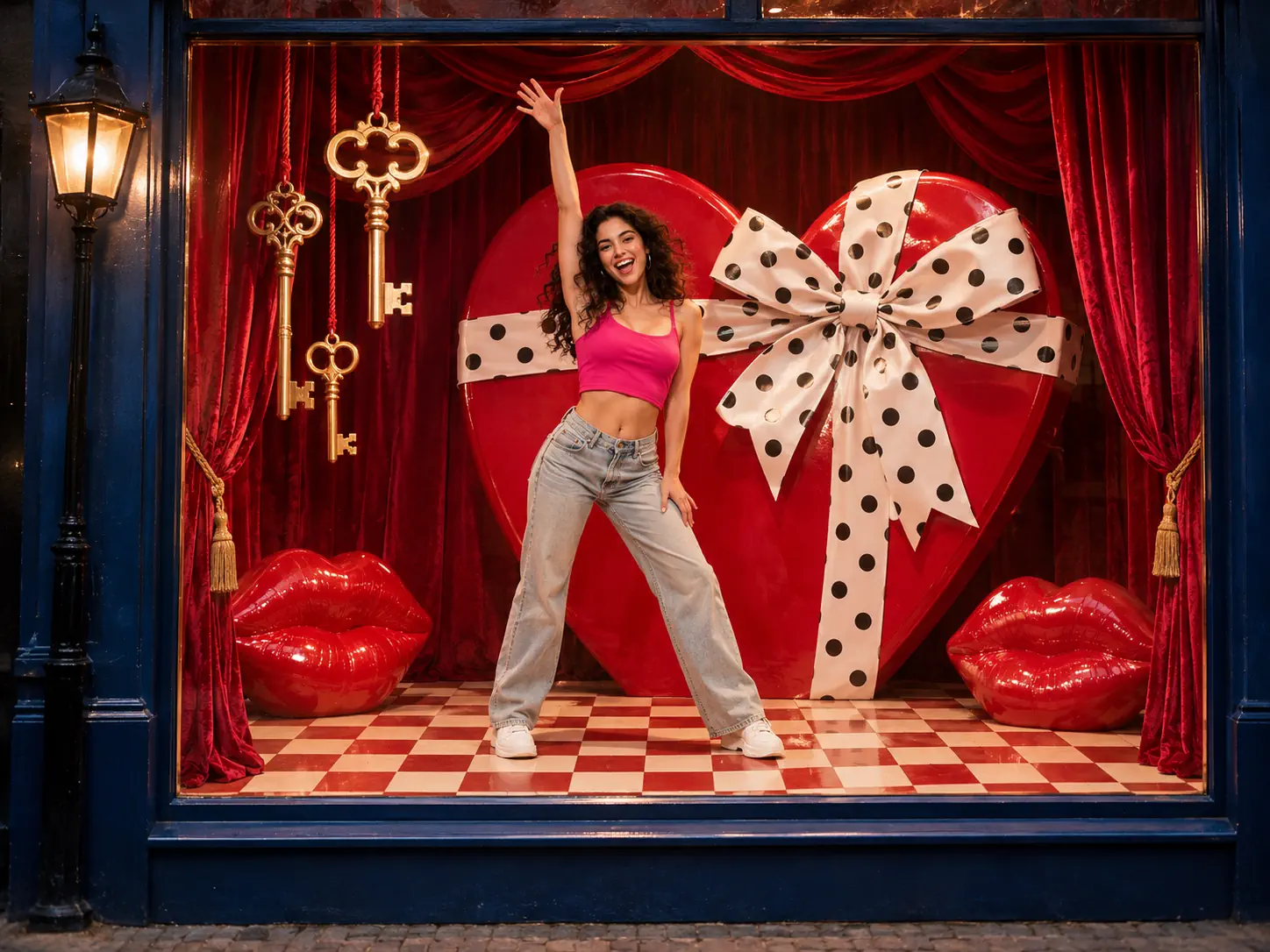
Post your Stateside dance while the Stateside AI trend is hot
The Stateside trend is back, this time as the Stateside AI trend. Upload one head-to-toe photo of you, eyes on the lens, in daylight. In 14 seconds you sing the first line in a close-up, then dance in front of the giant red heart box and end with your hands on your hips. Post it with the #stateside and #statesidedance tags so fans of the Stateside dance trend can find you. Short clips with a song people know get shared a lot. Tip: wear a bright top in your photo. Red, white or pink looks great on the red set.
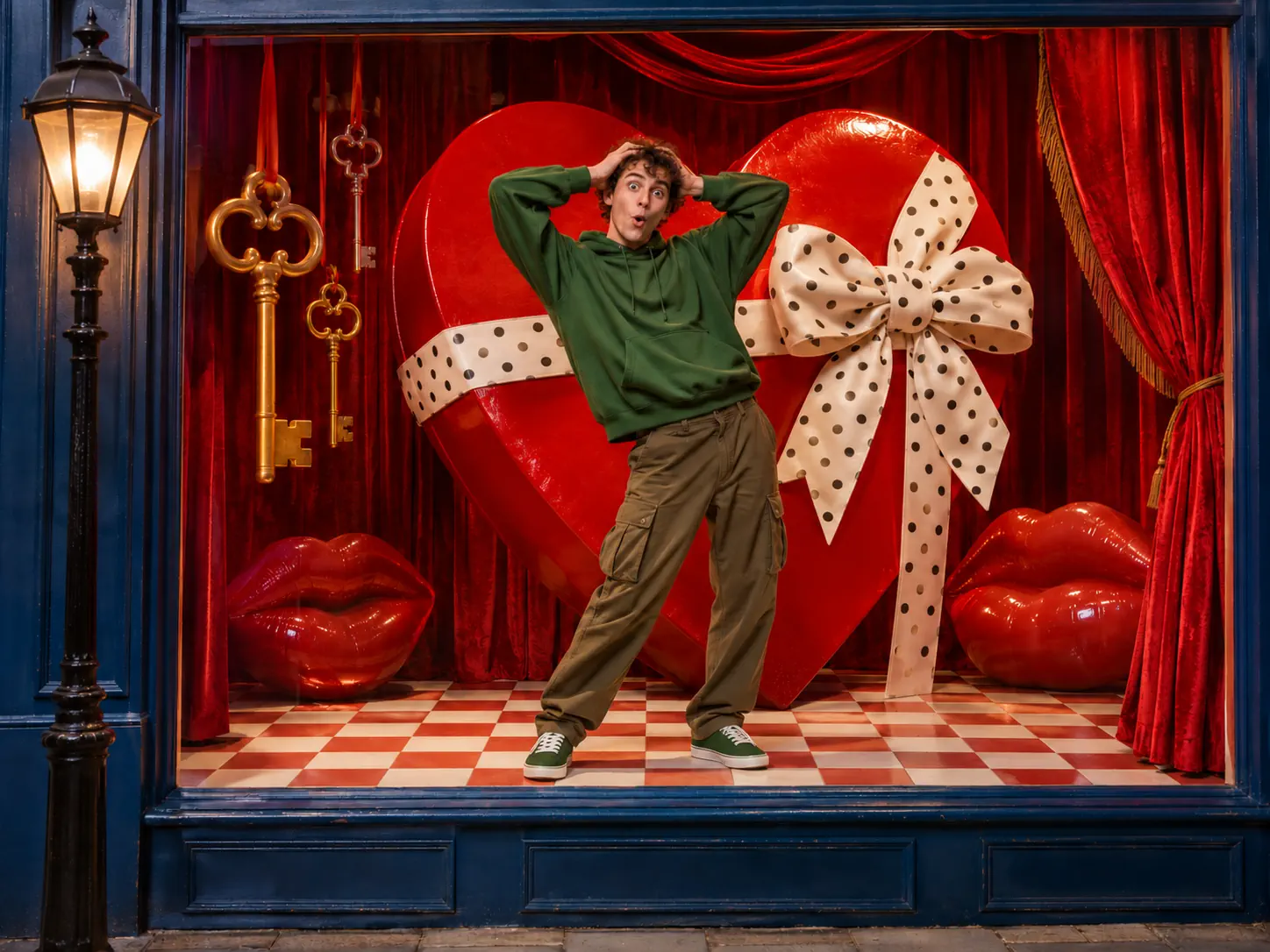
Send the Stateside dance challenge to a friend who can't dance
We all know someone who swears they have two left feet. Prove them wrong with a Stateside dance challenge video they never filmed. Find a clear solo shot of them in the group chat, with the whole body in view and the face turned to the camera. The Stateside dance AI gives them every hip sway and arm raise, plus the close-ups where they sing to the lens. Drop it in the chat with "You finally did the Stateside challenge!" and wait for the replies. It tags them in the Stateside dance trend without asking them to move at all.
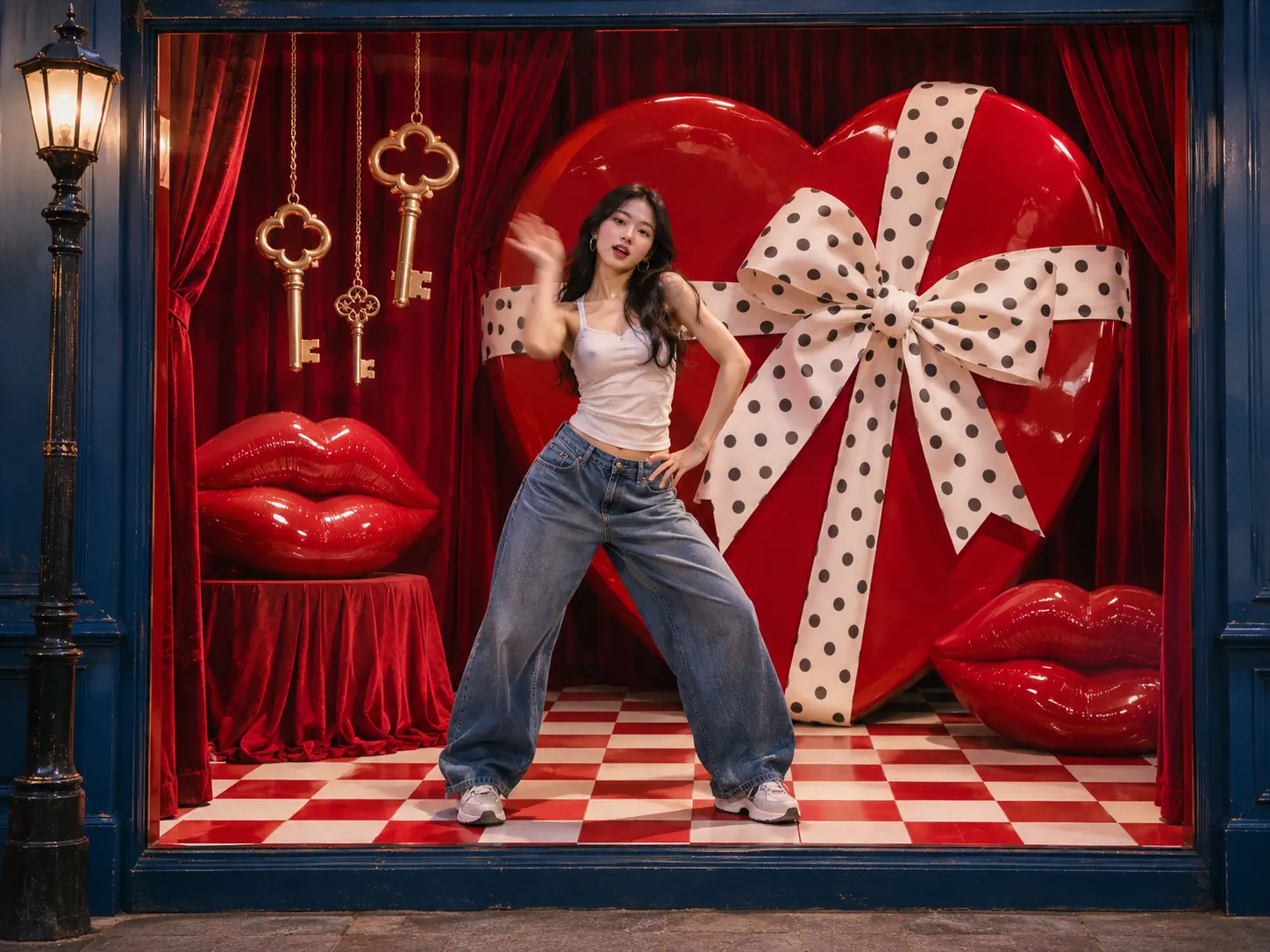
Skip the tutorial and still nail the Stateside dance moves
The Stateside dance moves look easy, but the fast hand flicks and hip pops take hours to learn from a slow, mirrored Stateside dance tutorial. If you love the song and want a clean take, let the Stateside dance AI do the hard part. Upload one photo of you in the outfit you would dance in. Sneakers and jeans work well. You get the full Stateside dance challenge on the beat, with clean cuts like a music video. Fans of the Alysa Liu gala skate to this song can make their own Stateside AI trend clip too.
A Stateside AI video for Valentine's Day or an anniversary
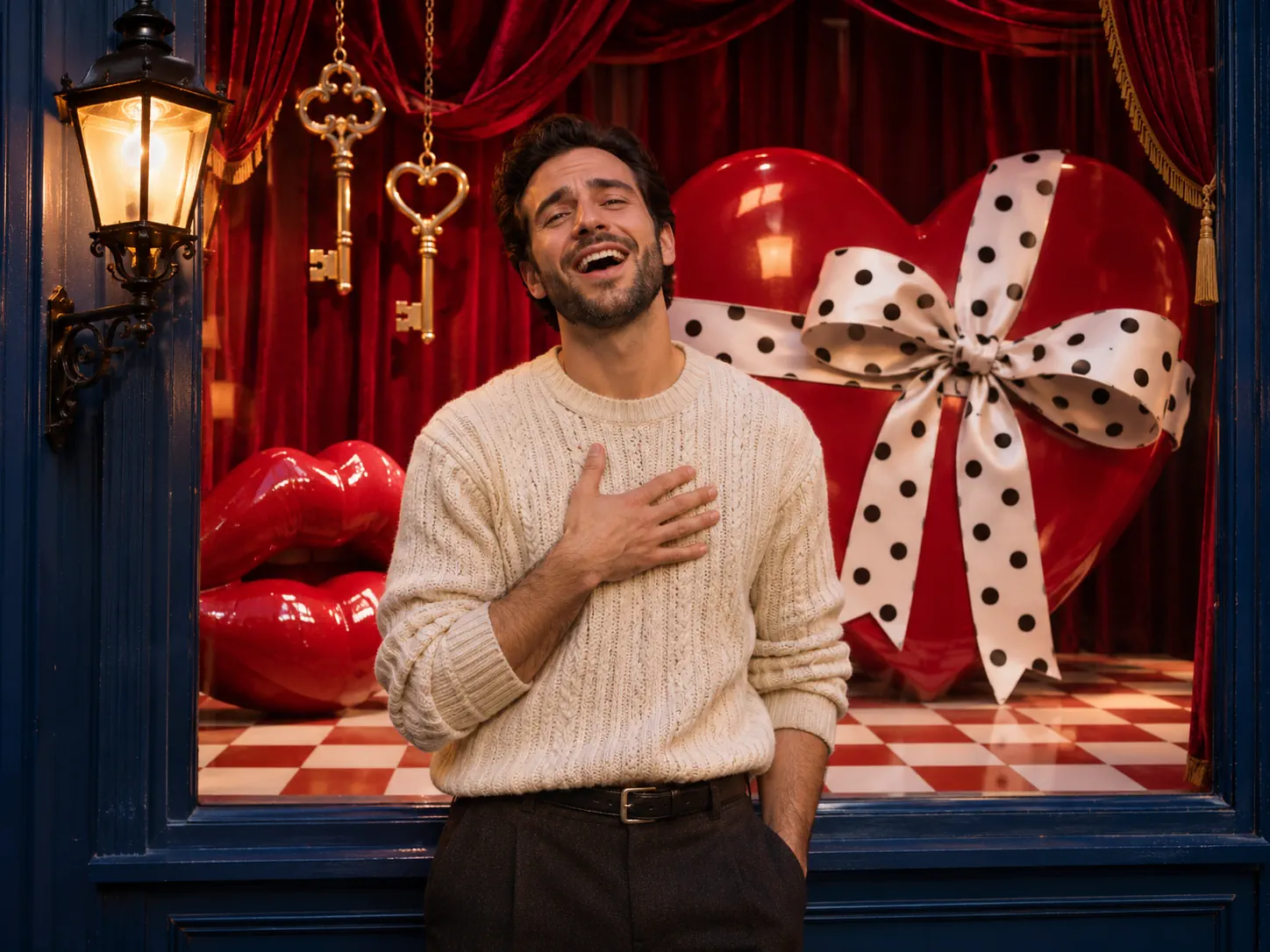
The set is full of love signs: a giant heart box with a polka-dot bow, big red lips and golden keys. That makes this Stateside AI video a cute gift for Valentine's Day, an anniversary or a "thinking of you" text. Choose a happy, full-length shot of your partner on their own. They dance in the window and sing to the lens like a pop star. Send it in the morning with a short note. You can also make one of yourself, so your partner gets a Stateside dance trend love song with your face in it.
Show off a new outfit in a Stateside dance trend shop window
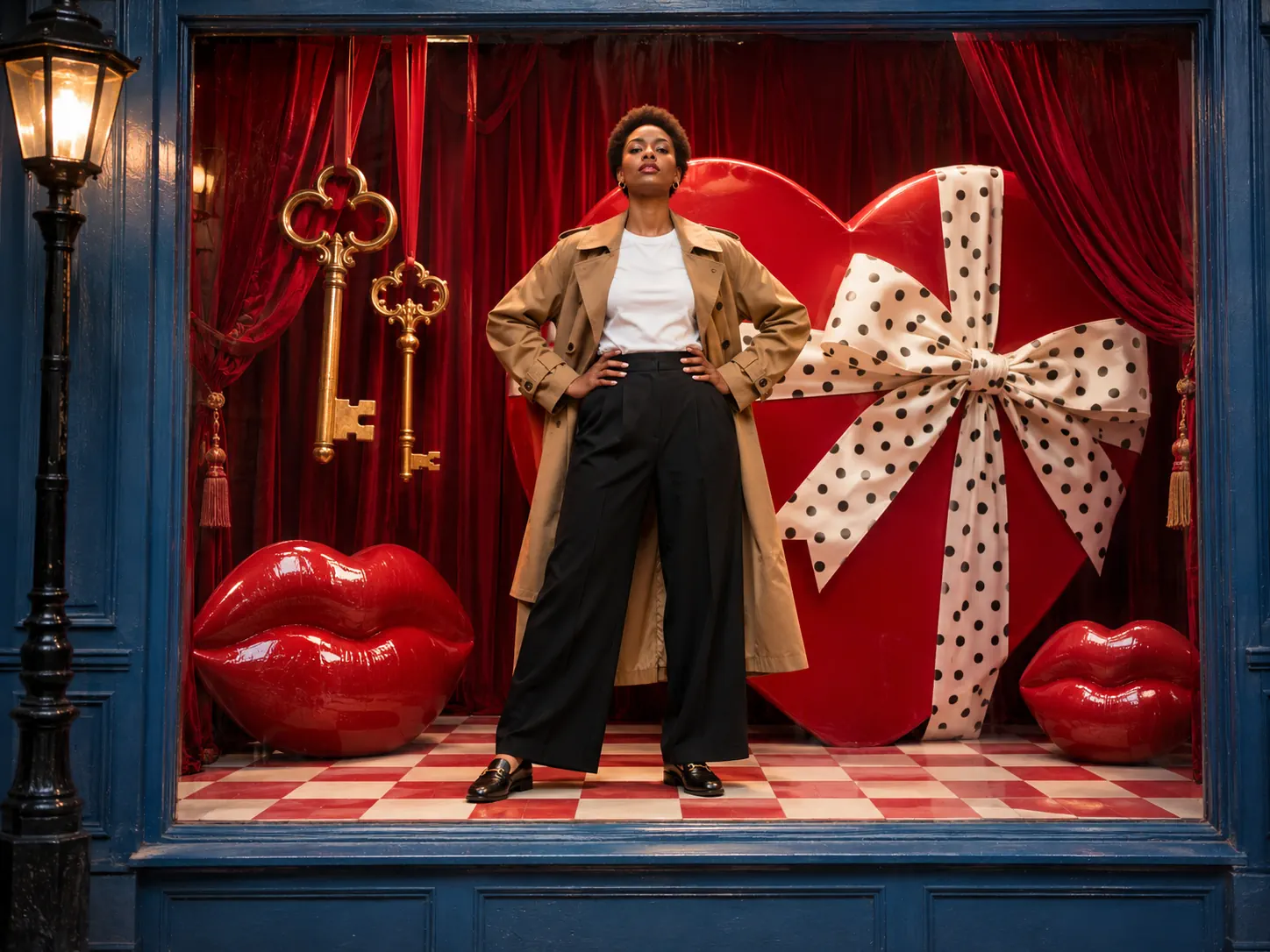
The dancer wears the clothes from your photo, so the red shop window turns into a fun place to show an outfit. Clothing shops and stylists can upload a photo of a model in a new look, standing head to toe on a plain background. The Stateside AI trend video shows the outfit from every side as they dance, with close-ups on the face and the top. Share it on your shop page, TikTok or Reels as a quick ad with a song people know. Tip: pick a photo where the shoes show, so the full look appears in every wide shot.
How to do the Stateside dance with AI in three steps
You do not need to learn the moves, write a prompt or find the song. The steps, camera cuts and shop window already come from the Stateside AI trend clip. All you add is one photo.
Upload one photo to the Stateside dance AI generator
Choose a solo picture where the face points at the lens and the light is good. A full-length shot is best, since your Stateside dance trend outfit comes from it. If your picture ends at the waist, we add pants and shoes to match.
Pick the resolution for your Stateside dance challenge
480p, 720p and 1080p each list their credits up front, and no other settings exist. We put you in the red shop window first, then copy every move and camera cut of the 14-second Stateside dance trend clip onto you.
Generate and share your Stateside AI trend video
The video renders while you do other things, so leave the tab and check back later. It comes with the Stateside song built in and carries no watermark. Save the tall MP4, then share it on TikTok, Instagram or YouTube with the Stateside AI trend tags.
The Stateside dance challenge video, shot by shot
The video is 14 seconds long and cuts like a music video: close-ups where you sing, full-body shots in the shop window and wide shots from the street. Each shot matches the Stateside AI trend clip. Only the dancer changes, and that dancer is you.
0–2s · A close-up, then the window
Your Stateside dance trend video opens close on your face as you sing the first line to the camera. Then it cuts to you head to toe in the red shop window, one arm up in front of the giant heart box.
2–6s · Seen from the street
The camera pulls back past an old street lamp and the blue shop front. You step side to side, sway your hips and swing your arms on the beat, with the red lips and golden keys around you.
6–8s · Quick cuts on the beat
The video jumps from a close-up of you singing to a wide shot with your arm high in the air, then back again. These fast cuts make your Stateside dance challenge feel like a real music video.
8–11s · Closer to the heart box
The camera moves in. You bounce your shoulders, bring your hands to your chest and turn your head to sing, with the white polka-dot bow right behind you.
11–14s · Hands on hips for the finish
You end with both hands on your hips and a cool look at the camera, while the song keeps playing. It is a strong last frame for your Stateside dance trend post.
Stateside Dance AI FAQ: Photos, Sound, Price and Posting
The best photo, what the Stateside dance trend video includes, its price and posting tips.
The Stateside dance is a TikTok routine to "Stateside + Zara Larsson" by PinkPantheress and Zara Larsson. It has hands by the head, hip sways, quick hand flicks and a big arm raise, timed to the line "boots, that's my ego boost". Most posts credit the moves to the dancer Brandt Ski. It took off in December 2025, came back when Alysa Liu skated to the song at the 2026 Winter Olympics gala, and in late October 2026 it became the Stateside AI trend.
1) Put one picture of the dancer into the generator at the top. 2) Tap a resolution and look at the credits beside it. 3) Start it. When it is done, your 14-second Stateside dance AI video with the song waits in My Creations.
Pick a crisp, solo photo where the person stands in full view and looks at the lens under good light. The Stateside dance moves include arm raises and side steps, so a head-to-toe picture gives the cleanest arms and legs. You dance in the outfit from the photo, so choose clothes you like. A waist-up shot is fine too: we add pants and shoes that go with your top. Leave out sunglasses, caps over the eyes and group shots.
No. The dancer in the trend clip wears a white basketball jersey, but your video keeps the outfit from your own photo. We first place you in a still of the red shop window in your own clothes, then the video copies the dance onto that look. Team names, numbers and logos are left out.
Each Stateside dance AI video has one human dancer, so the photo should show just one person. Pets are not supported here, because the routine needs human arms and hands. For a duo Stateside dance challenge, make a video for each friend, then stitch them or post them back to back.
Yes. The Zara Larsson Stateside dance song from the trend clip starts with the first frame and lines up with every cut, so no extra editing is needed. If you would rather use TikTok's own Stateside sound, mute the clip when you post and pick the sound from the library.
Your Stateside AI trend clip is a 14-second vertical 9:16 MP4 without a watermark, the shape that fills a phone on TikTok, Reels and YouTube Shorts. 480p is good for a quick try, 720p for a normal post and 1080p for the sharpest close-ups.
Each Stateside dance trend video is priced by resolution only. It takes 400 credits at 480p, while 720p needs 600 and 1080p needs 900. A single 720p clip is what the one-time Trial Pack buys. Most renders wrap up within minutes, and leaving the page does not stop them. If a render fails, we return its credits.
No. Many AI tools ask you to describe the dance yourself and give you a silent clip with made-up moves. Here the Stateside dance moves, the camera cuts, the red shop window and the song all come from the trend clip, and you only add a photo. You also skip the slow, mirrored tutorials: the Stateside dance challenge video does every step on the beat for you.
Save the MP4 and upload it from your camera roll. Add #stateside, #statesidedance and #statesidechallenge so people who follow the Stateside tiktok dance can find it. Short captions work best, like "boots, that's my ego boost" or "POV: I finally did the Stateside dance challenge". Keep the platform's AI label on. The music is owned by the artists and their label, so for ads or paid posts use TikTok's licensed sound.
Fast turns and arm moves need a clear face to copy. Try a fresh daylight photo with your eyes open, your face to the lens and no beauty filter. Tiny faces cropped out of a crowd shot, or fuzzy screen grabs, lose detail. Every render is a fresh attempt, so a second try with a better photo often looks much closer to you.
Do the Stateside dance challenge from your photo
One photo puts you in the red shop window for the full Stateside dance, with the song and the music video cuts. Join the Stateside AI trend without a prompt, a camera or dance class.