iPhone Kupi Dance AI Trend

Real result generated with Flowlio AI from this one photo
- 1 photo you add
- 15 s clip with sound
- Ready to share via link
- No watermark
Ready in a few minutes
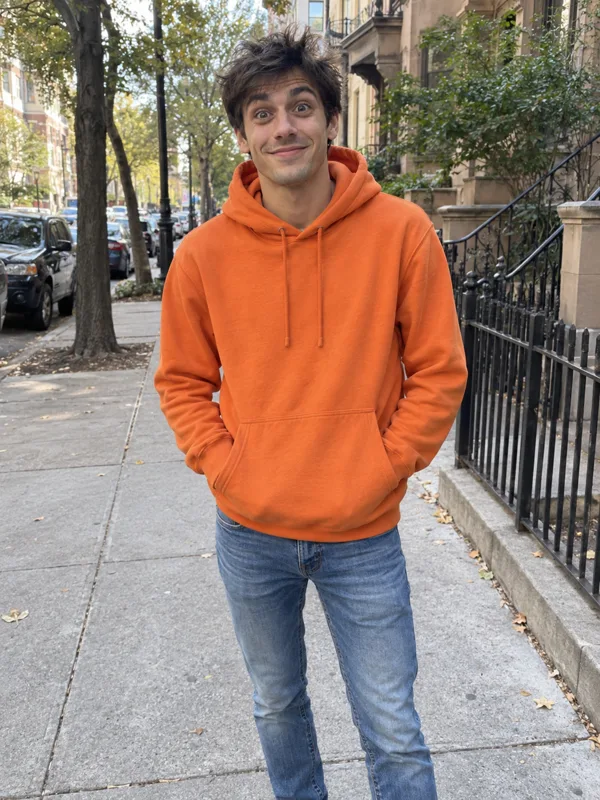
Real result generated with Flowlio AI from this one photo
More Effects
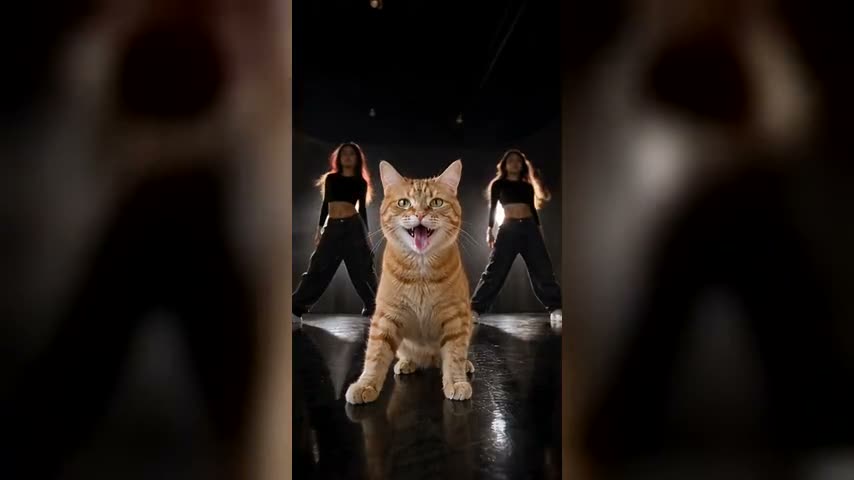
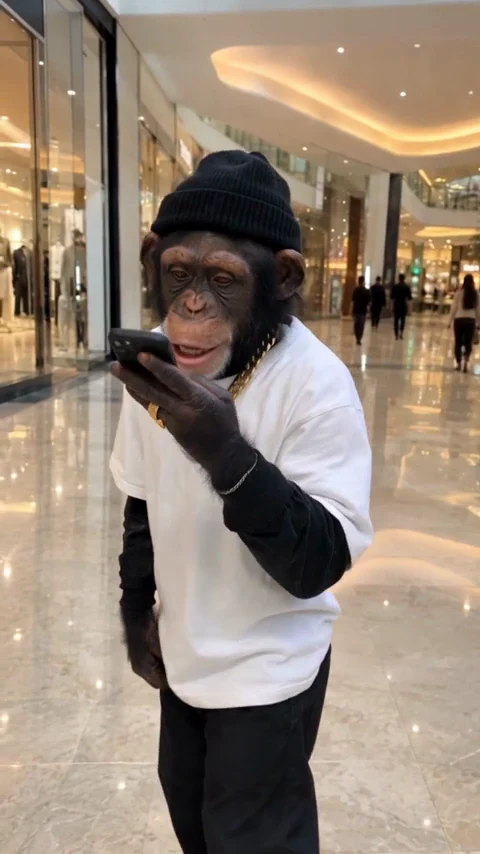
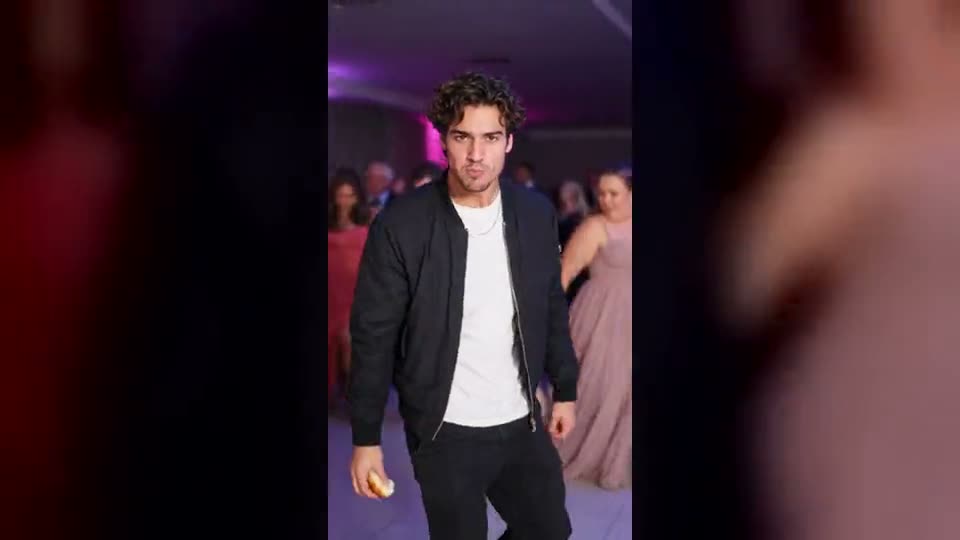
Explore the other video effects, each with its own input and motion.


What is the iPhone Kupi dance AI trend?
The iPhone Kupi dance is the TikTok craze of October 2026 where you push a folding phone at the lens, then step back and dance to the "iPhone kupi" hook. Upload one photo and the iPhone Kupi dance AI makes yours.
Who stars in your iPhone Kupi trend video?
Every iPhone Kupi AI video shares the same phone reveal, room and moves. Only the face changes, and it comes from whoever is in your upload, so pick the person and the moment it suits.
Post your own iPhone Kupi dance while it trends
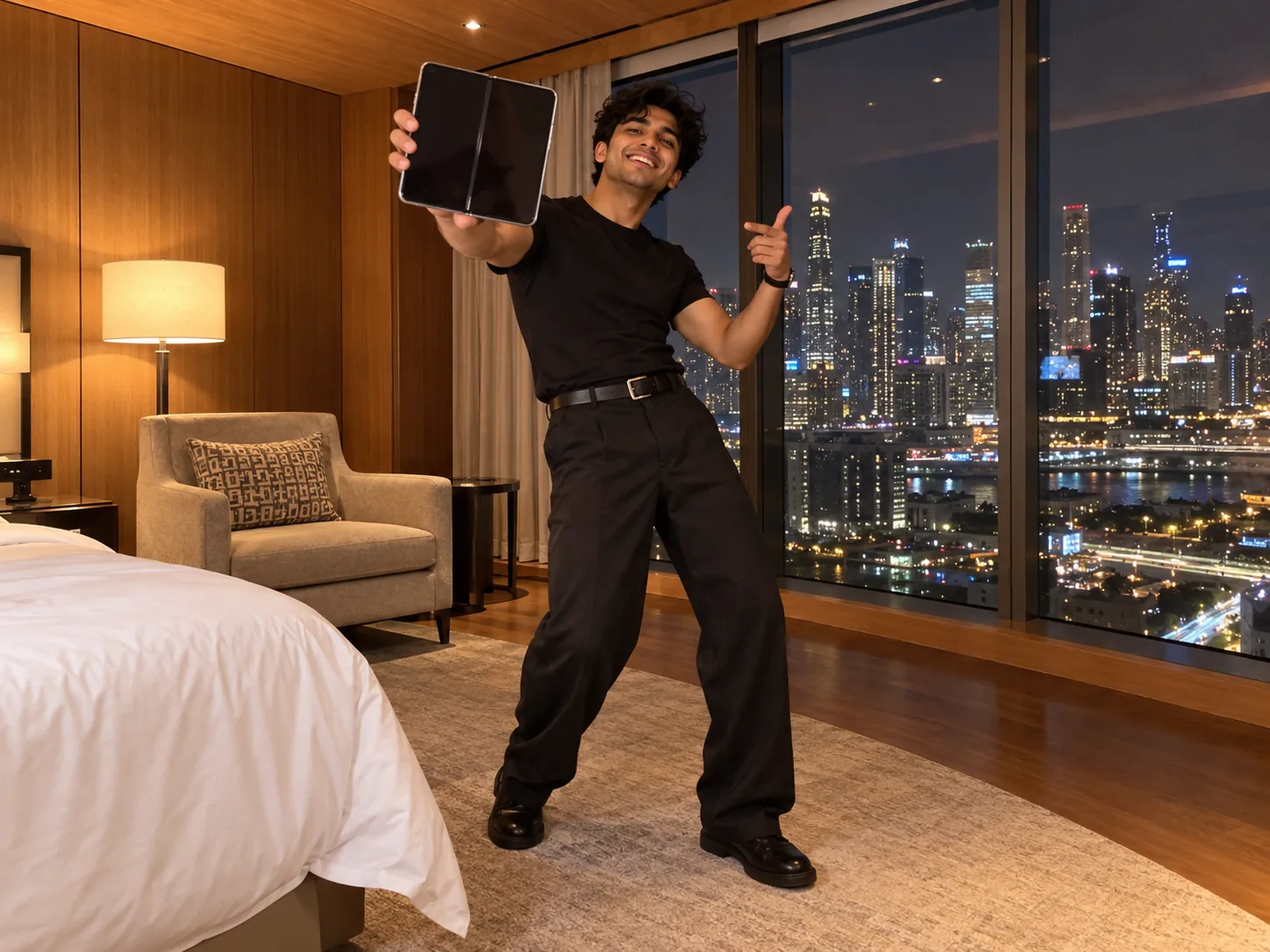
The iPhone Kupi trend is still climbing, and the clips that travel are the ones that land early. Upload one front-facing selfie and the iPhone Kupi dance AI drops you into Win William's hotel room: you push the folding phone at the lens, unfold it, step back and dance through all 15 seconds with the Bare Minimum song underneath. There is nothing to film and no choreography to learn. Post it to TikTok the same day with #iphonekupi and a short caption such as "the bare minimum, apparently". Tip: use a photo where your face fills about a third of the frame so it stays sharp at 720p.
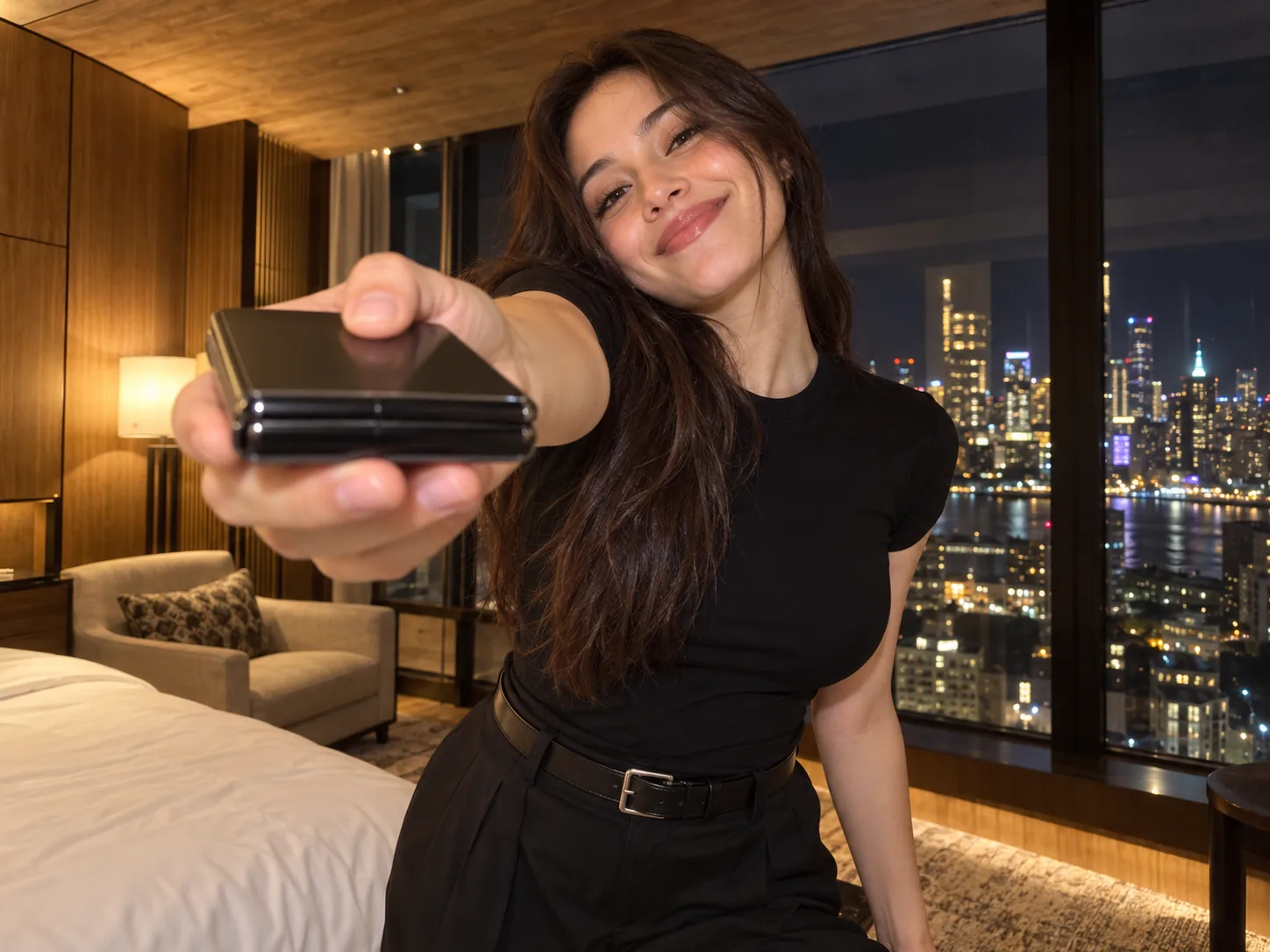
The iPhone Kupi AI hint for your partner
The song is a list of what a partner owes you, starting with "buy me an iPhone", which makes the iPhone Kupi dance a cheeky hint before a birthday or anniversary. Add a clear picture of your boyfriend or girlfriend and they become the one waving a folding phone at the camera and dancing as if the gift were already paid for. Send it straight to them, or post it and tag them. Each iPhone Kupi dance has one dancer, so if you want both of you, render one of each of you and pair them in a single post. A picture where they look straight into the lens gives the most convincing face.

Mom or Dad joins the iPhone Kupi dance trend
A parent who never dances makes the best star for an iPhone Kupi dance. Use a recent, well-lit photo of Mom or Dad from the chest up, ideally looking into the camera, and the iPhone Kupi dance AI has them pressing a folding phone to the lens, swinging their hips in their own clothes and tossing the device toward the ceiling. Their features, hairstyle and build are kept, so relatives recognise them at once. Drop it in the family group on a Sunday or save it for a birthday. A 480p draft first shows whether glasses or a beard came through well before you spend more on 1080p.
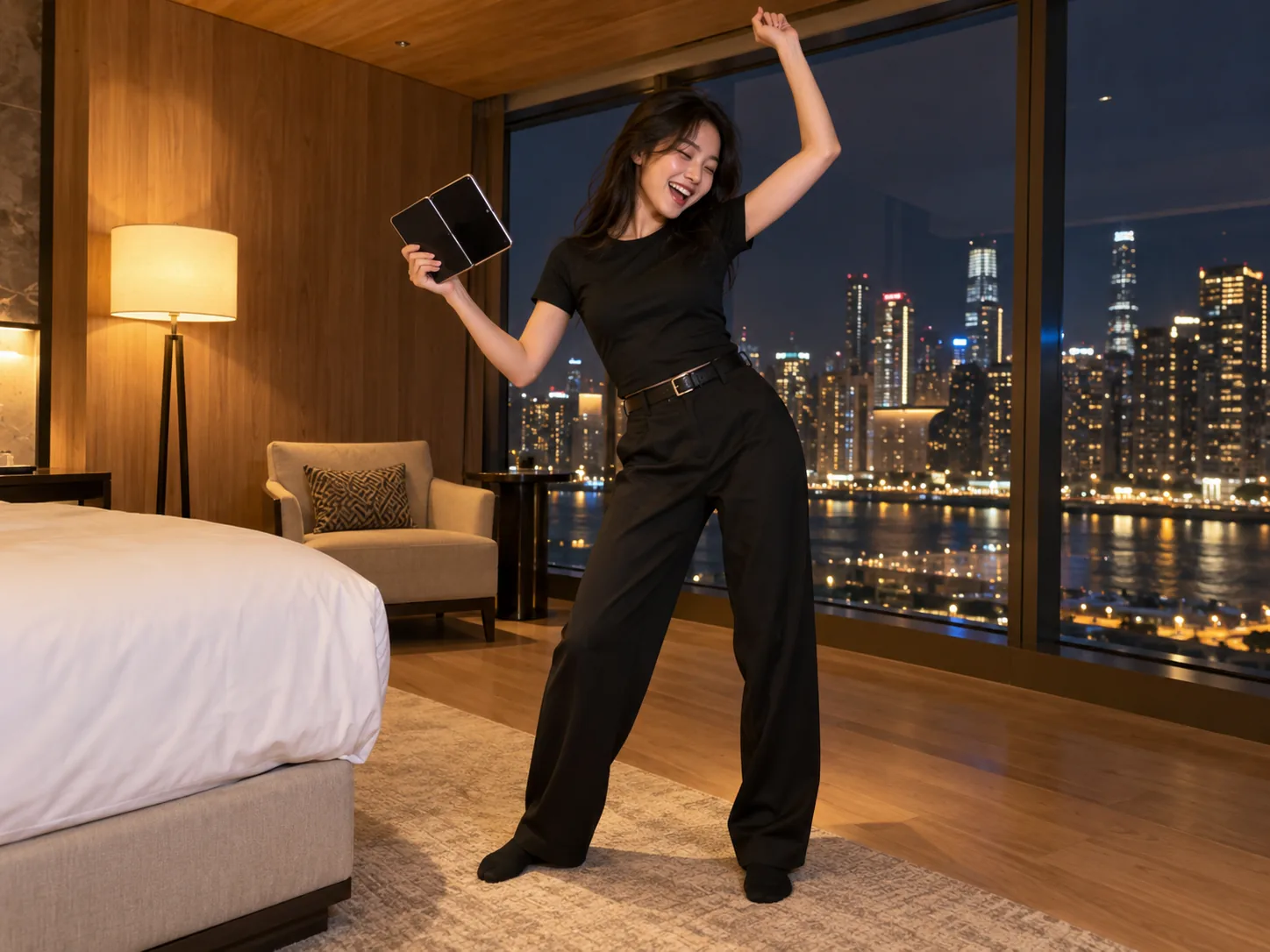
An iPhone Kupi dance AI video for every friend
Turn the group chat into a series. Make one iPhone Kupi dance AI video per friend from a solo photo of each, then post them as a carousel or one after another: same hotel room, same phone flash, same toss, a different face every time. The set looks most consistent when every photo is taken the same way, all selfies or all chest-up shots. Group pictures will not work, since the iPhone Kupi dance AI recasts a single dancer, so crop each friend out first if that is all you have. Then tag everyone and let the comments vote on who pulled off the iPhone Kupi dance best.
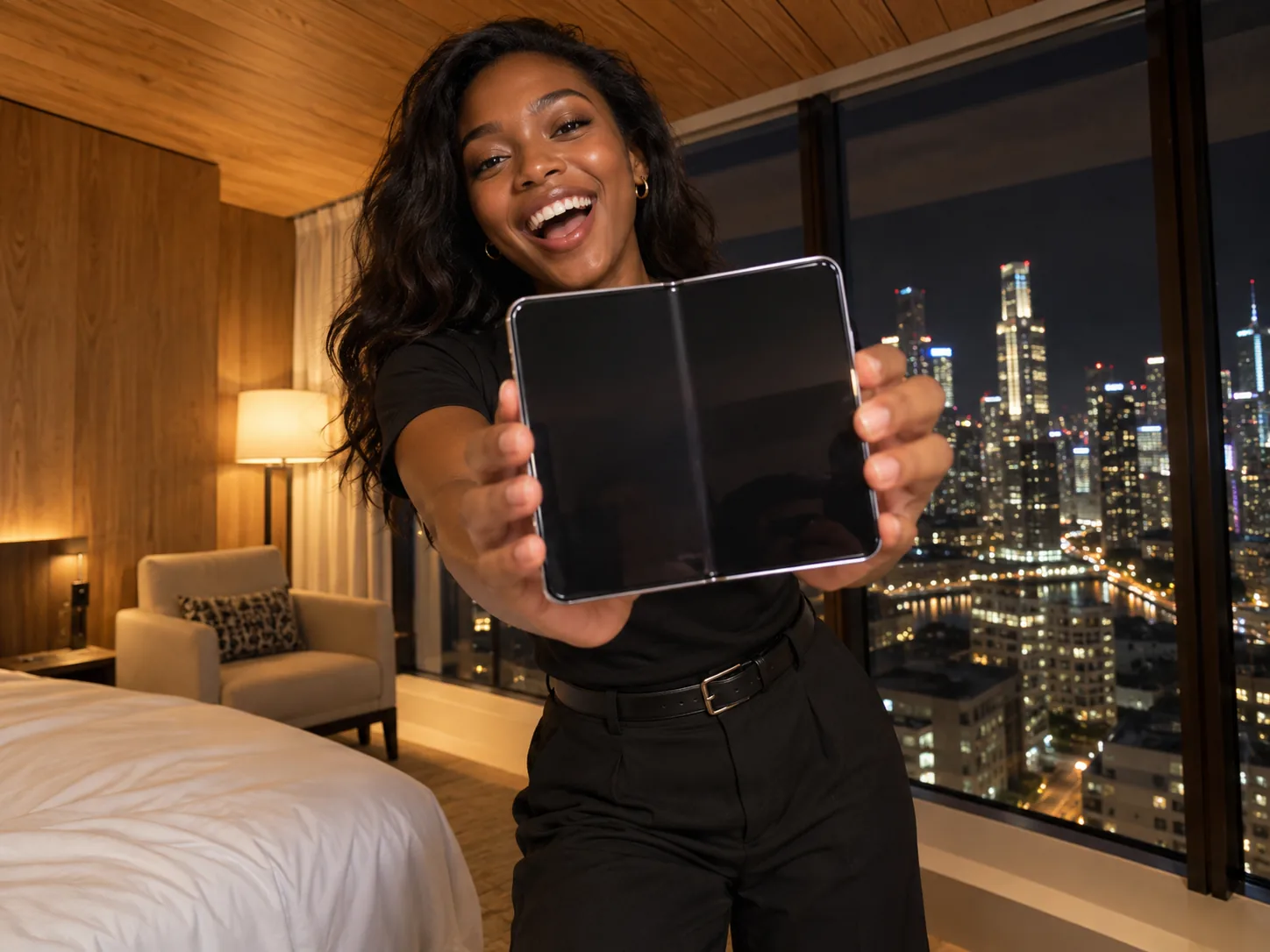
Celebrate a new phone with the iPhone Kupi dance
Just upgraded? The iPhone Kupi dance is built around showing off a phone, so it doubles as the funniest new-phone announcement you can post. Upload a selfie and your iPhone Kupi dance shows you holding the folding phone up to the lens, opening it out to tablet size and dancing off the excitement. It works as an iPhone Kupi trend joke whatever phone you actually bought, which is half the fun. Post it on the day the box arrives with a caption like "finally got the bare minimum". Daylight selfies keep your features crisp through the fast spins and the toss near the end.
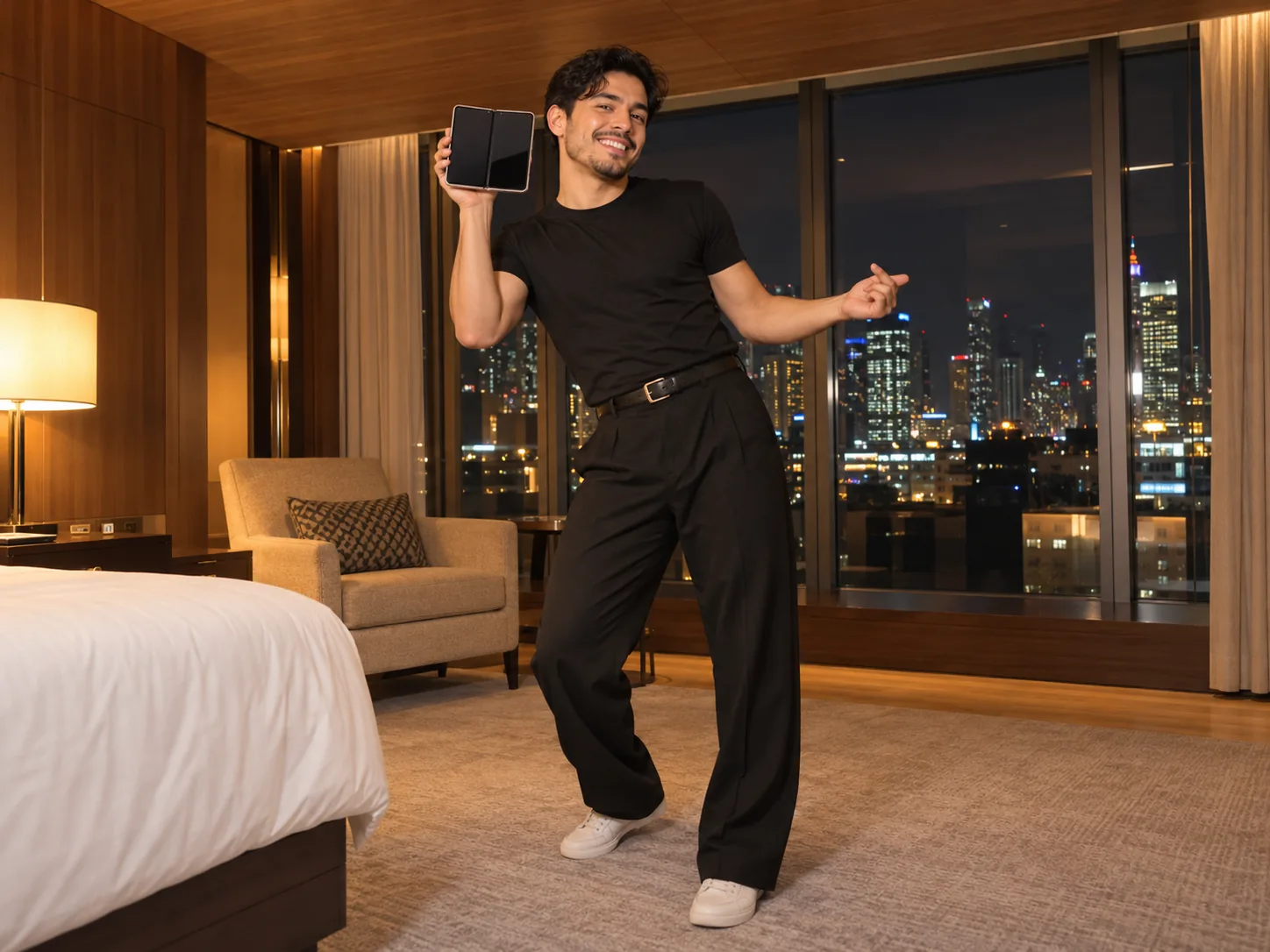
iPhone Kupi trend content for phone shops
Phone stores, repair counters and accessory brands can ride the iPhone Kupi trend without a shoot. With their permission, upload a photo of the owner or a staff member and you get a 15-second vertical clip of them showing off a folding phone and doing the iPhone Kupi dance in the hotel room, ready for TikTok, Reels or a screen in the shop window. The export comes without a watermark, so add your own text or offer in any editor afterwards. A friendly, front-facing team photo works best, and making one per staff member turns a single afternoon into a week of posts for the iPhone Kupi trend.
How to make the iPhone Kupi dance from one photo
You never write a prompt or hunt down the trend video. The iPhone Kupi dance generator already holds Win William's original 15-second post, which sets the choreography, the camera and the hotel room, and it lays the real Bare Minimum recording under your clip from the first frame. Your photo only supplies the face.
Add one photo for the iPhone Kupi AI
Choose a sharp shot of one person facing forward; a selfie is fine. You do not describe anything or upload a reference clip. Your outfit comes along too: the iPhone Kupi dance AI keeps the clothes and accessories in your picture, so pick a picture of the look you'd like on screen; one showing you from the knees up displays it best.
Set the quality of your iPhone Kupi dance
Start with a low-cost 480p pass (600 credits, down from 750) and watch whether your face stays recognisable through the quick moves. Happy with it? Render the iPhone Kupi dance AI video you will post at 720p (1,600) or 1080p (3,800).
Generate, download and post your iPhone Kupi dance
Press generate and the finished 15-second iPhone Kupi dance arrives in My Creations with the sound already synced and no watermark. Save it, share it on whichever app you use for short videos and add #iphonekupi so it lands in the iPhone Kupi trend feed.
Inside the iPhone Kupi trend, second by second
One handheld phone camera in a hotel room at night for all 15 seconds of the iPhone Kupi dance AI video: wood-panelled walls, a beige armchair and tall windows onto a lit-up city behind you.
The phone at the lens (0 to 2s)
The iPhone Kupi dance opens in close, a folded phone in both hands, then you push its screen right up to the camera as the "iPhone kupi" line lands.
The lean-in groove (2 to 4s)
The phone whips out of frame and you lean into the lens, bouncing your shoulders and fists on the beat, the face-to-camera part of the iPhone Kupi dance.
The unfold (4 to 6s)
The folding phone swings open into a tablet-sized screen and fills the frame, the reveal the whole iPhone Kupi trend is built around.
The step back (6 to 10s)
Screen still held up, you back away into the full-body half of the iPhone Kupi dance and start swaying your hips, folding the device as you go.
The toss (10 to 12s)
The device flies up toward the ceiling, comes back down and gets swung around like a prop while the iPhone Kupi dance keeps going.
The iPhone Kupi dance finish (12 to 15s)
Arms flung wide, one last lean and a crouch as the iPhone Kupi dance ends. Every iPhone Kupi dance AI video keeps the look from your photo: the jacket, top and accessories you uploaded stay on through every spin.
iPhone Kupi Dance FAQ: Meaning, Song, Moves and AI Video
What iPhone kupi means, which song the iPhone Kupi trend uses, who started the iPhone Kupi dance and how your own iPhone Kupi AI video gets made from one photo.
It blew up on TikTok during October 2026: you hold a folding phone up to the camera, open it to tablet size, back away and dance flat out to the "iPhone kupi" line. The iPhone Kupi dance everyone copies is Win William's hotel-room post, and the iPhone Kupi AI version puts you in it from one selfie.
1) Drop a sharp selfie into the generator. 2) Pick a resolution: 600 credits buys a 480p test (normally 750), 1,600 a 720p cut and 3,800 the full 1080p, and the button shows the figure before anything is charged. 3) Hit generate and download the finished iPhone Kupi dance from My Creations; choreography, hotel room and song are already baked in, so no prompt is needed.
The iPhone Kupi song is "Bazovyy minimum" ("Bare Minimum") by SABI and MIA BOYKA, a Russian pop track from 2025; searching "iPhone Kupi Bare Minimum" on a streaming app finds it. "Kupi" means "buy", so the hook, often typed as "iPhone kupi restaurant plati", says "buy an iPhone, pay for the restaurant": a tongue-in-cheek list of what a partner should do as the bare minimum.
Use a photo of just one person with the face sharp, lit from the front and looking into the lens. A head-and-shoulders selfie works, but a photo reaching your hips or feet is better, because the iPhone Kupi AI dresses you in exactly what the picture shows and fills in any trousers or shoes it cannot see. Sunglasses, beauty filters and heavy shadows blur the likeness.
No. The original iPhone Kupi dance has a single dancer, so each video recasts exactly one person, and the iPhone Kupi AI is made for people rather than animals. For a couple or a group, make one video per person from a solo photo and post them together; when a group shot is all you have, crop one face out first.
Every iPhone Kupi AI render is a 15-second vertical clip, exported without a watermark at 480p, 720p or the full 1080p. The sound is the actual Bare Minimum recording laid under the picture after it is generated, not music the AI tries to imitate, so the "iPhone kupi" line lands exactly where it does in the trend.
Neither. The iPhone Kupi AI is built on Win William's original post and recasts it shot for shot: the iPhone Kupi trend choreography, the camera moves, the hotel room and the audio are packed into the iPhone Kupi dance effect, so your only job is the photo.
Usually a few minutes, longer when many people are generating at once. Rendering happens on our side, so leaving the page does no harm; the iPhone Kupi dance appears in My Creations as soon as it is done.
Try another photo before re-running the iPhone Kupi dance: a sharper, front-facing one with even light and no sunglasses usually fixes it. Testing the iPhone Kupi AI at 480p keeps each attempt cheap, and if a render fails outright, its credits are returned automatically.
Yes, CapCut lists iPhone Kupi templates, which you fill and edit inside the app. Here the iPhone Kupi dance itself is recast with your face: you are the one holding the phone and dancing for all 15 seconds, with no editing on your side.
Upload the iPhone Kupi dance as it is, since it is already vertical, then add #iphonekupi and #bareminimum to the caption. On TikTok you can also attach the Bare Minimum sound from the library so your post appears on the sound's page among the other iPhone Kupi trend clips. Short captions that play on the lyric, like "the bare minimum", tend to do well.
Making an account is free, though every iPhone Kupi dance AI render spends credits. A monthly or annual subscription tops them up; for just a taste, pick the smaller one-time Trial Pack (pricing). The 480p iPhone Kupi dance is 600 credits (normally 750), so the Trial Pack covers one, and failed renders refund themselves automatically.
Start your iPhone Kupi dance AI video
One photo, 15 seconds, the real Bare Minimum audio and up to 1080p. Get into the iPhone Kupi trend while it is still climbing.