
Free GPT Image 2.5 AI Image Generator
Turn a written brief into a finished image, or upload the one you already have and direct the edit — the GPT Image 2.5 AI image generator does both from a single panel. Attach up to 16 references to lock a face, a product or a palette, choose from 13 aspect ratios, and export at 1K, 2K or 4K. Signup credits cover your first images, and the exact cost appears on the button before you generate.
What people build with the GPT Image 2.5 AI image generator
Flare handles both halves of the job — the first draft and the eleventh revision of it — from the same panel. Nothing is exported and re-uploaded to a second tool between the two.
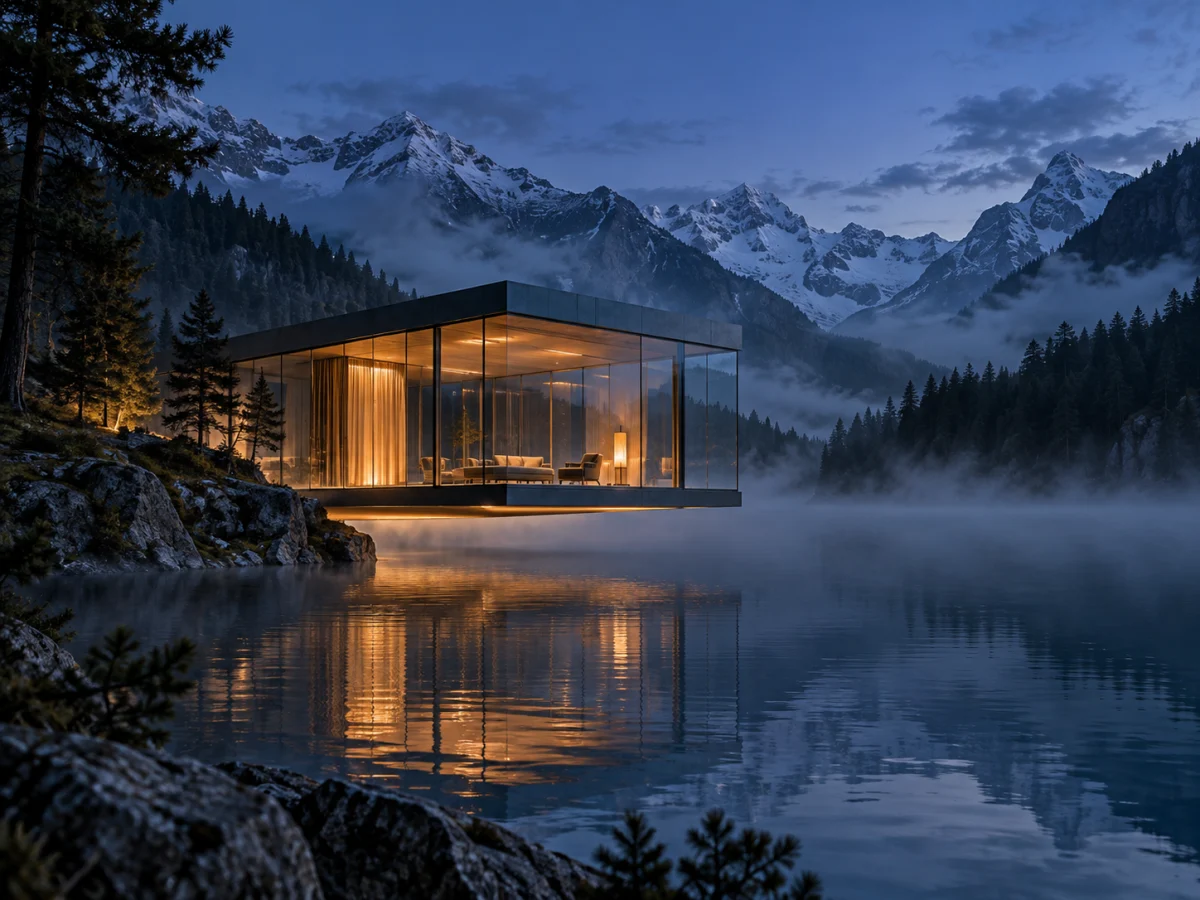
Build a visual from a written brief
Describe subject, setting, lighting, camera and composition in as much detail as the shot needs — the prompt field takes up to 20,000 characters, so a full creative brief fits without trimming it to keywords. GPT Image 2.5 returns a new image in the ratio and resolution you selected, with no reference upload required.
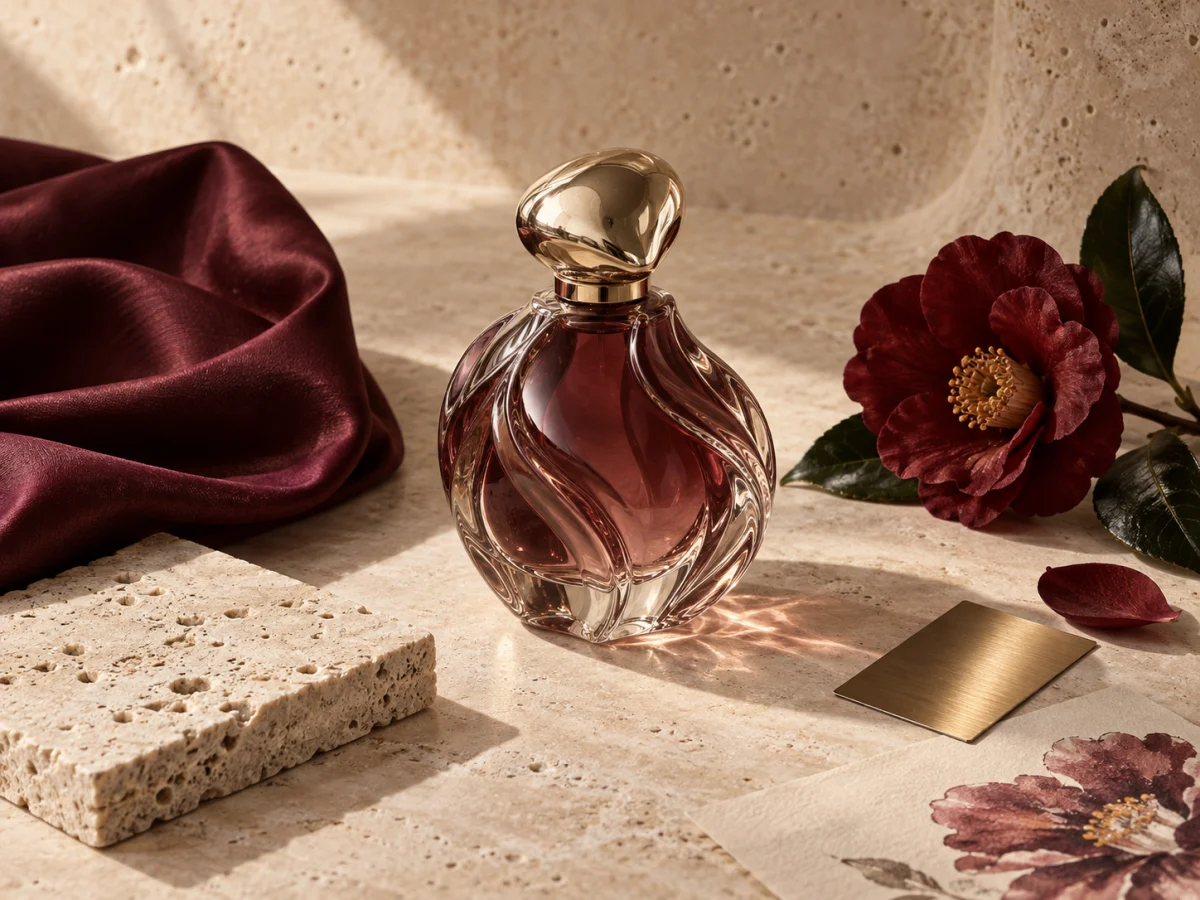
Direct an edit with up to 16 references
Upload the image you want changed and say what should change, not what the whole picture is. One request carries up to 16 inputs, so the person who has to stay recognisable, the product, the palette and the layout can each arrive as a picture instead of an adjective — which is the part OpenAI improved most over GPT Image 2.
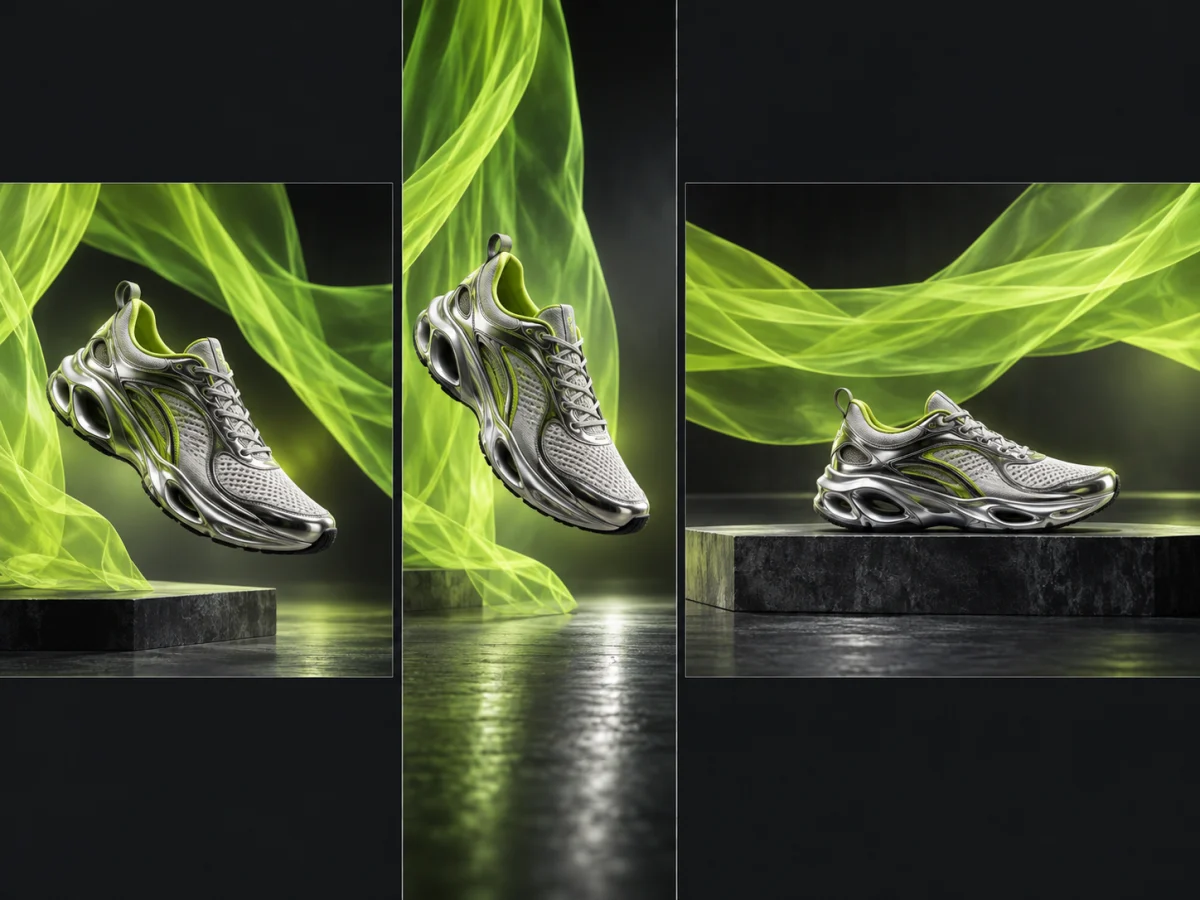
Run one idea as a post, a story and a banner
Thirteen ratios are exposed, including the 21:9 cinematic crop and the 27:16 and 16:27 extended formats most generators skip. A wide hero can be generated wide rather than cropped down from a square, and a 9:16 story does not have to be a landscape frame with the sides cut off.
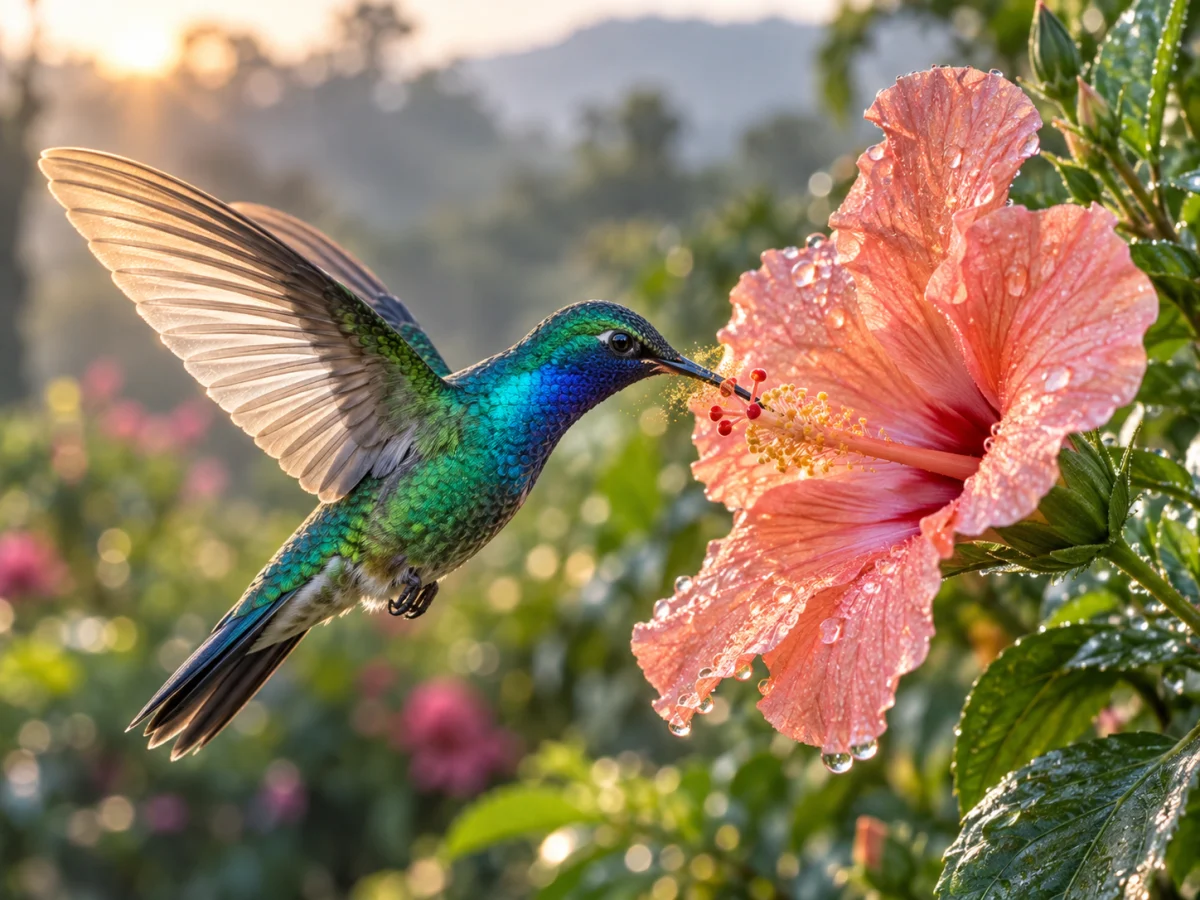
Explore at 1K, finish at 4K
Resolution is a control of its own, separate from ratio, so drafting stays cheap: iterate at 10 credits per 1K image while the composition is still moving, then re-run the one that worked at 2K or 4K without touching the prompt. The credit total for the setting you picked sits on the generate button before you commit.
Generate with GPT Image 2.5 in three steps
GPT Image 2.5 Flare is already selected on this page. There is no model string to type, no OpenAI account to connect and no API setup to get through.
Write the prompt
Name the subject, the lighting and the framing rather than piling up style words. For an edit, switch to Image to Image, upload one to 16 references first, then describe only what should change.
Choose ratio and resolution
Leave the ratio on Auto to let the model infer a shape from your prompt, or pick one of the 12 fixed formats. Then set 1K, 2K or 4K — the credit total updates on the button before you submit.
Generate and download
Submit and the task runs server-side, so you can leave the page. Download the result, feed it straight back in as a reference for the next pass, or open it later from My Creations.
What the GPT Image 2.5 AI image generator supports
Every control below maps to a parameter the gpt-image-2.5-flare endpoint actually accepts — nothing here is a toggle that quietly does nothing.
Prompts up to 20,000 characters
Long enough for a real brief: subject, wardrobe, lighting, lens, background, the copy that has to appear on the image, and what to avoid. Nothing gets truncated at a few hundred characters.
Up to 16 reference images
A single edit request carries sixteen inputs, so a character, a product, a palette and a layout can each be shown rather than described. Holding onto several references at once is GPT Image 2.5’s clearest gain over GPT Image 2.
The fast half of the 2.5 family
GPT Image 2.5 shipped as two models. This page runs Flare, which OpenAI places at up to 50% lower latency than the previous Images 2.0 model — at the same token price as GPT Image 2.
1K, 2K and 4K output
Resolution is set independently of aspect ratio, so a draft and its final render use the same prompt and the same shape at two different costs.
13 aspect ratios, ultrawide included
Auto plus 1:1, 3:2, 2:3, 4:3, 3:4, 16:9, 9:16, 21:9, 27:16, 16:27, 9:8 and 8:9 — including the extended vertical and cinematic formats most image tools never expose.
Detail that survives the next edit
OpenAI’s headline change in 2.5 is retention across successive edits: re-upload your own output, ask for one change, and the parts you did not mention are far likelier to stay where they were.
The price is on the button
10 credits at 1K, 15 at 2K, 25 at 4K — identical for text-to-image and image-to-image, and unaffected by how many references you attach. You see the number before you spend it.
Failed tasks return their credits
Flowlio AI follows the provider task to its result and returns the reserved credits when an upstream generation fails, so a render that never arrives does not cost you the full charge.
Everything lands in My Creations
Generation runs server-side and finished images stay in your library, so a composition from three sessions ago is still there to download or re-upload as a reference.
GPT Image 2.5 AI image generator FAQ
The model, the limits, the pricing, and the few specifics worth knowing before you run GPT Image 2.5 Flare on Flowlio AI.
It is Flowlio AI’s browser interface for OpenAI’s GPT Image 2.5 Flare. One panel covers both things the model does — building a new image from a written prompt, and editing an image you upload — so the first draft and the fifth revision happen in the same place. No OpenAI account, API key or local install is involved.
gpt-image-2.5-flare. “GPT Image 2.5” is a family name rather than a single model: OpenAI shipped it on 8 September 2026 as two separately addressable models, Flare and Sunburst. They share the same endpoints, the same rate limits and identical token pricing — the split is speed against precision, with Sunburst taking longer runs for detailed creative work. This page runs Flare, the fast one.
Signing up includes credits, and a 1K image costs 10 of them, so your first generations cost nothing. 2K and 4K draw on the same balance at 15 and 25 credits — which in practice means a plan or a credit pack once the signup credits are spent.
10 credits at 1K, 15 at 2K and 25 at 4K. Text-to-image and image-to-image are priced identically, attaching more reference images does not change the cost, and the total for your current settings appears on the generate button before you submit.
Yes, and it is the half of the model OpenAI improved most. Switch the generator to Image to Image, upload at least one picture, and describe only the change rather than re-describing the whole scene. A single request accepts up to 16 input images.
Because one request usually needs several kinds of reference at once: the face or product that has to stay recognisable, a layout to follow, a colour palette, a lighting mood, a logo. Showing each of those is far more reliable than writing adjectives for them, and keeping the details of multiple references straight is exactly what GPT Image 2.5 does better than GPT Image 2.
Auto plus 1:1, 3:2, 2:3, 4:3, 3:4, 16:9, 9:16, 21:9, 27:16, 16:27, 9:8 and 8:9 — thirteen in all. Auto lets the model infer a shape from the prompt and is usually right for a first pass. One trade-off worth knowing: very wide ratios such as 21:9 run into the model’s per-edge pixel limit before they use up its total-pixel budget, so they finish at a lower total resolution than a 16:9 render at the same setting.
Flare is the faster of the two 2.5 models by design, but OpenAI publishes only a relative figure — up to 50% lower latency than the previous Images 2.0 model — and no absolute per-image timing, so treat any exact number you read elsewhere as someone’s measurement rather than a spec. In practice 1K returns quickest and 4K takes longest. Tasks run server-side, so you can leave the page and collect the result from My Creations.
On blind side-by-side voting, yes. On Arena’s (formerly LMArena) text-to-image and image-edit leaderboards the two GPT Image 2.5 models hold the top two places — Sunburst first, Flare second — ahead of GPT Image 2. Both 2.5 entries are still marked preliminary, built on roughly 3,000–7,000 votes each against GPT Image 2’s 78,000-plus, so the gap is softer than the ranking looks. What is not in doubt: lower latency and better multi-reference editing, at unchanged token prices.
Probably better than GPT Image 2, but it is unproven. The improvements OpenAI describes — finer detail, more consistent results across edits — are the kind that usually help lettering, yet no text-rendering benchmark shipped with the release. If your work is posters, packaging or UI mockups, run your own headline through it a few times before you commit to it, and expect short strings to hold up better than paragraphs.
Downloads from Flowlio AI are watermark-free. On provenance, OpenAI’s GPT Image 2.5 launch materials say nothing in either direction — C2PA content credentials are neither promised nor ruled out — so if your compliance process depends on embedded provenance metadata, inspect an actual downloaded file rather than assuming it is there.
Downloads are watermark-free and yours to use in commercial work, but only with prompts, references, people, brands and characters you have the right to use. Avoid generating copyrighted characters, celebrity likenesses or third-party brand assets without permission.
Flowlio AI tracks the provider task through to its result and returns the reserved credits when the upstream generation fails, so a render that never arrives does not silently consume the full charge. A prompt that is refused rather than failed is a different case — rewording the request usually clears it.
GPT Image 2.5 Flare is the one to reach for when an edit has to respect several references at once, when you need 4K, or when the brief is long and specific. The same generator’s model menu also carries Nano Banana 2, Flux 2 Pro and Seedream 4.5, and every model draws on the same credit balance — so the cheapest way to decide is to run one prompt through two of them at 1K and compare.
Create with the GPT Image 2.5 AI image generator
Describe what you want, or upload up to 16 references and say what should change. Pick a ratio, pick 1K, 2K or 4K, and let the GPT Image 2.5 AI image generator do the rest — your signup credits cover the first images.
