
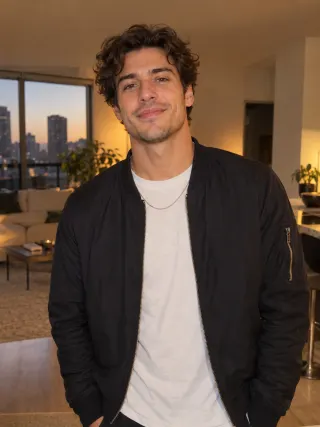
Made from this one photo
More Effects
Explore the other video effects, each with its own input and motion.
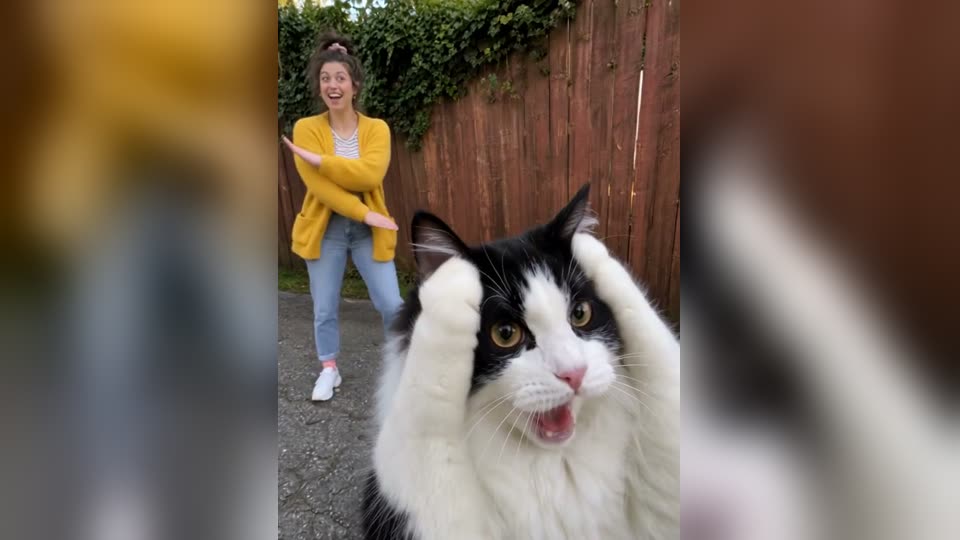
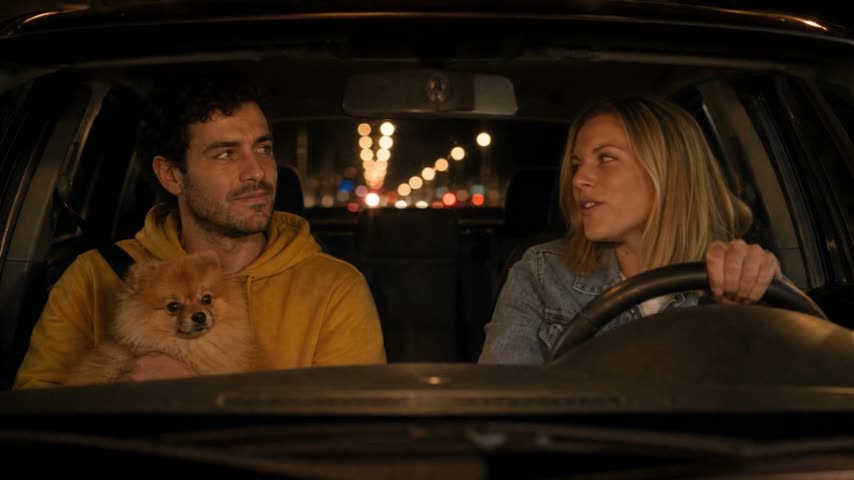
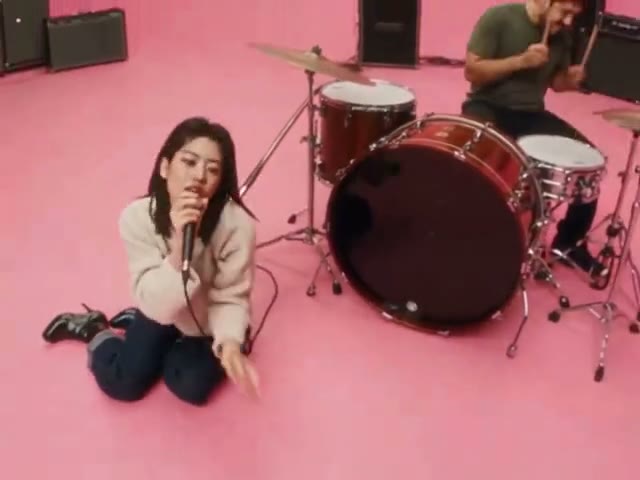
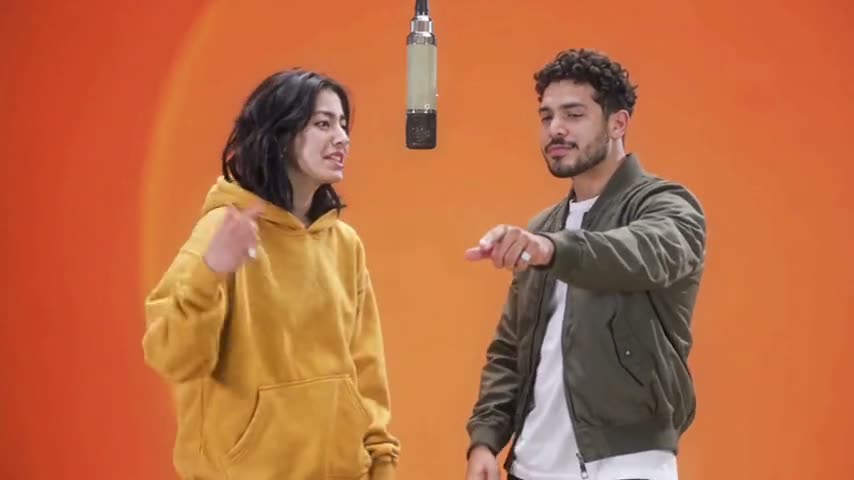
What is the Fergie Baby AI trend?
Fergie Baby is a rapper from Harlem, and the trend comes from his clip for "Uptown Shooters N' Bronx Bombers". He pushes out through a park gate and swaggers down a wet path, rapping at a camera that backs away in front of him. In the Fergie Baby AI version, you take his place. Upload one clear photo and the template keeps the walk, every gesture, the backward-tracking camera and the park, and you do the walk as yourself, with your own face, hair, build and clothes, and the original track is added. No filming, editing or prompt needed.
Who takes the Harlem walk?
The gate, the park path, the camera and the track are the same in every Fergie Baby AI video. Your photo decides who does the Harlem walk toward the lens.
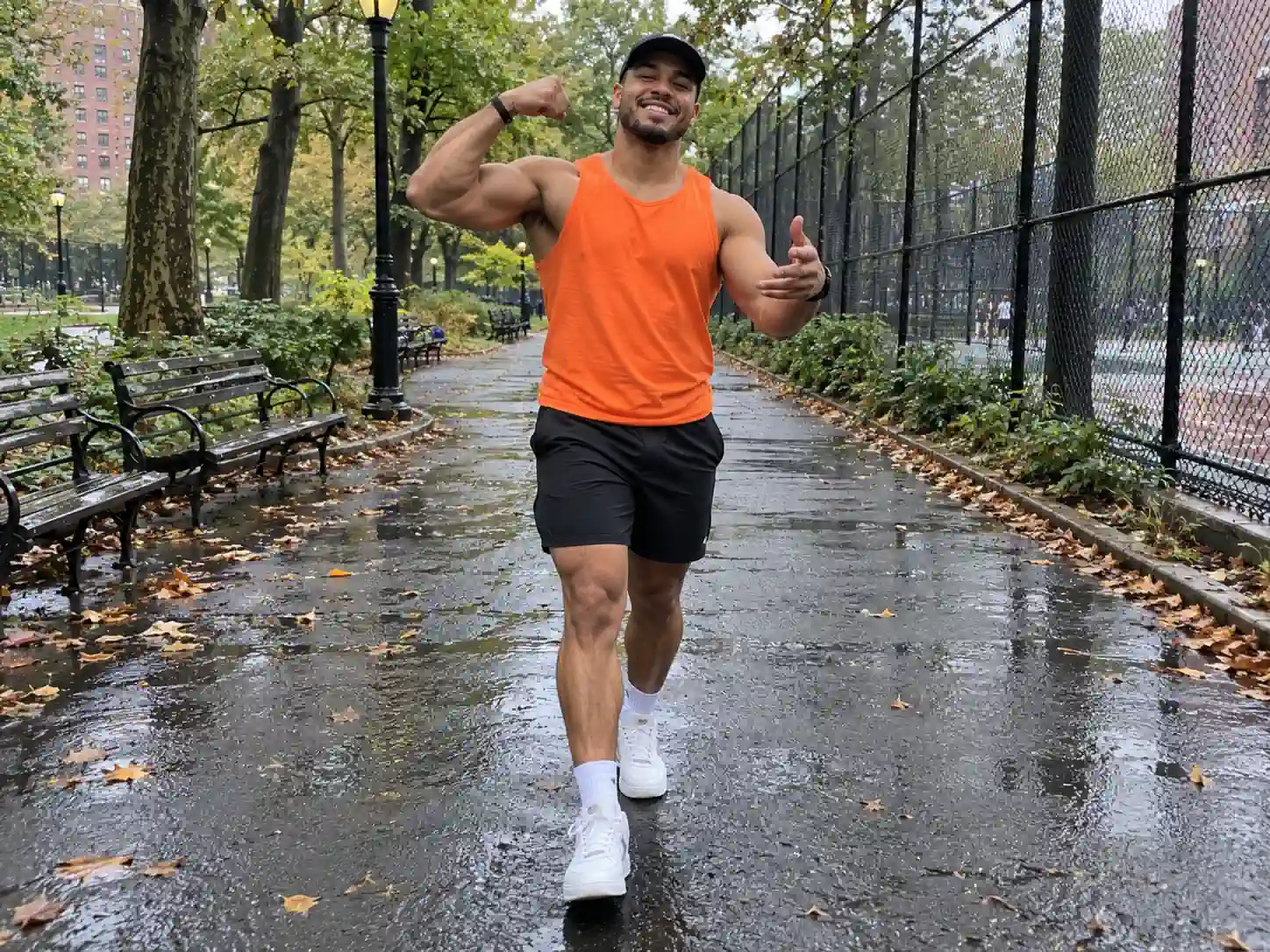
Your own Fergie Baby walk
Use a clear photo of yourself and step out of the gate like it's your release day. It is the quickest way to make a Fergie Baby AI video and join #fergiebabytrend without finding a park, someone to film you, or the nerve to rap in public.
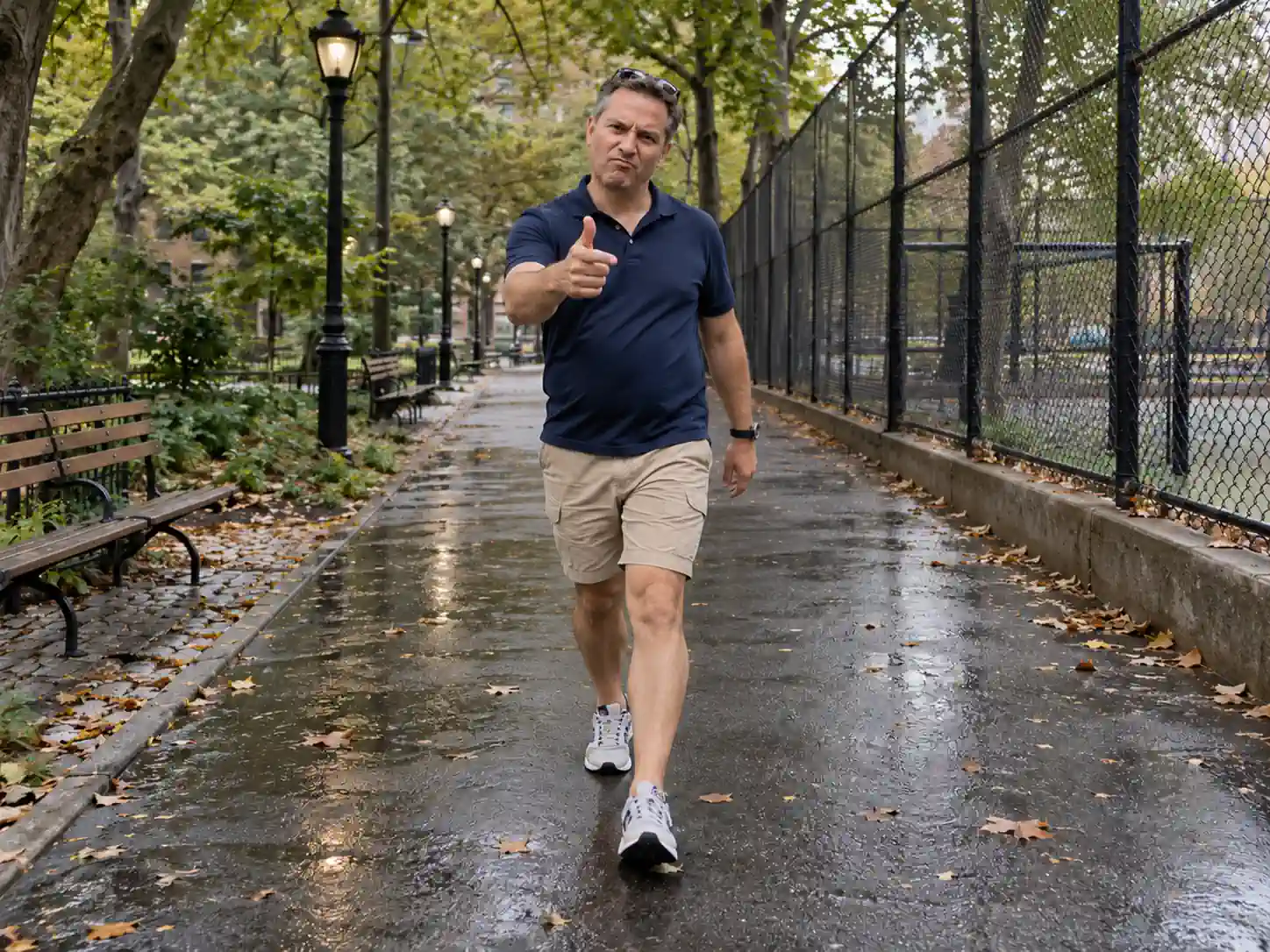
Dad, but make it Harlem
Upload a photo of your dad and watch him roll down the path, pointing at the camera. Dads who would never film themselves make the best Fergie Baby AI videos, and it goes down well in the family group chat or on Father's Day.
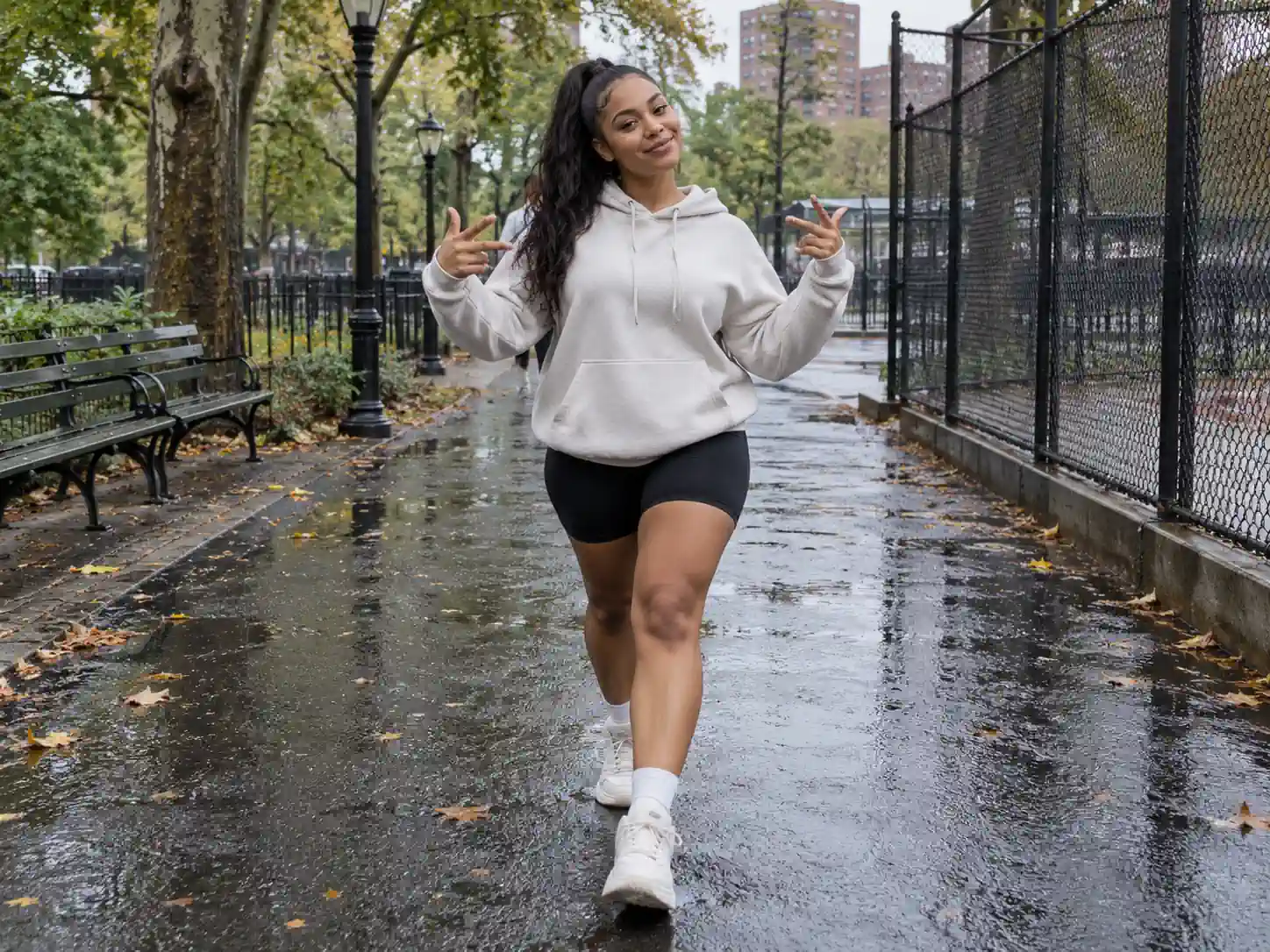
Cast the friend with the most attitude
The walker takes the face, hair, build and clothes of whoever is in the photo, so the trend is not just for guys. Pick the friend who always walks in like they own the place, and post it on their birthday or before a big night out.
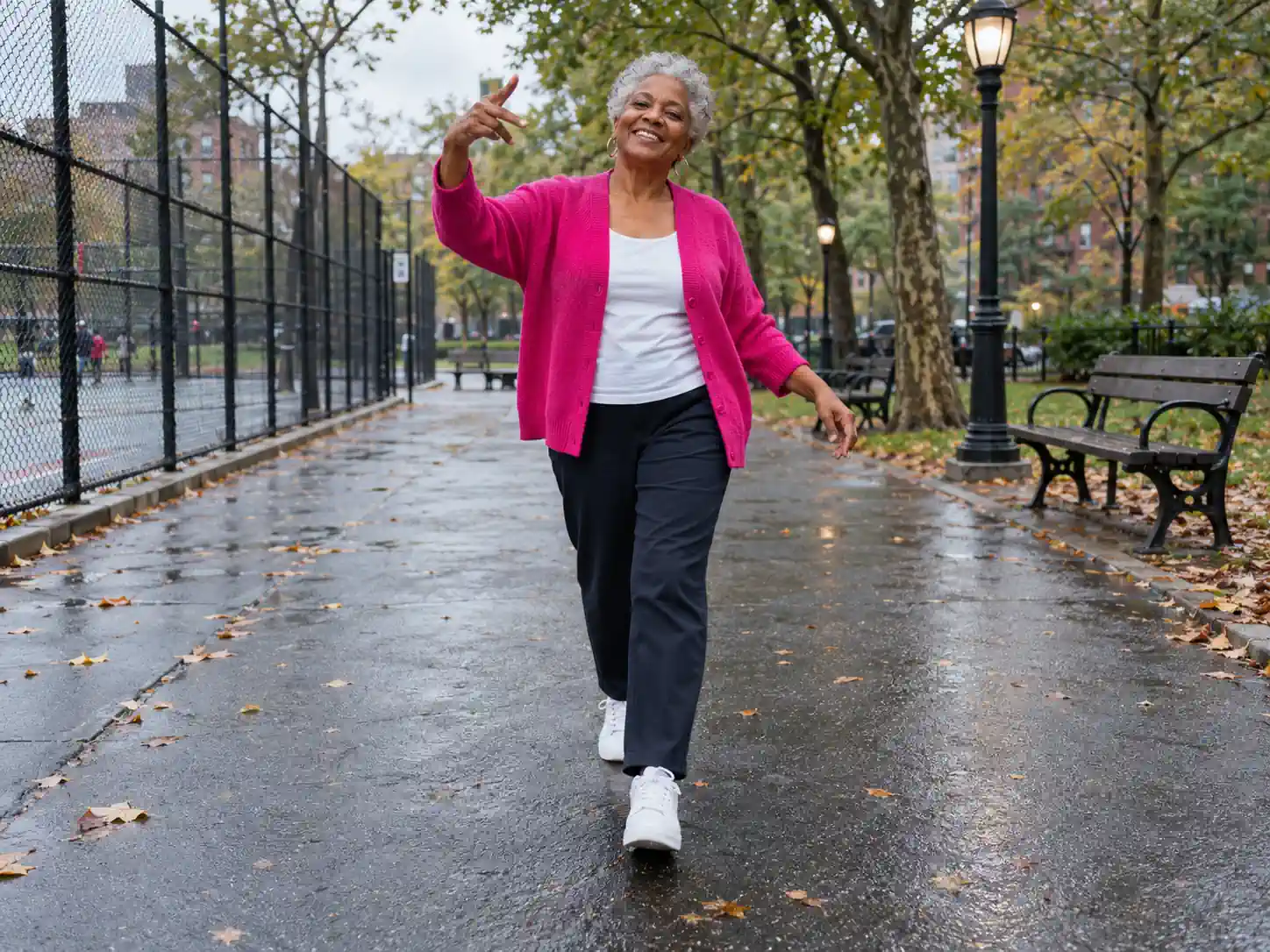
Grandma's swagger walk
Of all the Fergie Baby AI videos, the one with a grandparent doing the walk is the one people replay. Use a clear, recent photo, then send it to the relatives or post it for their birthday.
How to make a Fergie Baby AI video
Everything except the walker is already in place: the park clip, the backward-tracking camera and the "Uptown Shooters N' Bronx Bombers" track. Your part is a single photo.
Upload one photo
Choose a clear photo of one person, with the face well lit and not hidden by sunglasses or a hand. That person does the whole Fergie Baby AI walk, keeping the face, hair, build and clothes from the photo.
Pick your quality
480p is the cheapest way to see whether your photo carries the walk well. If the face and outfit look right, render the same photo again in 720p or 1080p for a crisper face on a full-screen phone. The credits for each resolution sit next to the button, and nothing is charged until you generate.
Generate and download
The 21-second walk renders in the cloud, so you can lock your phone or switch apps while it runs. When it's done, open My Creations: the vertical clip already has the track in sync with the steps, so you can post it straight to TikTok, Reels or Shorts.
The 21-second Fergie Baby walk, moment by moment
The clip is one continuous take with no cuts: the camera backs down the park path while the walker comes toward it. Every step and gesture below stays as filmed in the Fergie Baby AI video generator, and only the person changes. The track is added after the video renders, so the vertical clip plays with sound from the first frame.
0–2s · Through the gate
Your character stands at the chained gate of a rain-wet court, next to a trash can, then shoves the gate open with one arm raised overhead.
2–4s · Onto the path
They step out onto the park path, one hand at the chest, and start the bouncing walk toward the camera as it tracks backward.
4–7s · Hands to the cap
Both hands go up to the cap with elbows out wide, bobbing to the beat, before they drop into a shoulder lean past the lampposts and benches.
7–12s · The swagger walk
A rolling stride down the tree-lined path beside the tall chain-link fence: one arm swings across the body and the other taps the chest while they mouth the lyrics.
12–14s · Arms up
Mid-stride, both arms shoot up over the head with fists high: the biggest move in the clip.
14–21s · Rapping to the lens
They close in on the camera with open-palm gestures, point to themselves and tap a wrist, delivering the last line straight to the lens in a waist-up shot.
Fergie Baby AI Trend FAQ: Song, Apps, Photos and Pricing
Where the trend comes from, which song it uses, what you need to upload and what it costs, answered before you render.
It recreates a clip by Fergie Baby, a rapper from Harlem, not Fergie from the Black Eyed Peas. On September 26, 2026 he posted a TikTok of himself pushing through a chained park gate and swaggering down a wet path, rapping at a camera that backs away in front of him. By mid-October people were using AI to put themselves in his place, and the Fergie Baby trend took off under #fergiebabytrend. In the AI version, the person in your photo does the same walk, gestures and camera move, with his track underneath.
1) Open the Fergie Baby AI video generator and upload one clear photo of one person. 2) Pick a resolution: 480p costs 1,050 credits, 720p 2,520 and 1080p 4,200, and the quote is shown before you start. 3) Press generate. The walk, the camera timing, the park and the song are built in, so you don't film anything, find the original clip or write a prompt. You get a vertical video of about 21 seconds in My Creations, with the track already added.
The versions of the Fergie Baby trend on TikTok are made either with CapCut templates or with AI video generators that take a photo plus the original clip as a motion reference. This page is the second kind, already set up: it runs in the browser on a phone or a computer, with nothing to install. The model follows a depth map of the original clip, which carries the shapes and movement but not the rapper's face, build or orange outfit. That keeps the result looking like your photo instead of a blend of you and him.
Yes, one photo is all a Fergie Baby AI video needs. Use a sharp picture of one person facing the camera, with the face well lit and not covered by sunglasses or a hand. The walker keeps the face, hair, build and clothes from that photo, so if you want a particular outfit on screen, upload a photo that shows it; a head-and-shoulders selfie gets casual streetwear instead. The background of your photo is ignored, because every video is set in the same Harlem park.
CapCut tutorials for the trend started circulating in mid-October, and you can find them by searching #fergiebabytrend in CapCut. A template drops your pictures into a fixed edit that you put together yourself. Here the Fergie Baby AI generator makes you do the full 21-second walk from a single photo, on our servers, with no timeline to edit. You can still open the downloaded video in CapCut afterwards to add captions or stickers.
It's "Uptown Shooters N' Bronx Bombers" by Fergie Baby, released as a single in October 2026 and available on Spotify, Apple Music and Audiomack. It is not a song by the singer Fergie, so "London Bridge" or "Fergalicious" won't match the clip. This generator adds the original audio automatically after the video renders, in sync with the walk and at no extra credit cost. Each platform has its own rules about music, so check them before you promote the clip.
Friends, yes, one at a time: the clip has one walker, so each video takes one photo of one person, and group photos don't work. Make one for each friend, or try Gangnam Style AI if you want three people in the same video. Pets aren't supported here, because the template is built around a person walking upright and rapping. For a pet in the lead role, use Put A Ring On It AI.
Signing up costs nothing, and credits pay for the render itself: buy them once as a Trial Pack, or get them every month or year with a subscription from the pricing page. A 480p Fergie Baby video takes 1,050 credits, the lowest of the three options, which makes it a cheap test of your photo before you go up to 720p or 1080p. The track is added at no extra cost, and the price is shown before you press generate.
Do the Fergie Baby walk yourself
One photo and the Fergie Baby AI template put you through the gate and down the park path, rapping to the lens, with Fergie Baby's track playing underneath.
