
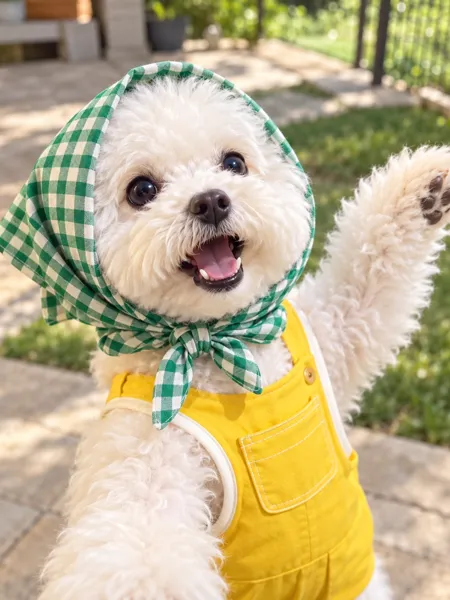
Made from this one photo
More Effects
Explore the other video effects, each with its own input and motion.
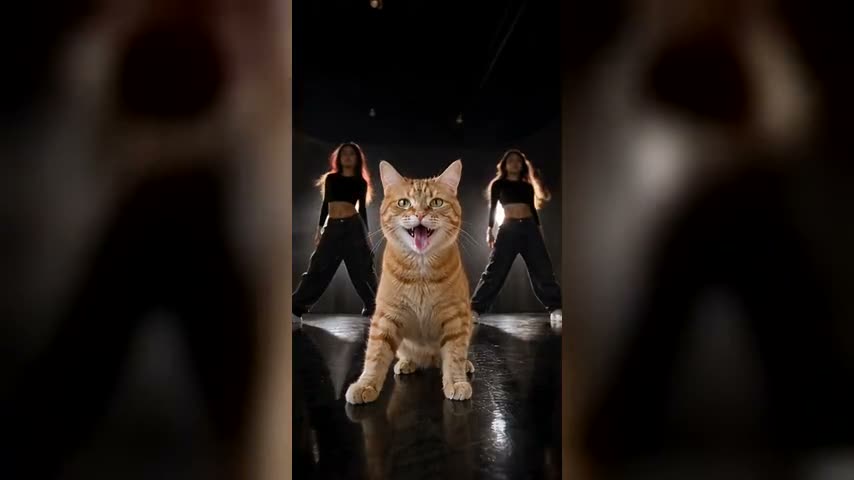
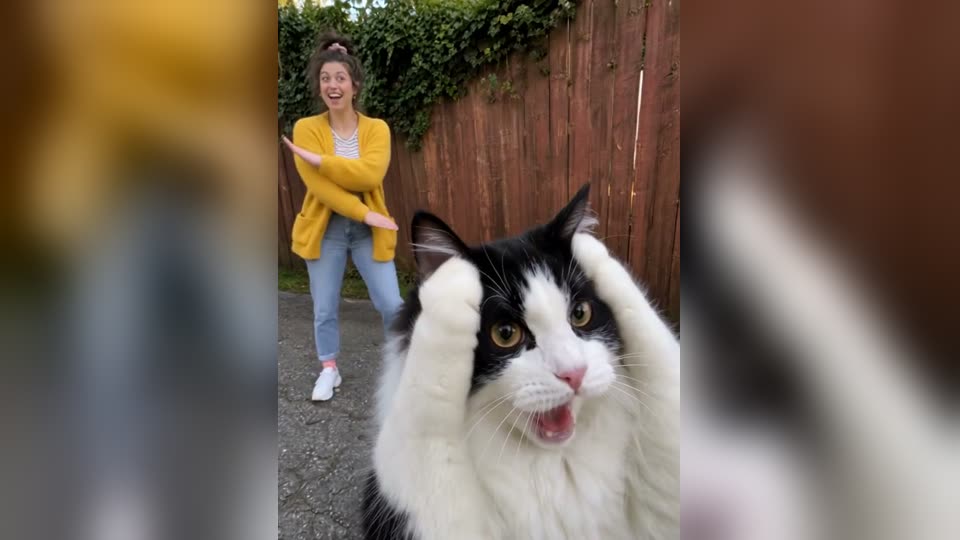
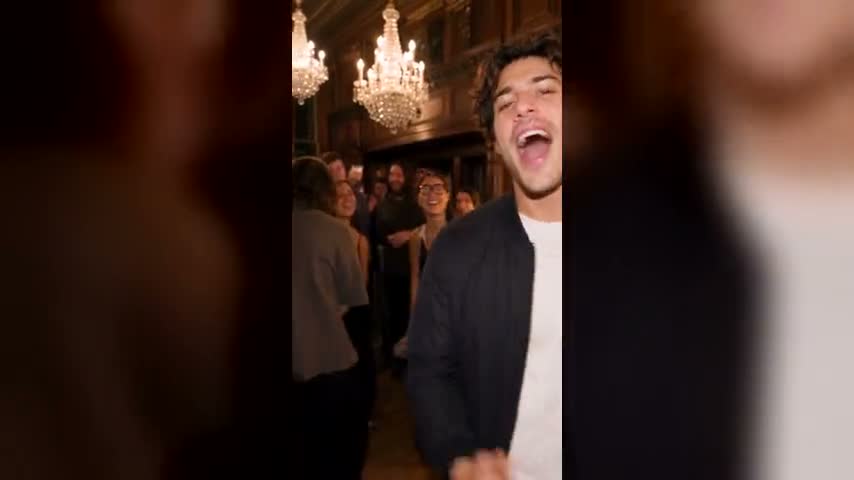
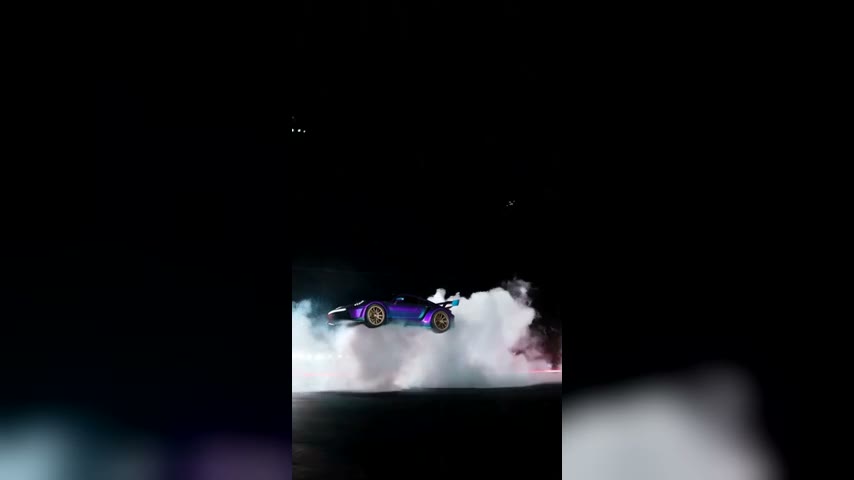
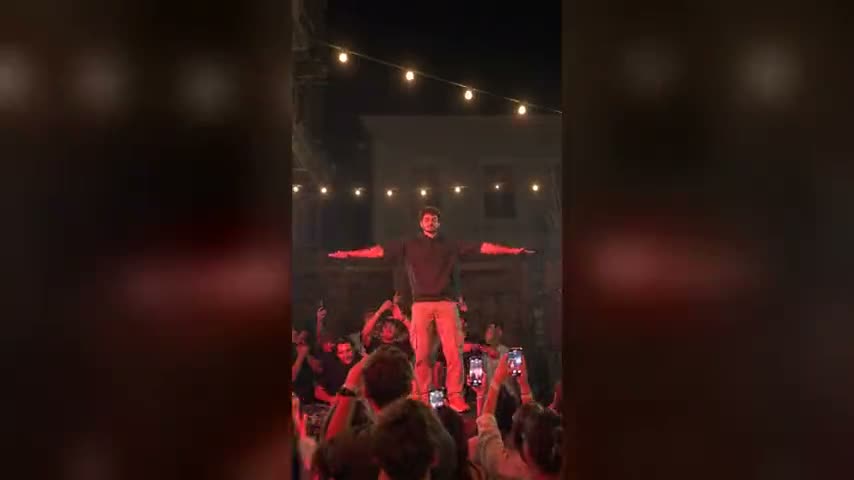
What is the I Wanna Love You AI trend?
The I Wanna Love You trend took off on TikTok at the end of September 2026: a character in a pink suit lip-syncs Akon and Snoop Dogg's 2006 hit beside a tennis court, raises a hand, then falls backwards onto the grass. A white cat version posted on 1 October passed 20 million views within two weeks, and #iwannaloveyoutrend filled up with pets filming the same night-time selfie. I Wanna Love You AI skips the filming: give it one photo of your cat, dog or other pet and it lip-syncs the song, throws a paw in the air and reaches it toward the lens, face, fur and outfit intact, song included. Nothing to type and no editing app to open: just your own I Wanna Love You AI video of the pet your group chat already adores.
Whose pet is singing in your I Wanna Love You AI video?
Every clip shares one tennis-court night, one selfie angle and one track; the picture you upload picks which cat, dog or other animal takes the front-camera shot, and everything else stays as the trend has it.
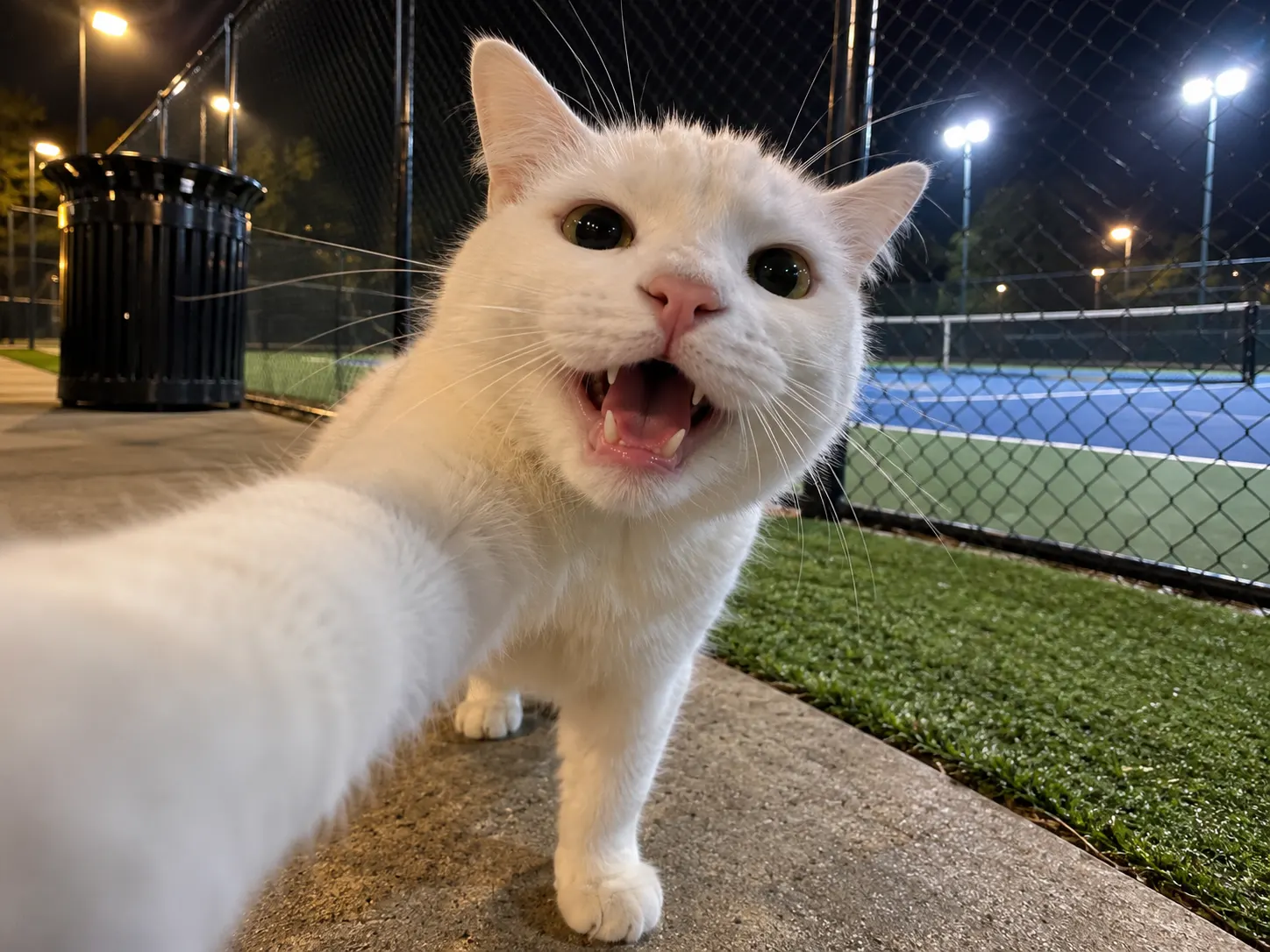
The cat that started it
The white cat that took off on TikTok is the model here: a close, slightly smug face, a paw in the air, then a paw pushed at the screen. Pick a sharp shot of your own cat, face to camera with both eyes and ears visible, and it becomes the next singing cat of the I Wanna Love You trend. Orange tabbies, black cats and fluffy Persians all read well.
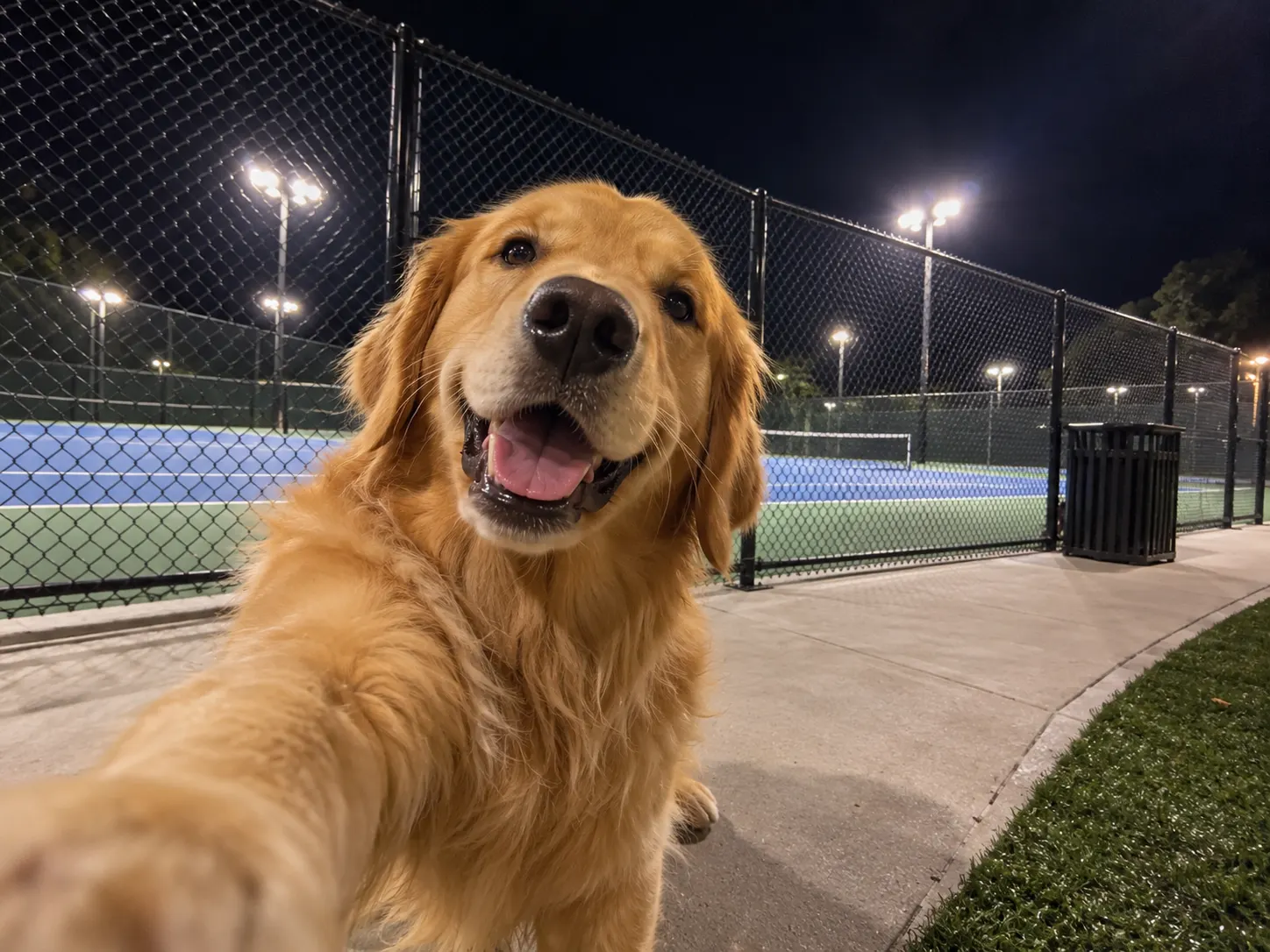
Your dog, front-camera ready
Dogs bring the opposite energy: an open mouth that looks like a grin, ears that move with the beat and a paw that waves like it rehearsed. A golden retriever or a pug works as well as a cat, so the trend isn't only for cat people. Pick a photo with the whole head in frame and the mouth visible.
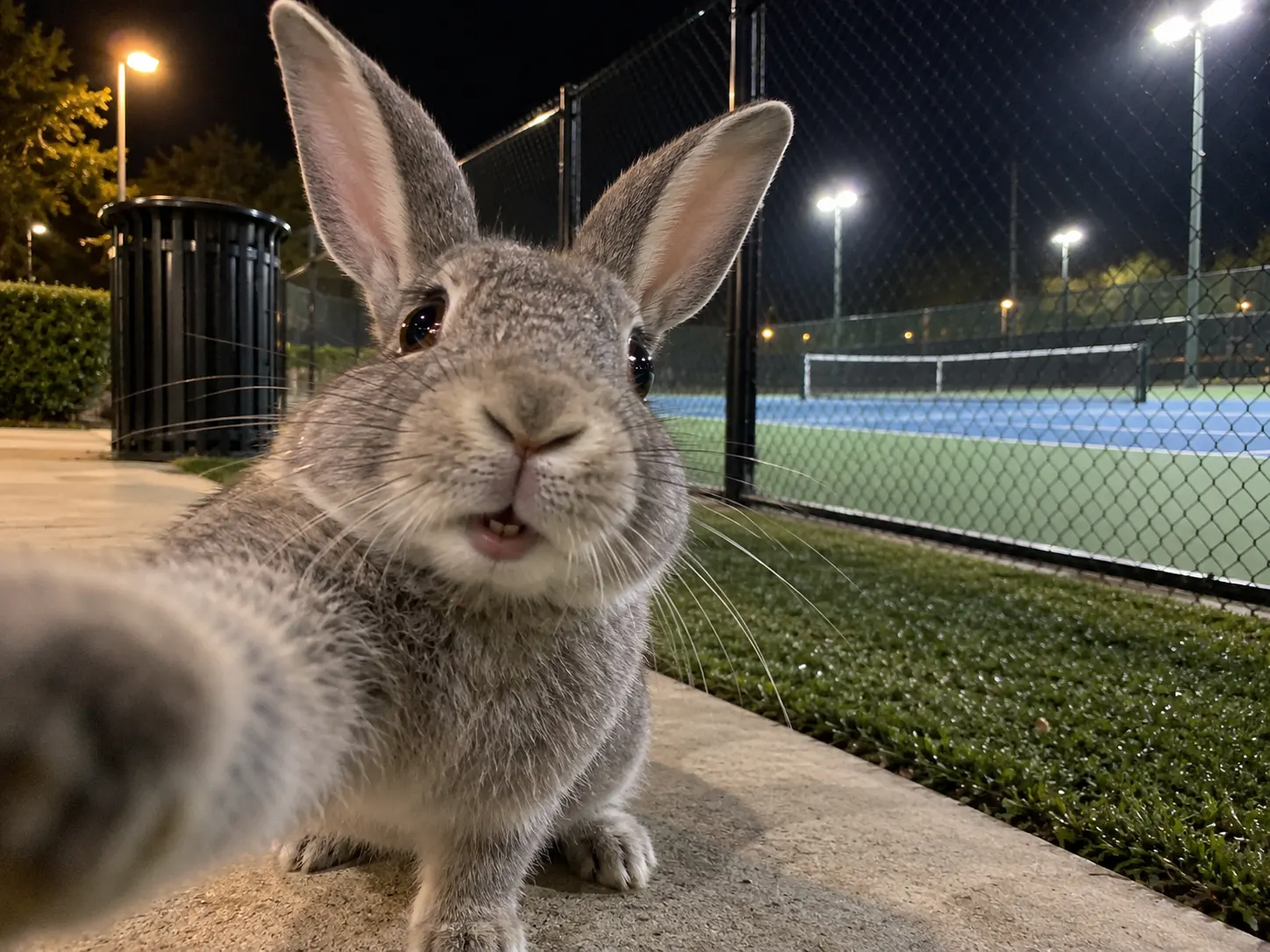
Rabbits, hamsters and parrots too
Any animal with a clear face can join. A rabbit with one ear flopped, a hamster in a cheek-puffed close-up or a parrot that really does sing all suit the pet selfie. Close crops work best, so frame the face large and keep the background plain.
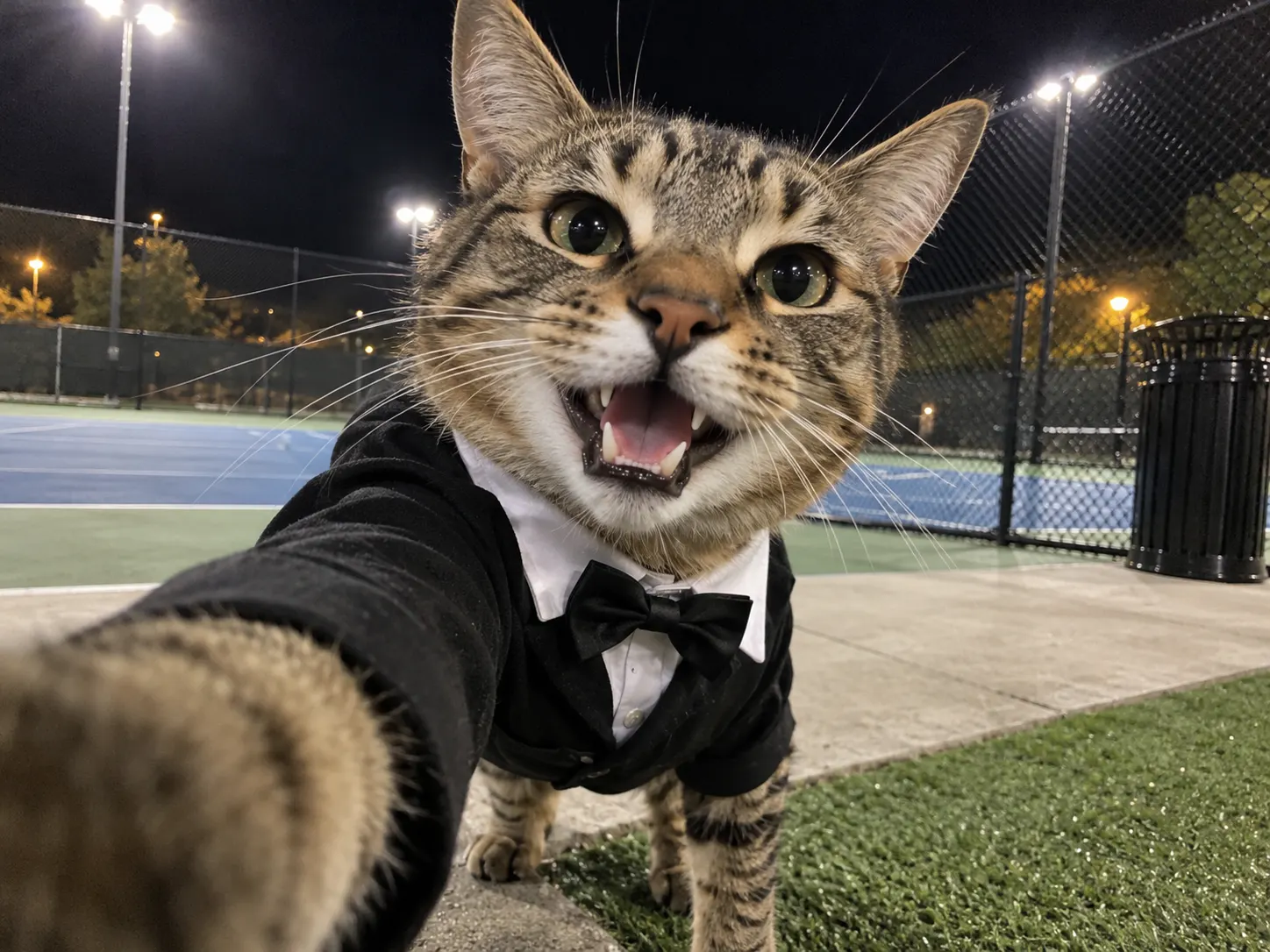
A pet in a suit, or just a bow tie
Whatever the pet wears in the picture shows up in the clip, and some of the viral cats wear suits. A bow tie, a tiny blazer or a hoodie puts your pet closest to the original character. Dress the animal before you take the photo and the clothes stay on through every paw wave.
Make an I Wanna Love You AI video, step by step
The night-time court, the selfie angle, the paw raise and the track are already set. The only choice left is which pet stars, and I Wanna Love You AI handles everything after that.
Choose one photo of your pet
One animal on its own, sharp and evenly lit, with its face turned towards the camera. Eyes, ears and mouth should be visible, and a head-and-shoulders crop is enough. Fur colour, markings and any outfit are taken from the picture, and ordinary phone photos work fine.
Pick a resolution and generate
480p is plenty for checking that your pet looks right; 720p or 1080p keeps whiskers and fur sharp in the clip you actually post. Credits are priced on screen ahead of the click, and the render finishes without you if you close the tab.
Post it with the sound
When it's done, your video appears in My Creations with the Akon song already on it. Save the file and post it unchanged on TikTok, Reels or Shorts under #iwannaloveyoutrend, audio untouched.
The pet selfie, move by move
One pet, one take, one vertical frame: the same short routine as every cat and dog in the I Wanna Love You AI trend. Each beat below stays fixed in the template, and only the animal is swapped for yours.
0–1s · Lights up at the court
The clip opens almost dark, the pet low in the frame looking up, then the night-time tennis court lights up behind it as it rises into the front-camera shot.
1–4s · Singing to the lens
Face close to the camera, mouth opening and closing with the Akon and Snoop Dogg vocal, head swaying a little, one foreleg stretched out as if it held the phone. Face the camera in your photo and the face stays steady through these close frames.
4–7s · Paw in the air
The other paw shoots up and waves overhead while the head tips back to watch it and the camera dips toward the turf, the moment viewers wait for in every version.
7–10s · Paw to the screen
The head swings back to the lens with a big open-mouthed grin, and a paw reaches out until it fills the corner of the frame, as if your pet were high-fiving the viewer: the ending every I Wanna Love You AI pet version keeps.
Outfit · Whatever it wears stays on
Anything your pet wears in the photo, bow tie or blazer included, carries through the whole clip, so the animal on screen is recognisably yours.
Vertical 9:16, Akon's track underneath
Like the clips on TikTok, the 10-second video is framed tall at 9:16 with "I Wanna Love You" running under it from the first beat. No syncing step before you post.
I Wanna Love You AI FAQ
The trend's origin, the song, the pets and pictures that work, what each clip contains and how to share it, all sorted out before a single credit goes.
It's the pet spin on a late-September TikTok clip: someone films a night-time front-camera selfie next to a tennis court while Akon's "I Wanna Love You" plays. Owners then started handing that same selfie to their cats and dogs with AI, and the I Wanna Love You AI trend was born: one pet photo in, a clip of that pet singing to the lens, waving a paw and reaching it toward the viewer out. Under #iwannaloveyoutrend and #singingcat, the AI pet versions, often called the I Wanna Love You cat trend, now outnumber the human ones.
The spark was a Jean Phil-style video posted around 29 September 2026, with a man in a pink suit lip-syncing courtside and then dropping onto the grass. Two days later a creator gave the routine to a white cat, and that version went past 20 million views in roughly two weeks, which is what turned it into a pet trend. Our template follows the pet version: the selfie, the singing, the paw wave and the paw to the lens, not the fall.
"I Wanna Love You" by Akon featuring Snoop Dogg, the 2006 single from Akon's album Konvicted. TikTok uses the clean radio edit, starting on the opening verse, and the reason the clips get called the Akon cat videos. Every I Wanna Love You AI video made here has that stretch of the song laid underneath from the first frame, so there's no hunting for the right TikTok sound or trimming audio yourself.
1) Open the I Wanna Love You AI generator and add a single picture of your cat. 2) Pick a resolution; the credit cost is listed right below it. 3) Press generate and pick up the finished clip from My Creations. The tennis court, the selfie camera, the moves and the song come baked into the template, so your photo is the only input. Your I Wanna Love You cat clip shows up there as soon as it has rendered.
Yes. Cats started it, but dogs suit the selfie just as well, and a big open-mouthed retriever or pug grin often reads as singing even better. Rabbits, guinea pigs, ferrets and parrots work too as long as the face is clear. Before the frame is drawn, the photo is read to work out the species and coat, so a lop-eared bunny keeps its floppy ears and a long-haired cat keeps its fluff rather than turning into the original dog.
A sharp, front-facing shot of one animal, eyes open and level with the camera, in daylight or a bright room. The mouth and both ears should be visible, since the clip is mostly a close-up of the face, and a crop down to the chest is plenty. Skip side profiles, motion blur and photos where a hand or toy covers the face. If the pet wears a collar, bandana or tiny jacket in the picture, it keeps wearing it in the I Wanna Love You AI clip.
Yes. Akon's track is mixed into the MP4 after the picture renders, lined up so the paw wave falls on the beat, and the file you download plays with sound. Share the file untouched, or mute it and pick the trending sound inside TikTok if you would rather your clip appear on that sound's page. Either way there is no editing app involved.
CapCut has "I Wanna Love You" lyric templates, but they slide your photos past on-screen lyrics; they don't animate your pet. To get a cat or dog that actually sings and waves at the camera, you need an image-to-video model, and that's what this page runs. The I Wanna Love You AI generator takes the place of a CapCut template here: one pet photo, no timeline and no keyframes.
Creating an account costs nothing; credits pay for each clip, bought one time through the Trial Pack or topped up monthly or yearly with a plan (see the pricing page). The exact price for your chosen resolution appears before you generate, the song is included in it, and a render that fails puts the credits straight back in your balance.
No. The scene, camera, moves and timing are fixed on this page, so a pet photo is all it asks for. If you want to try the I Wanna Love You AI pet look in a general image-to-video tool instead, a prompt along these lines is a fair start: "The pet in my photo films a night-time front-camera selfie beside a floodlit tennis court, one front leg stretched toward the lens, mouth opening as if singing, then it waves its other paw overhead and reaches it toward the camera, 9:16, handheld, no cuts."
Close, not word-perfect. Your pet's mouth opens and closes in time with the vocal and the head bobs to the beat, which is all the viral versions do too, but a cat or dog muzzle can't shape every syllable the way human lips do. Photos where the mouth is visible and slightly open give the most convincing singing.
Fine markings, odd-coloured eyes and patterned coats are the details AI most often smooths over, especially when the pet turns its head during the paw wave. A sharper, well-lit photo taken straight on fixes most of it; one where the markings are clearly visible on both sides of the face helps more. If a clip still misses, generate again with a different picture of the same pet rather than the same one twice.
Yes. Add #iwannaloveyoutrend and #singingcat so it sits with the rest of the I Wanna Love You TikTok trend, and turn on TikTok's AI-generated label as you post, which the platform asks for on realistic AI video. Use pictures of your own pets. Your photos are passed to the video model solely to render this clip and never go into training our own models, and any result can be deleted from My Creations whenever you like.
Make your pet sing I Wanna Love You
One photo is all I Wanna Love You AI needs. You get the court-side selfie, the paw raise, the paw to the lens and Akon's track mixed in, a video made for the I Wanna Love You trend while singing pets keep turning up in the feed.
