

Made from this one photo
More Effects
Explore the other video effects, each with its own input and motion.
 Social trend
Migos AI Trend
 Social trend
AI APT MV
 Holiday
Snow Globe
 Transformation
Bloom Effect
 Transformation
AI Inflate
 Camera movement
Orbit Shot
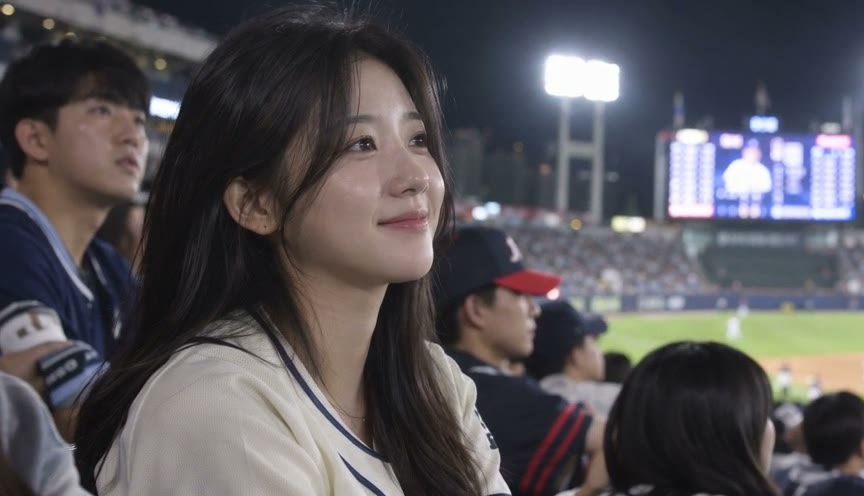 Sports Trend
Baseball Broadcast
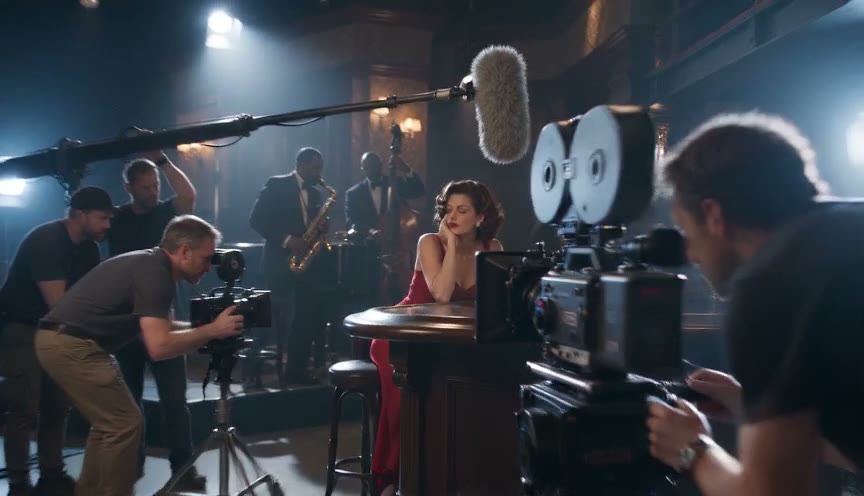 Cinematic
Behind the Scenes
 Camera movement
AI Drone Shot
 People
AI Handshake
 Social trend
Your Next Opponent Is You
 Character
Motu Patlu Video
Do the TikTok ceiling fan transition trend from one photo
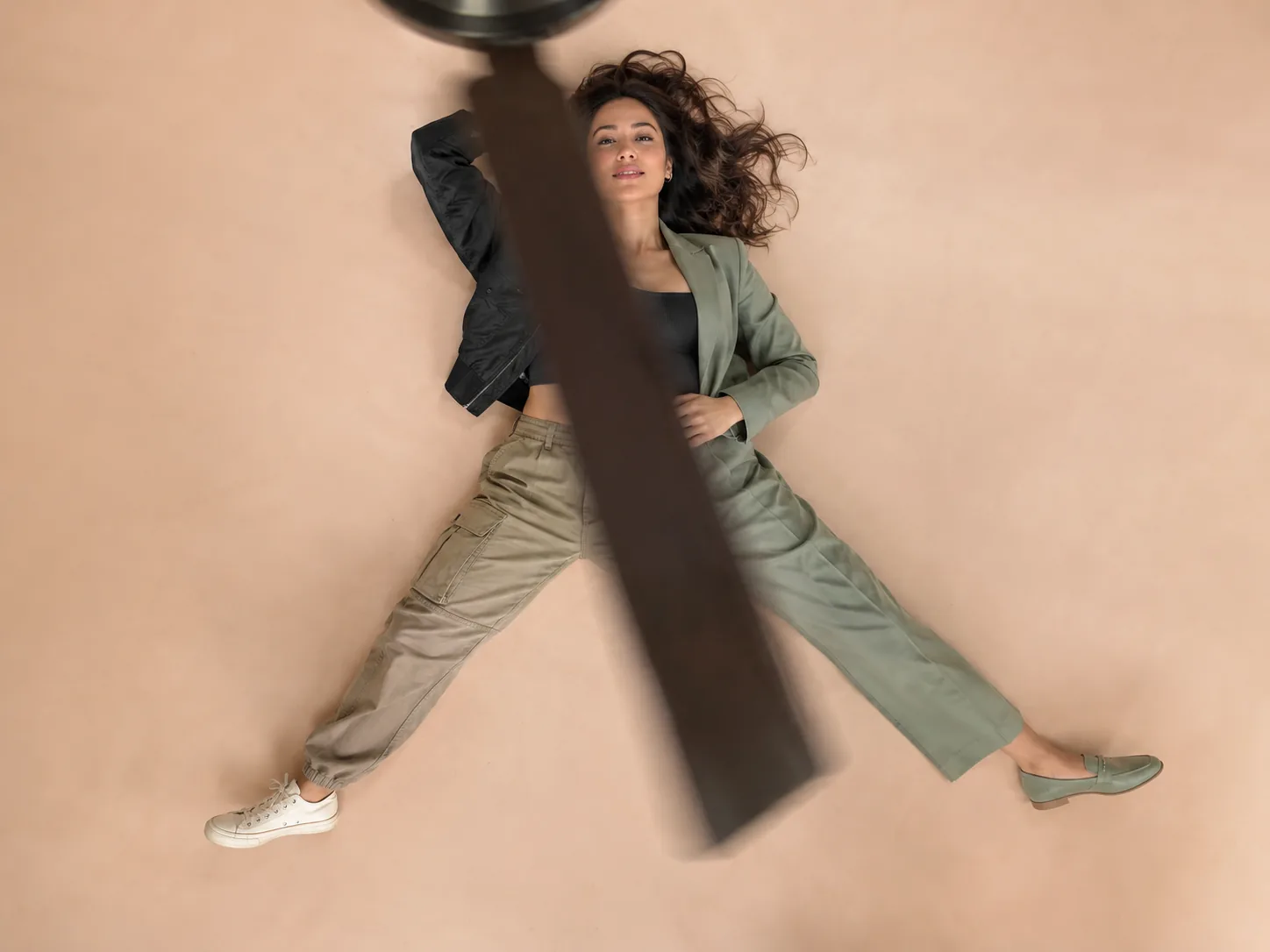
The ceiling fan transition trend is the outfit-change video taking over TikTok and Reels: the camera looks straight down past a spinning ceiling fan, and every time a blade sweeps across the lens the person on the floor reappears in a new outfit. Doing it for real means taping your phone to the ceiling, lying on the floor and changing clothes between takes. This AI ceiling fan transition generator skips all of that — upload one photo of yourself and it puts you in the overhead fan shot, with four outfits styled for you: clean casual, preppy, streetwear and sporty.
What people make with the ceiling fan transition trend
The fan transition trend is one shot: the overhead fan, the rug and four outfit changes. Here is who uses this AI version of it.
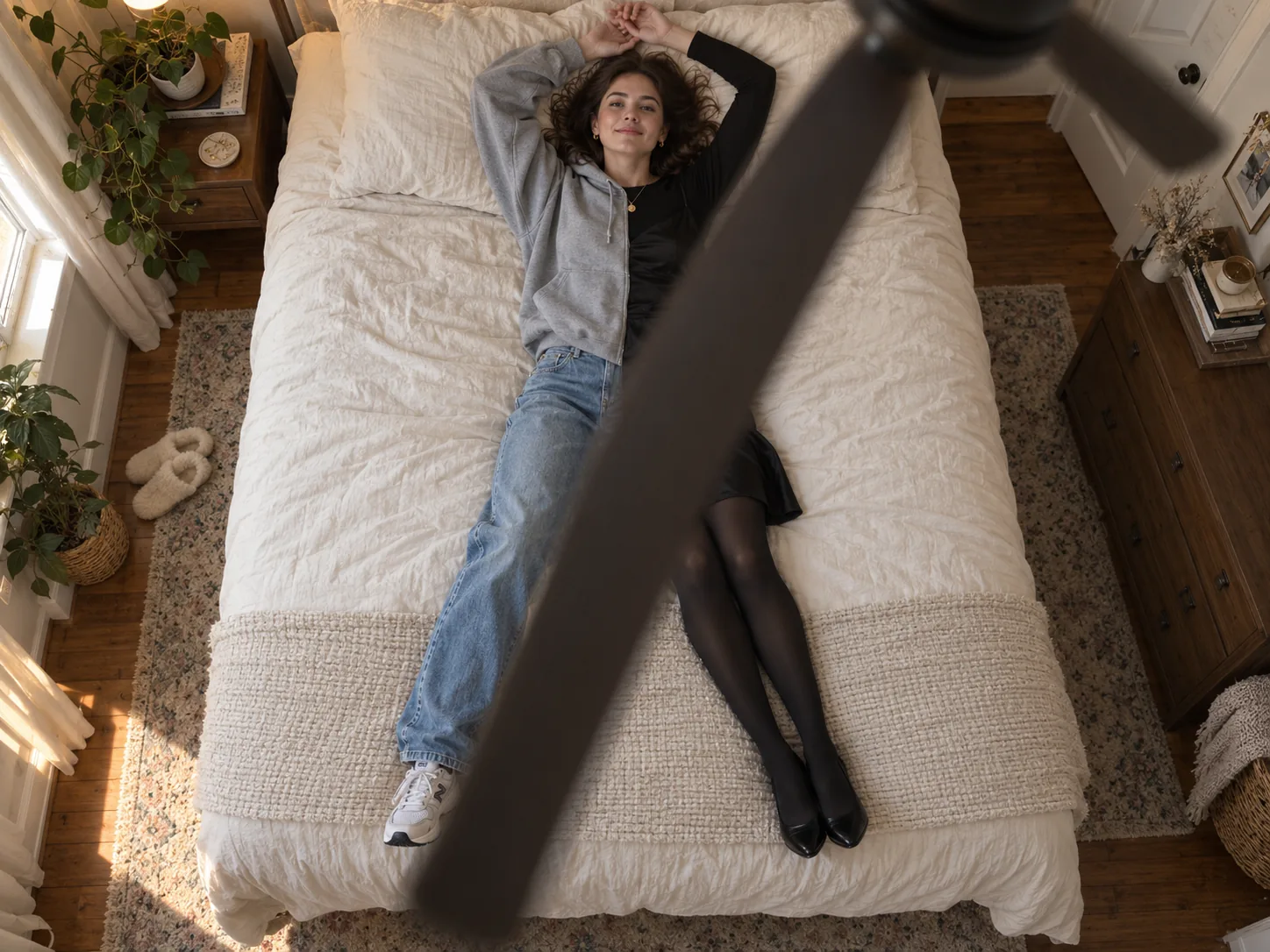
Join the ceiling fan trend without filming it
The fan outfit transition is everywhere on TikTok right now, but the real version takes a phone taped to the ceiling, a dozen takes and four changes of clothes. Upload one photo instead and post your own version while the trend is still climbing.
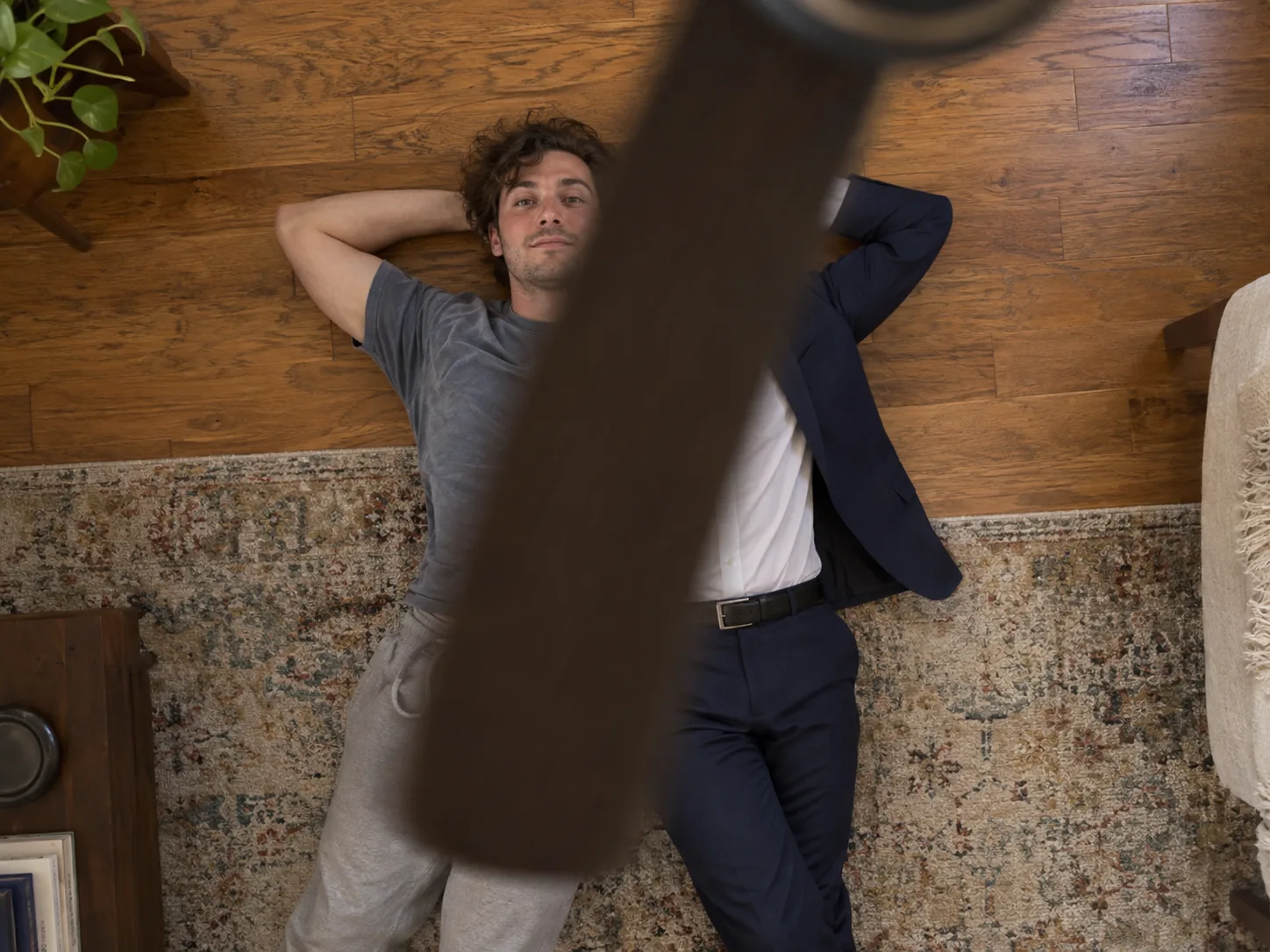
A fan transition video with no ceiling fan at home
No ceiling fan, a ceiling too high to reach, or no floor space to lie on? The AI fan transition builds the room, the fan and the overhead angle for you. All it needs from you is a clear photo.

Four looks you might not have tried
The AI styles four outfits around your face, hair and vibe — clean casual, polished preppy, layered streetwear and sporty — so the fan outfit transition doubles as a quick lookbook of what suits you, no wardrobe required.
Put a friend under the fan
Make a ceiling fan transition video of a friend or your partner — with their permission — as a surprise or an inside joke. One clear photo of them is all the generator needs.
How to do the ceiling fan transition trend with AI
The overhead fan shot is built in. You bring the photo; the AI ceiling fan transition generator copies the camera angle, the blade wipes and the timing from its reference clip, and styles four outfits for you.
Upload a clear photo of yourself
A full-body photo with your face clearly visible works best — the clip shows you head to toe on the rug. Good light and one person in the frame help the AI keep you recognizable in every outfit.
Pick the quality
Everything else is set for you: Wan 3.0, a vertical 9:16 frame, the clip's 13-second length and sound on. Choose 480p, 720p or 1080p — the credit cost shows before you generate.
Generate, download and post
Generate your ceiling fan transition video, check that it still looks like you in every outfit, and download the MP4. Add the trending sound in TikTok, Reels or CapCut and post it with #ceilingfantransition.
Built for the fan transition trend, not a generic outfit changer
The trend is one specific shot. This generator is set up to make that shot — the overhead angle, the blade wipe and the outfit reveal — with you in it.
The real overhead fan shot
The camera looks straight down past the spinning blades, just like the TikTok original, so the clip reads as the ceiling fan trend at first glance — not a generic slideshow.
Four outfits, one per blade pass
Each sweep of the fan blade works as a wipe and reveals the next look — clean casual, polished preppy, layered streetwear, then sporty — each one styled to suit the person in your photo, so one 13-second clip shows four complete outfits.
You stay recognizable
The prompt asks the model to keep your face, hair and body the same through every blade pass while only the clothes change. Generative video can still drift, so check each result before posting.
One photo, no filming
No phone taped to the ceiling, no lying on the floor for a dozen takes, no changing clothes between shots. A single photo is all the AI fan transition needs.
Settings tuned for you
Every clip runs on Wan 3.0 in a vertical 9:16 frame that fits TikTok, Instagram Reels and YouTube Shorts, with settings tested for this trend. You only pick the quality.
Free to start
New accounts get signup credits to try the ceiling fan transition trend. The credit cost is shown before you generate, so there are no surprises.
Ceiling fan transition trend FAQ
What the fan transition trend is, how to make your own AI ceiling fan transition video, and how to post it.
It is an outfit-change video format that went viral on TikTok in September 2026. The camera points straight down from the ceiling past a spinning fan, and each time a blade sweeps across the lens it acts as a wipe — the person lying underneath reappears in a new outfit. It is also called the fan transition trend, the ceiling fan trend or the fan outfit transition.
Yes. "Fan transition trend", "ceiling fan transition trend", "ceiling fan trend" and "under the fan" videos all describe the same overhead outfit change. This page makes that video with AI.
The manual way is to mount your phone on or near the ceiling fan, lie down underneath it, film one take per outfit and cut the clips together on each blade pass. The AI way is to upload one photo here and generate — the overhead shot, the fan blade wipes and the outfit changes are made for you.
Upload a clear photo of yourself, pick the quality and generate. There is no prompt to write and nothing to film: the overhead fan shot and the outfit changes are built in. When the video is ready, download it and add the trending sound in TikTok, Reels or CapCut before posting.
No. The AI fan transition generates the ceiling fan, the overhead angle and the blade motion. You do not need a fan, a tripod or a phone taped to the ceiling — just one photo.
Four. The clip runs about 13 seconds and the fan blade reveals a new look on each pass: clean casual, polished preppy, layered streetwear and sporty. Each one is a complete outfit with a new relaxed pose, not a color swap of the last.
One person, face clearly visible, good lighting and as much of the body in frame as possible — a full-body photo is ideal, since the clip shows you head to toe. Avoid group photos, sunglasses and heavy filters.
The generator asks the model to keep your face, hair and body consistent and change only the clothes. A sharp, front-facing photo gives it the best starting point, but every generation varies — if a look drifts, generate again.
Not directly. The AI picks four outfits to suit the face, hair and style in your photo, one from each category — clean casual, preppy, streetwear and sporty. The clothes you wear in the photo aren't copied, and every generation styles them a little differently, so generate again if you want another set of looks.
There is no single official song; creators pair the ceiling fan transition with whatever audio is trending that week. Download your clip, then pick the sound inside TikTok or Reels so your post links to the trend's sound page.
The most used tags are #ceilingfantransition, #fantransition, #ceilingfantrend and #outfittransition. Adding #OOTD or #glowup helps the outfit-of-the-day and glow-up versions reach the right viewers.
Yes. The four outfits are styled for the person in the photo — their face, hairstyle, age and vibe — so the AI ceiling fan transition works for women and men alike, with silhouettes and colors adapted to each.
You can start free: new accounts get signup credits, and daily check-ins add more. After that each video spends credits. The cost depends on the resolution you pick — 480p is the cheapest way to test a photo — and it is shown before you generate.
Only with their permission. Use photos of yourself or of people who have agreed to be in the video, and don't present a generated clip as real footage of anyone.
Make your ceiling fan transition video
Upload one photo and the AI ceiling fan transition generator puts you under the fan: the overhead shot, the blade wipes and four outfits picked to suit you. Post it and you are in the ceiling fan trend.
