Gangsta's Paradise AI Trend
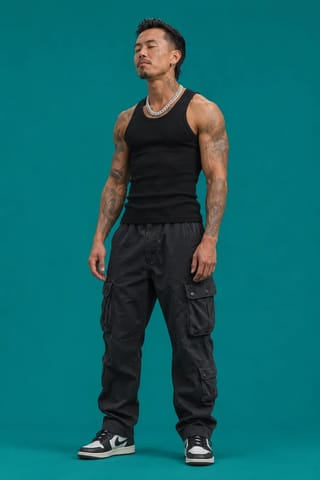
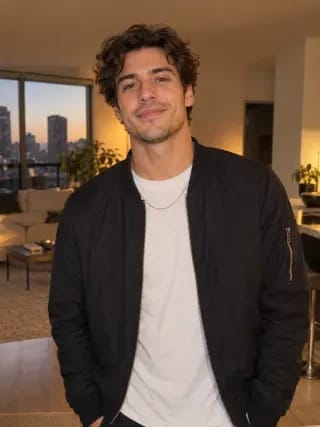
Real result generated with Flowlio AI from these 2 photos
- 2 photos you add
- 15 s clip with sound
- Ready to share via link
- No watermark
Ready in a few minutes
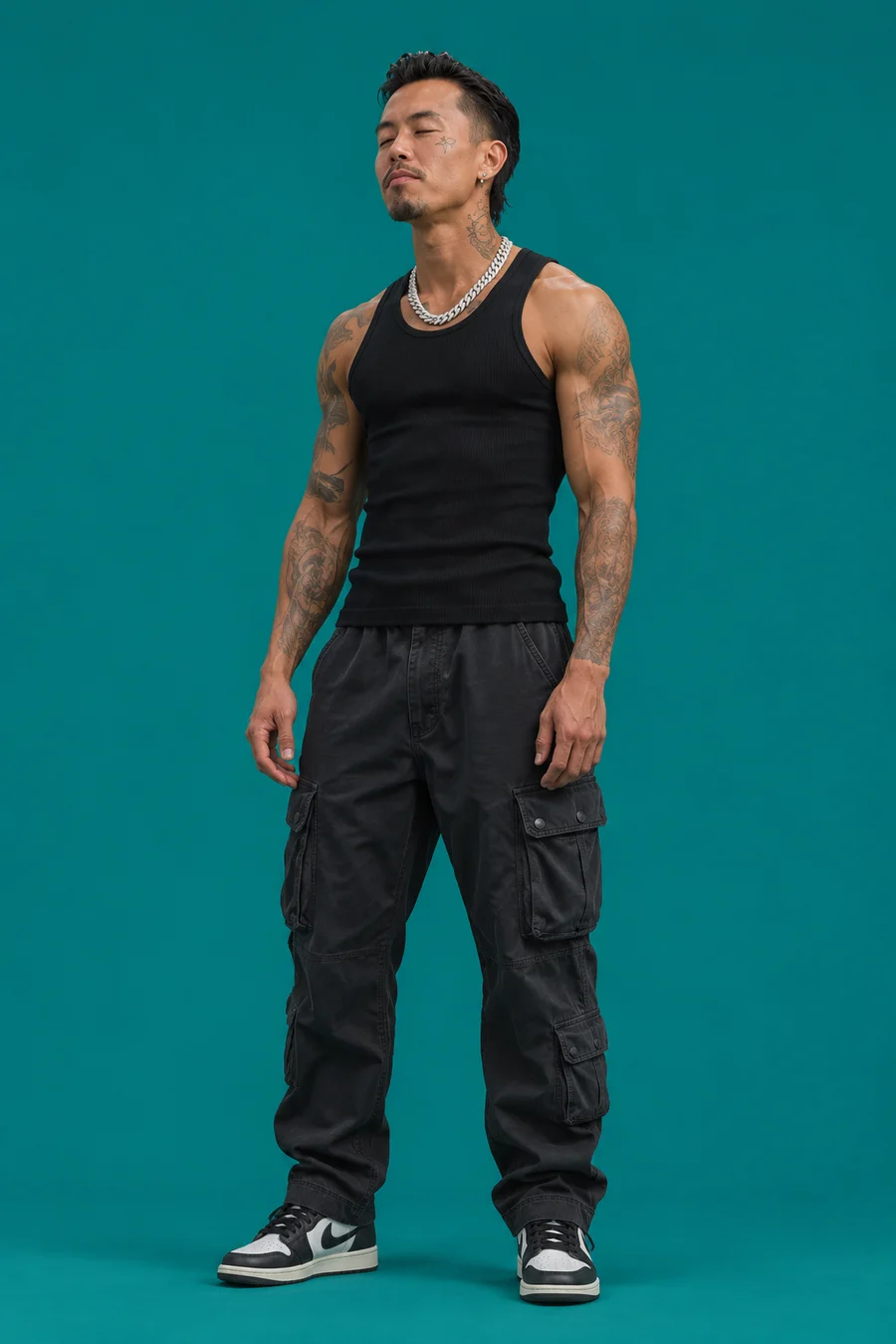
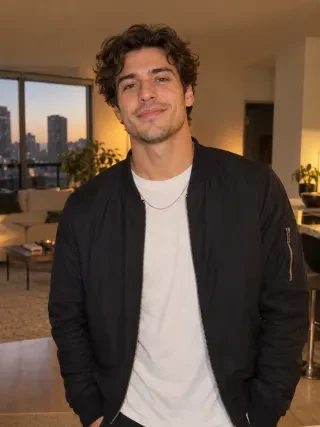
Real result generated with Flowlio AI from these 2 photos
More Effects
Explore the other video effects, each with its own input and motion.
What is the Gangsta's Paradise AI trend?
The Gangsta's Paradise AI trend puts two people in a candle-lit cathedral with a choir: one raps Coolio's verse, the other steps in to sing the hook. It takes just two photos.
Who should star in your Gangsta's Paradise AI video?
Every Gangsta's Paradise AI video has two parts: a rapper who carries the verse in the cathedral, and a singer who walks in for the hook while the Gangsta's Paradise choir sings. Here is who people cast in the Gangsta's Paradise AI trend, and how to pick the photos.
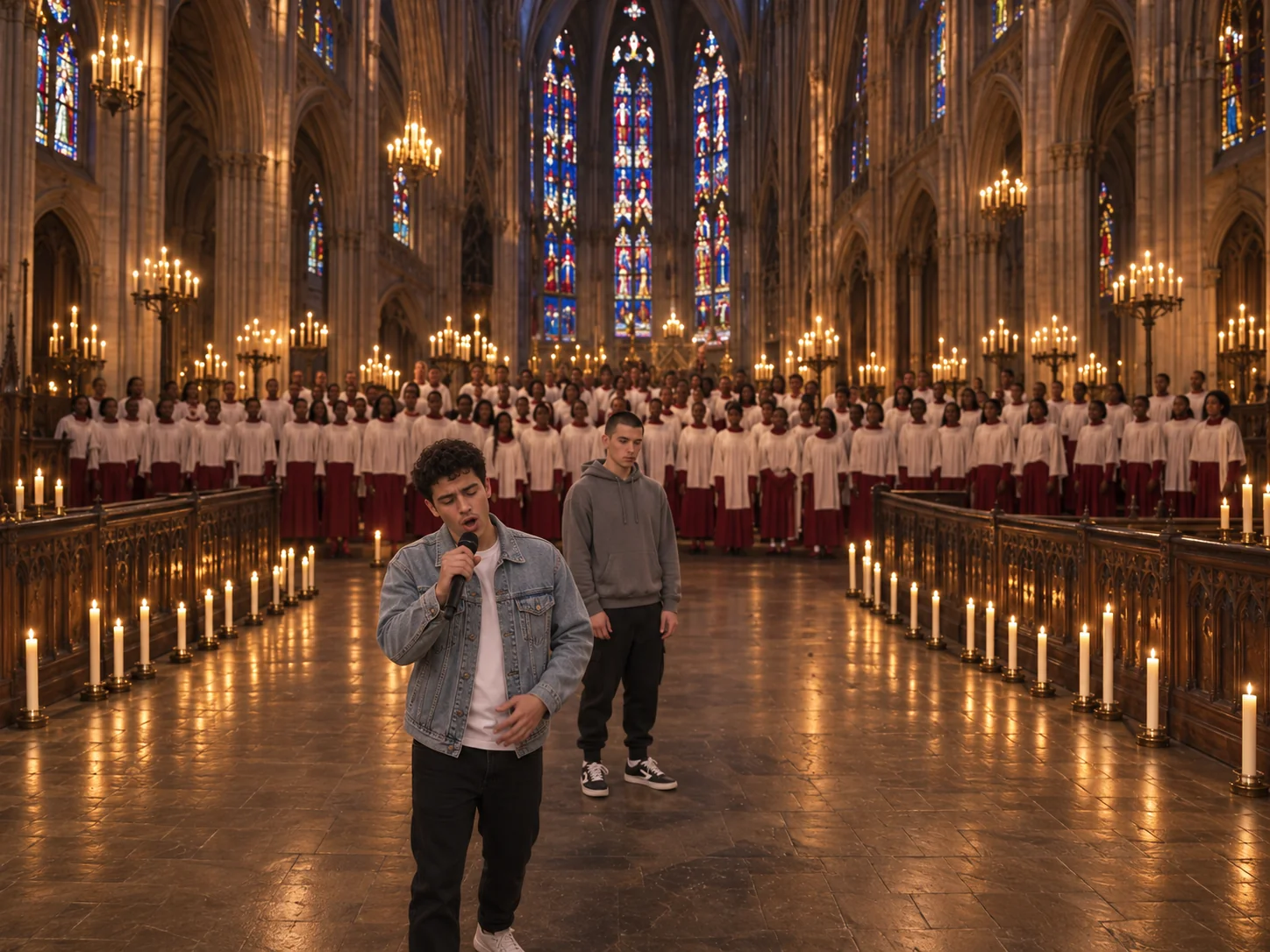
A Gangsta's Paradise AI video for you and your best friend
This is the pair most people make. Put the loud friend in Photo 1: they rap the whole verse, jab a finger at the camera in the first tight shot, then swing an arm across the lens in the wide shot. Put the calm friend in Photo 2. They stand quietly behind the rapper, then walk in with the mic at the end and sing "gangsta's paradise" while the Gangsta's Paradise choir joins. The gag lands hardest when the rapper looks dead serious, so pick a photo where they are not smiling. Post your Gangsta's Paradise AI clip with a caption like "us at every party" and tag your friend.
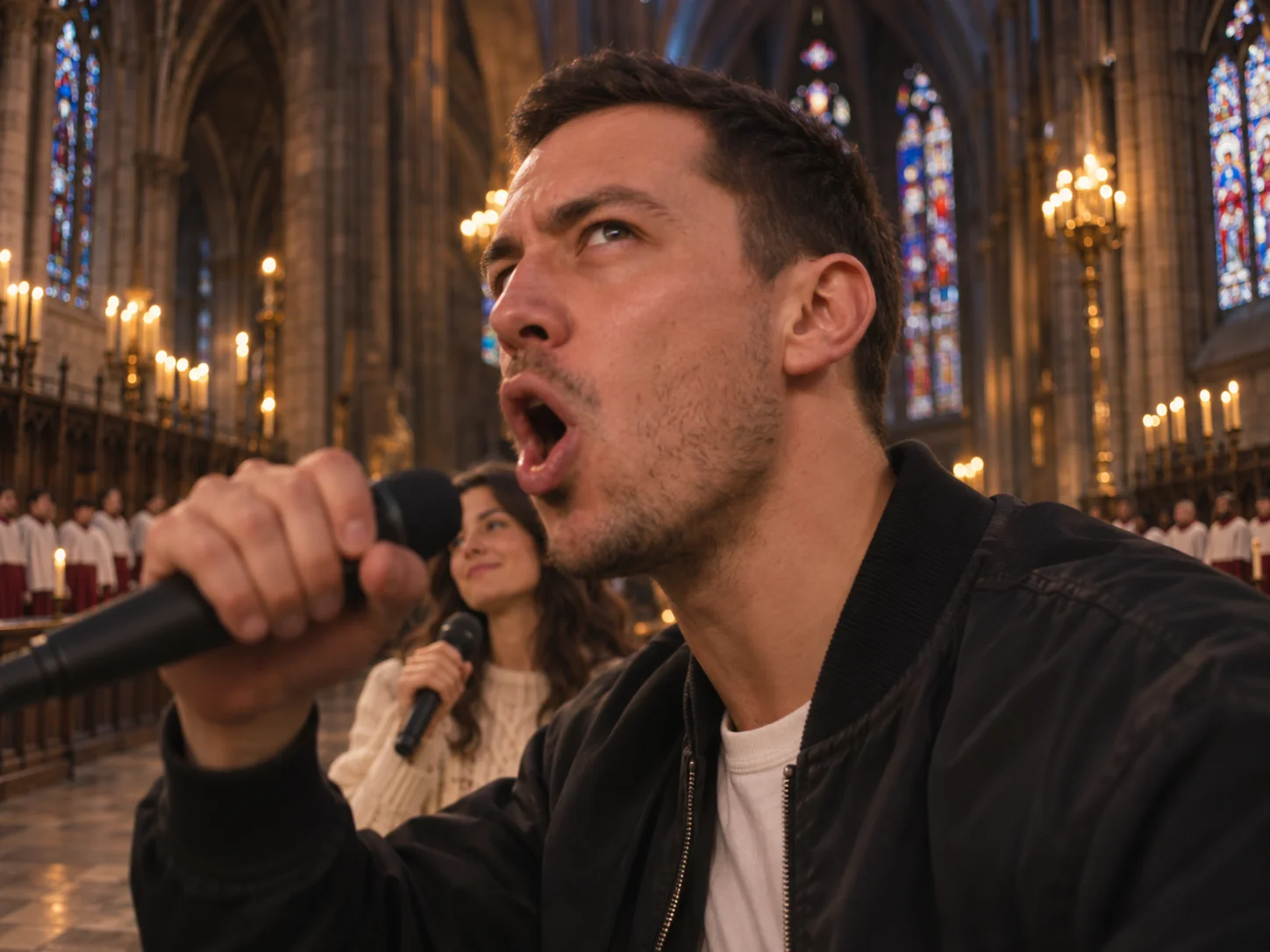
Make the Gangsta's Paradise AI trend with your partner
Couples love the Gangsta's Paradise AI trend because of the twist at the end. One of you raps under the stained glass, all tough looks and big arm moves. Then the other one strolls in on the left holding a mic and sings the hook like a gospel star while the rapper just stares at the camera. Upload one picture of each of you, each person alone, with the face bright and sharp. Shots from head to toe work best, since the wide shots of the Gangsta's Paradise AI video show you all the way down to your shoes. It makes a funny anniversary post.
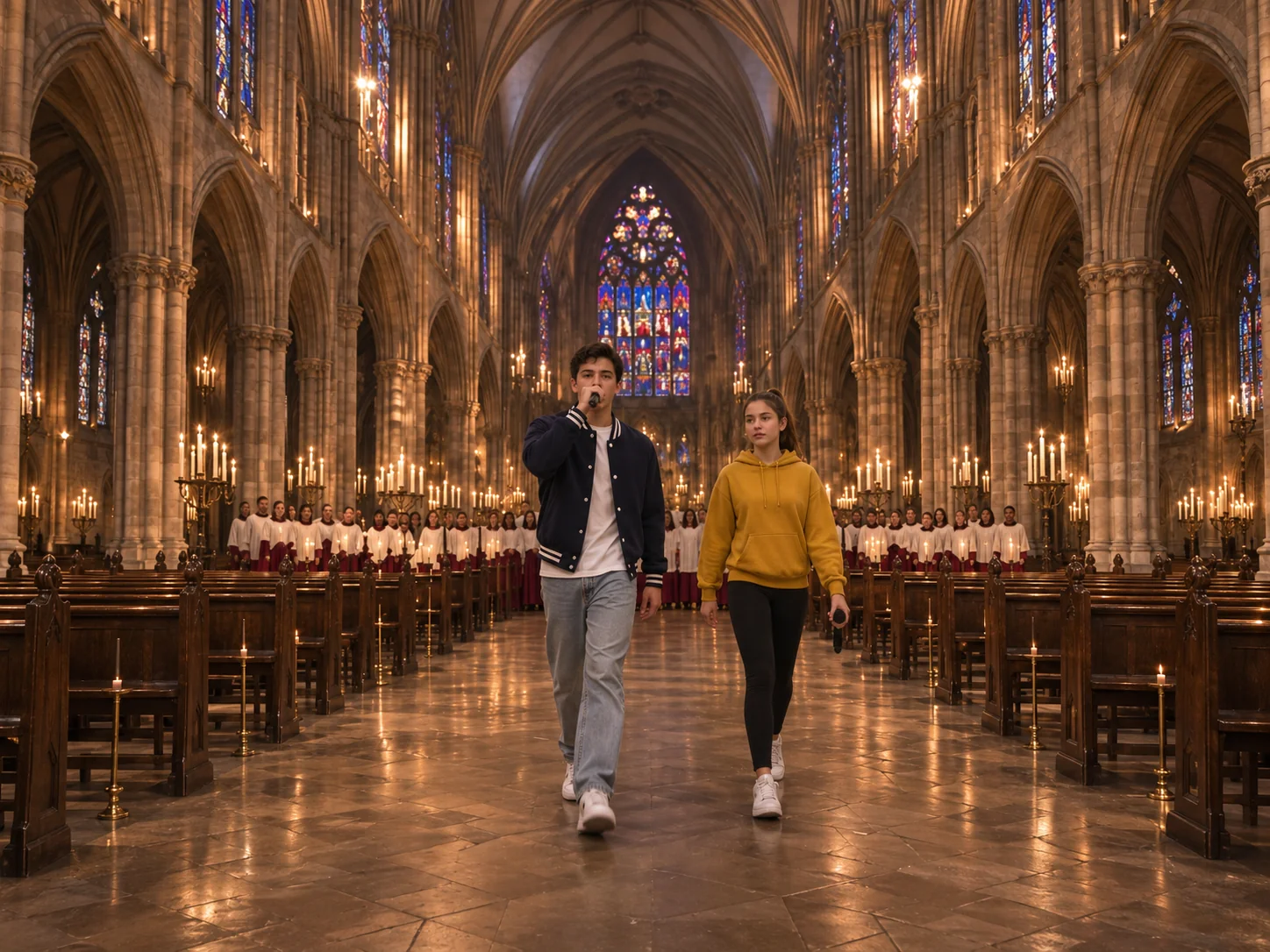
Brothers and sisters in a Gangsta's Paradise choir video
Turn a family group chat into a Gangsta's Paradise choir video. The older sibling usually takes Photo 1 and raps the verse in front of the Gangsta's Paradise church choir; the younger one takes Photo 2 and gets the big moment at the end. Pick the Extended version of this Gangsta's Paradise AI video if you want them on screen together longer: in that cut, the two of you walk side by side down the middle of the cathedral toward the camera before the verse ends. Each sibling wears exactly what they wore in their picture, so a matching outfit day makes it even funnier.
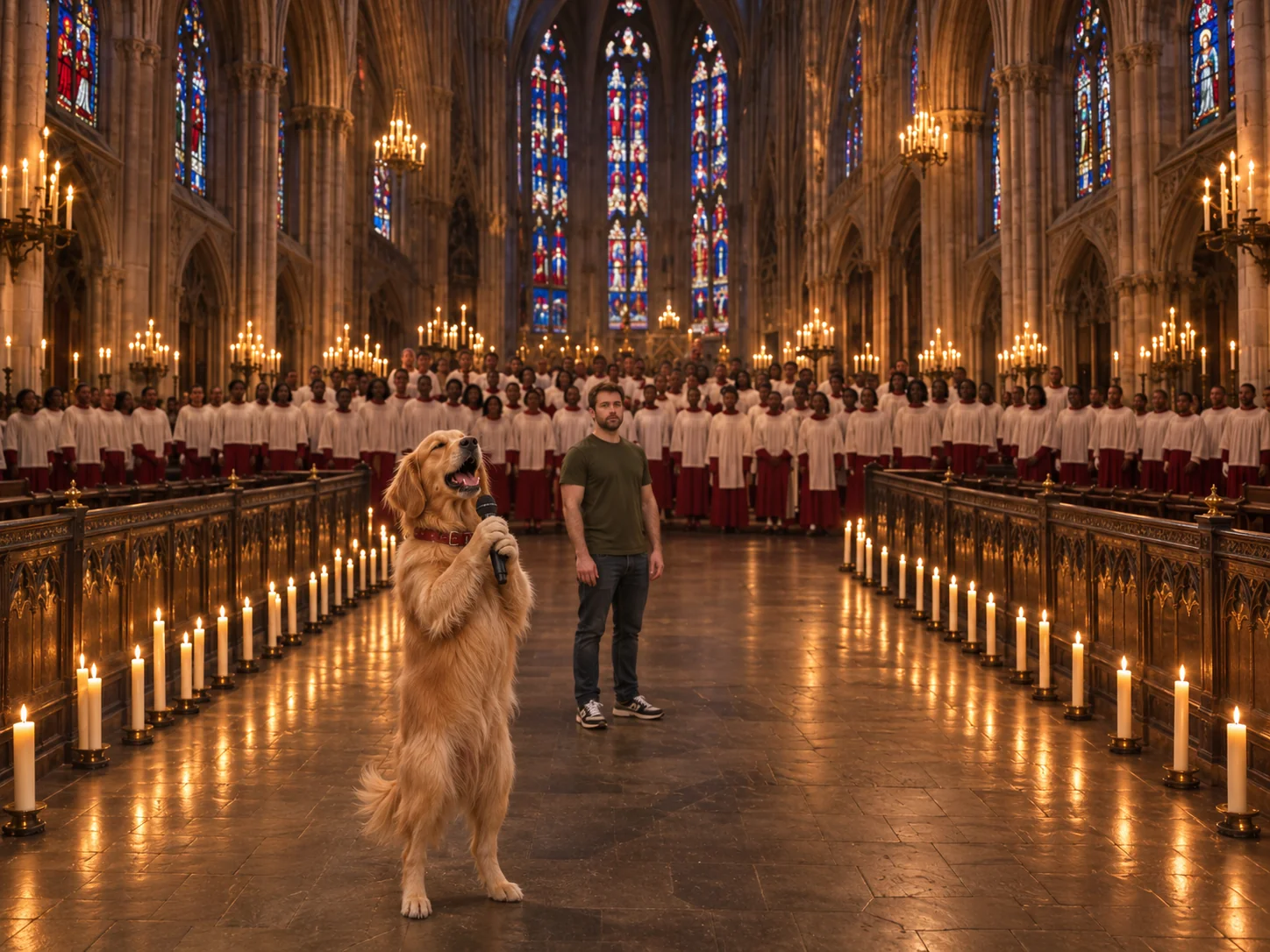
Your dog or cat sings the Gangsta's Paradise AI hook
Pets work in either photo of the Gangsta's Paradise AI generator. The favorite version is you as the rapper and your pup or kitty as the singer: after your whole tough verse, your pet rises onto its hind legs, holds the mic in its paws and sings "gangsta's paradise" with the Gangsta's Paradise choir behind it. Or flip it and let your pet rap while you sing. Choose a sharp solo shot of the animal that shows its face and body. Its fur, face and collar stay the same. Once it renders, tap Create Share Link and pass it around on WhatsApp or X.
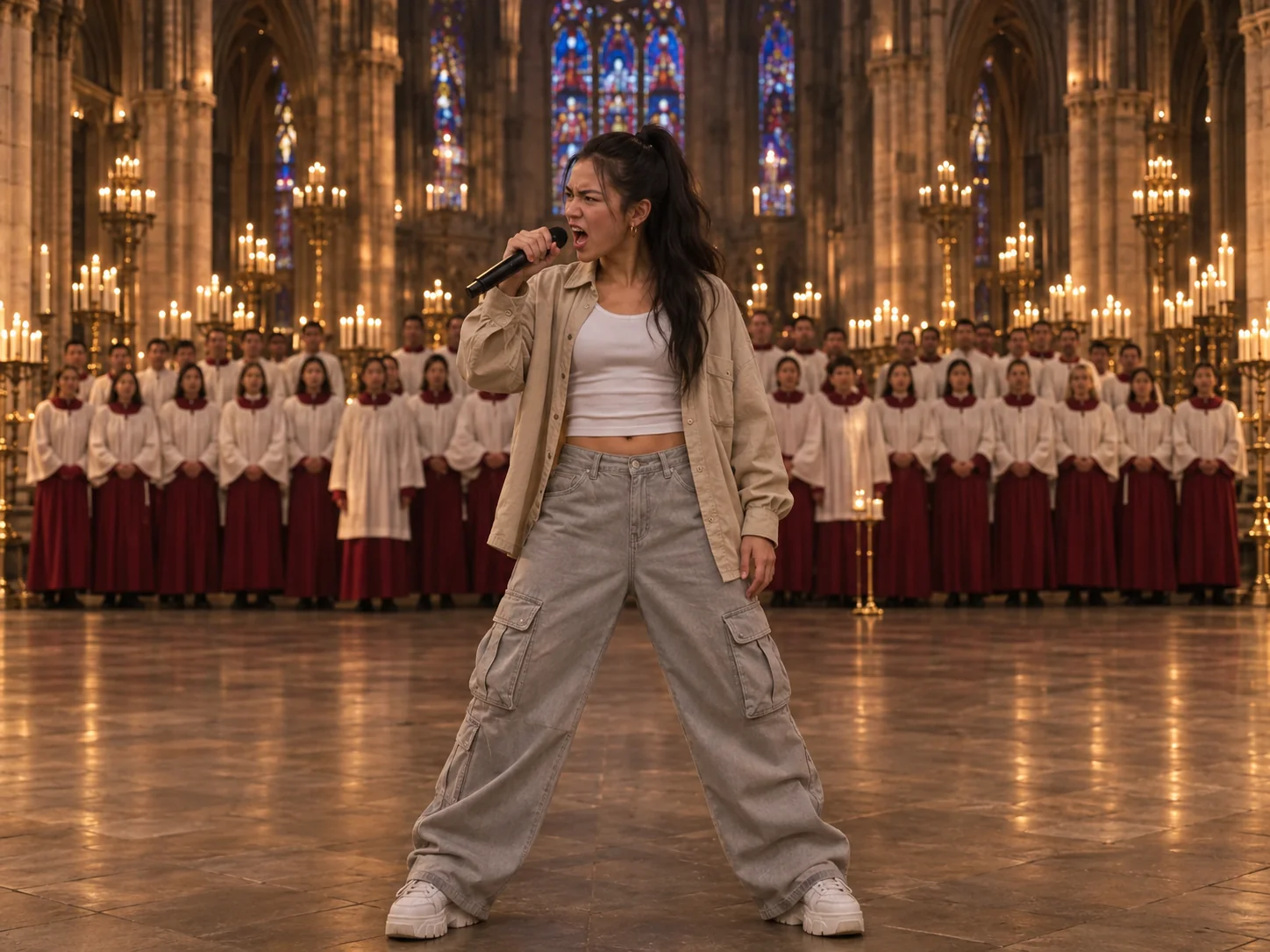
Post your own Gangsta's Paradise AI video on TikTok
For creators, this is a quick way to post a Gangsta's Paradise TikTok while the Gangsta's Paradise AI trend is hot. Team up with another creator: one raps, one sings, and you both post the same Gangsta's Paradise AI video. The Standard cut is 15 seconds and fits short attention spans; the Extended cut runs 30 seconds and has the whole verse plus the walk toward the camera, which holds viewers right up to the last second. Both come in 9:16, which fills a phone screen on any short-video app. Write a caption that teases the twist, like "wait for the hook".
How to do the Gangsta's Paradise AI trend in 3 steps
Skip the prompt writing, the clip search and the audio syncing. The cathedral, the Gangsta's Paradise choir, every shot, the lip sync and Coolio's song are already built into this Gangsta's Paradise AI video maker.
Pick a Gangsta's Paradise AI version and add two photos
Choose Standard (15 seconds, the finale) or Extended (30 seconds, the whole verse). Then add two photos. Photo 1 is the rapper, who is in every shot of the Gangsta's Paradise AI video. Photo 2 is the singer, who comes in at the end with the mic. Keep each upload to one face, human or furry, sharp and brightly lit.
Pick 480p, 720p or 1080p quality
Standard Gangsta's Paradise AI is 600 credits for 480p while the Trend sale runs (it is usually 750), an easy low-cost test of the faces. Sharper copies run 1,600 credits (720p) and 3,800 (1080p). Extended runs twice as long, so it costs 1,450, 3,200 or 7,650. The button tells you the total before anything is charged.
Generate and share your Gangsta's Paradise AI video
Press Generate. Our tool sketches a storyboard of all the shots featuring you both, then films the Gangsta's Paradise AI trend from it with the song, leaving you no editing at all. In a few minutes you can download the video with no watermark, or make a share link for your friends.
Inside the Gangsta's Paradise AI video, shot by shot
Standard Gangsta's Paradise AI is four shots in 15 seconds, and every cut lands on the beat. Extended adds four more shots in front, so the rapper does the whole verse before the same ending. The times below are for Standard.
0–3s · The Gangsta's Paradise AI rapper points at the camera
A close-up of your rapper from the chest up, rapping hard into a black mic. Halfway through the shot they point one finger right at the lens. Candles and the Gangsta's Paradise choir are soft and blurry behind them.
3–8s · Wide shot in front of the Gangsta's Paradise choir
The camera cuts wide: the rapper alone on the cathedral floor, head to shoes, with rows of Gangsta's Paradise choir singers behind. The camera moves in as they rap, and at about 6.5 seconds they swing a free arm high across the lens.
8–9s · The singer waits behind
A quick close-up as the rapper ends the verse and looks up past the camera. Your singer stands soft and out of focus behind them on the left, holding the mic. This is the setup for the Gangsta's Paradise AI twist.
9–12s · The Gangsta's Paradise choir comes in
A big wide shot of the cathedral. The Gangsta's Paradise choir in white and red robes sings the chorus, and the rapper rises into the bottom of the frame and gives the lens a blank stare.
12–15s · The singer takes the Gangsta's Paradise AI hook
Your singer steps in from the left, lifts the mic and sings "gangsta's paradise" with eyes half closed, walking slowly forward. The rapper stands just behind them, arms down, still not smiling.
Extended only · The full verse and the walk
The 30-second Gangsta's Paradise AI video starts earlier in the verse: a close-up, a wide shot with a hand on the hip, a side view that turns to the camera, and then the two of you walking side by side toward the lens. Then the four Standard shots play.
Gangsta's Paradise AI FAQ: Photos, Pets, Versions, Price and Posting
Quick answers about the Gangsta's Paradise AI video: picking photos, Standard vs Extended, pets, the song, credits and sharing.
It is a wave of AI music videos that took off on YouTube and TikTok in November 2026. Two performers do Coolio's 1995 hit "Gangsta's Paradise" (with L.V. on the hook, from the film Dangerous Minds): one raps the verse dead serious, rows of singers stand behind, and at the chorus a second person walks in to sing. That contrast made it the Gangsta's Paradise choir meme. You may also see it typed as gangstas paradise AI, gangsta paradise AI or the gangsta paradise trend. Our Gangsta's Paradise AI version puts it in a candle-lit cathedral with a church choir, and you and a friend are the stars.
1) In the generator, pick Standard (15 seconds) or Extended (30 seconds). 2) Add Photo 1, the rapper, and Photo 2, the singer. 3) Decide on 480p, 720p or 1080p and click Generate. That is all: no prompt, no clip to upload and no song to add. Once finished, you'll find the Gangsta's Paradise AI video under My Creations.
Standard is the 15-second finale: four shots, from the rapper pointing at the camera to the singer taking the hook. Extended is the full 30 seconds, like the longer Gangsta Paradise TikTok extended clips: eight shots, with the whole verse, a side view and a walk side by side down the aisle before the same ending. Both are 9:16, have the same cathedral and Gangsta's Paradise choir, and use the same two photos.
Just one subject per picture, facing the camera, with a sharp face and bright light. Head-to-toe shots are best, as the wide shots show the whole body and shoes; if your photo ends at the hips, the missing part of the outfit is added in the same style. Leave sunglasses off unless you want them on screen, and avoid group photos or faces covered by a hand or phone.
Yes, use two photos, one per role. The first upload is always the rapper and the second is always the singer, so the order decides who does what. A picture with two people in it can blend the faces together. Got only a group shot? Crop it into two photos first.
Yes. Either upload can show an animal. It performs upright on its hind legs with the mic in its front paws with its real fur, face and collar unchanged. A popular setup is you as the rapper and your dog as the singer for the hook. Use a crisp photo of the pet by itself, with its face and whole body showing.
Yes, your own clothes, not a costume. Each person keeps the outfit, shoes, hat, glasses and jewelry from their upload in all the shots, and nothing is copied from one person to the other. So if you want a look, like a tank top and chain for the rapper or a bright suit for the singer, wear it in the photo.
Yes to both. Coolio's song is mixed in from frame one, which means no audio hunting or syncing by hand. The rapper mouths every line of the verse on the beat, the Gangsta's Paradise choir sings the chorus, and the singer only opens their mouth for the "gangsta's paradise" hook.
It depends on the version and the resolution. Standard: 600 credits at 480p while the Trend sale lasts (750 before it), then 1,600 for 720p and 3,800 for 1080p. Extended Gangsta's Paradise AI is twice as long: 1,450, 3,200 or 7,650. New buyers can cover one Standard render at 480p using a one-time Trial Pack purchase. Each combo of cut and size prints its own total right on the Generate button.
Most clips take just a few minutes; Extended and 1080p can take a bit longer. You can shut the tab while it renders and pick up the video in My Creations later. The file you download has no watermark, and a share link of it plays on any phone.
No. CapCut templates often use one photo and a fixed edit, and many AI tools want a long written prompt plus music you add yourself. This Gangsta's Paradise AI generator does it from two photos: the cathedral, the Gangsta's Paradise choir, the shots, the moves, the lip sync and the song are all done for you.
Fast cuts and close-ups push any AI video tool hard. If a face looks wrong, swap in a crisper photo with a large face, front-on and well lit, with nothing covering it. Make sure the rapper is in Photo 1 and the singer in Photo 2. Try Standard at 480p to start, and move up to 720p, 1080p or Extended once you like it.
Yes. Both versions are tall 9:16, so they fill a TikTok, Reels, Shorts or Stories screen with no cropping. Short captions that hint at the twist work well, like "wait for the hook" or "me and my backup singer". Add #gangstasparadise and #gangstasparadisetrend. Every Gangsta's Paradise AI generated clip is made with AI, so tick TikTok's AI label before posting.
Ready to rap in the cathedral? Start your Gangsta's Paradise AI video
Two photos are all this Gangsta's Paradise AI needs. The Gangsta's Paradise choir, the candles, the moves and Coolio's track are part of every Gangsta's Paradise AI trend video, in 15 or 30 seconds.