
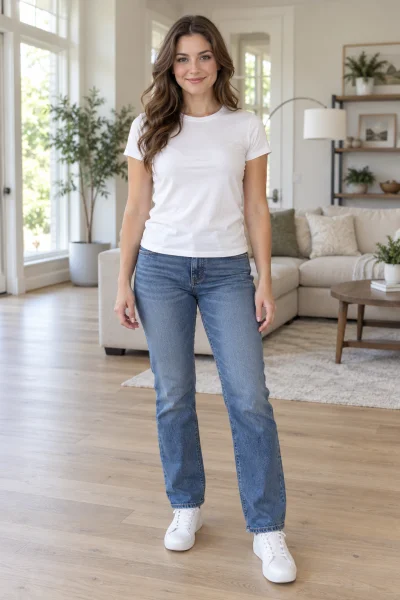
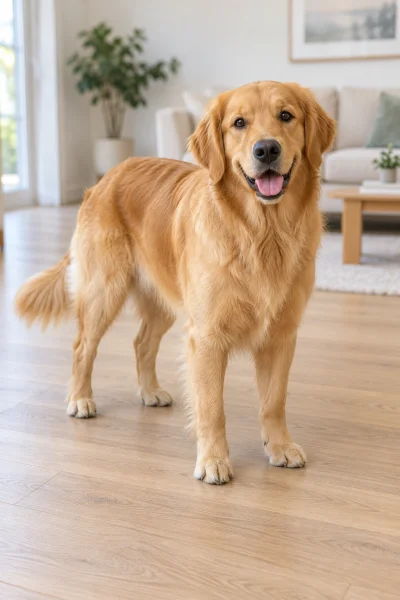
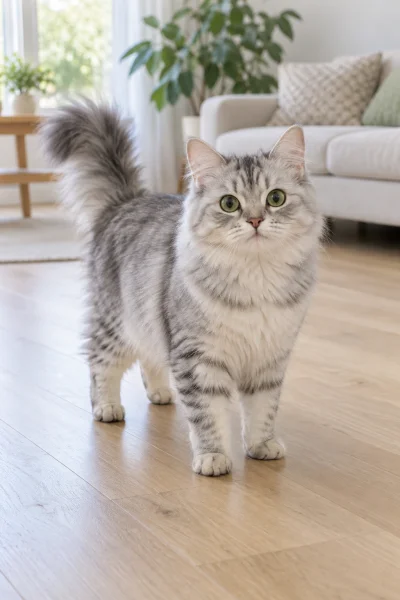
Made from these three photos
More Effects
Explore the other video effects, each with its own input and motion.
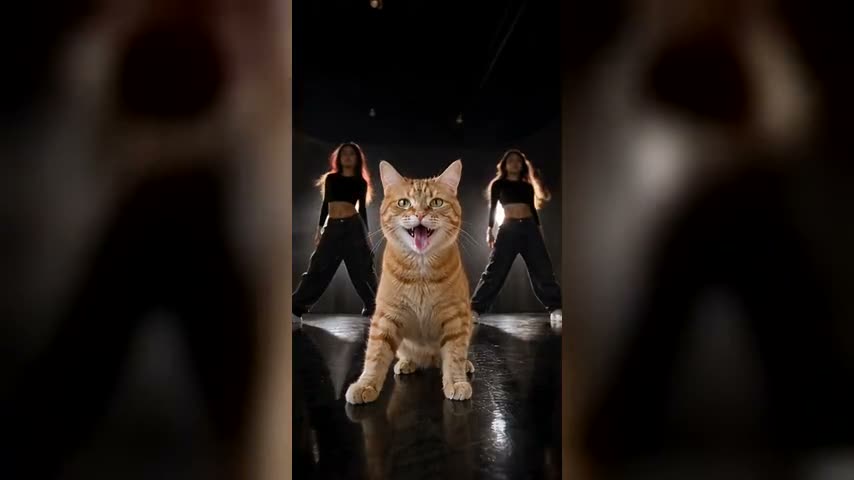
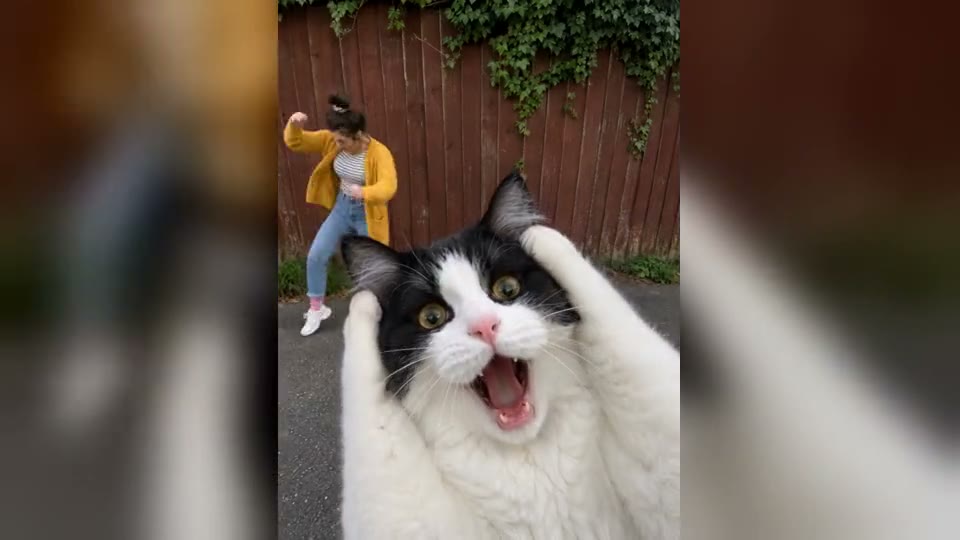
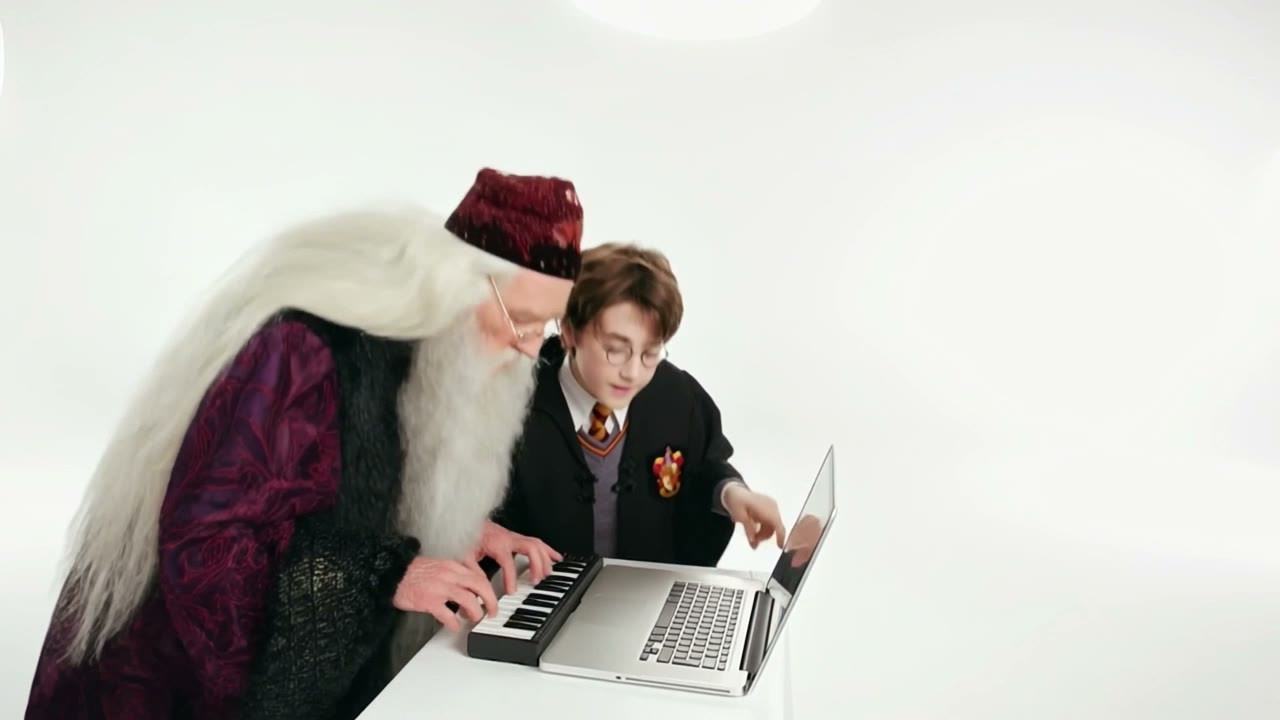
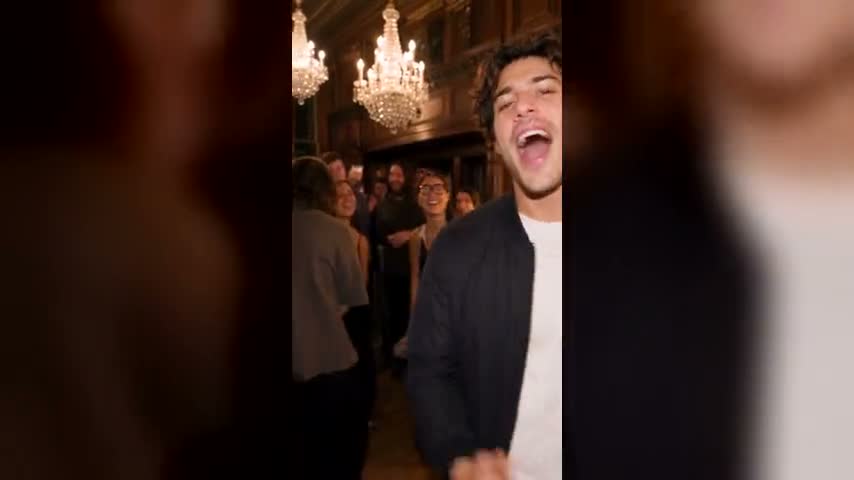
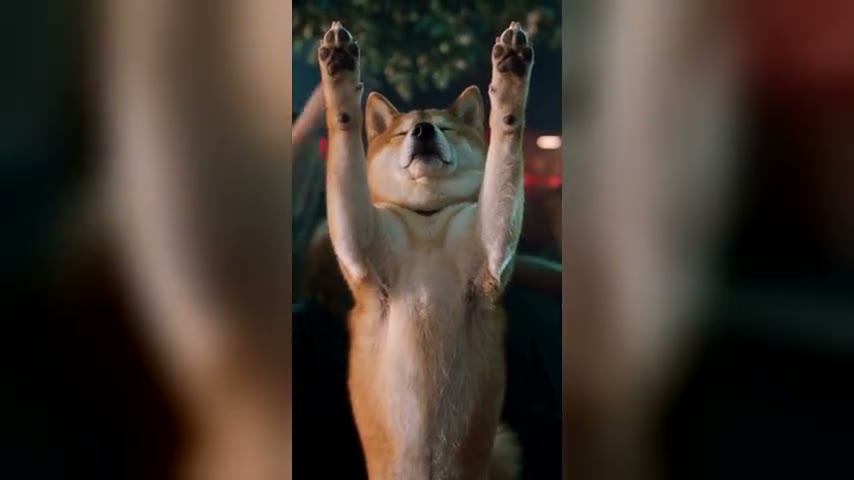
Make a You Move Like An Animal AI video from 1 to 3 photos
Join the You Move Like an Animal trend and do the KATSEYE Animal AI dance without learning a single step. Upload a photo of yourself, your friends or your pets, and AI turns them into a three-piece crew performing the "Animal" routine, with the song already on the video.
Who dances in your You Move Like An Animal AI video?
The KATSEYE Animal AI dance was made for a trio, but the three spots don't care who fills them. Here are four crews that work.
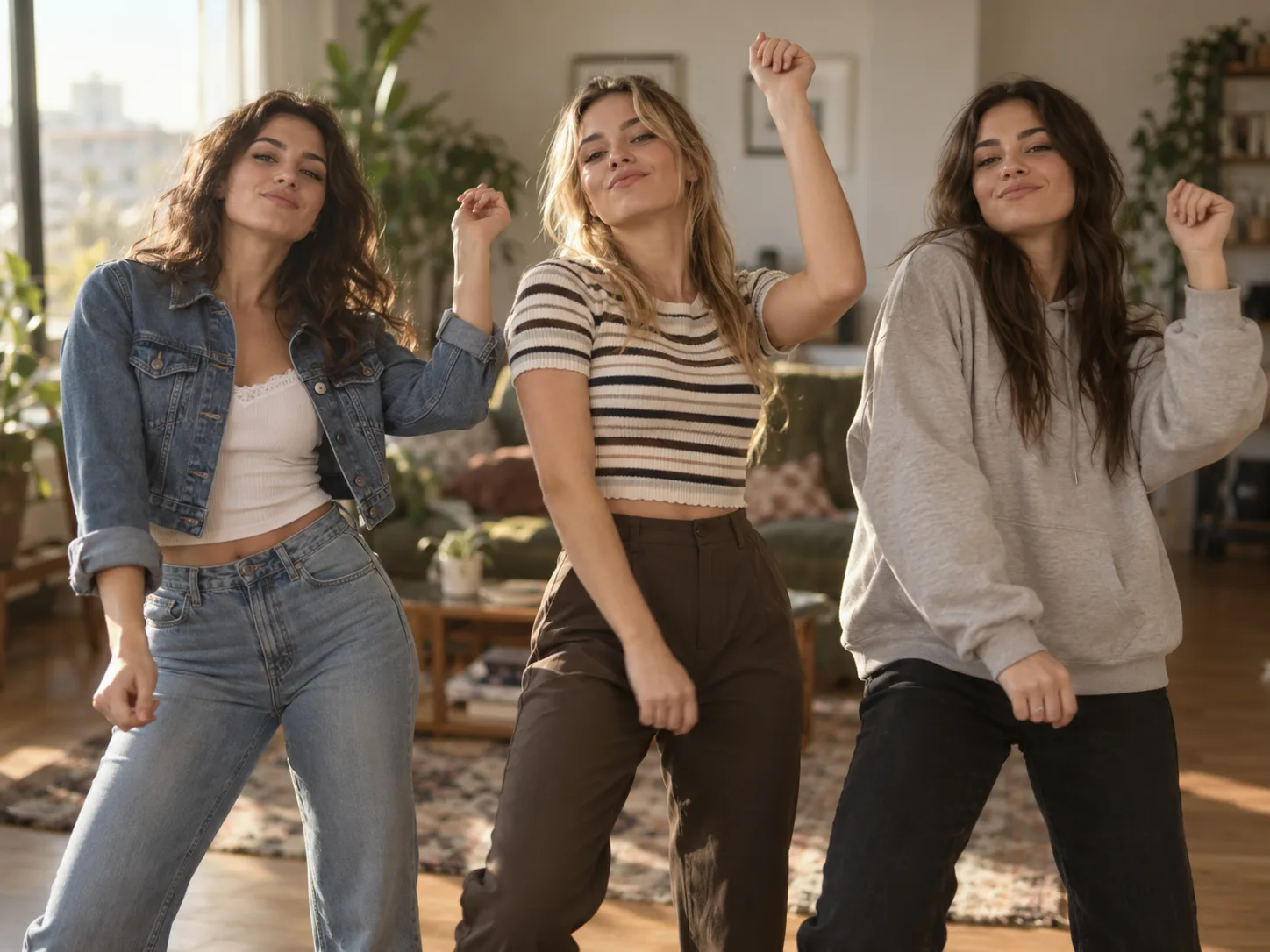
You and your two best friends, finally in sync
The version the You Move Like an Animal trend is built on: three people in a line, matching every hair flip and hip sway. Upload one photo each and nobody has to practise in the living room first.
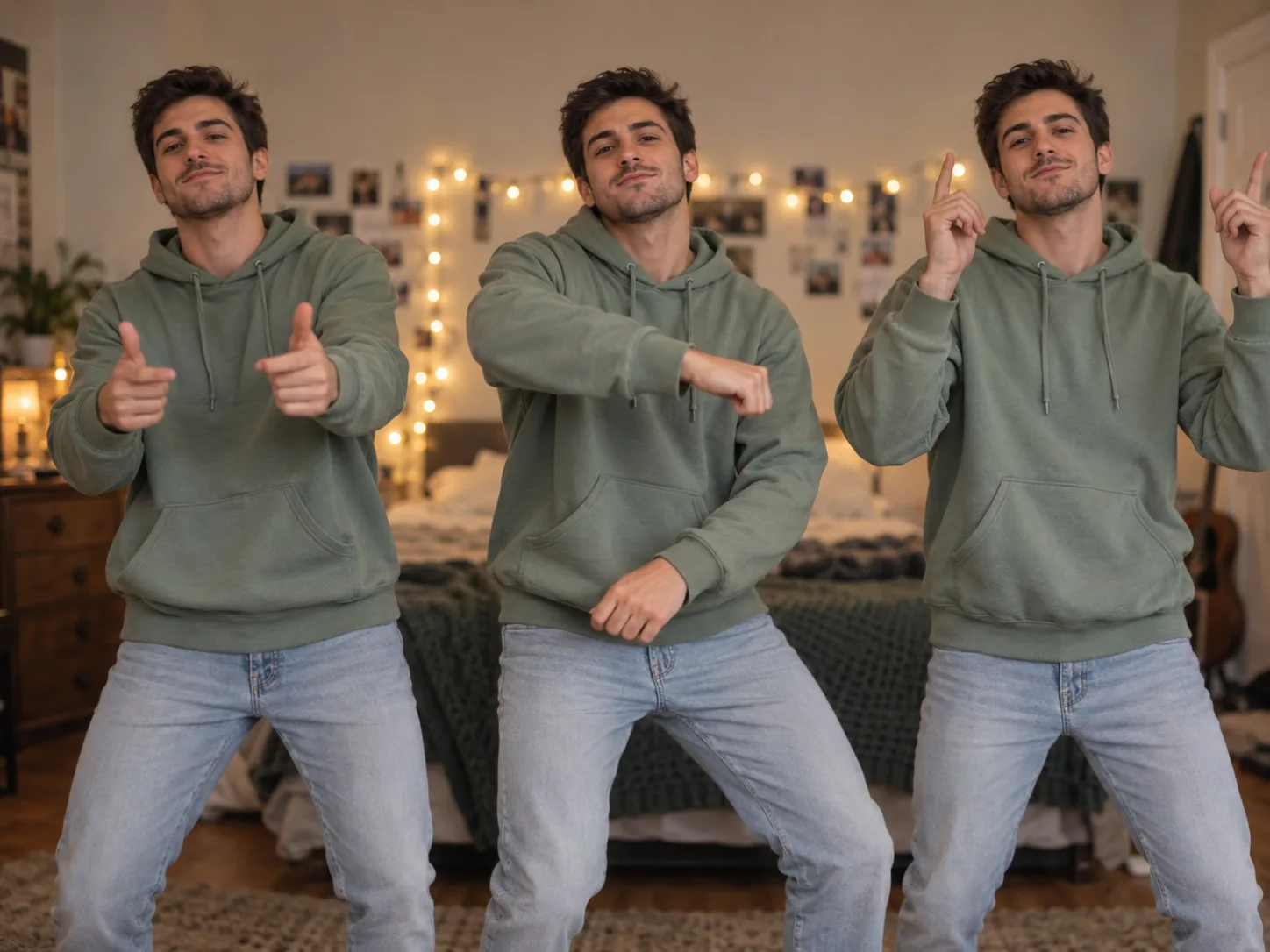
One photo, three of you
Upload just yourself and you fill all three spots: a crew of you, in your own outfit, dancing the whole routine. The quickest way to get on the You Move Like an Animal trend.
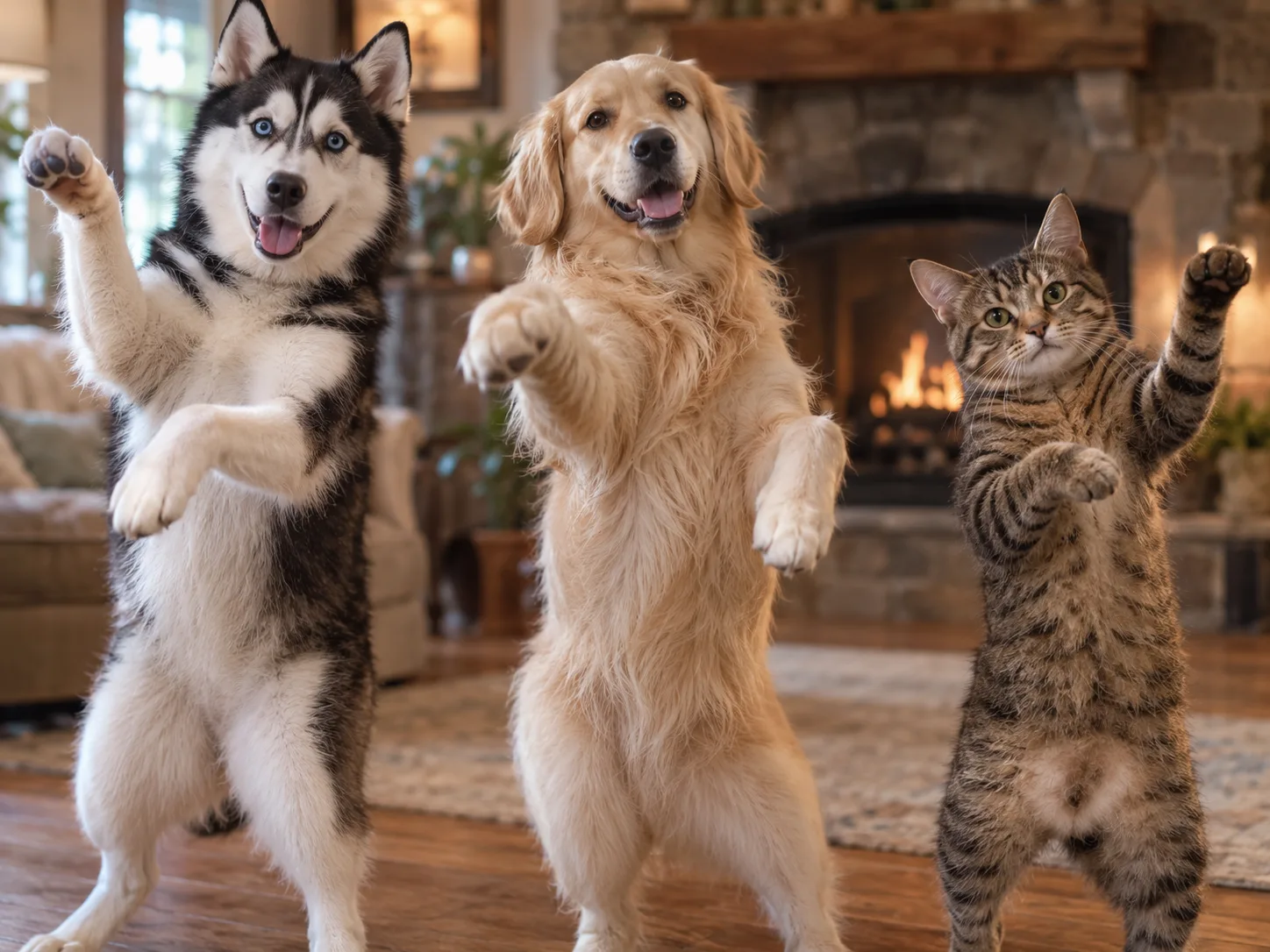
Three dogs standing up to dance
Your dog or cat rises onto its hind legs and does the KATSEYE Animal AI dance with its paws, head shakes standing in for the hair flips. Mix up to three pets, or let one pet play all three.
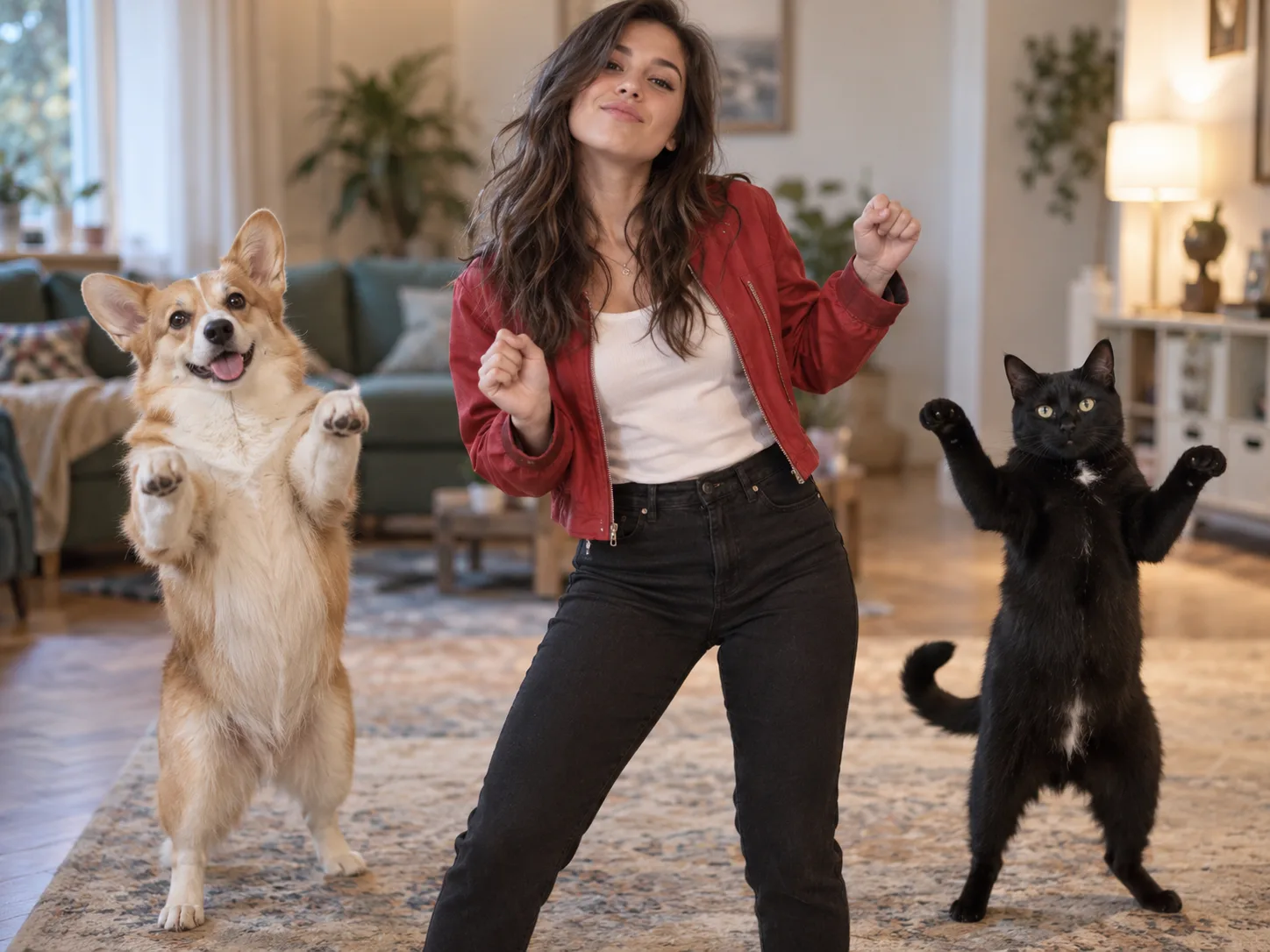
You in the middle, your pets as backup
Put yourself in the centre and your dog and cat on either side. People keep their own clothes, pets keep their own fur, and all three hit the same beats.
KATSEYE Animal dance with photo: how it works in 3 steps
This animal dance AI video generator already holds the choreography, the camera moves and the song. You only decide who dances in your you move like an animal AI video.
Add 1 to 3 photos, in order
Photo 1 dances in the centre and sets the place you dance in, photo 2 takes the left, photo 3 the right. One subject per photo: one person or one pet.
Choose 480p, 720p or 1080p
The model, the 28-second length, the vertical frame and the song are fixed. Pick the quality and press Generate.
Download and post
Your finished KATSEYE Animal AI dance lands in My Creations as an MP4 with the song on it, ready for TikTok, Reels or Shorts.
What happens in your KATSEYE Animal AI dance
One continuous take, no cuts. This is the KATSEYE Animal AI dance your crew performs, beat by beat.
The cold open
It starts close on the three of you, still and staring into the lens, before anyone moves.
The pull-back
The camera drifts back to show the whole line, and the crew breaks into the routine on the beat.
Hair flips, hip sways, kicks
The core of the dance: sharp hair flips, rolling hips and shoulders, quick kicks and wide arm swings, all three in sync. Pets do it with their paws and a shake of the head.
The swap at 15 seconds
Halfway through, the centre dancer crosses to the right and the right dancer steps into the middle. Each one stays themselves the whole way across.
Eyes on the camera
Whatever the move, every face keeps coming back to the lens, the confident stare the You Move Like an Animal trend is known for.
The finish and the song
The camera pushes back in on the crew for the last beat. The track runs under the whole clip from the first frame.
You Move Like An Animal AI Video FAQ
Where the trend comes from, how many photos to upload, using pets, and what it costs.
You Move Like An Animal is the dance challenge set to "Animal", the July 24, 2026 single by the girl group KATSEYE. Ed Sheeran co-wrote it after hearing their song "Gnarly" and reaching out as a fan. The song is about the wild side people only show behind closed doors, and the dance leans into it: a crew lines up facing the camera and runs the routine together, with hair flips, hip sways and kicks and a confident stare into the lens. "You move like an animal" is the hook people type in to find it. Here you skip the filming: upload one to three photos of you, your friends or your pets, and AI turns them into a crew dancing the routine in the place your first photo was taken, as a 28-second vertical video with the song on it.
It's "Animal" by KATSEYE, released on July 24, 2026. The trend is built around the song's catchy chorus, especially the line "you move like an animal", which is why people search for it by that phrase. The upbeat pop track runs under dance challenges, choreography recreations and AI dance videos on TikTok and Instagram Reels, and you can find it by searching "KATSEYE Animal" or "You Move Like an Animal song". Here you don't have to find the track or add it yourself: it plays under your video from the first frame, in time with the dance.
A general image-to-video tool needs a prompt, usually gives you one person loosely dancing instead of the real routine, and leaves you to add the song in CapCut. On Flowlio AI, the template has the routine, camera moves and "Animal" track built in: upload one to three photos, pick 480p, 720p or 1080p and press Generate. You get a 28-second vertical video of your crew dancing in sync to the song, with no watermark.
Starrd has an iPhone app and a web template for the trend that turns one to three photos into a 28-second dance video. Flowlio AI makes the same kind of video in your browser, with nothing to install, and lets you choose 480p, 720p or 1080p. New accounts get free credits to try it.
Yes, on Flowlio AI one photo is all it takes. No filming, no dance practice and no friends to round up: upload a single still of yourself or your pet, and that one photo fills all three spots, so you get a crew of three of you doing the KATSEYE Animal dance together. Add a second or third photo only if you want friends or pets in the line.
Upload one clear photo of yourself to Flowlio AI and press Generate. You dance in the centre with your own face and outfit, and the song is already on the video.
No. A KATSEYE Animal dance tutorial teaches you the steps so you can film yourself; here the AI performs the routine for you, beat for beat. If you'd rather learn it for real, use the video you make as a reference for the moves and the timing.
Yes, CapCut has several KATSEYE Animal templates, but they are editing templates: they cut clips or photos you already have to the song. To look like you are dancing, you still have to film yourself doing the routine first; otherwise you get a slideshow. Flowlio AI uses your photos as the reference and makes you actually perform the routine, so one to three photos are enough, with the song already on the video.
Yes. Flowlio AI fits up to three dancers, so it can be you and two friends. Upload one clear photo of each person rather than a group shot: photo 1 dances in the centre, photo 2 on the left and photo 3 on the right, and everyone keeps their own face and outfit. With two photos, photo 1 takes the centre and the right, and photo 2 the left; with one photo, that person fills all three spots. The song is already on the video.
Yes. Flowlio AI lays KATSEYE's "Animal" under the finished video from the first frame, in time with the dance, so you don't need to find the track or add it in CapCut afterwards. Download it and it's ready to post.
New accounts on Flowlio AI get free credits, and daily check-ins add more, but a full video takes 500 credits at 480p, 2,000 at 720p and 3,500 at 1080p, the same for one photo or three. The easiest way to see the result is the one-time trial pack, which covers a 480p video. If you want 720p or 1080p, or plan to try more trend templates, a yearly plan saves up to 50%.
Put the star of the video first. Photo 1 dances in the centre, and the place behind it becomes the setting of the whole video. If photo 1 has a plain wall or no real background, the crew dances in an empty studio instead.
Yes. On Flowlio AI, dogs, cats and other pets stand up on their hind legs and do the Animal dance with their paws and head shakes, keeping their own face, fur and markings. One pet can fill all three spots, or you can mix pets and people in the same crew. For the best result, use a clear photo where the pet faces the camera and its whole body is visible.
Keep it to one subject per photo: one person or one pet. Group shots and photos of someone holding their pet confuse the AI about who should dance. If you want your pet and yourself in the video, upload two separate photos.
A clear, well-lit photo of one subject facing the camera. Full body is best, so the AI sees the outfit, arms and legs; waist-up works too. Keep the face free of sunglasses, hair or hands, and skip dark or blurry shots. For a pet, show its face, legs and whole body. You don't need to pose or dance in the photo: Flowlio AI makes the moves.
28 seconds, vertical 9:16, the full routine in one take.
Usually about 10 minutes on Flowlio AI, a little longer at 720p and 1080p. The AI first draws your crew standing in a line, then makes the full 28-second dance and adds the song. You don't have to keep the page open: the finished video is saved to My Creations.
Yes. Every video from Flowlio AI downloads as a clean MP4 with no watermark, logo or branded end clip, whether you use free credits or a paid plan. There's nothing to trim before posting it to TikTok, Reels or Shorts, unlike CapCut templates, where you often have to remove the CapCut ending first.
Your crew is one photo away
No rehearsal, no friends to round up, no dance skills. Add one to three photos and get a 28-second KATSEYE Animal AI dance you can post tonight.
