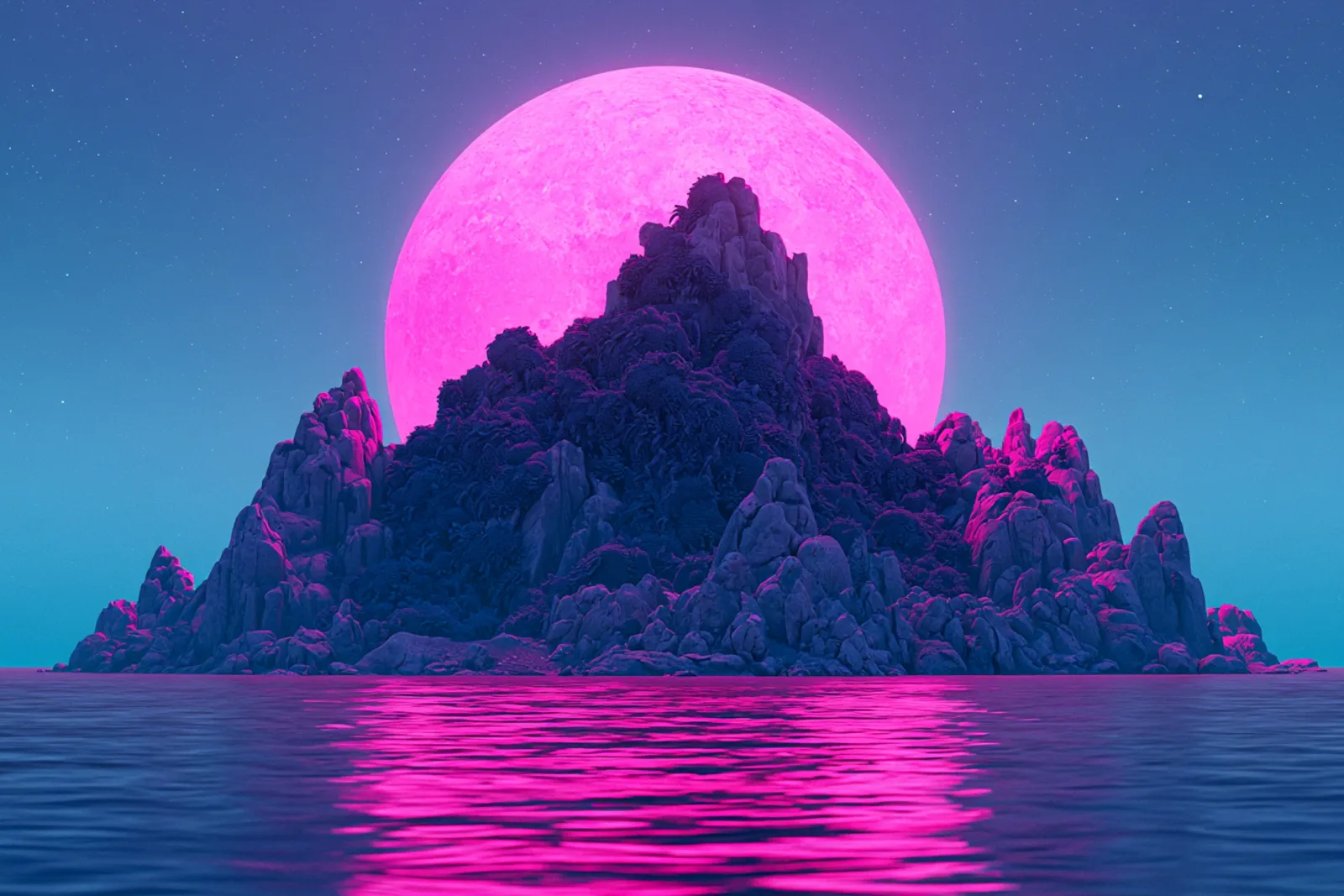
The Box AI Trend

Real result generated with Flowlio AI from this one photo
- 1 photo you add
- 17 s clip with sound
- Ready to share via link
- No watermark
Ready in a few minutes

Real result generated with Flowlio AI from this one photo
More Effects
Explore the other video effects, each with its own input and motion.
What is The Box AI trend?
The Box AI trend makes you the lead of a Roddy Ricch parody from a single picture: you dance while a car blows up behind you, then rap "I'm a 2020 president candidate" at a podium.
Who takes the podium in The Box AI video?
The parking lot, the flying yellow car and the press room never change from one The Box AI clip to the next. The picture you upload decides who dances through the blast and who gives the speech.
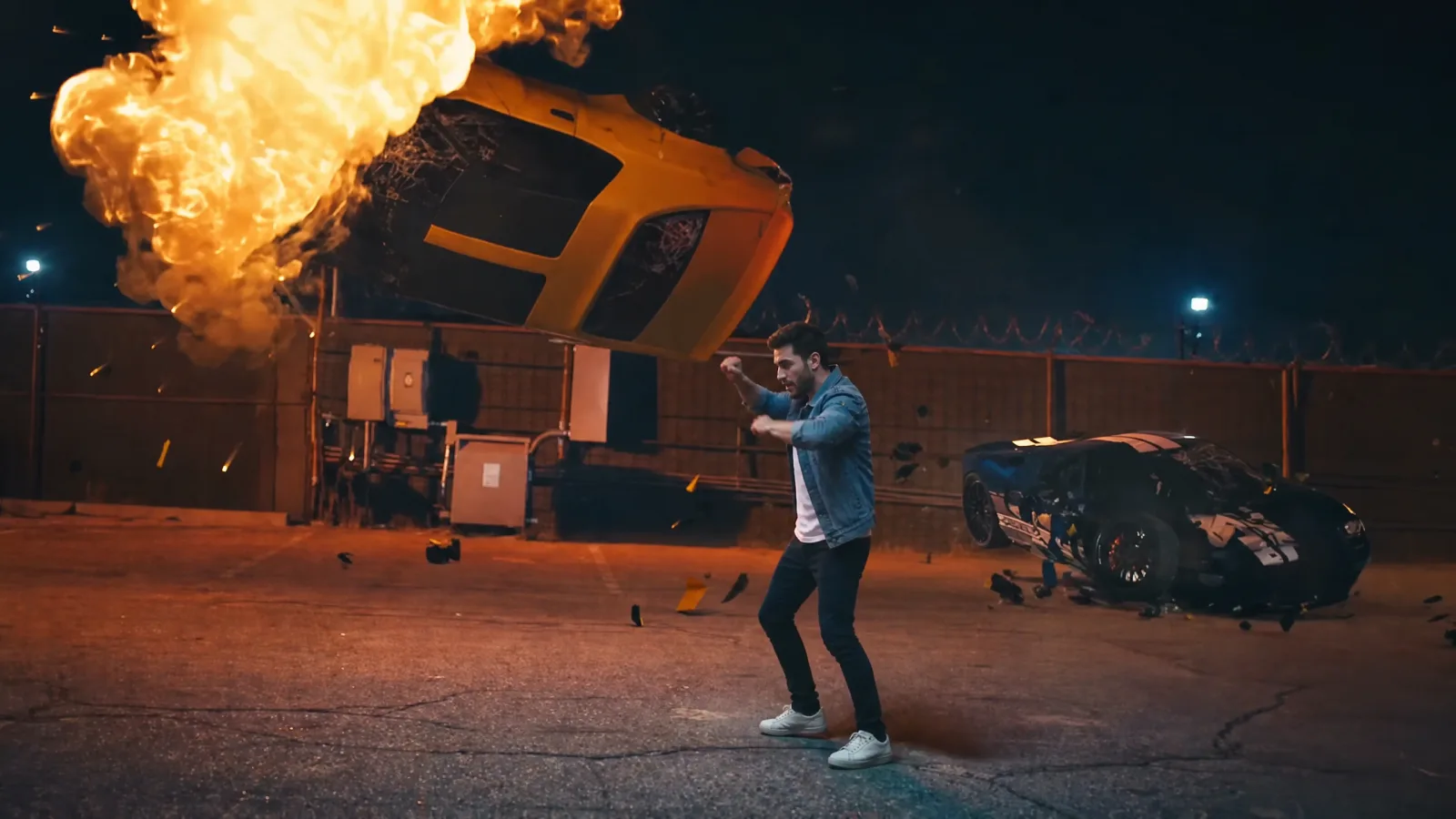
Launch your own The Box AI campaign
Use a selfie and you become the 2020 president candidate yourself. The Box AI clip starts tight on your face as you point and swing your arms in a dark parking lot. Then the camera pulls back, a yellow sports car flips over behind you and bursts into flames, and you keep dancing like nothing happened. The last half is you at the podium, rapping into the camera with one hand on your chest. Pick a waist-up selfie in your favorite jacket, since that jacket follows you into every scene. Caption it "Vote for me in 2028" and watch the comments.
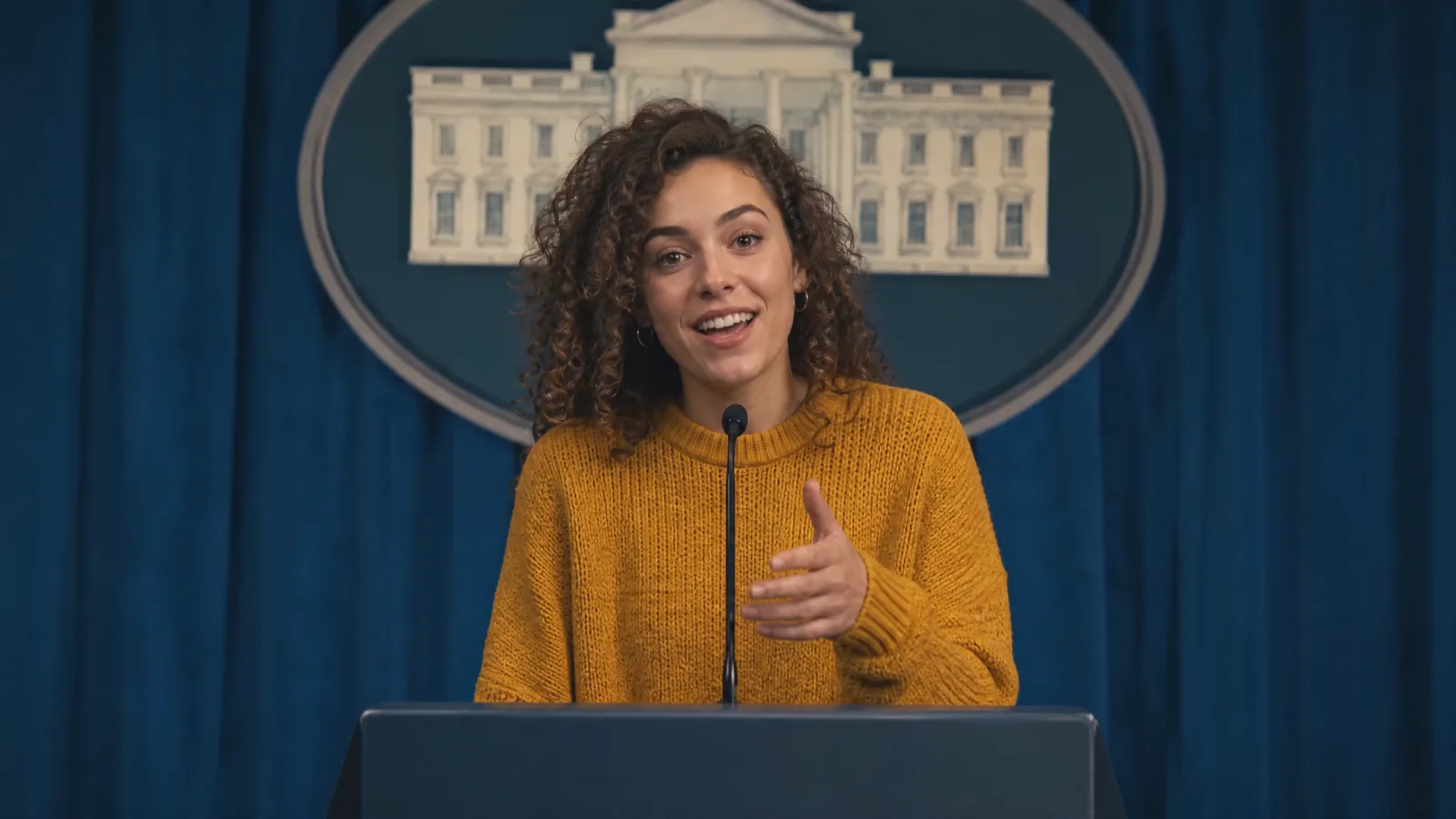
Elect your best friend with The Box AI trend
The Box AI trend is the perfect roast for the friend who acts like they run the group chat. Ask them for a clear selfie and let them strut away from the explosion and give a dead-serious speech at the podium. The joke lands because they never turn around to look at the burning car. After the render, use Create Share Link to send the campaign ad to the group on WhatsApp or Telegram; whoever taps it sees The Box AI video and can make a version starring themselves. Make one per friend and hold a vote in the chat.
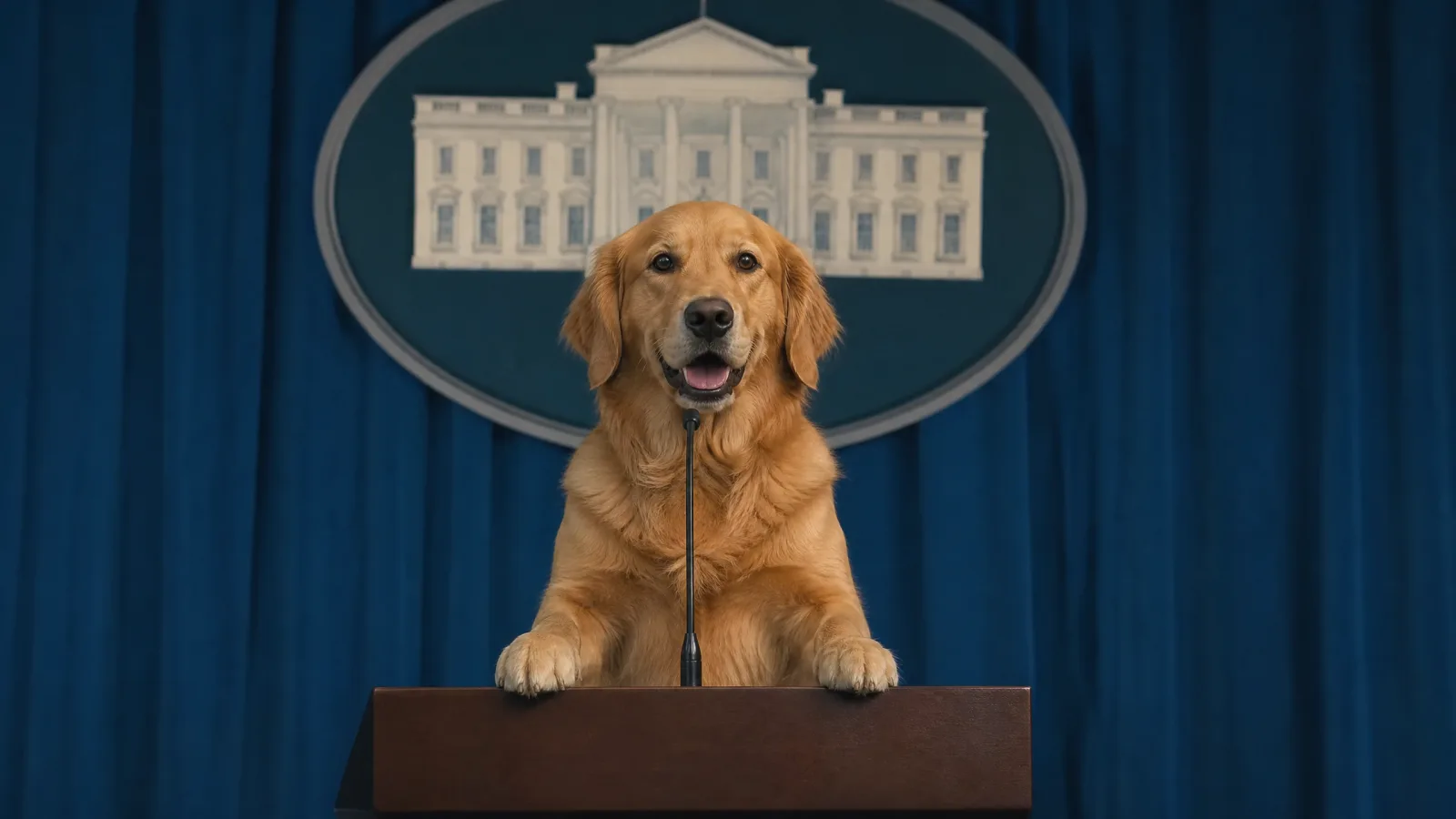
Your dog or cat as a 2020 president candidate
A pet running for office is the easiest laugh on the feed. Choose a sharp shot of your pup or kitten, all four legs showing, eyes open. In The Box AI video it rises up tall in the parking lot, sways to the beat while the car goes up in flames, then rests its front paws on the podium for the speech. Fur color, coat length and markings stay true to your animal, and it never grows human hands. Calm pets shot straight on make the best The Box AI pet clips. Caption it "My dog's first press conference" and tag the account you made it for.
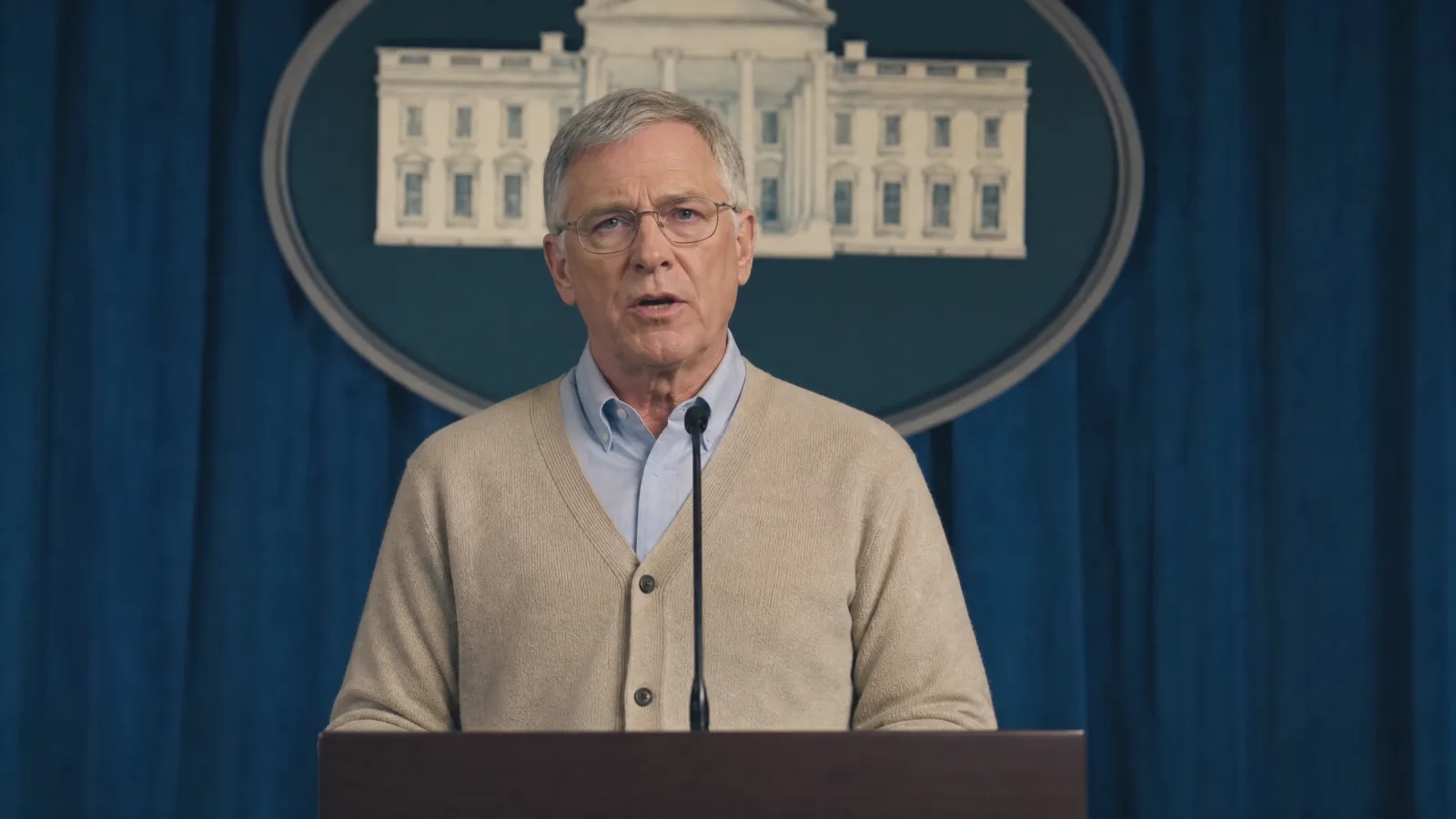
Make mom or dad The Box Roddy Ricch trend star
The less your dad looks like a rapper, the funnier The Box Roddy Ricch trend gets. Use a recent picture of your mom, dad or grandma looking at the lens, and they walk calmly away from a car explosion like an action hero before stepping up to the podium as the 2020 president candidate. Glasses, gray hair and a cardigan all come along from the picture, so they still look like themselves. The Box AI video makes a great surprise for a birthday or the family chat. Ask first, and only use their face if they are glad to star in it.
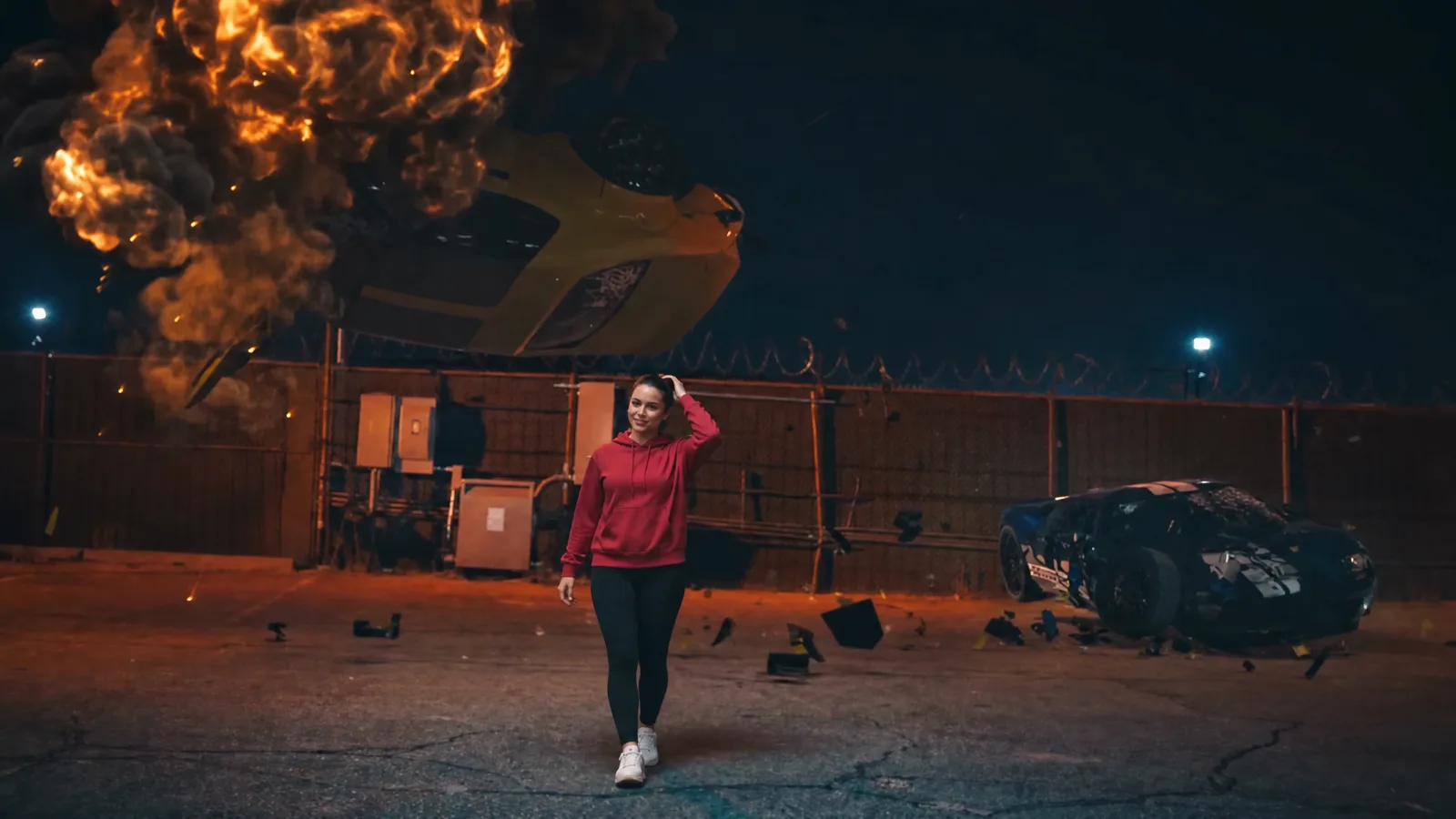
A The Box AI video for creators and brand accounts
If you make short videos, The Box AI trend hands you a ready-made skit with a built-in punch line: the hard cut from the fireball to the 2020 president candidate speech. Upload a picture in the look your followers know, and that look shows up in all three scenes. The 16:9 The Box AI clip carries no watermark and the track is already mixed in, so you can drop it into a vertical edit with your own text on top. Run a cheap 480p take to see the likeness; when you like it, redo it in 720p or 1080p for posting.
How to make The Box AI video
Skip hunting for the source clip, typing a prompt or syncing a song. The Box AI template already holds the three scenes, the dance, the camera and the music. You just bring a picture.
Upload one photo
Add one clear picture of a person or an animal, eyes toward the camera, in good light. We first draw a turnaround sheet of whoever is in it from every side, plus two stills from The Box AI trend clip with them in it, so the face holds up in the close-up and at the 2020 president candidate podium.
Choose the quality
Select a resolution for your The Box AI trend clip. The Generate button lists every credit before you begin, and a render that breaks gets its credits refunded.
Generate, then download or share
Your The Box AI video is made in the cloud while you do something else. It shows up in My Creations as a 17-second 16:9 MP4, music on and watermark off, ready to save or send as a share link.
Shot by shot: The Box AI trend clip
The places, the cuts and the timing come straight from the viral clip. Only the lead is new: every shot of The Box AI video shows the face and outfit from your picture.
0–2s · Close on your face
The Box AI clip starts close on you at night, lit by orange street lamps. You throw one arm wide, point past the camera and start to move as the camera slides back.
2–3s · Dancing in the lot
Now the shot is wide: you dance alone in an empty parking lot with a brick wall, a fence and tall lights behind you. Headlights sweep in from the left.
3–5s · The car flips
In The Box AI trend, a yellow sports car hits a dark car behind you and flips high into the air. It bursts into a huge orange fireball while you keep dancing and never look back.
5–8s · Walking away from the blast
Fire and smoke fill the sky, bits of metal hit the ground, and you stroll toward the camera, cool and calm. A quick glitch cuts to the 2020 president candidate scene.
8–16s · The podium
Then The Box AI clip hard cuts to a press room with a blue curtain. You stand behind the podium, chest up, and rap the 2020 president candidate line into the lens with small hand moves and a tap on the chest.
16–17s · Glitch out
The picture breaks into a color glitch and fades to dark, the same ending as the viral The Box AI trend clip, so it loops well on TikTok and Reels.
The Box AI FAQ: Photos, Pets, Length and Credits
What The Box AI trend is, what picture to upload, how long the clip runs and the credit price of a The Box AI video.
The Box AI trend is a parody of the music video for "The Box" by Roddy Ricch, in three scenes: you dance in a night parking lot, a yellow car flips and explodes behind you, and you rap "I'm a 2020 president candidate" at a press podium. It spread on TikTok and CapCut around November 18 to 20, 2026.
1) Open The Box AI generator and add a sharp picture of you, a buddy or your pet. 2) Tap a resolution; each one shows its credit price. 3) Press Generate. My Creations holds your finished The Box AI video, and there is never a prompt to write.
One person, in focus, eyes toward the lens, in daylight or soft light, with eyes and mouth clear. A waist-up or head-to-feet shot works great, since the outfit you have on is the one you wear at the podium and in the parking lot. No sunglasses, no caps over the eyes and no beauty filters.
Yes. The Box AI template takes a pet too. It stands up tall to dance in the lot, then puts its front paws up on the podium. Use a picture of one animal with the head and the full body showing; it keeps its own breed, coat and markings.
Each The Box AI clip runs 17 seconds in landscape 16:9 to match the viral clip, and the verse of the song with the podium line is mixed in for you. No watermark is added. For TikTok or Reels, post it wide or set it on a vertical canvas in your editor.
During the trend sale, The Box AI at 480p costs 600 credits (normally 850): one Trial Pack, bought once, buys exactly that. A 720p clip takes 1,850 credits and a 1080p clip 4,400. You confirm the price on screen first, and a failed render is free.
Neither. The scenes, the dance, the camera moves, the edit and the track are all baked into The Box AI template. One picture is your only upload.
The mouth moves to the rap rhythm just like in The Box AI trend clip, so it follows the words closely, but it is not perfect lip sync. Every render is a fresh take, so another try can nail the podium line better.
Most The Box AI clips finish within minutes; busy hours take longer. Since it renders in the cloud, you can leave and grab it from My Creations later.
Try a sharper, straight-on picture in even light with nothing in front of the face. In The Box AI video, the wide explosion shot keeps you small on purpose; the first close-up and the 2020 president candidate speech are where your face fills the frame.
"The Box" by Roddy Ricch, released on December 6, 2019. In the official video from February 2020 he raps the 2020 president candidate line at a White House style podium, which is the moment The Box AI trend recreates. People also call it the 2020 president candidate meme or simply The Box meme.
Try captions like "Vote for me in 2028" or "POV: the group chat elected me", with #theboxaitrend, #2020presidentcandidate and #thebox. Leave the AI label switched on, and only use faces of people who agreed to it.
Make your The Box AI video
A single picture makes your The Box AI clip: dance while the car explodes behind you, then give the 2020 president candidate speech at the podium, with the song on it.