
AI Baseball Broadcast Generator
More Effects
Explore the other video effects, each with its own input and motion.



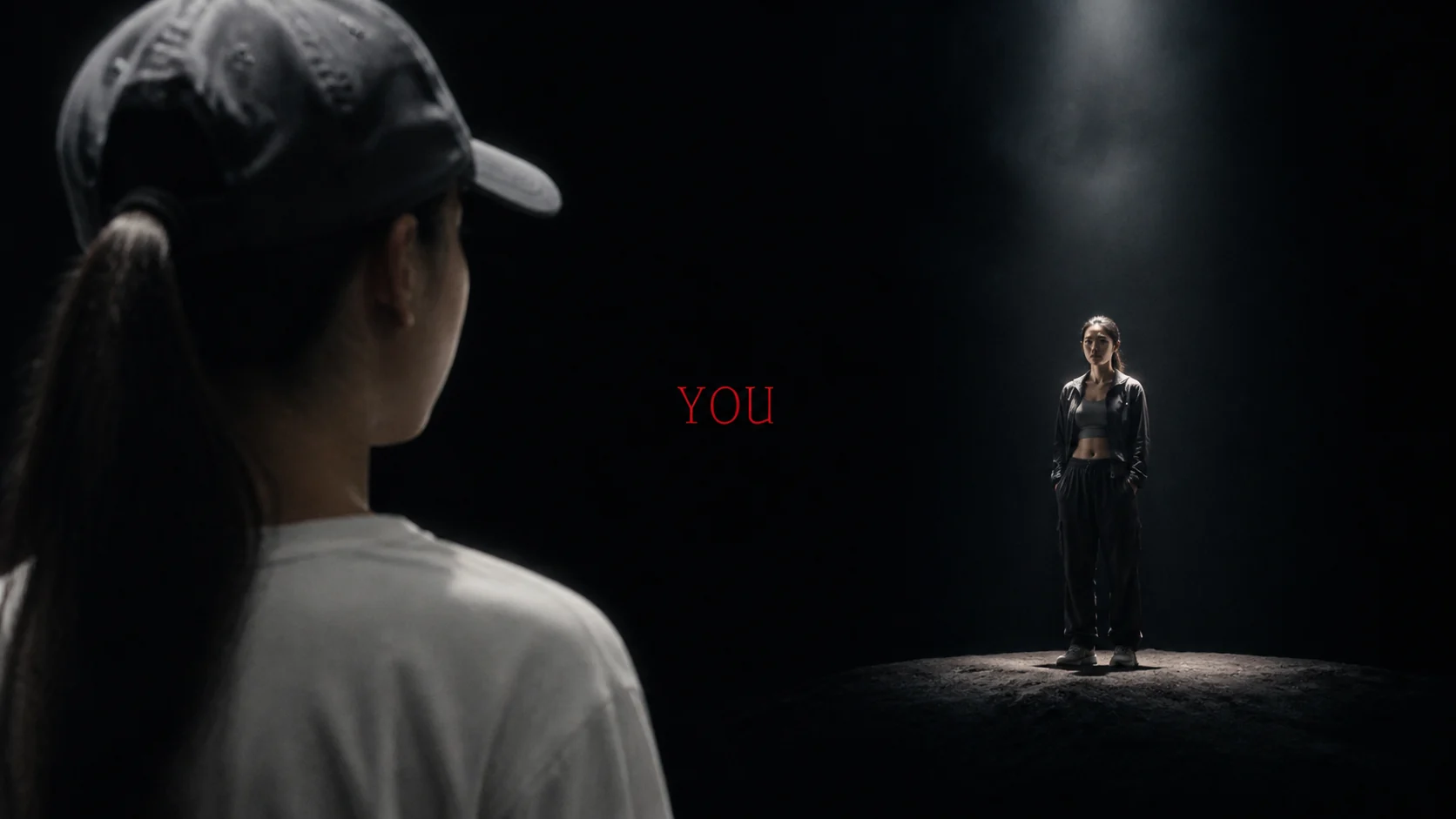
Make your own AI baseball broadcast moment
The AI baseball broadcast trend, also called the Korean baseball AI trend, recreates the moment a live crowd camera unexpectedly finds someone in the stands. Upload a clear portrait to make an AI baseball broadcast screenshot with a natural face, stadium lighting and the soft texture of televised sports. If you want motion, switch to Video and animate that finished frame into a short fan cam with restrained camera movement and crowd reactions. Both outputs live in the same AI baseball broadcast generator.
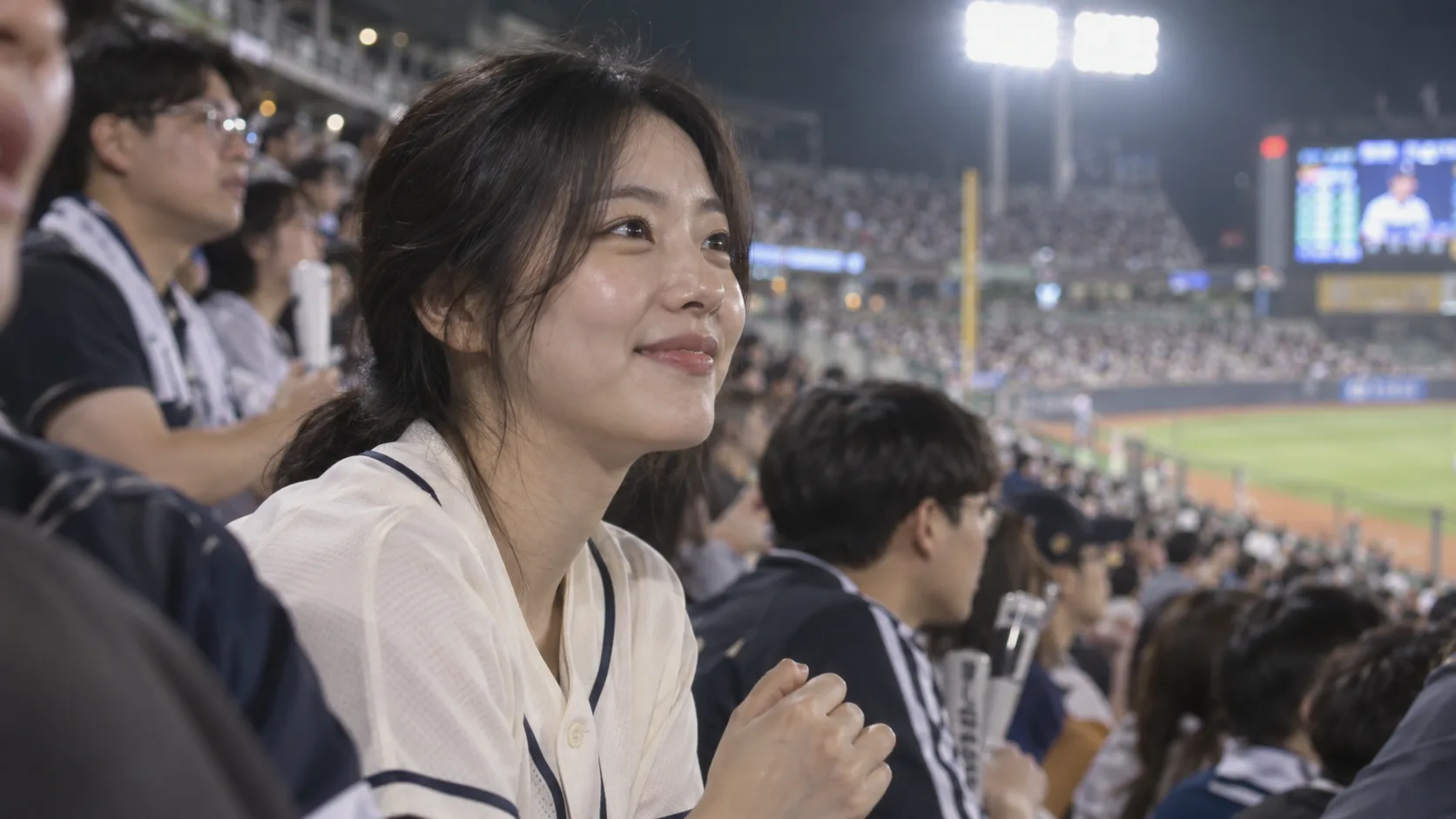
AI baseball broadcast image or video?
The AI baseball broadcast trend has two useful results. Pick the format you want to share, then use the matching tab above.
| Image tab | Video tab | |
|---|---|---|
| Input | A selfie or portrait | A finished stadium screenshot |
| Output | One broadcast-style fan photo | A short moving crowd-camera clip |
| Best for | Posts, profile photos, covers and a video starting frame | Reels, Shorts and reaction edits |
| Control | Edit the scene prompt, model and image settings | Choose a video model, aspect ratio, quality and duration |
For the most stable AI baseball broadcast video, make and review the image first. The AI baseball broadcast video generator animates the uploaded frame; it does not automatically transfer an image from the other tab.
From a selfie to an AI baseball broadcast fan cam
These AI baseball broadcast examples show the difference between a still broadcast image, an animated crowd-camera moment and a shared match-day portrait. The artwork illustrates the look; your own upload determines the person in the result.
Make a candid AI baseball broadcast crowd close-up
Start with one clear selfie and generate a 16:9 AI baseball broadcast image that feels pulled from a Korean telecast. The subject belongs in the seats with fans behind them, not on the field or in a polished studio portrait. Slightly soft broadcast texture and imperfect framing help sell the camera-cutaway illusion. Use the finished image as a post, profile cover or the starting frame for Video.
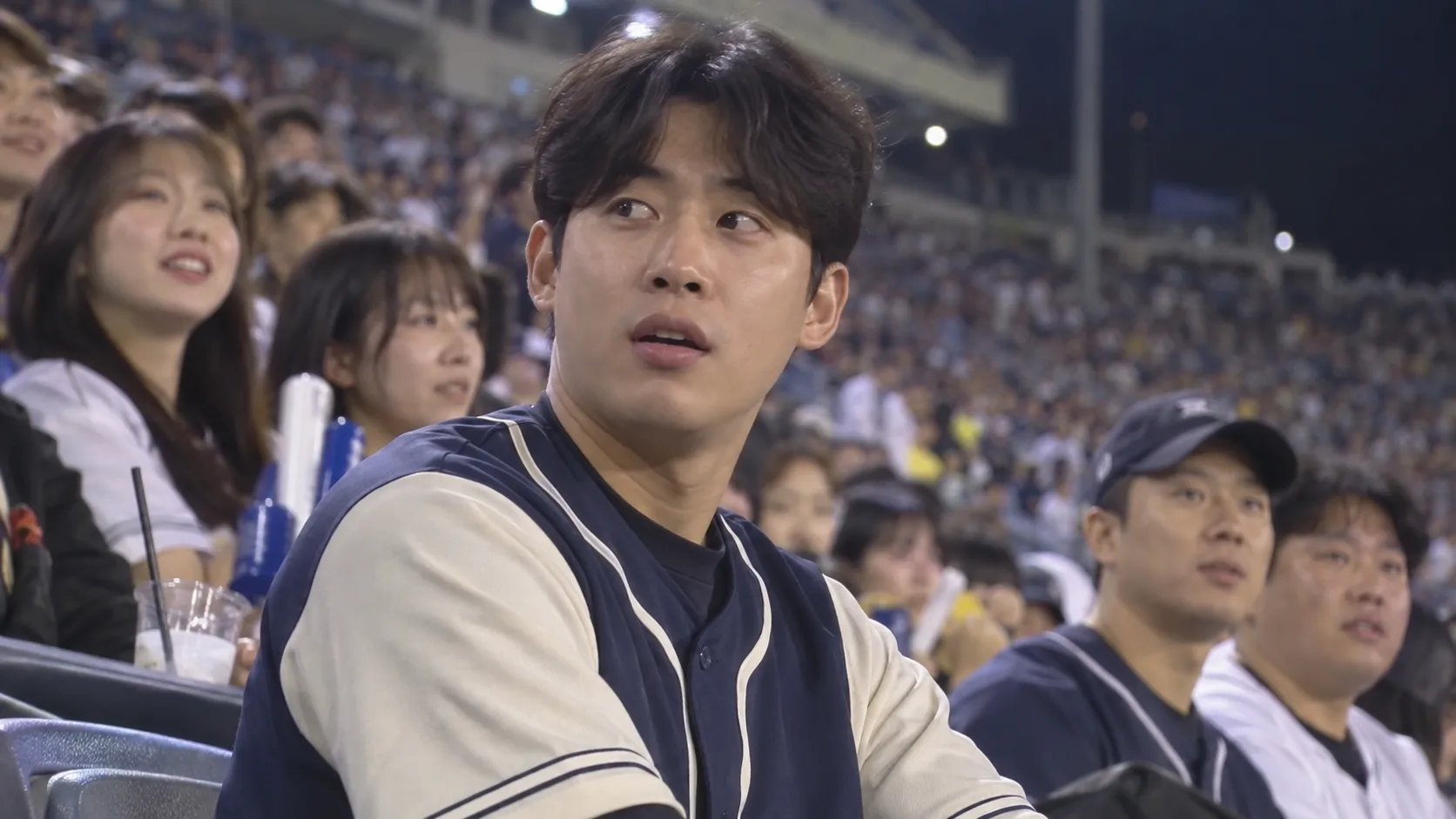
Turn the screenshot into a short spectator video
To use the AI baseball broadcast video generator, upload your completed stadium still in the Video tab. The preset asks for a slow long-lens push, a blink, a glance toward the field and small, unsynchronized background movements. The result aims for the quiet realism of a live crowd camera rather than a dramatic dance or scene change. The image shown here is an example starting frame, not a video preview.
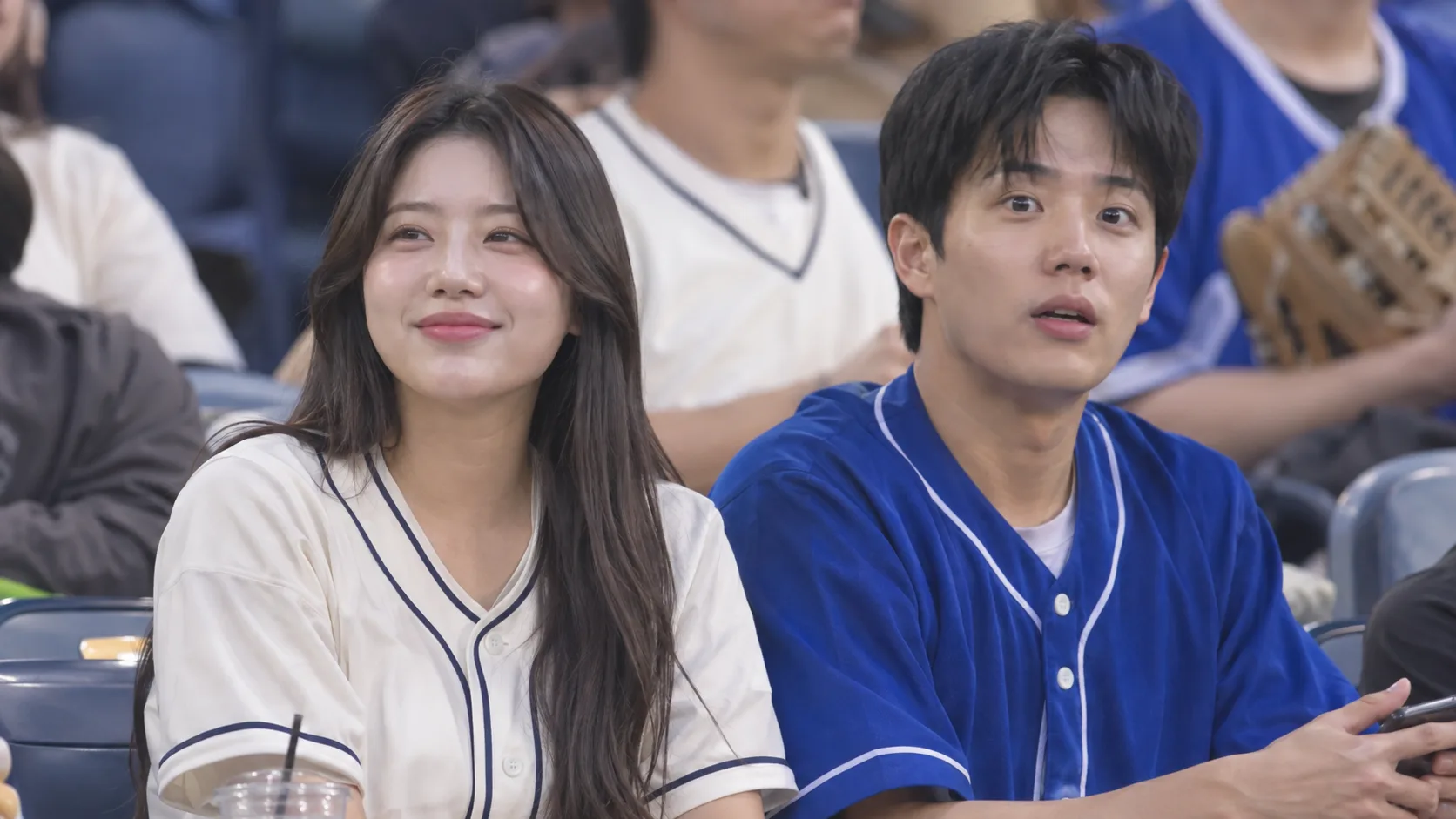
Bring a shared stadium photo into AI baseball broadcast
An AI baseball broadcast photo with two clearly visible friends can become a shared fan-cam style image. In the editable Image prompt, ask the model to keep both people recognizable and seated together. Review each face before animating: multiple subjects give a video model more details to preserve, so a still image may be the stronger final format for group posts and match-day stories.
How to make an AI baseball broadcast photo and video
Use the Image and Video tabs on this page. Making the AI baseball broadcast screenshot first gives the AI baseball broadcast video generator a clear opening frame.
Upload a clear selfie for AI baseball broadcast
Open Image and add a well-lit portrait with one visible face. The editable AI baseball broadcast prompt places you in a candid Korean stadium crowd shot.
Generate the AI baseball broadcast screenshot
Keep the 16:9 frame for a TV look, or adjust the prompt for your jersey, lighting and expression. Download the AI baseball broadcast image when you have a recognizable fan cam still.
Animate the AI baseball broadcast still into a video
Switch to Video, upload your new AI baseball broadcast screenshot and generate a short clip with a gentle camera push, natural blinking and small crowd movements.
What makes an AI baseball broadcast fan cam look like live TV
A convincing AI baseball broadcast fan cam comes from a few specific choices in the source photo, prompt and motion. These controls help you steer the effect without rebuilding it in an editor.
Candid AI baseball broadcast framing
The person sits naturally among other fans, watching the game instead of posing for the camera. In an AI baseball broadcast, a long-lens crop compresses the stands and makes the shot feel as though it came from a camera across the stadium.
A believable AI baseball broadcast screenshot
Floodlights, softly blurred seats, small crowd details and mild compression establish an AI baseball broadcast screenshot. The preset asks for restrained graphics so made-up logos or unreadable text do not dominate the image.
AI baseball broadcast motion that stays subtle
The AI baseball broadcast video prompt favors a slow push, natural blinking, a brief change of gaze and background fans moving independently. Keeping gestures small reduces the chance that the face or seating position drifts.
Identity guidance for AI baseball broadcast
The AI baseball broadcast image prompt asks the model to preserve the uploaded face, hair and skin tone. The video prompt asks it to keep the person, clothing and crowd layout consistent. Check the preview yourself because generative results can still vary.
Frame AI baseball broadcast for TV or social feeds
The Image tab starts at 16:9 for an AI baseball broadcast look. In Video, choose a compatible aspect ratio for the destination: wide for a TV-style clip or vertical for a Reel, with enough room around the face to survive the crop.
Choose an AI baseball broadcast model and see the credit cost
Both tabs of the AI baseball broadcast generator use Flowlio's existing models. You can choose a supported model and output settings, review the credit cost, and keep the generated result in your normal creation flow.
AI Baseball Broadcast Generator FAQ
Answers about the AI baseball broadcast trend, image prompts and fan cam videos.
The AI baseball broadcast trend is a social-media effect that places a person from a selfie in the crowd at a Korean baseball game, styled like an accidental live-TV spectator close-up. People share either a broadcast-style screenshot or a short animated fan cam clip.
Yes. For an AI baseball broadcast image, use Image to turn your portrait into a stadium still, then switch to Video, the AI baseball broadcast video generator, and upload that still as the opening frame of a short animated fan cam.
The AI baseball broadcast Image tab starts with a ready-made broadcast screenshot prompt, and the Video tab uses a preset motion prompt. You can edit the image prompt to change the jersey, stadium mood or expression; the video preset keeps the movement restrained.
To use the AI baseball broadcast video generator, first upload your portrait in Image and generate a 16:9 broadcast screenshot. Download it, then switch to Video. This Korean baseball AI video generator uses the uploaded screenshot as the opening frame of a moving clip, helping keep the scene consistent.
An image-to-video model uses the uploaded image as its opening frame. A completed AI baseball broadcast screenshot gives it the face, clothing, crowd and camera framing to animate; a plain selfie leaves those scene details to be invented during motion.
For an AI baseball broadcast fan cam, use a sharp, well-lit portrait with an unobstructed face and natural expression. Avoid heavy filters, severe blur and tiny faces. Check the generated image for likeness before using it in Video.
Generation uses credits. The selected image or video model and output settings determine the cost, which the AI baseball broadcast generator shows before you submit. Available signup credits and plan terms depend on your account.
Yes. An AI baseball broadcast 16:9 frame resembles a television screenshot, while 9:16 works better for vertical posts when the selected model supports it. Preview the result and crop carefully so the face and scoreboard remain visible.
In the AI baseball broadcast video generator, start with a finished stadium screenshot and describe motion rather than rebuilding the scene: “A live baseball crowd camera slowly pushes in. The person blinks, glances toward the field and gives a small natural smile. Nearby fans move subtly. Keep the same face, jersey, crowd and scoreboard in one continuous shot.” The Video tab already applies a longer preset prompt in this style.
No separate app is needed for this page. Open the AI baseball broadcast generator in your browser, use Image for a baseball broadcast screenshot, and switch to Video to animate that image. Generation still uses the credits shown in the tool.
The AI baseball broadcast Image tab includes an editable Korean baseball AI prompt for turning your portrait into a broadcast-style crowd shot. It does not automatically write new prompts for you; adjust the preset wording before you generate if you want a different jersey, camera angle or stadium mood.
Create your AI baseball broadcast moment
Make the AI baseball broadcast screenshot from a selfie, then animate it into a short fan cam clip with the AI baseball broadcast video generator.
