Angry Dance Filter AI Trend
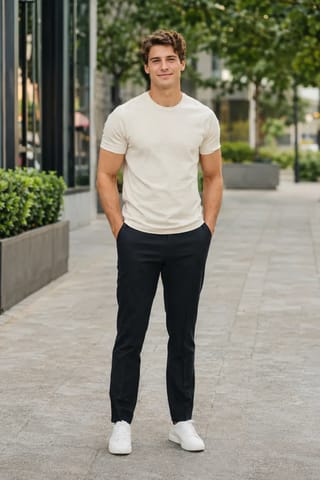
Real result generated with Flowlio AI from this one photo
- 1 photo you add
- 10 s clip with sound
- Ready to share via link
- No watermark
Ready in a few minutes
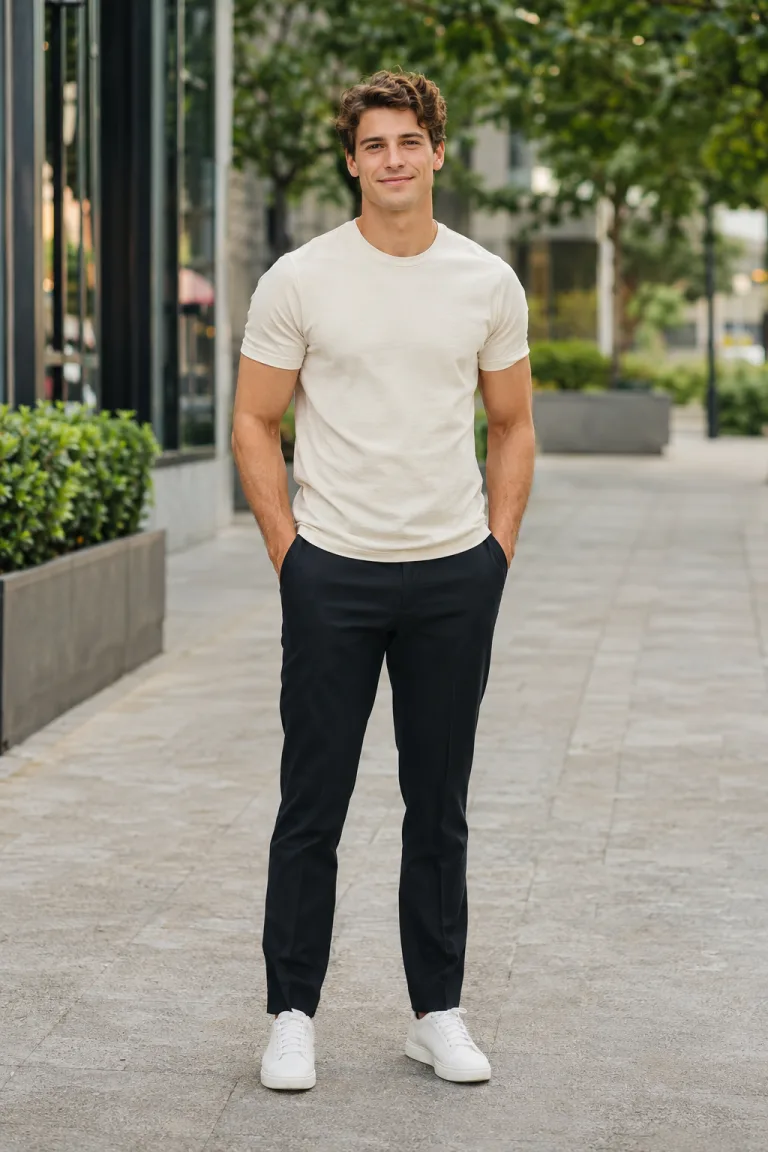
Real result generated with Flowlio AI from this one photo
More Effects
Explore the other video effects, each with its own input and motion.
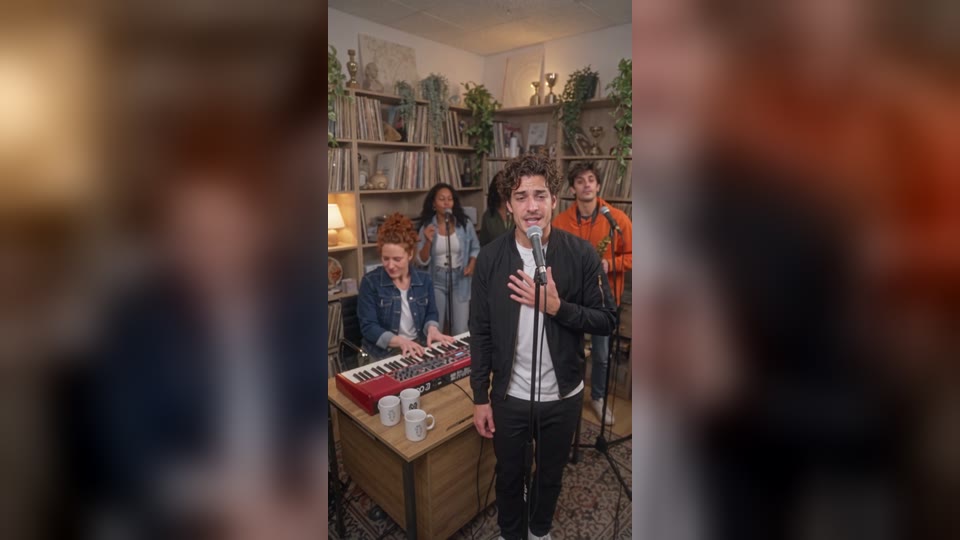
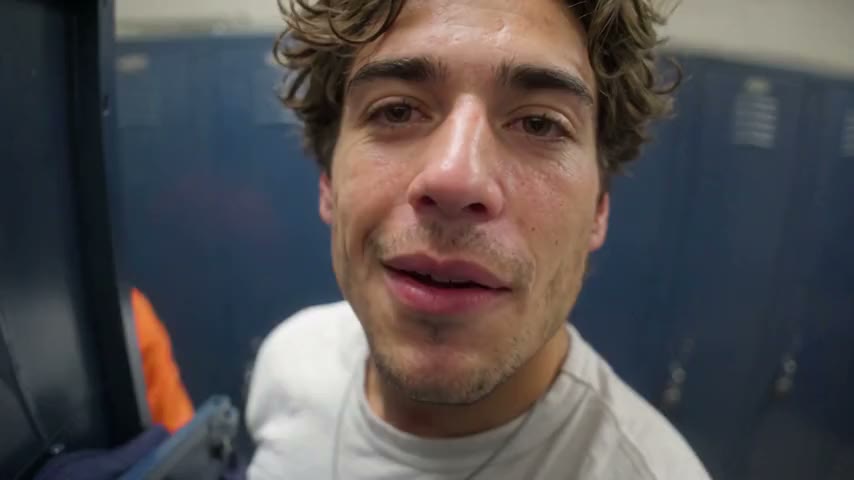
What is the angry dance filter?
The angry dance filter is the TikTok trend where you argue with the camera in a kitchen to Bad Times: you point, count your gripes and yell. One photo makes you the star.
Who should star in your angry dance filter AI video?
The kitchen, the camera and every point and yell of the angry dance filter are set. Your one photo picks who does the ranting, so the same Bad Times AI trend clip works as a friend roast, a couple joke, a family post, a creator reel or a shop ad.
Roast your friend with the angry dance filter
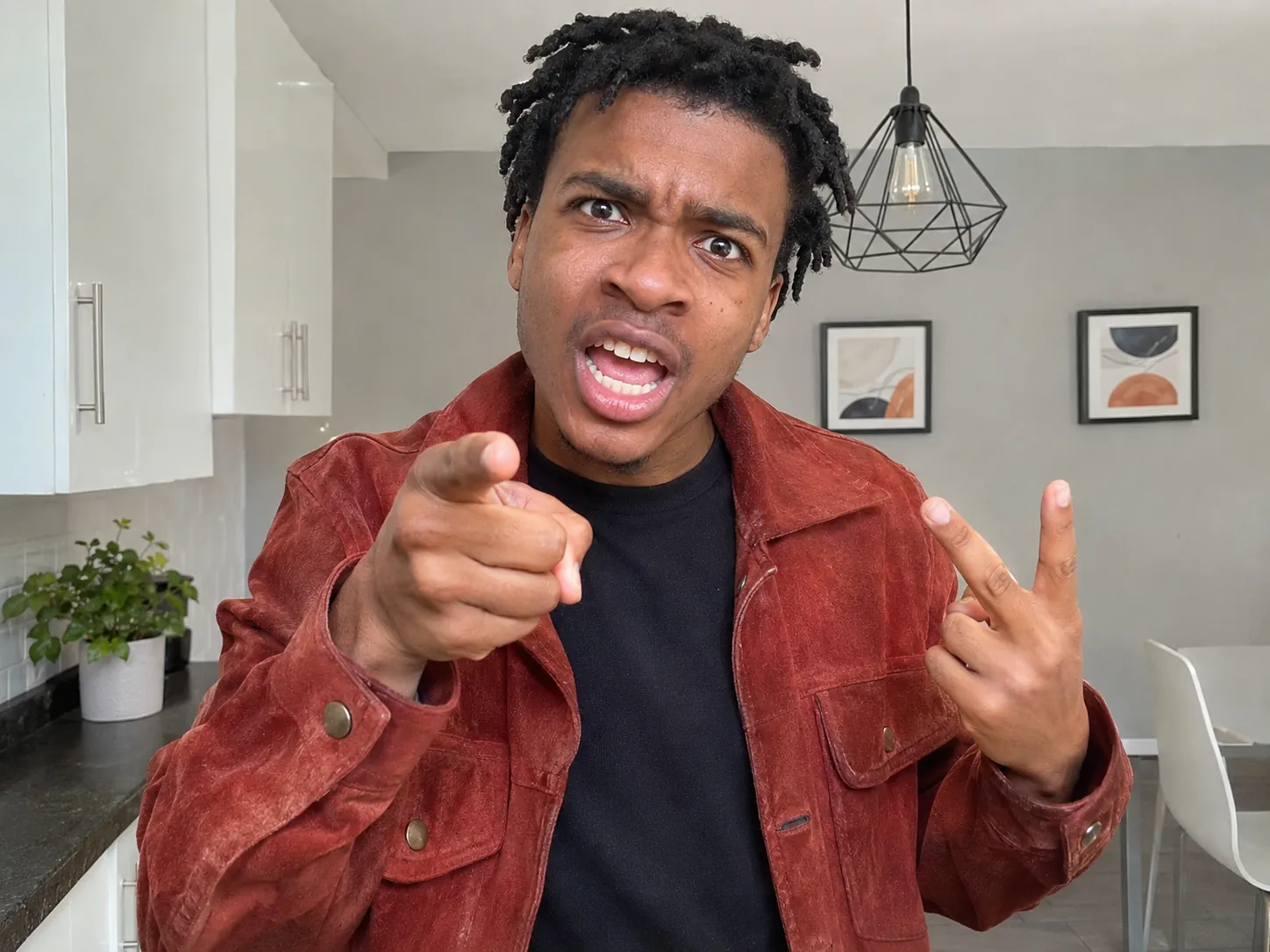
We all know the friend who complains about everything: cold fries, slow Wi-Fi, a quiet group chat. Pick a clear photo of just that friend, face to the lens, and ask them first. The angry dance filter turns them into the person who shoves a palm at the camera, counts gripes on their fingers and yells the last line right into the lens. Send the angry dance AI clip to your friends with a caption like "him when the waiter forgets his sauce." Tip: a photo where they already look a bit grumpy makes the angry dance filter even funnier.
An angry dance AI rant about your partner's habits
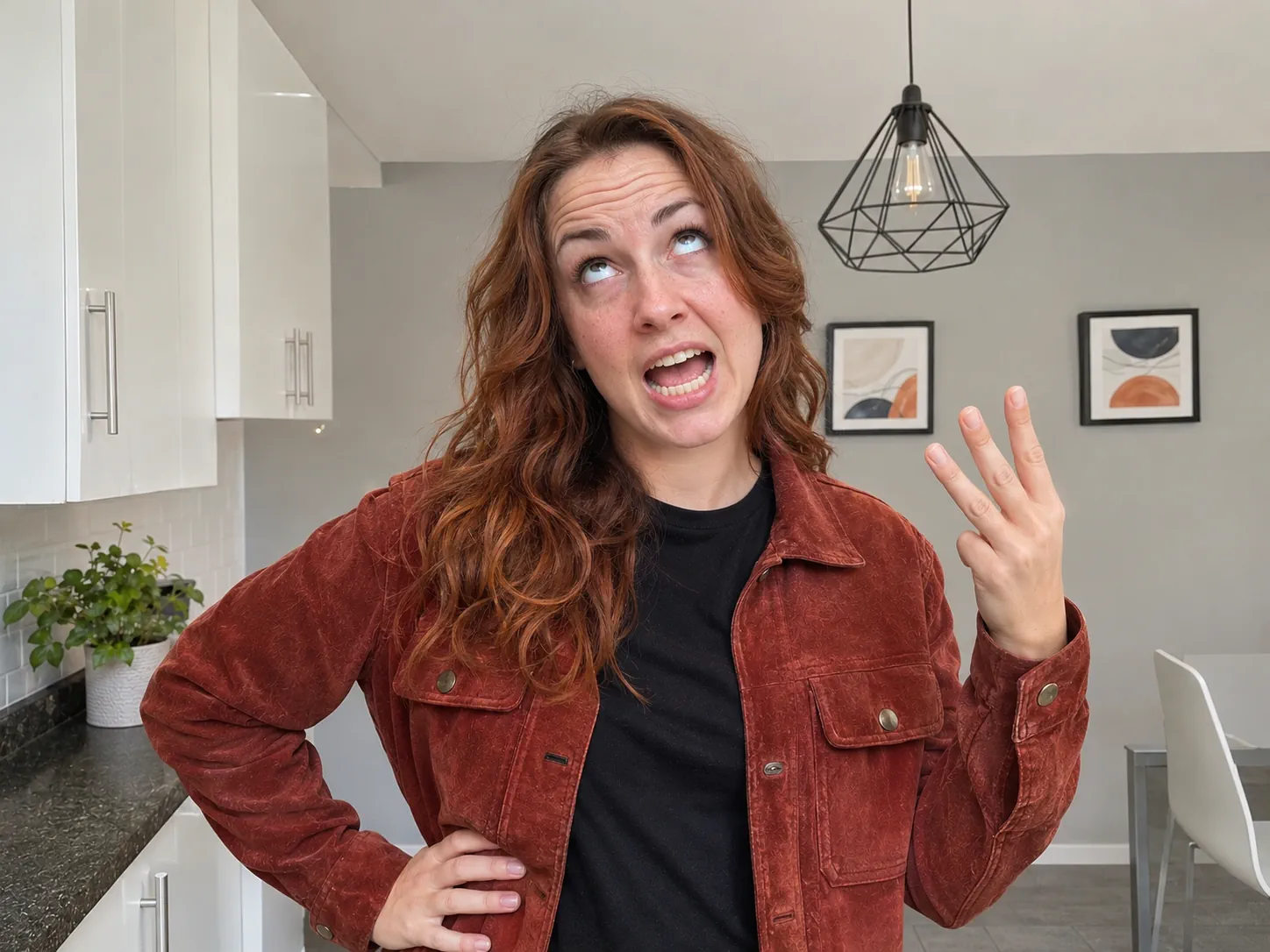
Turn the small fights at home into a joke you both laugh at. Upload your own photo to rant about the wet towel on the floor, or a photo of your partner, with a yes from them, to count off your bad habits. The angry dance filter kitchen fits these fights well, since most of them start there. Want both sides? Make one angry dance AI clip for each of you and post them one after the other as a two-part story. Tip: a caption like "me listing every dish you left in the sink" sells the Bad Times AI trend joke in one line.
Mom or Dad's kitchen rant with the angry dance filter
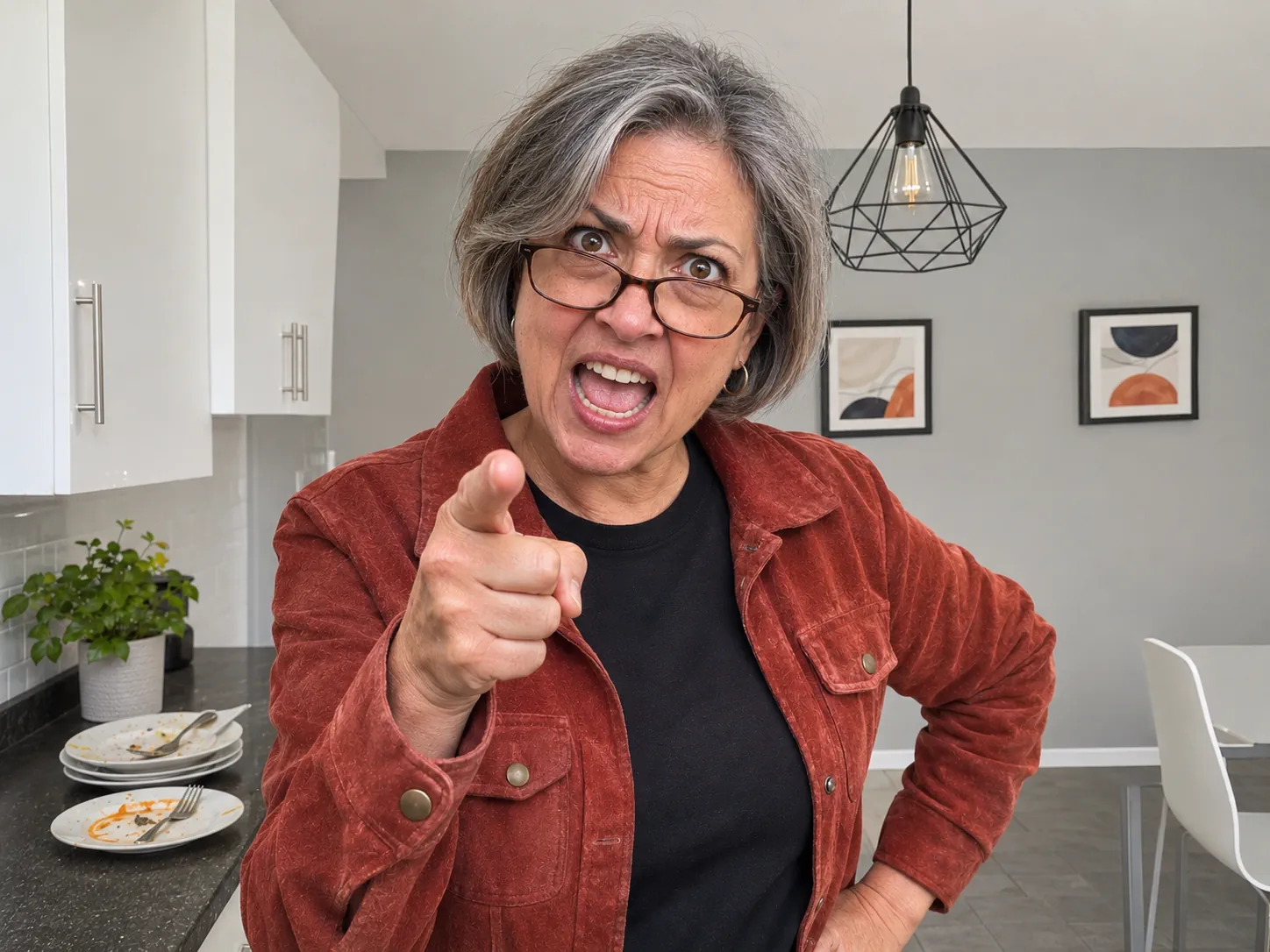
The angry dance filter looks just like a parent who walks into the kitchen after a party. Upload a waist-up photo of Mom or Dad, face in good light, and they count off the chores nobody did, point at the camera, turn away in a huff and storm back for one last yell. This angry dance AI clip is great for the family group chat, a birthday post, Mother's Day or Father's Day. Use a photo of one grown-up, alone in the frame. Tip: pick a photo with glasses only if they always wear them, since the video keeps what the photo shows.
Post the Bad Times AI trend before it peaks
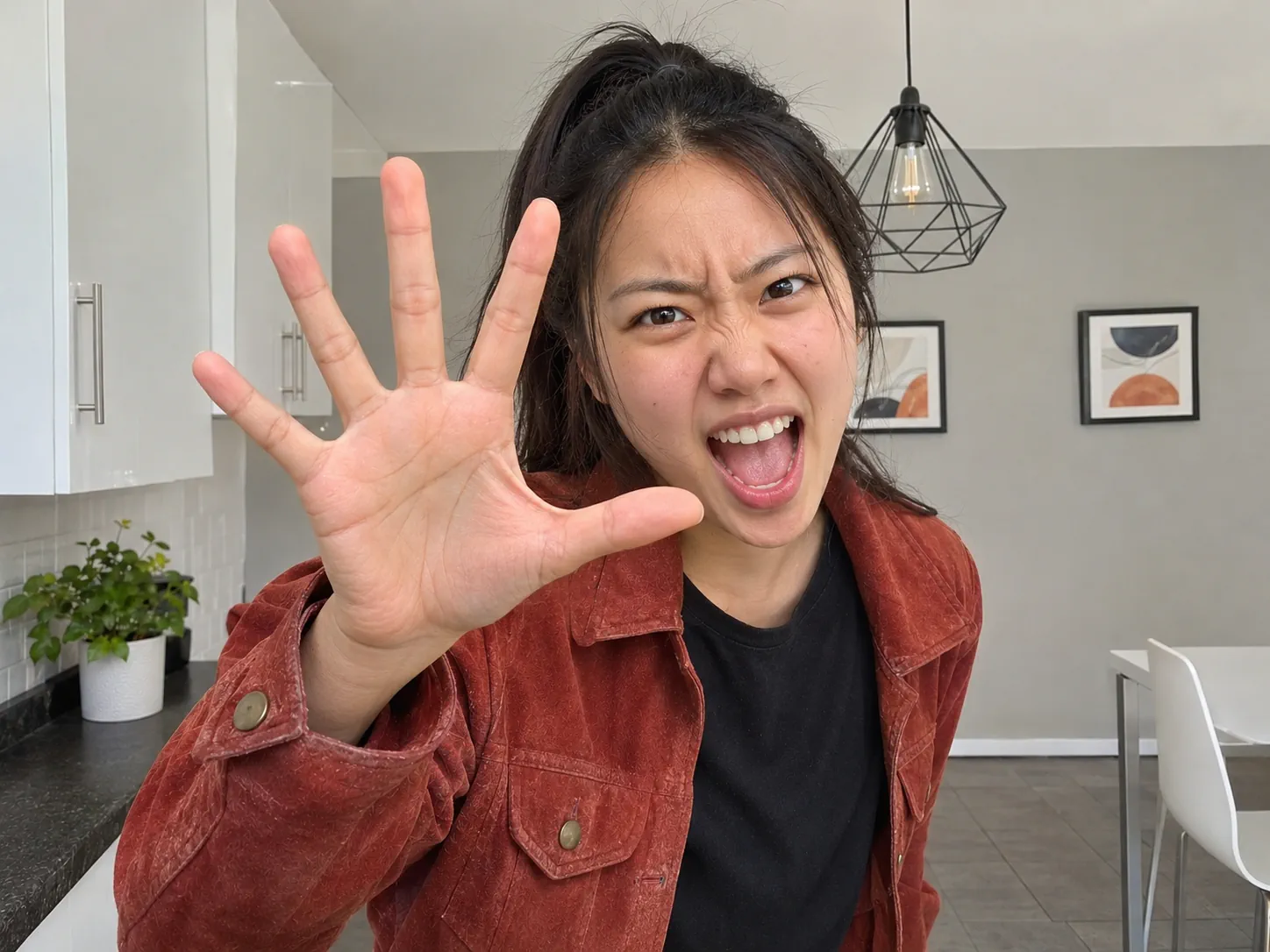
Filming the angry dance for real means learning every point and count to the beat, propping a phone at the right height and doing take after take until the timing lands. With our Bad Times AI video generator you skip all that and post while the Bad Times AI trend is still climbing. Upload a clear selfie, get a 10- or 15-second angry dance filter clip that follows the trend move for move, and spend the time you saved on a strong hook. Tip: start your caption with the complaint, like "POV: someone ate your leftovers," so people stop scrolling.
Use the angry dance filter AI to promote a small shop
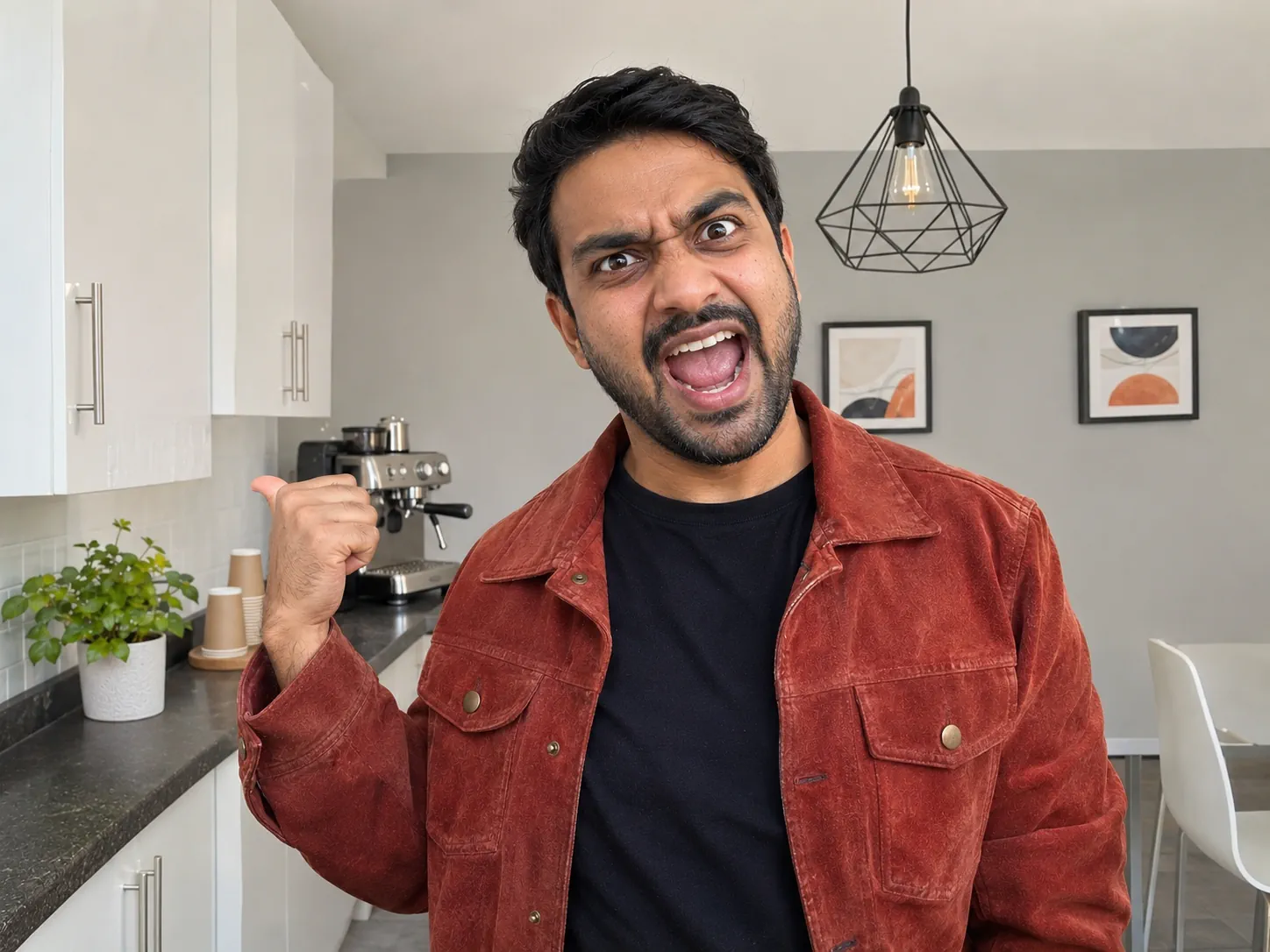
A café owner yelling at people who skip breakfast, a gym coach counting off excuses, a repair shop pointing at cracked screens: the angry dance filter AI turns a plain promo into a reel people watch to the end. Use one clear photo of the owner or one person from the team, looking at the lens, then put your offer in the caption or as text on top when you post. Your angry dance filter video has no watermark, so it looks like your own content. Tip: post the Bad Times AI trend clip on a slow weekday with a deal that ends soon.
How to do the angry dance filter with AI in 3 steps
You don't write a prompt, hunt for the trend clip or add the song later. Our angry dance filter first draws a still of you in the kitchen, so your face holds steady. Then it copies every point, count and yell of the Bad Times AI trend and lays the song under your video. You only pick one photo.
Upload one photo to the angry dance filter AI
Pick a photo of just you with a sharp face aimed at the camera, in soft daylight. Waist up works best, since the angry dance filter is mostly hands and face; a head-and-shoulders photo is fine too. The 10-second cut swaps your outfit for the red suede jacket and black T-shirt, while the 15-second angry dance AI cut leaves your own outfit on. Leave out group photos, dark glasses and beauty filters.
Pick a cut and a resolution for your angry dance filter video
Choose the 10-second 3:4 rant, or the 15-second 16:9 one where you walk in first and end with a two-hand scream. Both Bad Times AI trend cuts cost the same. Run a 480p angry dance filter test first, for 400 credits, and see how your face holds up mid-yell. For the version you post, 720p costs 600 credits and 1080p costs 900, and the price sits right on the Generate button.
Generate and post your Bad Times AI trend video
We render the angry dance filter on our side. Expect 5 to 10 minutes, and close the tab if you like. The finished angry dance filter shows up in My Creations, shaped like the cut you picked, with the song and free of watermarks.
The 10-second angry dance filter, shot by shot
This is the 10-second cut: one shaky phone shot in a grey-and-white kitchen, set to the Bad Times AI trend sound. The camera, kitchen and timing stay fixed; only the face changes, and your photo picks whose face does every point, count and yell in the angry dance filter.
0–1s · Angry dance filter opener: palm at the lens
The angry dance filter opens with you shoving an open palm right into the camera, the other thumb jabbing to the side, as if to say "stop right there."
1–3s · Counting the gripes
You tick off complaints on your fingers, one hand tapping the other, then jab both index fingers at the lens while your mouth keeps going, the move that names the angry dance AI.
3–4.5s · The big yell
You step back, fling an arm out and jerk a thumb over your shoulder, yelling the line everyone in the angry kitchen dance mouths along to.
4.5–6s · The hard stare
You lean in for a long glare, then stand back and look at the camera sideways, as if waiting for an answer that never comes.
6–7.5s · The huff
You turn away with one hand on your hip and look off to the side, done with this conversation, for about one second.
7.5–10s · The comeback
You spin back, point straight at the camera and rush up to the lens for one last close-up yell, the frame people pause on in every angry dance TikTok.
Angry Dance Filter AI FAQ: Photos, Song, Credits and Posting
Answers on how the angry dance filter AI works, which photo to pick, the price of each video and posting your Bad Times AI trend clip.
It is a fall 2026 TikTok trend where someone has a fake fight with the camera in a kitchen: palm at the lens, gripes counted on the fingers, pointing, a huffy turn away and one last yell, all timed to Bad Times by Imael Angel. The kitchen routine most people copy comes from a September 2026 video by the French creator @bouuhyachaka. Despite the name, the angry dance filter is not a face filter in the TikTok camera. It is a full video, and here the angry dance AI builds it from your photo.
1) In the generator, upload a single sharp photo of the ranter. 2) Pick the 10-second or 15-second cut, start cheap at 480p and judge your face, then redo it at 720p or 1080p when you like it; the button lists the credits each time. 3) Tap Generate, give it 5 to 10 minutes, then download the angry dance filter from My Creations. No prompt, no trend clip to find and no song to add: that is the whole angry dance filter from a photo.
One person, sharp, facing the camera, in soft daylight. Waist up is the sweet spot, because the angry dance filter happens close to the lens and is mostly face and hands. A recent photo showing your whole head, with no sunglasses and no beauty filter, keeps the face closest to real life. In the 10-second cut you wear the red suede jacket over a black T-shirt; the 15-second cut leaves your own outfit on, with your own hair and no added headphones or jewelry.
This one is made for one person per video. The whole routine is finger counting, pointing and hand waves, so pet photos are not supported here, and a photo with several people can confuse which face gets used. For a couple or a squad, make one angry dance AI video per person and post them in a row, or join them in your editor.
Yes. The Bad Times AI trend clip's audio, with the part of the song everyone lip-syncs to, is laid under your angry dance AI video for free, so the rant hits the beat with no editing. If you want TikTok to show the song name, you can also add Bad Times from TikTok's sound list as you post and lower the clip's own sound.
There are two angry dance filter cuts. The 10-second one is framed 3:4 like the Bad Times AI trend clip and runs from the palm at the lens to the final yell. The 15-second one is a wide 16:9 shot: you walk in from the back of the kitchen first and finish by pushing both hands at the camera. Resolution goes from 480p up to 1080p, and every download is an MP4 with the song mixed in and no watermark.
One flat price per angry dance filter, whichever cut and photo you use: 400 credits for a 480p rant, 600 at 720p, 900 at 1080p. Our one-time Trial Pack holds just enough for one 720p rant, so you can test a sharp version first.
Most angry dance AI videos finish within 5 to 10 minutes. The work happens on our servers, which means you can shut the tab or switch apps; the angry dance filter is saved to My Creations when it's ready.
It is the same Bad Times AI trend without the template hunt. Many phone templates paste your face onto someone else's body or just move a still photo around. Here the angry dance AI remakes every frame, so your own face does every count, point and yell, and a web browser is all you need.
No. The angry dance filter already holds the moves, the timing, the kitchen, the jacket and the song, plus the steps that keep your face the same in every frame. Your part is one photo and a resolution.
Fast finger moves are the trickiest part of the angry dance filter for any AI, and a soft or dark photo makes the face drift. A better photo fixes most cases: try a newer, sharper one with your face straight on, eyes open, no glasses and even light, ideally with your shoulders in view. Test at 480p first, then make the final angry dance AI video at 720p or 1080p.
Both files need no edits before they go live. The 3:4 cut fills most of a phone screen on TikTok, Reels or Shorts, and the 16:9 cut also suits YouTube and X. Captions that name the complaint work best, such as "me when someone says calm down," "when you ask who ate the last slice" or "our smallest fight." Add #angrydancefilter and #badtimes so people looking for the Bad Times dance trend can find your angry dance filter.
Yes, mostly. Bad Times by Imael Angel came out on March 30, 2026, and the kitchen rant set to it became the Bad Times trend. When one-photo AI versions took off in October, people started calling them the angry dance filter. So the Bad Times AI trend, the angry dance trend and the angry dance filter all mean the same short kitchen rant.
Join the angry dance filter trend
Drop in one photo and we make your own angry dance filter AI video, with the kitchen and the Bad Times AI trend song included.