58th Floor AI Trend


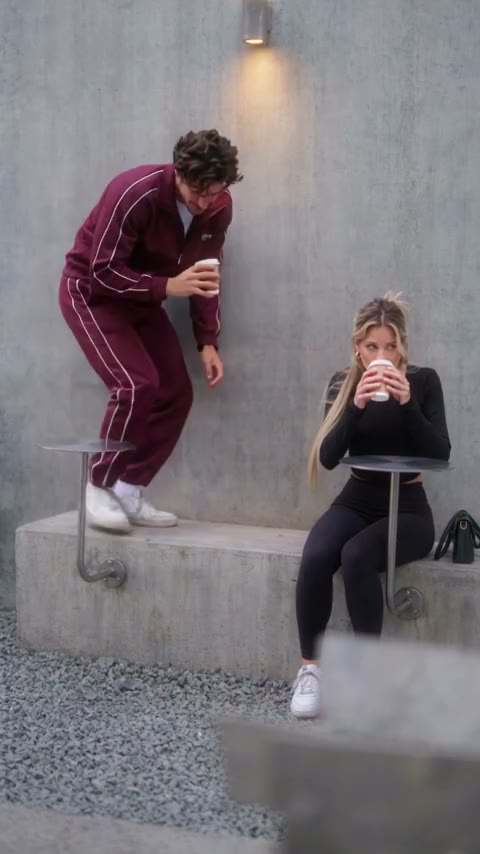
Real result generated with Flowlio AI from these 2 photos
- 2 photos you add
- 15 s clip with sound
- Ready to share via link
- No watermark
Ready in a few minutes
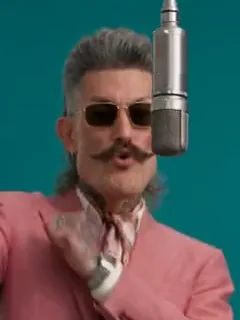

Real result generated with Flowlio AI from these 2 photos
More Effects
Explore the other video effects, each with its own input and motion.
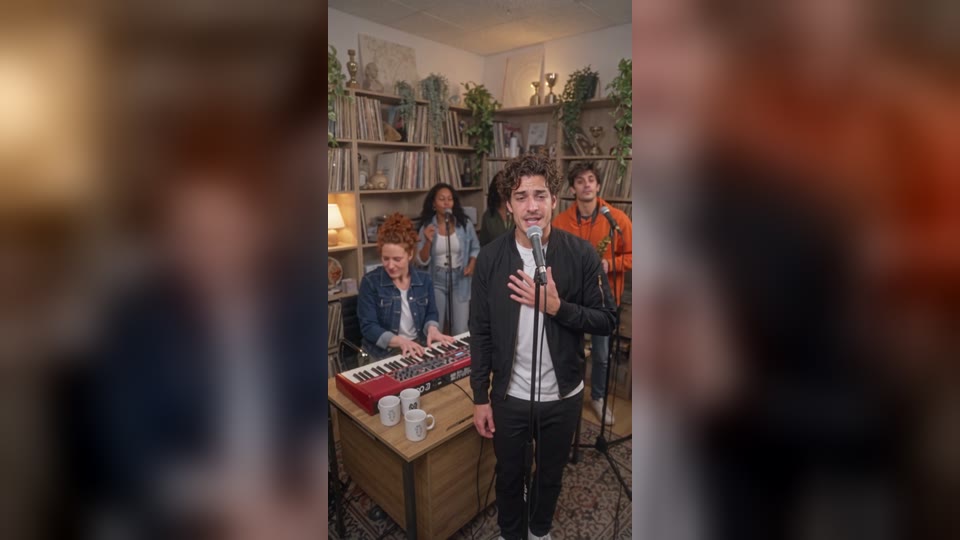
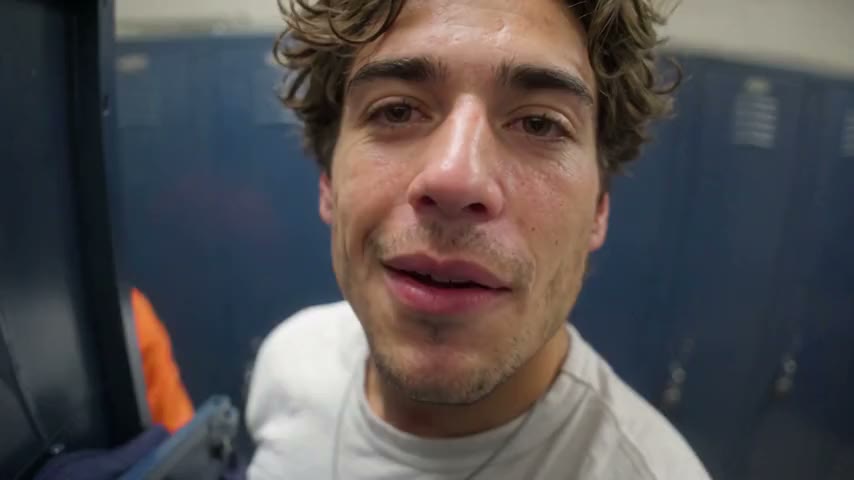
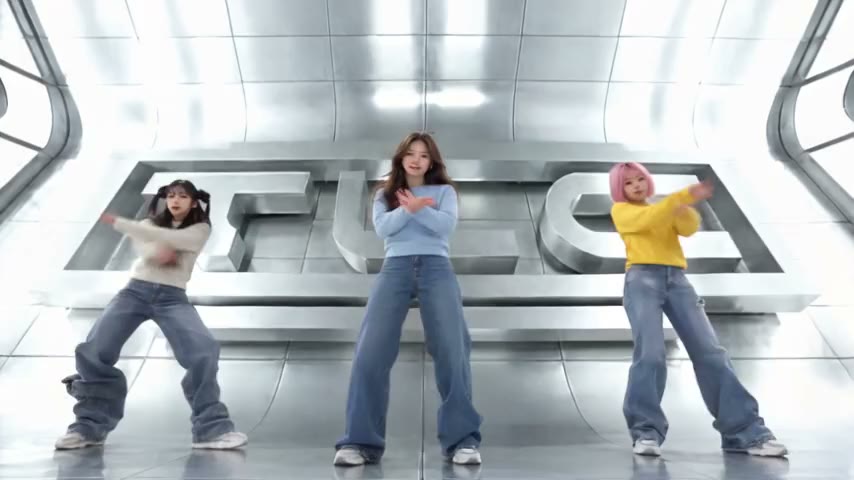
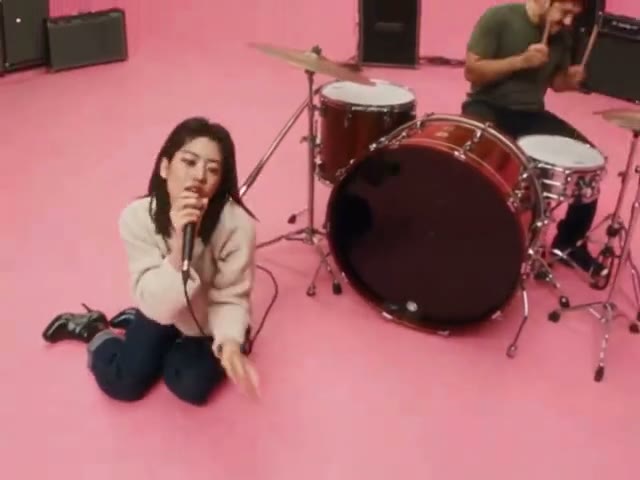
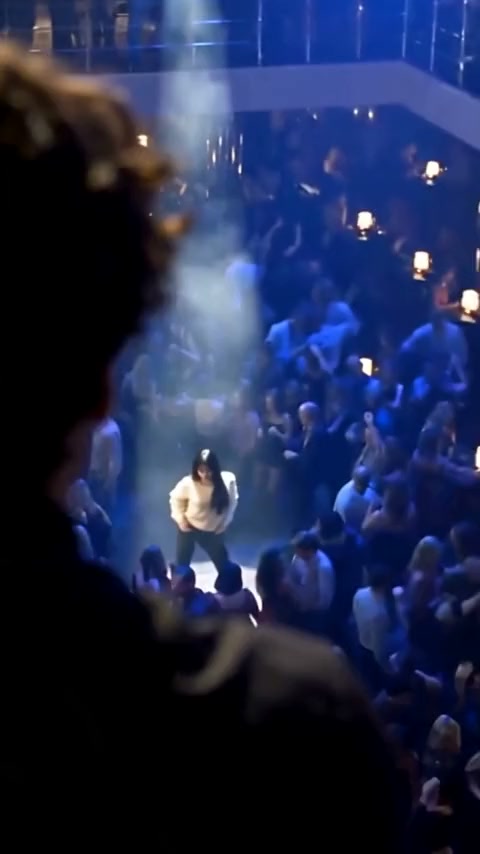

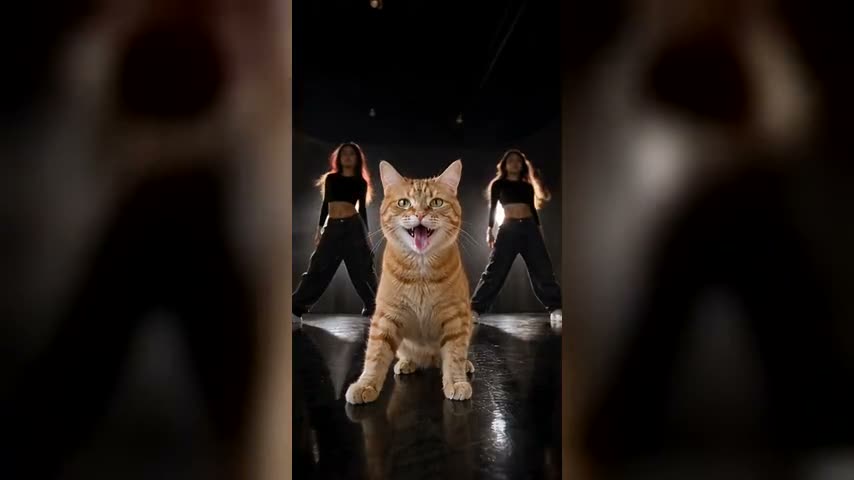
What is the 58th Floor AI trend?
The 58th Floor AI trend puts you and a friend inside the 58th Floor Anderson .Paak and Cordae session from A COLORS SHOW: a teal studio, one hanging mic and two rappers. Two photos are all you need.
Who raps with you in your 58th Floor AI video?
The teal room, the hanging mic, the camera work and the music stay the same in every 58th Floor AI video. You only pick the two people at the mic, and who raps first. It is your own COLORS show AI video.
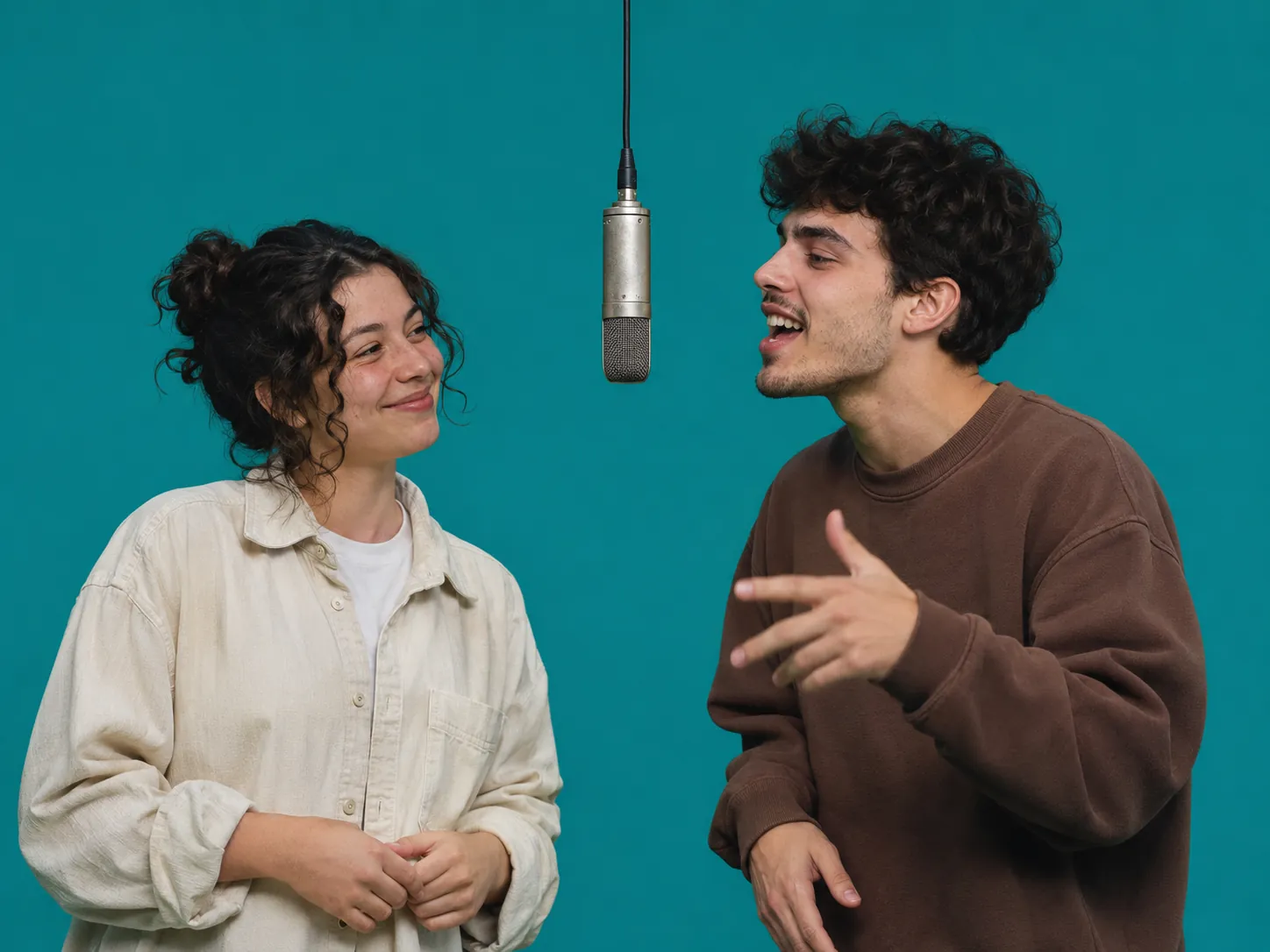
A 58th Floor AI video with your best friend
This is the most common way to join the 58th Floor AI trend. Pick the Handoff scene. Put your own photo in the first box and your best friend's photo in box two. In the 58th Floor AI clip, you finish the hook and look at the camera. Then your friend turns to you, takes the verse and raps it right at your face while you nod like it's the best thing you ever heard. It is the same turn you see in the 58th Floor Anderson .Paak and Cordae session. Post your 58th Floor AI video on TikTok and tag your friend in the caption. Tip: use photos where you both wear what you would wear on stage, because each of you shows up dressed just like in your photo.
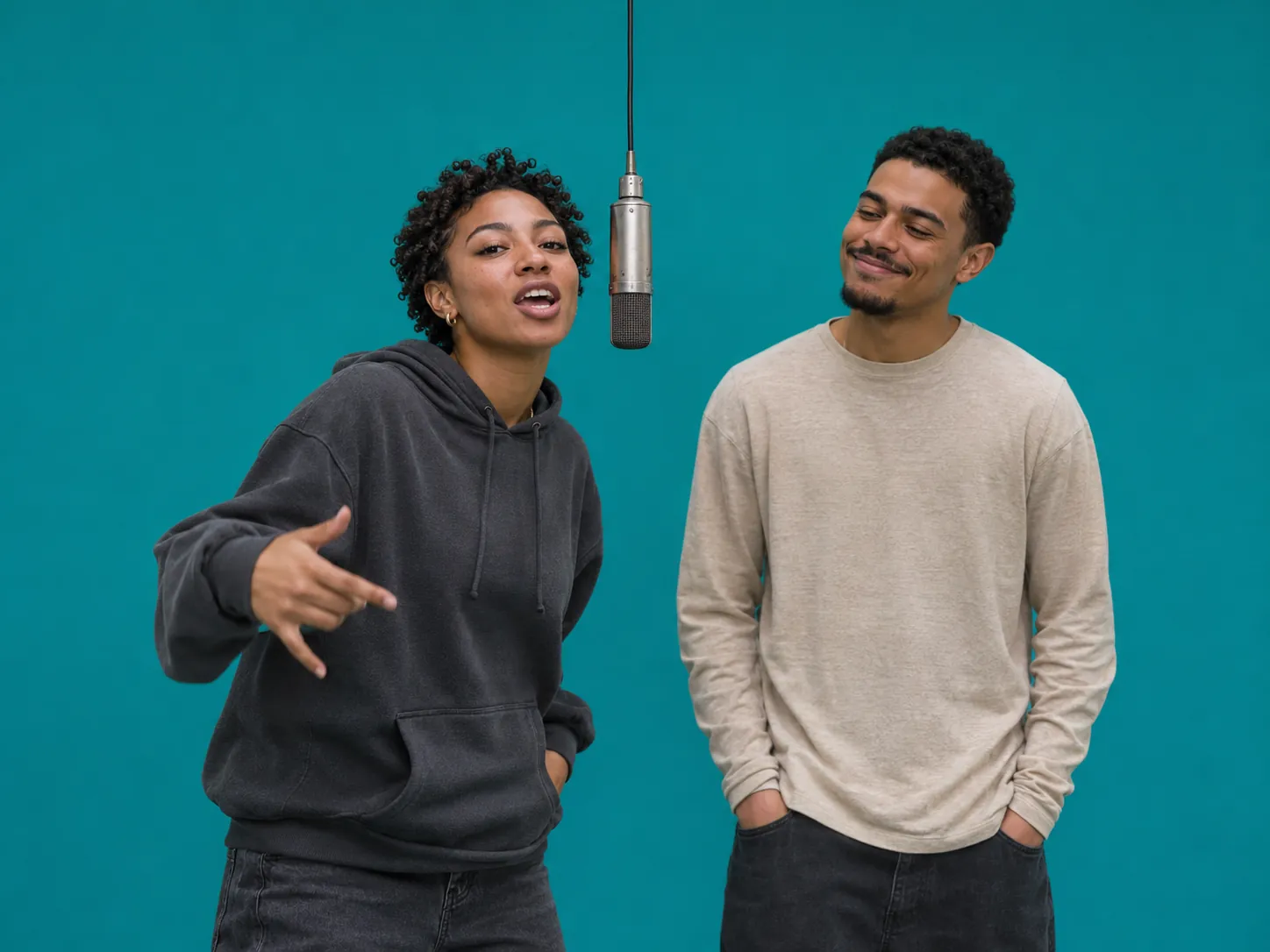
Ride the 58th Floor AI trend early as a creator
The 58th Floor Anderson .Paak and Cordae session only came out on October 30, 2026, so few people have posted a 58th Floor AI video yet. Posting a 58th Floor AI clip early is how a small account gets found. Pick the 30-second Opening Verse scene, put yourself in the first box as the lead rapper, and add a friend or co-host in the second box as your hype man. You rap the full first verse and the hook while they nod and laugh next to you. Post it as a Reel or Short and write the song's name in your caption. That is how people who look it up will find you.
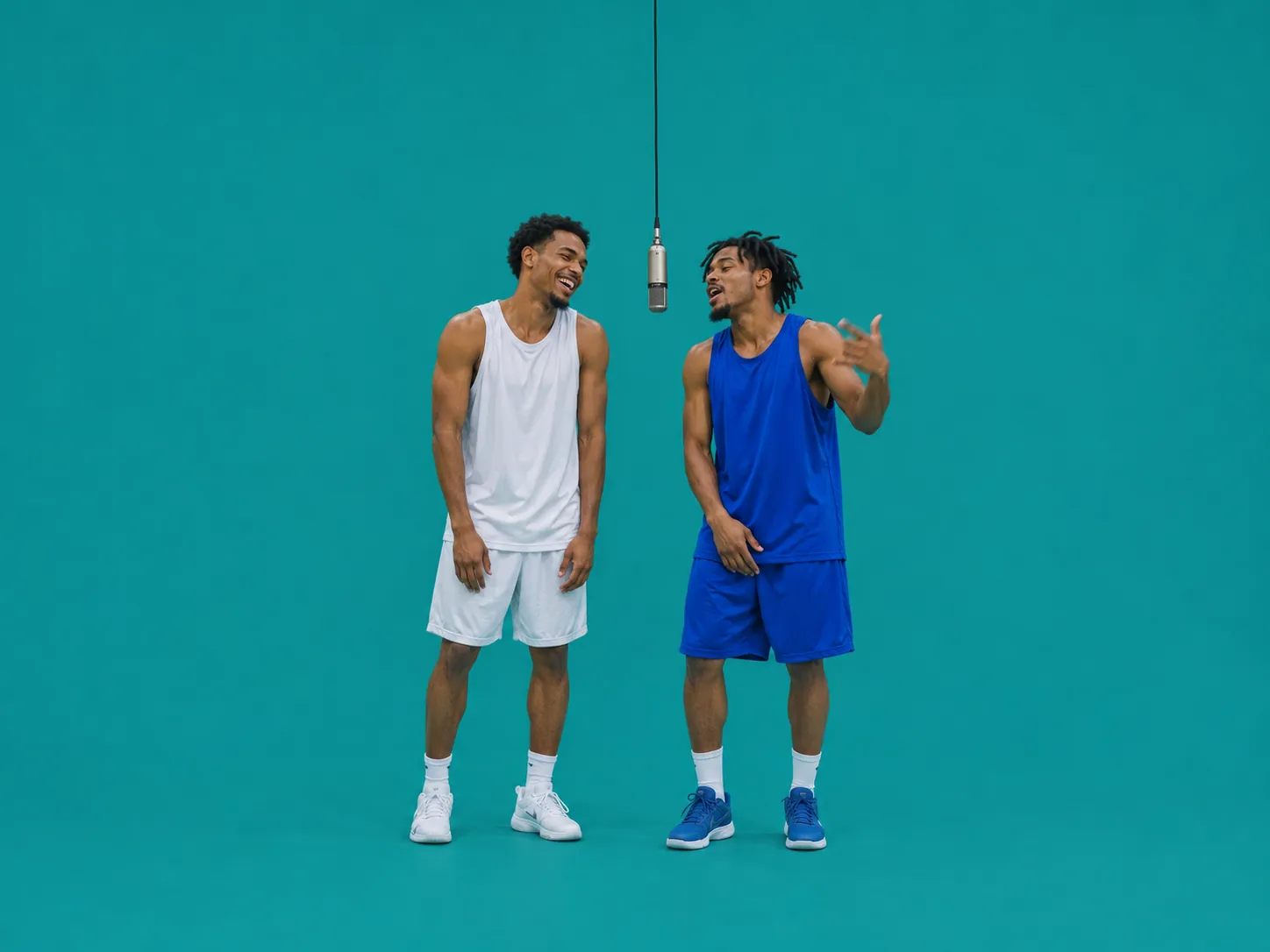
Your teammates in a COLORS show AI video
Big win last night? Make a 58th Floor AI video with two teammates at the mic. This works great for school teams, local clubs and sports fan pages. Use the 58th Floor AI Landscape scene if you want a wide 16:9 clip for YouTube or a big screen, or the Handoff scene for a vertical post. Photo 1 goes on the left and photo 2 on the right, so put your loudest player second. Team shirts are fine, but big logos and numbers may come out a little blurry. Post the COLORS show AI video in the team chat right after the game, while everyone is still excited.
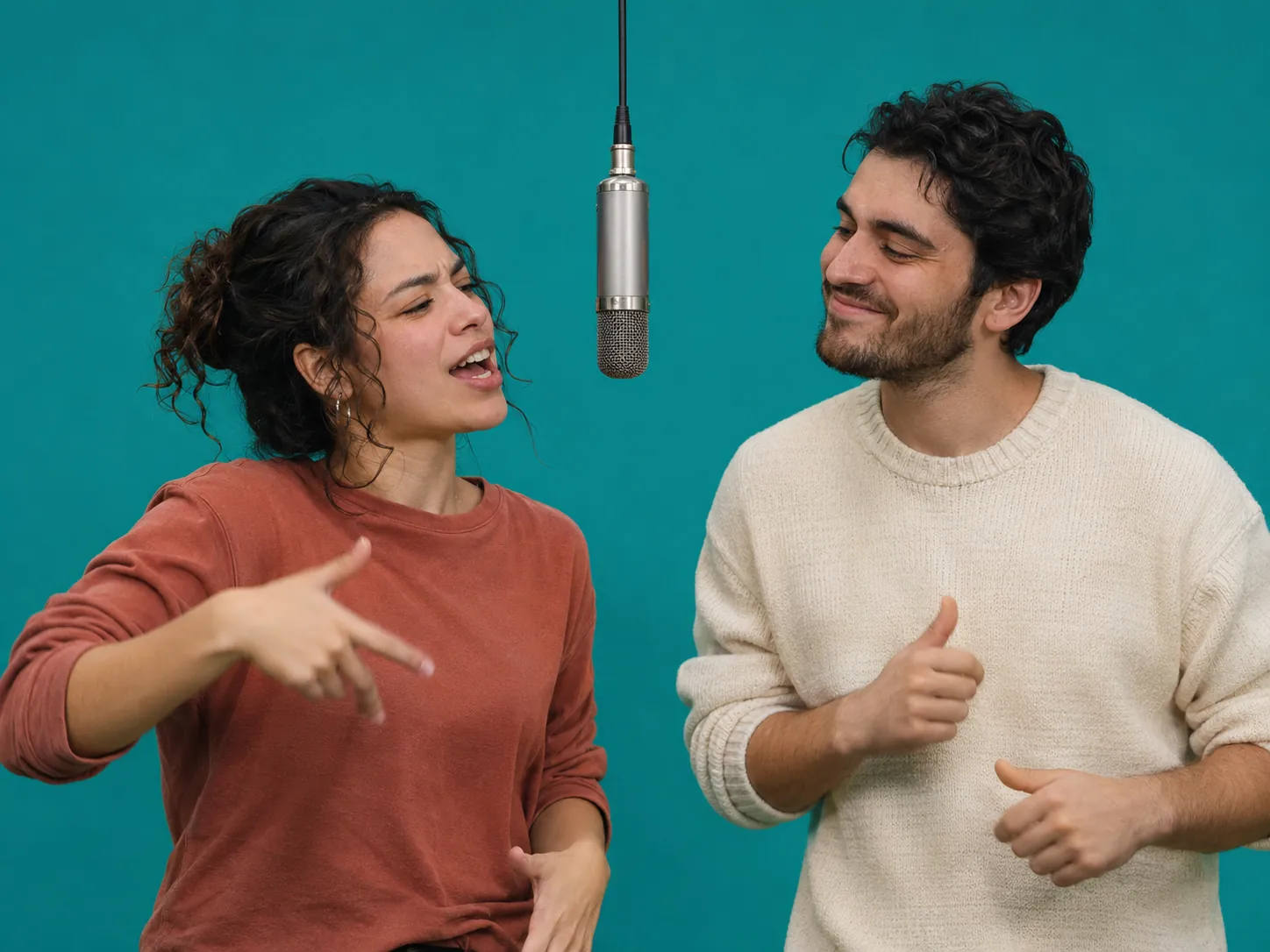
The 58th Floor Anderson .Paak and Cordae handoff, starring a couple
Who in your relationship talks more? Make that person rap the verse in your 58th Floor AI video. In the Handoff scene, the first photo raps the end of the hook and the second photo takes over, turns and raps straight at the first, who can only smile and nod. A 58th Floor AI clip is a fun way to tease your partner on an anniversary, or just on a slow Sunday. Use two photos with the same kind of light, like two photos taken on the same day, so you look like you were really standing in the same room. Then share your COLORS show AI video to your Story and see who in your circle guesses the song first.
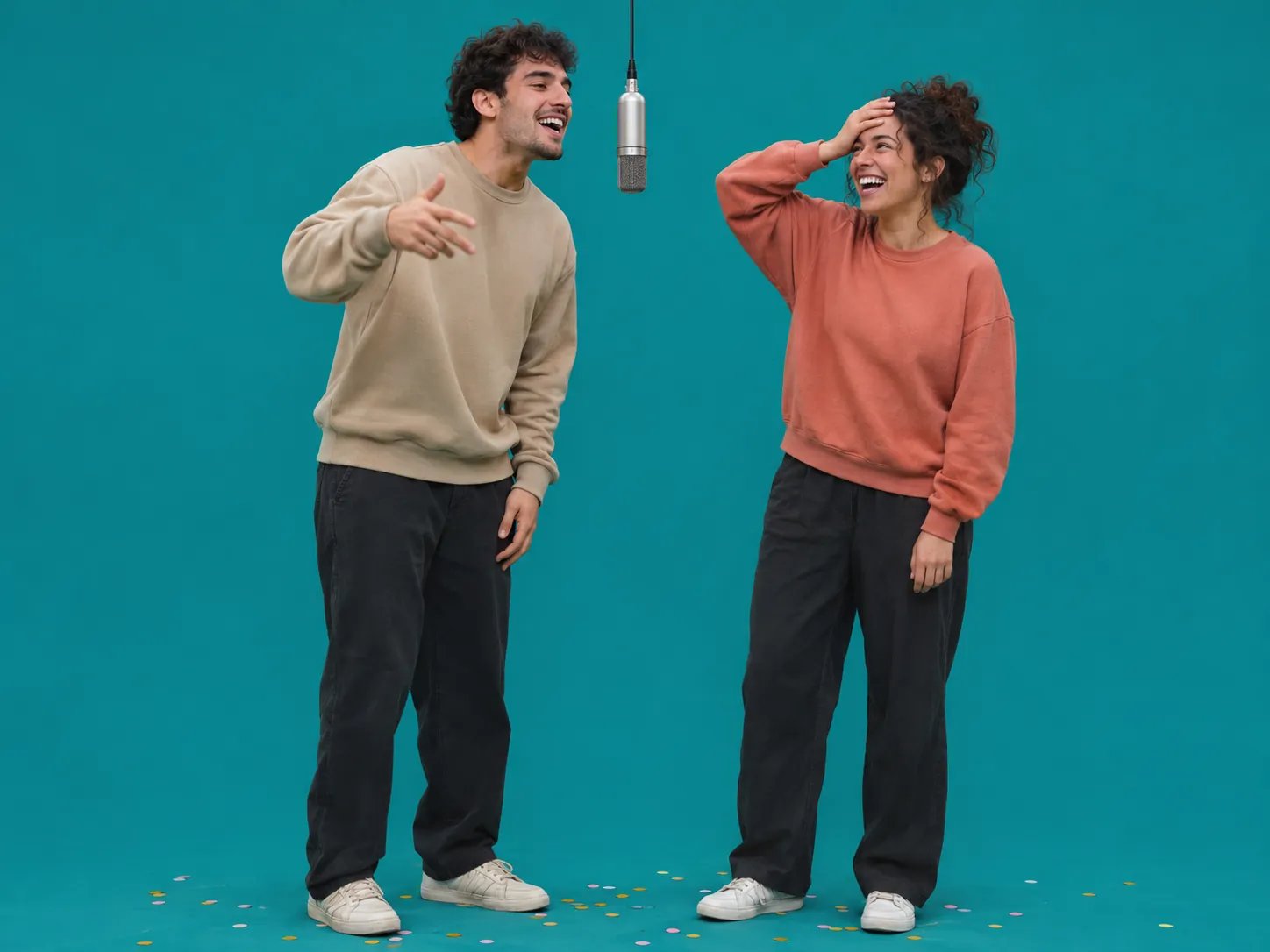
A birthday shout-out in the 58th Floor A COLORS SHOW style
Turn the birthday person into the star of their own 58th Floor A COLORS SHOW clip. Pick the 58th Floor AI Opening Verse scene and put their photo in the first box, so they rap the whole first 30 seconds at the mic. Put your own photo in the second box, and you play the hype man who laughs, claps and grabs your head in shock at the big line. Send the 58th Floor AI clip to the group chat at midnight. One note: the 58th Floor Anderson .Paak song has strong language, so this one is for friends, not for the family chat or the office.
How to make a 58th Floor AI video
No prompt, no clip to find, no editing. This 58th Floor AI video generator already has the teal room, every move, every camera angle and the song inside it. That is all it takes to make a COLORS show AI video.
Pick a 58th Floor AI scene and add two photos
Choose the 15-second Handoff, the 30-second Opening Verse or the wide Landscape cut. Then add one photo for each rapper: photo 1 is the rapper on the left who goes first, and photo 2 is the rapper on the right. Use clear photos of one person each, facing the camera. We take the moves, the camera angles and the cuts from the real 58th Floor Anderson .Paak session, and we leave out the artists' caps, glasses and chains, so only your faces and clothes show up.
Choose how sharp your COLORS show AI video is
Try your 58th Floor AI clip at 480p first to see that each friend landed on the right side. When it looks good, make it at 720p or 1080p to get sharper faces. Each mic swap costs credits, and the Generate button tells you how many first.
Get your 58th Floor AI clip with the song
Your 58th Floor AI trend video comes back with the real 58th Floor Anderson .Paak audio already on it and each mouth timed to its own lines. There is no watermark. Your teal-studio rap clip lands in My Creations, so the group chat can see it within minutes.
The 15-second 58th Floor AI Handoff, shot by shot
This is the part of the 58th Floor A COLORS SHOW session where the mic changes hands, so both of you get to rap. Every cut lands where it does in the real 58th Floor Anderson .Paak and Cordae session.
0–3.5s · The end of the hook
The 58th Floor AI clip opens on a waist-up shot of you both, with the silver mic hanging between you. Photo 1 raps the last line of the hook to the camera. Photo 2 bobs to the beat with their mouth closed.
3.5–5.5s · The handoff
In the 58th Floor AI Handoff, photo 2 turns to face photo 1 and starts the verse. This is the turn that the whole 58th Floor AI trend is about.
5.5–8.5s · The close-up
The camera moves in tight on photo 2, with the mic at the edge of the frame. Eyes half closed, one hand up, photo 2 raps the verse.
8.5–11.5s · Head to toe
The wide shot of your COLORS show AI video shows the whole teal room and both of you from head to toe, shoes and all. Photo 2 keeps rapping while photo 1 dances next to them.
11.5–15s · Face to face
A low shot of the two of you. Photo 2 raps the last lines right at photo 1, who grins and nods with the same "that's hard" face from the 58th Floor Anderson .Paak video.
58th Floor AI Trend FAQ
Photos, sides, lip sync, the song, length and price: what people ask before they make a 58th Floor AI video or any COLORS show AI video.
1) Open the 58th Floor AI video generator and pick a scene: Handoff (15 seconds), Opening Verse (30 seconds) or Landscape (wide 16:9). 2) Add two photos, one for each rapper. Photo 1 is on the left, photo 2 is on the right. 3) Go with 480p for the lowest price or 1080p for the sharpest faces, and press the button. A few minutes later, your 58th Floor AI clip is ready, song included.
It's a way to put yourself and a friend into the 58th Floor Anderson .Paak and Cordae video from A COLORS SHOW. COLORS posted that session on October 30, 2026. It shows only the two rappers in a plain teal room, rapping at one silver mic that hangs from the ceiling. "58th Floor" is the first song on their joint album Heavy Is the Crown, which came out on October 23, 2026. This Anderson .Paak Cordae AI video trend swaps in your two faces.
Pick Handoff if you both want to rap: photo 1 ends the hook and photo 2 takes the verse. Pick Opening Verse if one person should carry it: photo 1 raps the first 30 seconds of the session and photo 2 is the hype man. Pick Landscape if you want a wide 16:9 COLORS show AI video for YouTube or a TV screen instead of a phone.
Use photos with one person each. Face the camera, stand in bright, even light, and take off your sunglasses. Full-body photos work best, because the wide shots show you from head to toe. If your photo stops at the waist, the rest of your outfit is filled in to match. In the 58th Floor AI video, your face, hair and clothes all come from your photo.
Photo 1 is always on the left and photo 2 is always on the right. To swap who raps what in your 58th Floor AI clip, just swap the two photos. In the Handoff scene, put the friend who wants the spotlight in the second box, because photo 2 gets the close-up and most of the verse.
In each 58th Floor AI clip, each person moves their mouth only during their own lines, timed to the real audio. The person who isn't rapping keeps their mouth closed and nods along. Very fast lines can be a little off now and then. If one part looks wrong, try again with sharper, front-facing photos.
Yes, every scene comes with the real audio from the 58th Floor Anderson .Paak and Cordae session already on it. The song has strong language, so think twice before you send it to family or coworkers. If you need a clean version, turn the clip's sound off when you post it and pick a different sound inside TikTok or Instagram.
Yes. Handoff and Opening Verse are vertical 9:16, the shape TikTok, Reels and Shorts use, so there's nothing to crop. The Landscape COLORS show AI video is 16:9 for YouTube. Your 58th Floor AI video has no watermark. If you post for a business or run it as an ad, use a sound from the app's commercial music library instead of the song.
No. The 58th Floor AI prompt is written for you. It tells the model who raps when, keeps the other mouth closed, copies every camera move and cut, so you get a true COLORS show AI video, and keeps the artists' caps, glasses and chains out of your clip. All you do is add two photos and pick a resolution.
Most 58th Floor AI clips finish in a few minutes, and you don't have to stay on the page while it works. Signing up is free. A Handoff clip is 600 credits at 480p during the trend sale (750 before), 1,600 at 720p and 3,800 at 1080p. Opening Verse is twice as long, so it keeps its full price: 1,450, 3,200 and 7,650. Landscape runs 600, 1,500 and 3,600. New here? Buy the one-time Trial Pack and your first 480p Handoff or Landscape clip is paid for. The cost shows up before you begin. When something goes wrong and no clip comes out, we put the credits back.
Not yet. Right now the 58th Floor AI trend only works with grown-ups, one person in each photo. Kids and pets aren't supported, and the 58th Floor Anderson .Paak track has strong language too.
Yes. Our Hotel Lobby AI trend page is another COLORS show AI video: Quavo and Takeoff's 2022 session, in an orange room. Like the 58th Floor Anderson .Paak and Cordae session, it has two rappers and one hanging mic, so one pair of photos works on both pages.
Make your 58th Floor AI video now
Two photos, one hanging mic, the real 58th Floor Anderson .Paak and Cordae song. Pick who raps first and get your COLORS show AI video in a few minutes.