
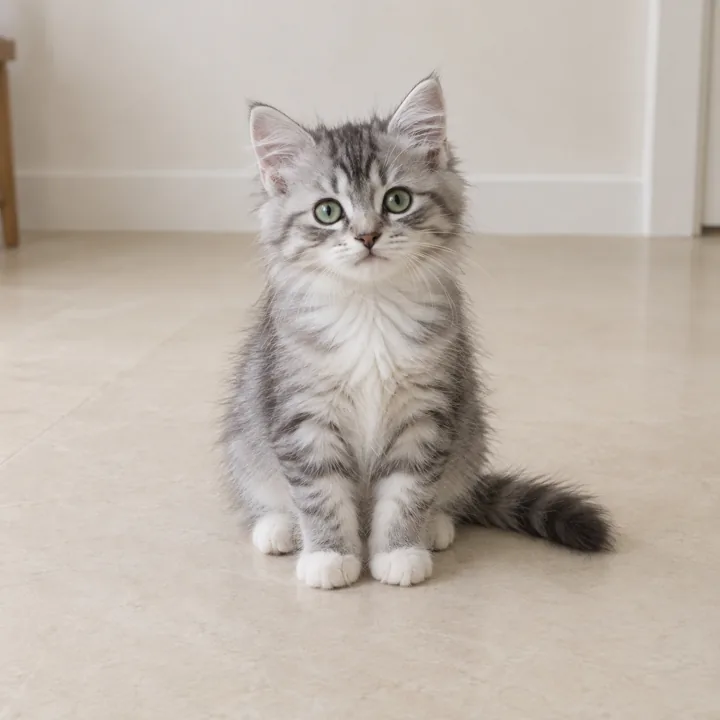
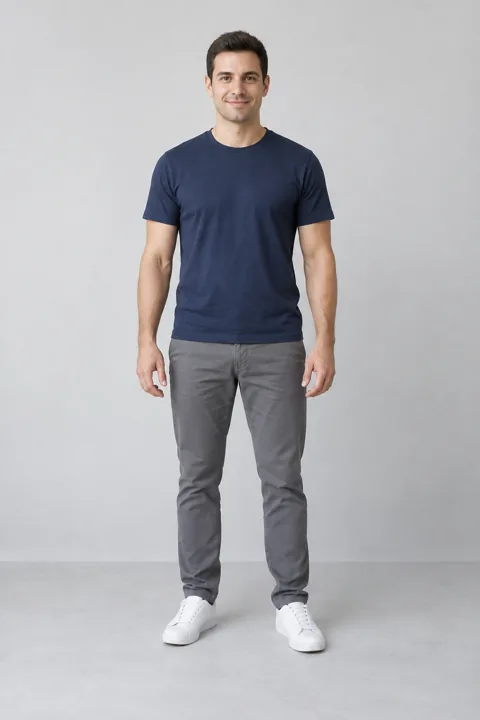
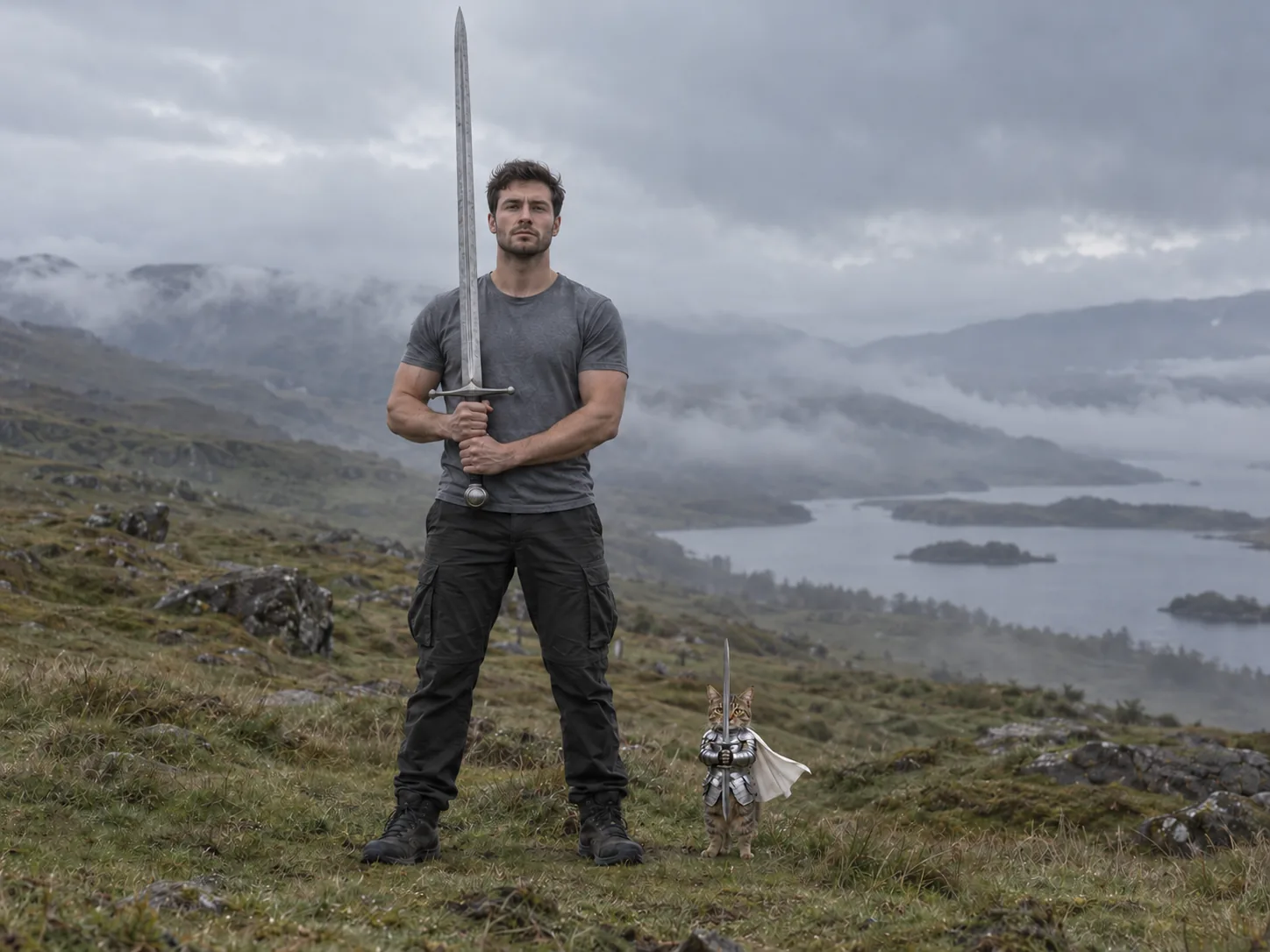
Made from these two photos
More Effects
Explore the other video effects, each with its own input and motion.
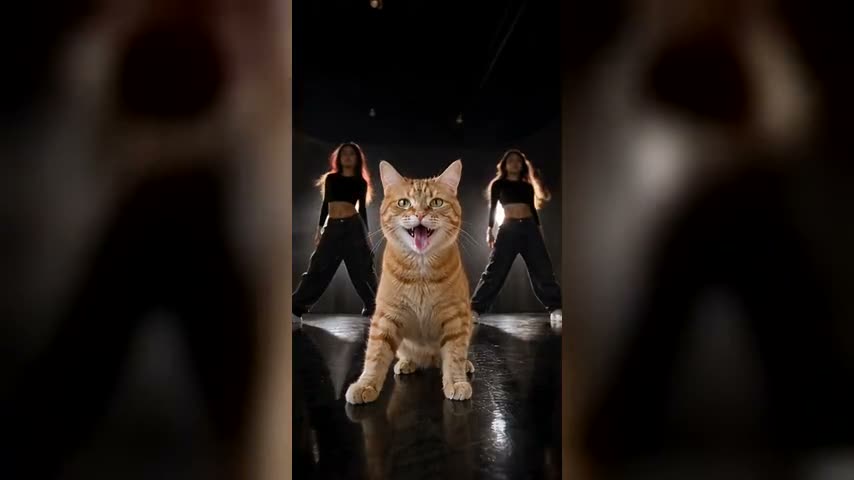
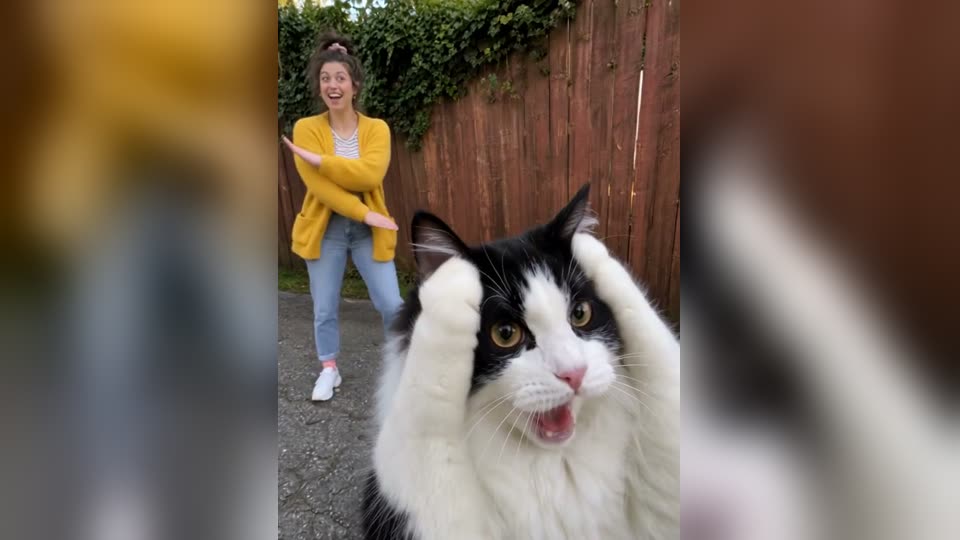
Make a cat knight AI video from a photo of your cat
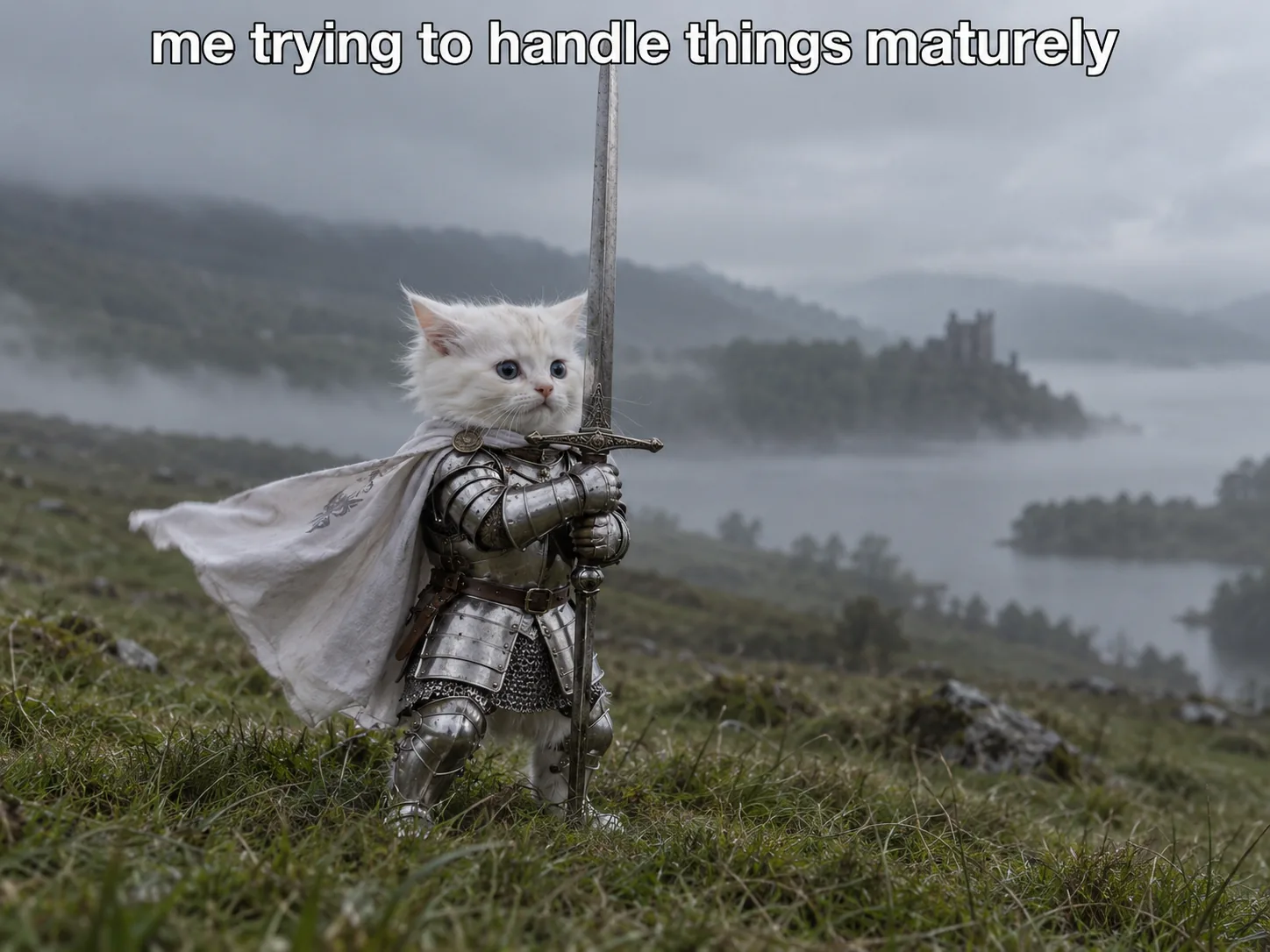
The cat knight trend, also known as the cat knight meme, the knight kitten or the kitten with a sword meme, took over Instagram, TikTok and X in late September 2026: a tiny, wide-eyed kitten in little silver armor and a pink bow grips a sword far too big for it and leans into a gust of wind, fur and cape blowing, refusing to back down. In the version everyone shares, the camera then pulls back to reveal a masked giant with an enormous sword standing guard right beside it. It spread because everyone recognised themselves in that kitten, posted with captions like "me trying to handle things maturely" or "born to :3, forced to fight". With this cat knight AI video generator you don't have to rebuild it from a prompt: upload one photo of your own cat and it becomes the brave little knight, with its own face, eyes and markings kept in every frame. Add a second photo of yourself and you become the giant at its side, or leave it out and keep the masked giant from the original.
The most-shared version of the cat knight trend has a name of its own: Remember Your Gym Bro. The giant who steps in beside the kitten is Derek Mercer, an AI-made fitness character known for his black balaclava and impossible muscles, and the clip was a crossover with the knight kitten's creator, sickmanai, posted in late September 2026 under the caption "Remember your gym bro". The joke is in that line: however small and outmatched you feel, the friend who trains with you and always has your back is standing right beside you with a much bigger sword. That's why this cat knight AI video gets sent to best friends, training partners, siblings and partners. Make your own here: your cat holds the line as the little knight, and a photo of you or your best friend becomes the giant at its side.
Who plays the knight, and who plays the giant?
In every cat knight AI video the armor, the oversized sword, the wind and the giant's entrance stay the same; the cast is the part people change. The original knight is a fluffy cream kitten with a pink bow, but yours can be any cat you have a clear photo of, keeping its own coat, eye color and markings. The giant is up to you: keep the masked original or step into the role yourself.
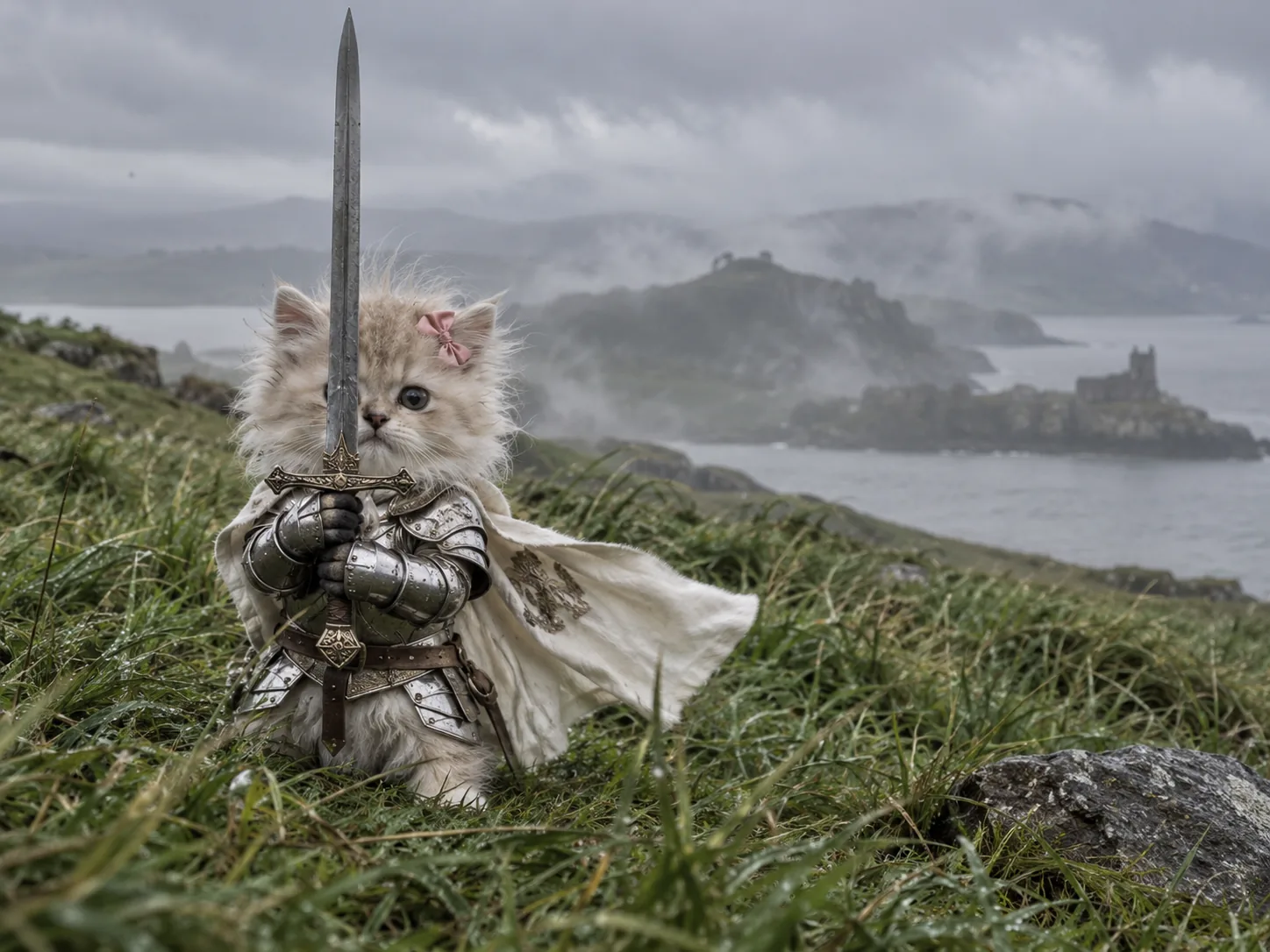
The classic knight kitten
The version everyone knows: a small kitten in shiny armor, a pink bow on its head, sword held up with both paws and big eyes fixed on whatever is coming. A photo of your own kitten gets you the meme exactly as it went viral, just with your cat as the hero.
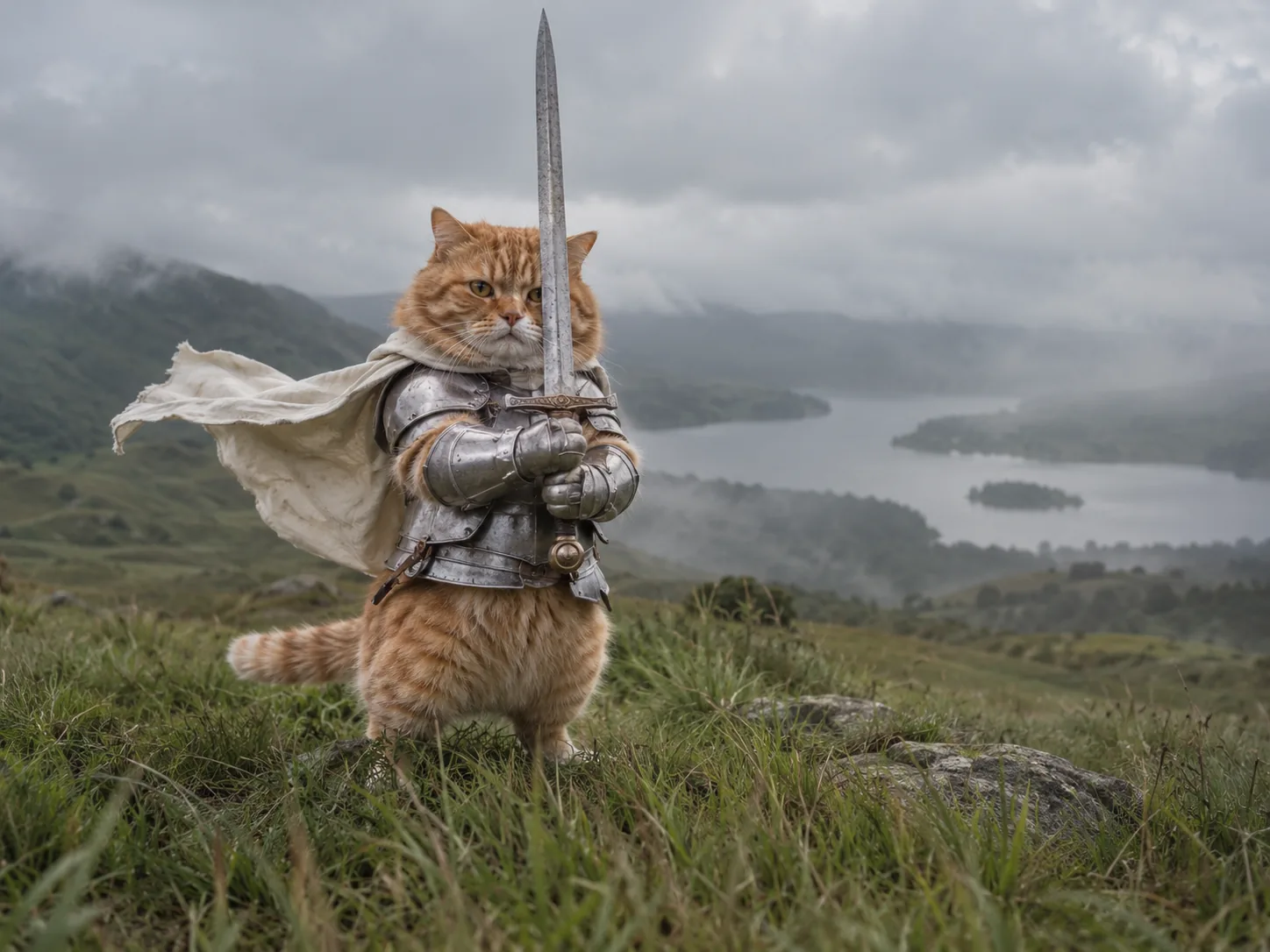
Your chonky old cat, sworn in
It doesn't have to be a kitten. A round orange tabby or a grumpy senior cat squeezed into armor and bracing against the wind is just as funny, maybe funnier. Upload a photo of your grown cat and it keeps its size, its face and that unimpressed stare.
Stand guard next to your cat
Add a photo of yourself as the second photo and you become the giant who appears beside your cat: towering over it in the fog, holding a sword as tall as you are, in the same pose as your tiny knight. It's the protective-owner version of the meme, and it works just as well with your partner, your dad or the friend who always has your back.
Your mood, in armor
Most cat knight memes are posted with a caption that turns the kitten into you: facing Monday morning, a job interview, a first solo doctor's visit or not texting your ex. Make your cat the knight, add your own line on top and post it for anyone fighting the same small battle.
How to make the cat knight AI video
The moor, the fog, the armor, the camera pull-back, the giant's entrance and the audio all come from the original clip behind the cat knight trend, so the cat knight AI video generator needs nothing set up. You pick the cast and the sharpness, and the knight video is made for you.
Add the knight, and the giant if you like
Photo 1 is the tiny knight and is required: your cat, another pet or a child, alone in the picture with the face clear and in focus. Photo 2 is optional: a photo of you, a friend or your partner turns them into the giant standing guard. Skip it and the masked giant from the meme stays.
Pick 480p, 720p or 1080p
Length and frame are fixed by the clip: 10 seconds in 4:3, with the original audio. All you choose is the resolution: 480p for 500 credits while the trend is hot (normally 700), 720p for 1,000 or 1080p for 2,100, with one or two photos.
Download your cat knight AI video
First your cast is drawn into the final wide shot, then the whole take is replayed around them. The finished cat knight video, usually ready within about 10 minutes, waits in My Creations as an MP4 with the sound on it. Save it and send it to whoever you would want standing next to you.
The cat knight AI video, second by second
The whole clip is one continuous shot in a foggy, windswept field. It opens on the knight kitten up close, brave and tiny, then the camera pulls back to reveal who is standing right next to it: a giant holding a sword as tall as he is, in exactly the same pose. Here is what happens in each beat, with your cat as the knight and, if you add a second photo, you as the giant.
0–3s · The knight kitten up close
Your cat fills the frame in little silver armor, no helmet, a pink bow clipped to its head and big dark eyes staring ahead. It holds a long sword straight up in front of its face with both armored paws while the wind whips its white cape sideways and ruffles its fur.
3–4s · The camera starts to pull back
The shot drifts back and the kitten gets smaller against the wind-flattened grass and the fog over the water behind it. Then a huge boot and a leg step into the edge of the frame, so close they dwarf the whole knight.
4–6s · The reveal
The camera keeps pulling back and up: dark trousers, a belt hung with straps, then enormous arms. Standing beside your cat is the giant, either the masked man in a black balaclava and tight grey T-shirt from the original or the person in your second photo, gripping a greatsword far bigger than any real one.
6–10s · Side by side
The wide shot the meme is known for: the giant holds his sword upright in front of him with both hands, and at his feet your cat holds its tiny sword in exactly the same pose, barely reaching his boot, cape still flapping. Two knights, one very big and one very small, facing the storm together.
Your cat and you, in every frame
Your cat photo replaces the kitten from the first close-up to the last wide shot, keeping its face, eye color, coat and markings even when it shrinks to a small figure beside the giant. The second photo is optional: add a person and they become the giant, still towering over the cat; leave it out and the masked giant from the original stays.
One take, 4:3, about 10 seconds
This isn't a scene invented from a text prompt: the cat knight AI video generator follows the original clip frame by frame, so the slow pull-back, the fog, the wind in the grass and the moment the giant appears all land exactly where they do in the meme.
Cat Knight AI Video FAQ
What the cat knight trend and its Remember Your Gym Bro version are, how to make a cat knight AI video with one or two photos, which apps people use and what it costs.
It's the best-known version of the cat knight trend. The clip opens on a tiny kitten in silver armor with a pink bow, holding a sword in front of its face while the wind whips its cape. Then the camera pulls back and a giant masked man with an enormous greatsword steps in beside it and takes the same pose. That giant is Derek Mercer, a fitness character who only exists in AI videos, and the clip was his team-up with sickmanai, the account behind the knight kitten. People share it as a promise between friends: you may be the small one, but you never go into battle alone.
On this page it takes three steps and no prompt. 1) Upload the knight as Photo 1: your cat, another pet or a child, sharp and in good light, with the face clearly visible. 2) Upload the giant as Photo 2 if you want one: a clear photo of you, a friend or anyone else who stands guard, ideally showing their whole upper body. Leave it empty and the masked giant from the original stays. 3) Choose 480p, 720p or 1080p and hit Generate Video in the generator above. First the two photos are drawn into the final wide shot so the sizes, the armor and the sword match the meme, then the whole 10-second clip is replayed with your cast and the original audio is laid under it. Your video lands in My Creations, usually within about 10 minutes.
In the cat knight AI video generator above, upload one photo of your cat as Photo 1 and leave Photo 2 empty. That gives you the cat knight video exactly as it went viral: your cat in the armor, the pink bow and the white cape, holding its sword in the wind, then the camera pulls back to the masked giant standing beside it, all in one 10-second take with the original audio.
There's no single official app. The original clip and its creator's tools haven't been published, and most remakes going around come from general AI tools: an image model to draw the armored cat, then an image-to-video app such as Kling, Dreamina, Google Flow or Higgsfield to animate it, often with a lot of re-rolls. That route gives you the most freedom but the most work, and the camera pull-back and the giant's entrance rarely come out the same way twice. This cat knight AI video generator is a dedicated template instead: it's built on the real clip, so the close-up, the reveal and the wide shot follow the original, and you only add one or two photos. It runs in the browser on a phone or a computer, with nothing to install.
The hard part of the kitten and giant shot is the size contrast: the knight has to stay tiny next to the giant from the first frame to the last, in the same pose and in the same wind. Text prompts tend to lose it, either making the cat too big or turning it into a small person. Here the two photos are first placed into a still of the original wide shot, with the knight at the giant's feet, no taller than the middle of his shin. That still then guides the video, so the knight and the giant keep their sizes through the whole pull-back and never swap or blend. Photo 1 is always the knight and Photo 2 is always the giant.
The muscular giant in the meme is Derek Mercer, an AI character with his own following, and people who make characters like him in tools such as Higgsfield usually design the character first (face, build, outfit and accessories), save it as a reusable character or face, build a character sheet from the front, side and full body, and then animate it with image-to-video or a motion reference. You don't need any of that here. Leave Photo 2 empty and the masked, muscular giant from the original clip stays in your video, greatsword and all. Add a photo of a person and they take his place with their own face and build: the scene makes them a giant by scale, not by adding muscles.
Yes, this cat knight AI video generator is one. Some template sites split the trend into two: a one-photo knight cat template and a separate two-photo version with the giant. Here both are the same template. Upload just your cat and you get the knight cat meme with the original masked giant; add a second photo and that person becomes the giant standing guard. There's no prompt to write or copy, and the 10-second clip comes back with the original audio already on it.
Upload a clear photo of your cat as Photo 1, add a photo of yourself or a friend as Photo 2 if you want to play the giant, pick a resolution and generate. The template recreates the viral knight cat video beat for beat: the close-up of the brave little knight, the boot stepping into the frame, the camera tilting up to the giant and the final wide shot of the two of them side by side in the fog. Because it follows the original clip rather than a text prompt, the timing, the camera and the wind match the meme every time.
Upload a selfie as Photo 2 and you become the giant: you replace the masked man and step into the frame beside the little knight, holding the enormous greatsword upright with both hands. You keep your own face, hair, build and the outfit you wear in the photo, without the balaclava. Put your cat in Photo 1 and the two of you stand guard together in the fog. A front-facing photo in good light that shows your face, shoulders and chest works best.
Upload a photo of your cat as Photo 1. The best photos show its face straight on or at a slight angle, in daylight and in focus, with nothing covering its eyes, and only your cat in the picture: no one holding it and no second pet. Its own fur, eye color and markings carry through to the armored knight, so a tabby stays a tabby and a black cat stays black, and it stands upright gripping the sword with real paws, never human hands. Add a photo of yourself as Photo 2 if you want to be the giant beside it.
Yes, that's what the trend is about. Put your cat in Photo 1 and your friend in Photo 2, and they become the giant standing guard beside your little knight, in their own face and build. Or flip it and use their cat as the knight with you as the giant. Send it to them with "Remember your gym bro" as the caption. Only use photos of friends who are happy to be in it.
Use Photo 2. Whoever is in it replaces the masked giant from the original: their face, hair, skin tone and build stay their own, they wear the outfit from the photo, unmasked, and they hold the huge greatsword upright with a serious face, towering over the knight at their feet. You don't need to be muscular or tall: the scene makes you a giant by scale. For the sharpest face, use a well-lit, front-facing photo that shows your upper body rather than a tight crop.
Yes, and it makes a sweet couple version. Put your cat (or the pet you share) in Photo 1 and your boyfriend or girlfriend in Photo 2, and they become the giant standing guard over your little knight. It works as a "you protect me" post, an anniversary surprise or a reply to "me trying to handle things maturely". Use a photo of your partner alone, not a picture of the two of you together, so the AI knows exactly who the giant is.
Yes. The first upload card takes the little knight and can't be left empty; the second takes the giant and can. With both, the two of them star in the video together; with Photo 1 only, the masked, muscular giant from the original stays. Either way it's the same 10-second clip at the same price, and each photo should show just one subject.
No. Cats are the classic, but other pets work too: yours stands upright in the armor holding the sword with real paws, keeping its own face and fur. You can also put a child in the armor for a parent-and-kid version, with the parent as the giant in Photo 2. A child keeps their own face and natural proportions, wears the armor and cape without the pink bow and stays small beside the giant. Use one subject per photo: no one holding a pet and no group shots, so the AI knows exactly who the knight is.
It's 10 seconds, the whole clip from the first close-up to the final wide shot, in 4:3 like the original, with the original audio included. The 4:3 frame keeps both the giant and the knight in the shot; on TikTok or Reels it plays with a little space above and below, the same way the original was shared.
A 480p cat knight video is 500 credits while the trend is hot (the usual price is 700). 720p costs 1,000 credits and 1080p costs 2,100. One price covers everything: the knight, the giant, the full 10-second take and the original audio, and adding the second photo doesn't cost extra. A run that fails is refunded in full.
Signing up gives you some credits to start with, and checking in each day tops them up, so you can save toward a 480p knight without buying a plan. If your best friend's birthday is tomorrow and you can't wait, the trial pack covers one 480p video, and a failed run refunds every credit.
Yes. You get a clean MP4 with nothing stamped on it, so your cat's brave little face in the opening close-up and the giant's entrance stay uncovered. Save it to your phone and post it to Reels, TikTok or your group chat as it is.
Swap one photo at a time so you can tell what fixed it. If your cat's face or markings drift, use a sharper photo taken in daylight with the face toward the camera and nothing in front of it; a blurry or very dark photo gives the AI too little to copy. If the giant's face changes, use a front-facing photo with the face well lit, and one that shows the shoulders and chest rather than a tight crop. Each generation is a new take, so the same photos can come out differently on a second try.
Knight your cat today
One photo of your cat, plus one of you if you want to be the giant, is all this cat knight AI video generator needs. The armor, the wind, the reveal and the original audio are already there; you just download the clip and post it.
