
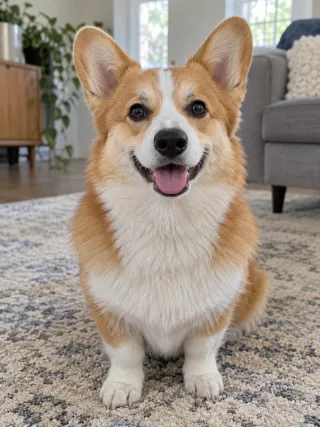
Made from this one photo
More Effects
Explore the other video effects, each with its own input and motion.
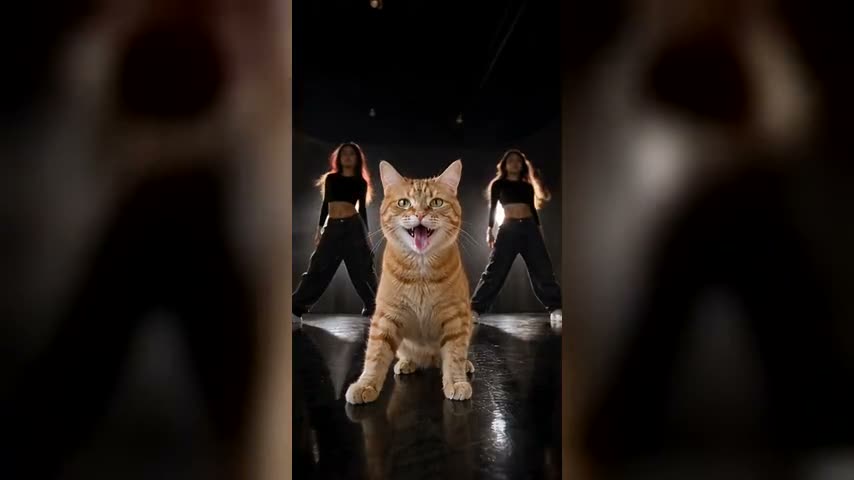
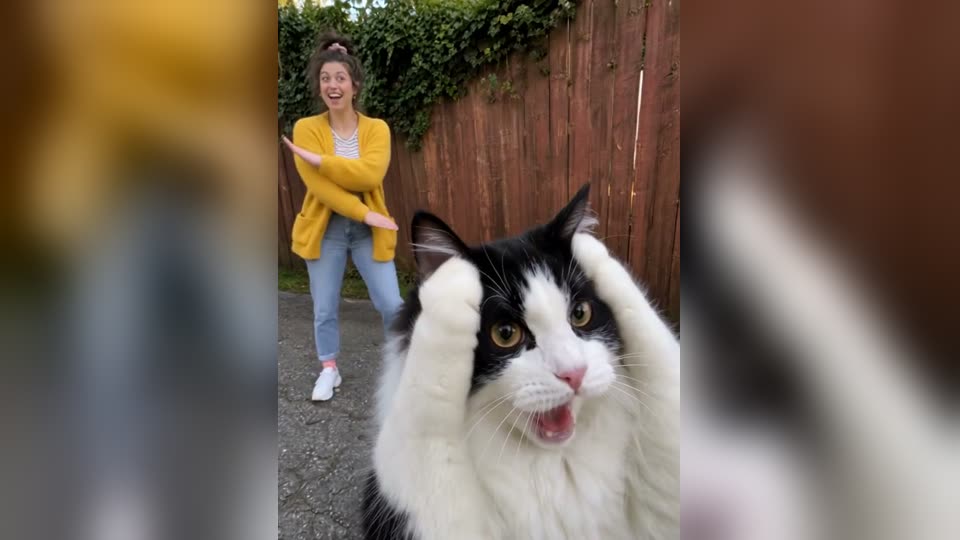
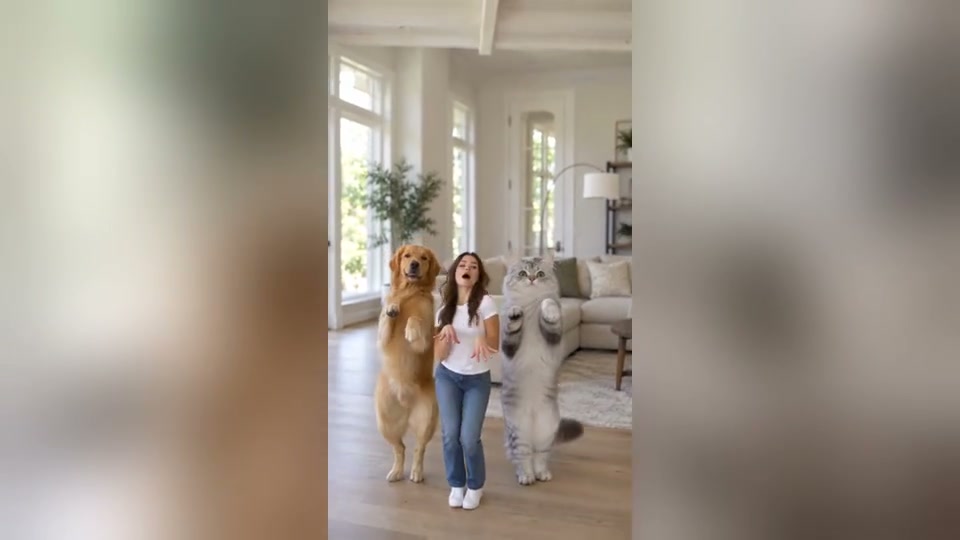
Make a Hit the Road Dude AI video from one photo
The Hit the Road Dude trend started as a viral TikTok meme: an angry pickup truck driver catches someone fishing on his land and tells them, "Hit the road, dude. This ain't no state property. It's private property." Now it is an AI video trend, and you can be the driver. Give it a single photo, whether a selfie, a friend or your pet, and the Hit the Road Dude AI video generator puts them behind the wheel of the white pickup, lip-synced to the original dialogue with every glare and point in place.
Who takes the driver's seat?
The original driver is a white-haired man in a blue plaid shirt. Your version can star anyone you have a clear photo of, and the AI keeps the look from that photo, down to the jacket, the cap or the coat of fur.
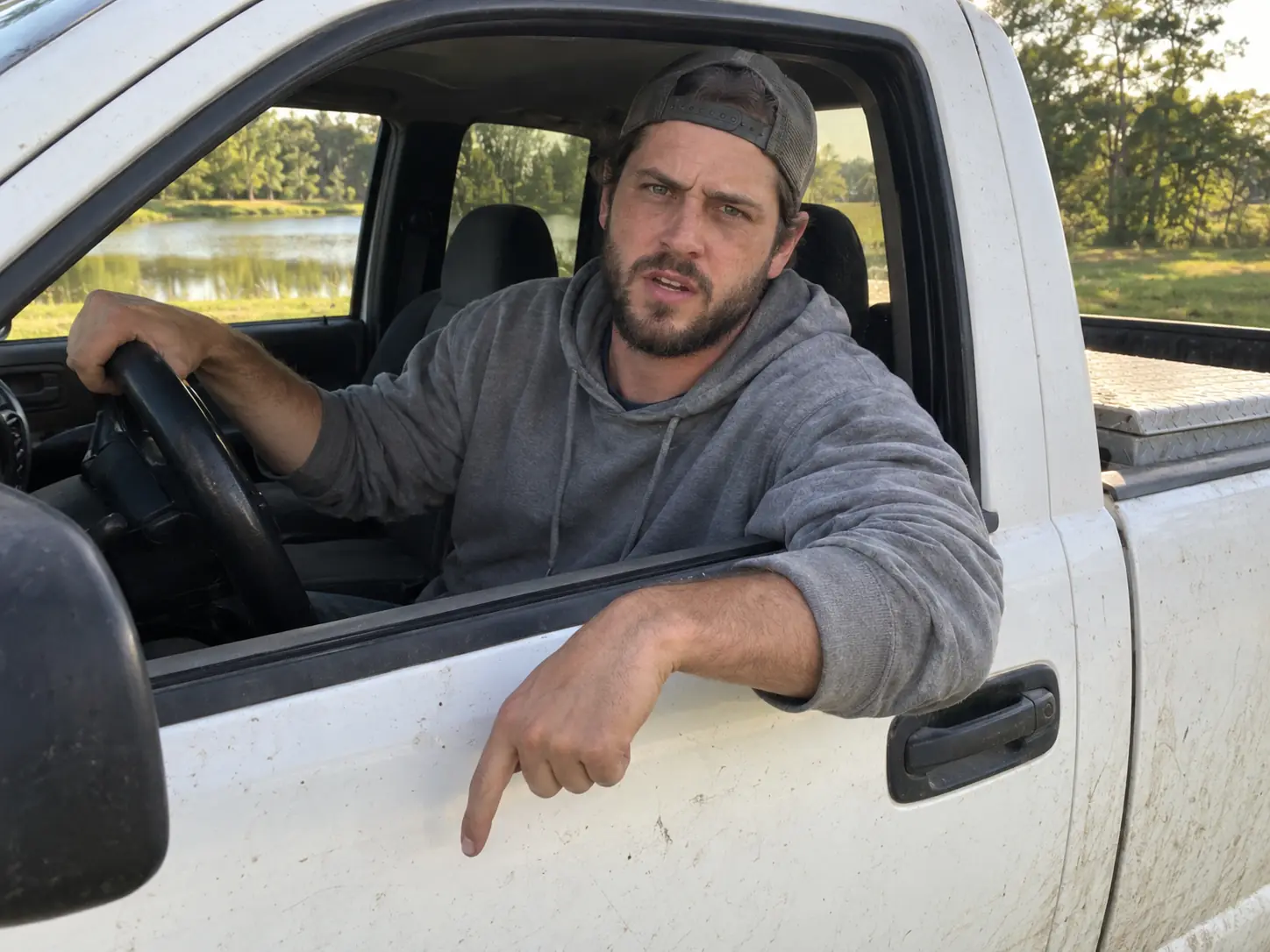
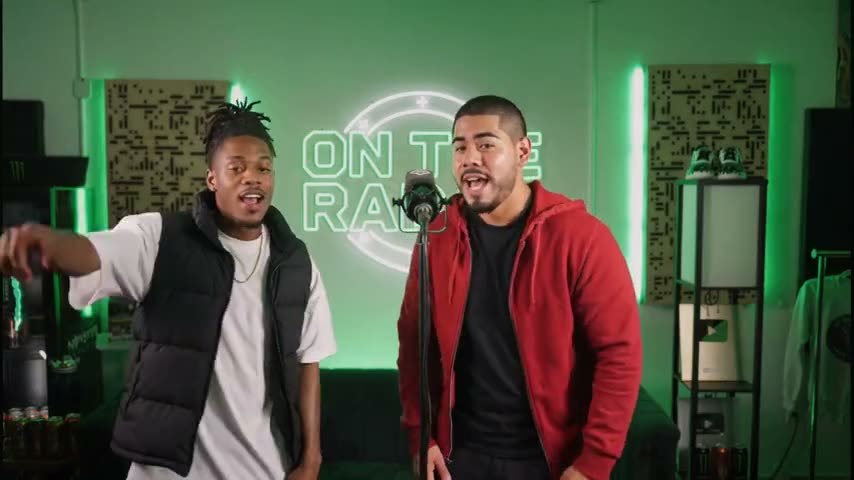
Become the driver yourself
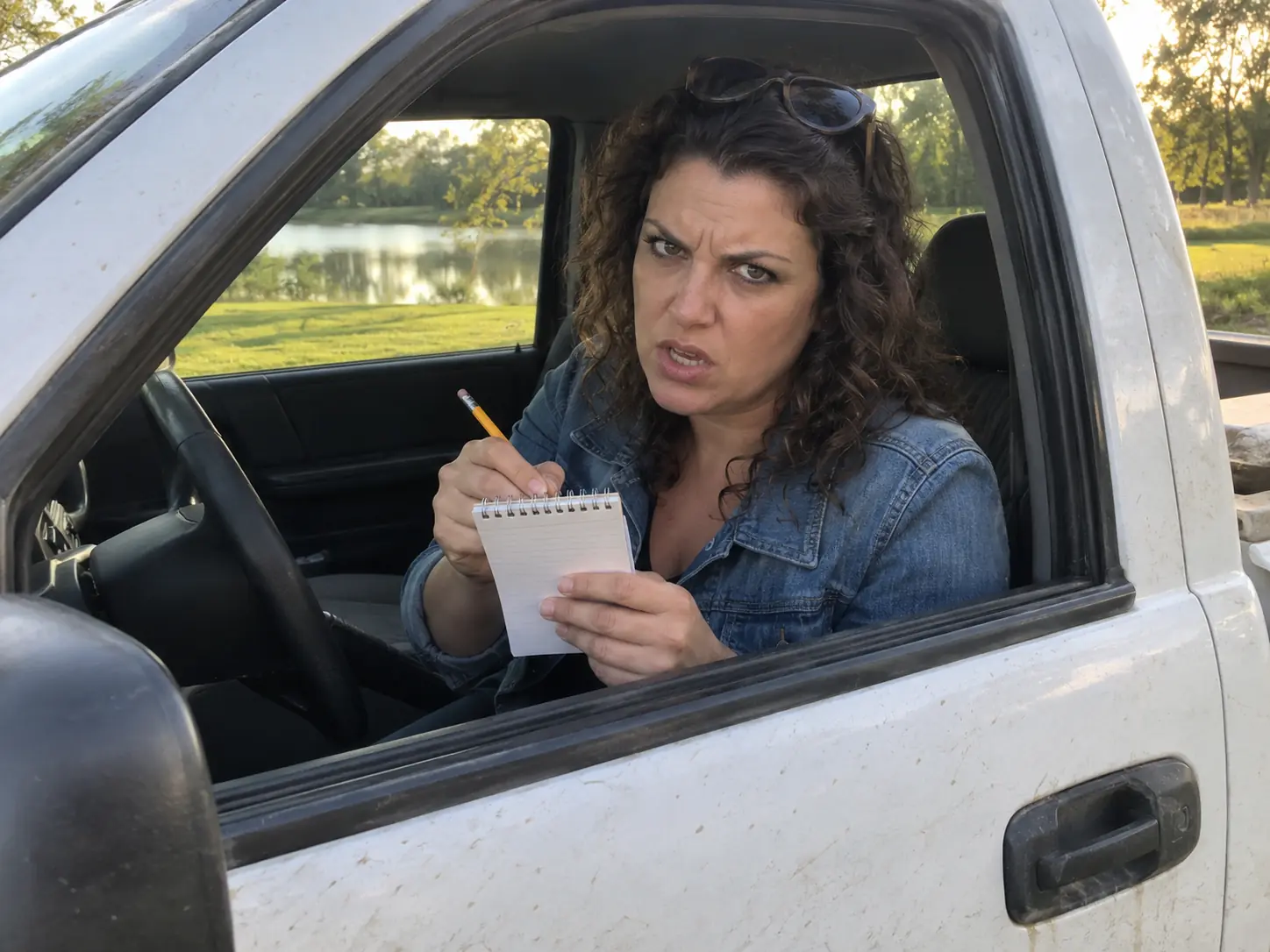
Upload a selfie and you are the one leaning out of the window, squinting at "State?" and ordering the camera off your land, in your own face and your own clothes.
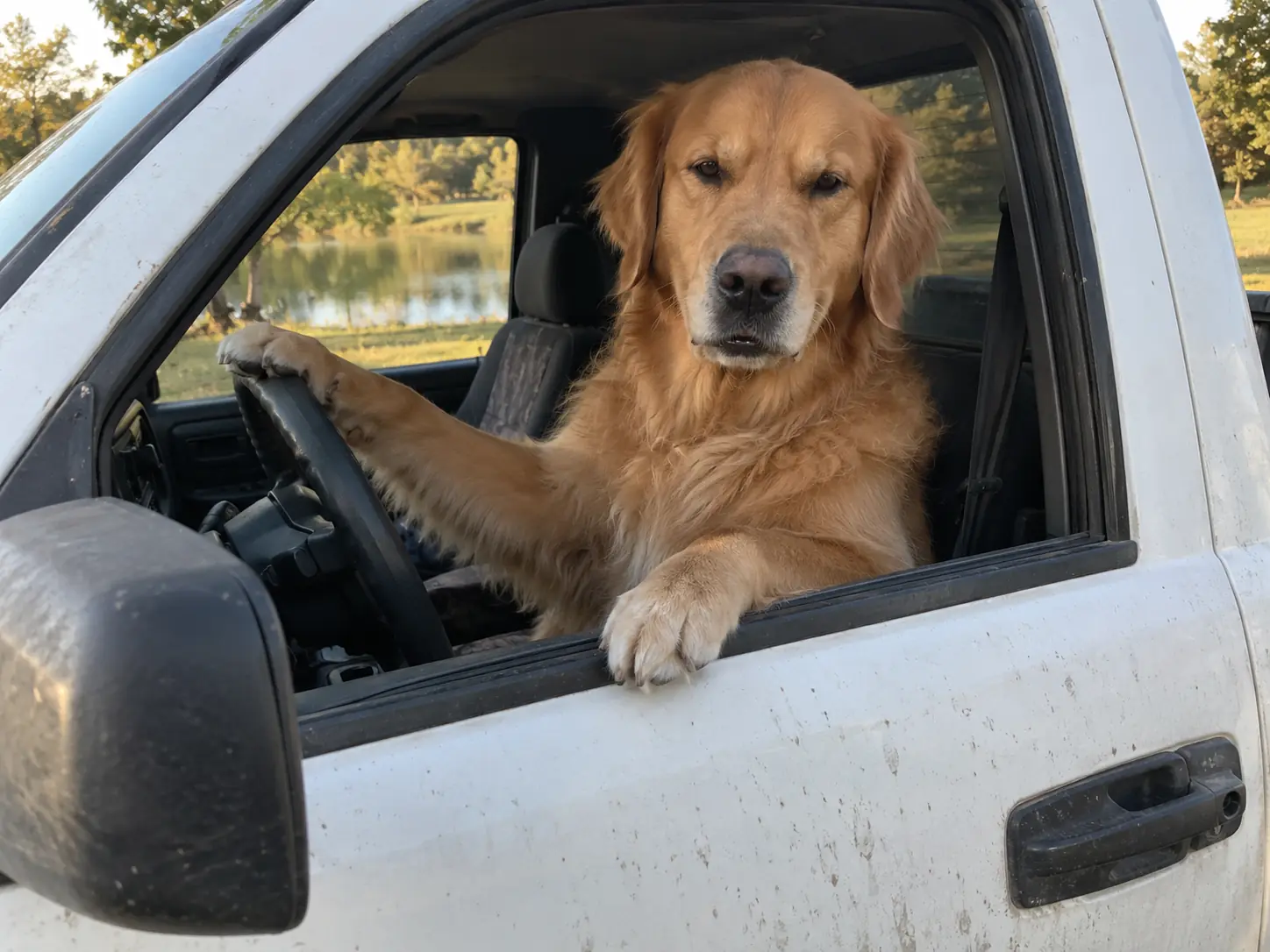
A dog guarding its pond
The remakes that travel furthest: a dog sitting upright behind the wheel, one paw over the door, muzzle moving with "this ain't no state property". It stays a real dog from start to finish.
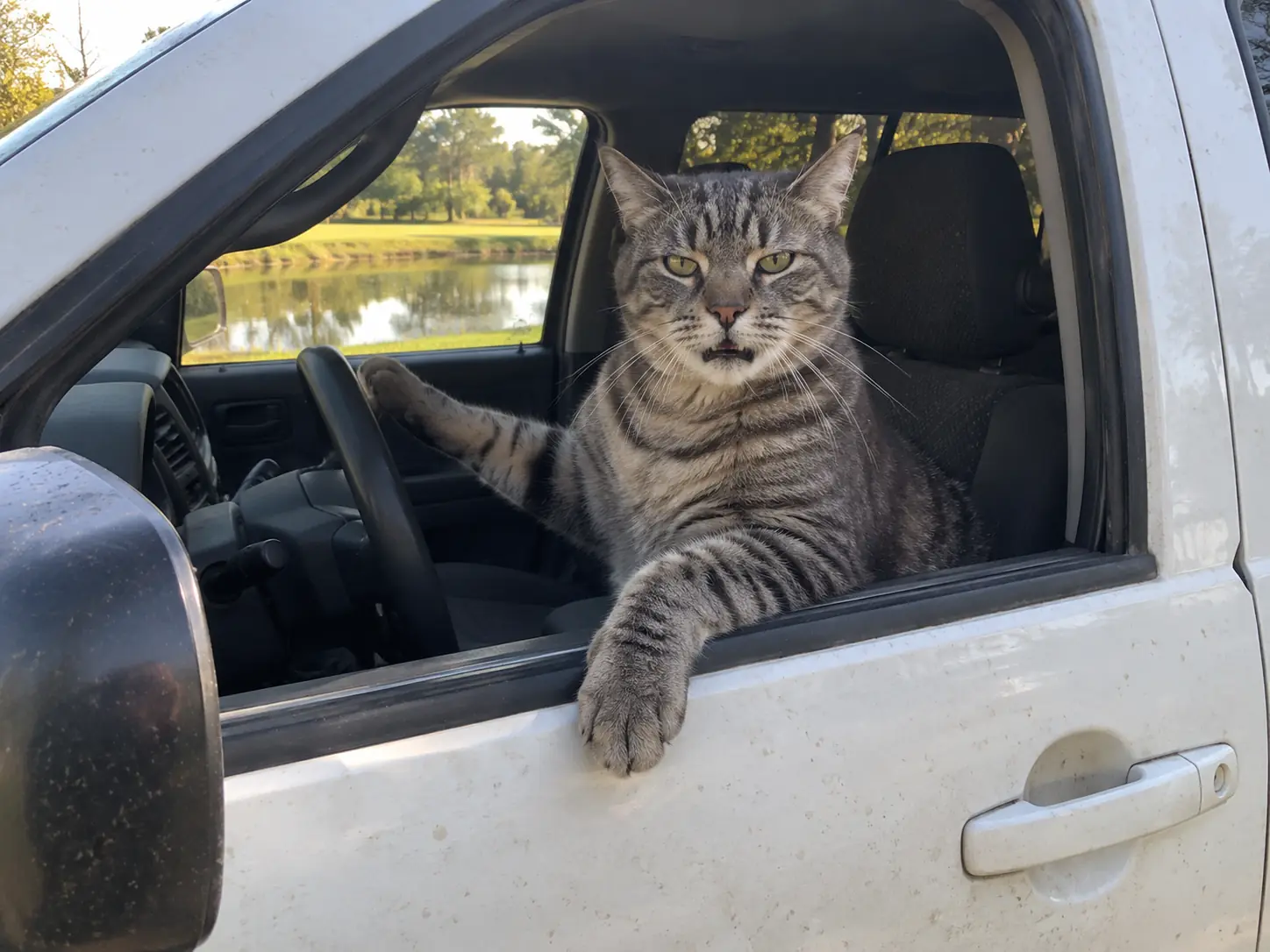
A cat that wants your name
Nobody does unimpressed like a cat. Yours narrows its eyes through the window, lifts a paw on "hit the road, dude" and plants it on a notepad for the final line.
Prank a friend or your dad
Everyone knows someone who would actually say this. Put the grumpy friend, your dad or your boss in the truck and send them their own "What is your name, man?" moment.
How to use the Hit the Road Dude AI template
The template is already set up on this page, so there is nothing to film, edit or sync.
Upload a clear photo
Choose a picture with a crisp, unobstructed face. A waist-up selfie, or a pet sitting up straight, fills the driver's window best.
Generate the video
Choose how sharp you want it, 480p, 720p or 1080p, then generate. The price for that quality appears before anything is charged, and the pickup, the pond and the dialogue need no input from you.
Download and share
Grab the finished clip and drop it into your feed, your group chat, or the DMs of the friend who always acts like they own the place.
Fifteen seconds at the truck window, second by second
The whole clip is one handheld phone take from just outside the driver's door of a dusty white pickup, parked on the grass by a pond on a sunny late afternoon. The joke is how much fury goes into such a small mix-up. This is the order it plays out in.
0–2s · "Who told you to fish here?"
Your character sits behind the wheel with the window rolled down, reaches out over the door and jabs a finger at the ground, glaring at the camera like they already know the answer. A pet does it with a paw.
2–4s · Hearing the excuse
Mouth shut, forearm resting across the door, completely unimpressed while the person filming explains they thought this was state property.
4–7s · "State? This? State?"
Eyebrows shoot up, the finger goes back to the ground, and each word comes out on its own with a pause in between, as if the idea were too ridiculous to repeat.
7–12s · The punchline
A fist hangs out over the door and the line lands: "Hit the road, dude. This ain't no state property. It's private property." A glance away, then straight back into the lens.
12–15s · "I want your name"
After a quiet "Oh, okay" from behind the camera, out comes a small white notepad and pencil from beside the seat, held up ready to write while your character stares over the top of it. A pet gets the notepad on the window sill and puts a paw on the page.
One take, 16:9, 15 seconds
No text prompt is guessing at the scene: the generator tracks the real clip, so each pause and gesture falls exactly where the original puts it. Only the person or pet behind the wheel is new, and the original dialogue runs underneath from start to finish.
Hit the Road Dude AI FAQ
Where the meme comes from, how the AI version works and what to expect from your video.
The Hit the Road Dude trend is a viral TikTok meme that has turned into an AI video trend. People recreate a funny confrontation between an angry pickup truck driver and someone fishing on his private property, with themselves, their friends or their pets as the driver. You may also see it called This Ain't No State Property AI, Hit the Road Dude AI or the Private Property AI Meme.
From a real video of an older man in a blue plaid shirt pulling up in a white pickup truck to question someone fishing by a pond. When the person filming says they thought it was state property, he repeats "State?" in disbelief, delivers "Hit the road, dude. This ain't no state property. It's private property" and demands their name to find out who let them fish there. It spread on TikTok, including a repost captioned "STATE HIT DA ROAD DUDE" that reportedly passed 7 million views, and it was being quoted well before the AI remakes, in podcasts as early as 2025. What made it stick is the delivery: the Southern accent, the dramatic pauses and that intense reaction to a small mix-up. That is why this Hit the Road Dude AI generator copies those pauses, the repeated "State?" and the notepad ending beat for beat, so your version lands the same way.
Right here, with nothing to set up: the scene, the dialogue and the moves are already built into this page, so you don't need the original video or any editing. 1) Upload one clear, front-facing photo of yourself, a friend or your pet. Skip sunglasses, heavy filters and group shots. 2) Choose 480p, 720p or 1080p. 3) Press generate. 4) After a few minutes, save the MP4 from the page or from My Creations, ready to share.
Flowlio AI does, right on this page, and there is nothing to install: open it in Safari or Chrome on your phone, or on a laptop. It is a dedicated Hit the Road Dude AI template rather than a general image-to-video app, and that is the difference that matters. With a general generator you have to rebuild the white truck by the pond, write the dialogue, direct the pointing and the notepad, then fix the lip-sync and add the audio yourself, and the driver still tends to drift off the original timing. Here all of that is fixed: your photo goes in, Seedance 2.5 copies the original driver's performance onto your subject beat for beat, and the original dialogue is laid under the 15-second clip. A clip is 500 credits at 480p, 1,200 at 720p or 2,900 at 1080p, and the price for your choice is visible before you commit.
Upload one selfie on this page; you don't film yourself, record your voice or supply the original clip. What changes is who sits behind the wheel: the white-haired driver is replaced by you, with your face, your hair and exactly what you wear in the selfie, so a cap, glasses or a hoodie in the photo turn up in the truck too. What stays is everything people recognise: the white pickup by the pond, the handheld phone angle, the pointing and the fist over the door, the notepad at the end, and the driver's own voice, which your lips follow word for word, so it plays as if you were the one saying "Hit the road, dude." Because the truck window shows the driver from the head down to the waist, a selfie that shows your top as well as your face looks most like you. When it's ready, watch it once: if the face isn't quite you, try a sharper, front-facing selfie and generate again.
Yes, and you don't have to switch anything on. When you press generate, the photo is read first, and if it shows an animal, the pet version is used automatically; the sample on this page is a corgi made that way. Your pet sits upright in the driver's seat like a person and looks just like it does in the photo: same face, same coat, same markings, same ears. Wherever the original driver points or hangs a fist out of the window, your pet lifts a real paw over the door at the same moment, never a human hand. For the last line, a notepad appears on the window sill and it plants a paw on the page instead of holding a pencil. Its own muzzle opens and closes with the driver's words, so it looks like your dog or cat is the one telling you to hit the road. At no point does it turn into a person. Dogs and cats work best; use a photo where the pet's face and muzzle are sharp and it is the only animal in the picture.
It is the real spoken exchange from the original video, not a song or background music. It goes: "Who told you to fish here?" … "I thought it was state property." … "State? … This? … State?" … "Hit the road, dude. This ain't no state property. It's private property." … "Oh, okay." … "What is your name, man? I want your name." The driver's drawn-out "State?" and the way he leans on "private property" are what make it instantly recognisable. Your video keeps that exact recording, both voices included: only the driver's lines are lip-synced to your character, and while the person filming answers, your character's mouth stays shut, just like in the original.
It means "This isn't state-owned land. It's private property." "Ain't no" is informal Southern American English for "isn't", with the double negative adding emphasis rather than cancelling out. In the meme, the fisherman thought he was on state land, where people can usually fish, and the driver is telling him the opposite: you are on my land without permission, so leave. That is why "Hit the road, dude" comes right before it. It is the punchline of the whole clip, and your character delivers it in the original voice. People search for the same meme as "This Ain't No State Property AI", and this is the template it refers to.
Yes, every time, and it is the real recording rather than an AI re-voice. The video model only makes the picture; once your clip is finished, the original audio track is placed beneath it, starting on the very first frame. Because your character copies the original driver's performance with the same timing, the words, the pauses and the gestures line up on their own, so there is no sound to find, trim or match to the mouth in an editor. It works the same way whether the driver is you, a friend or your pet.
Not entirely, and it is worth knowing why before you try. A free account gets 30 credits on signup and up to 50 more a week from the daily check-in, which is enough to try image tools but not a full 15-second video with the original dialogue and lip-sync. The cheapest way in is the one-time $9.9 Trial Pack: 600 credits, no subscription, enough for one 480p Hit the Road Dude video (500 credits) with some left over, and if a generation fails the credits come back. Free routes do exist, such as a free image-to-video tool plus a video editor, or a community CapCut template, but none of them hand you the original dialogue already lip-synced, and many add a watermark or cap the length.
15 seconds, which covers the whole confrontation, from the first question to the notepad. It is widescreen 16:9, the same framing as the original phone clip, so the truck door, the side mirror and the pond all stay in shot. TikTok, Reels and Shorts play it as is, with bars above and below. The clip is the same length at 480p, 720p and 1080p.
Yes. Every video from this Hit the Road Dude AI video maker comes down as a plain MP4 file without any watermark, logo or end card, whichever quality you pick, including the 480p clip from the Trial Pack. There is no watermarked preview to upgrade from: the file you download is the finished video itself, with the original dialogue already on it. If you want it sharper for reposting, generate at 720p or 1080p.
Not with this template. It keeps the original lines and voice, because that is what makes the meme recognisable. To write your own dialogue, use the Flowlio AI text to video or image to video generator.
Usually a few minutes. Two things happen in a row: your photo becomes the shot of you at the truck window, and that shot is then animated into the 15-second confrontation. You don't need to watch it work; come back later and the finished Hit the Road Dude clip is in My Creations.
Try the Hit the Road Dude meme generator
This Hit the Road Dude AI video maker needs just one photo to turn you into the angry truck driver from the private property meme. Generate it, download it and post it.
