
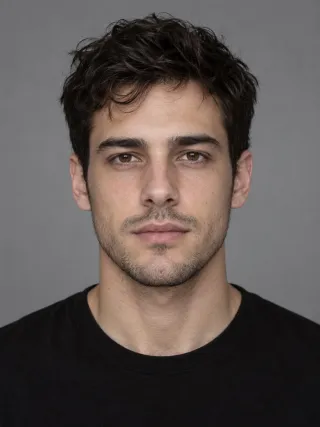
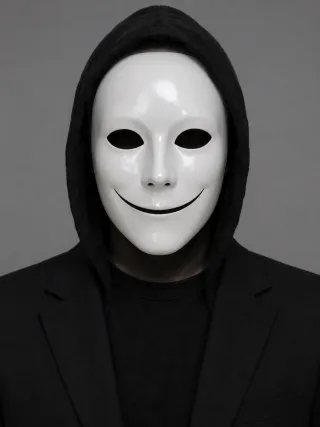
Two photos + one performance, nothing else
More Effects
Explore the other video effects, each with its own input and motion.
 Social trend
Migos AI Trend
 Social trend
AI APT MV
 Social trend
Ceiling Fan Transition
 Holiday
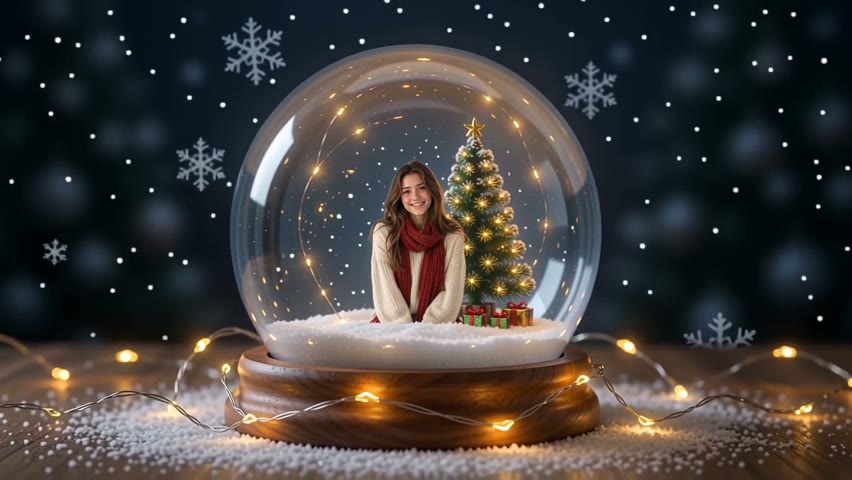
Snow Globe
 Transformation
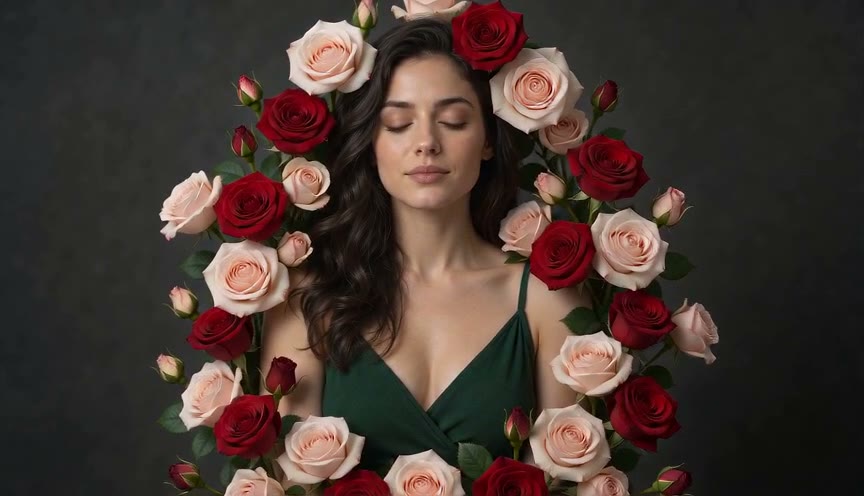
Bloom Effect
 Transformation
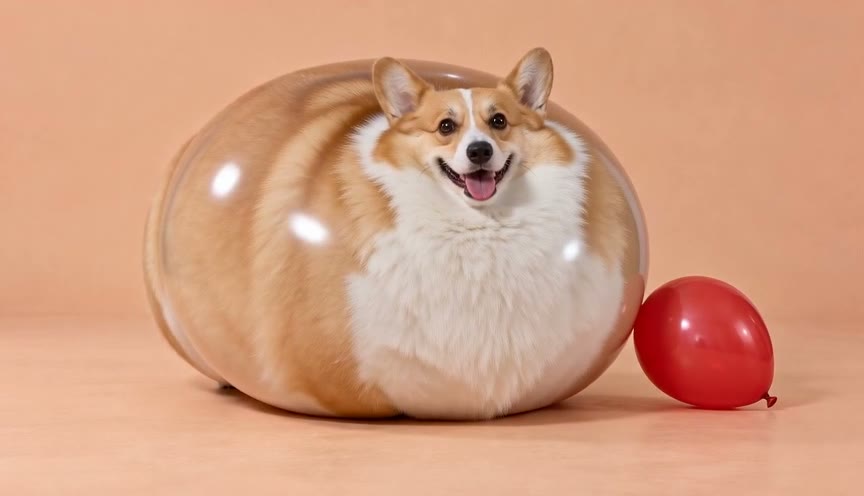
AI Inflate
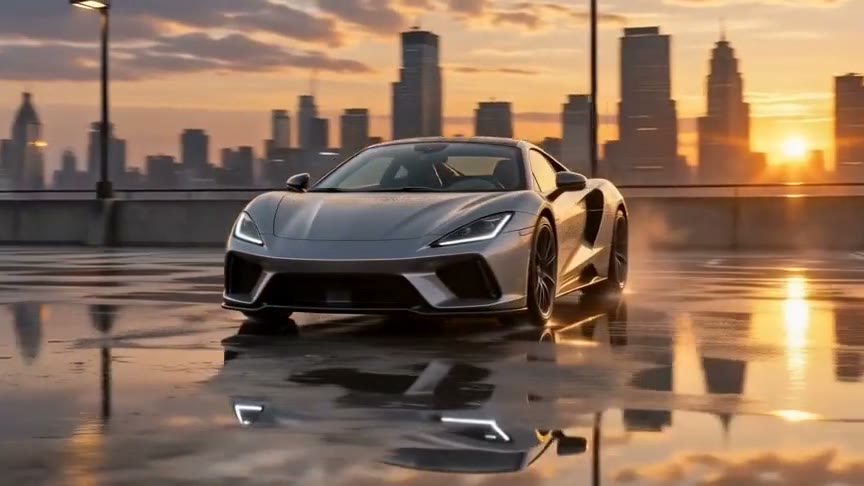 Camera movement
Orbit Shot
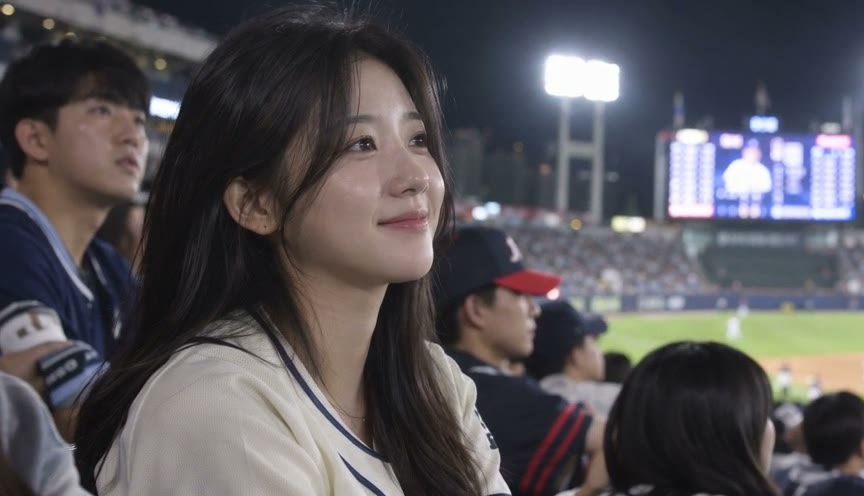 Sports Trend
Baseball Broadcast
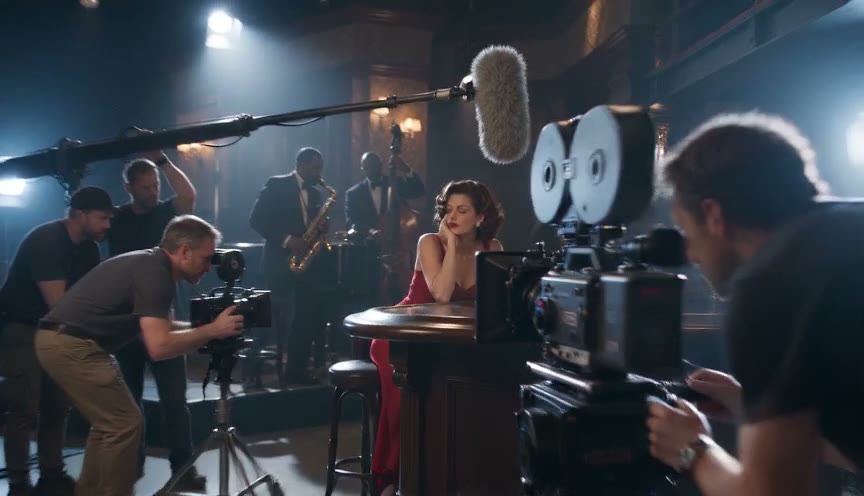 Cinematic
Behind the Scenes
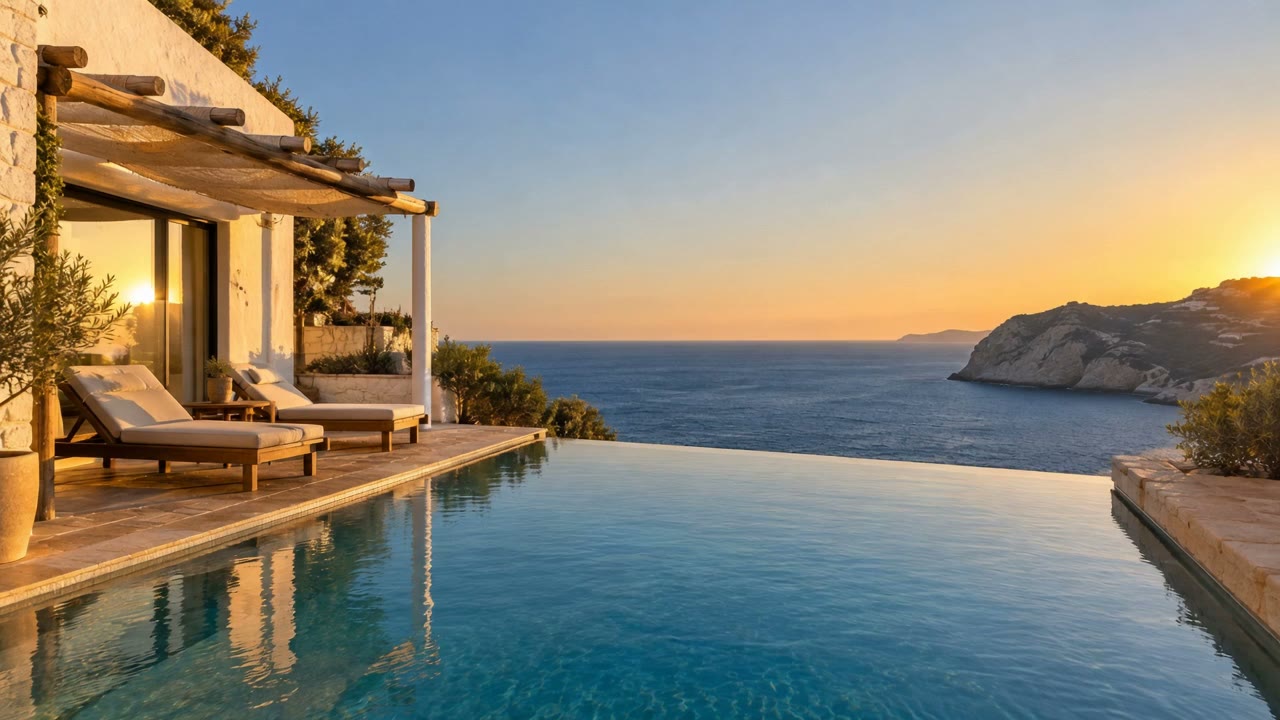 Camera movement
AI Drone Shot
 People
AI Handshake
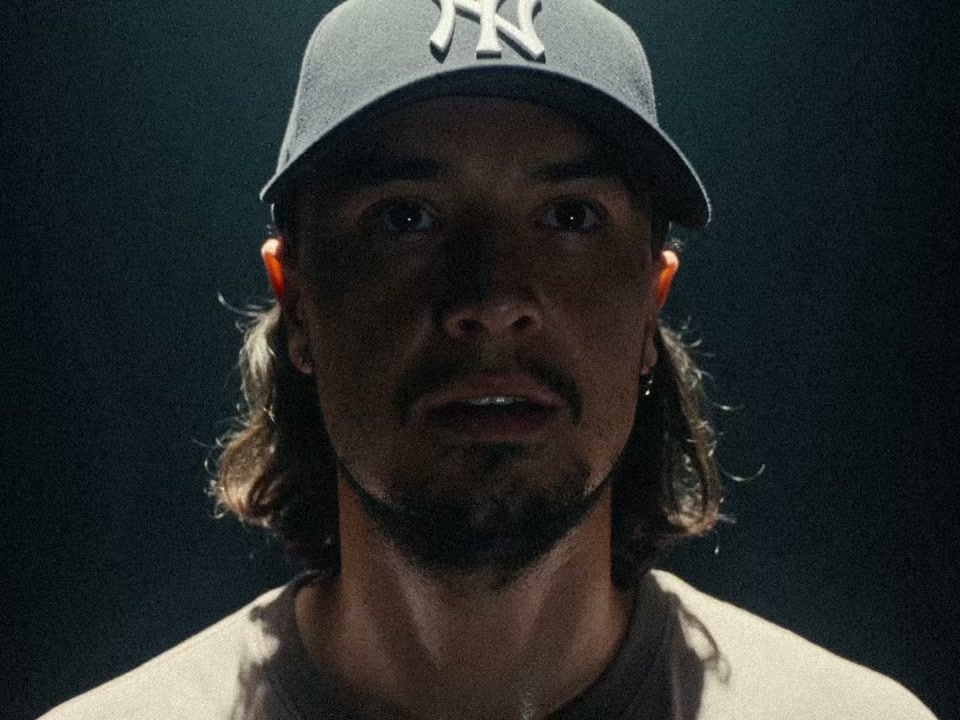 Social trend
Your Next Opponent Is You
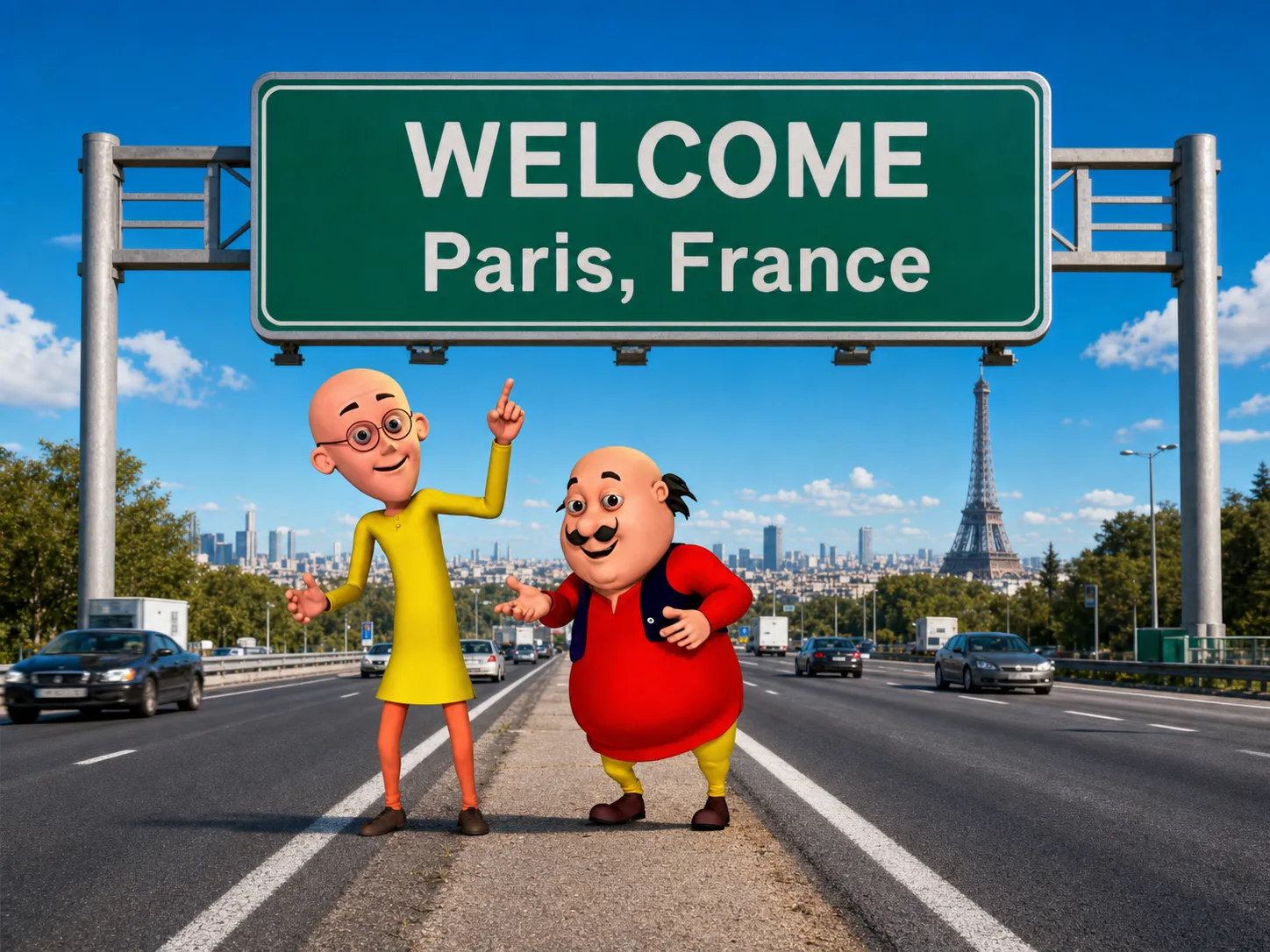 Character
Motu Patlu Video
Lead the STORM II AI crowd dance — with a friend as the whole crowd
The STORM II AI trend recasts the crowd-dance scene from GENER8ION and Yung Lean's STORM: one lead at the center, a whole crowd in suits and blazers moving as one around them, and a camera that pulls back to reveal the full formation. Upload two photos — one face for the lead, one face for every dancer in the crowd — and the STORM II AI crowd dance video generator recasts the entire scene. No dance crew, no reference clip, no prompt.
Who leads, and who is the crowd?
One photo sets the lead, the other becomes every face on the steps behind them. These are the pairings people pick most for the STORM II AI trend.
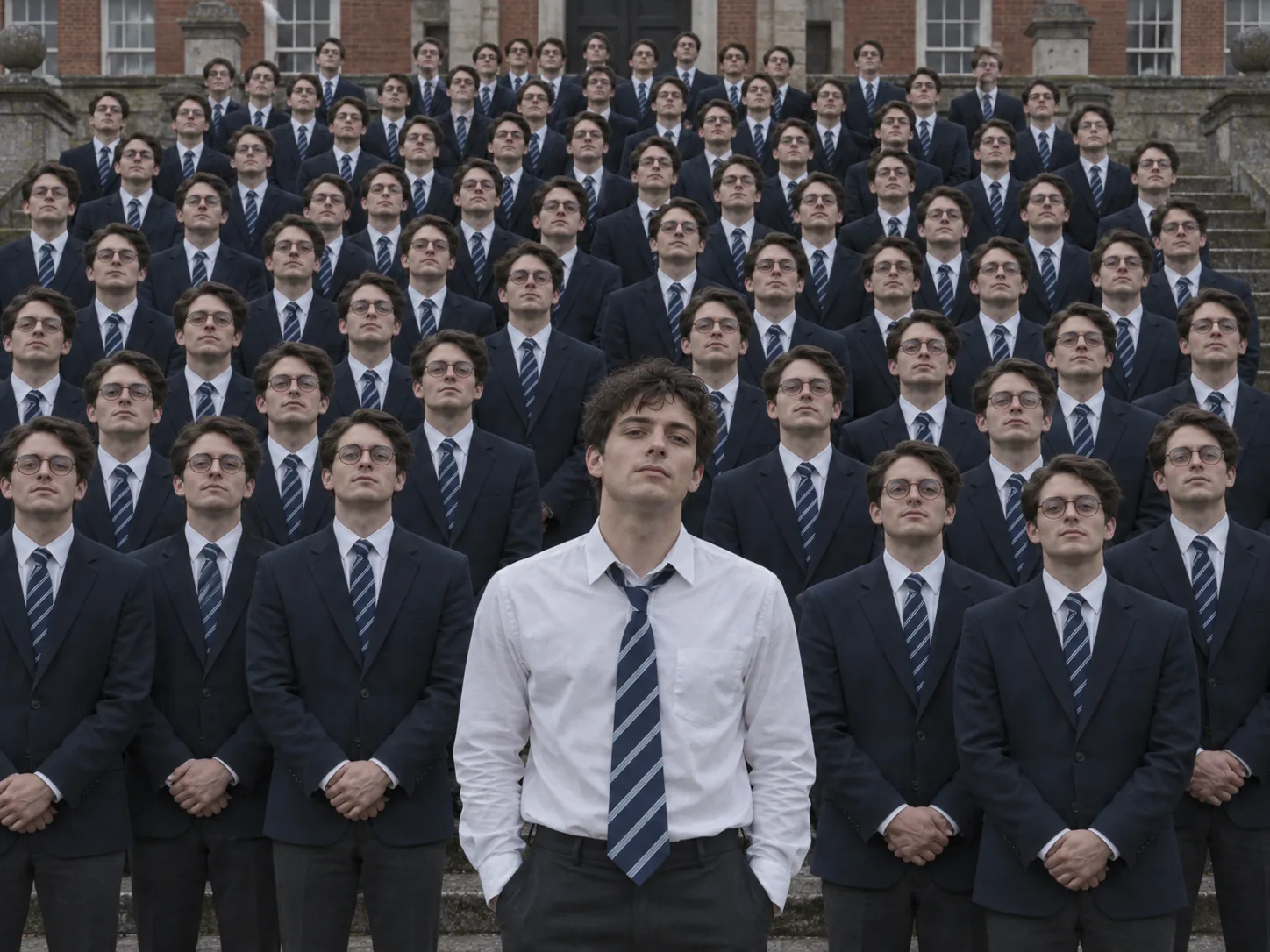
You lead, your best friend is everyone else
The classic STORM II AI video: you up front, calm and unbothered, while row after row of your best friend fills the steps behind you — then the whole crowd breaks into the dance. Swap the photos and do it the other way round.
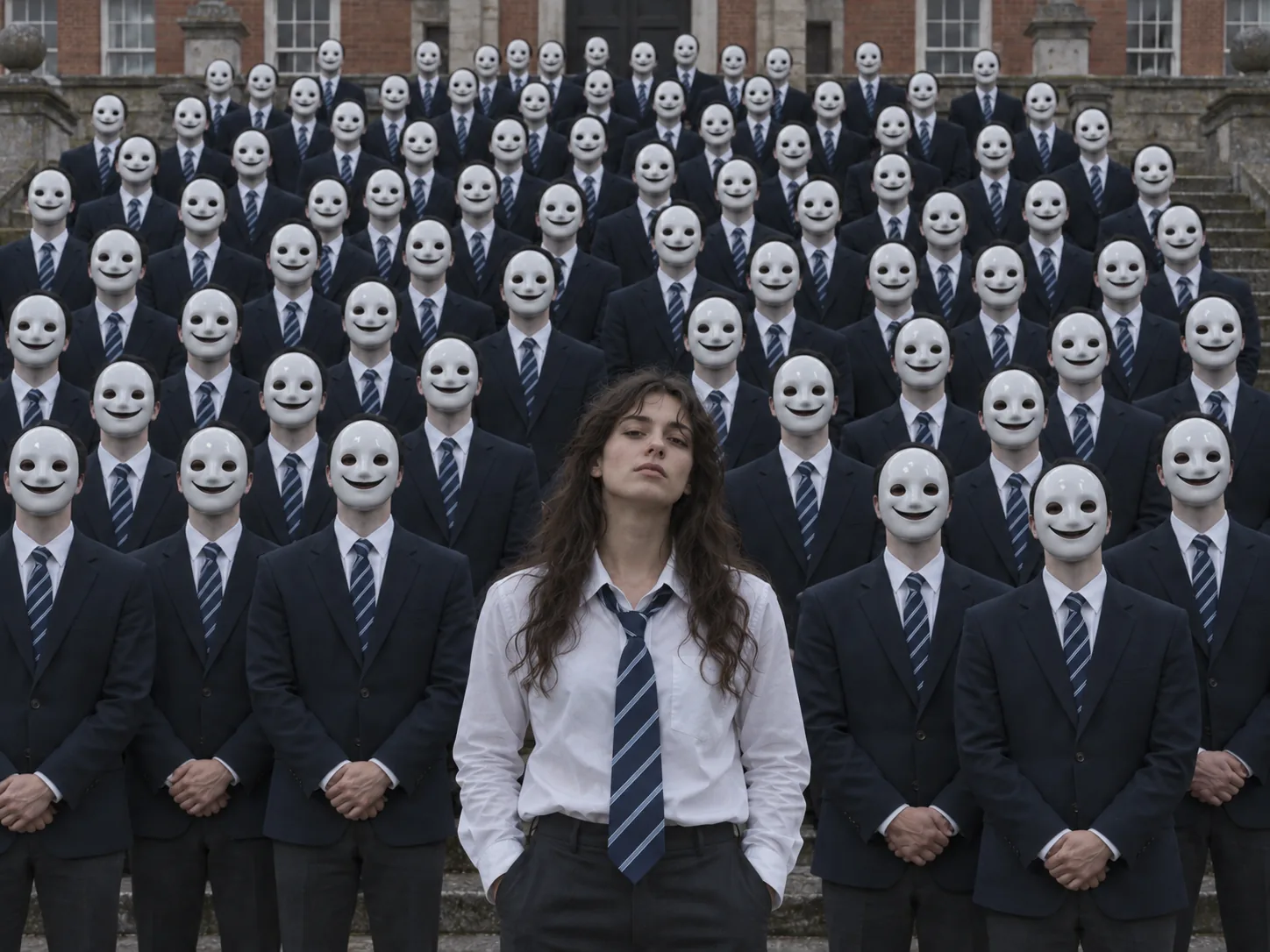
A crowd in matching masks
Upload a photo of a mask as the crowd photo and every dancer on the steps wears it. A sea of identical smiling masks moving in sync is the most unsettling — and most replayable — take on the trend.
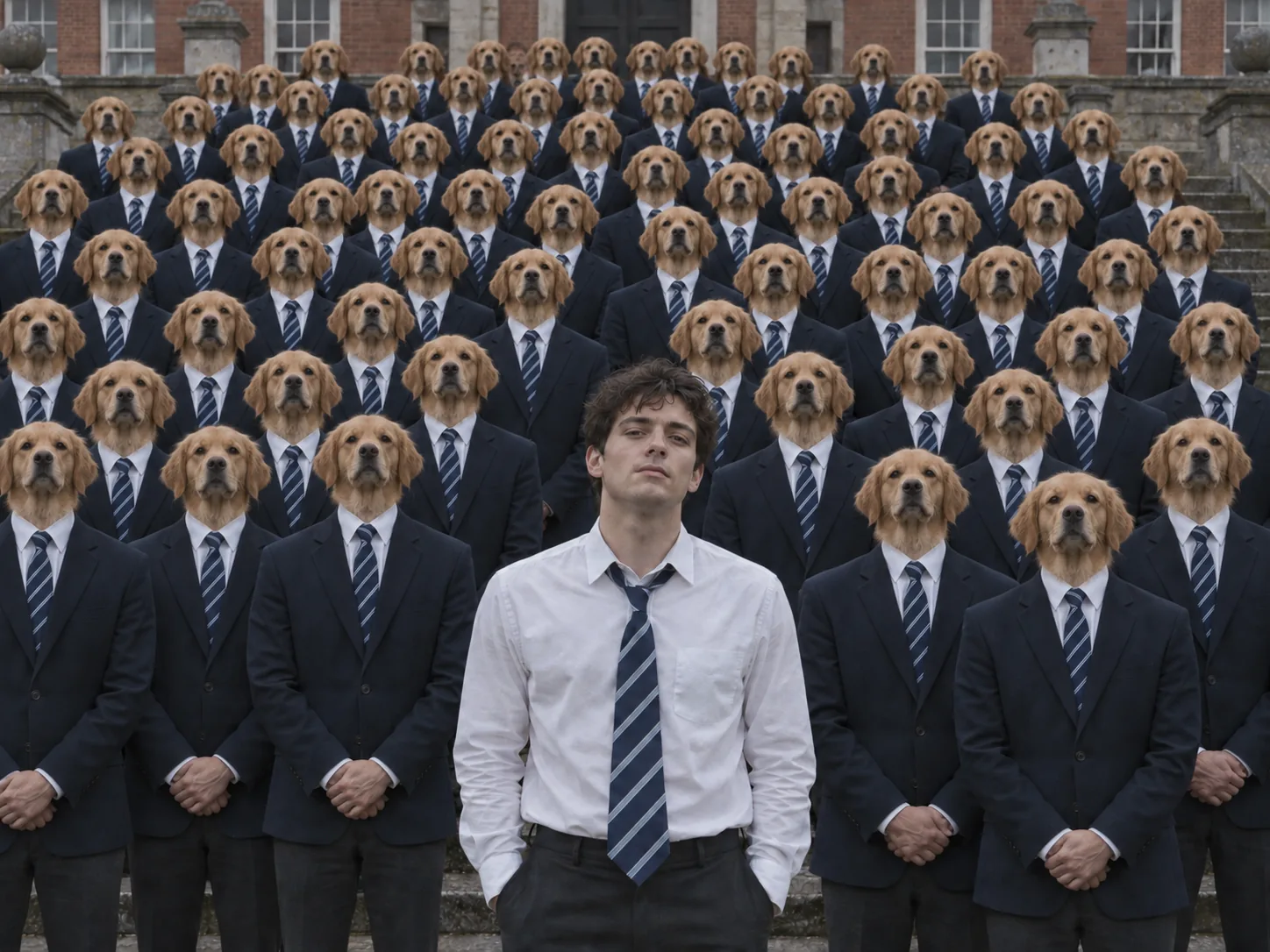
A crowd with your dog's face
Put your dog's face on the crowd and dozens of suited golden retrievers stare down from the steps before they all start dancing. Absurd, and exactly what the STORM II AI trend is for.
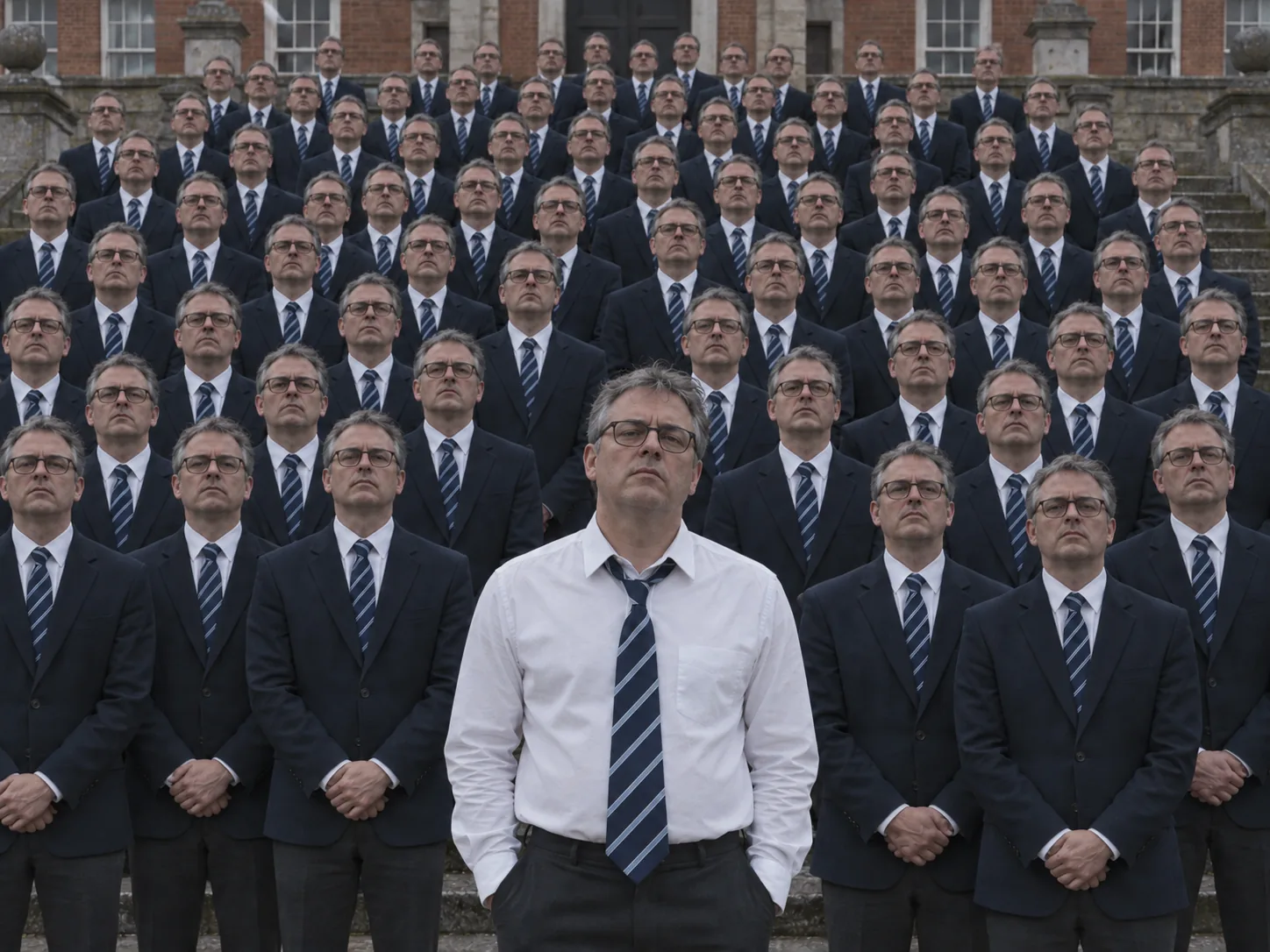
Your dad and an army of dads
Use the same photo for both slots and your dad leads a crowd of himself. The more serious he looks, the better the clone army lands.
How to make a STORM II AI crowd dance video
The moves, the formation, the outfits and the camera come from the built-in STORM II-style scene. You supply two faces.
Upload the lead and the crowd
The first photo becomes the lead at the center; the second becomes the face of every dancer in the crowd. Use a sharp, well-lit, front-facing photo with one face in each.
Pick the quality
Everything else is set for you: the model, the clip length, the shape of the shot and the sound. Pick 480p, 720p or 1080p — the credit cost is shown before you generate.
Generate, download and post
Watch the crowd move around the lead, download the MP4 and post it to TikTok, Reels or Shorts. To use the original STORM II track, add it from the platform's music library when you post.
One lead, one crowd, one reveal
What makes STORM II different from a solo AI dance is the contrast: one person at the center and a huge crowd moving as one. The generator recasts both with just two photos.
Two photos recast the whole scene
You don't need a photo for every dancer. One photo sets the lead, the other is copied onto every member of the crowd — front row, back row, half-hidden and blurred.
Faces only, everything else stays
Your photos supply faces, not outfits or poses. Every dancer keeps the original body, suit, position and moves, so the scene still reads like STORM II.
A crowd that moves as one
Dozens of dancers lean, sweep and turn in sync around the lead, following a real choreographed crowd performance instead of random motion.
The camera pull-back
The shot starts close on the lead, then opens up to reveal the whole formation — the payoff that makes the STORM II AI trend so replayable.
No reference clip or prompt
Other STORM II workflows ask you to find a dance video and write a long motion-transfer prompt. Here the scene and the prompt are built in.
Settings tuned for the trend
Every clip runs on settings tested for this crowd scene, so there is nothing to tweak. You only pick the quality, and the credit cost is shown before you generate.
STORM II AI crowd dance FAQ
What the STORM II AI trend is, where it comes from, and how to make your own STORM II AI crowd dance video.
It is a short-video trend that recreates the crowd-dance scene from GENER8ION and Yung Lean's STORM with new faces. One person leads at the center while a large crowd in suits and blazers moves around them in perfect sync, and the camera pulls back to reveal the whole formation. AI versions put your face on the lead and a second face — often a friend's — on every dancer in the crowd.
STORM is a 2026 music film by GENER8ION — the project of French producer Surkin — and Swedish rapper Yung Lean, directed by Romain Gavras with choreography by Damien Jalet. Its music is split into two parts, STORM I and STORM II. The STORM II section is the one with the crowd moving like a single organism around Yung Lean, and it's the scene the AI trend copies.
No. The crowd in the original is a real cast of dancers performing Damien Jalet's choreography, filmed by Romain Gavras. It looks so precise that many people ask whether it's AI, which is part of why the STORM II AI crowd dance trend took off: AI lets you recast a scene that took a whole crew to film.
Upload two photos — one for the lead, one for the crowd — pick the quality and generate. The moves, the formation, the outfits, the camera and the clip length are built in, so there's no dance to learn and nothing to film. When it's ready, download the clip and post it.
The first photo is the lead's face; the second is copied onto every dancer in the crowd. That second face is what makes the result funny — a whole formation of your friend, your mum or your dog dancing around you. Use the same photo twice if you want a crowd of your own clones.
No. Some STORM II workflows ask you to find a crowd-dance clip and paste a long motion-transfer prompt that assigns the lead and the crowd. Here the scene and that prompt are already set up — your two photos are the whole input.
No. Your photos only supply faces. Everyone keeps the outfit, body, hairstyle styling and position of the dancer they replace, so the suits, the formation and the moves stay exactly like the original scene.
One face per photo, sharp and well lit, looking at the camera — no sunglasses or hair across the face. The crowd is small in the wide shots, so a clear, front-facing face matters more than the outfit or background.
Yes. Use a clear photo of your pet as the lead or as the crowd. Pick a photo where the animal faces the camera.
The clip is generated with sound so it's ready to post. If you want the original STORM II track, add it from the music library on TikTok, Instagram or YouTube Shorts when you post, where it's available.
Yes. "STORM 2", "STORM II", "STORM II AI dance" and "STORM II AI crowd dance" all refer to the same trend and the same scene.
You can start free: new accounts get signup credits, and daily check-ins add more. After that each clip spends credits, and the cost depends on the quality you pick. It is shown on the generate button before you spend anything.
No. The trend borrows the scene, not the artist. Use photos of yourself and of people who agreed to it, and don't present a generated clip as real footage of anyone.
Dancers in the back rows, turning away or blurred by motion are only a few pixels wide, so their faces carry less detail. A sharper, front-facing crowd photo helps; small differences in the far background are normal.
Make your STORM II AI crowd dance video
Upload a photo for the lead and one for the crowd, and recast the whole STORM II scene. Download the clip and post it to the trend.
