
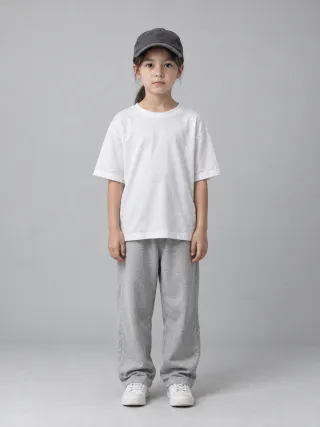
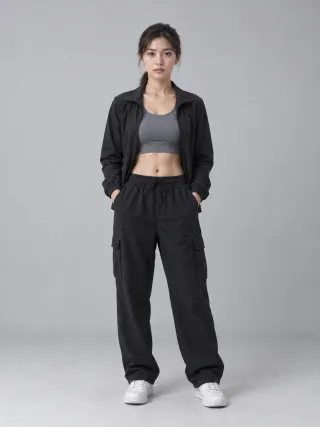
Two photos + one performance, nothing else
More Effects
Explore the other video effects, each with its own input and motion.
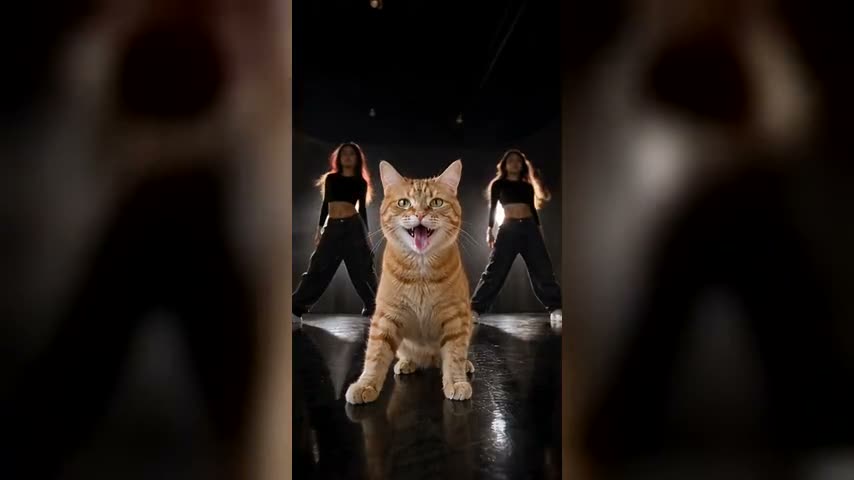
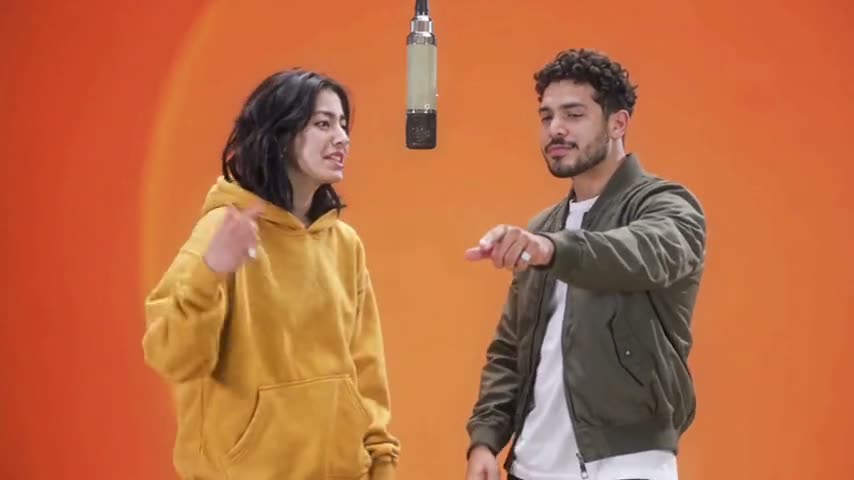
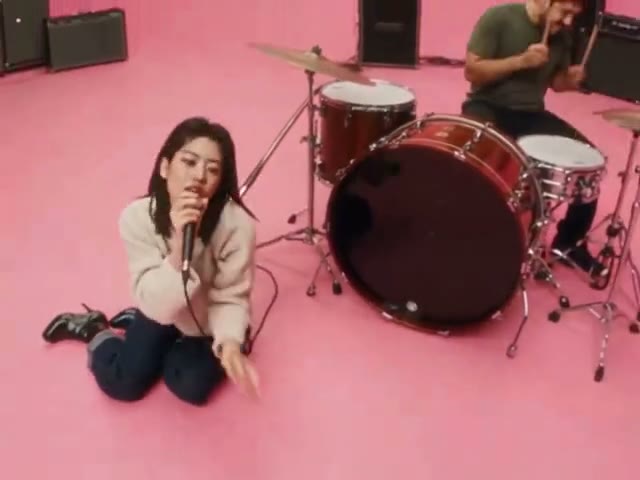
Your Next Opponent Is You AI Video Generator
“Congratulations, you’re moving to the next level. Your next opponent is you.” The your next opponent is you AI video generator recreates that TikTok and Reels template, where your present self comes face to face with a younger you. Upload one photo from your younger years and one recent photo. Flowlio AI writes the prompt, builds the black arena, sets the spotlights and cuts the three shots, then hands back a 10-second cinematic face-off.
What you can create with the Your Next Opponent Is You AI video generator
The trend spread across TikTok and Instagram Reels in 2026: a pure black background, two beams of light, and a voice saying “Congratulations, you’re moving to the next level. Your next opponent is you.” The Your Next Opponent Is You AI video generator turns one younger photo and one recent photo into exactly that 10-second meeting between your past and present selves — you upload two images and choose the output quality, and the preset handles the model, prompt, framing, pacing and lighting.
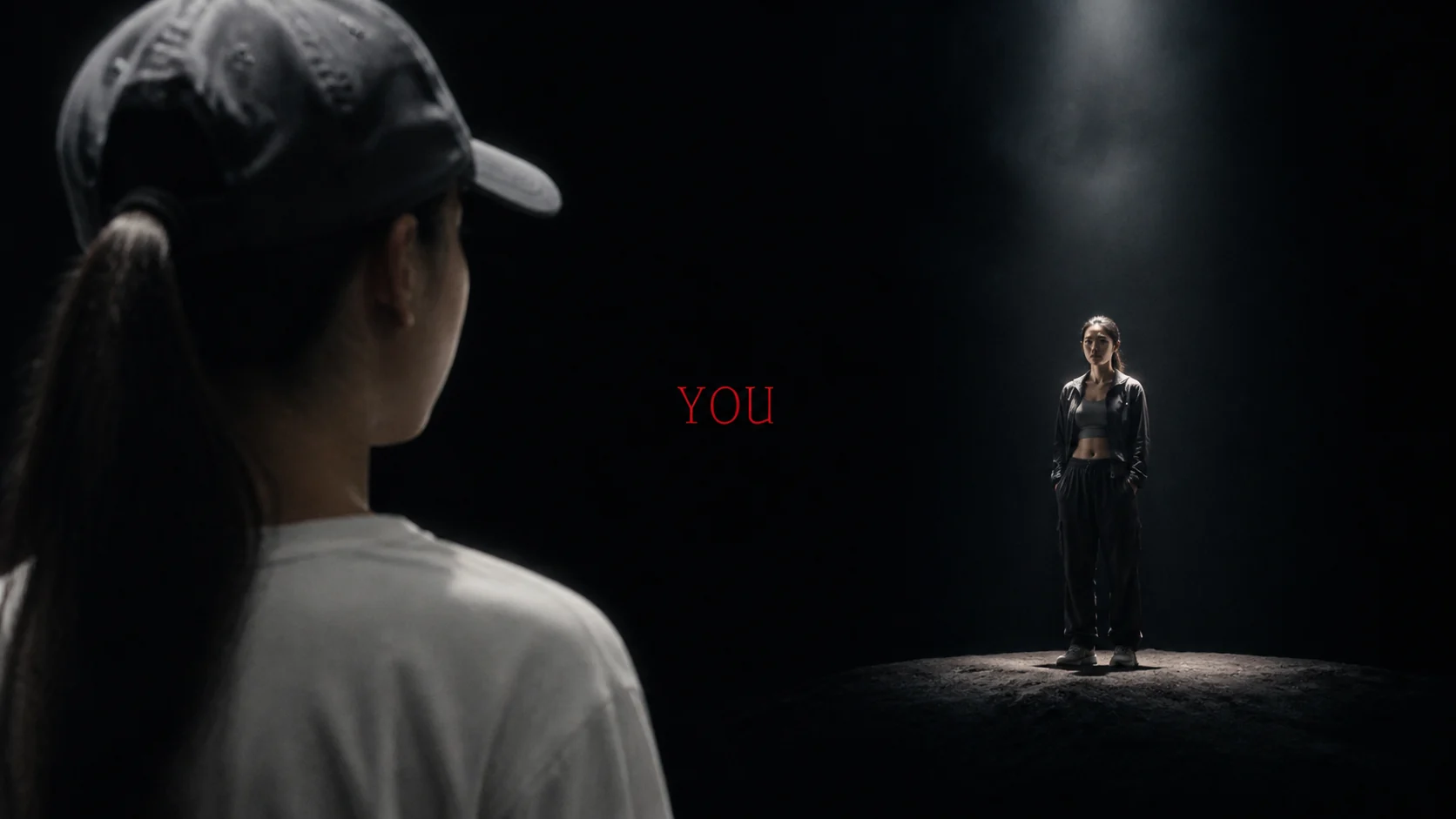
Turn two ages into one Your Next Opponent Is You video
Upload a clear younger photo and a clear recent photo. The generator uses both as identity references, helping each version of you remain recognizable when they appear together in the finished cinematic story.
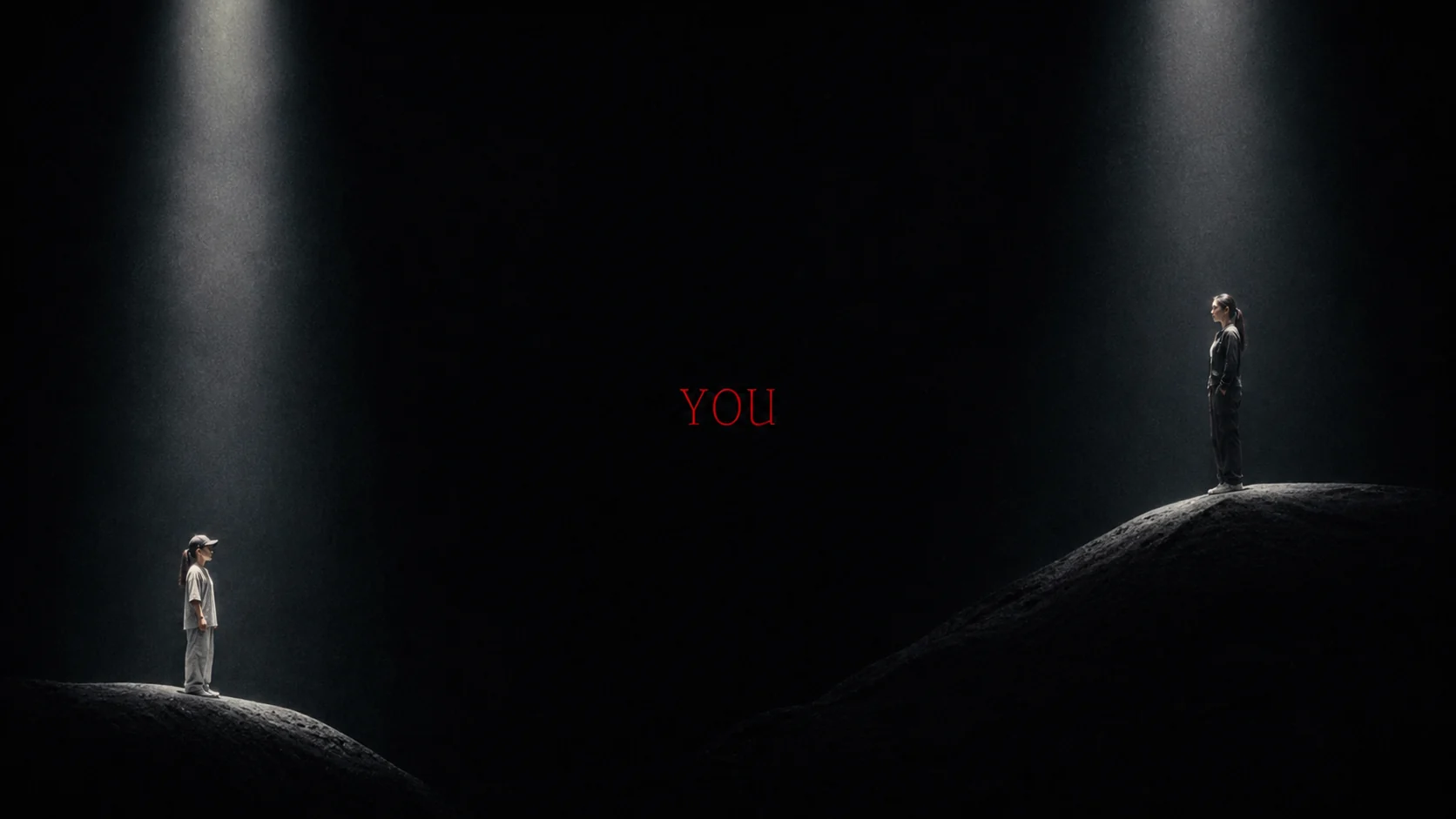
Generate the whole three-shot trend sequence automatically
The built-in preset already carries the trend’s direction: the close-up of your younger self, the beam of light on your present self, the wide staredown, the deep black set and the slow camera moves. You never write a prompt, choose a model or storyboard a shot.
Keep your past and present selves recognizable
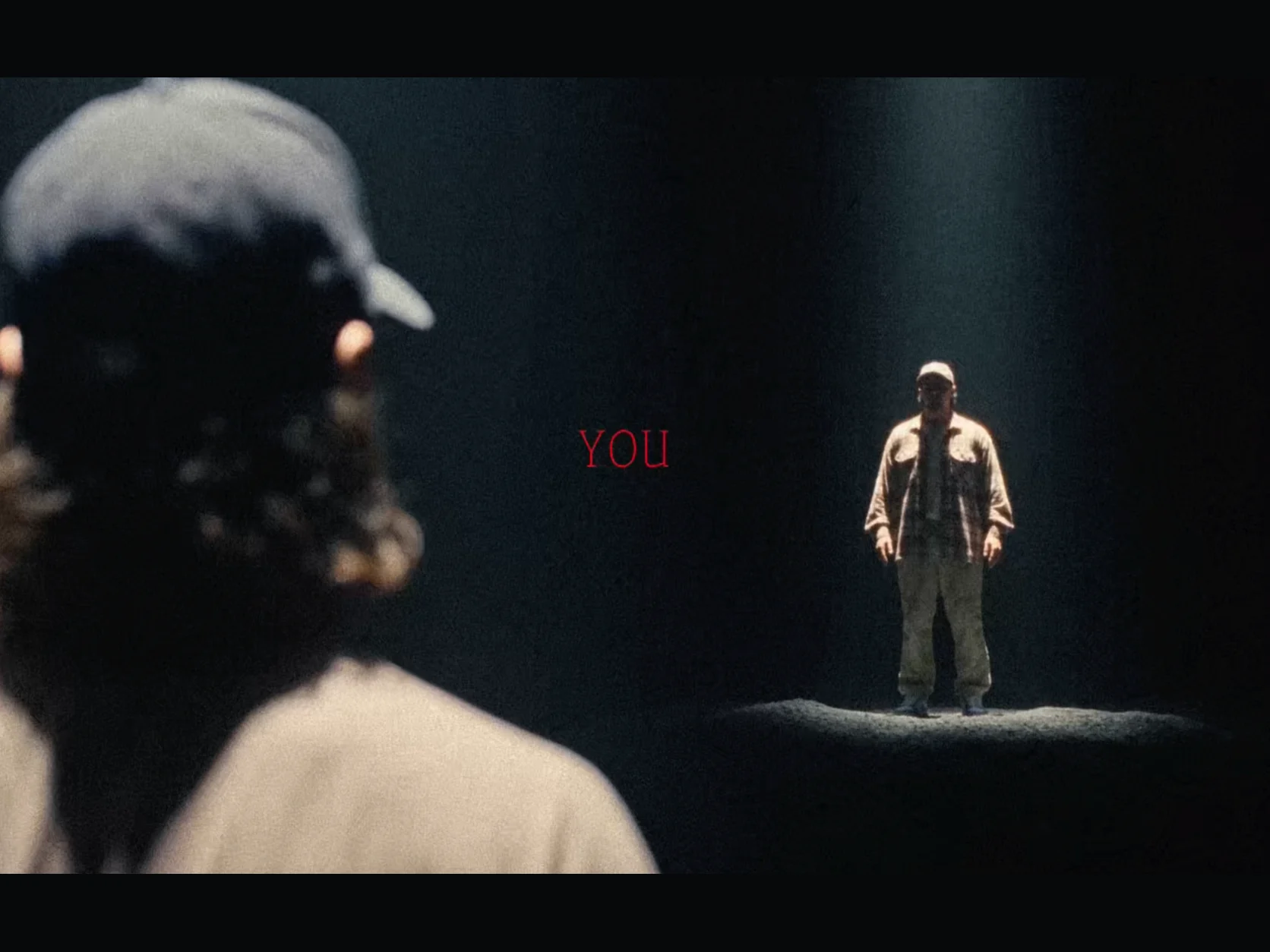
The model behind this page is tuned for this one trend and takes both photos before it generates. That helps the Your Next Opponent Is You effect keep the visual difference between your younger and older selves across the close-up, the over-the-shoulder shot and the final two-person scene.
Make a Your Next Opponent Is You clip for social
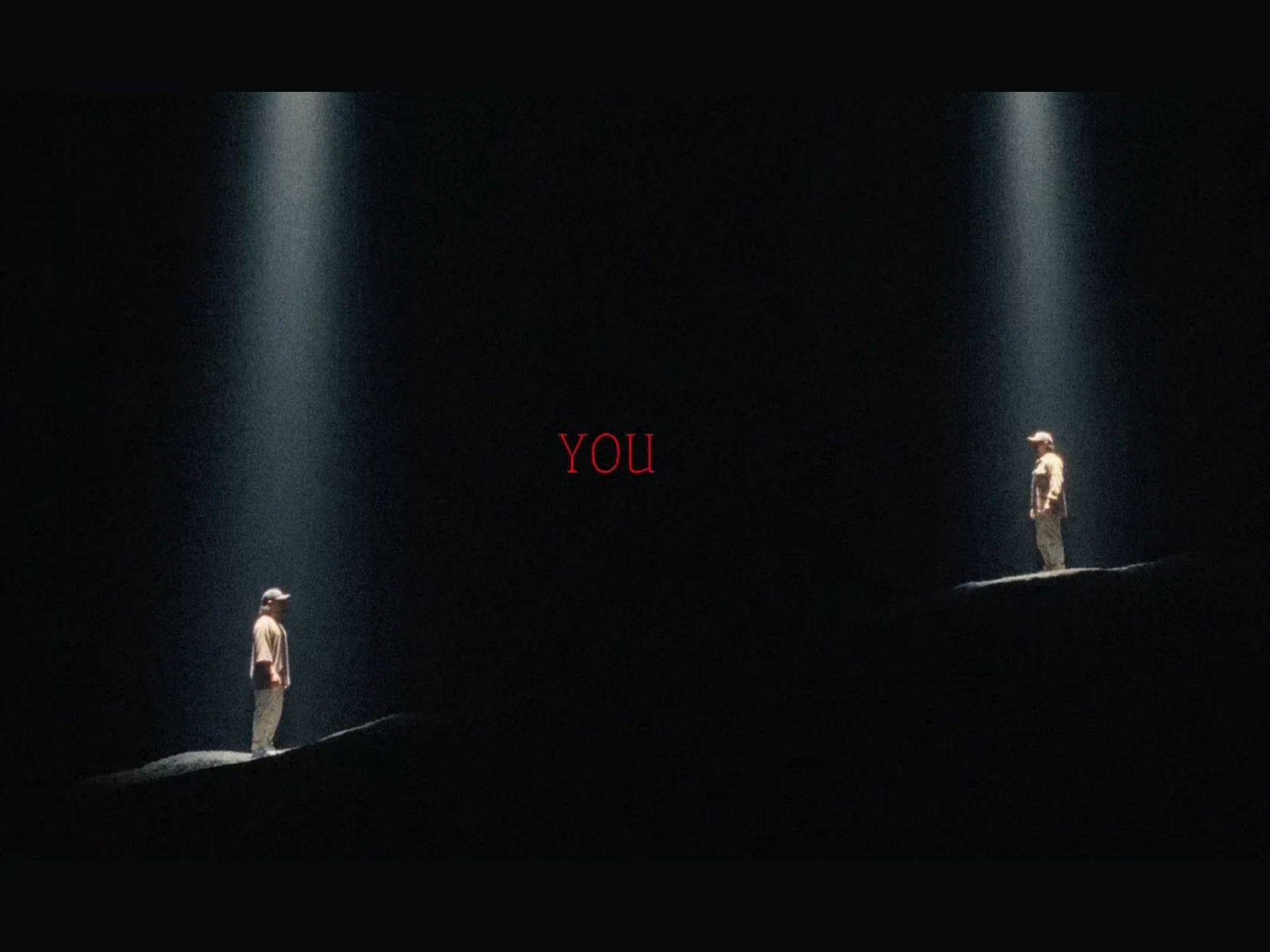
Create a fixed 10-second clip, with the trend's original sound already on it, for Reels, Shorts, TikTok or a longer edit — then add the text lines in CapCut or the in-app editor. Choose 480p, 720p or 1080p; every other setting stays optimized and locked for a fast, repeatable result.
How to make a your next opponent is you video in three steps
The generator runs a purpose-built preset on a model tuned for this trend. You only provide the two photos — the scene, prompt, framing, duration and sound are already configured.
Upload your younger photo
Choose a clear photo from your younger years where your face is easy to recognise. This becomes Image 1 and the younger self in the final face-off.
Upload your older photo
Add a clear photo of your older self. This becomes Image 2, while the generator keeps both ages distinct and recognisable.
Generate and download
Preview the result, regenerate until the staredown lands, then download a clean HD clip — no watermark — ready for Reels, Shorts and TikTok.
Everything the Your Next Opponent Is You AI video generator gives you
Two photos in, a finished present-versus-past clip out — with the trend’s model, prompt, framing, pacing and lighting already set for you.
Two ages, one identity
A younger photo and an older photo give the model a direct visual reference for both versions of you.
Two of you in one frame
The preset places present-day you and younger you into the same dramatic face-off while keeping both references recognisable.
Cinematic arenas
The built-in scene uses three high-contrast shots, deep black surroundings and dramatic overhead lighting without asking you to write a prompt.
The original 4:3 frame
Every clip keeps the 4:3 frame and the 10-second length of the original trend video, so the reveal lands the way it does in the feed, with no extra controls.
No setup decisions
Choose only the output quality. The model, prompt, aspect ratio, duration and audio are fixed behind the scenes.
A model tuned for this trend
The page always runs the same model, tuned for this one trend, so both photos guide the two identities the same way on every generation.
Your face, your footage
Built for uploading your own likeness — not someone else’s. Upload photos you have the right to use and the clips are yours to publish.
Watermark-free HD export
Download high-resolution clips with no watermark and no branding baked in, ready to post the moment they finish.
Your Next Opponent Is You AI Video Generator FAQ
What “congratulations, your next opponent is you” means, where the trend came from, what the template looks like, and how to make your own video with Flowlio AI.
It is a short-form video template that took over TikTok and Instagram Reels in 2026. Against a pure black background, a younger version of someone stands face to face with their present-day self under two beams of light, while a voice says “Congratulations, you’re moving to the next level. Your next opponent is you.” It reads as a glow-up post with a twist: the only rival left is the earlier version of yourself. This page turns one younger photo and one older photo into that matchup.
It is the spoken line behind the trend: “Congratulations, you’re moving to the next level. Your next opponent is you.” The first half congratulates you for getting past everyone else. The second half says the only rival left is the person you used to be. That is why the video puts your younger self and your present self face to face. The message is about beating your own past, not other people. People search “congratulations your next opponent is you” to find the sound, and this page makes the video that goes with it.
It started as a TikTok sound in mid-2026 — a short spoken line over a slowed edit of Eclipse’s “Welcome to My Crib” — that creators paired with gym and glow-up posts. Once AI video tools could hold one face across two ages, the audio picked up a matching visual: the dark arena staredown between past and present you. It jumped to Instagram Reels and YouTube Shorts within weeks, and by mid-2026 the format was stable enough that dedicated generators like this one were built around it.
Three beats inside ten seconds. First a tight close-up of the younger self under a single overhead spotlight, serious, no smile. Then a medium shot of the present-day self standing inside a vertical beam of light, dust drifting through the air. Finally the camera pulls far back for a wide profile two-shot: both versions on a dark sloped mound, each in their own beam, with the younger one slowly lifting their head. The Your Next Opponent Is You AI video generator ships that exact three-shot direction, so your clip lands on the trend instead of near it.
No. The three-shot direction, the black set, the overhead lighting, the camera moves and the 10-second pacing are built into the preset, and the page always runs a model tuned for this trend, so both photos guide the identities. Creators who build this by hand in a general video tool have to choose the model, write the direction and attach both references themselves — here the only choice you make is output quality.
Flowlio AI gives you free credits when you sign up, which is enough to try the trend. This preset makes one 10-second video, and the exact credit cost is shown before you generate — nothing is charged without you seeing the number first.
Two sharp, well-lit photos where your face is clearly visible and takes up a good part of the frame: one from your younger years, one recent. Front-facing or a half-profile both work. Avoid heavy blur, strong backlight, sunglasses, group shots and heavy beauty filters — they blend the two ages together and weaken the resemblance. The bigger the visible change between the two photos, the harder the face-off hits.
Upload your younger photo as Photo 1 and your older photo as Photo 2. The built-in direction tells the model which photo plays which role in each of the three shots, so both versions end up in the same frame without you writing anything.
Every generation is a 10-second video with the trend's original sound. You choose 480p, 720p or 1080p output quality; everything else is fixed for the trend.
Two ways, both common in the trend. You can post the clip as-is inside a vertical post, with the trend text stacked above and below it — that layout is everywhere in the feed. Or crop to 9:16 in CapCut or the TikTok editor, keeping the two figures centred in the final wide shot. Generating at 1080p leaves you the most room to crop.
Yes. The trend's original sound is laid under every video, from the first frame, so it is ready to post. For the on-screen text, drop the clip into TikTok, Reels or CapCut and time the two lines — “Congratulations, you’re moving to the next level.” then “Your next opponent is you.” — to land just before the wide two-shot. A light grain or noise overlay is the usual finishing touch.
The caption is usually the line itself, often with a time stamp in front of it: “Three years of training later. Your next opponent is you.” Hashtags cluster around the trend name — #yournextopponentisyou, #youvsyou — plus whatever niche the transformation belongs to: #gym, #fitness, #bodybuilding, #motivation, #mindset, #edit, #fyp. Keeping the exact phrase in the caption is what ties your post to the trend in search.
Child self versus adult self is the original and still the strongest. After that: gym and body transformations, athletes framed as rookie versus veteran, a first-day-at-work photo against today, before-and-after a career change, gamers, musicians and anyone with a visible before. The rule is the same either way — if the two photos show a real change, the staredown carries a story; if they look nearly identical, it plays as a generic AI clip.
Almost always the input photos. Faces that are small in frame, blurry, shot from an extreme angle, hidden behind sunglasses or smoothed by a filter give the model too little to hold on to, and group photos leave it guessing which face is yours. Swap in two clean, close, well-lit portraits and regenerate — the same preset usually lands on the second try.
Only with their permission. The trend is built around your own likeness — upload photos of yourself, or of someone who has agreed to it. Do not upload photos of public figures or of people who have not consented.
Usually a few minutes. The model and clip length are fixed, so the main variable is the output quality you pick; keep the tab open and you can watch the progress.
No. Every clip exports watermark-free in high resolution, so you can post it straight to social or drop it into an edit without cropping anything out.
Face yourself — make the video free
Upload one younger photo and one older photo, then let the your next opponent is you AI video generator do the rest — no prompt to write, no model to pick, no settings to configure.
