
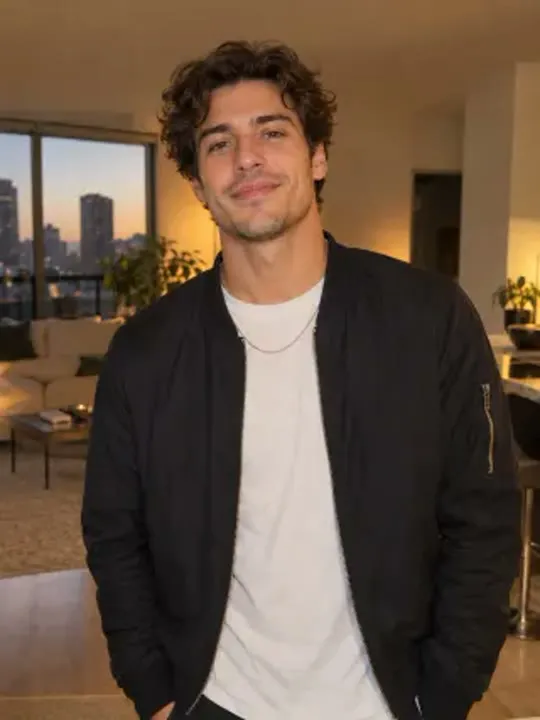
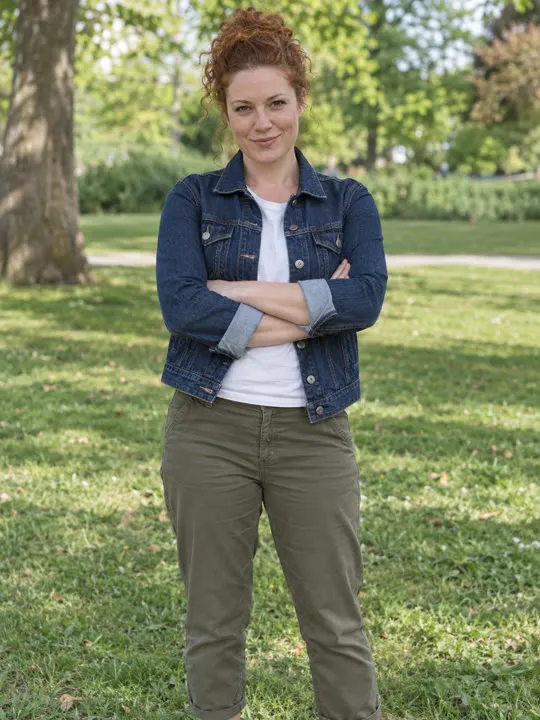
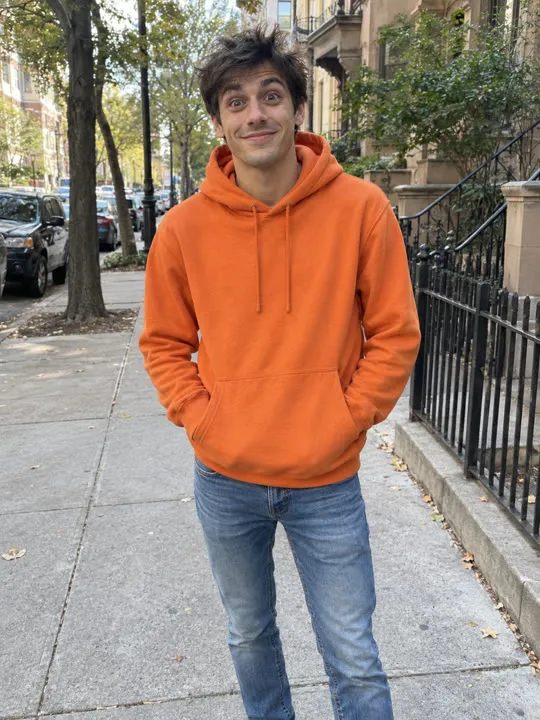
Made from these three photos
More Effects
Explore the other video effects, each with its own input and motion.
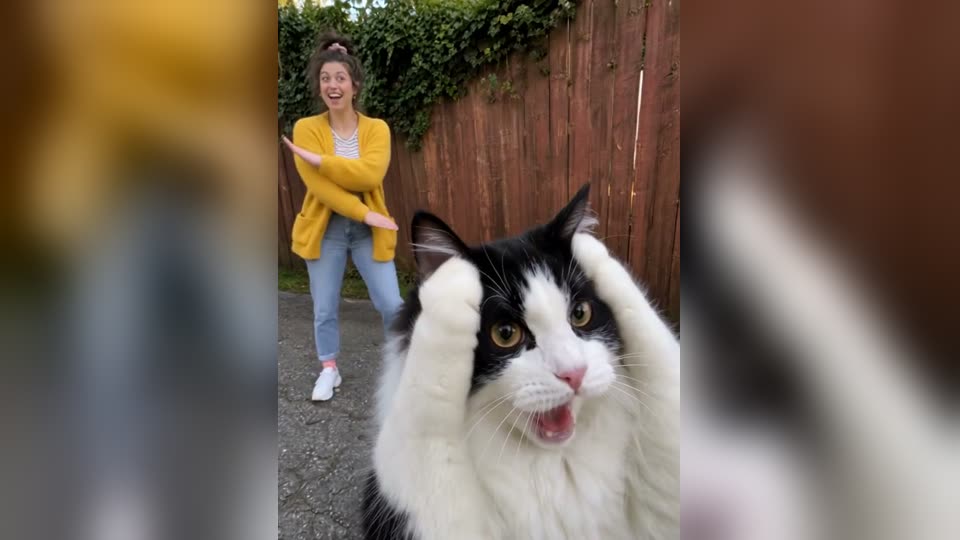
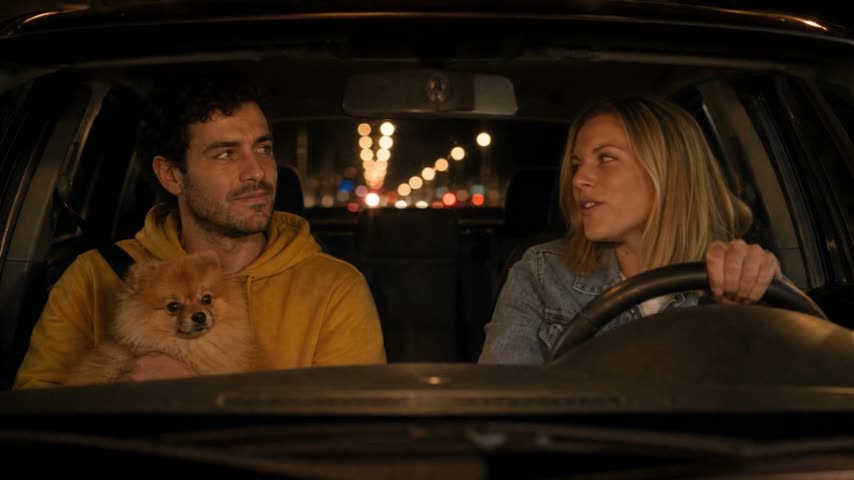
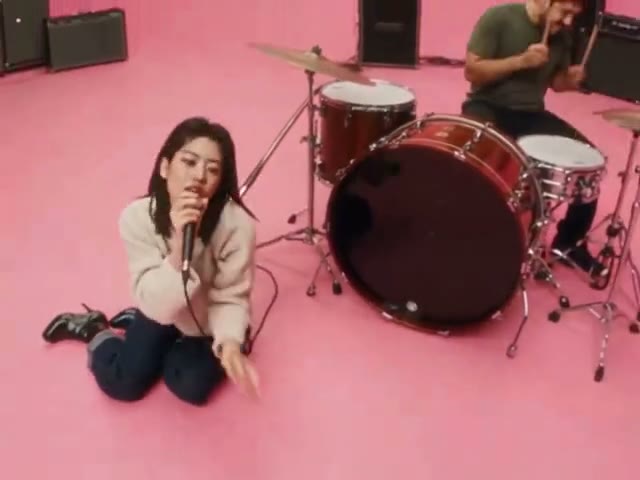
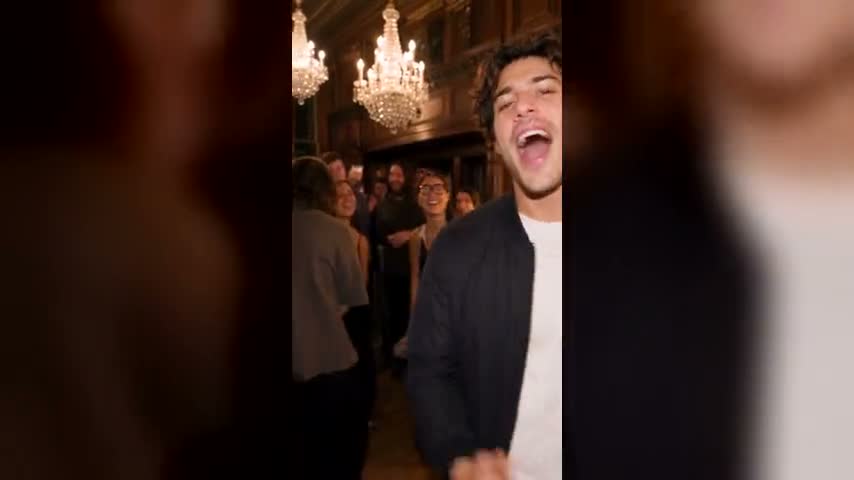
What is the Gangnam Style AI trend?
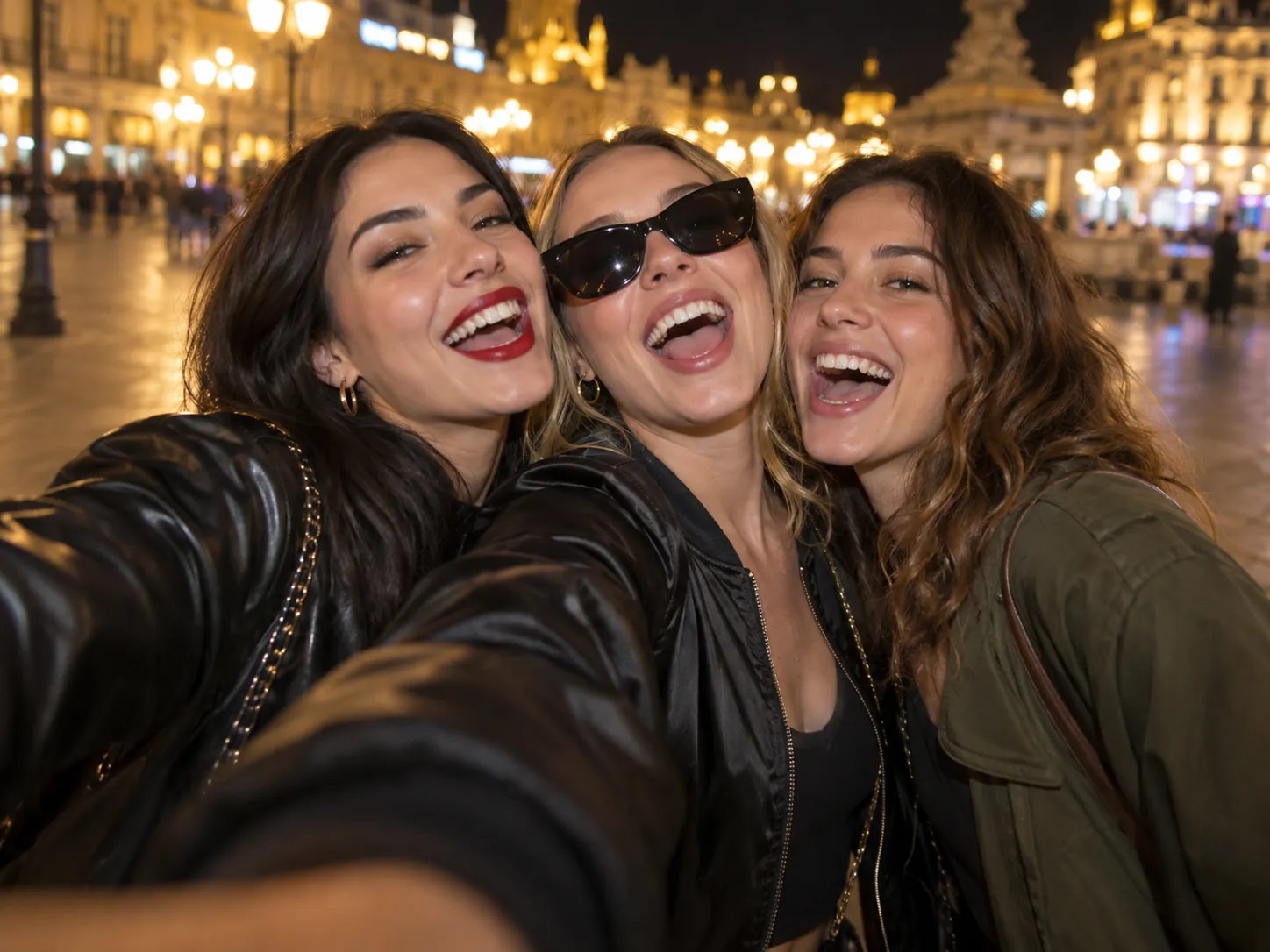
Cast yourself, your friends or your family in the Gangnam Style night-time selfie clip. Upload three separate character photos: Photo 1 replaces the center performer with sunglasses, Photo 2 the performer on the right in the olive jacket, and Photo 3 the performer on the left in the black leather jacket. The template follows their group and solo shots, keeping the original movements, camera and setting while replacing their appearance. The soundtrack is added automatically. No filming, editing or prompt needed.
Who is in your trio?
The street, the camera work and the three roles stay the same in every Gangnam Style AI video. Your three uploads decide who is in the shot, whether that's friends, family, classmates or colleagues.
Your best-friend trio, on screen
Give each of your two closest friends a slot and take the third yourself. The sunglasses-and-satin centre role, the olive-jacket right and the leather-jacket left all pick up the face, hair and clothes from the photos, and the three-way group shots turn into proof of your friendship that nobody had to film.
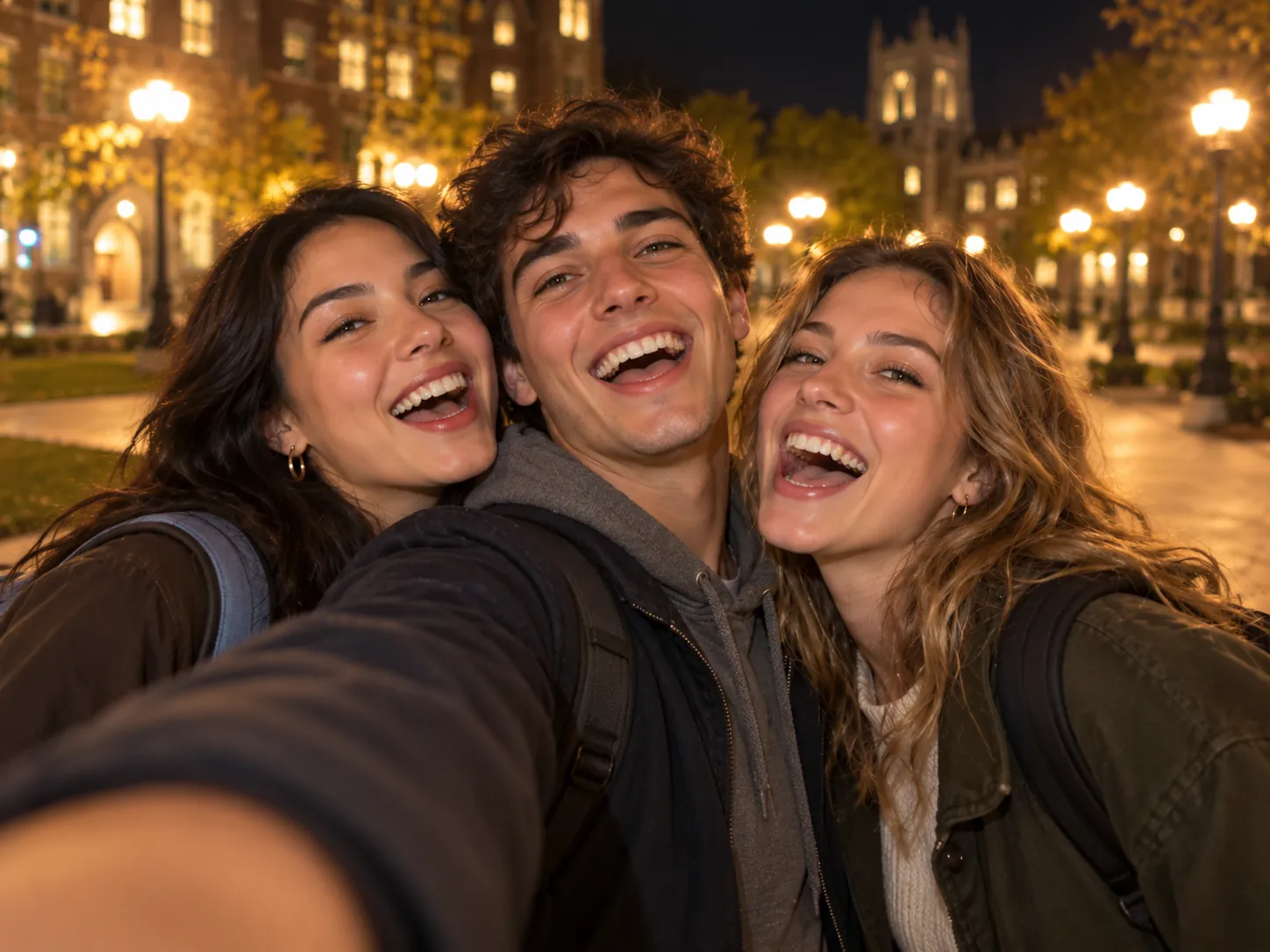
Three flatmates or classmates, one night out
Cast the people you share a flat, a lecture hall or a group project with. A man, a woman and a friend of either gender all work in any of the three slots, and each keeps their own look from the photo. Post it in the group chat after finals, or the night before everyone goes home.
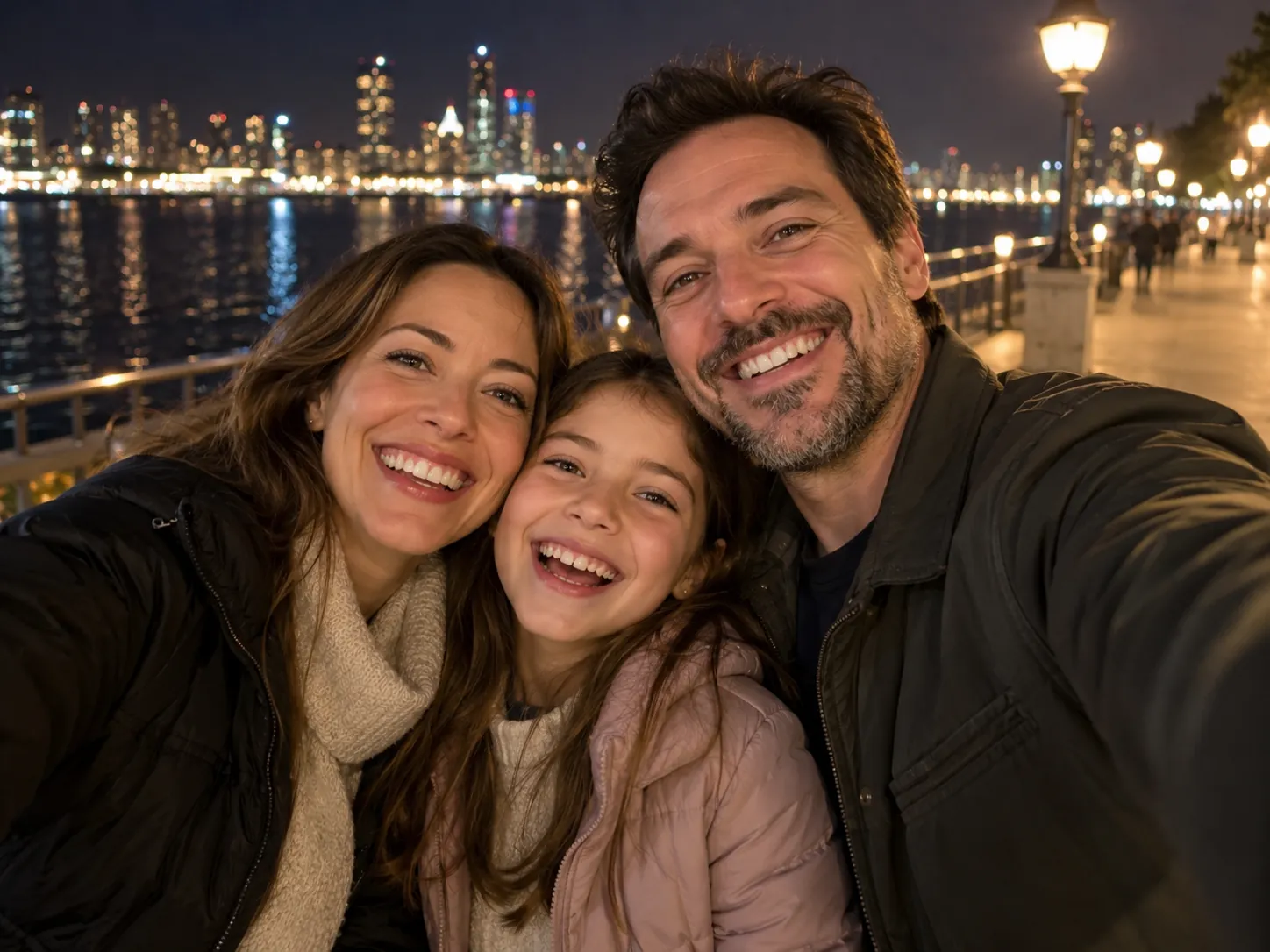
Mum, dad and the kid out on the town
Cast a parent, the other parent and a child, or three generations of the same family, and turn an ordinary Sunday into a night-out clip. It is an easy one to send to relatives who live abroad, and it only needs three photos you already have on your phone.
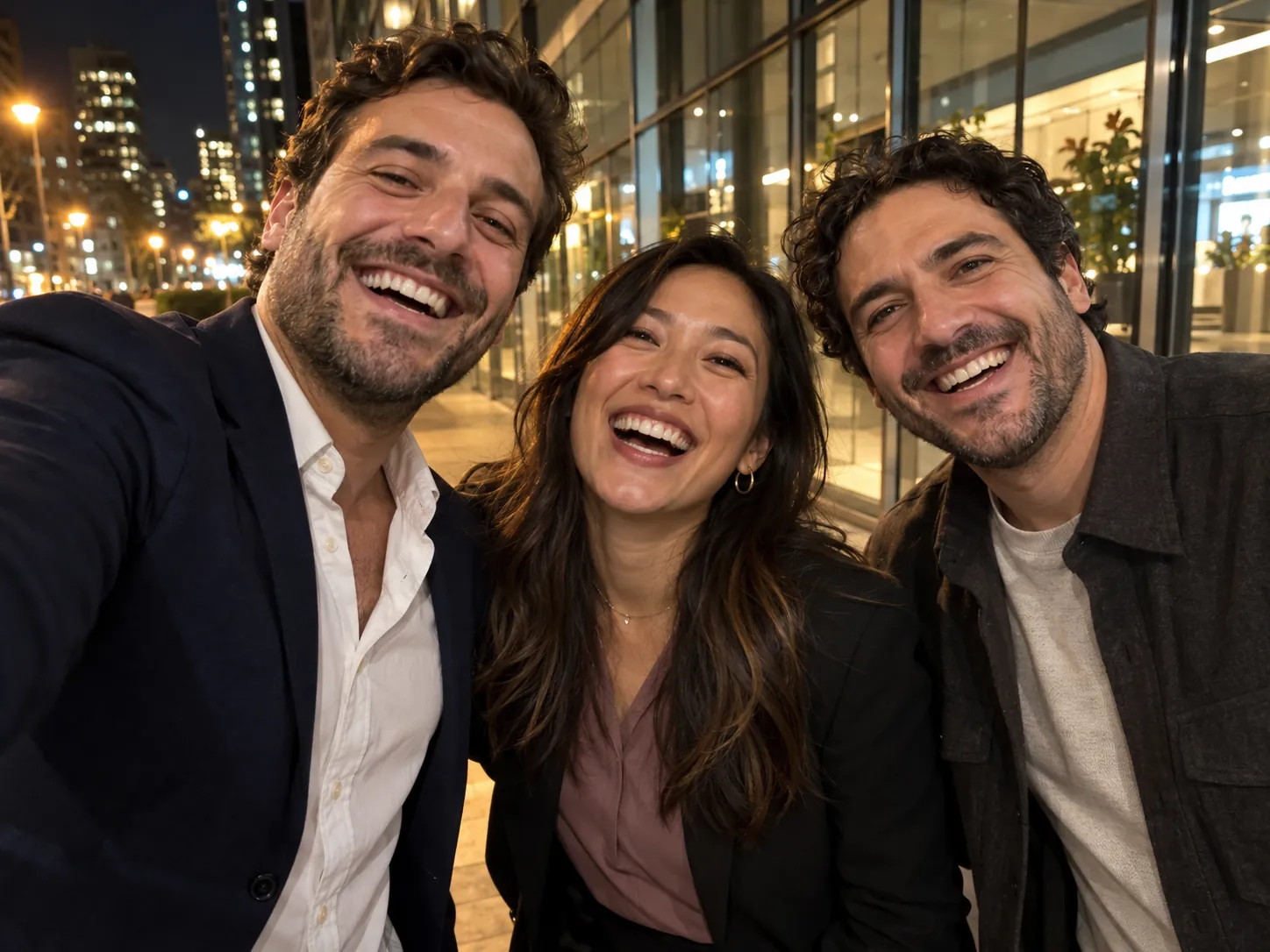
Colleagues after the team dinner
Put three people from the same team, class or club into the shot using their profile pictures or casual snaps. Post the result in the team chat, or open a farewell party with it, and nobody has to give a performance on the night.
How to make a Gangnam Style AI video
The reference clip, camera movement and soundtrack are built in. Upload one photo for each of the three characters.
Upload three character photos
Use three clear photos, each showing one person. Photo 1 replaces the center performer, Photo 2 the right performer, and Photo 3 the left performer in the group shot. All three photos are required, and the same identities carry through the solo shots.
Pick your quality
Start at 480p to check the casting, then move up to 720p or 1080p once you like it for cleaner faces. The credit quote updates with your choice, and nothing is spent until you press generate.
Generate and download
Rendering happens on our servers, so you can close the tab. The finished video lands in My Creations with its soundtrack already underneath, ready to download and share.
The 21-second clip, shot by shot
Every cut, gesture and camera shake below stays exactly as filmed in the Gangnam Style AI video generator, and only the three people change. The soundtrack goes on after the video renders, so the 16:9 clip plays with sound from its first frame.
0–2s · The trio opens
All three performers crowd into a close handheld selfie at night. The centre one slides her sunglasses down, one friend waves a hand at the lens and the other flicks back her hair: Photo 1, Photo 2 and Photo 3 together.
2–5s · Centre solo
The camera slips to Photo 1's character on her own, with a floodlit city skyline behind. She pushes her sunglasses up and down and pulls an expression at the lens.
5–9s · Right solo
A cut to Photo 2's character in front of a stone-walled building. She gestures at the camera, takes out her phone and turns away mid-step.
9–12s · Left solo
Photo 3's character takes her turn by a lit-up theatre-style building, leaning into the lens, waving a hand and mouthing along.
12–17s · Centre again
Back on the plaza, Photo 1's character mouths the next lines straight to camera, with a hand on her chest, then on her sunglasses and finally on her cheek.
17–21s · Reunion
All three squeeze back into frame, point at the lens, wave their arms and laugh until the final frame. Each keeps the identity from her own photo throughout.
Gangnam Style AI Video: Photos, Music, Men and Pricing FAQ
How many photos you need, who can be cast, whether the soundtrack is included, and what the finished clip looks like, answered before you render.
1) Open the Gangnam Style AI video generator and upload three photos: Photo 1 for the centre performer, Photo 2 for the right and Photo 3 for the left. 2) Pick a resolution and read the credit quote. 3) Press generate. The night street, the camera movement and the performances come from the template, so you film nothing and type no prompt. When it finishes, the video appears in My Creations.
Yes. Each slot takes whoever is in the photo, whatever their gender or age. A man stays a man, with his own face, build and hairstyle, a child stays a child and an older person looks their age, rather than being turned into the woman originally in that position. Mix freely, for example two men and a girl. Upload a sharp photo of one person, facing the camera, with the face clearly visible.
Use one subject per photo, facing the camera in even light, with a clear view of the face and the upper body. Avoid group pictures, heavy filters and photos where someone covers half their face. Clothes come from the photo you upload, so pick the outfit you want on screen. The room or street behind your subject is ignored, because every shot is set on the template's night-time city street.
All three are required: the template has three performers, and each needs a picture before you can generate. If you only have one person, add two more, such as friends, relatives or colleagues. We don't recommend uploading the same photo three times, since the three characters are meant to look like three different people.
Yes. The clip's soundtrack is added automatically after the video renders, so it plays under the whole 21 seconds, and it doesn't cost extra credits. This generator produces a video only. It doesn't create AI covers, new vocals or lyrics, so a search for those will lead elsewhere.
Opening an account is free, but each render spends credits. Get them as a one-off Trial Pack or through a monthly or yearly subscription, both on the pricing page. The exact cost for your chosen resolution is shown before you press generate, so there are no surprises afterwards.
Yes, after a small adjustment. The video is widescreen 16:9, which suits YouTube, X and group chats as it is. For TikTok, Instagram Reels or YouTube Shorts, which favour vertical video, crop it in your editing app or post it with bars above and below. Each platform has its own rules about music, so read them before you promote the clip.
No. CapCut lists a Gangnam Style Dance template, but a template drops your pictures into a fixed edit that you assemble yourself. On this page the model generates the finished clip from your three photos on our servers, with nothing to install and no timeline. Feel free to open the downloaded video in CapCut afterwards for captions or stickers.
You get one video of about 21 seconds in 16:9, rendered at 480p, 720p or 1080p, with the soundtrack already in it. The job runs on our side rather than in your browser, so you can leave the page and pick up the finished file from My Creations later.
Make your own Gangnam Style AI video
Upload three photos of people and cast them in the Gangnam Style clip, with the soundtrack added automatically.
