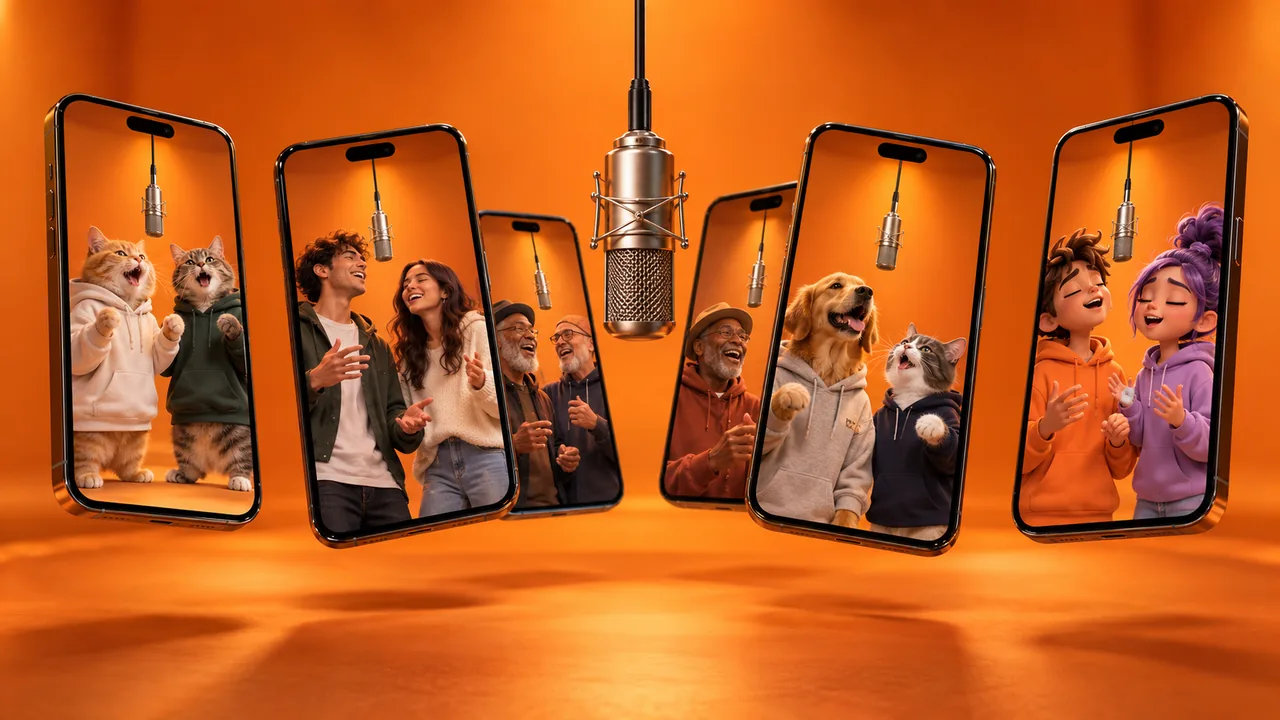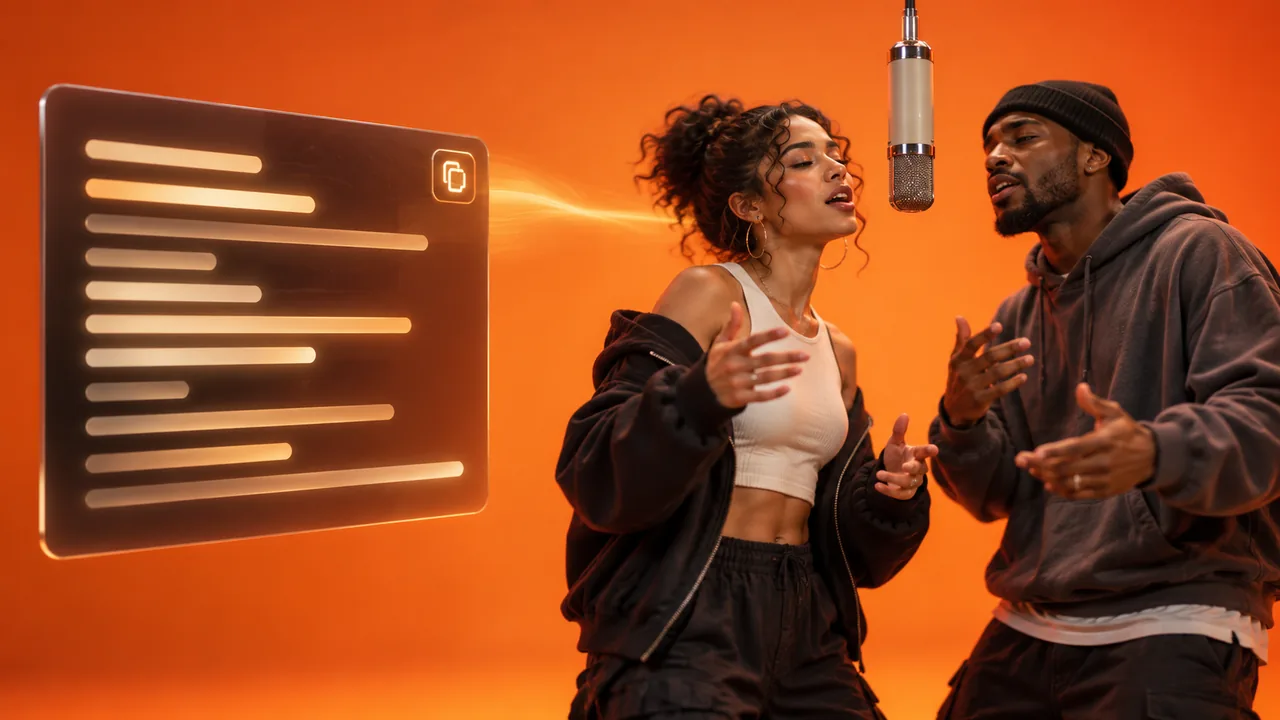
This guide shows you how to make a Hotel Lobby AI video: the TikTok trend where two people, pets or characters take over Quavo and Takeoff's 2022 COLORS performance of "Hotel Lobby". All you strictly need is two photos. We also cover the harder routes through Kling, Seedance and CapCut, adding the song on TikTok, and fixing what goes wrong.
While building a Hotel Lobby generator this month, we found that the hardest part of this trend has nothing to do with the tool you pick. Most AI video tools are designed around one character, and this trend needs two. Almost every problem people run into, from swapped sides to blended faces, comes from that mismatch. Keep it in mind and the steps below make more sense.
New to the trend itself? Start with what the Hotel Lobby AI trend is and where it came from.
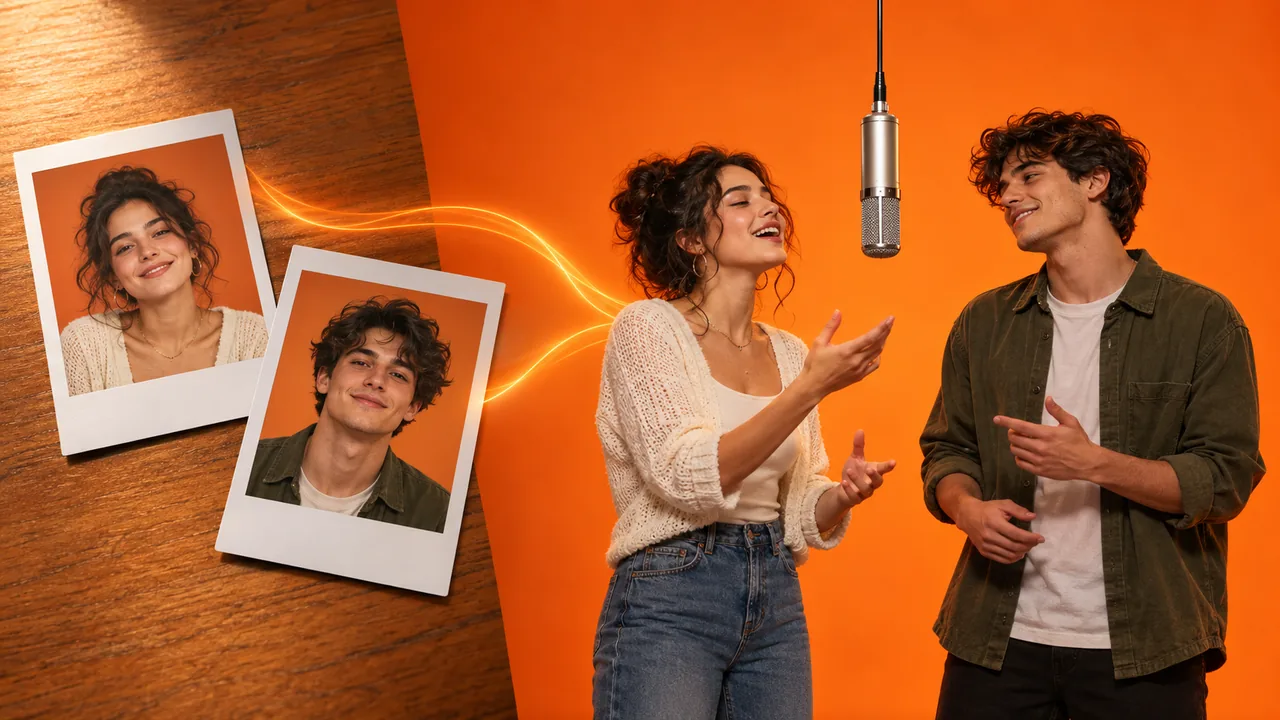
A finished Hotel Lobby AI video made from two photos in our generator.
Before you start: pick the right two photos for your Hotel Lobby AI video
Photo choice decides most of how your Hotel Lobby AI video turns out, whichever method you use. Follow this checklist before you upload anything:
- One subject per photo. Upload two separate images, one for each performer. This is the single biggest fix for faces blending together.
- Face the camera. A front-facing or slight three-quarter angle works best. Profiles give the model too little to work with.
- Nothing across the face. No sunglasses, hands, masks or hair covering it.
- Even light. Soft daylight beats harsh shadows. If the two photos have similar lighting, the performers blend into the scene more naturally.
- Skip heavy filters. Beauty filters and stylized edits make identity harder to hold.
Do you need full-body photos?
It depends on the method. For a template that already has the performance built in, a clear photo from the chest up is usually enough. The tool supplies the body and the moves.
For motion control, framing matters more. Kling's official Motion Control guide recommends matching full-body or half-body framing in your character image to the framing in the motion reference, with the whole body and head clearly visible.
Can you use a group photo or just one photo?
Not directly. If both people are in one photo, crop each person into their own image first, then upload the two crops.
You also can't make the trend from a single photo of one person. The format is a duet, so you need a second performer. That second performer can be a friend, a pet or even a second photo of yourself if you want to rap with your clone.
Can you use pets or anime characters?
Yes to both. Pets are one of the most popular versions of the trend: the whole thing took off with two cats doing the performance. Upload one clear photo of each animal.
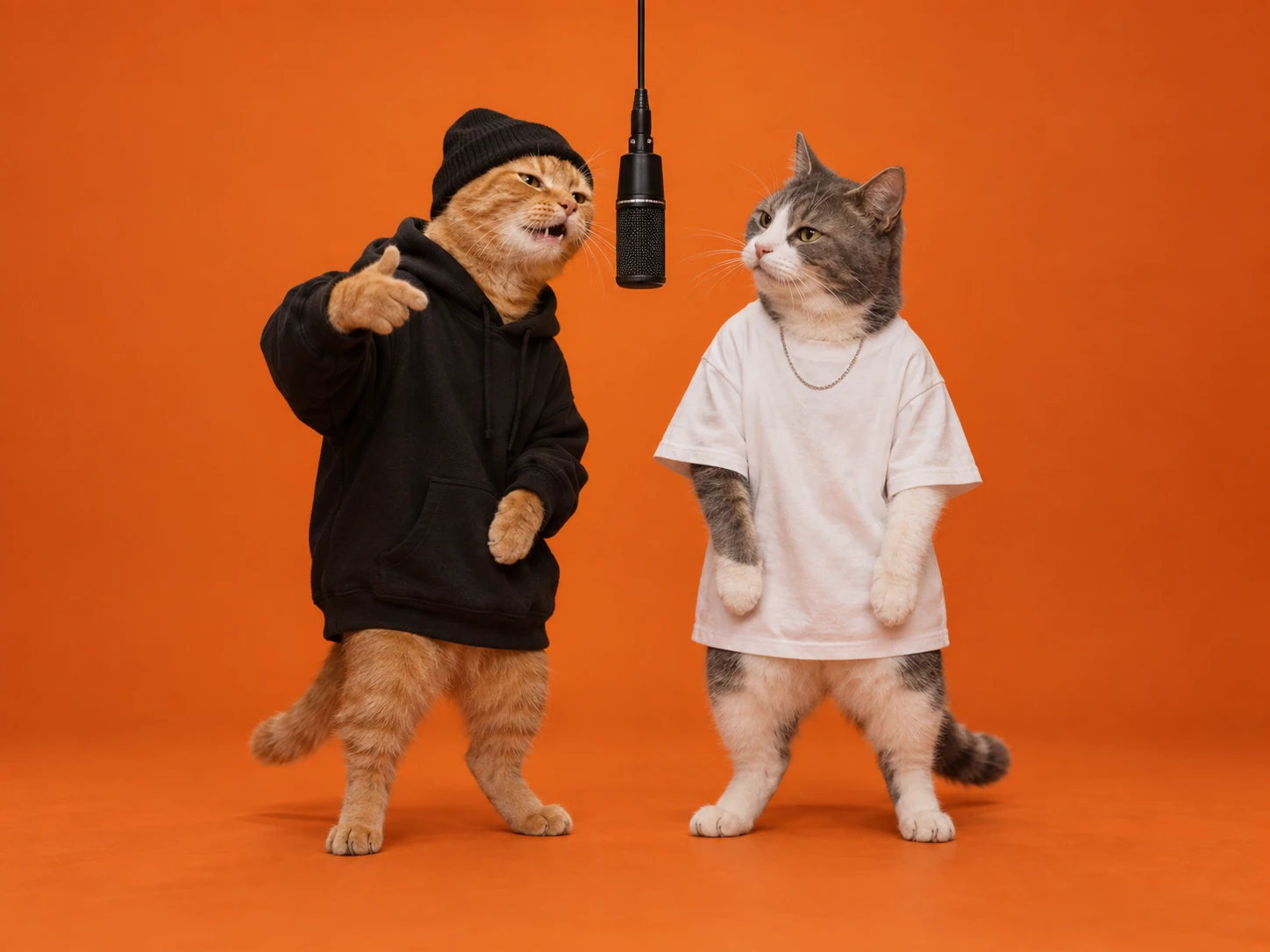
Anime and cartoon characters work too. The more realistic the image, the more closely it follows the human moves. A flat 2D drawing may drift further from the choreography than a 3D render.
Method 1: Make a Hotel Lobby AI video from two photos (fastest)
This is the route most people take. A dedicated template has the Hotel Lobby performance built in, so you don't upload a reference video and don't write a prompt. Here is how it works in our Hotel Lobby AI video generator:
- Upload two photos. The first photo becomes the left performer and the second becomes the right. Swap them to switch who plays which Migos.
- Pick the performance to copy. The classic orange booth with the hanging mic, a marble hotel lobby, or a graffiti street corner. The booth and the lobby open at 16:9, and the street opens at 9:16 for TikTok.
- Choose the output. Seedance 2.5 is the default model and you can switch to others. Resolution goes up to 1080p. Tip: test a new photo pair at 480p, which is the cheapest, then re-run the keeper at 720p or 1080p.
- Decide on sound. Turn sound on and the MP4 comes with the "Hotel Lobby" song. Leave it off if you plan to add the trending sound on TikTok (see below).
- Generate and download. The credit cost shows on the Generate button before you spend anything.
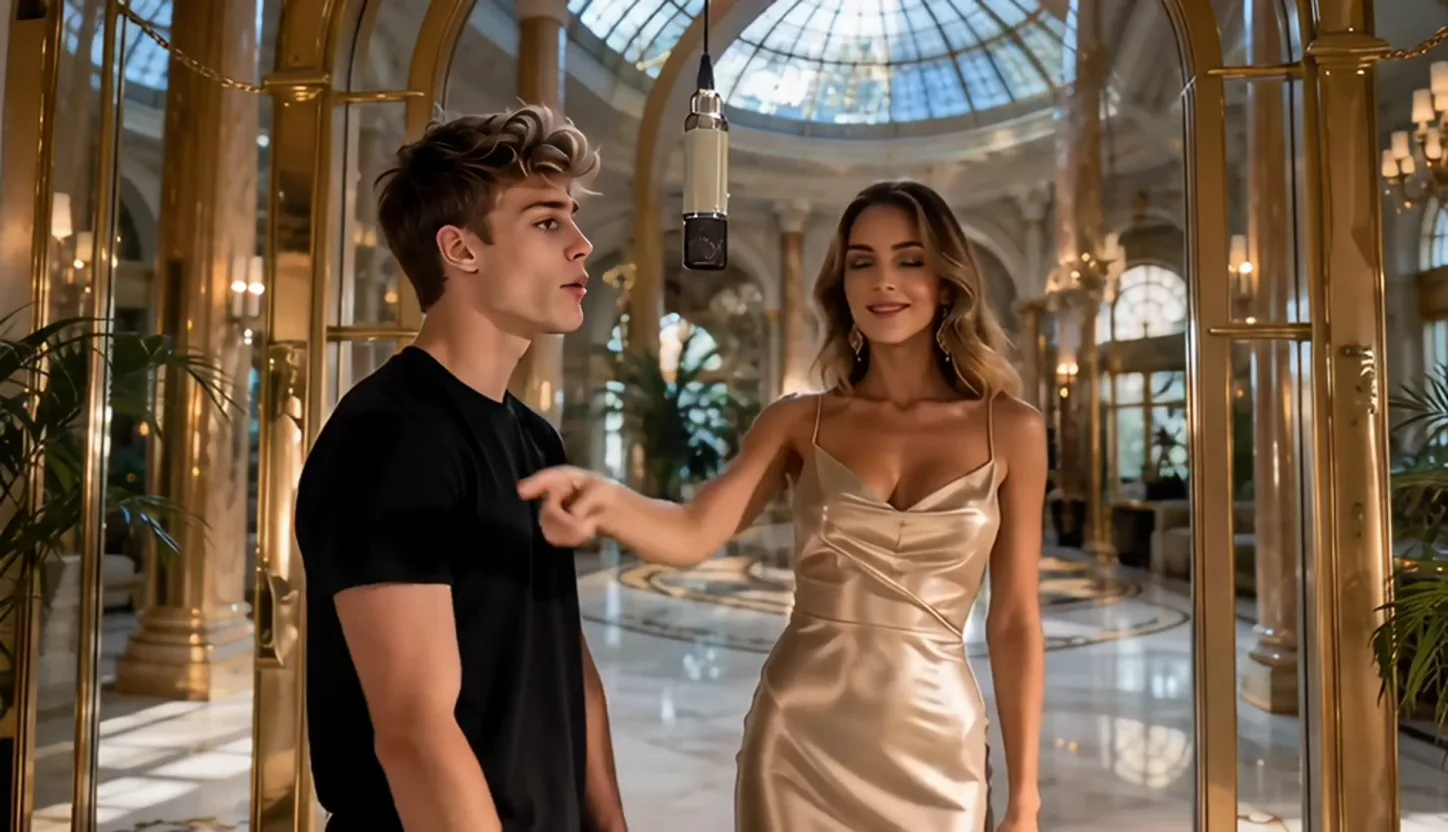
The clip runs about 10 seconds, matching the length of the performance you pick. Under the hood, each photo is locked to its side of the booth, and the built-in prompt forbids the two faces from blending or swapping. That is the part you would otherwise have to engineer yourself in Methods 2 and 3.
Method 2: Kling Motion Control (more control, more setup)
Kling Motion Control copies the movement from a reference video onto a character image. It is powerful, but it was built for one character at a time, and that is the catch for this trend.
- Get a motion reference. Download a short cut of the performance, or find a prepared Hotel Lobby motion clip. Only use footage you are allowed to use.
- Add your character image, framed to match the reference, as covered above.
- Write a short prompt for the scene: orange seamless studio, one black microphone hanging in the center, fixed wide camera.
- Bind a face element for identity. Kling's guide recommends clear facial close-ups for this, or a short video for richer expressions.
- Generate several takes and keep the one with the most stable faces and the mic in the right place.
The limitation is in Kling's own guide: face-element binding supports only one element per video. When the first frame contains several people, the system picks the person with the largest on-screen presence. If two people take up a similar share of the frame, which is exactly the Hotel Lobby layout, it may select no one at all.
In practice, the second performer's face gets less protection, and that is where drift and swapping creep in. Advanced creators work around it by generating each side separately and compositing them in an editor. That can look great, but it roughly doubles the work.
Method 3: Seedance, Veo or Sora with a prompt
General video models skip the template and rely on your prompt plus reference images.
Seedance 2.0 handles this best of the three because it takes several references at once. According to fal, it accepts up to 9 reference images, 3 videos and 3 audio clips per generation. The trick is to give each reference one job and say so in the prompt. Seedance's prompting guide recommends tagging assets such as @Image1 in the prompt and stating what must be preserved and what may change.
A working prompt skeleton for a Hotel Lobby AI video:
Static wide shot, 9:16. A seamless burnt-orange studio with one black
microphone hanging from above, centered. Person from @Image1 stands on
the LEFT, person from @Image2 stands on the RIGHT, and they never switch
sides. They take turns rapping into the shared mic: one leads a line
while the other nods and reacts, then they swap. Follow the movement and
timing of @Video1. Preserve each person's face, hairstyle and outfit
exactly. No camera movement, no cuts, no face blending.
For more copy-paste versions, including Kling, Veo and Sora prompts and a negative prompt, see our Hotel Lobby AI prompt collection. You can run Seedance prompts on our Seedance 2.5 page. Veo and Sora can produce the look from a text prompt, but without a motion reference the moves are an interpretation, not a copy. Expect to regenerate more often.
Method 4: CapCut templates
CapCut is the other popular one-tap route. Search the templates tab for "Hotel Lobby AI" or "Migos AI", add your two photos and export. Template availability changes by region and app version, so if nothing shows up, fall back to Method 1 and use CapCut only for the edit.
How to make a Hotel Lobby AI video: which method to use
| Two-photo template | Kling Motion Control | Seedance / Veo / Sora | CapCut template | |
|---|---|---|---|---|
| What you need | Two photos | Photos + reference video + prompt | Photos + prompt (+ reference video) | Two photos |
| Prompt writing | None | Short | Detailed | None |
| Holding two faces apart | Built in | Weakest point | Depends on your prompt | Varies by template |
| Control over the scene | 3 set performances | High | Highest | Low |
| Best for | Posting today | Creators who want exact motion | Custom sets and styles | Quick mobile edits |
Our take: if the goal is to post the trend with a friend, a partner or a pet, start with two photos. Reach for Kling or Seedance only when you want something the templates can't do, such as a custom set or a different performance.
How to add the Hotel Lobby song on TikTok
If you generated your Hotel Lobby AI video with sound off, add the song on TikTok so your post joins the trend's sound page:
- Open TikTok, tap +, and upload your clip.
- Tap Add sound and search Hotel Lobby.
- Pick the trending "Hotel Lobby" sound used by other posts in the trend.
- Drag the start point so the first beat lands on the first performer's opening gesture.
- Lower the original clip's volume to zero if it has any audio, then post.
The same steps work in Instagram Reels and in CapCut if you edit there first.
Troubleshooting your Hotel Lobby AI video
Why does the face keep changing?
Identity drift usually comes from the input photo: a small, soft or partly covered face gives the model too little to hold on to. Use a sharp, well-lit, front-facing photo in which the face fills a good share of the frame. In Kling, bind a face element. In Seedance, name the image as the only source of that person's appearance.
Why do the two characters switch places?
The Hotel Lobby layout is nearly symmetrical, so a model with vague instructions can mix up who goes left and who goes right. Upload the two people as separate images and state the sides explicitly ("@Image1 on the LEFT, @Image2 on the RIGHT, never switch"). A template that locks each photo to one side avoids the problem entirely.
How do I stop the two faces blending into one?
Blending happens when the model gets two identities with no clear boundary between them. The fixes: never use one photo with both people in it, avoid photos where faces overlap, and give each image exactly one role. If it still happens, try a different model, since each one handles two identities a little differently.
Why did it change my clothes?
Many models restyle outfits to match the performance, often toward streetwear. To keep your own outfit, use a photo where the clothes are clearly visible at least to the waist, and in prompt-based tools list clothing under what must be preserved. Note that Kling's face elements only store facial information, not clothing or hairstyle.
Why does my Hotel Lobby AI video look blurry?
Check three things: the output resolution (480p is for testing, so use 720p or 1080p for the version you post), the source photo quality, and how small the face is in your photo. A tiny face in a wide shot can't be sharpened into a detailed one.
How do I make it look more realistic?
Use realistic photos with lighting similar to the orange set: warm, soft and frontal. Keep the camera static, since camera moves invite warping. Generate two or three takes and pick the best. Realism is partly a numbers game.
Can I change the background?
In our generator, you can choose between three sets: the orange booth, a marble hotel lobby and a graffiti street. For any other set, use a prompt-based model and describe the new location while keeping the static two-person framing.
Can I change the song?
Yes. Generate with sound off, then add any sound in TikTok, Reels or CapCut. Keep in mind that the trend is tied to the "Hotel Lobby" sound, so a different song reads as a remix rather than the trend.
How long is a Hotel Lobby AI video, and can I make it longer?
Our clips run about 10 seconds, matching the reference performance. Other tools vary. To go longer, make two clips, for example the same pair in two different sets, and join them in CapCut. With Kling, you can use a longer motion reference: its latest Motion Control release showcases 30-second one-shot actions.
A note on doing it respectfully
Use photos of yourself and people who agreed to be in it, and keep Quavo's and Takeoff's own faces out of it. Takeoff died in November 2022, the same year as the performance, and many fans treat the trend as a tribute. Keep your version in that spirit.
Make your Hotel Lobby AI video
That's how to make a Hotel Lobby AI video from start to finish. Pick two clear photos, one person each. Choose the route that matches how much control you want. Add the "Hotel Lobby" sound, and fix drift or swapping at the photo level first.
If you want the shortest path, the Hotel Lobby AI generator turns two photos into the performance with no prompt and no reference video, and it is free to start.