
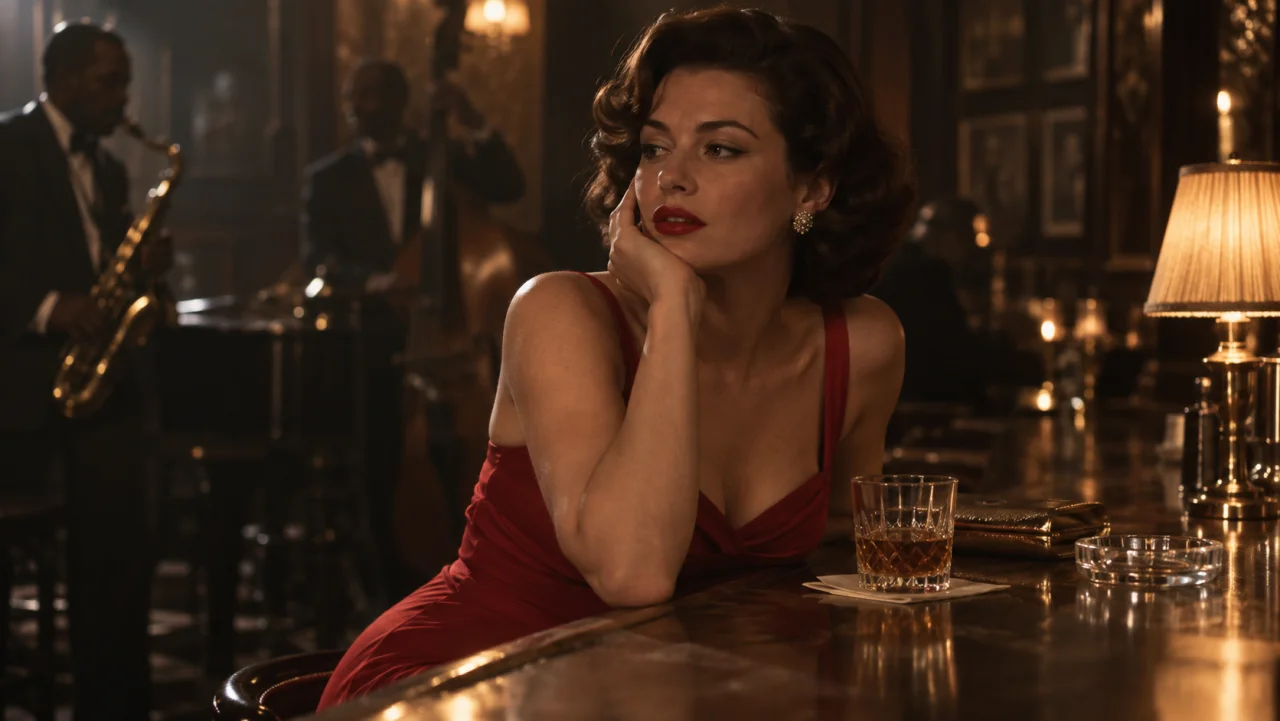
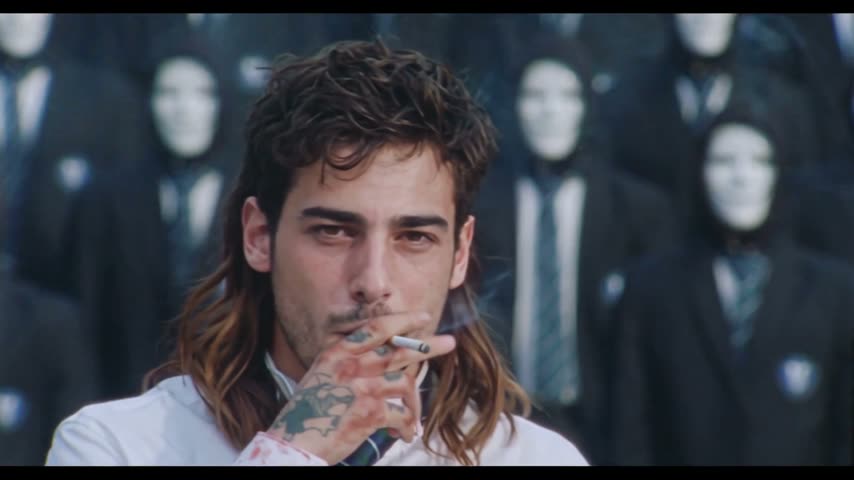
Made from this one photo
More Effects
Explore the other video effects, each with its own input and motion.
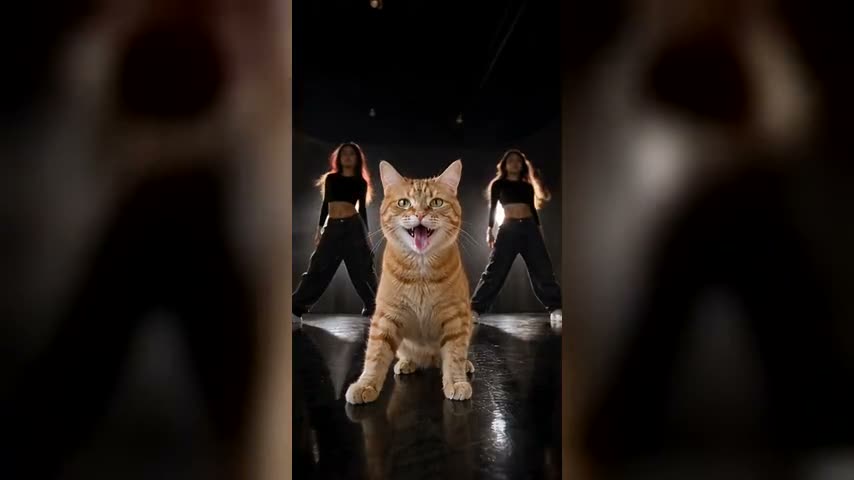
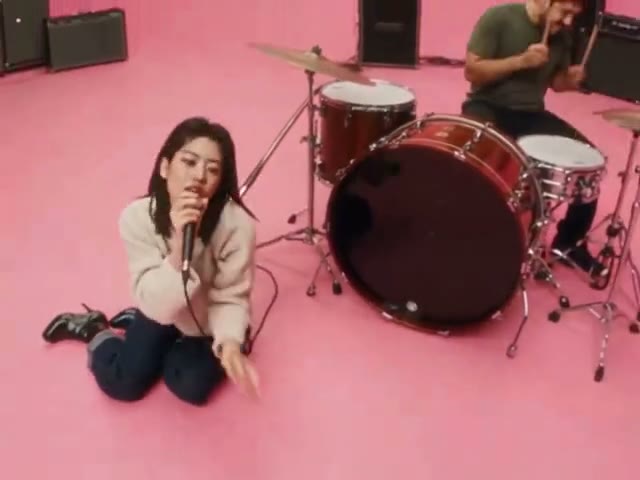
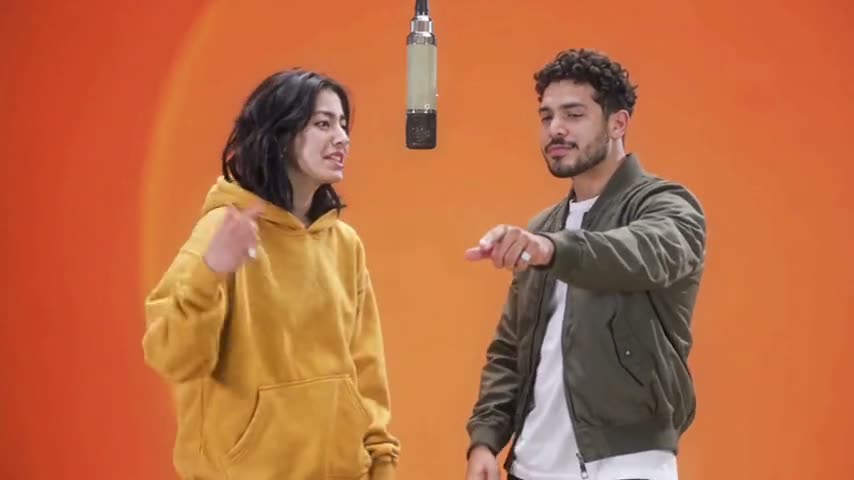
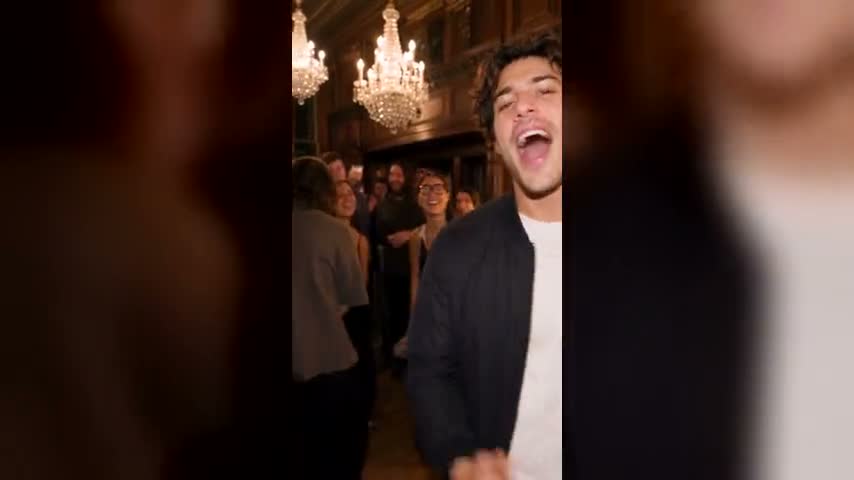
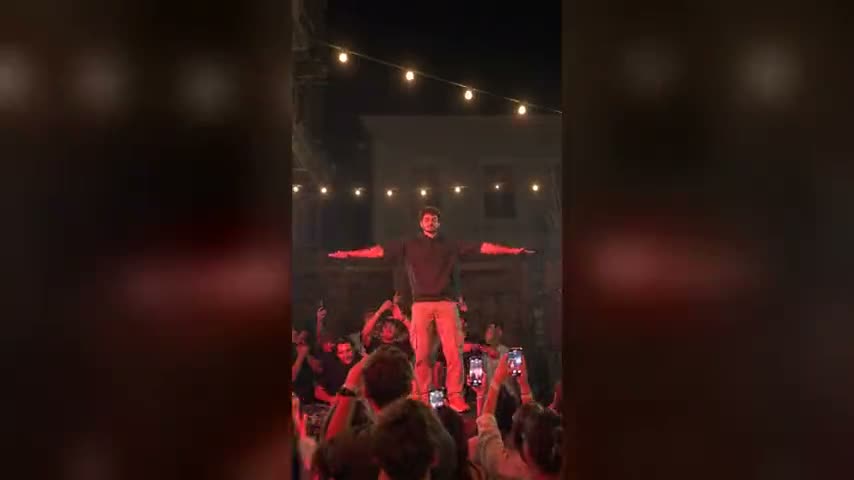
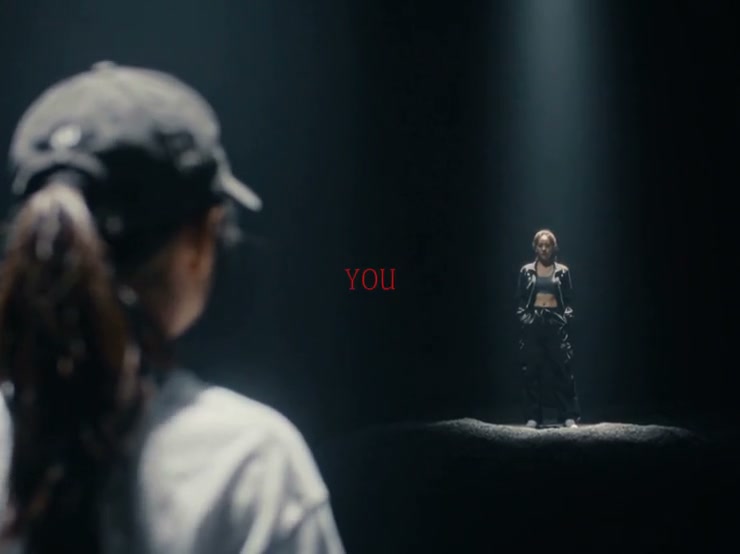
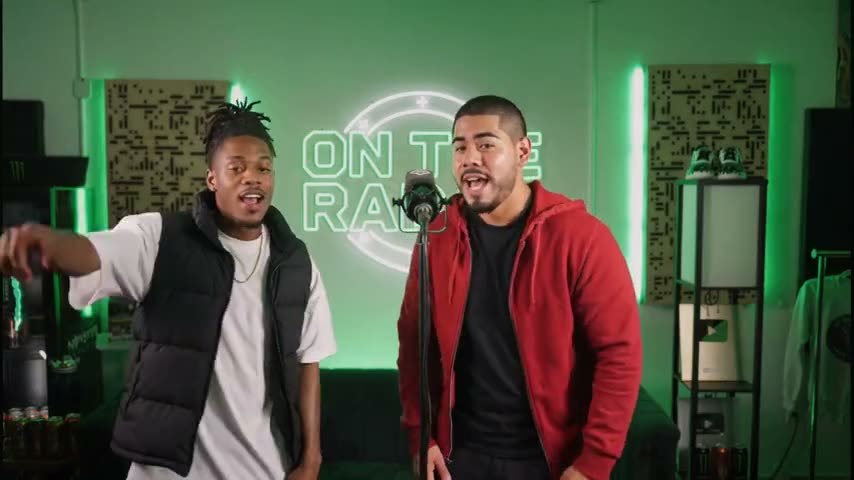
Create cinematic BTS videos from any photo
Upload a finished image and the AI Behind the Scenes Video Generator pulls the camera back to reveal directors, cinema cameras, lights, monitors and crew around the shot. Choose a ready-made BTS prompt, switch video models, and use this behind the scenes AI video generator to export a cinematic making-of video without staging a real production.
AI behind-the-scenes videos for every production
The AI Behind the Scenes Video Generator adapts its pull-back reveal to a film scene, product, fashion portrait or performance. Each preset turns one source image into a different working set, giving you a flexible AI BTS video maker for campaigns and social content.
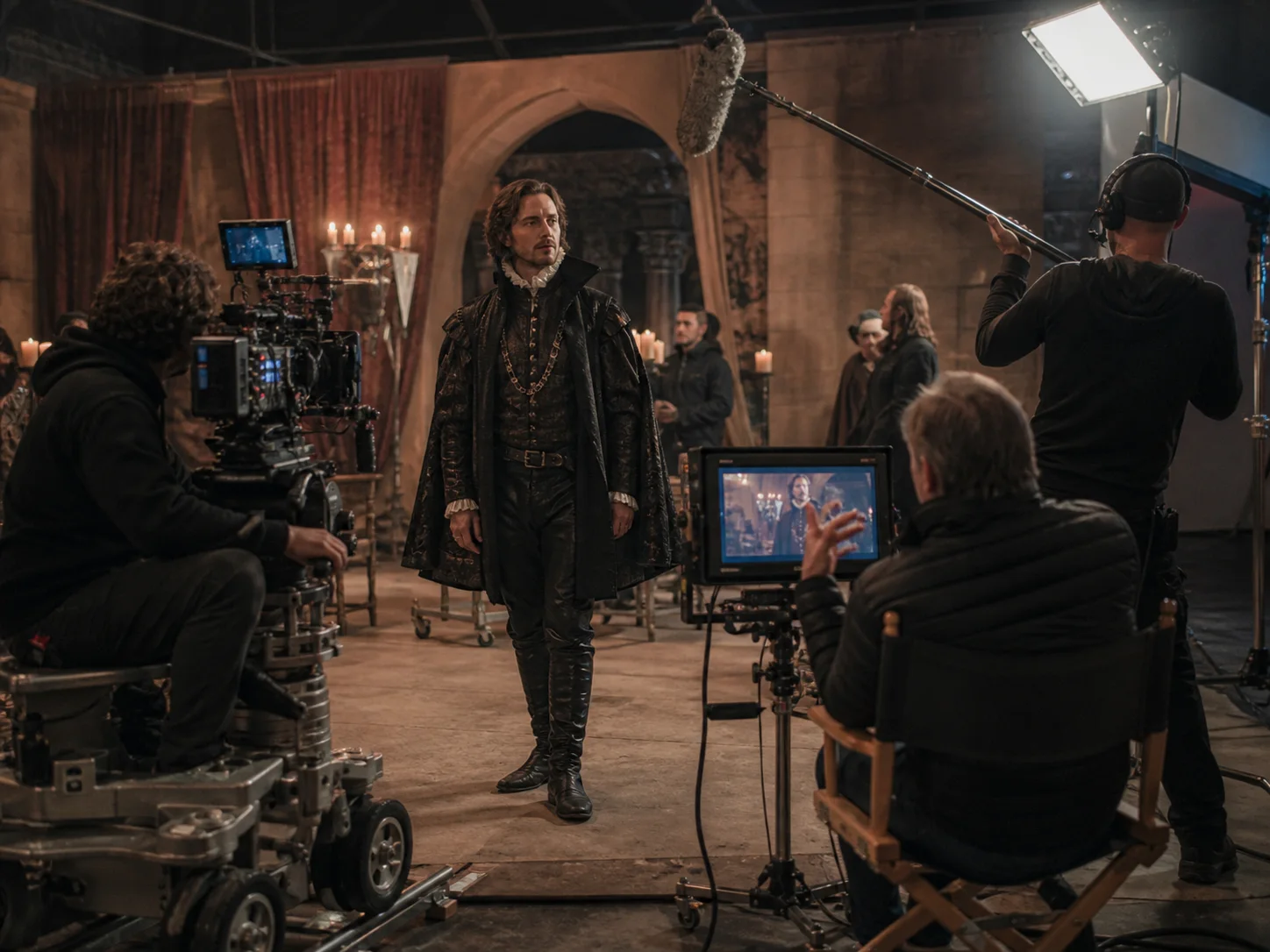
Turn a finished movie frame into a working soundstage
Start on the hero composition, then reveal the dolly, boom, lighting crew and director watching the take. The AI Behind the Scenes Video Generator creates a compact movie behind-the-scenes effect for trailers, concept films and social reveals.
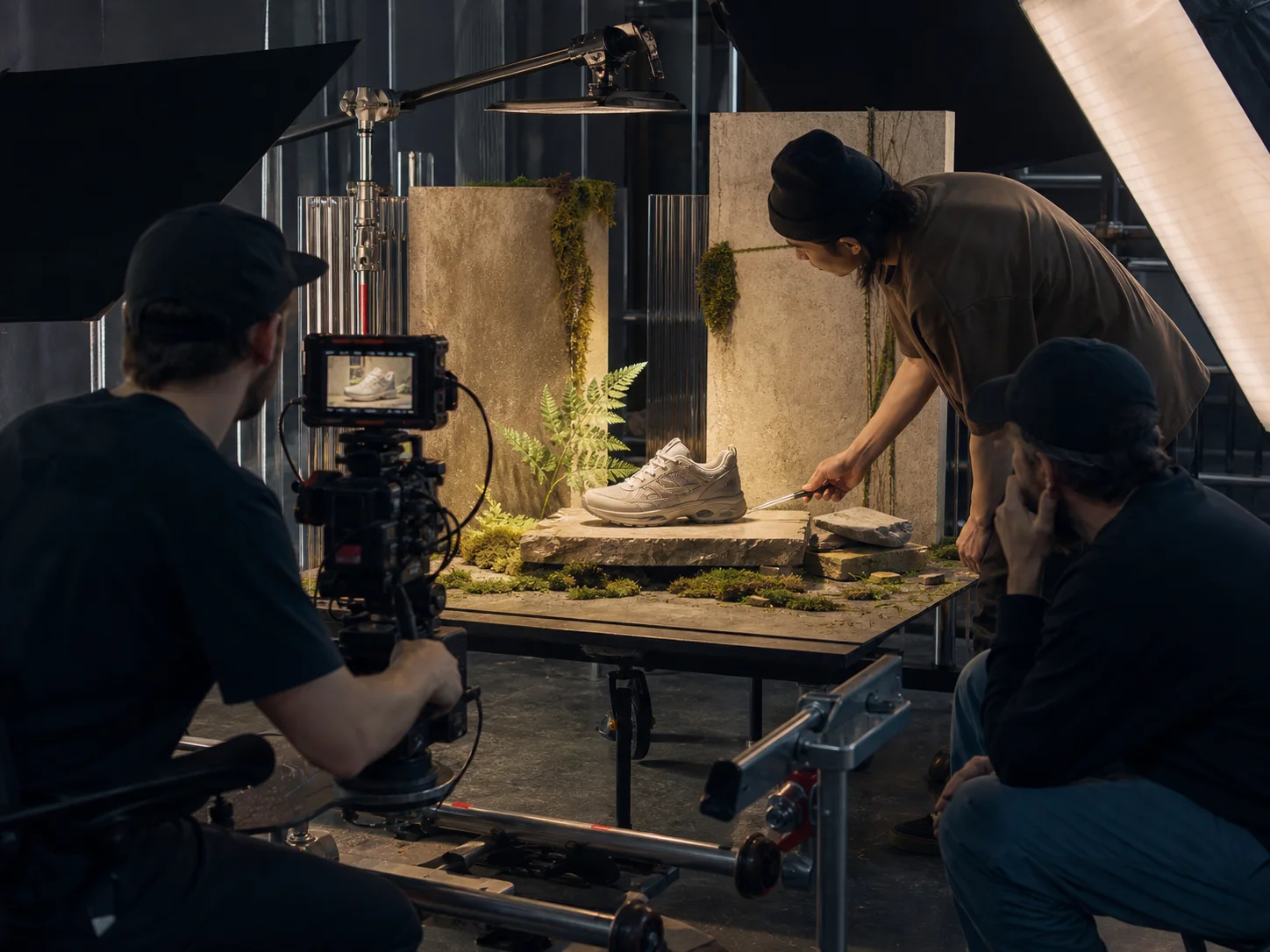
Build making-of footage around a product photo
Reveal the macro camera, slider, flags, softboxes and stylist around a clean hero image. This photo-to-BTS video workflow turns a product shot into campaign-ready making-of content without booking a second shoot.
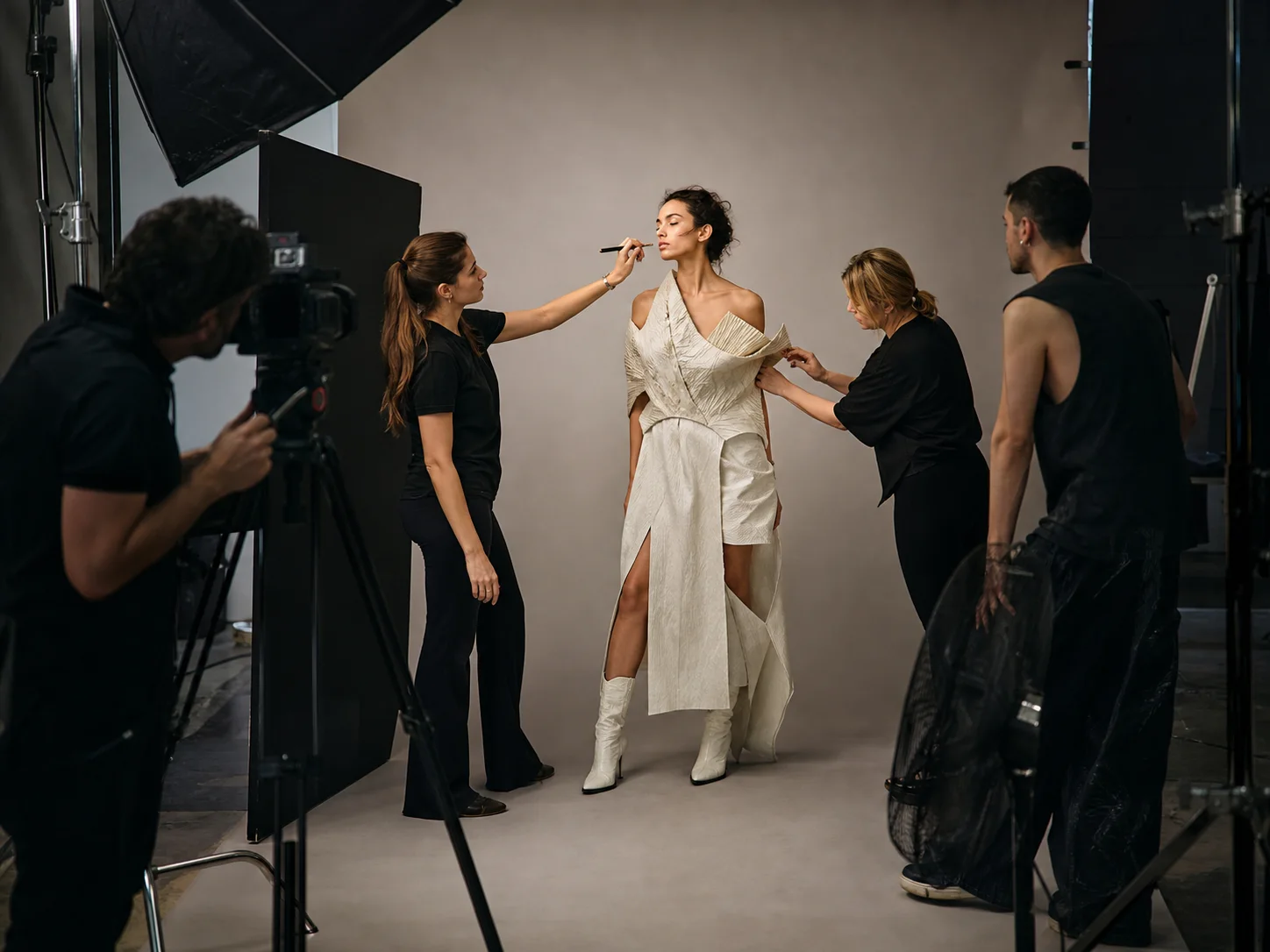
Reveal the crew around an editorial portrait
The fashion preset turns an editorial portrait into an AI behind-the-scenes video with a photographer, stylist, makeup artist, seamless backdrop and wind machine while keeping the pose and wardrobe readable.
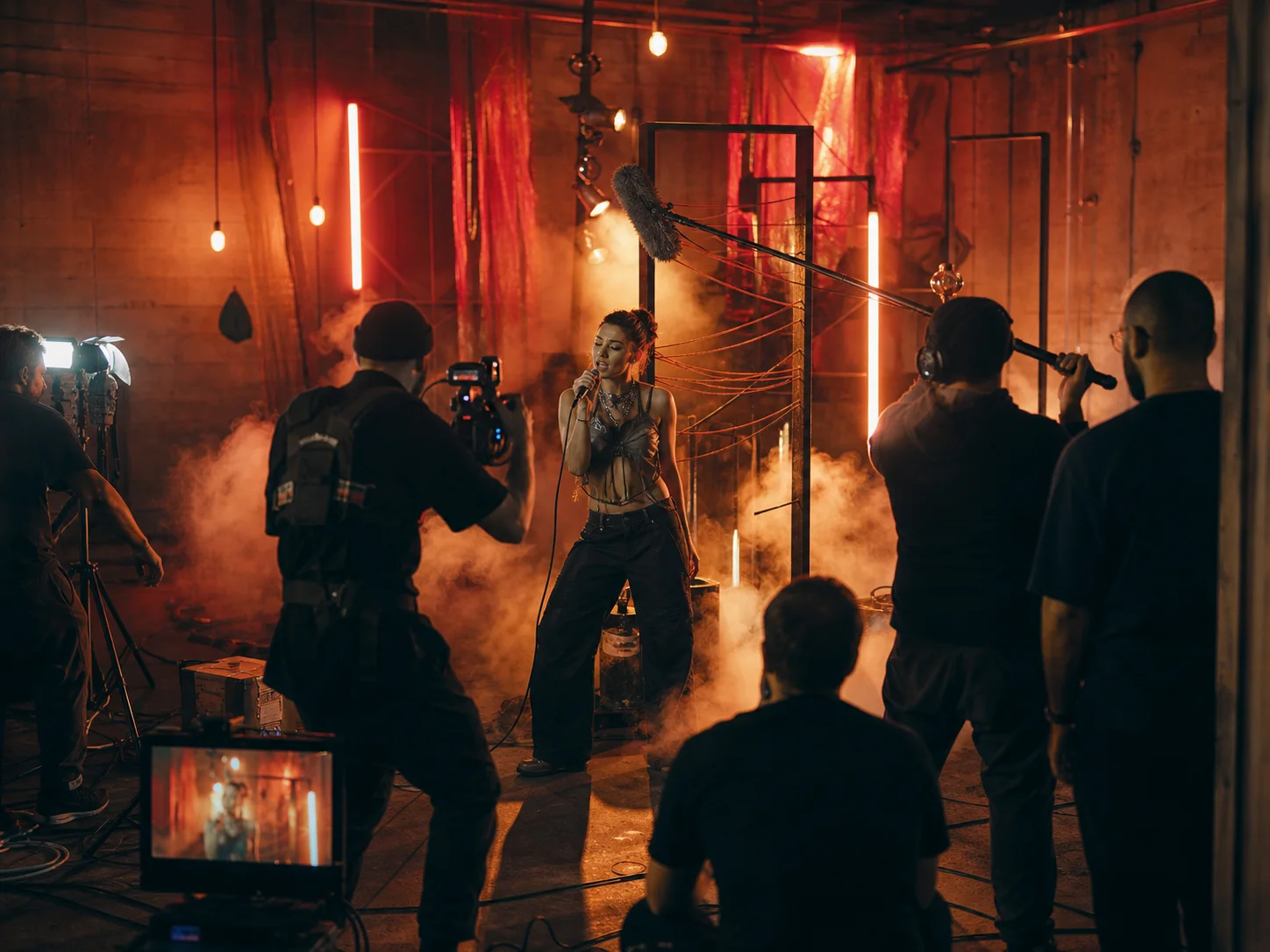
Give a performance the energy of a music-video set
Pull back from the performer to reveal the handheld camera, practical lights, haze, boom and crew. The result feels like candid music-video BTS rather than a generic animated portrait.
How to use the AI Behind the Scenes Video Generator
The AI Behind the Scenes Video Generator turns the viral film-set reveal into three deliberate steps instead of leaving you with one empty prompt box.
Upload one strong source image
Use a sharp photo, render or product image with one clear focal subject. Medium and close shots give the image-to-behind-the-scenes video effect enough room to widen the frame and invent the set around it.
Choose a preset prompt and model
Pick Movie Set, Product Shoot, Fashion Editorial, Music Video or Outdoor Location. Seedance 2.5 is recommended by default; Wan, Seedance 2, Seedance 2 Fast and HappyHorse are available in the model menu.
Generate, review and download
Choose the framing, quality, length and audio setting, then generate. Review the AI BTS video for subject consistency through the pull-back, then download the finished watermark-free making-of video.
Why use our AI Behind the Scenes Video Generator
This purpose-built AI BTS video generator is tuned for cinematic film-set reveals instead of exposing every option in a general video studio.
A real pull-back reveal
Every preset in the AI Behind the Scenes Video Generator starts on the uploaded composition and widens in one continuous move, so the production appears around the shot instead of replacing it.
Five production prompts plus Custom
Ready-made prompts cover movies, products, fashion, music videos and outdoor shoots. Custom lets you direct the set and camera yourself while adding only general source-continuity and output-quality constraints.
Five selectable video models
Use Seedance 2.5 for maximum scene detail, Wan 3.0 for a strong value-to-quality balance, Seedance Fast for faster drafts, or HappyHorse for an alternate look.
Source continuity built in
Hidden guardrails preserve the face, clothing, product design, pose and major background geometry while the new crew and equipment enter the wider frame.
Made for every social frame
Generate 9:16 for TikTok and Reels, 16:9 for YouTube and landing pages, or square and portrait variants for campaign feeds.
HD, watermark-free output
Preview at a lower cost, then render the winning film-set reveal at up to 1080p and download it without a baked-in watermark.
AI Behind the Scenes Video Generator FAQ
Practical answers about using an AI Behind the Scenes Video Generator to turn a photo into a cinematic BTS film-set reveal.
An AI Behind the Scenes Video Generator is an image-to-video tool that keeps the central photo recognizable while pulling the camera back to reveal a fictional working production around it: cinema cameras, lights, microphones, monitors, cables and crew. The result looks like making-of footage from the moment the original image was filmed.
Upload one photo, choose a production preset and select a model. The AI Behind the Scenes Video Generator adds a complete camera move, crew plan and source-continuity block to the prompt, then sends the image and prompt through the selected image-to-video model.
Use a clear medium or close shot with one strong subject, believable lighting and some visible environment. Avoid tiny faces, busy group photos, extreme blur and images already packed edge to edge with objects; the model needs visual room to reveal the set.
Start with Seedance 2.5 when detail and source consistency matter most. Wan 3.0 is a practical quality-and-credit balance with native audio, Seedance 2 Fast is useful for drafts, and HappyHorse gives you another rendering style. The credit estimate updates before you generate.
Yes. Choose Custom and describe the set, crew, equipment, lighting, atmosphere and camera movement you want. Your direction stays in control, while the generator adds only general source-continuity, anatomy and output-quality constraints.
Yes. Choose 9:16 before generating. Keep the main subject near the center of the source image so the wider reveal has room for crew and equipment on both sides of a vertical frame.
The prompts explicitly preserve identity, clothing, product design, pose, colors and key geometry, but generative video can still drift. A sharp, well-lit source image and a short five-second first pass usually produce the strongest continuity.
You can use videos you generate for campaigns, client work and social content, provided you own or have permission to use the source image and any depicted likenesses. Clearly label synthetic footage when it could be mistaken for a real production record.
Try the AI Behind the Scenes Video Generator
Upload one clear image, choose a BTS prompt and let the AI Behind the Scenes Video Generator build the cameras, lights and crew around it.
