
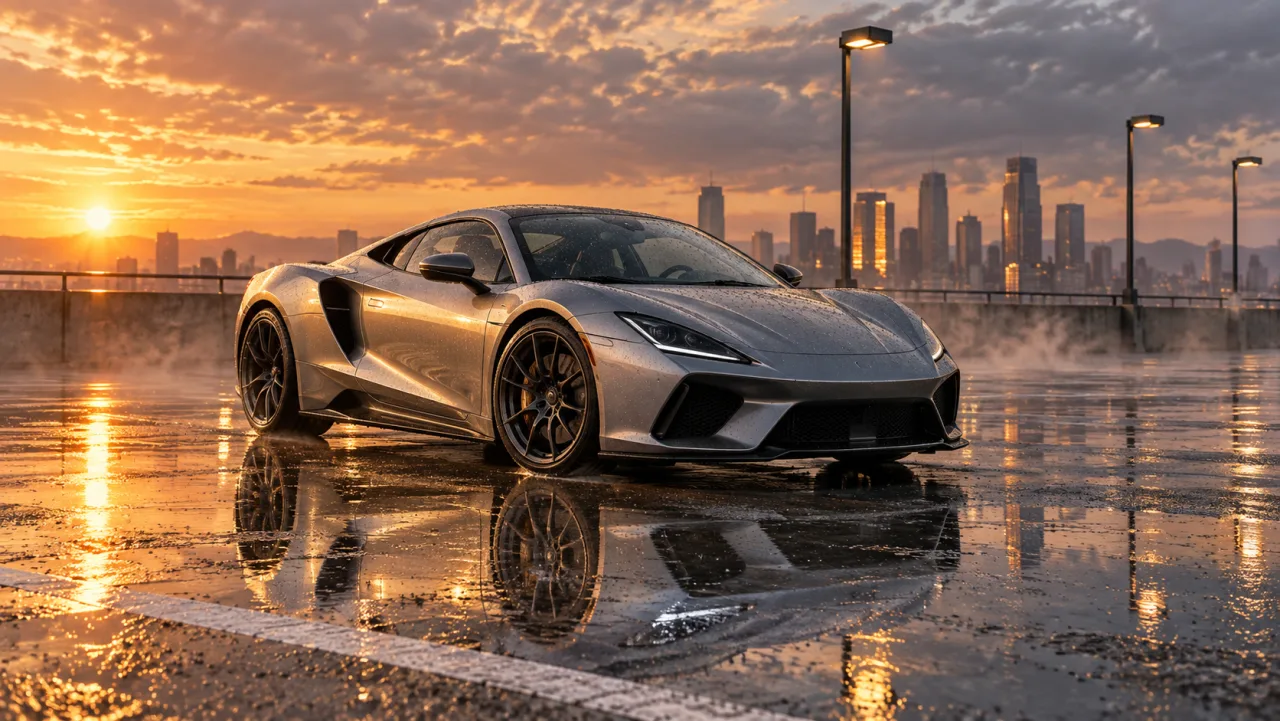
Made from this one photo
More Effects
Explore the other video effects, each with its own input and motion.
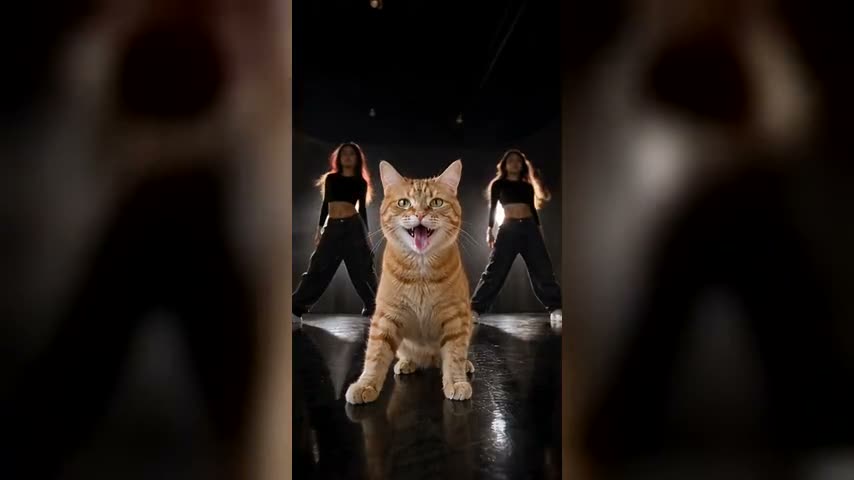
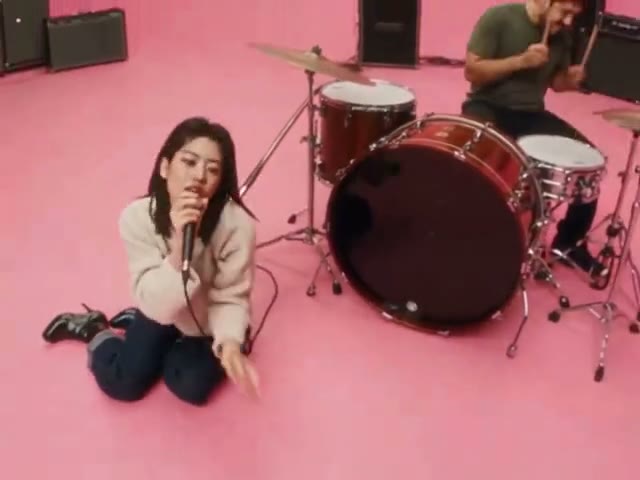
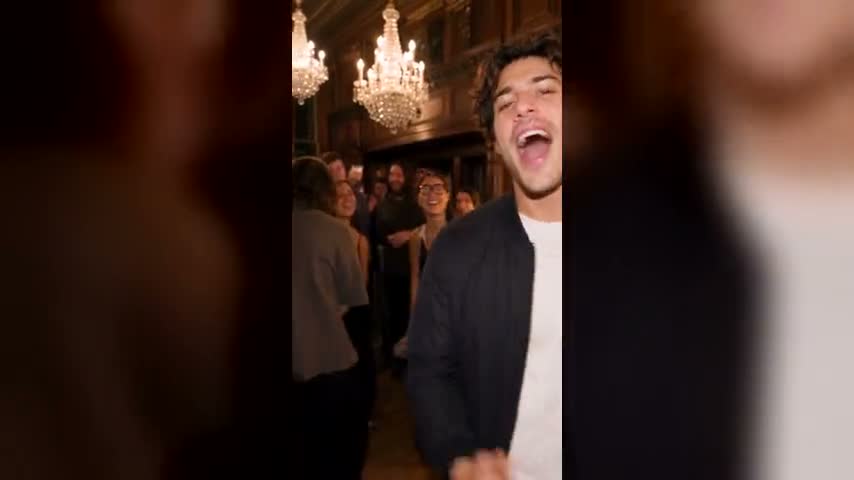
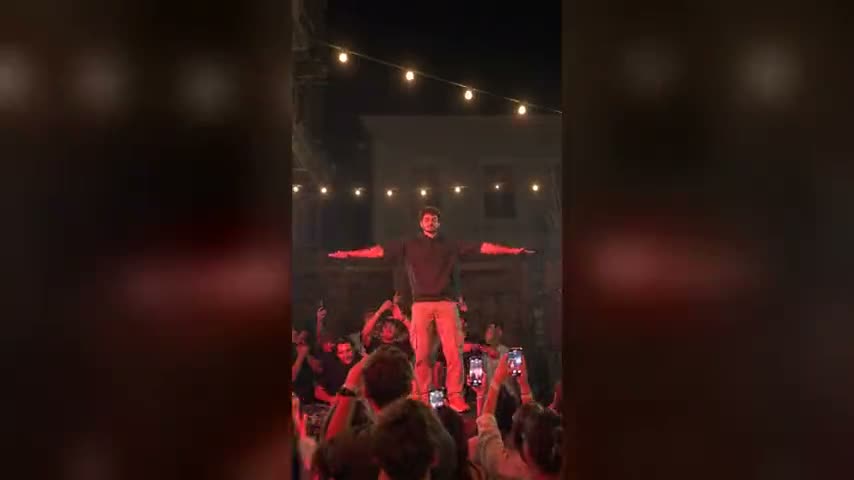
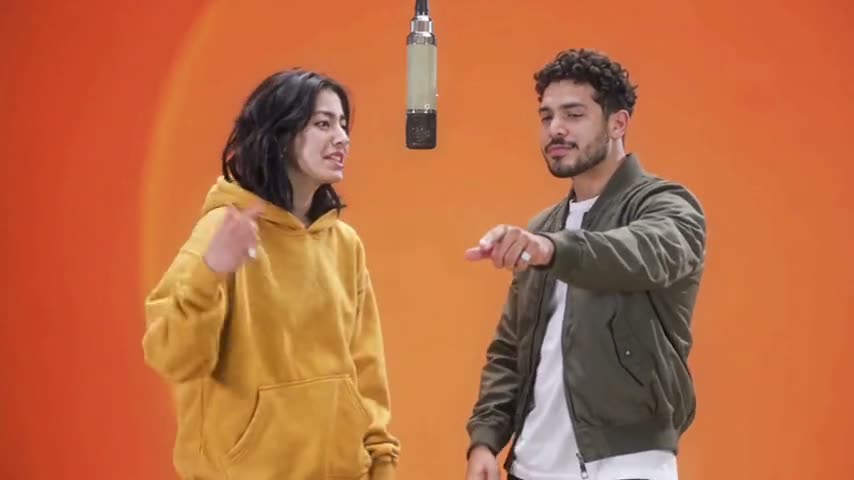
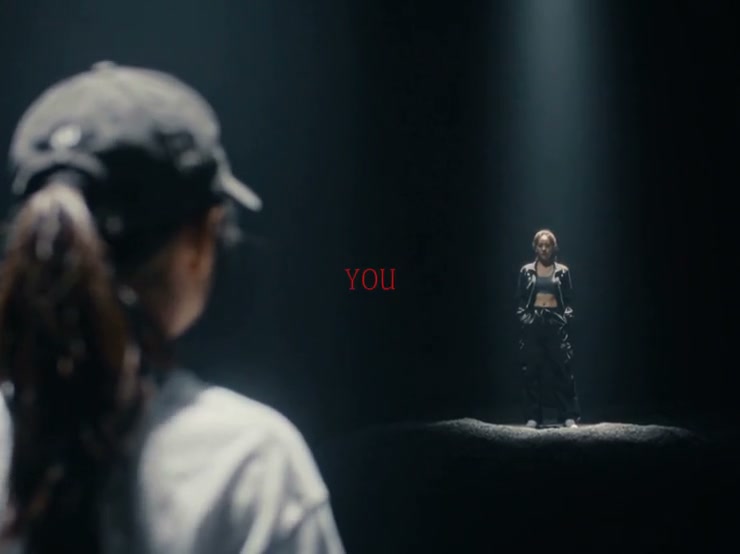
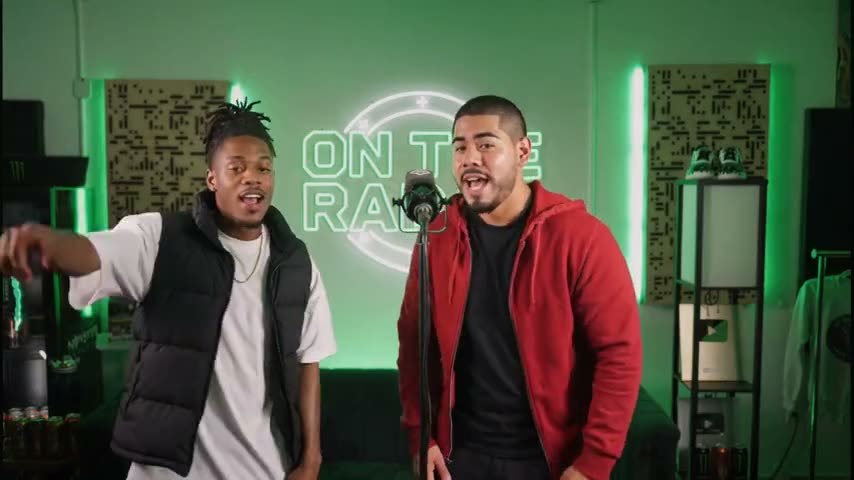
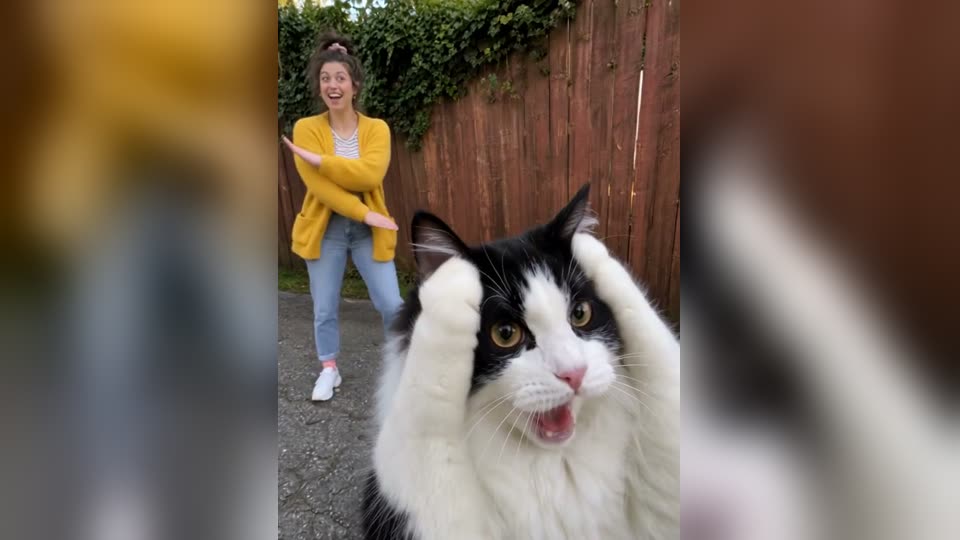
Turn one photo into a cinematic 360° orbit video
Upload a single image and the Orbit Shot AI Video Generator circles the camera around your subject while the person, product, car or character stays locked in place — the depth, changing angles and background parallax of a real tracking shot, from a still photo. Pick a full 360° orbit shot AI, a controlled half orbit shot AI, a Matrix-style bullet-time move or a product reveal, then choose the video model, format and quality before you generate.
Where a camera orbit earns its place
An orbit shot AI is more than rotation. It reveals form, separates a subject from the scene and adds controlled cinematic energy to a still image. These are the situations where Orbit Shot AI reads clearly instead of feeling decorative.
Turn a flat product photo into a dimensional reveal
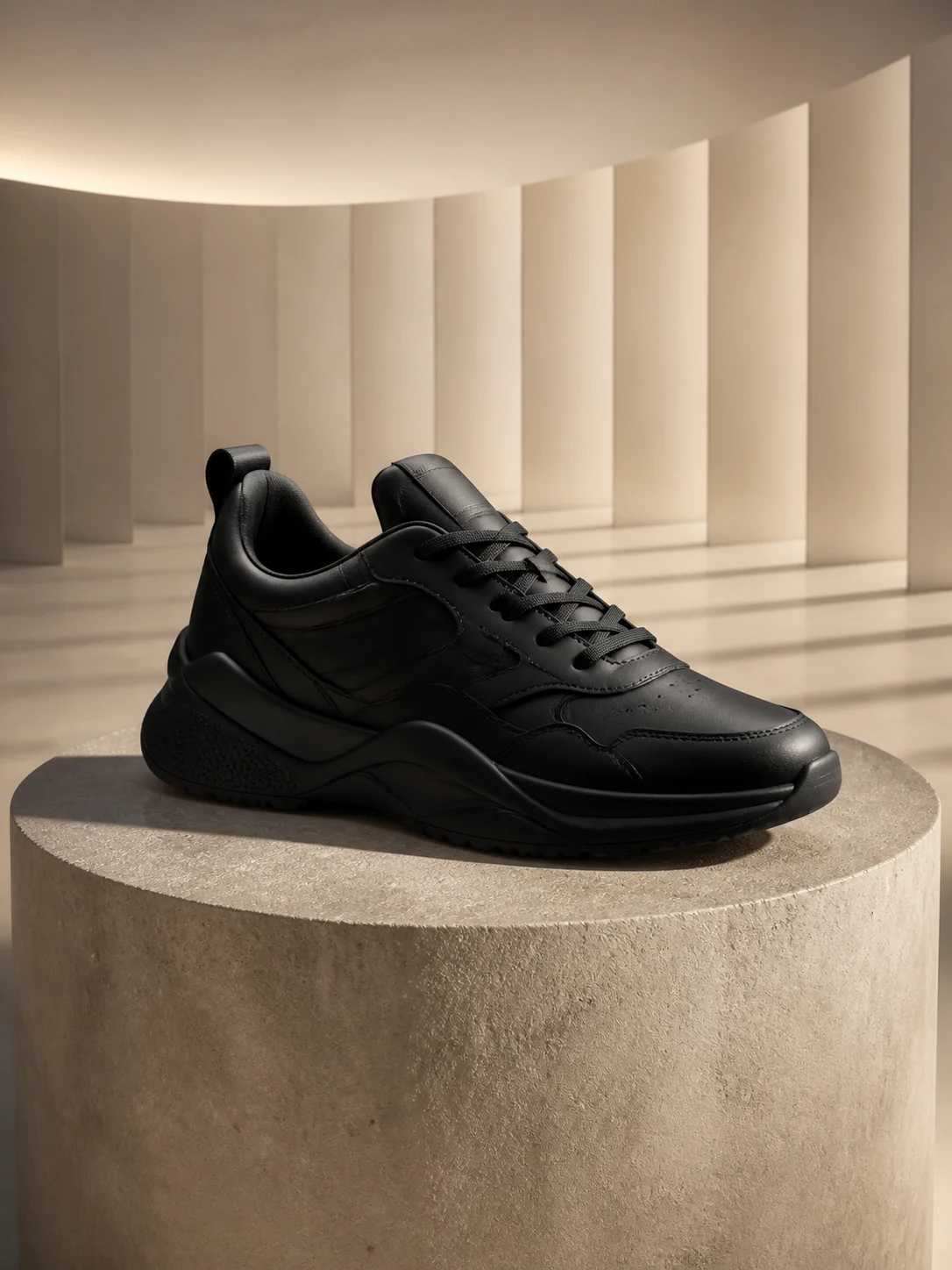
Use the product orbit video preset for footwear, packaging, furniture or collectibles. The Orbit Shot AI Video Generator travels the camera around a fixed object while changing highlights and background parallax make its shape easier to read — without a turntable or a 3D render.
Hold the pose while the world moves around it
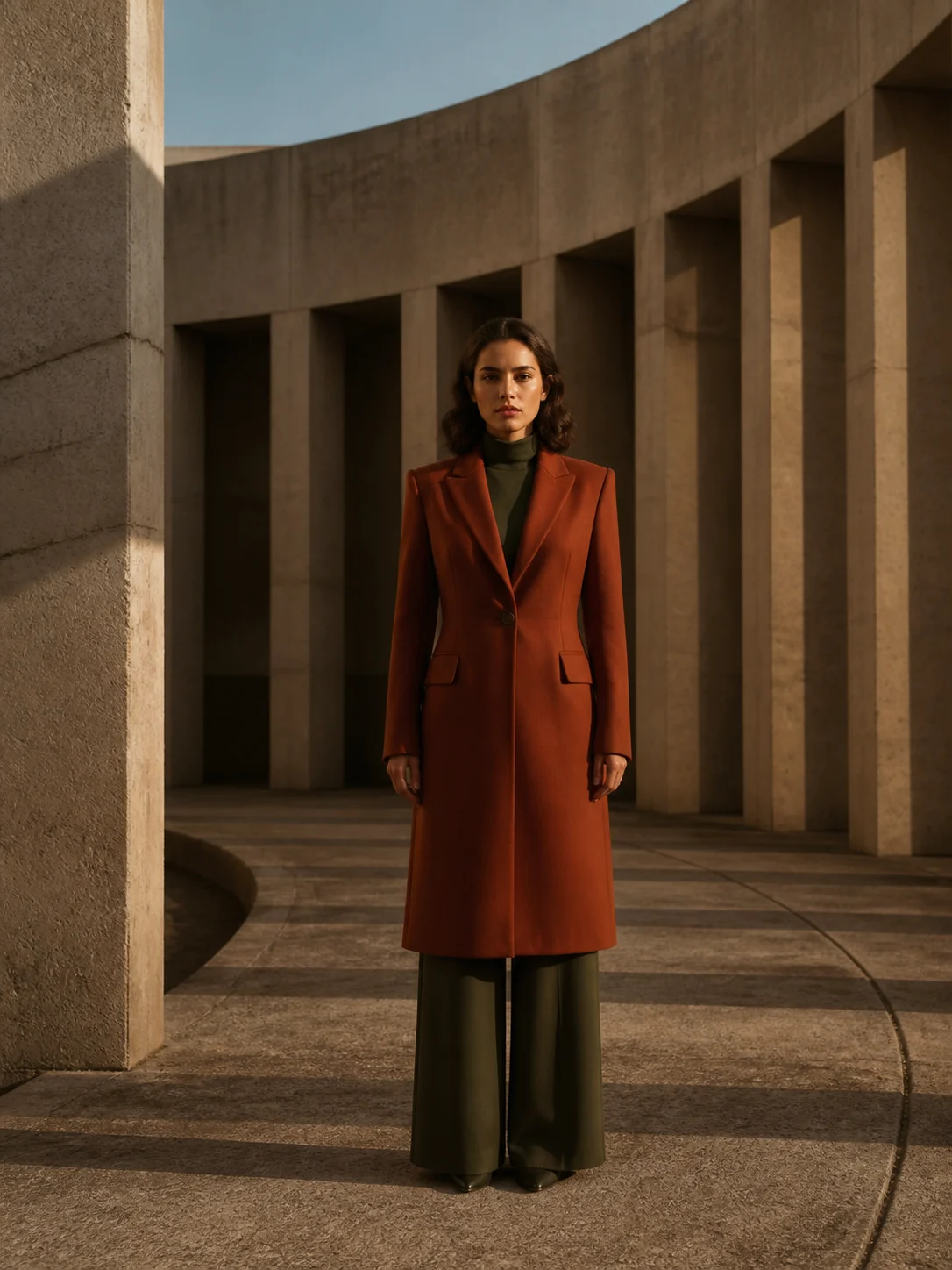
A slow orbit shot AI keeps the face, wardrobe and stance steady while columns, streets or studio walls sweep behind the subject. This cinematic orbit shot AI gives fashion edits, profile films and social intros movement without asking the person to perform.
Build an automotive orbit without closing a road
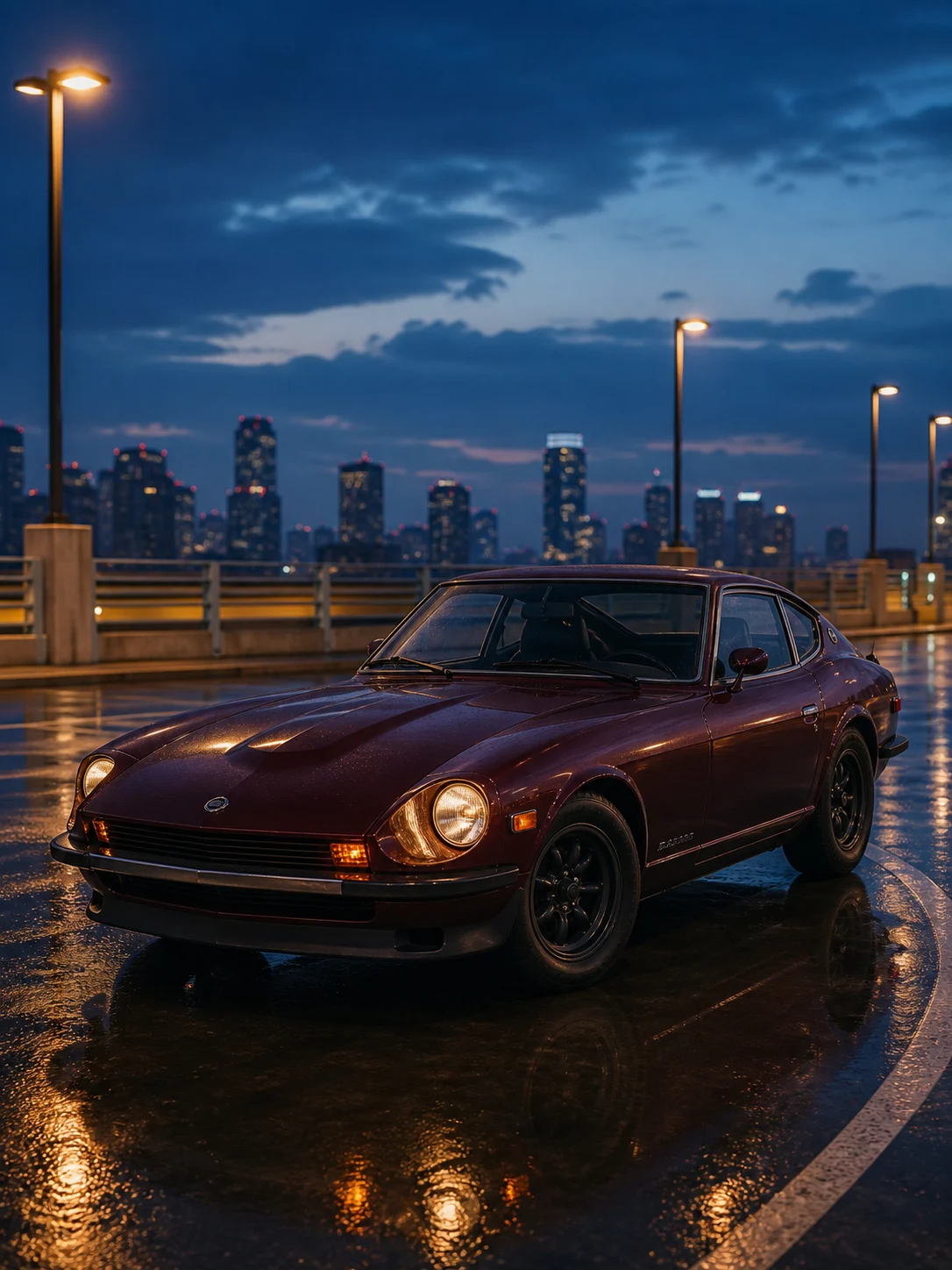
Create a car orbit shot AI from one parked three-quarter view. Orbit Shot AI keeps a constant-radius camera path, stable wheels and coherent reflections, turning a driveway or rooftop photo into the kind of aerial orbit shot AI a drone would fly — for ads, listings and reels.
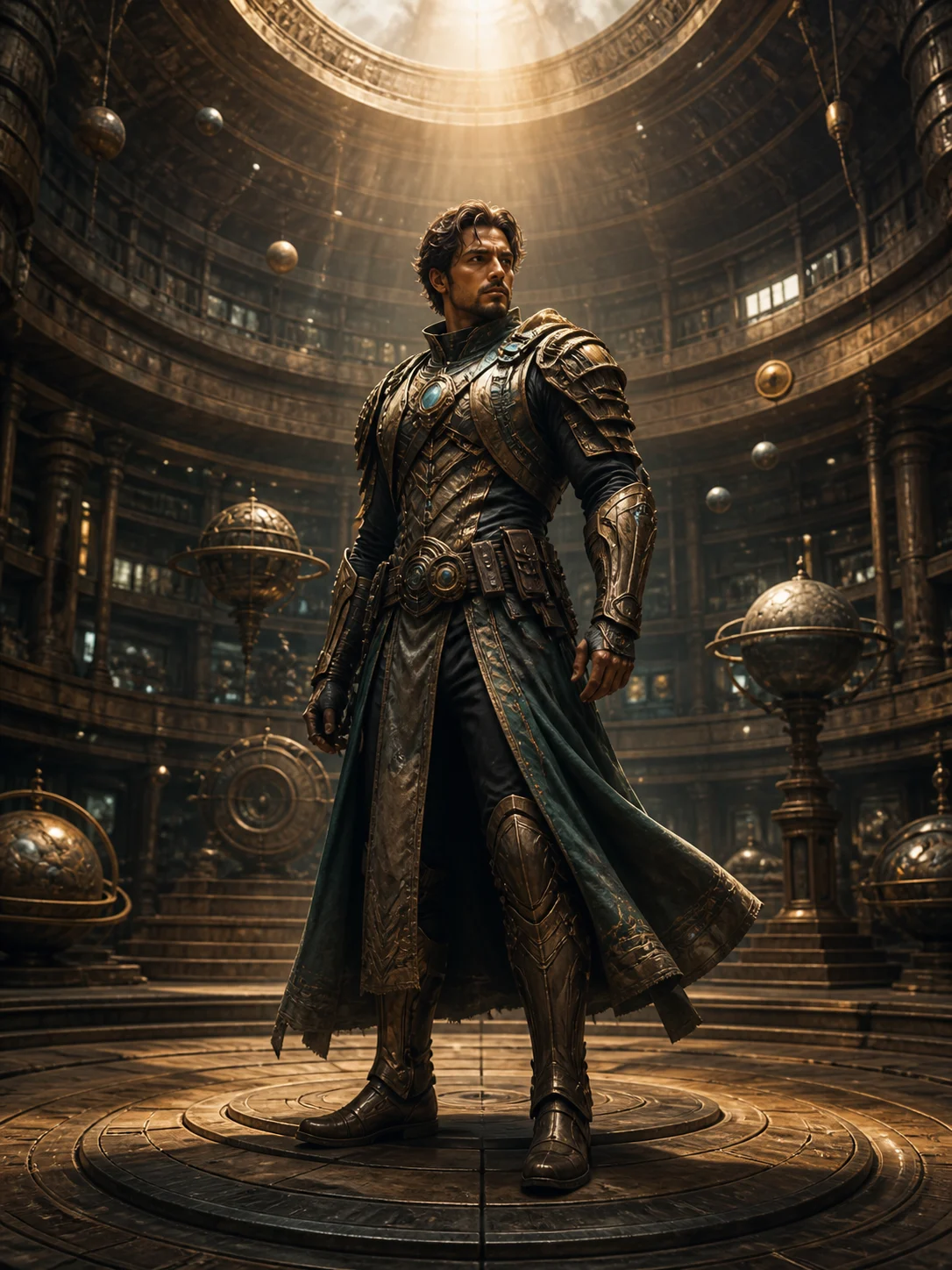
Freeze the instant and borrow the language of bullet time
The bullet-time preset holds a character, costume and pose almost motionless as the viewpoint travels through a dramatic arc, and the hero reveal adds a low angle orbit shot AI. Use them for cosplay, game concepts, sports poses and Matrix-style frozen moments.
How to make a camera orbit video from one photo
Using the Orbit Shot AI Video Generator on a photo takes three decisions: the source image, the path the camera circles the subject on, and the model that renders the new viewpoints.
Upload one clear subject
Choose a sharp JPG, PNG or WebP with one person, product, vehicle or character. Leave visible space around the subject and avoid heavy foreground occlusion or a crowded collage.
Choose the camera orbit path
Start with 360° Orbit for a full 360 orbit shot AI, 180° Arc for a safer half orbit shot AI, Bullet Time for a frozen action pose, or Product Reveal for a controlled commercial shot. Custom gives you the direction, radius, speed and lens.
Generate, review and download
Select a compatible model, aspect ratio, duration and resolution, then generate. Check face or product consistency, background parallax and the final frame before downloading or trying a shorter arc.
Orbit shot AI effect generator without rigs or keyframes
The Orbit Shot AI Video Generator pairs each camera path with continuity rules that protect the uploaded subject, so you get the orbit shot AI camera movement of a dolly track or gimbal without the gear. Choose the shot, model and output rather than writing cinematography syntax from scratch.
A camera orbit shot AI, not subject spin
The generator moves the virtual camera while keeping the subject fixed. That distinction creates changing perspective and background parallax instead of a person or product rotating in place.
Five ready-made camera paths
Switch between a full 360 orbit shot AI, a half orbit shot AI, a bullet-time sweep, a product reveal and a low angle orbit shot AI for heroes without rewriting the source scene.
Subject-lock guardrails
Identity, pose, anatomy, product geometry, labels and ground contact are protected in every built-in prompt, with duplicate subjects, cuts and morphing explicitly excluded.
Choose the video model
Start with Seedance 2.5 for a detail-first render, use Wan for a different quality-to-credit balance, or compare Seedance and HappyHorse outputs from the same uploaded image.
Frame it for the destination
Keep the source framing with Adaptive, choose 9:16 for Reels and TikTok, 1:1 for product posts or 16:9 for cinematic and presentation footage when the selected model supports it.
Direct a custom orbit shot AI
Write your own orbit shot AI prompt: clockwise or counterclockwise, a 90°–360° arc, slow or fast pacing, a tight or wide radius, lens length, camera height and lighting. The fixed-subject guard stays active.
Orbit Shot AI Video Generator FAQ
Practical answers about turning one image into a camera-orbit video and getting a more stable result.
An Orbit Shot AI Video Generator is an image-to-video tool that synthesizes new viewpoints while a virtual camera travels in an arc around a fixed subject. Orbit Shot AI returns a short cinematic clip with changing perspective and background parallax, created from one source photo rather than a physical camera rig.
An orbit shot AI is a camera movement in which the camera travels in a circle or arc around a subject while staying pointed at it. The subject stays at the center of the frame as the background slides past, which is why the move reads as depth and importance. The Orbit Shot AI Video Generator recreates that camera movement from a single photo instead of a track, crane or gimbal.
In film, an orbit shot AI (also called an arc shot or circular tracking shot) circles one or more characters to heighten a moment — a first meeting, a reveal or a decision. Brian De Palma's prom dance in Carrie (1976), the diner table in the opening of Reservoir Dogs and Michael Bay's low-angle hero circles are well-known examples. Orbit Shot AI lets you borrow that film language for a still image.
Common orbit shot AI examples include a 360 orbit shot AI around a product on a plinth, a slow orbit shot AI around a portrait, a car orbit shot AI on a rooftop, a drone orbit shot AI circling a landmark, a low angle orbit shot AI of a hero and a Matrix-style bullet-time freeze. Each of them is a preset or a Custom path in the Orbit Shot AI Video Generator.
Yes. New accounts receive free signup credits and can earn more with weekly check-ins, so your first Orbit Shot AI renders cost nothing. Each generation shows its credit cost before you start, and exported videos have no watermark.
Upload one clear image, select 360° Orbit and choose a compatible video model. The preset adds the full circular camera path, subject-lock instruction and continuity constraints automatically. Generate a short first pass, review it, and try a 180° arc if the model struggles to invent the subject's unseen rear view.
The camera should move. A true orbit shot AI changes the viewpoint around a subject that stays fixed, so the background shifts through parallax. A subject rotation keeps the viewpoint mostly fixed and spins the person or object like it is standing on a turntable. Flowlio's orbit presets explicitly request the first behavior.
A camera orbit travels around the subject along a curved path, so the viewpoint and the background both change and the scene gains depth through parallax. A pan rotates the camera from a fixed position, so the framing changes but the spatial relationship between subject and background does not. Use an orbit to show form and dimension; use a pan to move attention across a scene.
Use one sharp, well-lit subject with a readable silhouette, visible space around the body or object and clear separation from the background. Half-body or full-body portraits, three-quarter product views and parked vehicles work well. Avoid collages, severe blur, cropped limbs and busy foreground objects.
Yes. Choose Bullet Time to freeze the pose and surrounding details while the virtual camera travels through a dramatic arc. A clear action pose with separated limbs and a background that shows depth usually communicates the frozen-moment effect best.
Yes, for a single subject. Upload a ground-level or high-angle photo and pick 360° Orbit or Custom with a raised camera height to get an aerial orbit shot AI, or keep the camera at eye level for the smooth circle a gimbal operator would walk. For a full flyover or FPV move, use the AI Drone Video Generator instead.
Yes. Choose 9:16 when the selected model supports it. Keep the subject near the center and leave room above the head and around the body so a wide camera arc does not push important details outside the vertical frame.
Seedance 2.5 is the recommended starting point when identity, geometry and background detail matter most. Wan and Seedance 2 offer alternative quality and credit tradeoffs, while Fast models are useful for testing the source image and camera direction before a higher-quality render.
Yes. Select Custom and describe the direction, arc, speed, camera radius, height, lens and lighting. For example: move counterclockwise through a slow 240-degree arc at eye level with a 50mm lens. Flowlio appends the fixed-subject and continuity rules automatically.
The orbit shot AI effect is a cinematic camera move in which the viewpoint travels around a fixed person or object. It reveals depth through changing angles and background parallax, unlike a simple spin effect that rotates the subject in front of a stationary camera. If you searched for an AI orbit 360 spin effect, this camera orbit is usually the look you want.
An orbit shot AI effect generator analyzes the uploaded image, estimates its depth and synthesizes the new viewpoints needed for a curved camera path. Flowlio combines that image-to-video process with presets for the arc, direction, pacing and subject continuity.
An orbit shot AI effect video generator can create product reveals, portrait and fashion clips, automotive showcases, character introductions and bullet-time action shots. The clearest results start with one well-lit subject and enough background depth to show the camera movement.
A single photo contains only one viewpoint, so the video model must infer surfaces and scenery that the camera reveals. Clean source images and shorter 90°–180° arcs reduce that uncertainty. For exact product backs, labels or geometry, use multiple real views or a 3D workflow instead of treating generative video as a factual 360° scan.
No. This page creates a normal flat video in which the camera appears to circle a subject. It does not create an interactive equirectangular panorama or a VR video where viewers can look in every direction.
Create your first Orbit Shot AI video
Upload one clear image, choose a camera path and let the Orbit Shot AI Video Generator build a smooth cinematic orbit shot AI around your subject — free signup credits cover your first try.
