
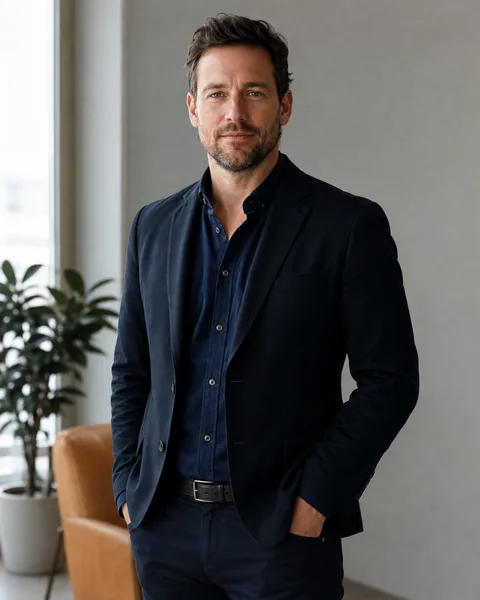
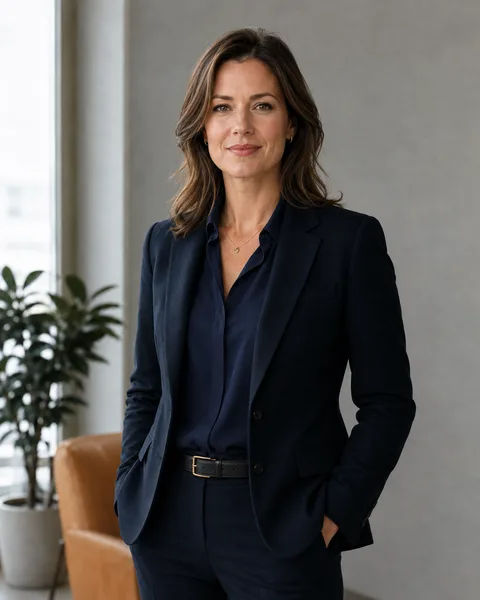
Made from just these two photos
More Effects
Explore the other video effects, each with its own input and motion.
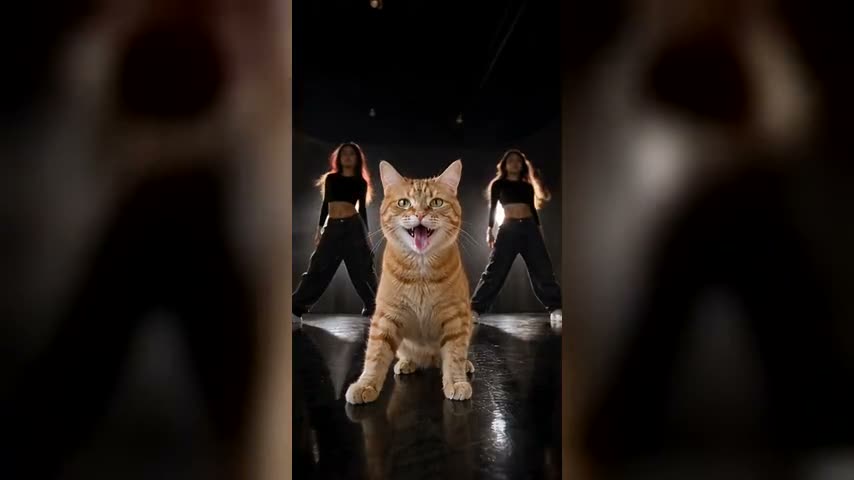
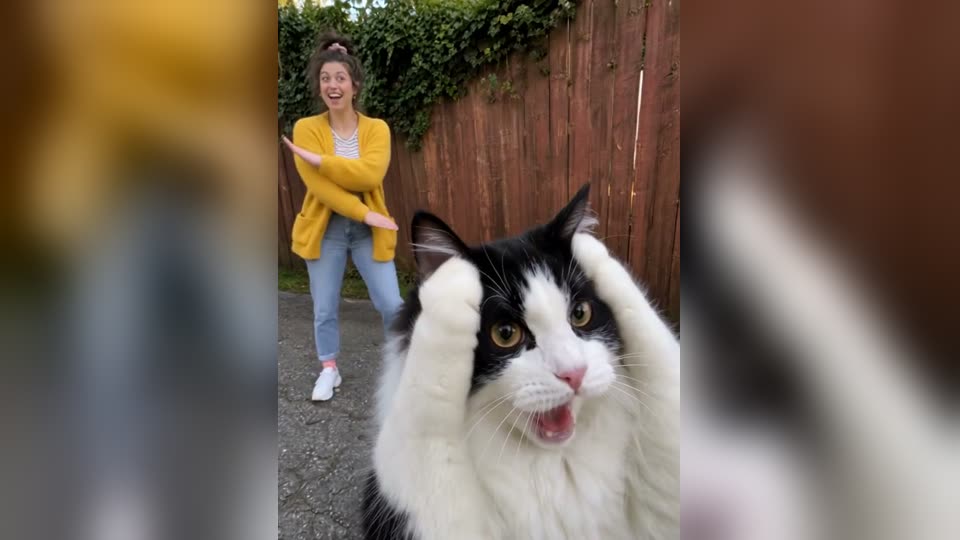
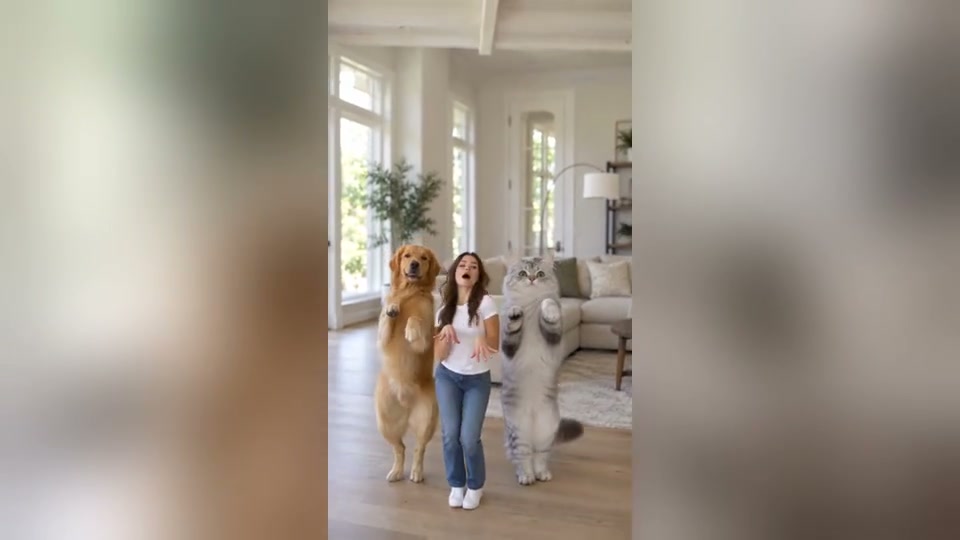
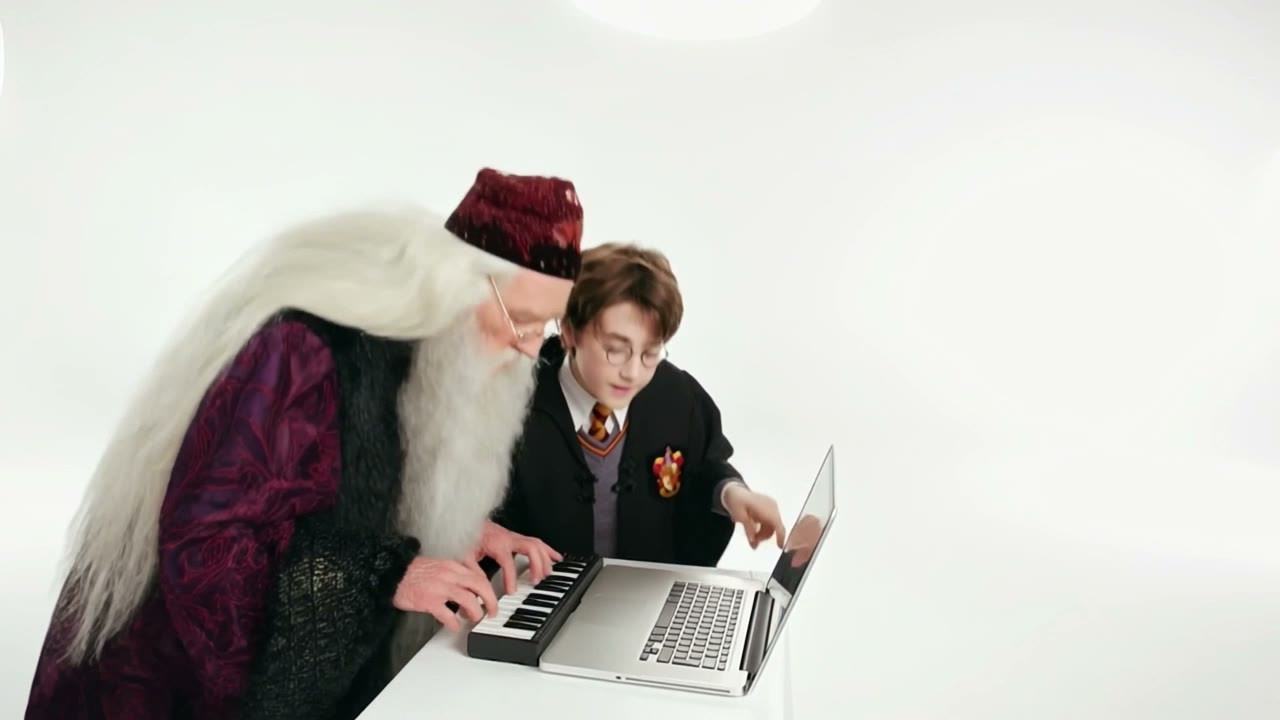
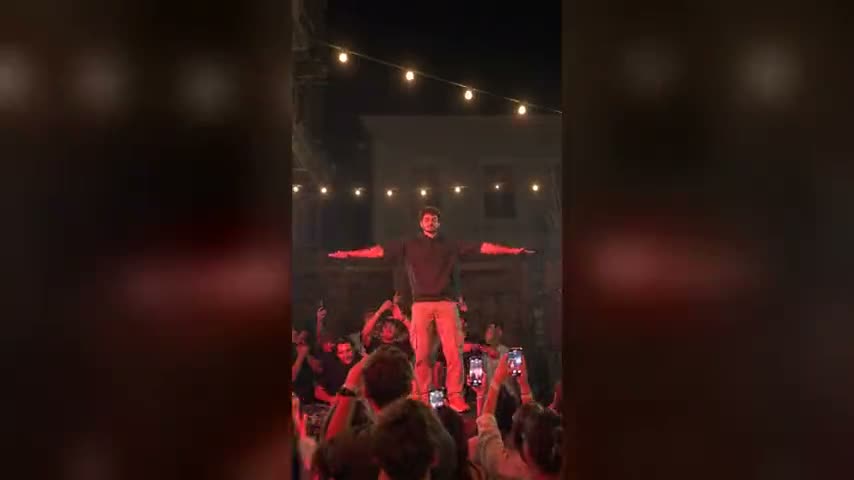
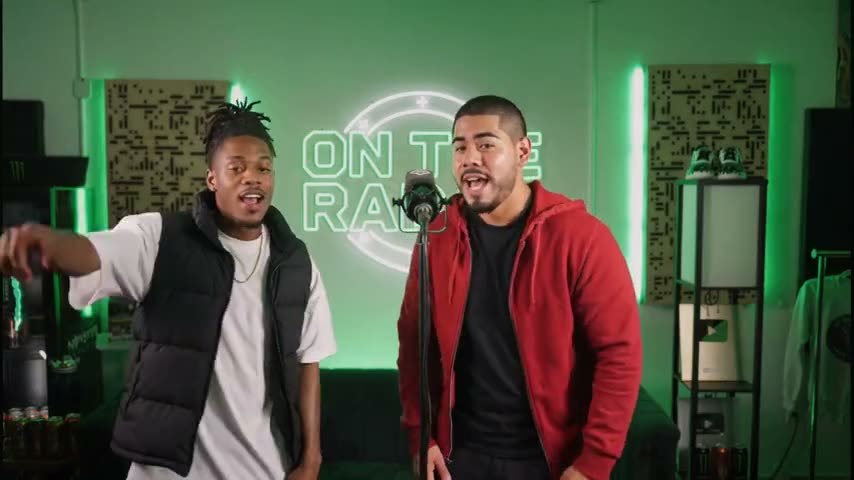
The AI Handshake Generator That Takes Two Separate Photos
Upload a photo of each person and our AI handshake generator produces a short, professional handshake video. No shared photo to find, no prompt to write, no video editor to open — the AI handshake video generator handles the framing, the motion and the lighting.
What people build with the AI handshake generator
Every clip from the AI handshake generator reads as a symbol of agreement. These are the places that symbol does real work.

Announce a partnership without a photo shoot
Most partnership announcements never get a photo of both people together. Upload a headshot of each signatory and the AI handshake generator produces the shot the press release was missing.
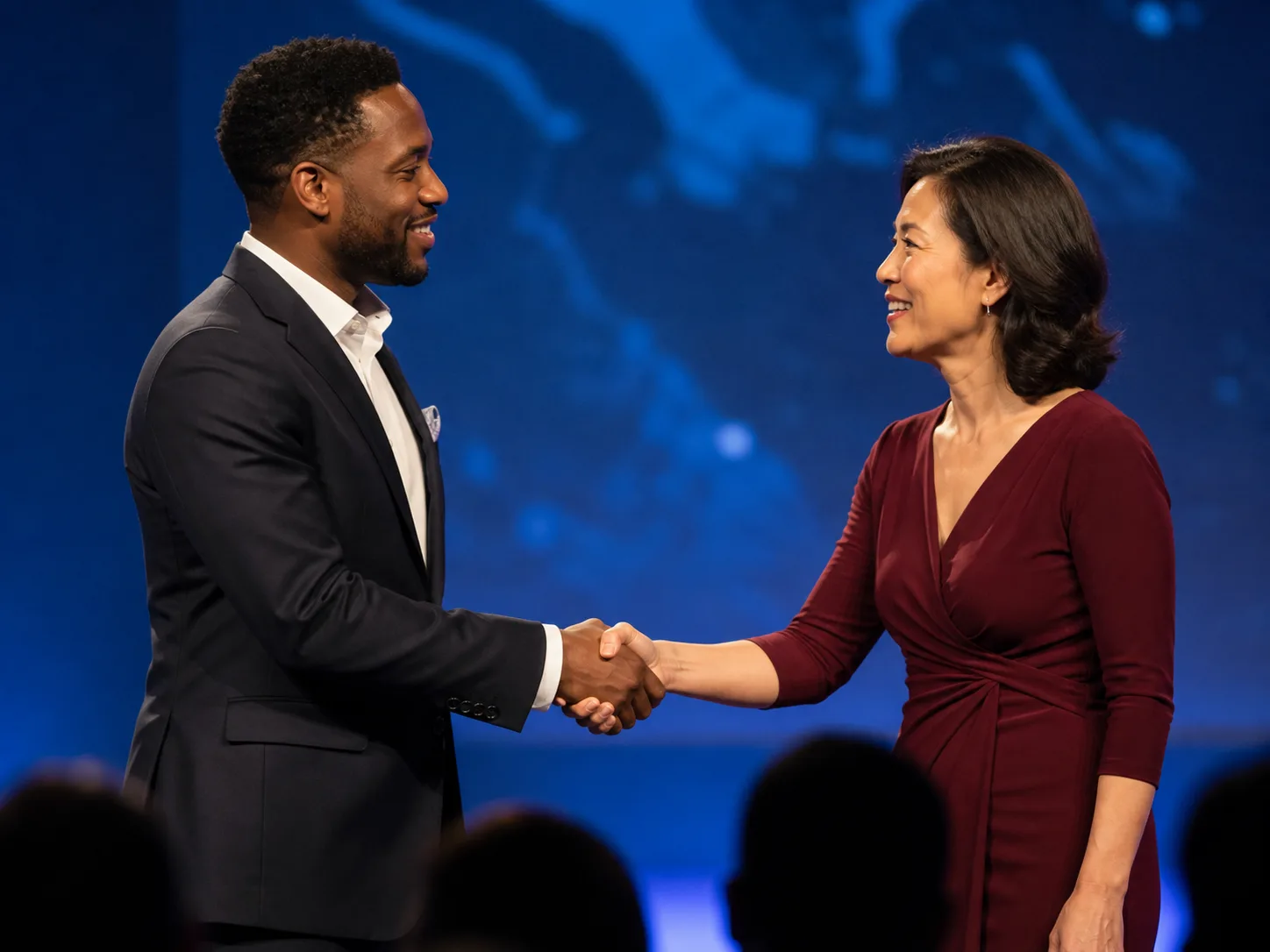
Open a team or speaker introduction
Use a short clip from the AI handshake generator as the greeting beat between two profile slides. It carries the welcome without a cut to stock footage that belongs to nobody.
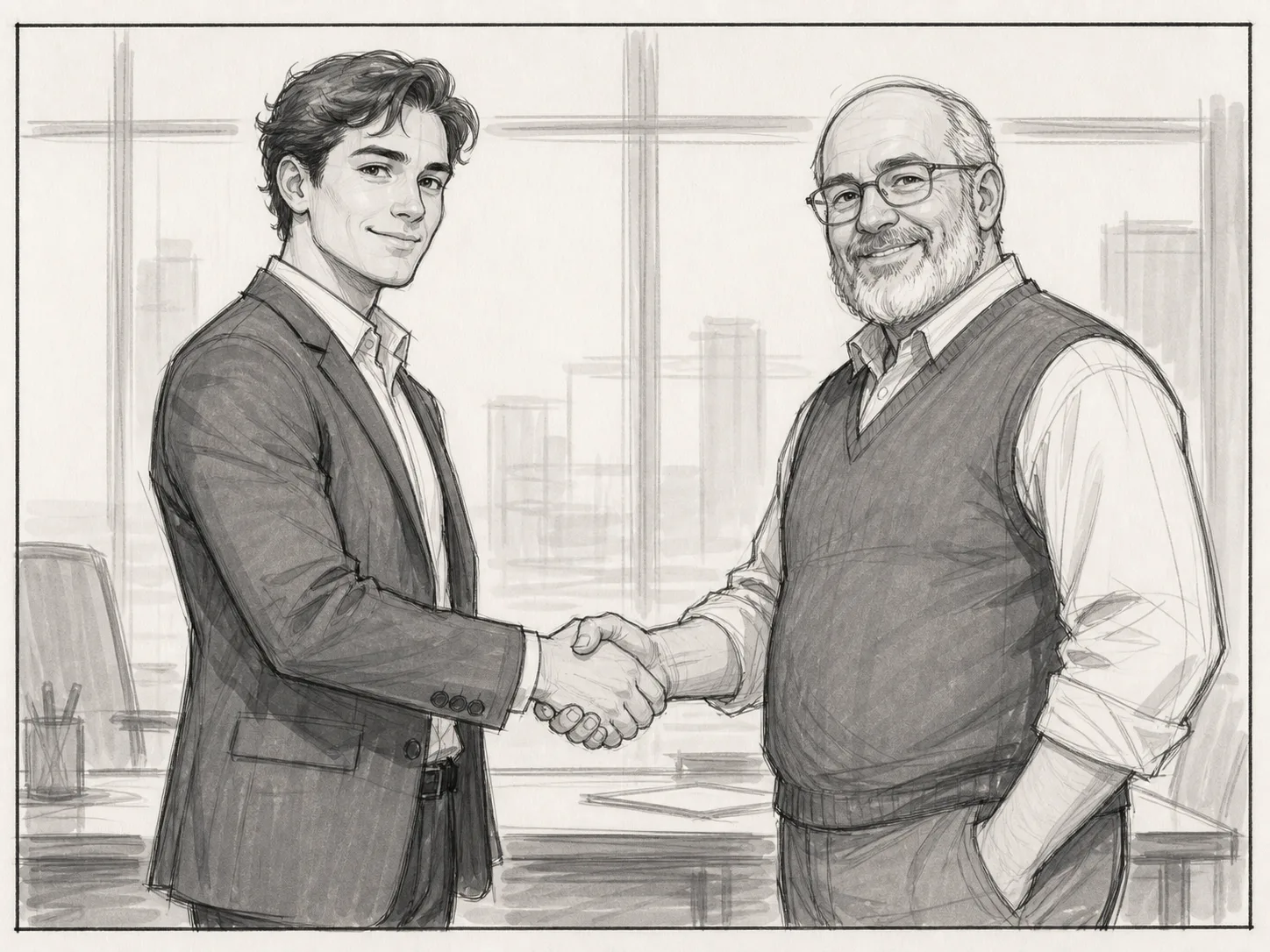
Draft the shot before you book the crew
Test framing, wardrobe and setting for a handshake you plan to film for real. A draft from the AI handshake generator costs credits instead of a location day.

Illustrate a scene that never happened
Use the AI handshake generator to show a negotiation or a welcome inside a clearly fictional edit — a training video, a case study, a story — where no real endorsement is being claimed.
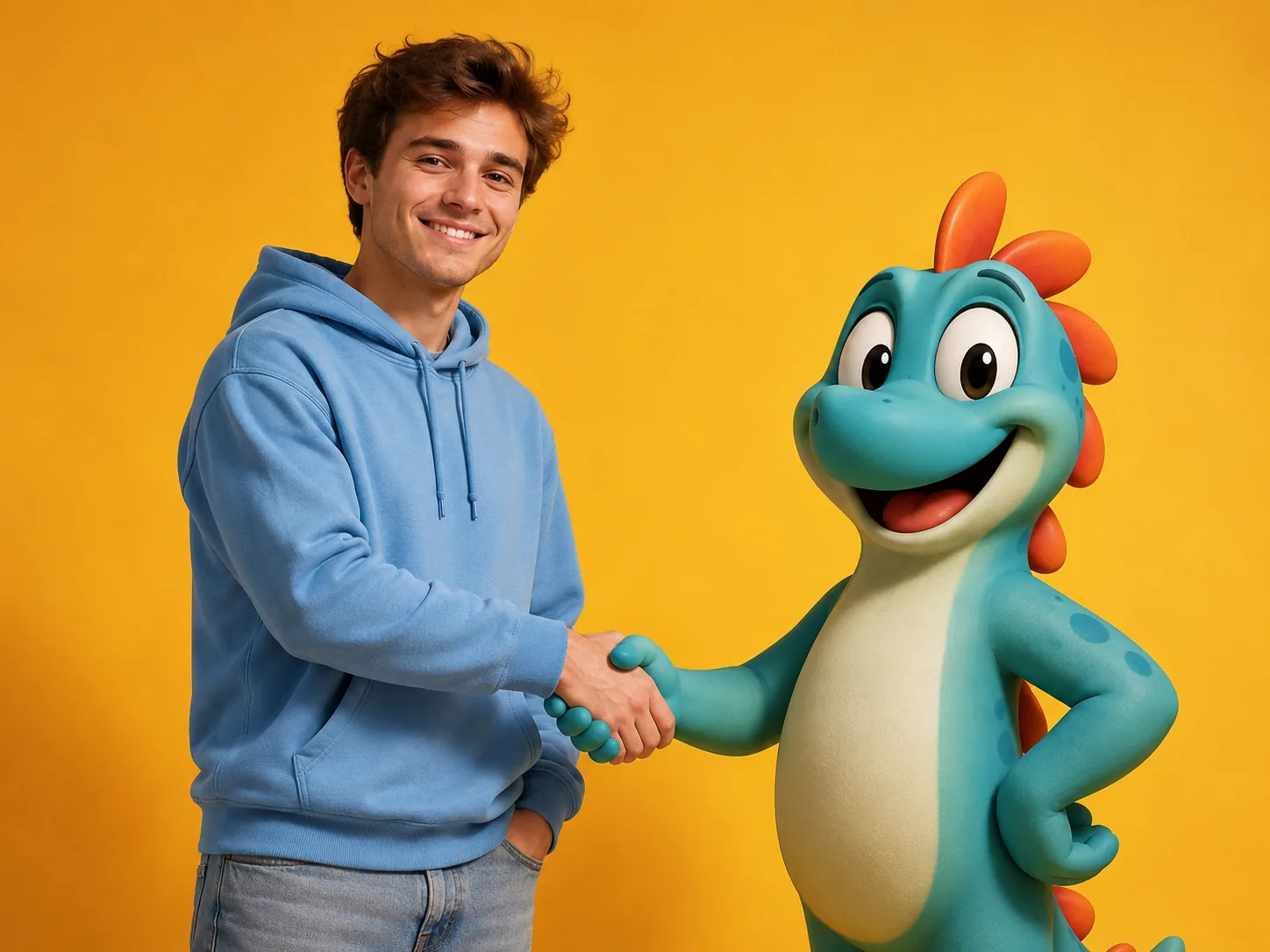
Shake hands with anyone, for the joke
Not every handshake is a deal. Creators use the AI handshake generator for collab announcements, reconciliation memes between rivals, and the shot where you finally meet a character who does not exist. Keep it clearly playful, and label it as AI when the people in it are real.
How the AI handshake generator works, in three steps
The AI handshake video generator already knows the framing, the camera move and the motion. You supply the two people and the setting.
Upload a photo of each person
The AI handshake generator takes one photo per person. Use a waist-up shot of each, taken at a similar distance from the camera, with both hands free.
Pick a scene and a model
The AI handshake generator offers Office, Boardroom, Stage and Outdoor — or Custom to direct the shot yourself. Wan 3.0 is the default at 125 credits; three other models are one click away.
Generate and check the contact frame
Pause the clip from the AI handshake generator where the two hands meet and count the fingers. If the grip looks wrong, a wider crop of the source photos usually fixes it faster than regenerating.
Why this AI handshake generator only needs two headshots
Most handshake tools need one photo that already contains both people. This AI handshake generator does not.
Two separate photos
Upload one photo per person and the AI handshake generator combines them. Nothing has to be shot together, and neither person has to have met the other.
Faces stay apart
The AI handshake generator treats both photos as identity references, and the prompt explicitly forbids the two faces from blending or swapping.
Four business scenes
Office, boardroom, conference stage or outdoor terrace. Each scene in the AI handshake generator swaps the setting and the lighting without touching the handshake itself.
Four AI models
The AI handshake generator runs on Wan 3.0, HappyHorse 1.1, Seedance 2 and Seedance 2.5. Switch models and the credit cost updates before you spend anything.
Native audio on Wan 3.0
Wan 3.0 generates ambient sound in the same pass, so the AI handshake video generator never hands you a silent clip and the audio costs no extra credits.
Up to 1080p
Start the AI handshake generator at 480p for a cheap draft and move up to 1080p once the framing and the faces look right. Aspect ratio and clip length are yours to set too.
Write your own prompt
In the AI handshake generator, the Custom scene opens a blank prompt box where you describe the setting and the look. The handshake, the framing and the identity handling stay taken care of.
Commercial use
Download the MP4 from the AI handshake video generator and use it commercially, provided you hold the rights to both source photos.
AI handshake generator FAQ
What the AI handshake video generator needs from you, what it costs, and where an AI handshake video should not be used.
Yes — that is the point of this AI handshake generator. Upload one photo per person and it combines them. The two people never have to have been photographed together, or to have met.
The AI handshake generator works best with a waist-up shot of each person, taken at a roughly similar distance from the camera, facing forward or at a three-quarter angle, with both hands empty. Phones, folders, cups and bags in hand force the model to invent a way to remove them.
The AI handshake generator has to infer two moving hands from two still photos, so the contact point is the hardest frame to generate. Cropped wrists, crossed arms and hidden fingers in the source photos make it worse. A wider crop usually helps more than regenerating the same inputs.
Start with Wan 3.0 — it is the cheapest at 125 credits for a 5-second 720p clip and it generates audio in the same pass. If the two faces bleed into each other, try HappyHorse 1.1 next, then Seedance 2.
In the AI handshake generator, Wan 3.0 costs 75 credits at 480p, 125 at 720p and 225 at 1080p for a 5-second clip. HappyHorse 1.1 is 175 at 720p, Seedance 2 is 325, and Seedance 2.5 is 500. The exact cost shows before you generate, and it updates when you change model, resolution or length.
You can use it as a labelled creative visual if you hold the rights to both source photos. Do not present an AI handshake video as evidence that two people actually met, signed a contract, agreed to a deal, or endorsed each other — it is a symbol, not a record.
No. The AI handshake generator can distort small text, logos, badges and patterned ties during generated motion. Inspect any brand mark frame by frame before the clip goes anywhere external.
They do not need to be perfectly front-facing, but compatible three-quarter angles and open body positions leave the AI handshake generator less movement to invent than strong profiles or back-facing poses.
On Wan 3.0, yes — the AI handshake video generator adds ambient audio in the same pass at no extra cost, and you can switch it off. HappyHorse 1.1 also generates audio natively. Seedance models default to silent.
Yes. Each of the four business scenes fills the prompt box with its setting and light, and you can edit that text or choose Custom to start blank. A good AI handshake video prompt only describes the place, for example: "A rooftop bar at dusk, city lights blurred behind them, warm lamps on the tables." The handshake, the camera framing and the work that keeps each face with the right person are added for you.
The AI handshake generator lets you set all three. Clips default to 5 seconds at 16:9. Wan 3.0 runs 2 to 30 seconds, HappyHorse 1.1 and Seedance 2 run 3 to 15, and Seedance 2.5 runs up to 30. Wan 3.0 and the Seedance models offer 480p, 720p and 1080p; HappyHorse 1.1 offers 720p and 1080p.
Use a wider crop of each person, pick frames where both hands are empty, keep the two subjects at a similar distance from the camera, and remove anyone else from the source photos. Changing the source images beats running the AI handshake generator again on the same inputs.
We would strongly advise against it. An AI handshake video shows an event that never happened, so putting a real public figure in one can imply an endorsement or a meeting that does not exist. Use the AI handshake generator for people you have permission to depict.
Yes — treat it as you would any photo shoot. Each person should know their likeness is going into an AI handshake video and what the clip will say. If you publish it, state plainly that it is AI-generated; several jurisdictions now expect that disclosure for synthetic video of real people.
Yes. Pick the Custom scene and describe the gesture instead of the handshake. The AI handshake generator keeps the same rules that make hands work: one motion, hands empty, both hands visible at chest height.
No. The second photo can be an illustration, a character render or a pet, so long as it is a clear, well-lit image with the subject facing roughly forward. The AI handshake generator returns a looser result than with two real headshots, since the model is blending two very different kinds of image.
The AI handshake generator expects one photo per person, because that is what keeps the two faces from blending. If you only have a group shot, crop each person into their own image first and upload those.
You can start free. New accounts get signup credits, and a weekly check-in adds more, so you can run the AI handshake generator without paying first. After that, each clip spends credits — a 5-second 480p draft on Wan 3.0 is 75 — and the exact cost shows before you generate.
The AI handshake generator makes video, not stills, but a still is one step away. Generate at 1080p, pause on the frame where the grip looks cleanest, and export that frame as your handshake image. You get a photo and a clip from the same render.
This page is the AI handshake generator online — there is nothing to download or install. It works as an AI handshake video generator online in any desktop or mobile browser, and the finished MP4 downloads straight to your device.
On Media.io, the handshake lives inside a general image-to-video tool: you upload two images, pick its SKYMEDIA model and write the prompt yourself, such as "Make them shake hands". Ours is an AI handshake video generator built for this one shot. The handshake motion, the framing and the rule that keeps each face with its own person are added to every prompt, so you only choose a scene. You also get four models to compare — Wan 3.0, HappyHorse 1.1, Seedance 2 and Seedance 2.5 — the exact credit cost before you generate, and ambient audio from Wan 3.0 in the same pass. If you want voiceovers, subtitles and a full editor after the render, Media.io bundles those; if you want the handshake itself right with less trial and error, start here.
Try the AI Handshake Generator
Try the AI handshake video generator free with your signup credits. Upload a clear, waist-up photo of each person with their hands free, then check the frame where the hands meet before you publish.
