MAGI-2 AI Video Generator
Flowlio AI is a MAGI-2 AI video generator that runs Sand AI's new flagship video model online: no install, no watermark. MAGI-2 is a 480-billion-parameter model that renders picture and sound in one pass, dialogue with lip-sync, foley, ambience and music included, and it holds a shot for up to 30 seconds at 1080p and 25 fps. Generate from text, animate a still from a first frame (with an optional last frame to land the ending), or give MAGI-2 a reference brief with as many as ten pictures, five videos and five audio tracks. Pick a frame of 21:9, 16:9, 4:3, 1:1, 3:4 or 9:16, any length between 4 and 30 seconds, and see the credit cost before every run.
Where the MAGI-2 AI video generator shines
Two things set MAGI-2 apart: it keeps a single shot coherent for half a minute, and it hears what it shows, because sound and picture come out of the same model. Add 1080p on every clip and a price per second well below most frontier models, and these are the jobs MAGI-2 is built for.
Hold one continuous shot for 30 seconds
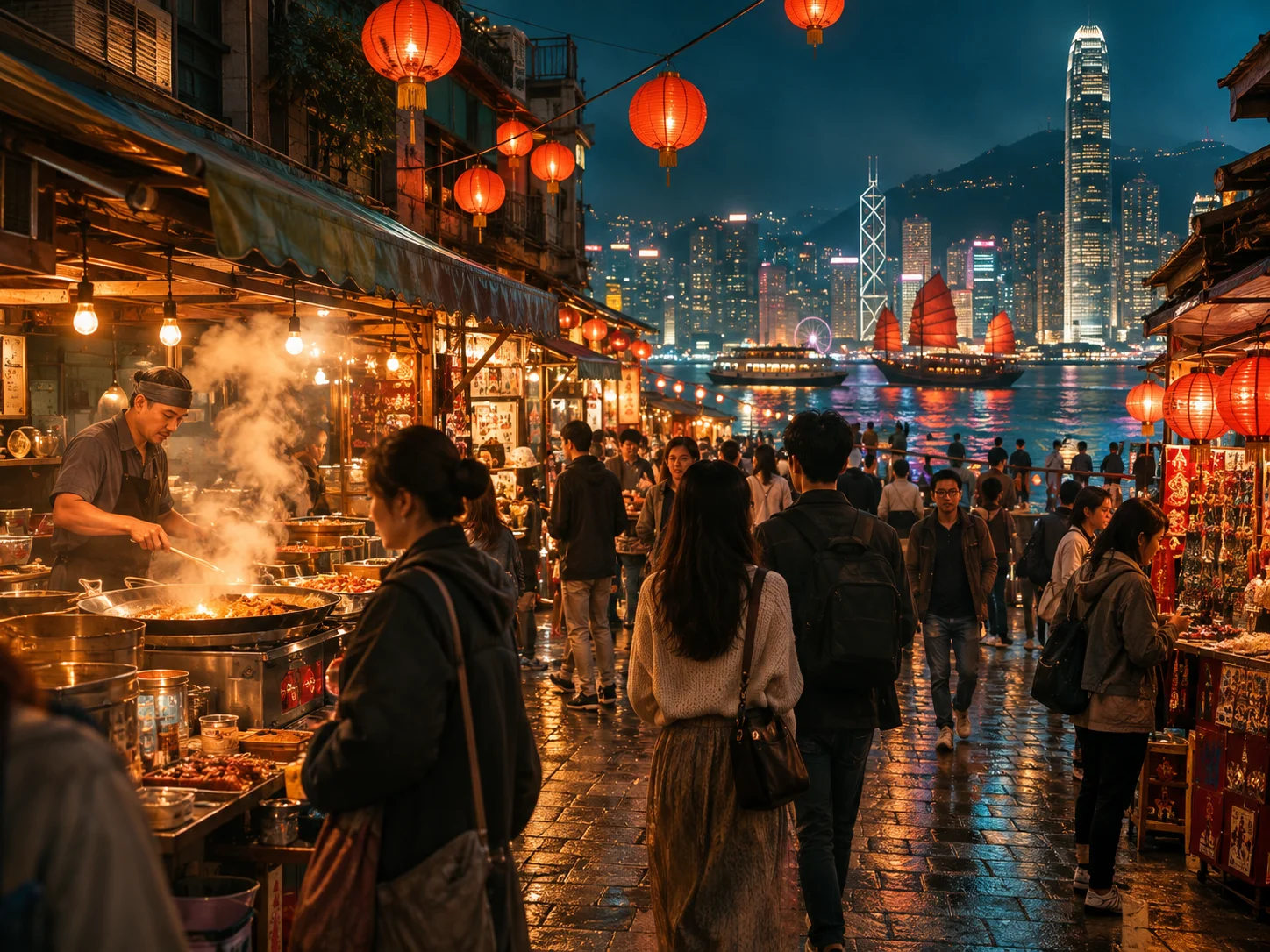
Short clips force you to stitch pieces together, and joined pieces never quite match: the light changes, the jacket changes colour, the street rearranges itself. MAGI-2 renders up to 30 seconds in one generation, so a slow walk through a market, a product turn that finishes or a performance that plays out in full stays the same world from its opening second to its closing one. Sand AI showcased MAGI-2 with single 30-second takes that pass through five painting styles without a cut.
Get dialogue that lip-syncs and sound that belongs
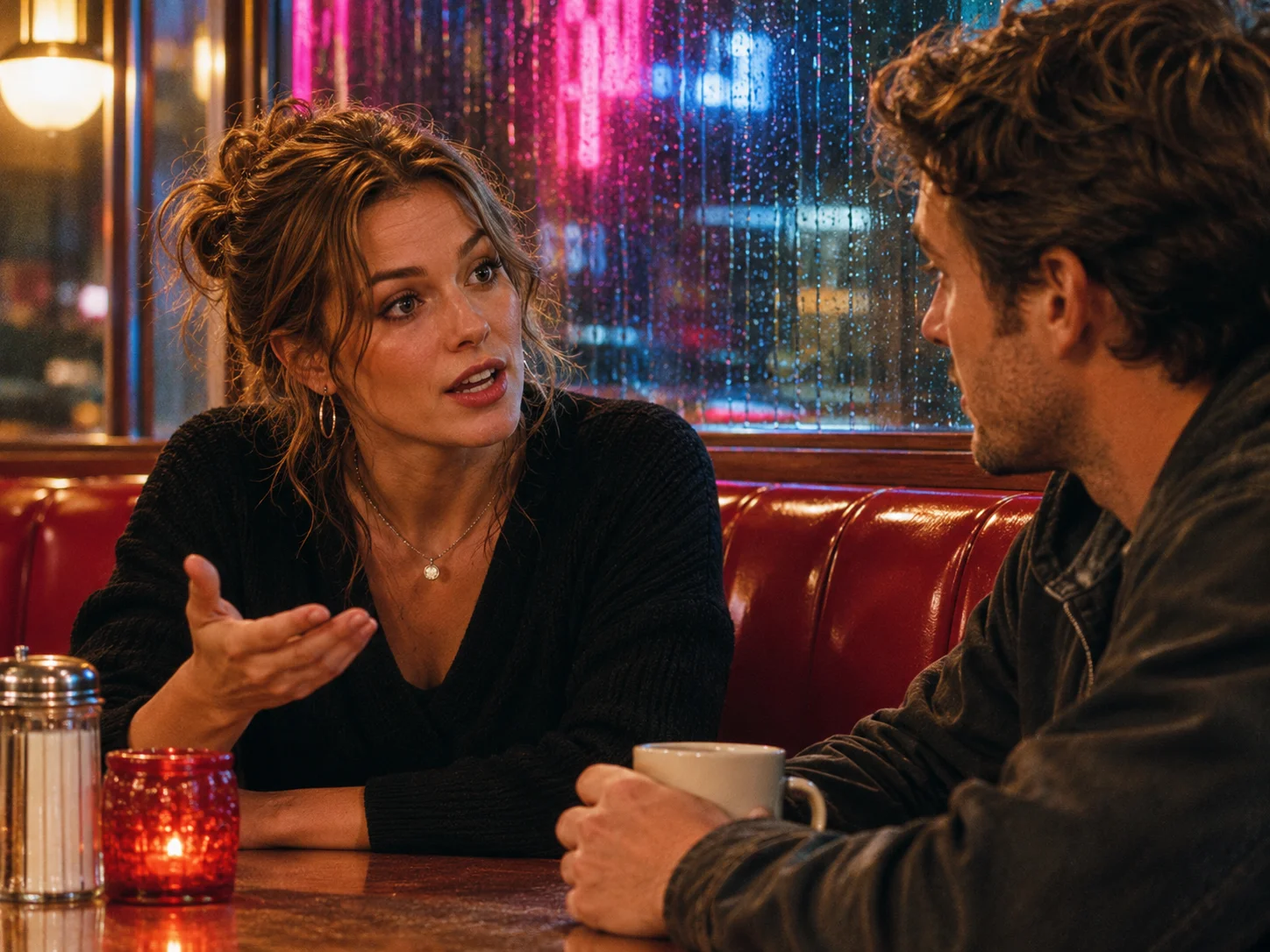
MAGI-2 processes text, video and audio tokens in one stream, so mouths move with the words, footsteps land on footfalls and the room sounds like the room you described. Write a line of dialogue in quotes, name the ambience (rain on a tin roof, an espresso machine, a crowd at half time) and leave Generate Audio on. Audio comes at no extra cost; switch it off if you plan to add your own score later.
Keep a character and a location consistent
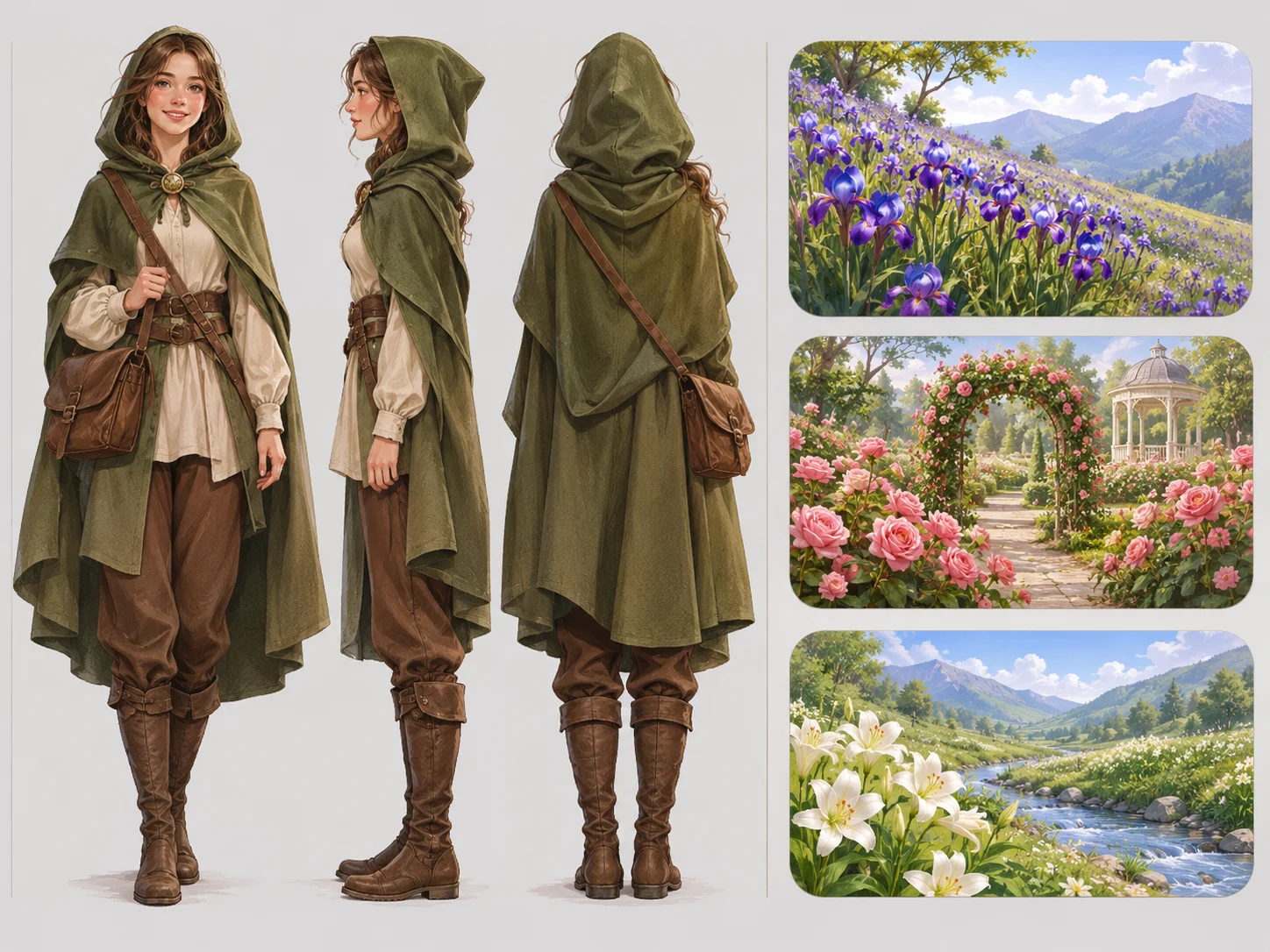
The MAGI-2 reference-to-video mode takes as many as ten pictures, five videos and five audio tracks in one brief. Give it a character sheet, the outfit and the places the scene visits, and it keeps the face, the wardrobe and the settings recognisable while the camera moves between them. During 1080p upscaling, MAGI-2 feeds your reference images back in, which helps faces and on-screen text stay sharp.
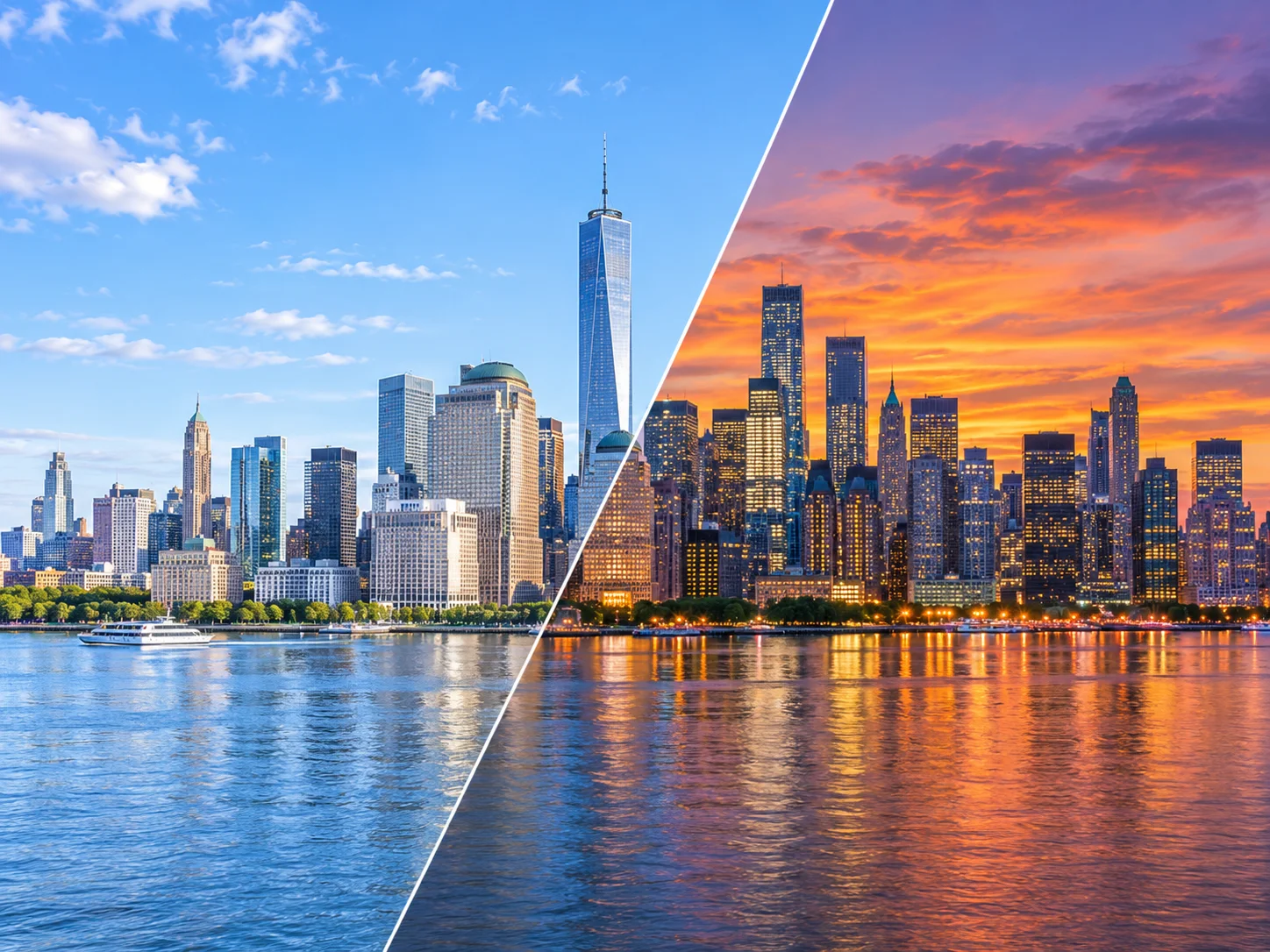
Animate a still and choose how it ends
Upload a first frame to keep the exact composition, product or face you already have, then let MAGI-2 animate it. Add an optional last frame when you know exactly where the shot should end up: a shut door that swings open by the end, a pencil sketch that finishes painted, a morning skyline that ends at dusk. MAGI-2 fills the motion in between, which suits turning a poster into motion, before-and-after reveals and transitions.
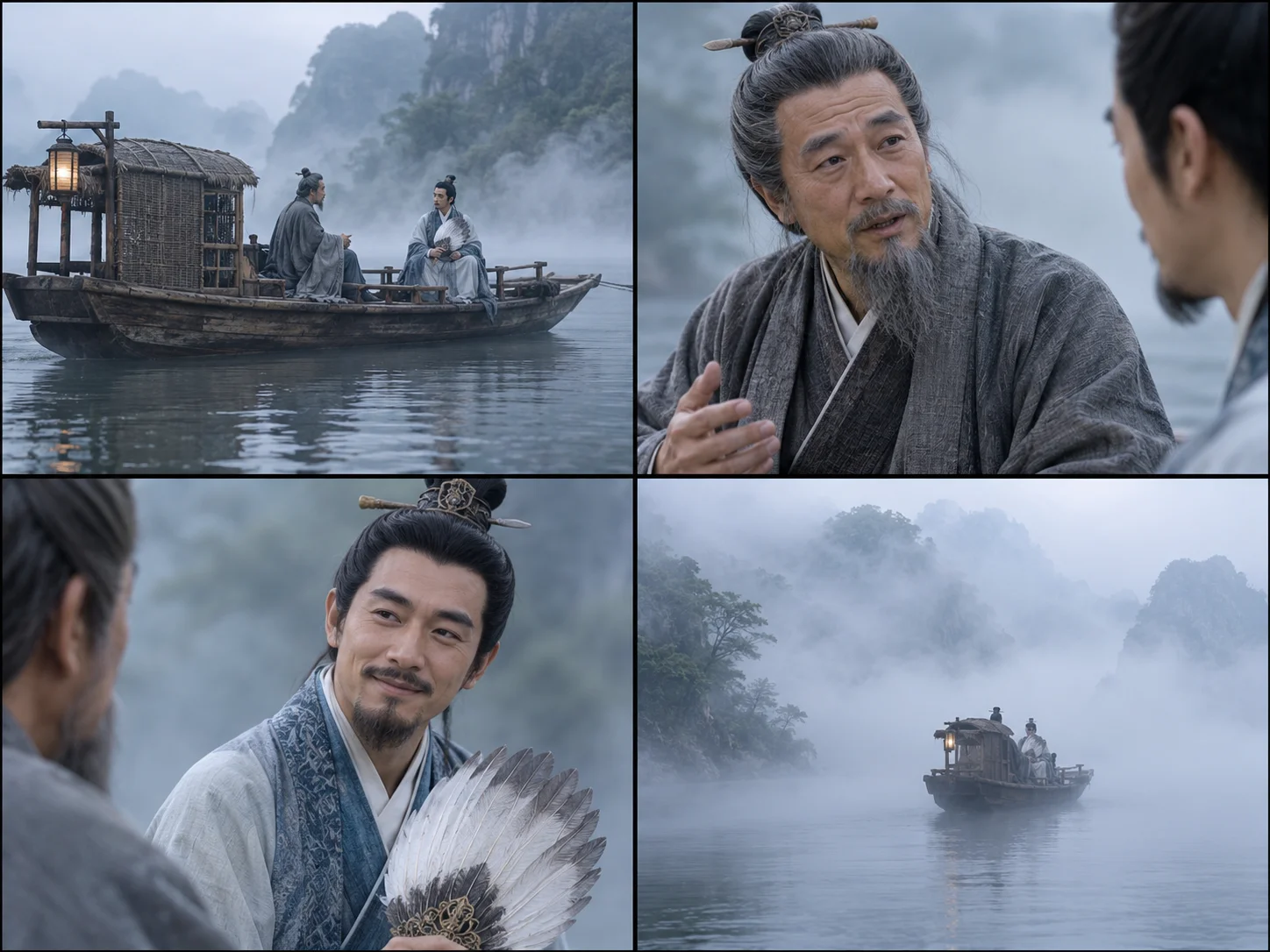
Direct a scene with cuts inside one clip
MAGI-2 does not have to stay on one angle. Describe the beats (a wide establishing shot, a close-up on the reaction, a cut back to the wide) and it plans the cuts and reactions within the same generation, with sound carrying across each cut. Even a short beat sheet is often enough for MAGI-2 to pick sensible framing on its own, so a 20-second scene can arrive already edited.
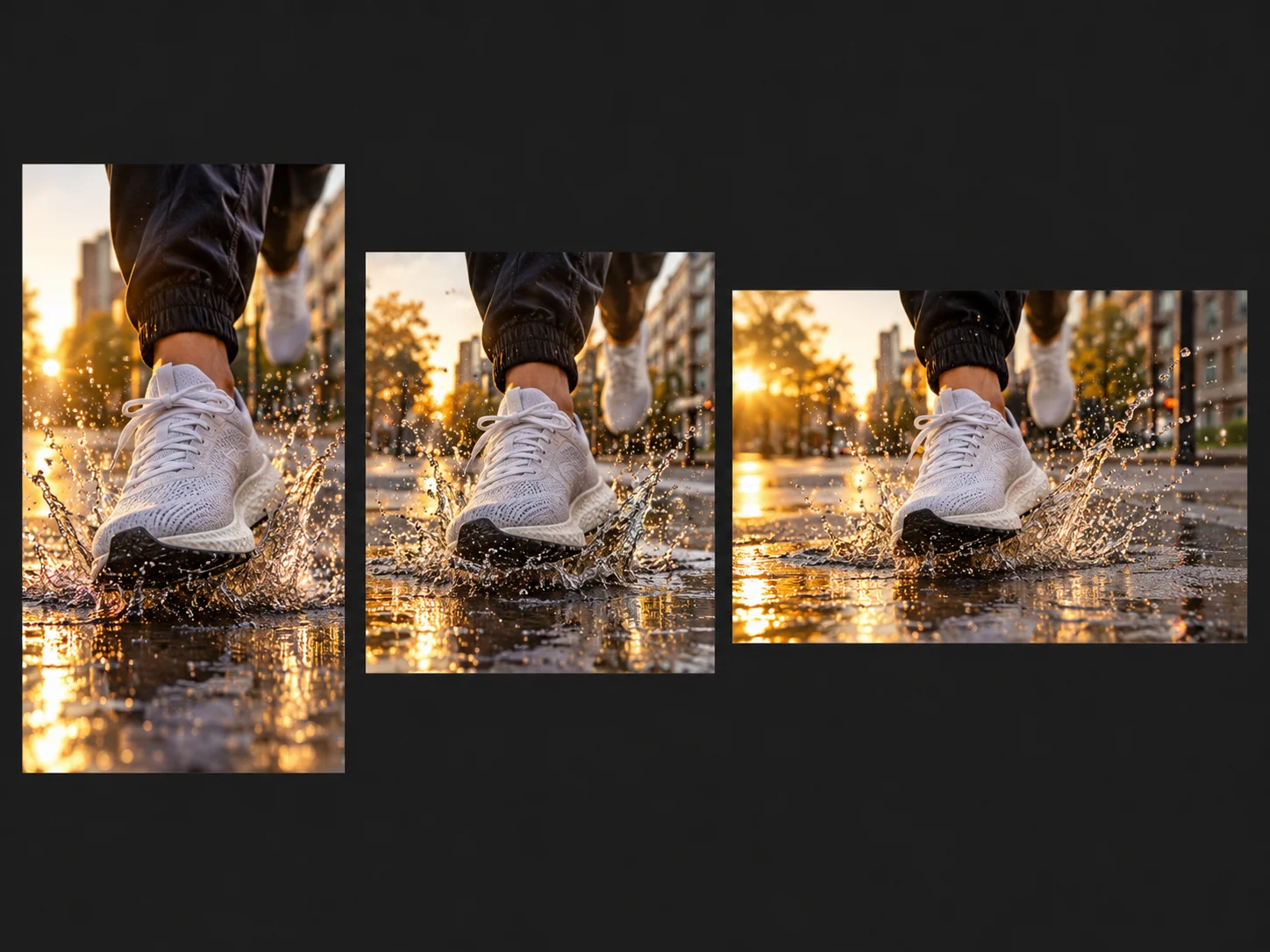
Make finished 1080p clips for every format
Every MAGI-2 clip is 1080p, so there is no low-resolution draft to redo before delivery. Make it 9:16 when it is headed to TikTok, Shorts or Reels, 1:1 or 4:3 for feeds, 16:9 for a YouTube pre-roll spot, or 21:9 for a cinematic banner. With sound already in the file and a lower cost per second than most 1080p models, MAGI-2 lets you test several hooks for an ad and keep the one that works.
How to make a clip with the MAGI-2 AI video generator
The MAGI-2 AI video generator works like the other models on Flowlio AI: choose an input, describe the shot, generate.
Choose an input
Begin MAGI-2 with nothing but words, give it a first frame (and, if you like, a last one) in image-to-video, or open the reference tab and load as many as ten pictures, five videos and five audio tracks for MAGI-2 to follow.
Describe the shot
Write the subject, action, setting, camera and sound, plus any dialogue in quotes. Describe cuts if you want more than one angle, and refer to references by number. Then set the length (4–30s), the aspect ratio and whether MAGI-2 should generate audio.
Generate with MAGI-2 and download
Check the credit cost and hit Generate. Your MAGI-2 clip renders at 1080p with sound; preview it, adjust the wording and rerun when a take misses, then save the watermark-free MP4. My Creations keeps a copy of every MAGI-2 render.
What you get in the MAGI-2 AI video generator
Every setting MAGI-2 offers sits in one form, and the generator shows its true limits.
480B frontier model
MAGI-2 has 480 billion parameters (about 28B active per step) and was pre-trained on roughly 4 trillion tokens, more than four times the size of the MAGI-2 Preview.
4–30 second clips
Pick any MAGI-2 duration between 4 and 30 seconds and get one coherent generation, whether that is a single continuous take or a scene with cuts.
Native audio, lip-sync included
Dialogue, foley, ambience and music are generated alongside the picture in the same MAGI-2 pass, at no extra credit cost.
Three MAGI-2 modes
Write a prompt, animate a first frame (with an optional last frame), or work from references, all in one generator. Switch modes with a tab.
Up to 20 references
MAGI-2 mixes as many as ten pictures, five videos and five audio tracks in one brief. Reference video and audio can each run up to 30 seconds in total.
1080p in six aspect ratios
Every clip renders at 1080p and 25 fps, framed 9:16, 3:4, 4:3, 1:1, 21:9 or 16:9, from vertical social to a cinematic widescreen.
Low cost per second
MAGI-2 costs 25 credits per second of 1080p output, audio included, and reference media is never billed. The total is shown before you run it.
Watermark-free, saved for you
Your MAGI-2 files come without any Flowlio AI mark, My Creations stores every render, and a MAGI-2 run that errors out returns its credits on its own.
MAGI-2 AI Video Generator FAQ
Common questions about the MAGI-2 model and how the MAGI-2 AI video generator works here.
MAGI-2 is the flagship video generation model from Sand AI, launched on November 24, 2026. It has 480 billion parameters, about 28B of them active per step, built on a single-stream Transformer that handles text, video and audio together. It generates up to 30 seconds of 1080p video at 25 fps with native audio, and accepts text, a first and last frame, or up to 20 image, video and audio references. Flowlio AI is a separate company with no tie to Sand AI; here you simply get MAGI-2 in a web page, ready to use.
No. MAGI-2 Preview was a research release from August 2026 with about 114B total parameters (6B active), released with open weights and capped at shorter clips. The MAGI-2 on this page is the full flagship model: more than four times larger, trained on about three times more data, with 1080p upscaling and clips that can run a full 30 seconds. When people search for MAGI-2 on GitHub or Hugging Face, they usually find the Preview.
Not yet. Sand AI has said it will open-source MAGI-2 and publish a full technical report, but at launch the 480B flagship weights were not available. The earlier MAGI-1 (24B) and the MAGI-2 Preview are the open releases. You do not need the weights or a GPU to use MAGI-2 here: the MAGI-2 AI video generator runs in your browser.
Anywhere from 4 to 30 seconds, in whole seconds. A 30-second clip can be one continuous take or a scene with several cuts, depending on how you write the prompt.
Yes, and sound is switched on from the start. MAGI-2 renders dialogue with lip-sync, sound effects, ambience and music while it draws the picture, so the sound follows the action. Audio costs nothing extra. Flip the Generate Audio switch off for a mute MAGI-2 clip you plan to score yourself.
Yes. Image-to-video mode takes your photo as the opening frame, and MAGI-2 animates it while keeping its composition. You can also add a last frame so the clip ends on a specific image. If you want to use a photo as a reference rather than the opening frame, for example to keep a character's face in a new scene, use reference-to-video instead.
In reference-to-video mode: as many as ten pictures, five videos and five audio tracks. Each reference video or audio clip must be 2 to 30 seconds long, and the video and audio references can each total up to 30 seconds. Calling each one by its number in your text, as in "Image 1" or "Video 1", tells MAGI-2 which reference does what.
MAGI-2 renders every clip at 1080p and 25 fps; there are no lower-resolution tiers. Six frame shapes are on offer: 21:9, 16:9, 4:3, 1:1, 3:4 and 9:16.
25 credits per second of output, audio included, so a 5-second clip costs 125 credits and a 30-second clip 750. Reference media is not billed, and you see the full MAGI-2 price on Generate before anything runs. That makes MAGI-2 one of the cheapest 1080p models on Flowlio AI: at 1080p, Seedance 2.5 costs 160 credits per second.
They are close. On the Artificial Analysis image-to-video-with-audio leaderboard at launch, MAGI-2 scored 1165 and Seedance 2.5 scored 1161, within each other's margin of error, while voters in Higgsfield's blind arena preferred Seedance 2.5 in most head-to-head matchups. MAGI-2's clear advantages are price and 1080p on every clip. Seedance 2.5 offers 480p and 720p drafts, an adaptive aspect ratio and more reference slots. You can try both models here: send one prompt to each and compare.
Be concrete: subject, action, setting, camera, lighting, then sound. Put spoken lines in quotes and say who speaks them. If you want cuts, list the shots in order; if you want one continuous take, say so. MAGI-2 reads prompts as long as 15,000 characters, which leaves room for a scene with many beats. Extremely fast motion can still cause small continuity glitches, so slow the action down if a fast move breaks.
Usually a few minutes, depending on length. MAGI-2 is brand new and in high demand, so at busy times a job may wait in a short queue before it starts. Closing the tab mid-render is fine: MAGI-2 drops the result into My Creations, and a failed job hands its credits back.
No. Every MAGI-2 clip downloads clean at 1080p and remains in your My Creations library.
Start a clip with the MAGI-2 AI video generator
Write the scene, start from a first frame, or hand MAGI-2 your own pictures, videos and sound as references. Pick a length and an aspect ratio, and download a watermark-free 1080p MAGI-2 clip with sound.