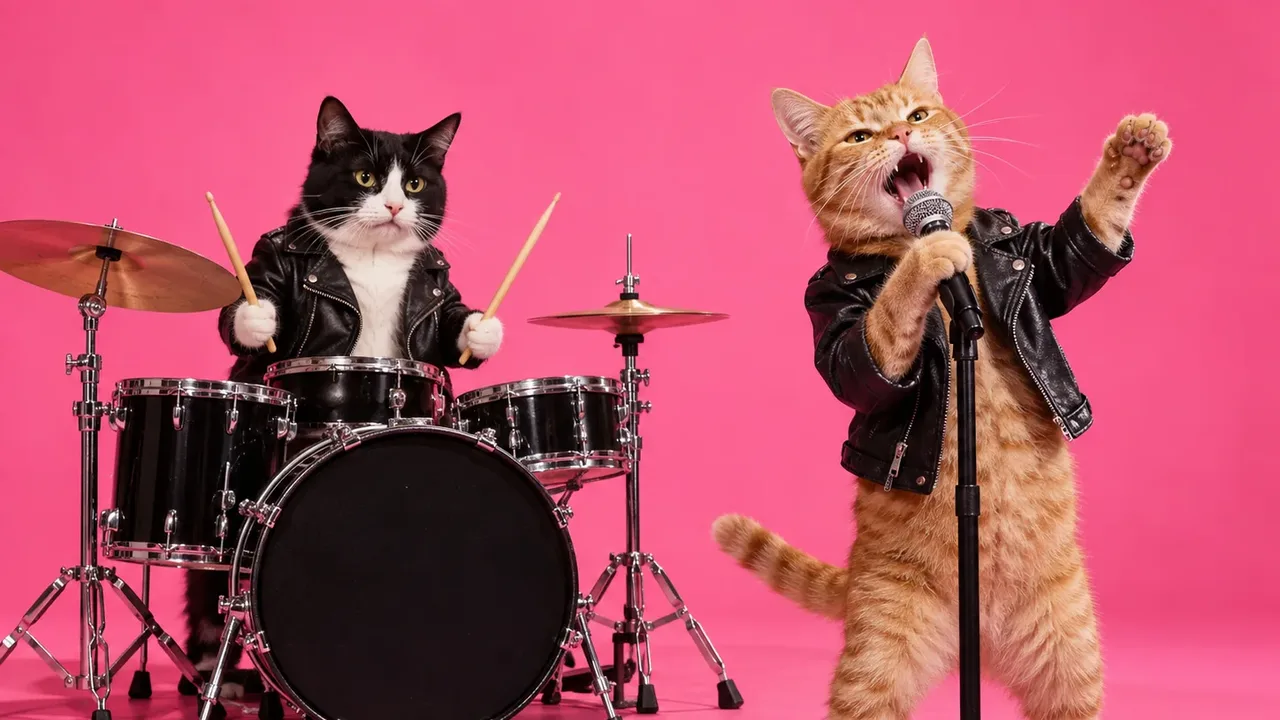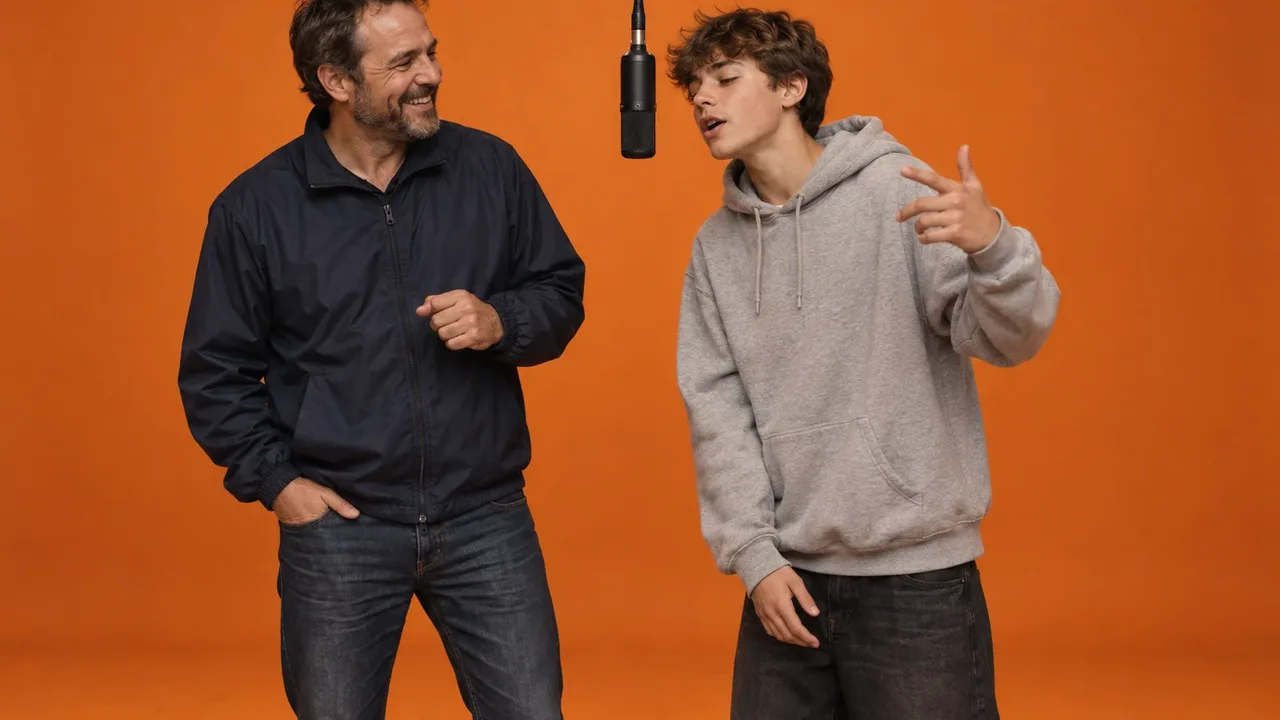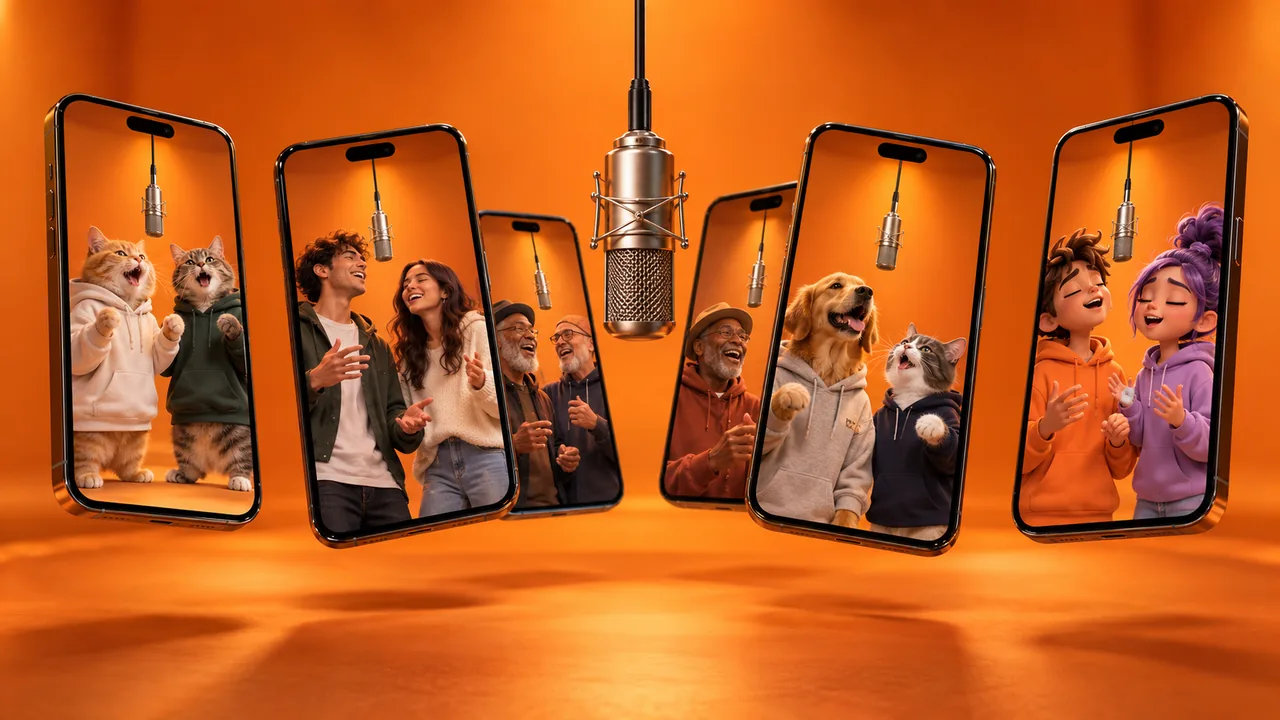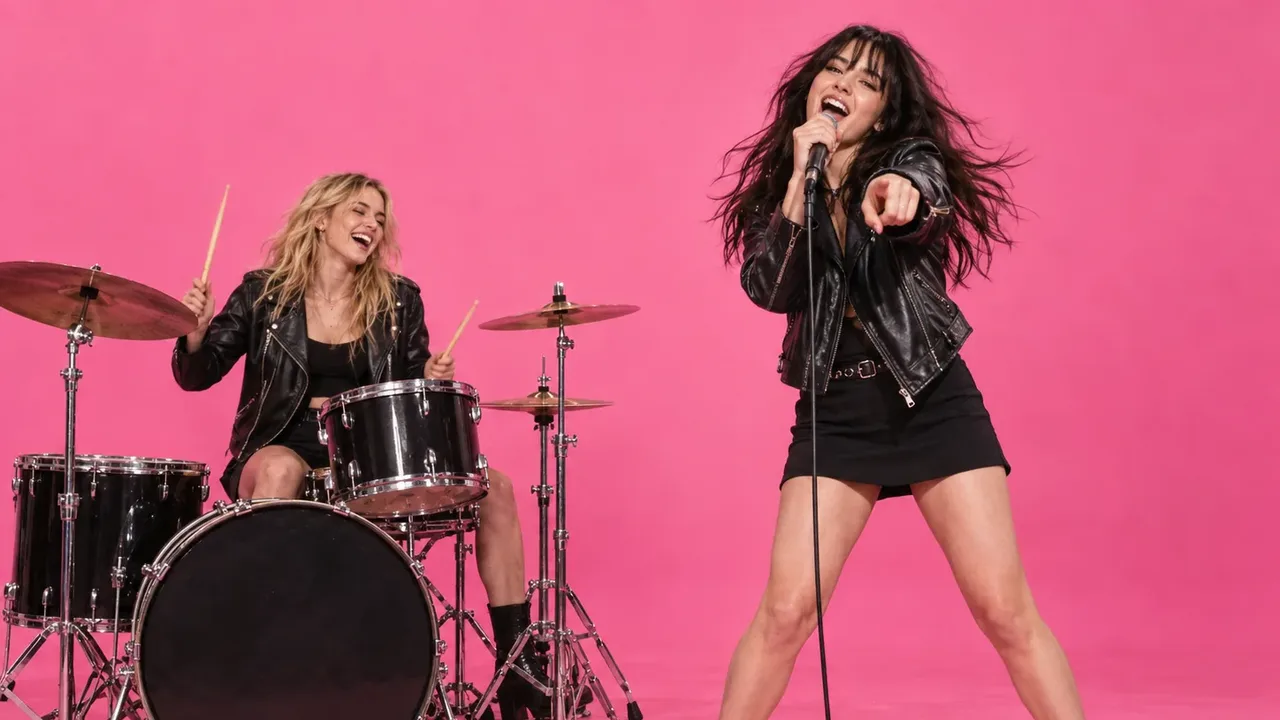
To do the APT MV trend, you need two photos, one of each person, and an AI tool that puts both of you into the pink-studio duo from Rosé and Bruno Mars's "APT." music video. One of you sings on the mic, the other plays the drums. You don't film anything or learn a dance. The whole thing takes about five minutes.
APT is the song and MV means music video. You'll also see the trend called the AI APT MV or the APT AI video. This guide walks through every step, from choosing the photos to posting with the right sound, plus fixes for the problems people run into most. New to the trend? Start with what the APT MV trend is and where it came from.
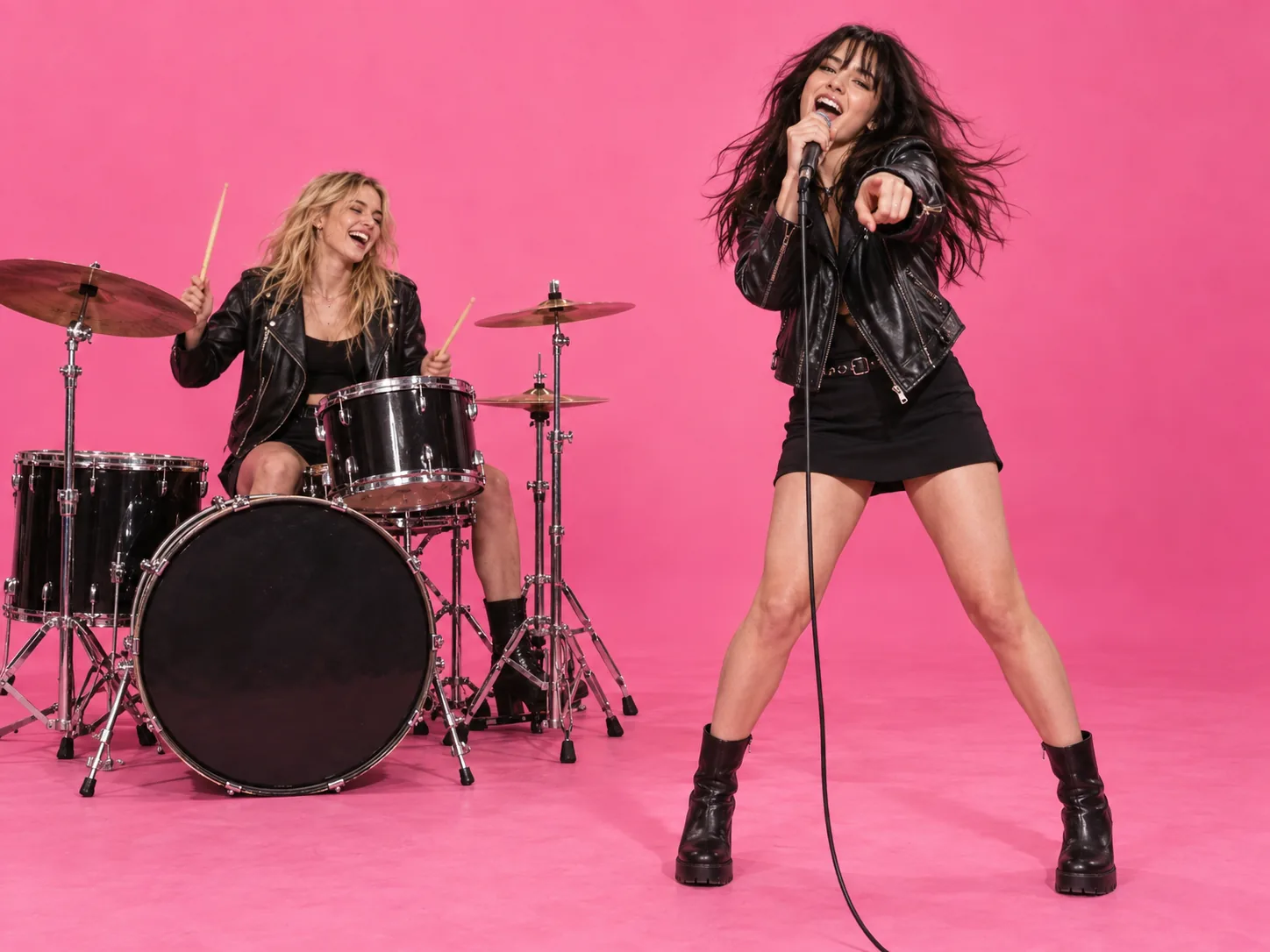
How to do the APT MV trend: quick steps
- Pick your pair and decide who sings and who drums.
- Choose two photos, one clear, front-facing photo per person.
- Upload them to the AI APT MV generator: singer first, drummer second.
- Pick the quality (480p, 720p or 1080p) and generate.
- Download the MP4, then add the "APT." song on TikTok, Reels or Shorts.
- Write a caption, add a few hashtags and post.
Each step is explained below.
What you need before you start
- Two photos. One of each performer. Separate photos work better than one photo of both of you.
- An AI video tool built for the trend. This guide uses our AI APT MV generator, where the scene, the moves and the prompt are already built in.
- The app you'll post on. TikTok, Instagram or YouTube, where you'll add the "APT." song from the music library.
You don't need a reference video, a prompt, editing skills or a second person in the same room.
Step 1: Pick your pair and cast the roles
The APT MV trend is a duo format, so the pair is your idea. The tool only handles the performance. Pick two people (or pets) whose combination already tells a story: best friends, a couple, a parent and kid, two cats.
Then cast the roles. The scene has two parts:
- The singer opens the clip on the mic and plays to the camera.
- The drummer sits at the kit behind them and reacts.
Put the louder personality on the mic, because the singer is what viewers see in the first second. Put the surprise on the drums. A mom who rocks out on the drums lands harder than one who sings.
Step 2: Choose the right two photos
Your photos decide whether each performer looks like the real person. This is the step most people rush, and it causes most bad results.
- One subject per photo. Don't use a group photo or a selfie with both of you. Two faces in one image are the main reason faces blend or swap.
- Face the camera. Front-facing beats a side profile.
- Keep the face clear. No sunglasses, masks, hands or hair across the face.
- Good, even light. Daylight or a bright room. Skip heavy filters and beauty modes.
- Similar lighting and framing in both photos. One sunny close-up next to a dark, distant shot from a bar can make the pair look mismatched.
- Use the original photo. A screenshot or a compressed download from social media loses the detail the AI needs to keep the face recognizable.
- For pets, use a photo where the animal faces the camera and fills most of the frame.
You don't need to dress the part. Both performers end up in the leather-jacket look of the original scene.
Step 3: Upload the photos and generate
Open the AI APT MV generator and upload in this order:
- Photo 1 is the singer, who opens kneeling with the mic.
- Photo 2 is the drummer at the kit.
Upload order is the casting. To swap roles, swap the photos.
Next, pick the quality: 480p, 720p or 1080p. Everything else is set for you: the model, the roughly 14-second performance, the shot and the sound. The credit cost appears on the generate button before you spend anything. New accounts get free signup credits, so your first APT MV can be free.
Tip: generate at 480p first to check the pair looks right, then make the final version in 1080p.
Step 4: Check the clip and fix common problems
The clip is usually ready within a few minutes. Watch it once before you post. If something looks off, it's almost always the photos.
| Problem | Likely cause | Fix |
|---|---|---|
| The two faces blend together | A photo with more than one face in it | Use one photo per person, cropped to one face |
| A performer doesn't look like the real person | Side angle, blur, filter or covered face | Use a sharp, front-facing photo with no filter |
| The wrong person is on the drums | Photos uploaded in the wrong order | Swap the photos: singer first, drummer second |
| One performer looks darker or flatter | Very different lighting in the two photos | Choose two photos taken in similar light |
| A pet looks generic | The animal is small in the frame | Use a closer photo where the pet fills the frame |
Each photo stays locked to one performer for the whole clip, even when the two swap places or hug, so a clean pair of photos usually gives a clean video.
Step 5: Add the APT. song
Download the MP4. The clip already has sound, but to join the trend, add the original "APT." track when you post. That puts your video on the song's sound page, where people browsing the trend will find it. It's a sound with staying power: "APT." was among the top 20 songs of 2025 on TikTok globally.
On TikTok: upload the clip, tap Add sound at the top of the editor, search for "APT." by Rosé and Bruno Mars and select it. Then tap Volume and drag Original sound down, all the way to 0 if you only want the song.
On Instagram Reels: upload the clip, tap the audio (music note) icon, search for "APT." and pick the part of the song you want. Use the volume controls to lower the clip's own sound.
On YouTube Shorts: upload the clip and tap Sound in the editor to pick a track from the Shorts audio library, as YouTube's help page describes.
In CapCut: import the clip, mute it, add the song from the audio library if it's available in your region, then export and upload.
Posting for a brand? Don't use the trending song. TikTok states that "businesses cannot use the general music library for commercial usage" and should pick from the Commercial Music Library instead.
Step 6: Caption, hashtags and post
"Me and my bestie 😂" tells viewers nothing they can't see. Give them the premise:
- The setup: "When the group chat finally plans the trip"
- The POV: "POV: your mom joins the band"
- The tag: "Tag who's on drums"
The tag line matters more than it looks. The APT MV trend always needs two people, so every post has a built-in reason to tag someone.
For hashtags, use three to five: trend tags such as #APT, #aptmv and #aitrend, plus one for your niche, like #catsoftiktok or #couplegoals.
APT MV trend ideas to copy
Not sure who to cast? These four pairings are the ones people share most.
| Pairing | Singer | Drummer |
|---|---|---|
| Best friends | The dramatic one | The calm one |
| Couple | Whoever starts the inside joke | Whoever always reacts |
| Pets | The bossy cat | The confused dog |
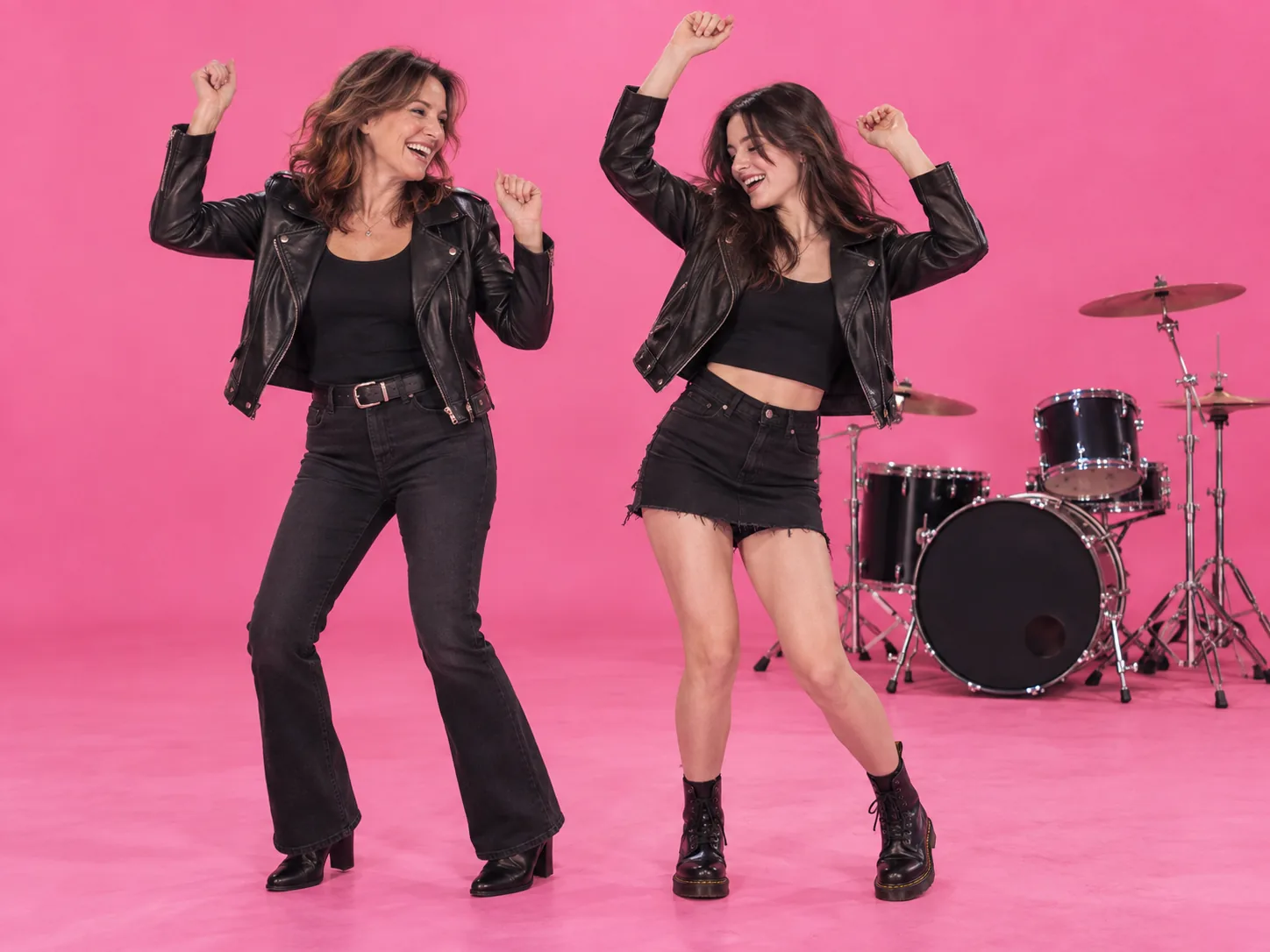
| Family | The kid | Mom or dad, for the surprise |
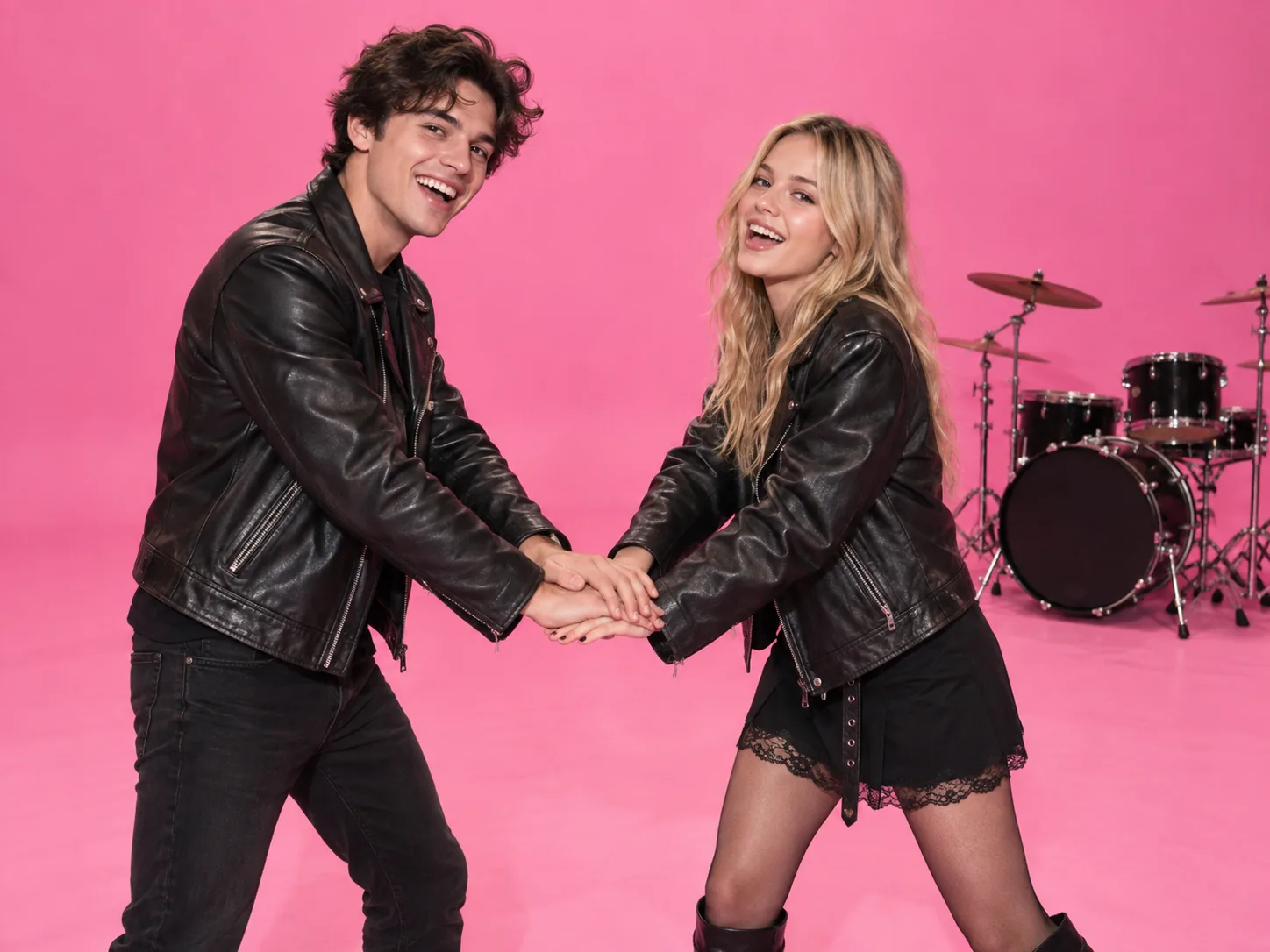
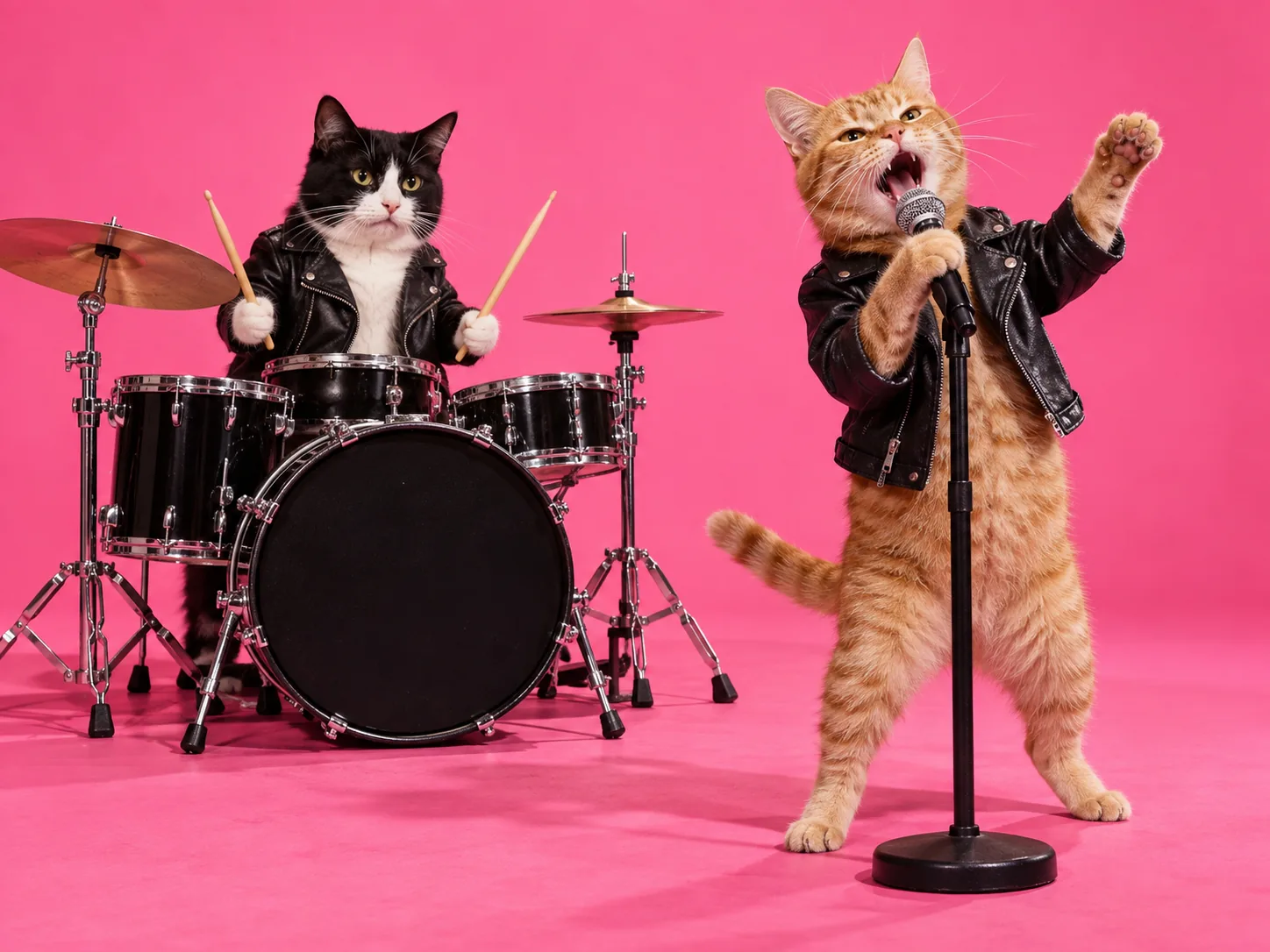
Pets are one of the most shared versions of the trend. Each animal stands upright in a tiny leather jacket with its own fur, markings and eye color.
Doing it alone? Use two different photos of yourself, one dressed up and one casual, and become your own band.
Characters and mascots work too. By the start of October 2026, the remakes circulating on Chinese social media included Batman and cats drumming in the pink studio. If you go this way, use original artwork or characters you have the rights to, since a well-known character belongs to someone else.
Can you do the APT MV trend with other AI video tools?
Yes, but it takes more work. With a general AI video tool, you usually have to find a clip of the original scene to use as a reference, write a long prompt that describes the set, the moves and who does what, then regenerate when the two faces blend or swap halfway through. Two-person scenes are where general tools fail most often. If you go this route, use a tool with a separate reference slot for each person, and put one photo in each instead of one combined image.
A trend-specific generator skips those steps. The scene, the moves and the rules that keep both faces apart are built in, so the two photos are your only input. That's the trade-off: a general tool gives you more control, a dedicated one gives you a usable clip on the first try more often.
What is the APT MV trend?
It's an AI remake of the duo scene from "APT.", the 2024 single by Rosé and Bruno Mars. The set, the moves and the camera stay the same, and only the two performers change. The song is huge: it was IFPI's best-selling global single of 2025, so viewers recognize the pink studio instantly. For the full story, including what "APT." means and how the song turned into an AI trend, read what the APT MV trend is.
Keep it respectful
- Use photos of yourself, or of people who agreed to be in the clip.
- Don't put Rosé's or Bruno Mars's face into a generated video. The trend borrows the scene, not the artists.
- Don't present a generated clip of a real person as real footage.
APT MV trend FAQ
How do you do the APT MV trend?
Upload one photo of each person to an AI APT MV generator, with the singer first and the drummer second. Generate the clip, download it, and add the "APT." song when you post on TikTok, Reels or Shorts.
Is the APT MV trend the same as the AI APT MV?
Yes. "APT MV trend", "AI APT MV" and "APT AI video" all describe the same pink-studio duo trend.
Do I need a photo of both of us together?
No. Separate photos work better. They can come from different days, places or phones.
Can I do the trend with my cat or dog?
Yes. Upload one photo of each animal, facing the camera and filling most of the frame. You can also pair a pet with a person.
Why did our faces blend or swap?
Usually because one photo has more than one face in it, a face is partly covered, or the lighting is very different between the two photos. Use one clear, front-facing photo per person and generate again.
How long does it take to make?
A few minutes. Uploading takes seconds, and the clip is usually ready shortly after. The video itself is about 14 seconds long.
Is it free?
You can start free. New accounts get signup credits, and daily check-ins add more. After that, each clip costs credits based on the quality you pick, and the cost is shown before you generate. See pricing for credit packs and plans.
Make your APT MV now
Doing the APT MV trend comes down to four moves: pick a pair with a story, use one clear photo per person, upload the singer first, and post with the "APT." song and a caption that sets up the joke.
The AI APT MV generator handles the rest and turns your two photos into the pink-studio performance in a few minutes. Want another two-person trend? Read how to do the rap duo trend, where your pair trades verses in the orange Hotel Lobby booth, or browse more AI video effects.